eassist BUICK LACROSSE 2012 User Guide
[x] Cancel search | Manufacturer: BUICK, Model Year: 2012, Model line: LACROSSE, Model: BUICK LACROSSE 2012Pages: 512, PDF Size: 6.21 MB
Page 130 of 512
Black plate (12,1)Buick LaCrosse Owner Manual - 2012
5-12 Instruments and Controls
Speedometer
The speedometer shows the
vehicle's speed in either kilometers
per hour (km/h) or miles per
hour (mph).
Odometer
The odometer shows how far the
vehicle has been driven, in either
kilometers or miles.
This vehicle has a tamper-resistant
odometer. If the vehicle needs a
new odometer installed, the new
one is set to the mileage of the old
odometer. If this is not possible, it is
set at zero and a label is put on the
driver door to show the old mileage
reading.
Tachometer
The tachometer displays the engine
speed in revolutions per
minute (rpm).
For eAssist vehicles, when the
ignition is in ON/RUN, the
tachometer indicates the vehicle
status. When pointing to AUTO, the
engine is off but the vehicle is on
and can move. The engine could
auto start at any time. When the
indicator points to OFF, the vehicle
is off.
When the engine is on, the
tachometer will indicate the engine’s
revolutions per minute (rpm). The
tachometer may vary by several
hundred rpm’s, during auto stop
mode, when the engine is shutting
off and restarting.
A slight bump may be felt when the
transmission is determining the
most fuel efficient operating range.
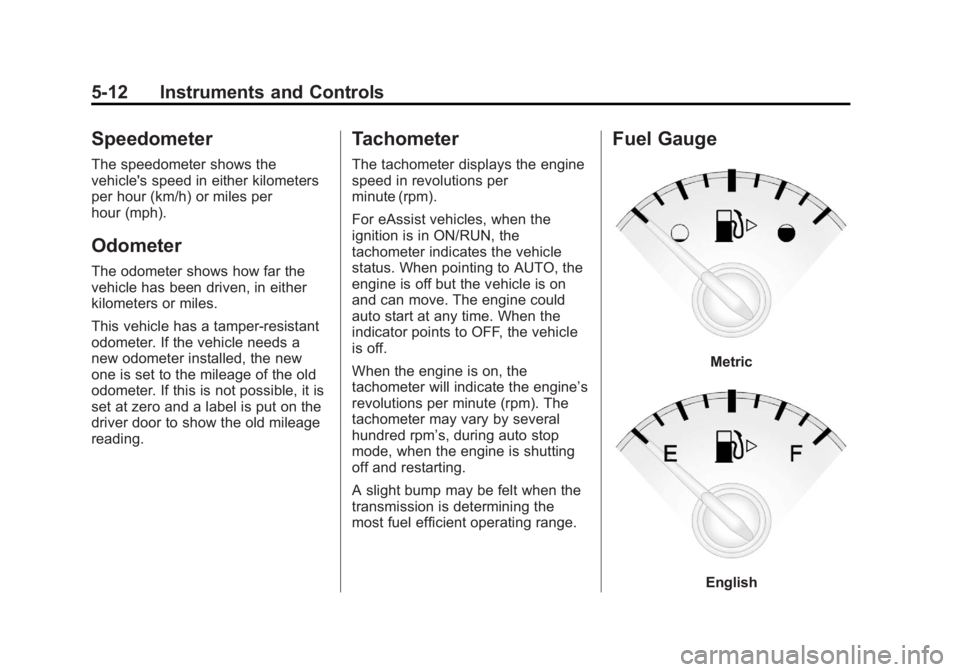
Fuel Gauge
Metric
English
Page 131 of 512
Black plate (13,1)Buick LaCrosse Owner Manual - 2012
Instruments and Controls 5-13
When the ignition is on, the fuel
gauge indicates about how much
fuel is left in the tank.
An arrow on the fuel gauge
indicates the side of the vehicle the
fuel door is on.
When the indicator nears empty, the
low fuel light comes on. There is still
a little fuel left, but the fuel tank
should be filled soon.
Here are four things that some
owners ask about. None of these
show a problem with the fuel gauge:
.At the service station, the fuel
pump shuts off before the gauge
reads full.
.It takes a little more or less fuel
to fill up than the gauge
indicated. For example, the
gauge indicated the tank was
half full, but it actually took a
little more or less than half the
tank's capacity to fill the tank.
.The gauge moves a little while
turning a corner or speeding up.
.The gauge takes a few seconds
to stabilize after the ignition is
turned on, and goes back to
empty when the ignition is
turned off.
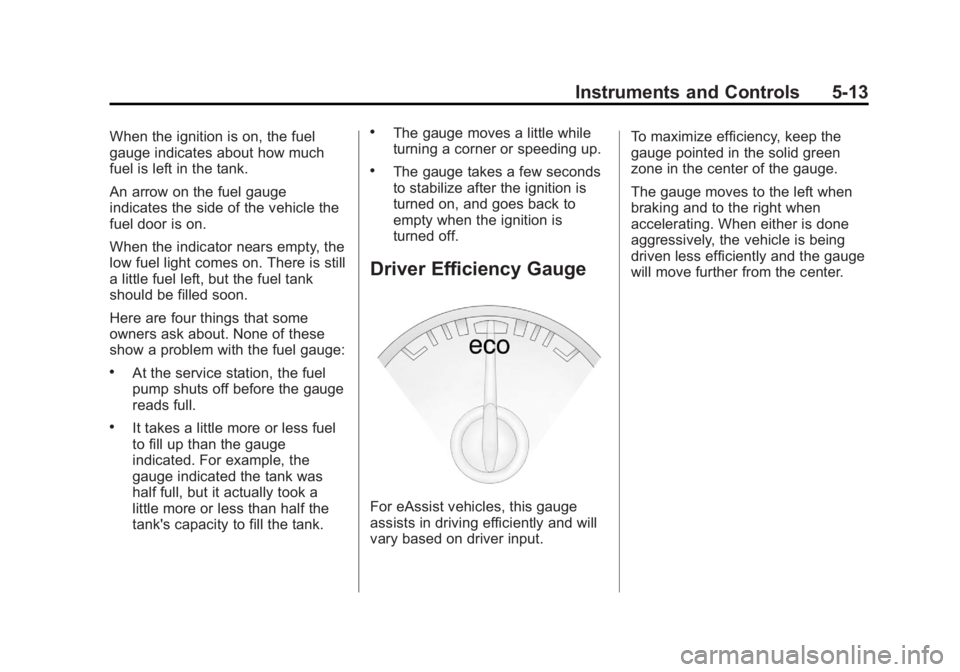
Driver Efficiency Gauge
For eAssist vehicles, this gauge
assists in driving efficiently and will
vary based on driver input.To maximize efficiency, keep the
gauge pointed in the solid green
zone in the center of the gauge.
The gauge moves to the left when
braking and to the right when
accelerating. When either is done
aggressively, the vehicle is being
driven less efficiently and the gauge
will move further from the center.
Page 132 of 512
Black plate (14,1)Buick LaCrosse Owner Manual - 2012
5-14 Instruments and Controls
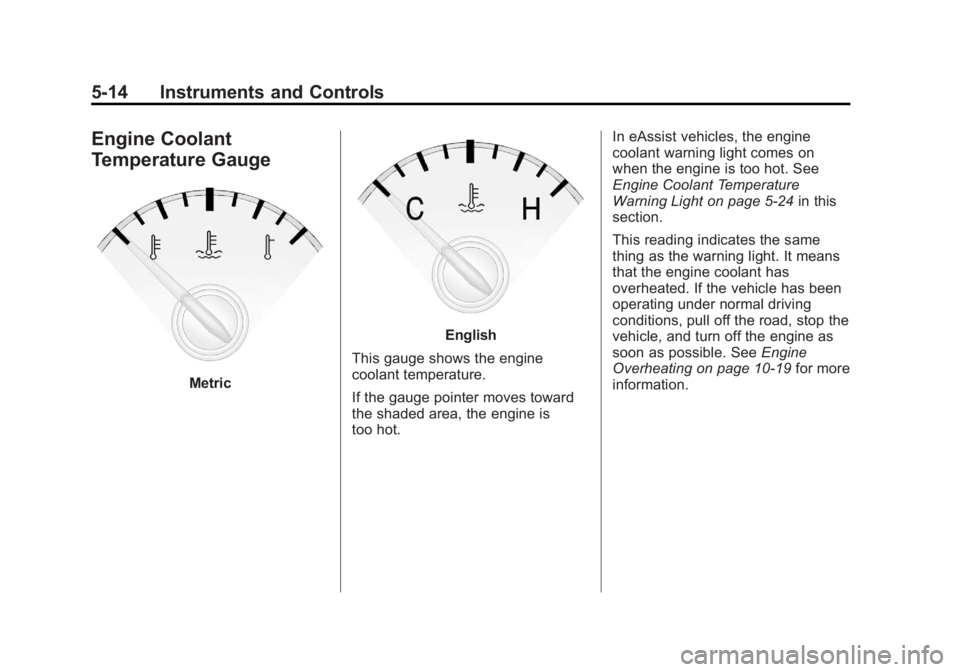
Engine Coolant
Temperature Gauge
Metric
English
This gauge shows the engine
coolant temperature.
If the gauge pointer moves toward
the shaded area, the engine is
too hot. In eAssist vehicles, the engine
coolant warning light comes on
when the engine is too hot. See
Engine Coolant Temperature
Warning Light on page 5‑24
in this
section.
This reading indicates the same
thing as the warning light. It means
that the engine coolant has
overheated. If the vehicle has been
operating under normal driving
conditions, pull off the road, stop the
vehicle, and turn off the engine as
soon as possible. See Engine
Overheating on page 10‑19 for more
information.
Page 139 of 512
Black plate (21,1)Buick LaCrosse Owner Manual - 2012
Instruments and Controls 5-21
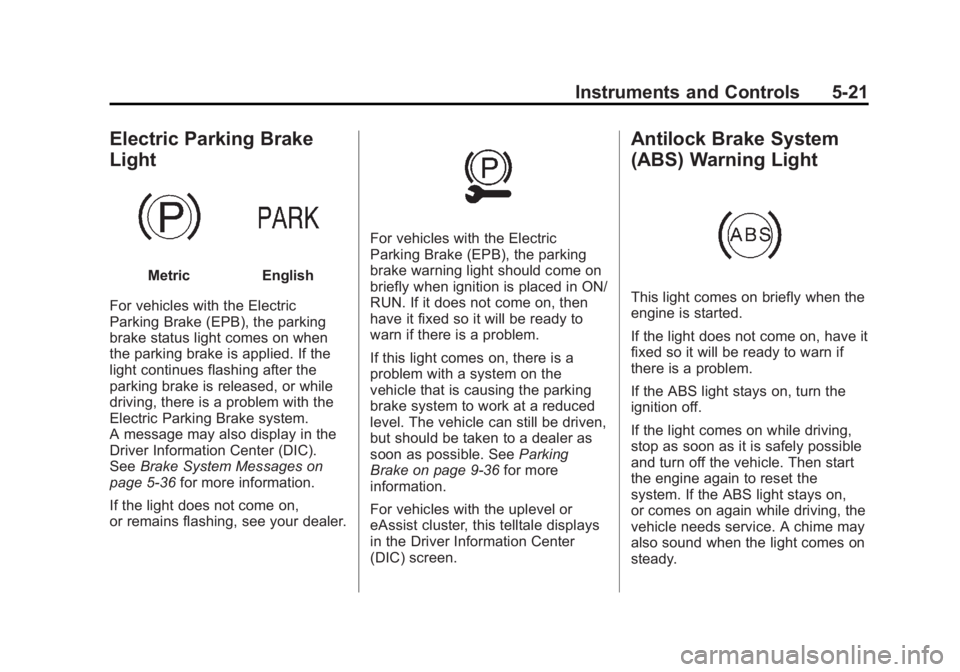
Electric Parking Brake
Light
MetricEnglish
For vehicles with the Electric
Parking Brake (EPB), the parking
brake status light comes on when
the parking brake is applied. If the
light continues flashing after the
parking brake is released, or while
driving, there is a problem with the
Electric Parking Brake system.
A message may also display in the
Driver Information Center (DIC).
See Brake System Messages on
page 5‑36 for more information.
If the light does not come on,
or remains flashing, see your dealer.
For vehicles with the Electric
Parking Brake (EPB), the parking
brake warning light should come on
briefly when ignition is placed in ON/
RUN. If it does not come on, then
have it fixed so it will be ready to
warn if there is a problem.
If this light comes on, there is a
problem with a system on the
vehicle that is causing the parking
brake system to work at a reduced
level. The vehicle can still be driven,
but should be taken to a dealer as
soon as possible. See Parking
Brake on page 9‑36 for more
information.
For vehicles with the uplevel or
eAssist cluster, this telltale displays
in the Driver Information Center
(DIC) screen.
Antilock Brake System
(ABS) Warning Light
This light comes on briefly when the
engine is started.
If the light does not come on, have it
fixed so it will be ready to warn if
there is a problem.
If the ABS light stays on, turn the
ignition off.
If the light comes on while driving,
stop as soon as it is safely possible
and turn off the vehicle. Then start
the engine again to reset the
system. If the ABS light stays on,
or comes on again while driving, the
vehicle needs service. A chime may
also sound when the light comes on
steady.
Page 142 of 512
Black plate (24,1)Buick LaCrosse Owner Manual - 2012
5-24 Instruments and Controls
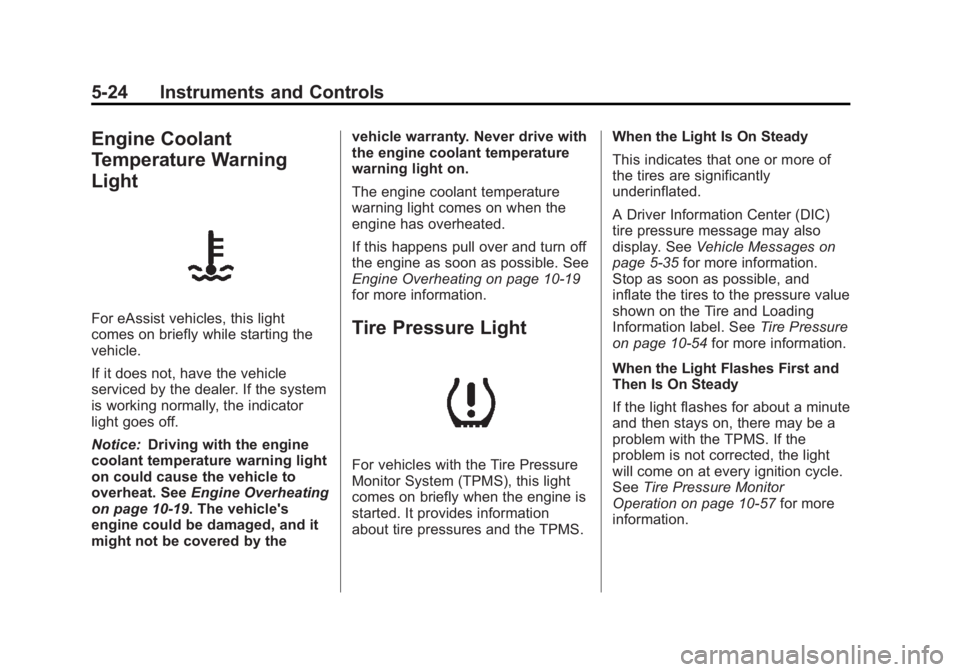
Engine Coolant
Temperature Warning
Light
For eAssist vehicles, this light
comes on briefly while starting the
vehicle.
If it does not, have the vehicle
serviced by the dealer. If the system
is working normally, the indicator
light goes off.
Notice:Driving with the engine
coolant temperature warning light
on could cause the vehicle to
overheat. See Engine Overheating
on page 10‑19. The vehicle's
engine could be damaged, and it
might not be covered by the vehicle warranty. Never drive with
the engine coolant temperature
warning light on.
The engine coolant temperature
warning light comes on when the
engine has overheated.
If this happens pull over and turn off
the engine as soon as possible. See
Engine Overheating on page 10‑19
for more information.Tire Pressure Light
For vehicles with the Tire Pressure
Monitor System (TPMS), this light
comes on briefly when the engine is
started. It provides information
about tire pressures and the TPMS.
When the Light Is On Steady
This indicates that one or more of
the tires are significantly
underinflated.
A Driver Information Center (DIC)
tire pressure message may also
display. See
Vehicle Messages on
page 5‑35 for more information.
Stop as soon as possible, and
inflate the tires to the pressure value
shown on the Tire and Loading
Information label. See Tire Pressure
on page 10‑54 for more information.
When the Light Flashes First and
Then Is On Steady
If the light flashes for about a minute
and then stays on, there may be a
problem with the TPMS. If the
problem is not corrected, the light
will come on at every ignition cycle.
See Tire Pressure Monitor
Operation on page 10‑57 for more
information.
Page 143 of 512
Black plate (25,1)Buick LaCrosse Owner Manual - 2012
Instruments and Controls 5-25
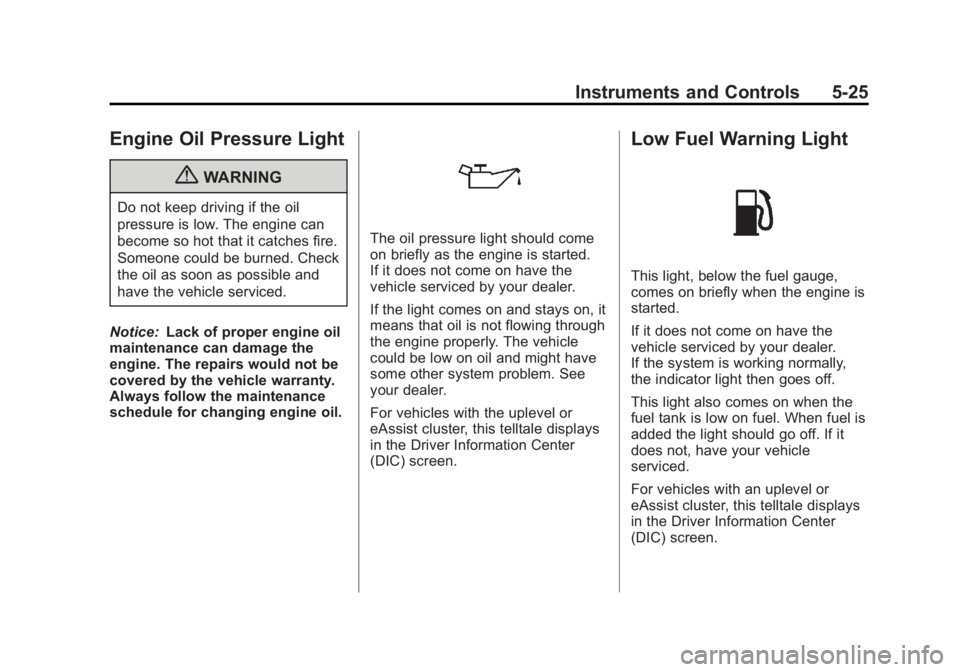
Engine Oil Pressure Light
{WARNING
Do not keep driving if the oil
pressure is low. The engine can
become so hot that it catches fire.
Someone could be burned. Check
the oil as soon as possible and
have the vehicle serviced.
Notice: Lack of proper engine oil
maintenance can damage the
engine. The repairs would not be
covered by the vehicle warranty.
Always follow the maintenance
schedule for changing engine oil.
The oil pressure light should come
on briefly as the engine is started.
If it does not come on have the
vehicle serviced by your dealer.
If the light comes on and stays on, it
means that oil is not flowing through
the engine properly. The vehicle
could be low on oil and might have
some other system problem. See
your dealer.
For vehicles with the uplevel or
eAssist cluster, this telltale displays
in the Driver Information Center
(DIC) screen.
Low Fuel Warning Light
This light, below the fuel gauge,
comes on briefly when the engine is
started.
If it does not come on have the
vehicle serviced by your dealer.
If the system is working normally,
the indicator light then goes off.
This light also comes on when the
fuel tank is low on fuel. When fuel is
added the light should go off. If it
does not, have your vehicle
serviced.
For vehicles with an uplevel or
eAssist cluster, this telltale displays
in the Driver Information Center
(DIC) screen.
Page 144 of 512
Black plate (26,1)Buick LaCrosse Owner Manual - 2012
5-26 Instruments and Controls
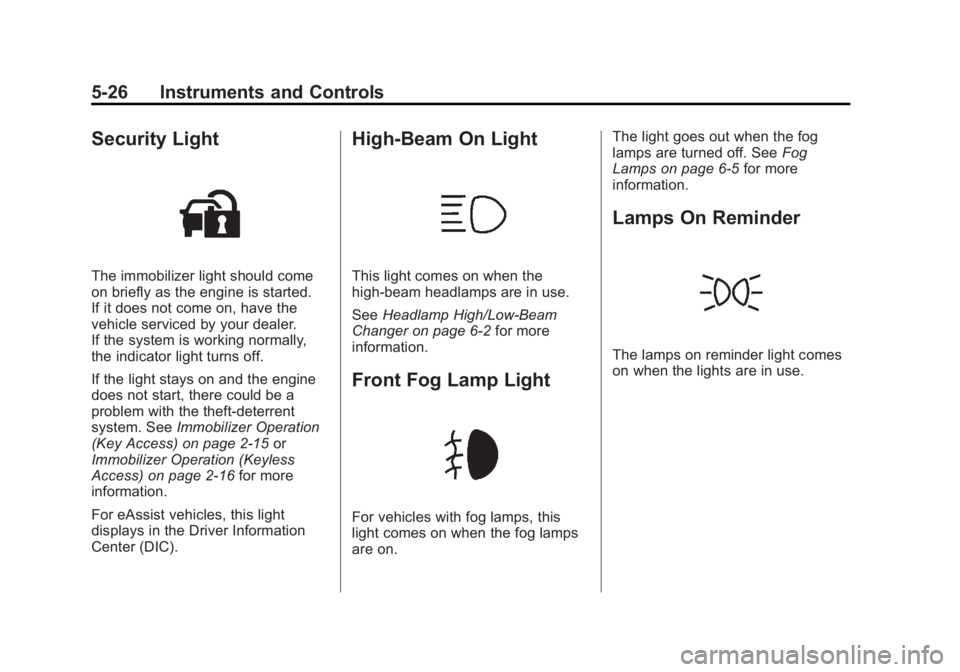
Security Light
The immobilizer light should come
on briefly as the engine is started.
If it does not come on, have the
vehicle serviced by your dealer.
If the system is working normally,
the indicator light turns off.
If the light stays on and the engine
does not start, there could be a
problem with the theft-deterrent
system. SeeImmobilizer Operation
(Key Access) on page 2‑15 or
Immobilizer Operation (Keyless
Access) on page 2‑16 for more
information.
For eAssist vehicles, this light
displays in the Driver Information
Center (DIC).
High-Beam On Light
This light comes on when the
high-beam headlamps are in use.
See Headlamp High/Low-Beam
Changer on page 6‑2 for more
information.
Front Fog Lamp Light
For vehicles with fog lamps, this
light comes on when the fog lamps
are on. The light goes out when the fog
lamps are turned off. See
Fog
Lamps on page 6‑5 for more
information.
Lamps On Reminder
The lamps on reminder light comes
on when the lights are in use.
Page 145 of 512
Black plate (27,1)Buick LaCrosse Owner Manual - 2012
Instruments and Controls 5-27
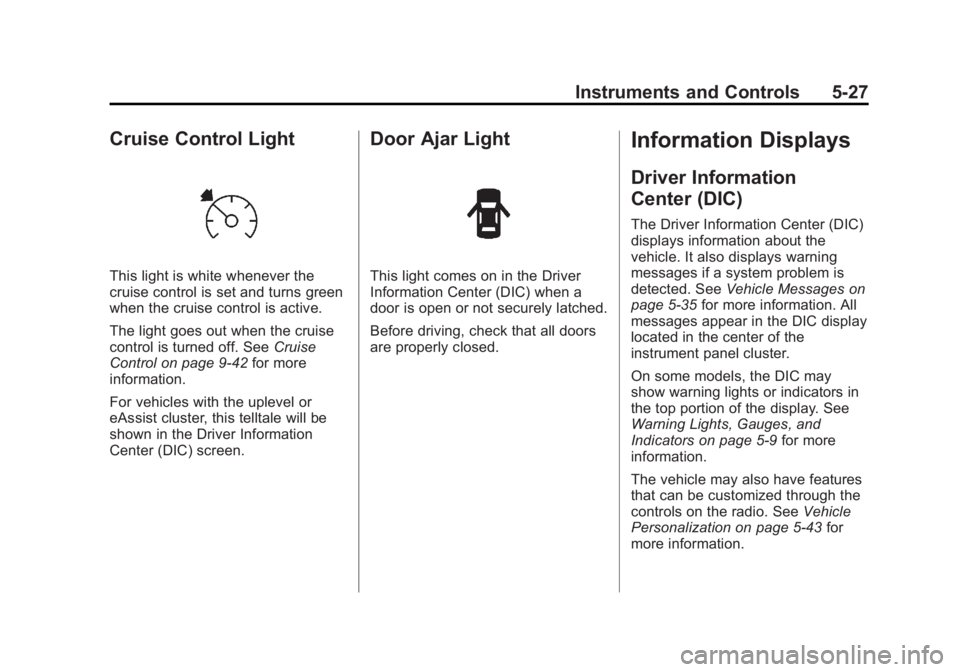
Cruise Control Light
This light is white whenever the
cruise control is set and turns green
when the cruise control is active.
The light goes out when the cruise
control is turned off. SeeCruise
Control on page 9‑42 for more
information.
For vehicles with the uplevel or
eAssist cluster, this telltale will be
shown in the Driver Information
Center (DIC) screen.
Door Ajar Light
This light comes on in the Driver
Information Center (DIC) when a
door is open or not securely latched.
Before driving, check that all doors
are properly closed.
Information Displays
Driver Information
Center (DIC)
The Driver Information Center (DIC)
displays information about the
vehicle. It also displays warning
messages if a system problem is
detected. See Vehicle Messages on
page 5‑35 for more information. All
messages appear in the DIC display
located in the center of the
instrument panel cluster.
On some models, the DIC may
show warning lights or indicators in
the top portion of the display. See
Warning Lights, Gauges, and
Indicators on page 5‑9 for more
information.
The vehicle may also have features
that can be customized through the
controls on the radio. See Vehicle
Personalization on page 5‑43 for
more information.
Page 146 of 512
Black plate (28,1)Buick LaCrosse Owner Manual - 2012
5-28 Instruments and Controls
DIC Operation and Displays
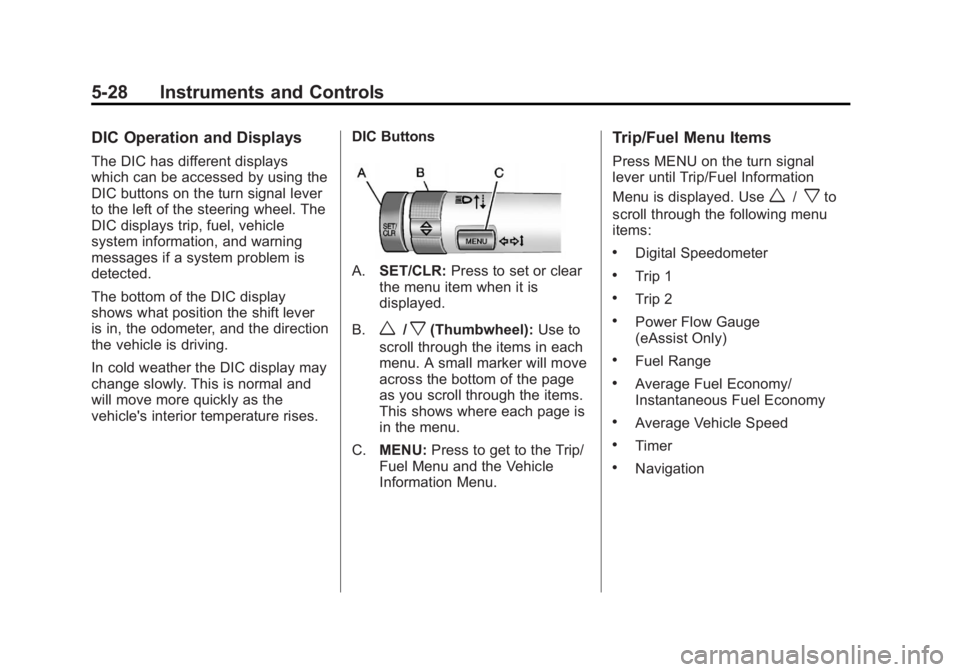
The DIC has different displays
which can be accessed by using the
DIC buttons on the turn signal lever
to the left of the steering wheel. The
DIC displays trip, fuel, vehicle
system information, and warning
messages if a system problem is
detected.
The bottom of the DIC display
shows what position the shift lever
is in, the odometer, and the direction
the vehicle is driving.
In cold weather the DIC display may
change slowly. This is normal and
will move more quickly as the
vehicle's interior temperature rises.DIC Buttons
A.
SET/CLR: Press to set or clear
the menu item when it is
displayed.
B.
w/x(Thumbwheel): Use to
scroll through the items in each
menu. A small marker will move
across the bottom of the page
as you scroll through the items.
This shows where each page is
in the menu.
C. MENU: Press to get to the Trip/
Fuel Menu and the Vehicle
Information Menu.
Trip/Fuel Menu Items
Press MENU on the turn signal
lever until Trip/Fuel Information
Menu is displayed. Use
w/xto
scroll through the following menu
items:
.Digital Speedometer
.Trip 1
.Trip 2
.Power Flow Gauge
(eAssist Only)
.Fuel Range
.Average Fuel Economy/
Instantaneous Fuel Economy
.Average Vehicle Speed
.Timer
.Navigation
Page 147 of 512
Black plate (29,1)Buick LaCrosse Owner Manual - 2012
Instruments and Controls 5-29
Digital Speedometer
The speedometer shows how fast
the vehicle is moving in either
kilometers per hour (km/h) or miles
per hour (mph). The speedometer
cannot be reset.
Trip 1 and Trip 2
This display shows the current
distance traveled, in either
kilometers (km) or miles (mi), since
the last reset for the trip odometer.
The trip odometer can be reset to
zero by pressing SET/CLR while the
trip odometer display is showing.
Power Flow Gauge (eAssist Only)
This display shows the operating
mode of the eAssist system and the
high voltage battery charge level.
The animation indicates the
direction of energy flow.Fuel Range
This display shows the approximate
distance the vehicle can be driven
without refueling. The fuel range
estimate is based on an average of
the vehicle's fuel economy over
recent driving history and the
amount of fuel remaining in the fuel
tank. Fuel range cannot be reset.
Average Fuel Economy/
Instantaneous Fuel Economy
On some models, this display
shows Average Fuel Economy. On
other models, this display shows
both Average Fuel Economy and
Instantaneous Fuel Economy.
The Average Fuel Economy display
shows the approximate average
liters per 100 kilometers (L/100 km)
or miles per gallon (mpg). This
number is calculated based on the
number of L/100 km (mpg) recorded
since the last time this menu item
was reset. The fuel economy can be
reset by pressing SET/CLR while
the Average Fuel Economy display
is showing.The Instantaneous Fuel Economy
display shows the current fuel
economy in liters per 100 kilometers
(L/100 km) or miles per gallon
(mpg). This number reflects only the
fuel economy that the vehicle has
right now and changes frequently as
driving conditions change. Unlike
average economy, this display
cannot be reset.
Average Vehicle Speed
This display shows the average
speed of the vehicle in miles per
hour (mph) or kilometers per
hour (km/h). This average is
calculated based on the various
vehicle speeds recorded since the
last reset of this value. The average
speed can be reset by pressing
SET/CLR while the Average Vehicle
Speed display is showing.