3-46 BUICK LESABRE 2004 Owner's Manual
[x] Cancel search | Manufacturer: BUICK, Model Year: 2004, Model line: LESABRE, Model: BUICK LESABRE 2004Pages: 392, PDF Size: 4.3 MB
Page 111 of 392
Instrument Panel Overview...............................3-4
Hazard Warning Flashers................................3-6
Other Warning Devices...................................3-6
Horn.............................................................3-7
Tilt Wheel.....................................................3-7
Turn Signal/Multifunction Lever.........................3-7
Exterior Lamps.............................................3-14
Interior Lamps..............................................3-17
Head-Up Display (HUD).................................3-20
Accessory Power Outlets...............................3-22
Ashtrays and Cigarette Lighter........................3-23
Climate Controls............................................3-24
Climate Control System.................................3-24
Dual Automatic Climate Control System...........3-26
Outlet Adjustment.........................................3-30
Steering Wheel Climate Controls.....................3-31
Climate Controls Personalization.....................3-31
Warning Lights, Gages and Indicators.............3-32
Instrument Panel Cluster................................3-33Speedometer and Odometer...........................3-35
Tachometer.................................................3-35
Safety Belt Reminder Light.............................3-36
Air Bag Readiness Light................................3-36
Battery Warning Light....................................3-37
Brake System Warning Light..........................3-37
Anti-Lock Brake System Warning Light.............3-38
Traction Control System (TCS) Warning Light . . .3-39
Engine Coolant Temperature Gage..................3-40
Malfunction Indicator Lamp.............................3-40
Oil Pressure Light.........................................3-43
Security Light...............................................3-44
Cruise Control Light......................................3-44
Service Vehicle Soon Light............................3-44
Fuel Gage...................................................3-45
Driver Information Center (DIC).......................3-45
DIC Controls and Displays.............................3-46
DIC Warnings and Messages.........................3-49
DIC Vehicle Personalization............................3-50
Section 3 Instrument Panel
3-1
Page 115 of 392
The main components of your instrument panel are the following:
A. Air Outlets. SeeOutlet Adjustment on page 3-30.
B. Driver Information Center (DIC) Buttons (If
Equipped). SeeDIC Controls and Displays on
page 3-46.
C. Turn Signal/Multifunction Lever. SeeTurn
Signal/Multifunction Lever on page 3-7.
D. Steering Wheel Controls (If Equipped). SeeSteering
Wheel Climate Controls on page 3-31andAudio
Steering Wheel Controls on page 3-78.
E. Hazard Warning Flashers. SeeHazard Warning
Flashers on page 3-6.
F. Instrument Panel Cluster. SeeInstrument Panel
Cluster on page 3-33.
G. Traction Control Button (If Equipped). SeeTraction
Control System (TCS) on page 4-9.H. Exterior Lamp Buttons. SeeExterior Lamps on
page 3-14.
I. Head-Up Display (HUD) Controls (If Equipped). See
Head-Up Display (HUD) on page 3-20.
J. Hood Release. SeeHood Release on page 5-11.
K. Parking Brake. SeeParking Brake on page 2-27.
L. Cruise Controls. See “Cruise Control” under
Turn Signal/Multifunction Lever on page 3-7.
M. Audio System. SeeAudio System(s) on page 3-55.
N. Climate Controls. SeeClimate Control System
on page 3-24orDual Automatic Climate Control
System on page 3-26.
O. Glove Box. SeeGlove Box on page 2-42.
3-5
Page 153 of 392
Your vehicle will not pass this inspection if the OBD
(on-board diagnostic) system determines that critical
emission control systems have not been completely
diagnosed by the system. The vehicle would be
considered not ready for inspection. This can happen if
you have recently replaced your battery or if your
battery has run down. The diagnostic system is
designed to evaluate critical emission control systems
during normal driving. This may take several days
of routine driving. If you have done this and your vehicle
still does not pass the inspection for lack of OBD
system readiness, your GM dealer can prepare the
vehicle for inspection.
Oil Pressure Light
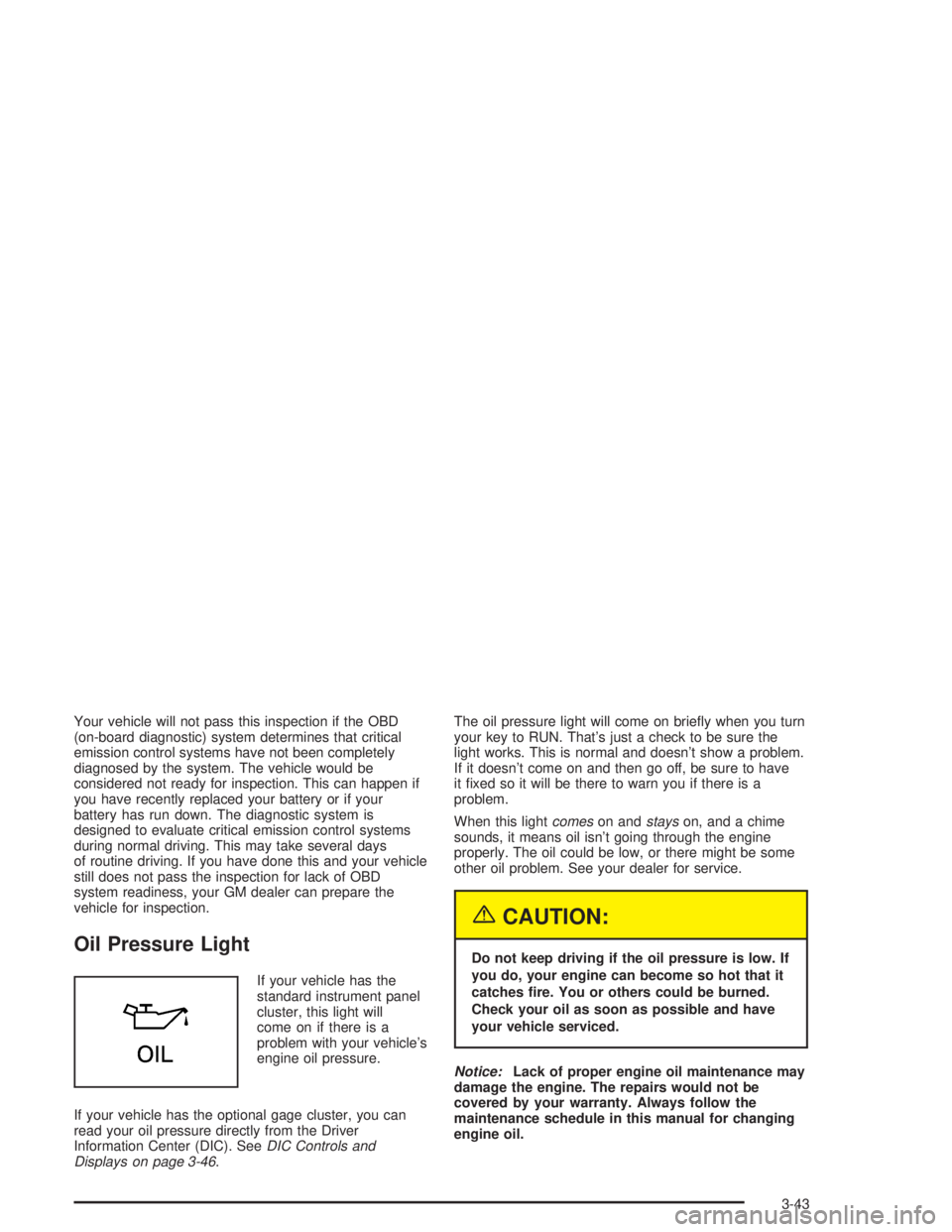
If your vehicle has the
standard instrument panel
cluster, this light will
come on if there is a
problem with your vehicle’s
engine oil pressure.
If your vehicle has the optional gage cluster, you can
read your oil pressure directly from the Driver
Information Center (DIC). SeeDIC Controls and
Displays on page 3-46.The oil pressure light will come on briey when you turn
your key to RUN. That’s just a check to be sure the
light works. This is normal and doesn’t show a problem.
If it doesn’t come on and then go off, be sure to have
it xed so it will be there to warn you if there is a
problem.
When this lightcomeson andstayson, and a chime
sounds, it means oil isn’t going through the engine
properly. The oil could be low, or there might be some
other oil problem. See your dealer for service.
{CAUTION:
Do not keep driving if the oil pressure is low. If
you do, your engine can become so hot that it
catches re. You or others could be burned.
Check your oil as soon as possible and have
your vehicle serviced.
Notice:Lack of proper engine oil maintenance may
damage the engine. The repairs would not be
covered by your warranty. Always follow the
maintenance schedule in this manual for changing
engine oil.
3-43
Page 156 of 392
DIC Controls and Displays
When you turn the ignition on, the DIC will display your
DRIVER NUMBER. You can have your dealer
program your name to appear on this display line. See
your dealer for more information.
The system will then perform a status check and display
any messages if a problem is detected. If there are
no problems detected, the display will return to the mode
selected by that driver the last time the ignition was
turned off.
If a problem is detected, a diagnostic message will
appear in the display. The following pages will show the
messages you may see on the DIC display.
The message center is continuously updated with the
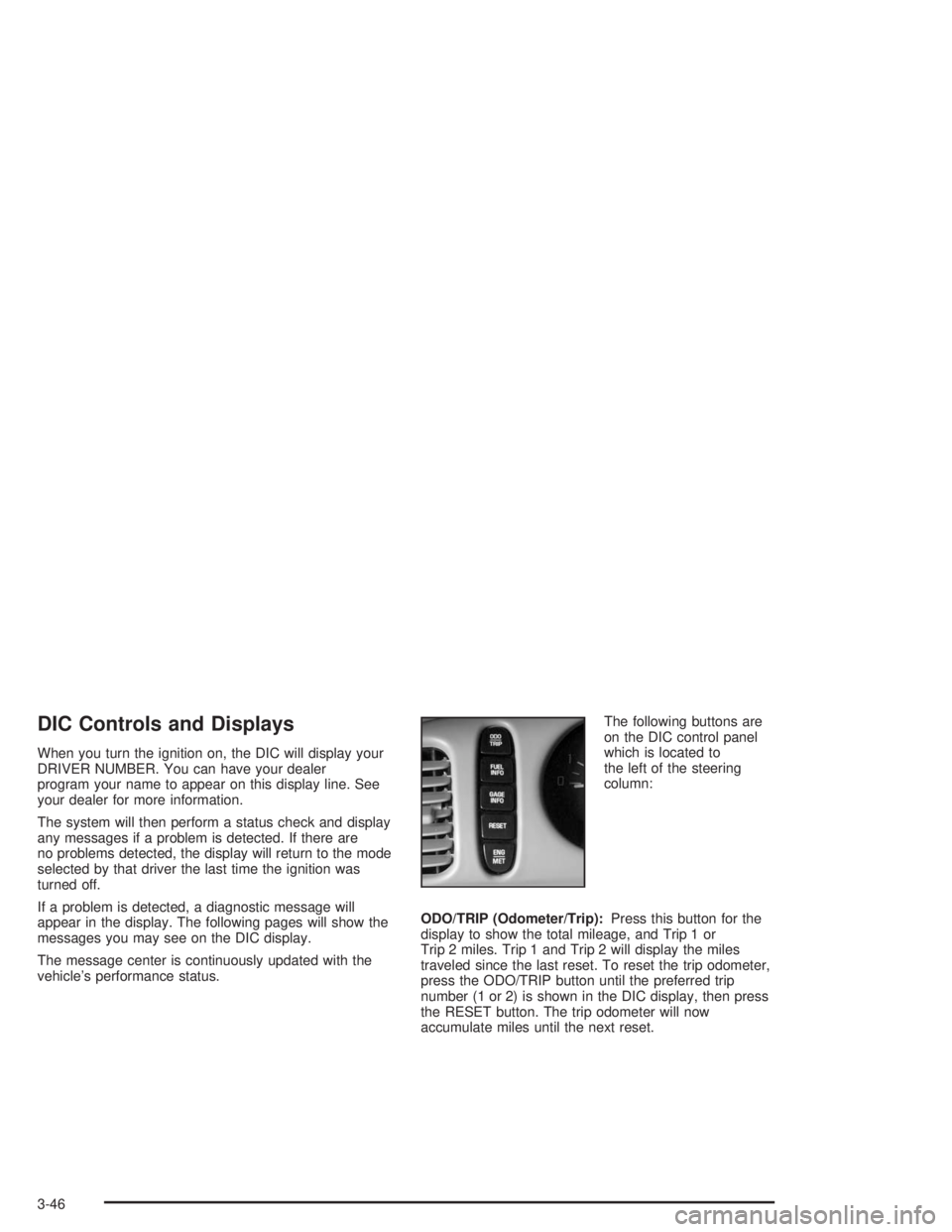
vehicle’s performance status.The following buttons are
on the DIC control panel
which is located to
the left of the steering
column:
ODO/TRIP (Odometer/Trip):Press this button for the
display to show the total mileage, and Trip 1 or
Trip 2 miles. Trip 1 and Trip 2 will display the miles
traveled since the last reset. To reset the trip odometer,
press the ODO/TRIP button until the preferred trip
number (1 or 2) is shown in the DIC display, then press
the RESET button. The trip odometer will now
accumulate miles until the next reset.
3-46
Page 380 of 392
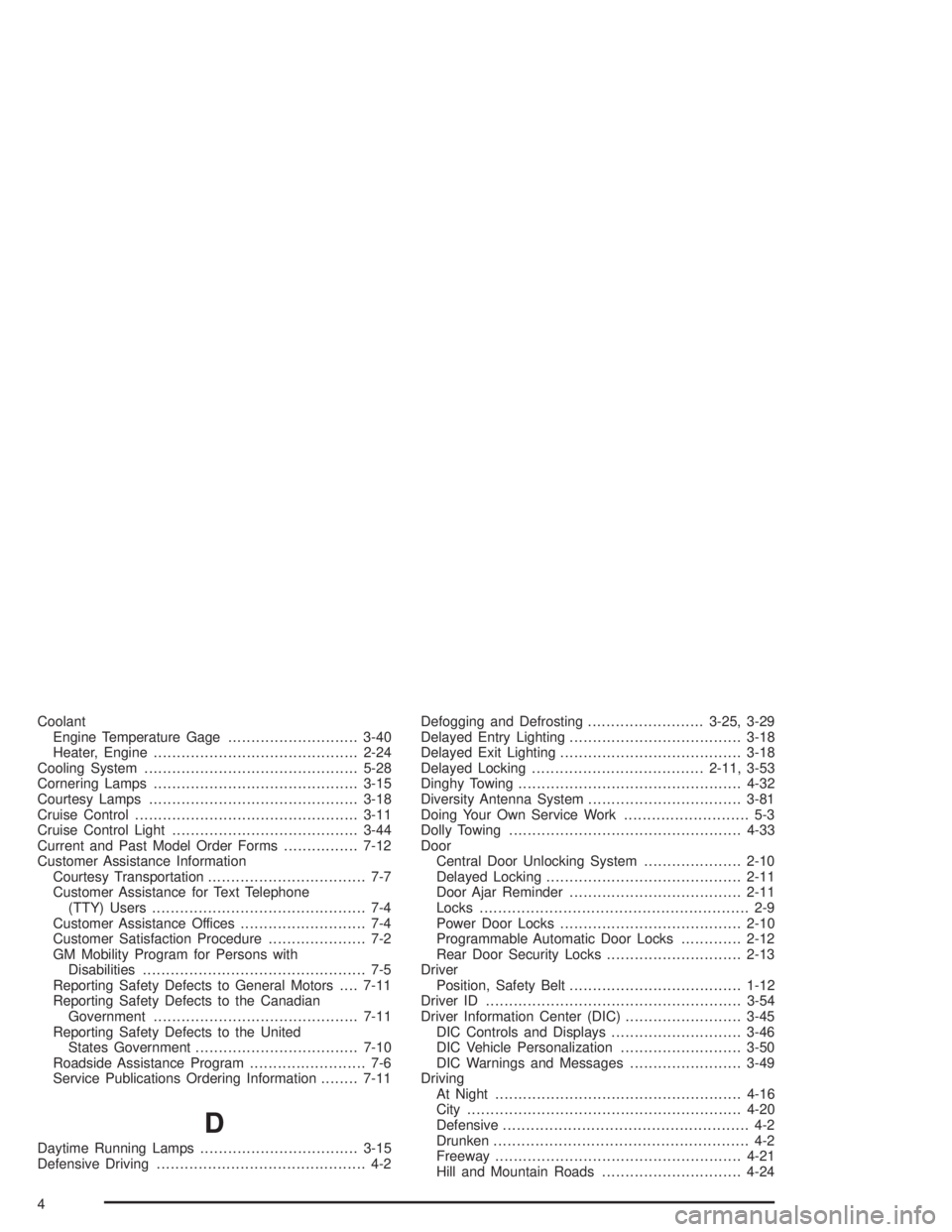
Coolant
Engine Temperature Gage............................3-40
Heater, Engine............................................2-24
Cooling System..............................................5-28
Cornering Lamps............................................3-15
Courtesy Lamps.............................................3-18
Cruise Control................................................3-11
Cruise Control Light........................................3-44
Current and Past Model Order Forms................7-12
Customer Assistance Information
Courtesy Transportation.................................. 7-7
Customer Assistance for Text Telephone
(TTY) Users.............................................. 7-4
Customer Assistance Offices........................... 7-4
Customer Satisfaction Procedure..................... 7-2
GM Mobility Program for Persons with
Disabilities................................................ 7-5
Reporting Safety Defects to General Motors....7-11
Reporting Safety Defects to the Canadian
Government............................................7-11
Reporting Safety Defects to the United
States Government...................................7-10
Roadside Assistance Program......................... 7-6
Service Publications Ordering Information........7-11
D
Daytime Running Lamps..................................3-15
Defensive Driving............................................. 4-2Defogging and Defrosting.........................3-25, 3-29
Delayed Entry Lighting.....................................3-18
Delayed Exit Lighting.......................................3-18
Delayed Locking.....................................2-11, 3-53
Dinghy Towing................................................4-32
Diversity Antenna System.................................3-81
Doing Your Own Service Work........................... 5-3
Dolly Towing..................................................4-33
Door
Central Door Unlocking System.....................2-10
Delayed Locking..........................................2-11
Door Ajar Reminder.....................................2-11
Locks.......................................................... 2-9
Power Door Locks.......................................2-10
Programmable Automatic Door Locks.............2-12
Rear Door Security Locks.............................2-13
Driver
Position, Safety Belt.....................................1-12
Driver ID.......................................................3-54
Driver Information Center (DIC).........................3-45
DIC Controls and Displays............................3-46
DIC Vehicle Personalization..........................3-50
DIC Warnings and Messages........................3-49
Driving
At Night.....................................................4-16
City...........................................................4-20
Defensive..................................................... 4-2
Drunken....................................................... 4-2
Freeway.....................................................4-21
Hill and Mountain Roads..............................4-24
4