ignition BUICK PARK AVENUE 1993 Owner's Guide
[x] Cancel search | Manufacturer: BUICK, Model Year: 1993, Model line: PARK AVENUE, Model: BUICK PARK AVENUE 1993Pages: 340, PDF Size: 18.17 MB
Page 130 of 340
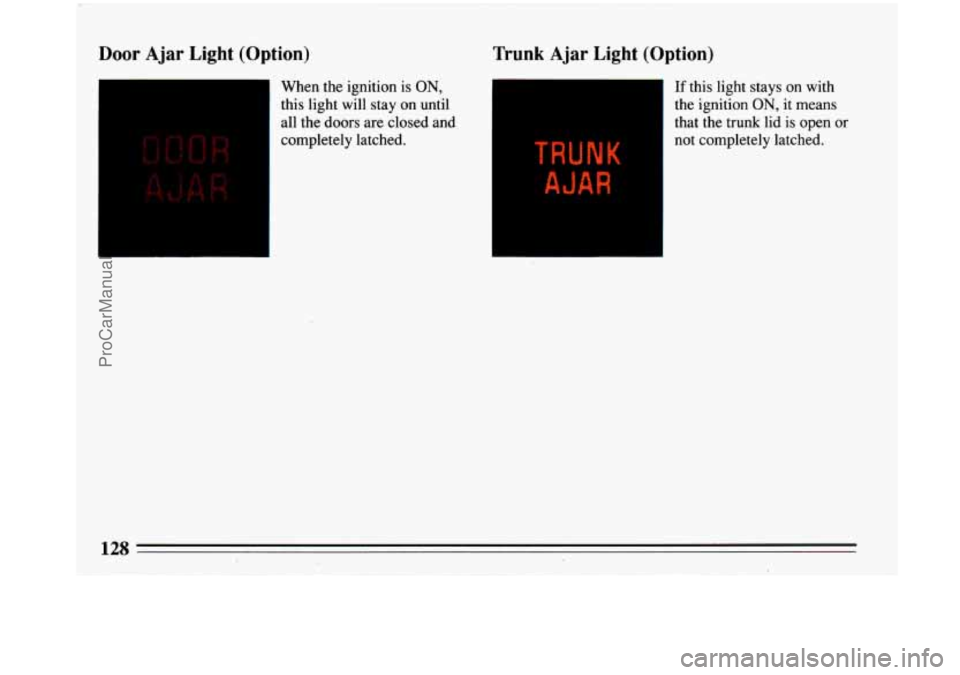
Door Ajar Light (Option)
1
When the ignition is ON,
this light will stay on until
all the doors are closed and
completely latched.
I
Trunk Ajar Light (Option)
If this light stays on with
the ignition
ON, it means
that the trunk lid is open or
not completely latched.
128
ProCarManuals.com
Page 143 of 340
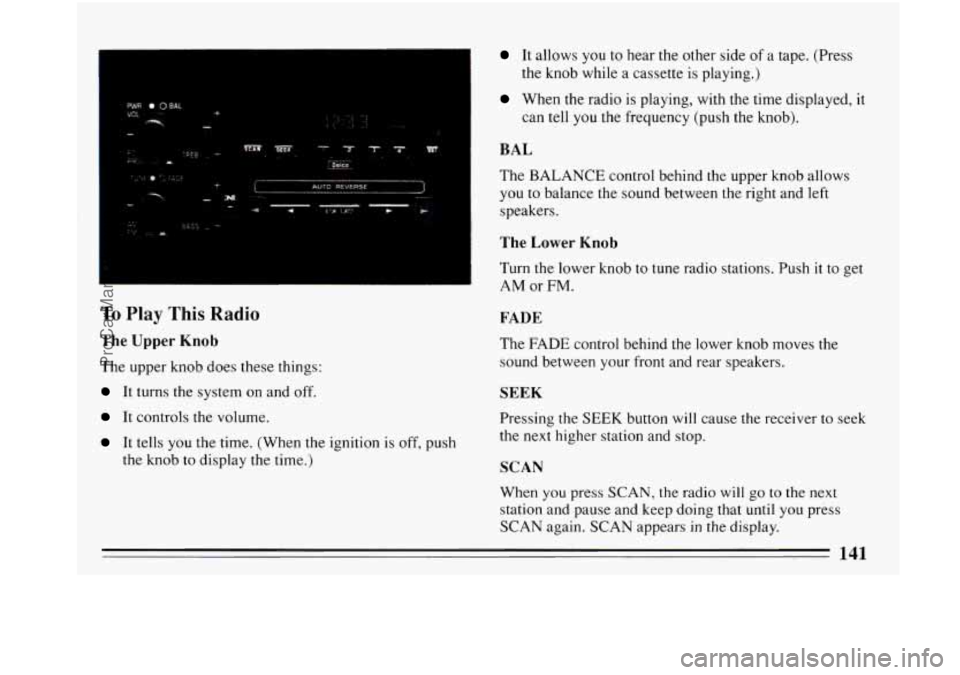
To Play This Radio
The Upper Knob
The upper knob does these things:
It turns the system on and off.
It controls the volume.
It tells you the time. (When the ignition is off, push
the knob to display the time.)
It allows you to hear the orner side of a tape. (Press
When the radio is playing, with the time displayed, it
the knob while a cassette is playing.)
can tell
you the frequency (push the knob).
BAL
The BALANCE control behind the upper knob allows
you to balance the sound between the right and left
speakers.
The Lower Knob
Turn the lower knob to tune radio stations. Push it to get
AM or FM.
FADE
The FADE control behind the lower knob moves the
sound between your front and rear speakers.
SEEK
Pressing the SEEK button will cause the receiver to seek
the next higher station and stop.
SCAN
When you press SCAN, the radio will go to the next
station and pause and keep doing that until you press
SCAN again. SCAN appears
in the display.
141
ProCarManuals.com
Page 146 of 340
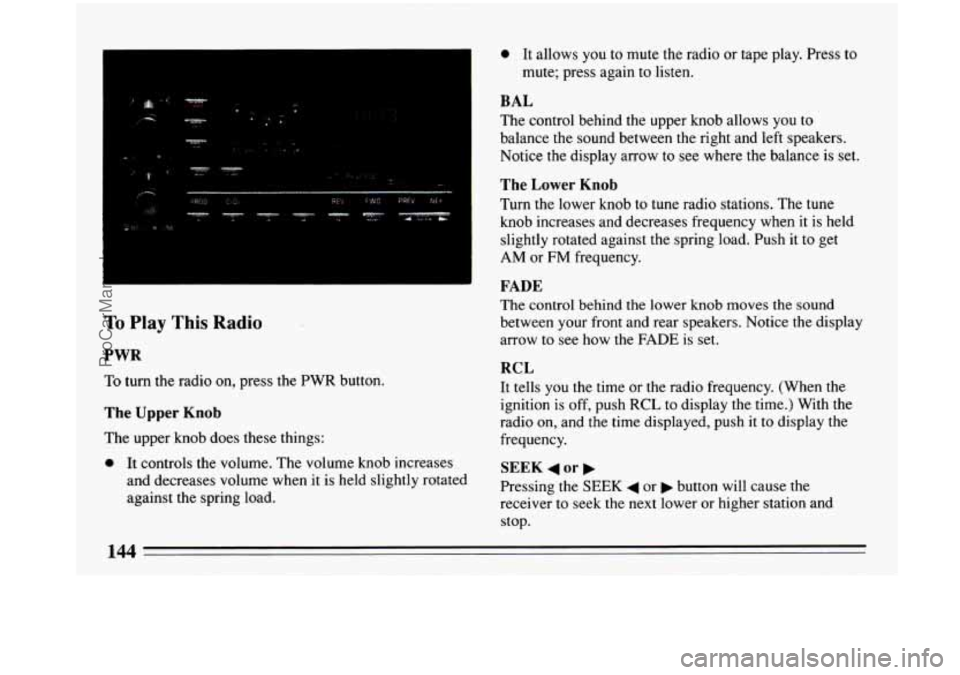
To Play This Radio
PWR
To turn the radio on, press the PWR button.
The Upper Knob
0 It allows you to mute the radio or tape play. Press to
mute; press again to listen.
BAL
The control behind the upper knob allows you to
balance the sound between the right and left speakers.
Notice the display arrow to
see where the balance is set.
The Lower Knob
Turn the lower knob to tune radio stations. The tune
knob increases and decreases frequency when it is held
slightly rotated against the spring load. Push it to get
AM or FM frequency.
FADE
The control behind the lower knob moves the sound
between your front and rear speakers. Notice the display
arrow to see how the
FADE is set.
RCL
It tells you the time or the radio frequency. (When the
ignition is off, push RCL to display the time.) With the
radio on, and the time displayed, push it to display the
frequency.
SEEK 4 or b
Pressing the SEEK 4 or b button will cause the
receiver to seek the next lower or higher station and
stop.
The
upper knob does these things:
0 It controls the volume. The volume knob increases
and decreases volume when it is held slightly rotated
against the spring load.
144
ProCarManuals.com
Page 149 of 340
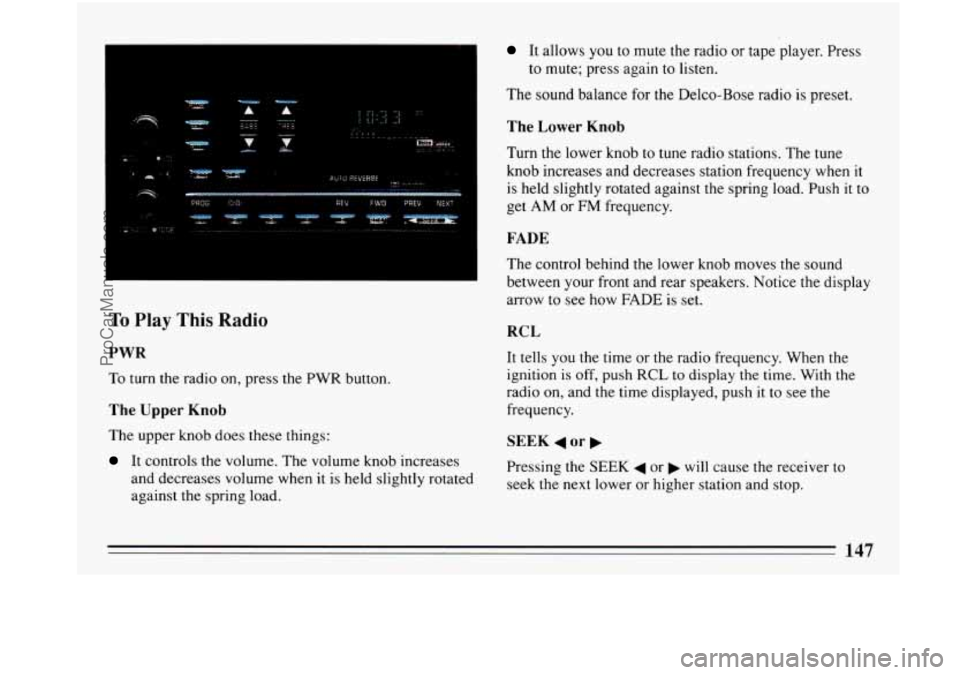
To Play This Radio
PWR
To turn the radio on, press the PWR button.
The Upper Knob
The upper knob does these things:
It controls the volume. The volume knob increases
and decreases volume when it is held slightly rotated
against the spring load.
It allows you to mute the radio or tape player. Press
The sound balance for the Delco-Bose radio is preset.
to
mute; press again to listen.
The Lower Knob
Turn the lower knob to tune radio stations. The tune
knob increases and decreases station frequency when it
is held slightly rotated against the spring load. Push
it to
get AM or
FM frequency.
FADE
The control behind the lower knob moves the sound
between your front and rear speakers. Notice the display
arrow to see how FADE is set.
RCL
It tells you the time or the radio frequency. When the
ignition is
off, push RCL to display the time. With the
radio on, and the time displayed, push it to see the
frequency.
SEEK 4 or b
Pressing the SEEK 4 or b will cause the receiver to
seek the next lower or higher station and stop.
ProCarManuals.com
Page 152 of 340
4 'W .r.
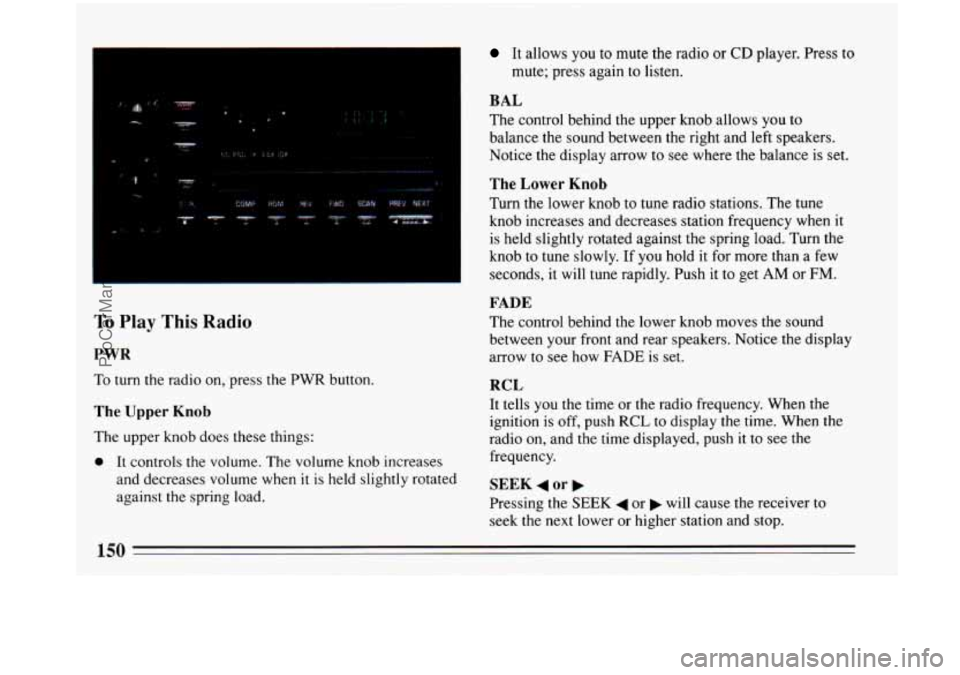
To Play This Radio
PWR
To turn the radio on, press the PWR button.
The Upper Knob
The upper knob does these things:
0 It controls the volume. The volume knob increases
and decreases volume when it is held slightly rotated
against the spring load.
It allows you to mute the radio or CD player. Press to
mute; press again to listen.
BAL
The control behind the upper knob allows you to
balance the sound between the right and left speakers.
Notice
the display arrow to see where the balance is set.
The Lower Knob
Turn the lower knob to tune radio stations. The tune
knob increases and decreases station frequency when it
is held slightly rotated against the spring load. Turn the
knob to tune slowly. If you hold it for more than a few
seconds, it will tune rapidly. Push it to get
AM or FM.
FADE
The control behind the lower knob moves the sound
between your front and rear speakers. Notice the display
arrow to see how FADE is set.
RCL
It tells you the time or the radio frequency. When the
ignition is
off, push RCL to display the time. When the
radio on, and the time displayed, push it to see the
frequency.
SEEK 4 or
Pressing the SEEK 4 or will cause the receiver to
seek the next lower or higher station and stop.
ProCarManuals.com
Page 155 of 340
Press the PWR button or turn the ignition key off to stop
the disc player. The disc stays in the player and will
resume playing at the point where it stopped.
EJECT
Press EJCT, the disc will eject and the radio will play.
The disc will start at track
1 when you reinsert it.
As a feature to protect the disc,
if you turn the ignition off
with the disc partway out of the slot (after eject), it will be
drawn back into the player in about 30 seconds. The disc
will play at track
1 when the radio is turned on again.
Anti-Theft Feature
Delco-Loc I1 is a security feature for the compact disc
player. It can be used or ignored.
If ignored, the system
plays normally. If it is used, your player won’t be usable
if it’s ever stolen, because it won’t turn on.
The instructions below tell you how to enter your
personal secret code into the system. If your vehicle loses
battery power for any reason, you must unlock the system
with the secret code again before the system will
turn on.
Be sure to read through the entire procedure and become
familiar with
the appropriate buttons and knobs before
starting.
Step
1. Write clown any 6-digit number and keep it in a
safe place. Step
2. Turn
the ignition to the ACC or RUN position.
Step
3. Press PWR to turn the radio off.
Step 4. Press preset 1 and 4 buttons together. Hold them
until
“---” shows on the display (at least 5 seconds).
You are now ready to enter your secret code. If you
pause more than
15 seconds between steps you may
have to start over.
Step
5. Press SET and “000” will appear on the display.
Step 6. Press SEEK and hold
it until the first digit of
your code appears.
Step 7. Rotate the tune knob right or left to make the
next two numbers agree
with your code.
Step
8. Press AM-FM knob and “000” will appear. Now
you are ready to enter the second three digits of the code
according to steps
6 and 7.
Step 9. Press the AM-FM knob. The display will show
“rEP” for
5 seconds, and then “OOO” will appear indicating
that some steps are to
be repeated for verification.
Step
10. Repeat steps 6,7, and 8.
Step 11. Press the AM-FM knob. If the display shows
“SEC”, the verification process was successful and the
system
is SECURE. If the display shows “---”, the
verification steps were not successful and the entire
sequence must be started again.
ProCarManuals.com
Page 156 of 340
To Unlock The System After a Power Loss
When battery power is reapplied to a secured radio, the
radio won’t turn on and
“LOC” will appear in the
display.
Enter your secret code as follows; pause no more than
15 seconds between steps.
Step
1. Turn the ignition ON (Radio off.)
Step 2. Press the SET button. The display will show
“000”.
Step 3. Enter the six digits of the code following steps 6
thru 9 on the preceding page. The display will show the
number as entered.
Step
4. Press the AM/FM button and the time appears -
indicating that the disabling sequence was successful. If
the display indicates “SEC”, the number did not match
and the unit is still secured.
Disabling The Theft System
Step 1. Press presets 1 and 4 for 5 seconds with the
ignition “On” and radio power “Off
”. The display will
show
“SEC”, indicating the unit is in the secure mode.
Step
2. Press the SET button. The display will show
“000”.
Step 3. Enter the first three digits of the code following
step
6 and 7 of the preceding directions. The display will
show the numbers as entered.
Step
4. Press the AM-FM button. The radio will display
“000”.
Step 5. Enter the second three digits of the code. The
display will show the numbers as entered.
Step
6. Press the AM-FM button. If the display shows
“ --- ” , the disabling sequence was successful. (The
numbers matched the user-selected code or the factory
back-up code) and the unit is in the UNSECURED
mode.
If the display shows “SEC”, the disabling
sequence was unsuccessful and the numbers did not
match either
of the codes and the unit will remain in the
SECURED mode.
ProCarManuals.com
Page 158 of 340
Fixed Mast Antenna
The fixed mast antenna can withstand most car washes
without being damaged. If the mast should ever become
slightly bent, you
can straighten it out by hand. If the
mast is badly bent, as it might be by vandals,
you should
replace it.
Check every once in a while to be sure the mast is still
tightened to the fender.
Power Antenna Mast Care
Your power antenna will look its best and work well if
it’s cleaned from time
to time.
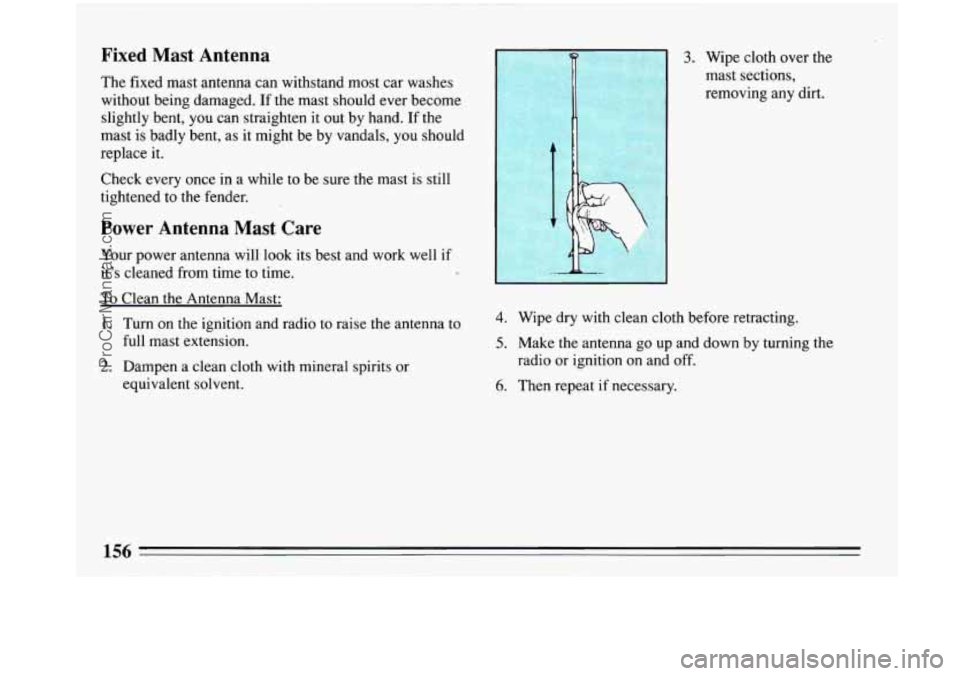
To Clean the Antenna Mast:
1. Turn on the ignition and radio to raise the antenna to
full mast extension.
2. Dampen a clean cloth with mineral spirits or
equivalent solvent.
. 1 3. Wipe cloth over the
mast sections,
removing any dirt.
4. Wipe dry with clean cloth before retracting.
5. Make the antenna go up and down by turning the
6. Then repeat if necessary.
radio or
ignition on and
off.
ProCarManuals.com
Page 215 of 340
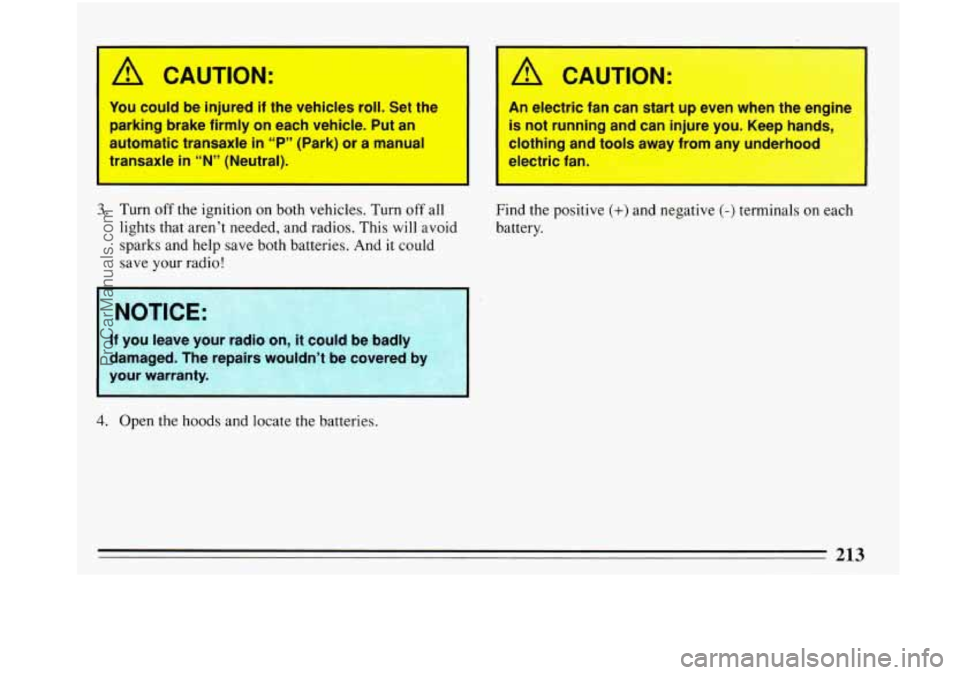
I
A CAUTION:
You could be injured if the vehicles roll. Set the
parking brake firmly on each vehicle. Put an
automatic transaxle
in “P” (Park) or a manual
transaxle
in “N” (Neutral).
3. Turn off the ignition on both vehicles. Turn off all
lights that aren’t needed, and radios. This will avoid
sparks and help save both batteries. And it could
save your radio!
A CAUTION:
An electric fan can start up even when the engine
is not running and can injure you. Keep hands,
clothing anA
tools away from any underhood
electric fan
1 NOTICE:
3
If you leave your ram0 or ’t could be baaly
damaged. The repairs wouldn’t be covered b)
your warranty.
Find the positive (+) and negative (-) terminals on eact
battery.
4. Open the hoods and locate the batteries.
213
ProCarManuals.com
Page 220 of 340
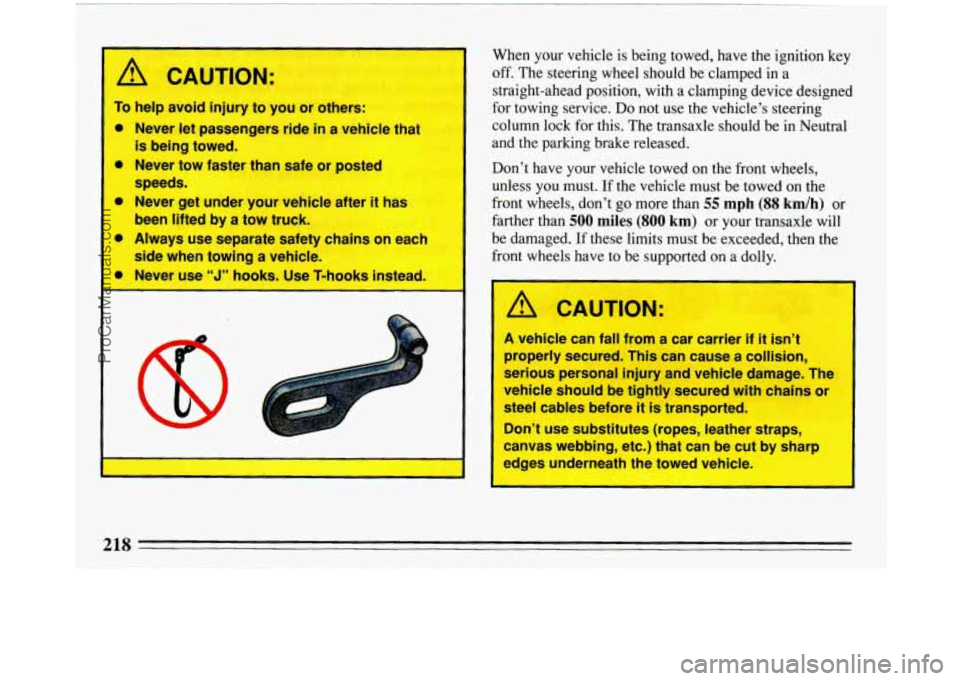
r /r CAUTION:
To help avoid injury to you or others:
0 Never let passengers ride in a vehicle that
0 Never tow faster than safe or posted
0 Never get under your vehicle after it has
0 Always use separate safety chains on each
is being towed.
speeds.
been lifted by
a tow truck.
side when ?owing
a vehicle.
V
t
When your vehicle is being towed, have the ignition key
off. The steering wheel should be clamped in a
straight-ahead position, with a clamping device designed
for towing service.
Do not use the vehicle’s steering
column lock for this. The transaxle should be in Neutral
and the parking brake released.
Don’t have
your vehicle towed on the front wheels,
unless you must.
If the vehicle must be towed on the
front wheels, don’t go more than
55 mph (88 kdh) or
farther than
500 miles (SO0 km) or your transaxle will
be damaged. If these limits must be exceeded, then the
front wheels have to be supported on a dolly.
A CAUTION:
A vehicle can fall from a car carrier if it isn’t
properly secured. This can cause a collision,
serious personal injury and vehicle damage. The
vehicle should be tightly secured with chains or
steel cables before it is transported.
Don’t use substitutes (ropes, leather straps,
canvas webbing, etc.) that can be cut by sharp
edges underneath the towed vehicle.
218
ProCarManuals.com