reset BUICK PARK AVENUE 1994 Owners Manual
[x] Cancel search | Manufacturer: BUICK, Model Year: 1994, Model line: PARK AVENUE, Model: BUICK PARK AVENUE 1994Pages: 324, PDF Size: 17.01 MB
Page 102 of 324
To Resume a Set Speed
Suppose you set your Cruise Control at a desired speed
and
then you apply the brake. This, of course, shuts off
the Cruise Control.
But you don’t need to reset it.
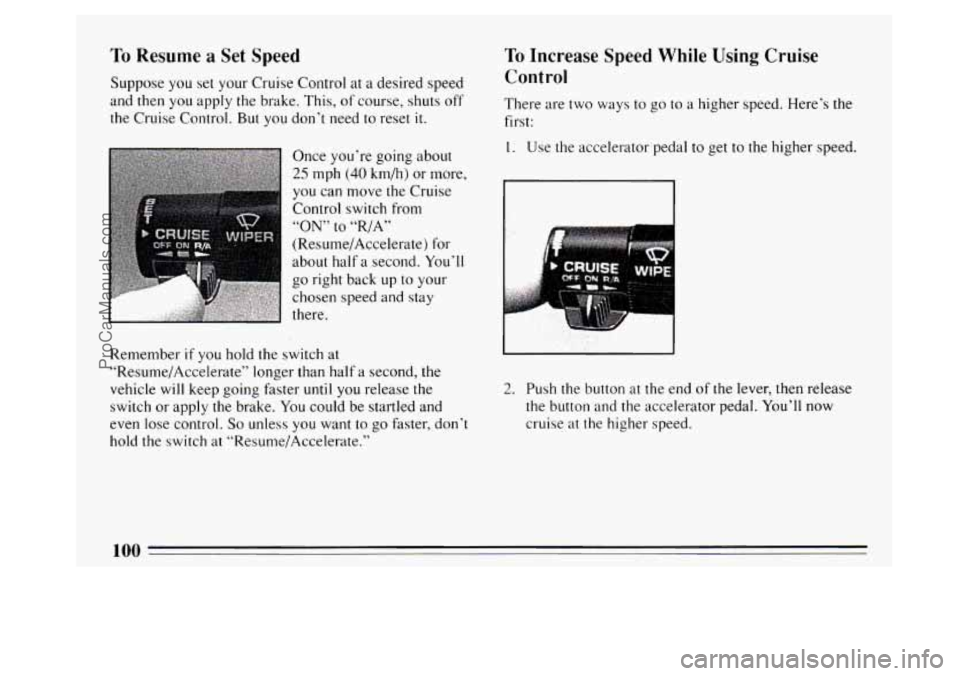
Once you’re going about
25 mph (40 km/h) or more,
you can move the Cruise
Control switch from
“ON” to “,/A”
(Resume/Accelerate) for
about half
a second. You’ll
go right back up
to your
chosen speed and stay
there.
Remember
if you hold the switch at
“Re~~me/Accelerate” longer than half
a second, the
vehicle will keep going faster
until you release the
switch or apply the brake.
You could be startled and
even lose control.
So unless you want to go faster, don’t
hold the switch at “Resume/Accelerate.”
To Increase Speed While Using Cruise
Control
There are two ways to go to a higher speed. Here’s the
first:
1. Use the accelerator pedal to get to the higher speed.
2. Push the button at the end of the lever, then release
the button and the accelerator pedal. You’ll now
cruise
at the higher speed.
100
ProCarManuals.com
Page 122 of 324
Trip Odometer
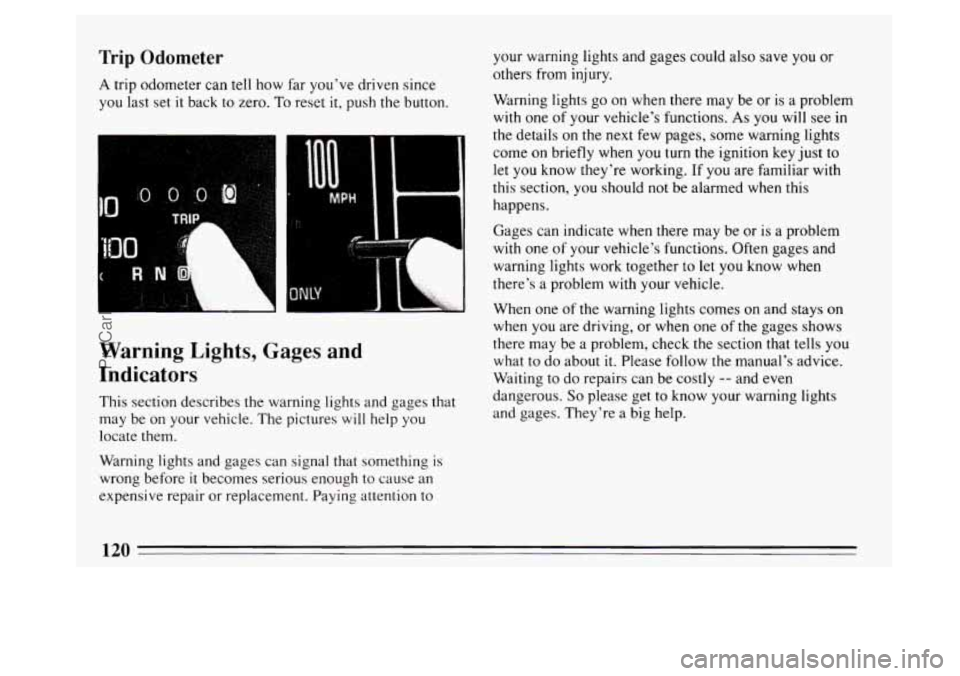
A trip odometer can tell how far you've driven since
you last set
it back to zero. To reset it, push the button.
R N ''. 7
I I ......A# L
Warning Lights, Gages and
Indicators
This section describes the warning lights and gages that
may be on your vehicle. The pictures
will help you
locate them.
Warning lights and gages can signal that something is
wrong before
it becomes serious enough to cause an
expensive repair or replacement. Paying attention to your warning lights and gages could
also save you
or
others from injury.
Warning lights
go on when there may be or is a problem
with one of your vehicle's functions. As you will see in
the details on
the next few pages, some warning lights
come on briefly when you
turn the ignition key just to
let you know they're working. If you are familiar with
this section, you
should not be alarmed when this
happens.
Gages can indicate when there may be or is a problem
with one
of your vehicle's functions. Often gages and
warning lights work together to let you know when
there's a problem
with your vehicle.
When one
of the warning lights comes on and stays on
when you are driving, or when one of the gages shows
there may be a problem, check the section that tells
you
what to do about it. Please follow the manual's advice.
Waiting to do repairs can be costly
-- and even
dangerous.
So please get to know your warning lights
and gages. They're a big help.
120
ProCarManuals.com
Page 125 of 324
Anti-Lock Brake System Warning Light
ANT‘ LOCK (a)
ANTI
LOCK
J
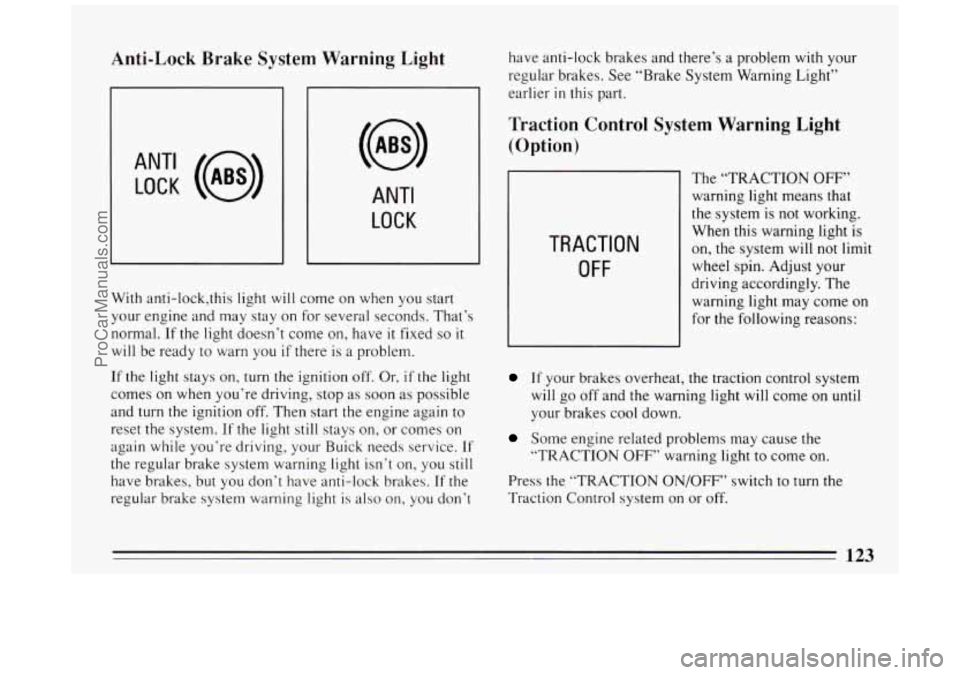
With anti-lock,this light will come on when you start
your engine and may stay on for several seconds. That’s
normal.
If the light doesn’t come on, have it fixed so it
will be ready to warn you if there is a problem.
If the light stays on, turn the ignition
off, Or, if the light
comes on when you’re driving, stop as soon as possible
and
turn the ignition off. Then start the engine again to
reset the system.
If the light still stays on, or comes on
again while you’re driving, your Buick needs service.
If
the regular brake system warning light isn’t on, you still
have brakes, but you don’t have anti-lock brakes. If the
regular brake system warning light is also on, you don’t have
anti-lock brakes and there’s a problem
with your
regular brakes. See “Brake System Warning Light”
earlier
in this part.
Traction Control System Warning Light
(Option)
TRACTION
OFF
The “TRACTION OFF”
warning light means that
the system is not working.
When this warning light is
on, the system will not limit
wheel spin. Adjust your
driving accordingly. The
warning light may come on
for the following reasons:
If your brakes overheat, the traction control system
will go off and the warning light will come on
until
your brakes cool down.
Some engine related problems may cause the
“TRACTION
OFF’’ warning light to come on.
Press the “TRACTION ON/OFF” switch to turn the
Traction Control system on or off.
123
ProCarManuals.com
Page 129 of 324
“Change Oil Soon” Light (Option)
CHANGE
OIL SOON
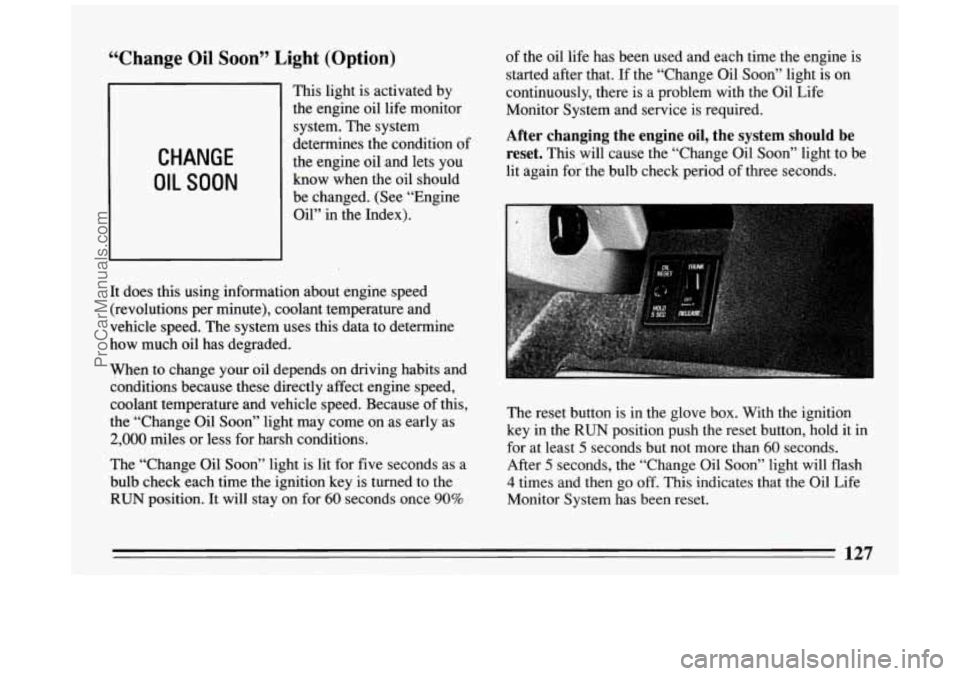
This light is activated by
the engine oil life monitor
system. The system
determines the condition
o
the engine oil and lets you
know when the oil should
be changed. (See “Engine
Oil” in the Index).
It does this using information about engine speed (revolutions per minute), coolant temperature and
vehicle speed. The system uses this data to determine
how much oil has degraded. of
the oil life has been used and each time the engine is
started after that.
If the “Change Oil Soon” light is on
continuously, there is a problem with the Oil Life
Monitor System and service is required.
After changing the engine oil, the system should be
reset.
This will cause the “Change Oil Soon” light to be
lit again for#the bulb check period
of three seconds.
When to change your oil depends on driving habits and
conditions because these directly affect engine speed,
coolant temperature and vehicle speed. Because of this,
the “Change Oil Soon” light may come on as early as
2,000 miles or less for harsh conditions.
The “Change Oil
Soon” light is lit for five seconds as a
bulb check each time the ignition key is turned to the
RUN position. It will stay on for 60 seconds once 90%
f
The reset button is in the glove box. With the ignition
key in the
RUN position push the reset button, hold it in
for at least
5 seconds but not more than 60 seconds.
After
5 seconds, the “Change Oil Soon” light will flash
4 times and then go off. This indicates that the Oil Life
Monitor System has been reset.
127
ProCarManuals.com
Page 147 of 324
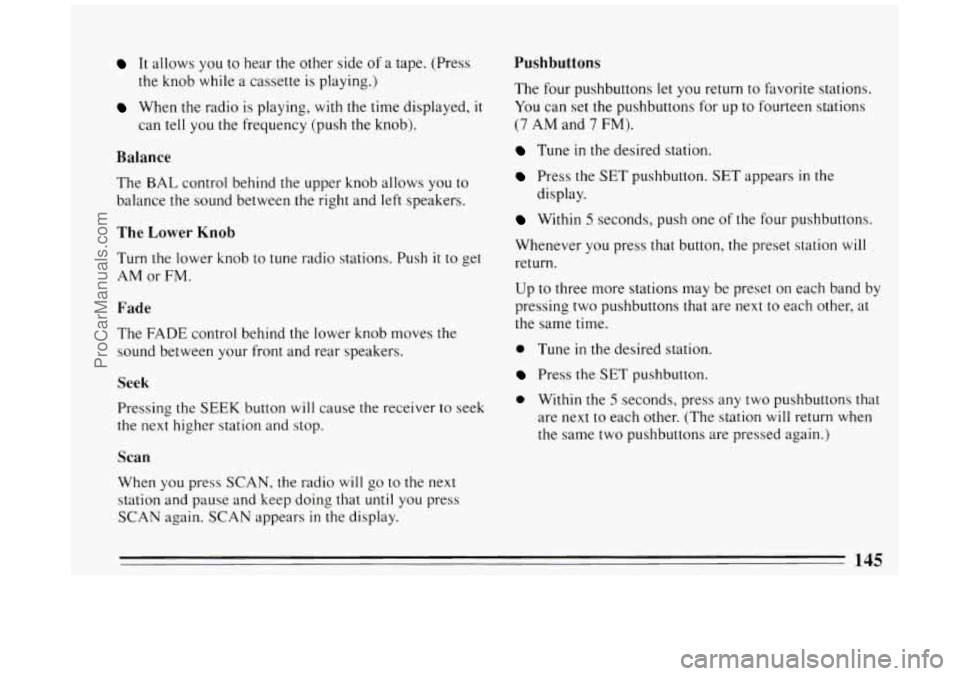
It allows you to hear the other side of a tape. (Press
the knob while a cassette is playing.)
When the radio is playing, with the time displayed, it
can tell you the frequency (push the knob).
Balance
The BAL control behind the upper knob allows you to
balance the sound between the right and
left speakers.
The Lower Knob
Turn the lower knob to tune radio stations. Push it to get
AM or FM.
Fade
The FADE control behind the lower knob moves the
sound between your front and rear speakers.
Seek
Pressing the SEEK button will cause the receiver to seek
the
next higher station and stop.
Scan
When you press SCAN, the radio will go to the next
station and pause and keep doing that
until you press
SCAN again.
SCAN appears in the display.
Pushbuttons
The four pushbuttons let you return to favorite stations.
You can set the pushbuttons for up to fourteen stations
(7 AM and 7 FM).
Tune in the desired station.
Press the SET pushbutton. SET appears in the
display.
Within 5 seconds, push one of the four pushbuttons.
Whenever you press that button, the preset station will
return.
Up to three more stations may be preset on each band by
pressing two pushbuttons that are
next to each other, at
the same time.
0 Tune in the desired station.
Press the SET pushbutton.
0 Within the 5 seconds, press any two pushbuttons that
are next to each other. (The station will return when
the same two pushbuttons are pressed again.)
145
ProCarManuals.com
Page 151 of 324
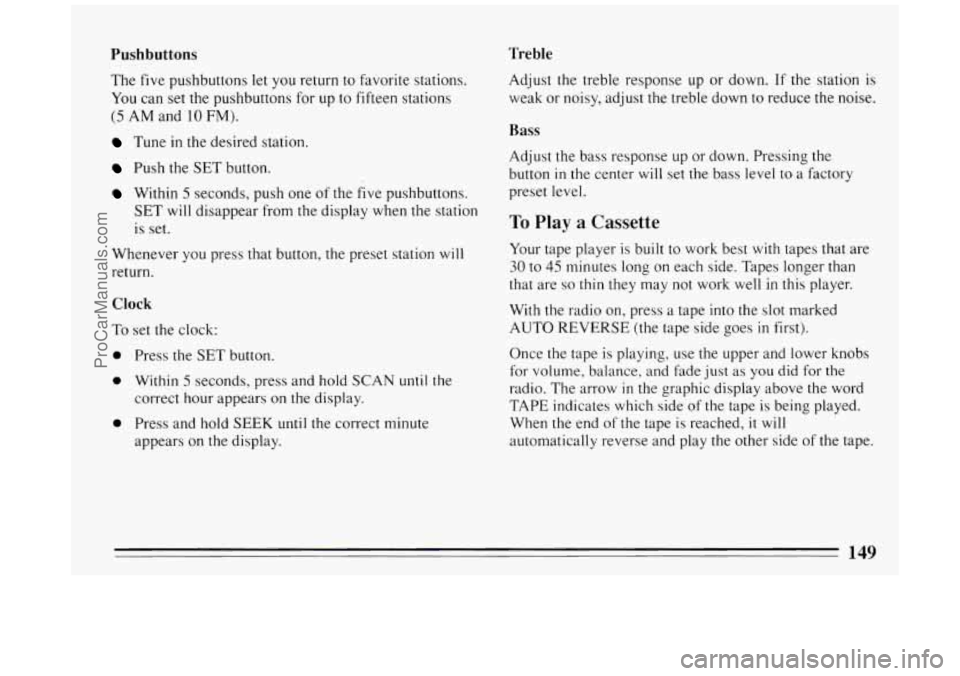
Pushbuttons Treble
The five pushbuttons let you return to favorite stations.
You can set the pushbuttons for up to fifteen stations
(5 AM and 10 FM).
Tune in the desired station.
Push the SET button.
Within 5 seconds, push one of the five pushbuttons.
SET will disappear from the display when the station
is set.
Whenever you press that button, the preset station
will
return.
Clock
To set the clock:
0 Press the SET button.
0 Within 5 seconds, press and hold SCAN until the
correct hour appears on the display.
appears on the display.
0 Press and hold SEEK until the correct minute Adjust the treble response
up or down.
If the station is
weak or noisy, adjust the treble down to reduce the noise.
Bass
Adjust the bass response up or down. Pressing the
button
in the center will set the bass level to a factory
preset level.
To Play a Cassette
Your tape player is built to work best with tapes that are
30 to 45 minutes long on each side. Tapes longer than
that are
so thin they may not work well in this player.
With the radio
on, press a tape into the slot marked
AUTO REVERSE (the tape side goes in first).
Once the tape is playing, use the upper and lower knobs
for volume, balance, and fade just as
you did for the
radio. The arrow
in the graphic display above the word
TAPE indicates which side of the tape is being played.
When the end
of the tape is reached, it will
automatically reverse and play the other side of the tape.
149
ProCarManuals.com
Page 154 of 324
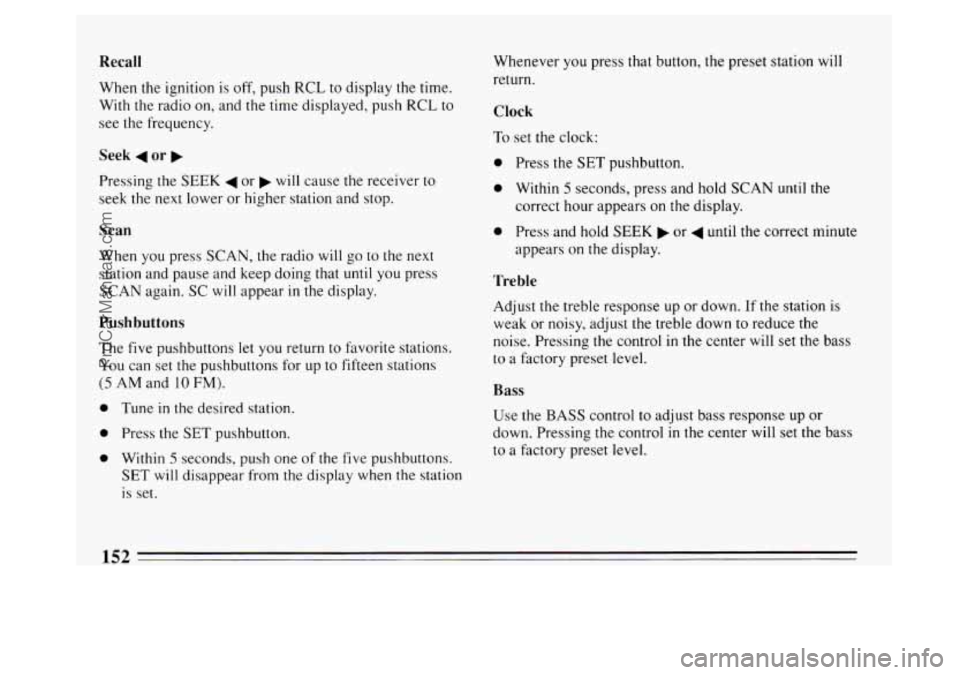
Recall
When the ignition is off, push RCL to display the time.
With the radio on, and the time displayed, push
RCL to
see the frequency.
Seek 4 or b
Pressing the SEEK 4 or b will cause the receiver to
seek the next lower or higher station and stop.
Scan
When you press SCAN, the radio will go to the next
station and pause and keep doing that
until you press
SCAN again. SC will appear in the display.
Pushbuttons
The five pushbuttons let you return to favorite stations.
You can set the pushbuttons for up to fifteen stations
(5 AM and 10 FM).
0 Tune in the desired station.
0 Press the SET pushbutton.
0 Within 5 seconds, push one of the five pushbuttons.
SET will disappear from the display when the station
is set. Whenever
you press that button, the preset station
will
return.
Clock
To set the clock:
0 Press the SET pushbutton.
0 Within 5 seconds, press and hold SCAN until the
correct hour appears
on the display.
0 Press and hold SEEK or 4 until the correct minute
appears on the display.
Treble
Adjust the treble response up or down. If the station is
weak or
noisy, adjust the treble down to reduce the
noise. Pressing the control in the center
will set the bass
to a factory preset level.
Bass
Use the BASS control to adjust bass response up or
down. Pressing the control
in the center will set the bass
to a factory preset level.
152
ProCarManuals.com
Page 157 of 324
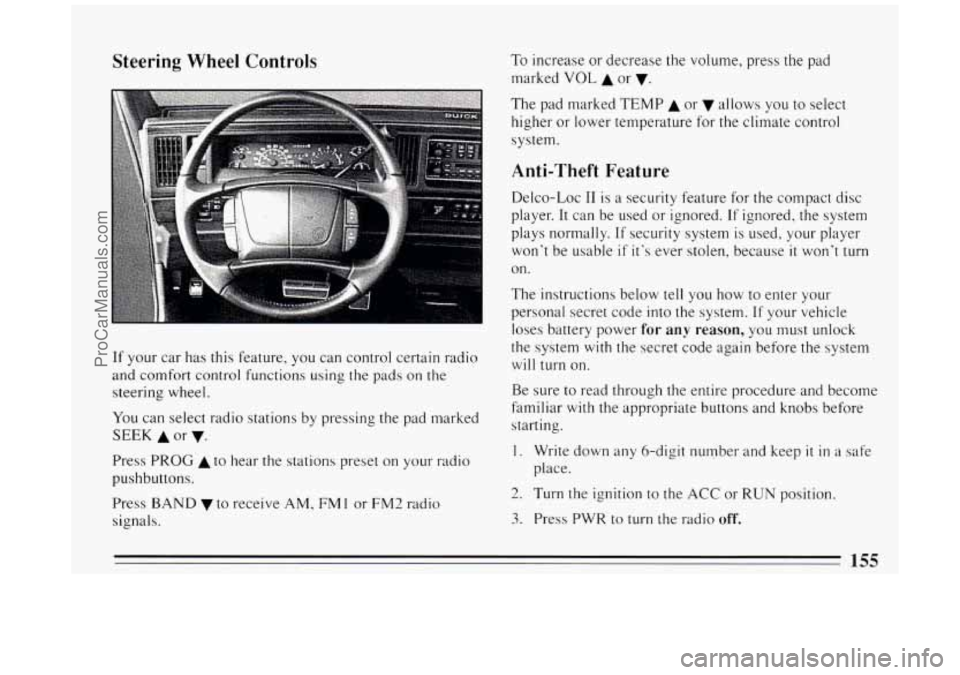
Steering Wheel Controls
t‘
If your car has this feature, you can control certain radio
and comfort control functions using the pads on the
steering wheel.
You can select radio stations by pressing the pad marked
SEEK A or v.
Press PROG A to hear the stations preset on your radio
pushbuttons.
Press
BAND v to receive AM, FM 1 or FM2 radio
signals. To
increase or decrease the volume, press the pad
marked
VOL A or v.
The pad marked TEMP A or allows you to select
higher or lower temperature for the climate control
system.
Anti-Theft Feature
Delco-Loc I1 is a security feature for the compact disc
player. It can be used or ignored. If ignored, the system
plays normally. If security system
is used, your player
won’t be usable
if it’s ever stolen, because it won’t turn
on.
The instructions below tell you how to enter your
personal secret code into the system. If your vehicle
loses battery power
for any reason, you must unlock
the system
with the secret code again before the system
will turn on.
Be sure to read through the entire procedure and become
familiar
with the appropriate buttons and knobs before
starting.
1. Write down any &digit number and keep it in a safe
place.
2. Turn the ignition to the ACC or RUN position.
3. Press PWR to turn the radio off.
155
ProCarManuals.com
Page 158 of 324
4. Press preset 1 and 4 buttons together. Hold them
until
“---” shows on the display (at least 5 seconds).
You are now ready to enter your secret code. If you
pause more than
15 seconds between steps you may
have to start over.
5. Press SET and “000” will appear on the display.
6. Press SEEK and hold it until the first digit of your
code appears.
two numbers agree with your code.
7. Rotate the TUNE knob right or left to make the next
8. Press the BAND knob and “OOO” will appear. Now
you are ready to enter the second three digits of the
code according to steps
6 and 7.
9. Press the BAND knob. The display will show “rEP”
for
5 seconds, and then“000” will appear indicating
that some steps are to be repeated for verification.
10. Repeat steps 6, 7, and 8.
11. Press the BAND knob. If the display shows “SEC”,
the verification process was successful and the system is
SECURE. If the display shows “---”, the
verification steps were not successful and the entire
sequence must be started again.
To Unlock The System After a Power Loss
When battery power is reapplied to a secured radio, the
radio won’t turn on and “LOC” will appear in the
display.
Enter your secret code
as follows. Pause no more than
15 seconds between steps.
0 Turn the ignition ON (radio off.)
0 Press the SET button. The display will show “000”.
0 Enter the six digits of the code following steps 6 thru
9 on the preceding page. The display will show the
number as entered.
Press the BAND knob and the time appears --
indicating that the disabling sequence was
successful. If the display indicates “SEC”,
the
number did not match and the unit is still secured.
156
ProCarManuals.com
Page 159 of 324
Disabling The Theft System
Press preset buttons 1 and 4, for 5 seconds with the
ignition “On” and radio power “Off’. The display
will show “SEC”, indicating the unit is in the secure
mode.
Press the SET button. The display will show “000”.
Enter the first three digits of the code following step
6 and 7 of the preceding directions. The display will
show the numbers as entered.
Press the BAND knob. The radio will display “000”.
Enter the second three digits of the code. The display
Press the BAND knob. If the display shows “---” ,
will show the numbers as entered.
the disabling sequence was successful. (The numbers
matched the user-selected code
or the factory
back-up code) and the
unit is in the UNSECURED
mode. If the display shows “SEC”, the disabling
sequence was unsuccessful and the numbers did not
match either
of the codes and the unit will remain in
the SECURED mode.
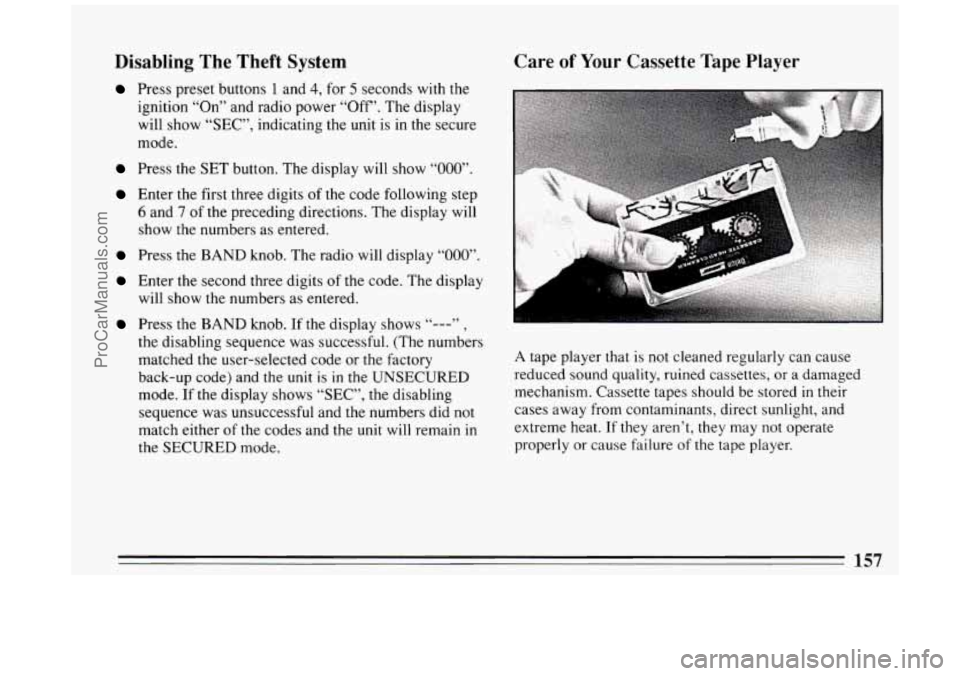
Care of Your Cassette Tape Player
A tape player that is not cleaned regularly can cause
reduced sound quality, ruined cassettes, or a damaged
mechanism. Cassette tapes should be stored
in their
cases away from contaminants, direct sunlight, and
extreme heat.
If they aren’t, they may not operate
properly or cause failure
of the tape player.
157
ProCarManuals.com