warning BUICK PARK AVENUE 1996 User Guide
[x] Cancel search | Manufacturer: BUICK, Model Year: 1996, Model line: PARK AVENUE, Model: BUICK PARK AVENUE 1996Pages: 388, PDF Size: 20.04 MB
Page 125 of 388
Warning Lights, Gages and Indicators
This part describes the warning lights and gages that may
be on your vehicle. The pictures will help you locate them.
Warning lights and gages can signal that something is
wrong before it becomes serious enough to cause an
expensive repair or replacement. Paying attention to your warning lights and gages could also save you or
others from injury.
Warning lights come
on when there may be or is a
problem with one of your vehicle’s functions.
As you will
see
in the details on the next few pages, some warning
lights come on briefly when you start the engine just to let
you know they’re working. If you are familiar with this
section, you should not be alarmed when this happens.
Gages can indicate when there may be or is a problem
with one
of your vehicle’s functions. Often gages and
warning lights work together to let
you know when
there’s a problem with your vehicle.
When one
of the warning lights comes on and stays on
when you are driving, or when one of the gages shows
there may be a problem, check the section that tells you
what to do about
it. Please follow this manual’s advice.
Waiting to do repairs can be costly
-- and even
dangerous.
So please get to know your warning lights
and gages. They’re a big help.
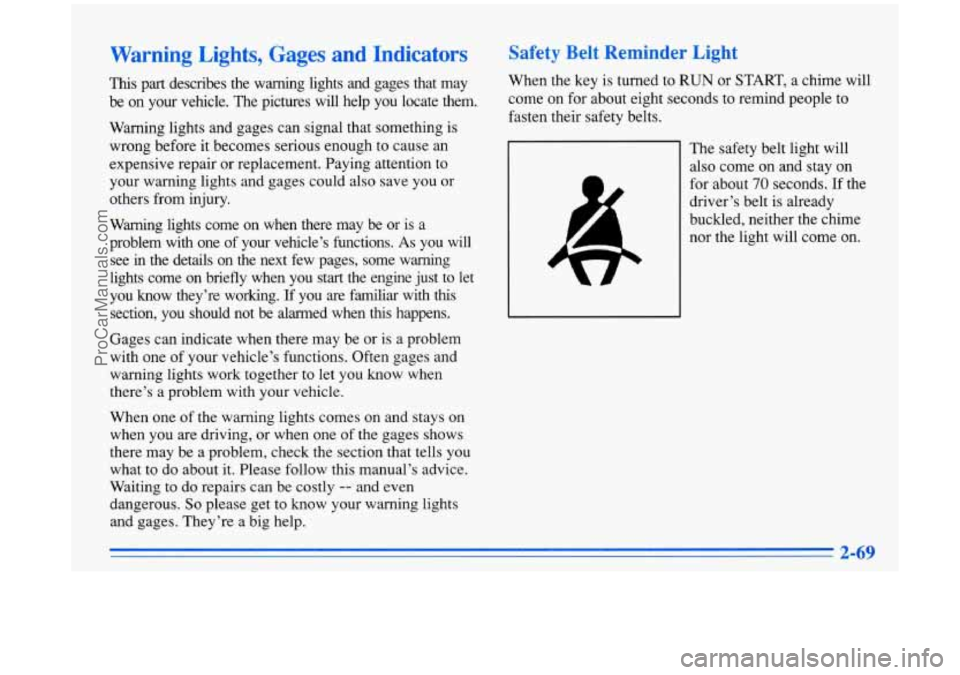
Safety Belt Reminder Light
When the key is turned to RUN or START, a chime will
come on for about eight seconds to remind people to
fasten their safety belts.
The safety belt light will
also come on and stay on
for about
70 seconds. If the
driver’s belt is already
buckled, neither the chime
nor the light will come on.
ProCarManuals.com
Page 126 of 388
Air Bag Readiness Light
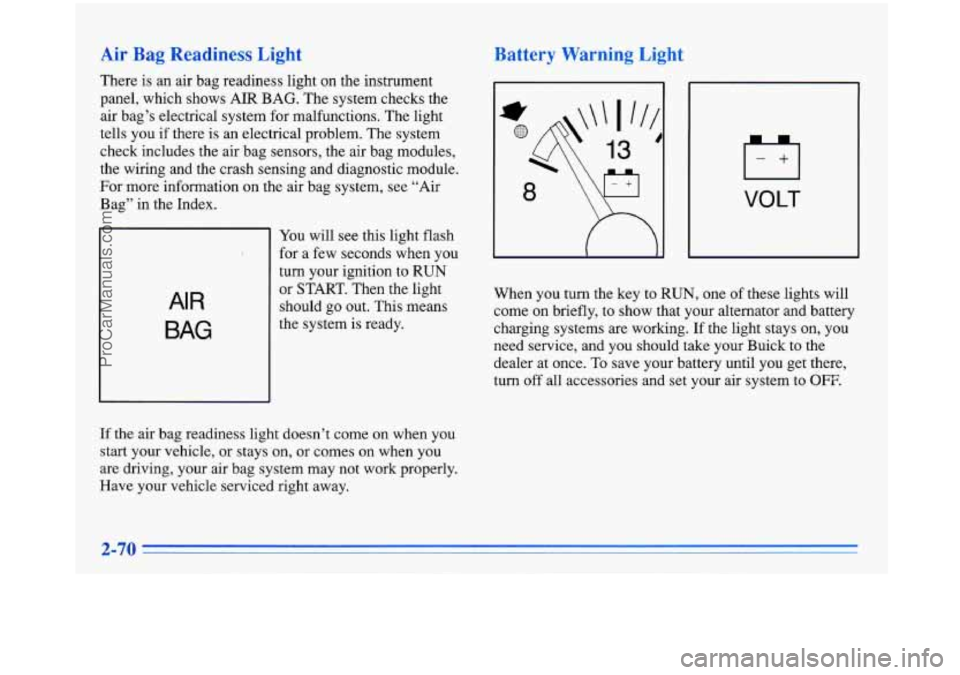
There is an air bag readiness light on the instrument
panel, which shows AIR BAG. The system checks the
air bag’s electrical system for malfunctions. The light
tells you
if there is an electrical problem. The system
check includes the air bag sensors, the air bag modules,
the wiring and the crash sensing and diagnostic module.
For more information on the air bag system, see “Air
Bag” in the Index.
AI R
BAG
You will see this light flash
for a few seconds when you
turn your ignition to
RUN
or START. Then the light
should go out. This means
the system is ready.
If the air bag readiness light doesn’t come on when you
start your vehicle, or stays on, or comes on when
you
are driving, your air bag system may not work properly.
Have your vehicle serviced right away.
Battery Warning Light
VOLT
When you turn the key to RUN, one of these lights will
come on briefly, to show that your alternator and battery
charging systems
are working. If the light stays on, you
need service, and you should take your Buick
to the
dealer at once.
To save your battery until you get there,
turn
off all accessories and set your air system to OFF.
ProCarManuals.com
Page 127 of 388
Voltage Indicator (Option)
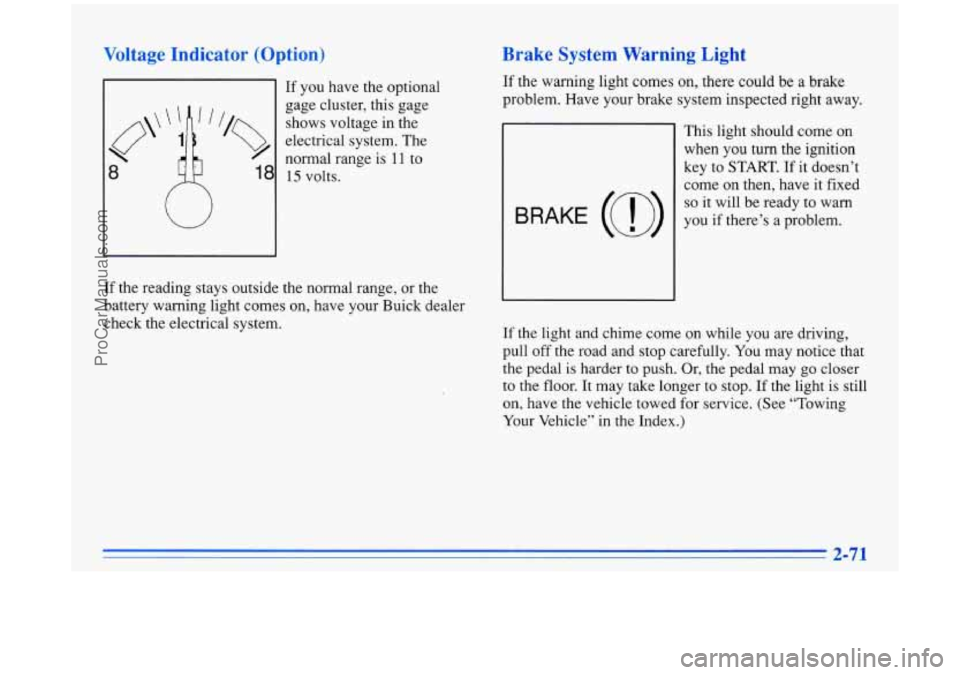
If you have the optional
gage cluster, this gage
shows voltage in the
electrical system. The
8
normal range is I 1 to
18 15 volts.
W
If the reading stays outside the normal range, or the
battery warning light comes on, have your Buick dealer
check the electrical system.
Brake System Warning Light
If the warning light comes on, there could be a brake
problem. Have your brake system inspected right away.
This light should come
on
when you turn the ignition
key to
START. If it doesn’t
come on then, have it fixed
so it will be ready to warn
you if there’s a problem.
If the light and chime come on while you are driving,
pull off the road and stop carefully. You may notice that
the pedal is harder to push. Or, the pedal may go closer
to the floor. It may take longer
to stop. If the light is still
on, have the vehicle towed for service. (See “Towing
Your Vehicle” in the Index.)
2-71
ProCarManuals.com
Page 128 of 388
Anti-Lock Brake System Warning Light
Your brake system may not be working properly
if the brake system warning light
is on. Driving
with the brake system warning light on can lead to an accident.
If the light is still on after you’ve
pulled
off the road and stopped carefully, have
the vehicle towed for service.
When the ignition is on, the brake system warning
light will also come on when you set your parking
brake.
The light will stay on if your parking brake
Soesn’t release fully.
If you try to drive off with the
?arking brake set, a chime will also come on until you
release the parking brake. If the light and chime stay on
after your parking brake is fully released, it means you
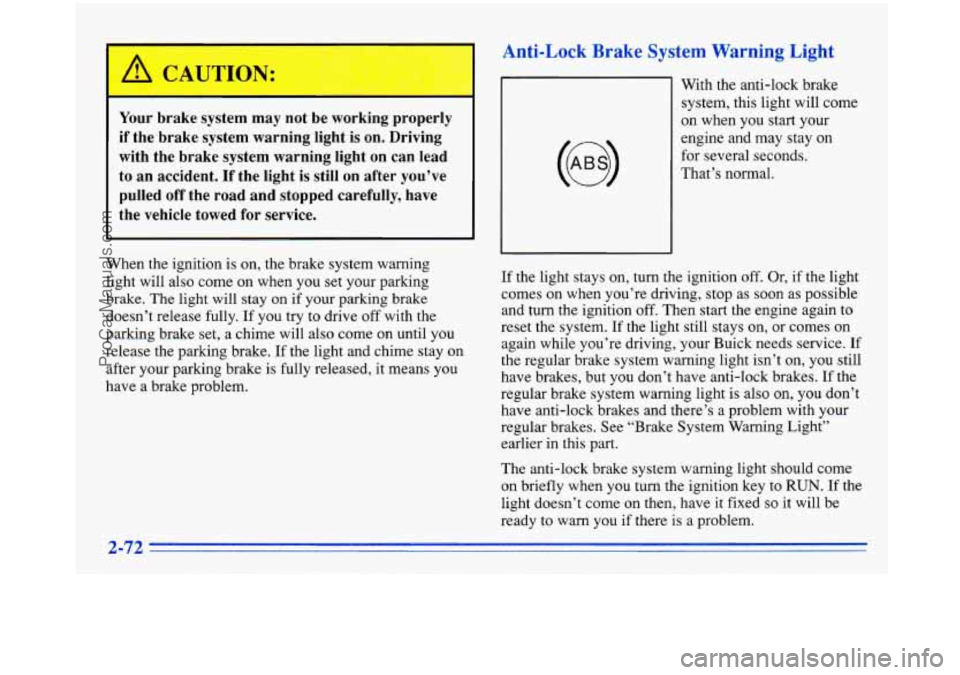
nave a brake problem. With the anti-lock brake
system, this light will come
on when you start your
engine and may stay on
for several seconds.
That’s normal.
If the light stays on, turn the ignition
off. Or, if the light
comes on when you’re driving, stop as soon as possible
and turn the ignition
off. Then start the engine again to
reset the system. If the light still stays on, or comes on
again while you’re driving, your Buick needs service. If
the regular brake system warning light isn’t
on, you still
have brakes, but you don’t have anti-lock brakes. If the
regular brake system warning light
is also on, you don’t
have anti-lock brakes and there’s a problem with your
regular brakes. See “Brake System Warning Light”
earlier in this
part.
The anti-lock brake system warning light should come
on briefly when you turn the ignition key to
RUN. If the
light doesn’t come on then, have it fixed
so it will be
ready to warn you if there is a problem.
2-72
ProCarManuals.com
Page 129 of 388
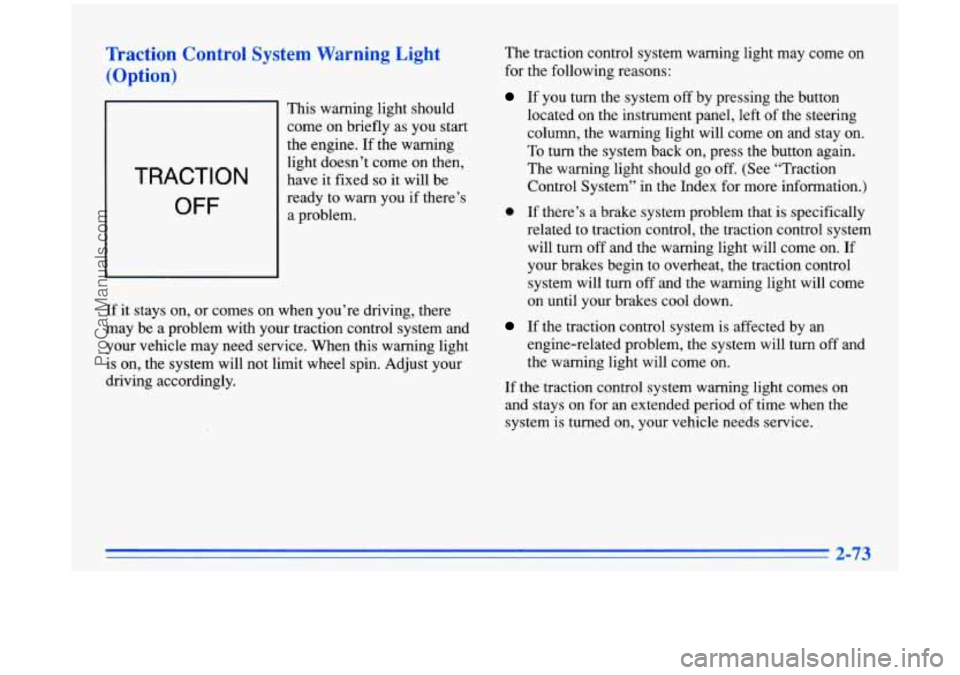
Traction Control System Warning Light
(Option)
TRACTION
OFF
This warning light should
come on briefly as you start
the engine. If the warning
light doesn’t come on then,
have
it fixed so it will be
ready to warn you if there’s
a problem.
If it stays on, or comes on when you’re driving, there
may be a problem with your traction control system and
your vehicle may need service. When this warning light
is on, the system will not limit wheel
spin. Adjust your
driving accordingly. The
traction control system warning light may come on
for the following reasons:
If you turn the system off by pressing the button
located on the instrument panel, left of the steering
column, the warning light will come on and stay on.
To turn the system back on, press the button again.
The warning light should go off. (See “Traction
Control System” in the Index for more information.)
0 If there’s a brake system problem that is specifically
related to traction control, the traction control system will turn off and the warning light will come on. If
your brakes begin to overheat, the traction control
system will turn off and the warning light will come
on until your brakes cool down.
If the traction control system is affected by an
engine-related problem, the system will turn
off and
the warning light will come on.
If the traction control system warning light comes on
and stays on for an extended period of time when the
system is turned on, your vehicle needs service.
2-73
ProCarManuals.com
Page 130 of 388
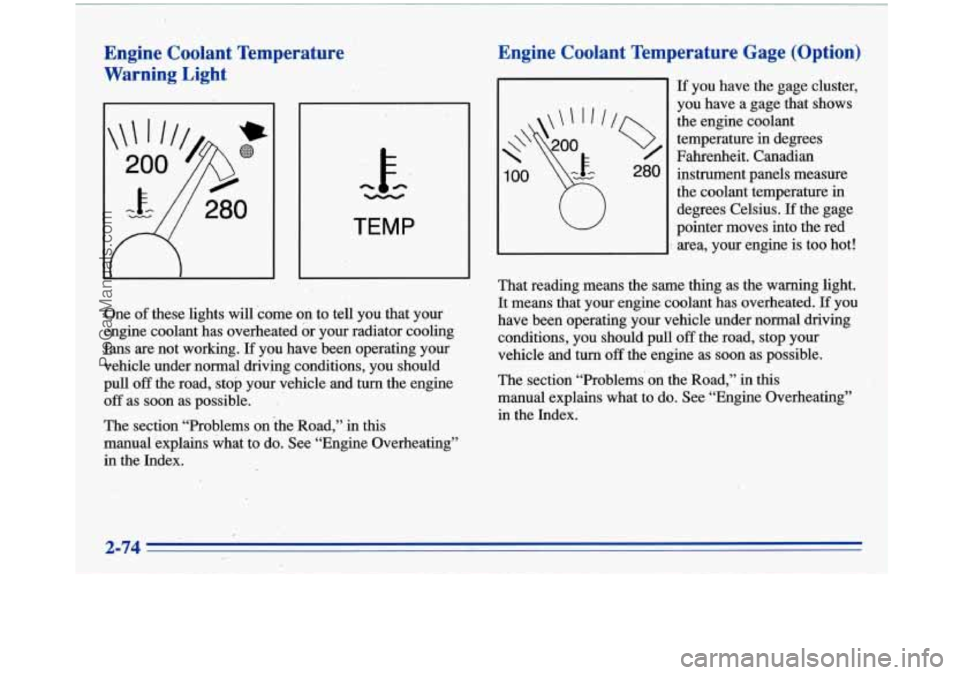
Engine Coolant Temperature
Warning Light
h -
TEMP
One of these lights will come on to tell you that your
engine coolant has overheated or your radiator cooling
fans are not working.
If you have been operating your
,vehicle under normal driving conditions, you should
pull
off the road, stop your vehicle and turn the engine
off as soon as possible. I
The section “Problems on the Road,” in this
manual explains what to
do. See “Engine Overheating”
in the Index.
Engine Coolant Temperature Gage (Option)
If’ you have the gage cluster,
you have a gage that shows
the engine coolant
temperature
in degrees
Fahrenheit. Canadian
instrument panels measure
the coolant temperature in
degrees Celsius.
-If the gage
pointer moves into the red
area, your engine is too hot!
That reading means ,the same thing as the warning light.
It means that your engine coolant has overheated. If you
have been operating.your vehicle under normal driving
conditions, you should pull
off the road, stop your
vehicle and turn
off the engine as soon as possible.
The section “Problems’ on the Road,” in
this
manual explains what to do. See “Engine Overheating”
in the Index.
2-74
ProCarManuals.com
Page 131 of 388
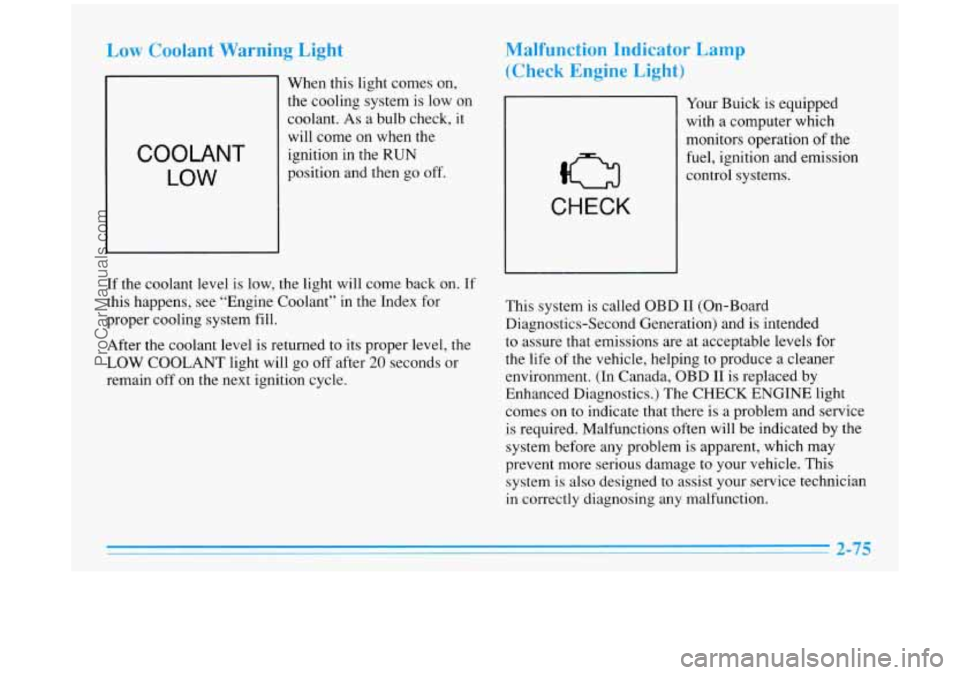
Low Coolant Warning Light
COOLANT
LOW
When this light comes on,
the cooling system is
low on
coolant. As a bulb check, it
will come on when the
ignition in the
RUN
position and then go off.
Malfunction Indicator Lamp
(Check Engine Light)
CHECK
Your Buick is equipped
with a computer which
monitors operation
of the
fuel, ignition and emission
control systems.
If the coolant level is low, the light will come back on. If
this happens, see “Engine Coolant” in the Index for
proper cooling system fill.
After the coolant level
is returned to its proper level, the
LOW COOLANT light will go off after
20 seconds or
remain
off on the next ignition cycle. This system
is called OBD I1 (On-Board
Diagnostics-Second Generation) and is intended
to assure that emissions are at acceptable levels for
the life of the vehicle, helping to produce a cleaner
environment. (In Canada, OBD I1 is replaced by
Enhanced Diagnostics.) The CHECK ENGINE light
comes on to indicate that there is a problem and service
is required. Malfunctions often will be indicated by the
system before any problem is apparent, which may
prevent more serious damage to your vehicle. This
system is also designed to assist your service technician
in correctly diagnosing any malfunction.
2-75
ProCarManuals.com
Page 180 of 388
Avoid needless heavy braking. Some people drive in
spurts
-- heavy acceleration followed by heavy
braking
-- rather than keeping pace with traffic. This is a
mistake. Your brakes may not have time to cool between
hard stops. Your brakes will wear
out much faster if you
do a
lot of heavy braking. If you keep pace with the
traffic and allow realistic following distances, you will
eliminate a lot of unnecessary braking. That means
better braking and longer brake life.
If your engine ever stops while you’re driving, brake
normally but don’t pump your brakes.
If you do, the
pedal may get harder to push down.
If your engine
stops, you will still have some power brake assist. But
you will use
it when you brake. Once the power assist is
used up, it may take longer to stop and the brake pedal
will be harder to push. Your vehicle has anti-lock brakes
(ABS). ABS is
an
advanced electronic braking system that will help
prevent a braking skid.
When you start’your engine, or when you begin to drive
away, your anti-lock brake system will check itself.
You
may hear a momentary motor or clicking noise while
this test is going on, and you may even notice that your
brake pedal moves a little. This is normal.
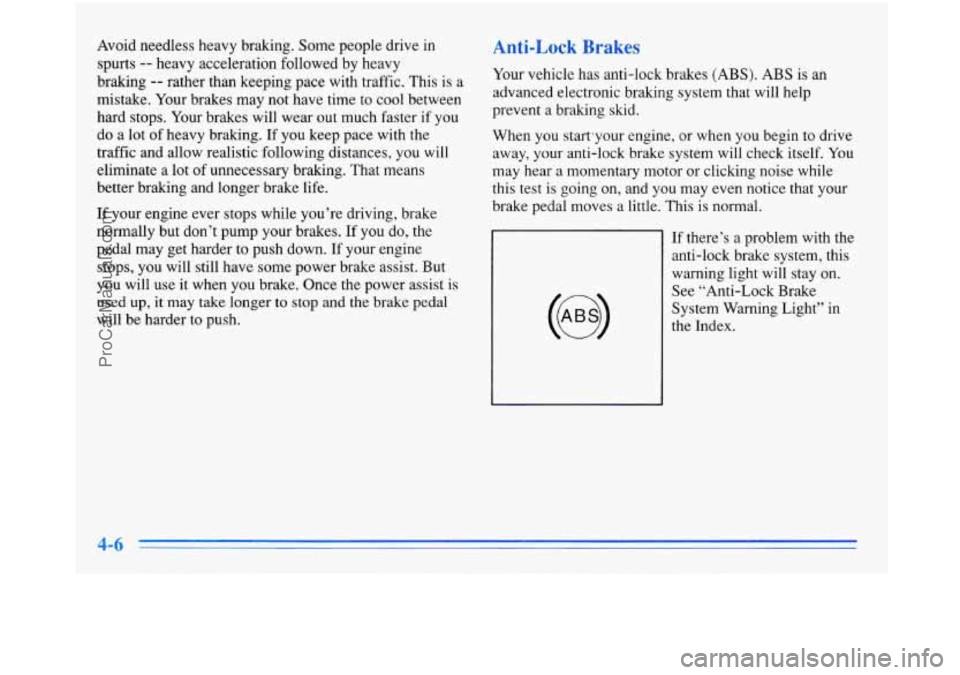
If there’s a problem with the anti-lock brake system, this
warning light will stay
on.
See “Anti-Lock Brake
System Warning Light” in
the Index.
ProCarManuals.com
Page 182 of 388
Remember: Anti-lock doesn’t change the time you need
to get your foot up to the brake pedal or always decrease
stopping distance. If
you get too close to the vehicle in
front of you, you won’t have time to apply your brakes
if that vehicle suddenly slows or stops. Always leave
enough room up ahead to stop, even though you have
anti-lock brakes.
Using Anti-Lock
Don’t pump the brakes. Just hold the brake pedal down and let anti-lock work for you. You may feel the system
working, or you may notice some noise, but this is normal.
Traction Control System (Option)
Your vehicle may have a traction control system that
limits wheel spin. This is especially useful in slippery
road conditions. The system operates only if it senses
that one or both of the front wheels are spinning or
beginning to lose traction. When this happens, the
system works the front brakes and reduces engine power
to
limit wheel spin.
You may feel or hear the system working, but this
is normal.
If your vehicle is in cruise control when the traction
control system begins to limit wheel spin,
the cruise
control will automatically disengage. When road conditions allow
you to safely use it again, you may
re-engage the cruise control. (See “Cruise Control” in
the Index.)
TRACTION
OFF
When the system is on, this
warning light will come on
to let you know if there’s a
problem with your traction
control system.
See “Traction Control System Warning Light” in the
Index. When this warning light
is on, the system will not
limit wheel spin. Adjust your driving accordingly.
The traction control system automatically comes on
whenever you start your vehicle.
To limit wheel spin,
especially in slippery road conditions, you should always leave the system on. But you can turn the
traction control system off
if you ever need to. (You
should turn the system
off if your vehicle ever gets stuck
in sand, mud, ice or snow. See “Rocking Your Vehicle”
in the Index.)
ProCarManuals.com
Page 183 of 388
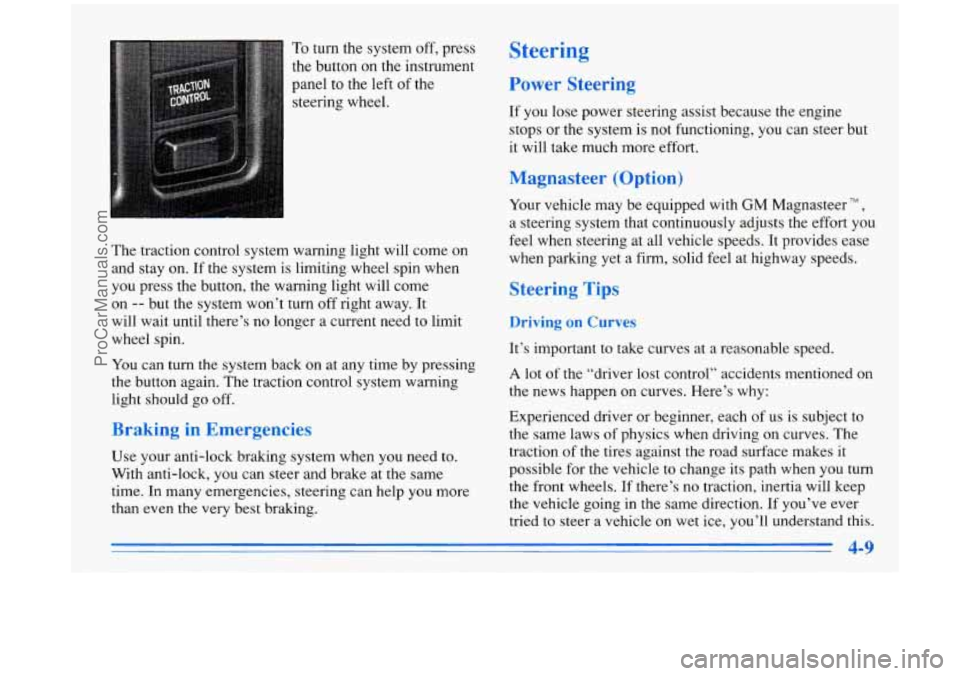
To turn the system off, press
the button on the instrument
panel to the left of the
steering wheel.
The traction control system warning light will come
on
and stay on. If the system is limiting wheel spin when
you press the button, the warning light will come
on
-- but the system won’t turn off right away. It
will wait until there’s no longer a current need to limit
wheel spin.
You can turn the system back on at any time by pressing
the button again. The traction control system warning
light should go off.
Braking in Emergencies
Use your anti-lock braking system when you need to.
With anti-lock,
you can steer and brake at the same
time. In many emergencies, steering can help you more
than even
the very best braking.
Steering
Power Steering
If you lose power steering assist because the engine
stops or the system is not functioning, you can steer but
it will take much more effort.
Magnasteer (Option)
Your vehicle may be equipped with GM Magnasteer TM ,
a steering system that continuously adjusts the effort you
feel when steering at all vehicle speeds. It provides ease
when parking yet a firm, solid feel at highway speeds.
Steering Tips
Driving on Curves
It’s important to take curves at a reasonable speed.
A lot of the “driver lost control” accidents mentioned on
the news happen on curves. Here’s why:
Experienced driver or beginner, each of
us is subject to
the same laws of physics when driving on curves. The
traction of the tires against the road surface makes it
possible for the vehicle to change its path when
you turn
the front wheels.
If there’s no traction, inertia will keep
the vehicle going in the same direction. If you’ve ever
tried to steer a vehicle on wet ice, you’ll understand
this.
4-9
-
ProCarManuals.com