ECO mode BUICK PARK AVENUE 1996 Owners Manual
[x] Cancel search | Manufacturer: BUICK, Model Year: 1996, Model line: PARK AVENUE, Model: BUICK PARK AVENUE 1996Pages: 388, PDF Size: 20.04 MB
Page 66 of 388
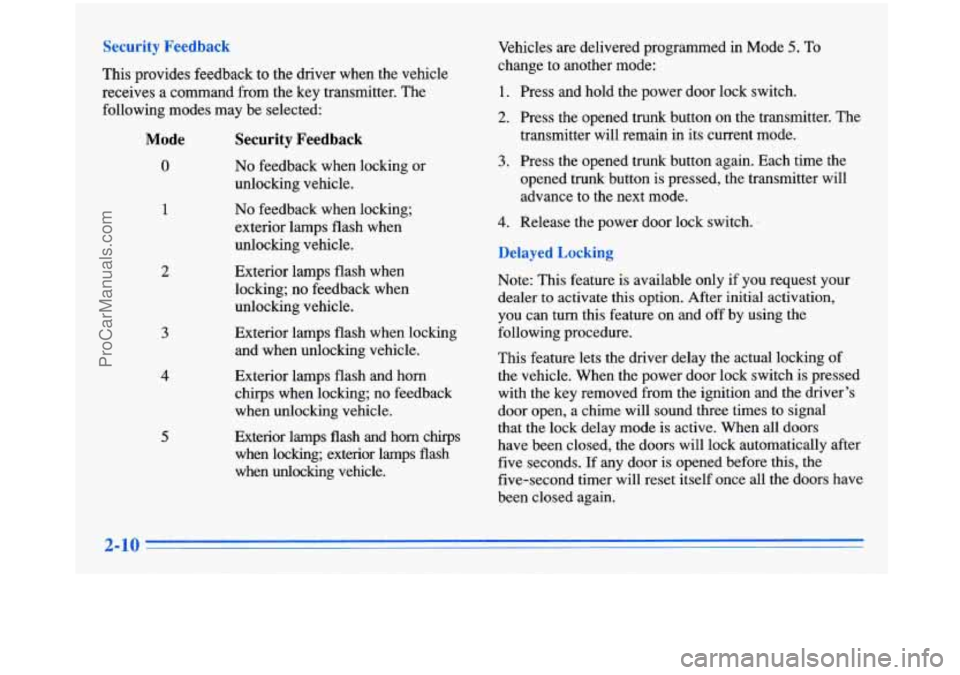
Security Feedback
This provides feedback to the driver when the vehicle
receives
a command from the key transmitter. The
following modes may be selected:
Mode
0
1
2
3
4
5
Security Feedback
No feedback when locking or
unlocking vehicle.
No feedback when locking;
exterior lamps flash when
unlocking vehicle.
Exterior lamps flash when
locking; no feedback when
unlocking vehicle.
Exterior lamps flash when locking
and when unlocking vehicle.
Exterior lamps flash and horn
chirps when locking; no feedback
when unlocking vehicle.
Exterior lamps
flash and horn chlrps
when locking; exterior lamps flash
when
unlocking vehicle. Vehicles
are delivered programmed in Mode
5. To
change to another mode:
1. Press and hold the power door lock switch.
2. Press the opened trunk button on the transmitter. The
transmitter will remain in its current mode.
3. Press the opened trunk button again. Each time the
opened trunk button is pressed, the transmitter will
advance to the next mode.
4. Release the power door lock switch.
Delayed Locking
Note: This feature is available only if you request your
dealer to activate this option. After initial activation,
you can turn this feature on and off by using the
following procedure.
This feature lets the driver delay the actual locking of
the vehicle. When the power door lock switch is pressed
with the key removed from the ignition and the driver’s
door open, a chime will sound three times to signal
that the lock delay mode is active. When all doors
have been closed, the doors will lock automatically after
five seconds. If any door is opened before this, the
five-second timer will reset itself once all the doors have
been closed again.
ProCarManuals.com
Page 107 of 388
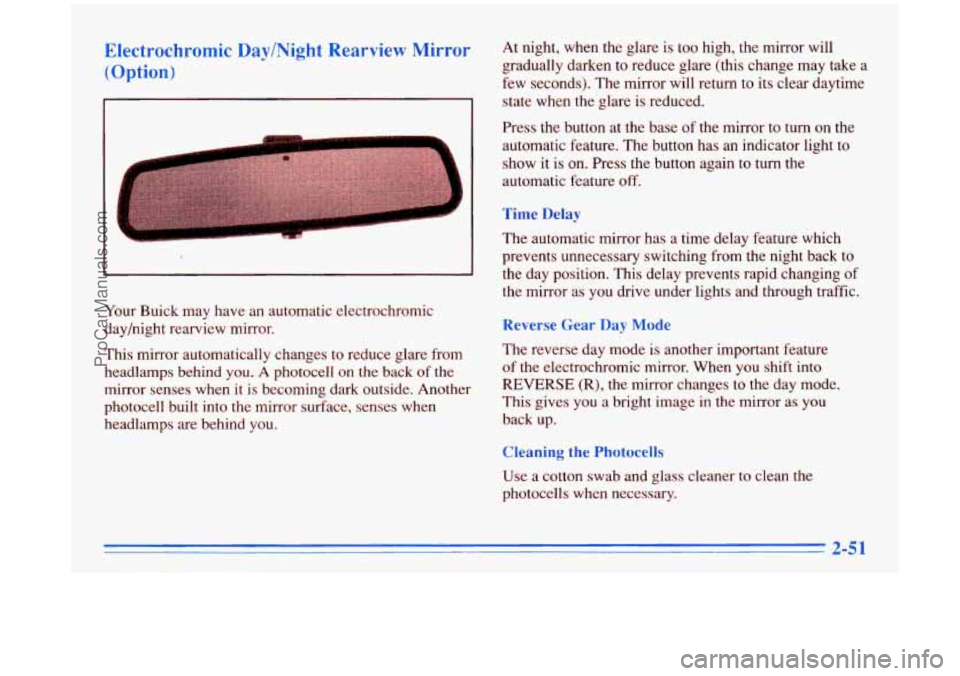
Electrochromic Day/Night Rearview Mirror (Option)
Your Buick may have an automatic electrochromic
day/night rearview mirror.
This mirror automatically changes
to reduce glare from
headlamps behind
you. A photocell on the back of the
mirror senses when it is becoming dark outside. Another
photocell built into the mirror surface, senses when
headlamps are behind you. At
night, when the glare is too high, the mirror will
gradually darken to reduce glare (this change may take a
few seconds). The mirror will return to its clear daytime
state when the glare is reduced.
Press the button at the base of
the mirror to turn on the
automatic feature. The button has an indicator light to
show it is on. Press the button again
to turn the
automatic feature
off.
Time Delay
The automatic mirror has a time delay feature which
prevents unnecessary switching from the night back to
the day position. This delay prevents rapid changing of
the mirror as you drive under lights and through traffic.
Reverse Gear Day Mode
The reverse day mode is another important feature
of the electrochromic mirror. When you shift into
REVERSE (R), the mirror changes to the day mode.
This gives you a bright image
in the mirror as you
back up.
Cleaning the Photocells
Use a cotton swab and glass cleaner to clean the
photocells when necessary.
ProCarManuals.com
Page 108 of 388
Electrochromic Day/Night Rearview Mirror with
Compass (Option)
At night, when the glare is too high, the mirror will
gradually darken to reduce glare (this change may take a
few seconds). The mirror will return to its clear daytime
state when the glare is reduced.
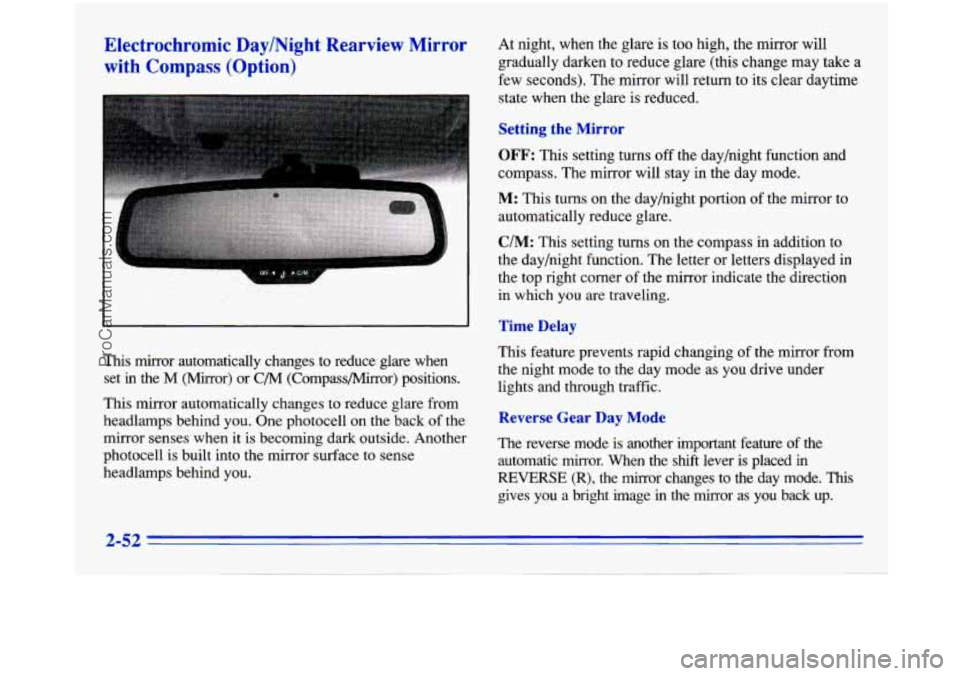
Setting the Mirror
OFF: This setting turns off the day/night function and
compass. The mirror will stay in the day mode.
M: This turns on the day/night portion of the mirror to
automatically reduce glare.
C/M: This setting turns on the compass in addition to
the day/night function. The letter or letters displayed in
the top right corner
of the mirror indicate the direction
in which you are traveling.
Time Delay
This mirror automatically changes to reduce glare when
set
in the M (Mirror) or C/M (Compass/Mirror) positions.
This mirror automatically changes to reduce glare from
headlamps behind you. One photocell on the back
of the
mirror senses when it
is becoming dark outside. Another
photocell
is built into the mirror surface to sense
headlamps behind you. This feature
prevents rapid changing
of the mirror from
the night mode to the day mode as you drive under
lights and through traffic.
Reverse Gear Day Mode
The reverse mode is another important feature of the
automatic mirror. When the shift lever is placed in
REVERSE (R), the mirror changes to the day mode. This
gives you a bright image in the mirror as you back up.
ProCarManuals.com
Page 144 of 388
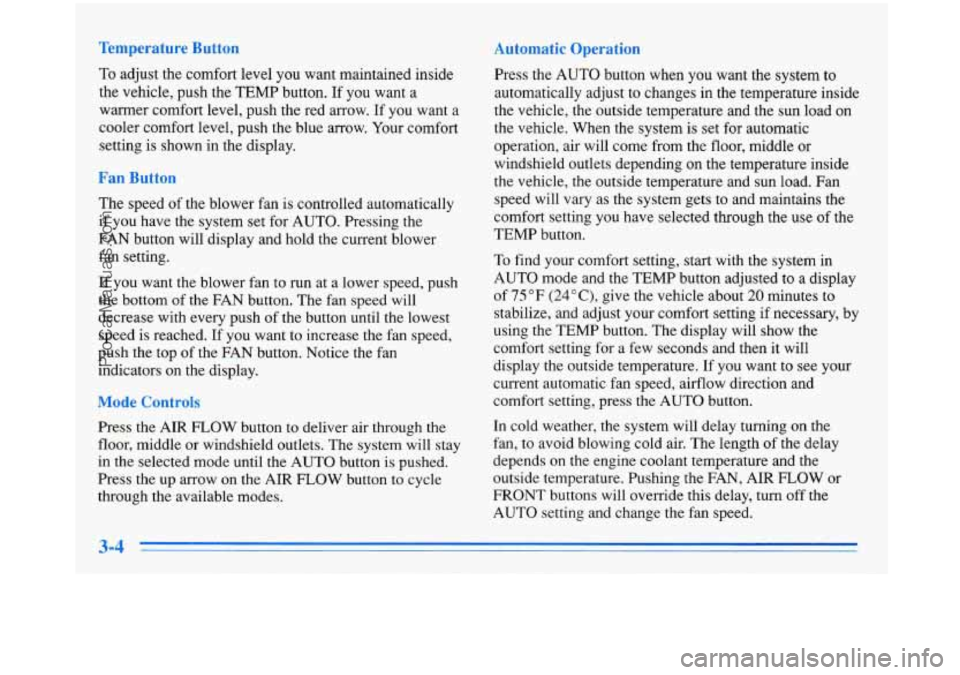
Temperature Button
To adjust the comfort level you want maintained inside
the vehicle, push the TEMP button. If you want a
warrner comfort level, push the red arrow. If
you want a
cooler comfort level, push the blue arrow. Your comfort
setting is shown in the display.
Fan Button
The speed of the blower fan is controlled automatically
if you have the system set for AUTO. Pressing the
FAN button will display and hold the current blower fan setting.
If you want the blower fan to run at a lower speed, push
the bottom
of the FAN button. The fan speed will
decrease with every push
of the button until the lowest
speed is reached. If you want to increase the fan speed,
push the top of the FAN button. Notice the fan
indicators on the display.
Mode Controls
Press the AIR FLOW button to deliver air through the
floor, middle or windshield outlets. The system will stay
in the selected mode until the AUTO button is pushed.
Press the up arrow on the AIR FLOW button to cycle
through the available modes.
Automatic Operation
Press the AUTO button when you want the system to
automatically adjust to changes in the temperature inside
the vehicle, the outside temperature and the sun load on
the vehicle. When the system is set for automatic
operation, air will come from the floor, middle or
windshield outlets depending on the temperature inside
the vehicle, the outside temperature and sun load. Fan
speed will vary as the system gets to and maintains the
comfort setting
you have selected through the use of the
TEMP button.
To find your comfort setting, start with the system in
AUTO mode and the TEMP button adjusted to a display
of 75°F
(24"C), give the vehicle about 20 minutes to
stabilize, and adjust your comfort setting if necessary, by
using the TEMP button. The display will show the
comfort setting for
a few seconds and then it will
display the outside temperature.
If you want to see your
current automatic fan speed, airflow direction and
comfort setting, press the AUTO button.
In cold weather, the system will delay turning on the
fan, to avoid blowing cold air. The length of the delay
depends on the engine coolant temperature and the
outside temperature. Pushing the FAN, AIR FLOW or
FRONT buttons will override this delay, turn off the
AUTO setting and change the fan speed.
3-4
ProCarManuals.com
Page 145 of 388
Manual Operation
You may also manually adjust the air delivery or
fan speed.
AIR FLOW: This button is used to change the direction
of the arflow. The airflow choices available are FLOOR,
FLOOR-MID,
MID and WINDSHIELD-FLOOR. If the
system is set for
AUTO, pressing the AIR FLOW button
will display the current airflow direction and the comfort
setting. Press the
AIR FLOW up or down button again to
change the direction of the airflow.
If the
AIR FLOW up button is selected while in the
FRONT defrost mode, the system will direct the air
toward the WINDSHIELD-FLOOR. If the AIR FLOW
down button is selected while in the FRONT defrost
mode, the system will direct the air toward the FLOOR,
and the FRONT defrost mode will cancel. Notice the
arrows in the display.
OFF: If the passenger comfort control is turned on, it
can be turned
off by pressing the OFF button once.
Pressing the
OFF button a second time will turn off the
main system. Turning off the main system causes the fan
to turn
off and the airflow to be directed to the FLOOR.
The system will still try to keep the interior of the
vehicle at the previous chosen comfort setting. The
outside temperature will show on the display when the
system is
OFF.
The ventilation system always allows fresh air to flow
through your Buick when the vehicle is moving even
with the system in the OFF mode.
VENT The VENT button allows outside air to flow
through your Buick without the air conditioning
compressor working. Selecting VENT and the
AUTO
button at the same time allows the system to control
automatically without the use of the air conditioning
compressor or the use of the RECIRC mode. To
turn off
the VENT selection, push the VENT button again.
RECIRC: When RECIRC is selected, the system will
limit the amount
of outside air entering your vehicle.
This
is helpful when you are trying to cool the interior
of the vehicle quickly or limit the amount of outside air
entering your vehicle for some other reason. RECIRC
and AUTO may be selected at the same time. The
system will remain in RECIRC for
12 minutes or
until the ignition is turned off, then the system will
return back to the previously selected mode. RECIRC
can be selected in all manual airflow modes except
FRONT defrost. RECIRC cannot be selected with
the VENT button.
3-5
ProCarManuals.com
Page 281 of 388
Replacing Brake System Parts
The braking system on a modern vehicle is complex.
Its many parts have to be of top quality and work well
together if the vehicle is to have really good braking.
Vehicles we design and test have top-quality
GM brake
parts in them,
as your Buick does when it is new. When
you replace parts of your braking system
-- for example,
when your brake linings wear down
and you have to
have new ones put in
-- be sure you get new genuine
GM replacement parts. If you don’t, your brakes may
no longer work properly. For example, if someone
puts in brake linings that are wrong for your vehicle,
the balance between your front and rear brakes can
change
-- for the worse. The braking performance
you’ve come to expect can change in many other ways
if someone puts
in the wrong replacement brake parts.
Battery
Every new Buick has a Delco Freedom@ battery. You
never have to add water to one of these. When it’s time
for a new battery, we recommend a Delco Freedom
battery. Get one that has the replacement number shown
on the original battery’s label.
Vehicle Storage
If you’re not going to drive your vehicle for 25 days
or more, take off the black, negative
(-) cable from
the battery. This will help keep your battery from
running down.
Batteries have acid that can burn you and gas
that can explode. You can be badly hurt if you
aren’t careful. See “Jump Starting” in the Index
for tips on working around
a battery without
getting hurt.
Contact your dealer to learn how to prepare your vehicle
for longer storage periods.
Also, for your audio system, see “Theft-Deterrent
Feature” in the Index.
ProCarManuals.com