key BUICK PARK AVENUE 1997 Owner's Guide
[x] Cancel search | Manufacturer: BUICK, Model Year: 1997, Model line: PARK AVENUE, Model: BUICK PARK AVENUE 1997Pages: 420, PDF Size: 21.93 MB
Page 107 of 420
Theater Dimming
This feature allows for a three to five-second fade out of
the courtesy lamps instead
of immediate turn off.
Delayed Exit Lighting
With this feature, the interior lamps will come on for
25 seconds after you remove the key from the ignition.
This will give you time to find the door pull handle or
lock switches.
Illuminated Entry System
When you open either front door or press the UNLOCK
button on the remote keyless entry transmitter, the
lamps inside your vehicle will turn on. These lamps
will turn
off after about 40 seconds. These lamps will
also turn
off if you start the engine or activate the power
door locks.
Perimeter Lighting
When the UNLOCK button on the Remote Keyless
Entry transmitter is pressed, the daytime running lamps
(high-beams at reduced intensity), parking lamps and
back-up lamps will come on if it is dark enough outside
according to the twilight sentinel. This feature
will only be activated when the security
feedback feature is programmed to be in modes
1, 3 or 5
on the transmitter. Modes 0,2 and 4 do not respond with
exterior lights flashing when unlocking the vehicle
so
perimeter lighting will not be active.
This feature can be prograrnmed'on or off for
each transmitter.
To turn the feature
off
1. Press and hold the door lock switch on the door
throughout this procedure. All doors will lock.
2. Press the instant alarm button on the transmitter to
enter the programming mode. Perimeter lighting
remains on at this time and the horn will chirp
two times.
3. Press the instant alarm button on the key transmitter
again. Perimeter lighting is disabled and the horn
will chirp one time.
4. Release the door lock switch. The perimeter lighting
feature is now off.
NOTE: Pressing the UNLOCK button repeatedly may
cause the back-up lamps to turn on.
2-47
ProCarManuals.com
Page 108 of 420
To turn the feature on:
1.
2.
3.
4.
Press and hold the door lock switch on the door
throughout this procedure. All doors will lock.
Press the instant alarm button on the key transmitter
to enter the programming mode. Perimeter lighting
remains
off at this time and the horn will chirp
one time.
Press the instant alarm button on the transmitter
again. Perimeter lighting
is now enabled and the
horn will chirp two times.
Release the door lock switch. The perimeter lighting
feature
is now on.
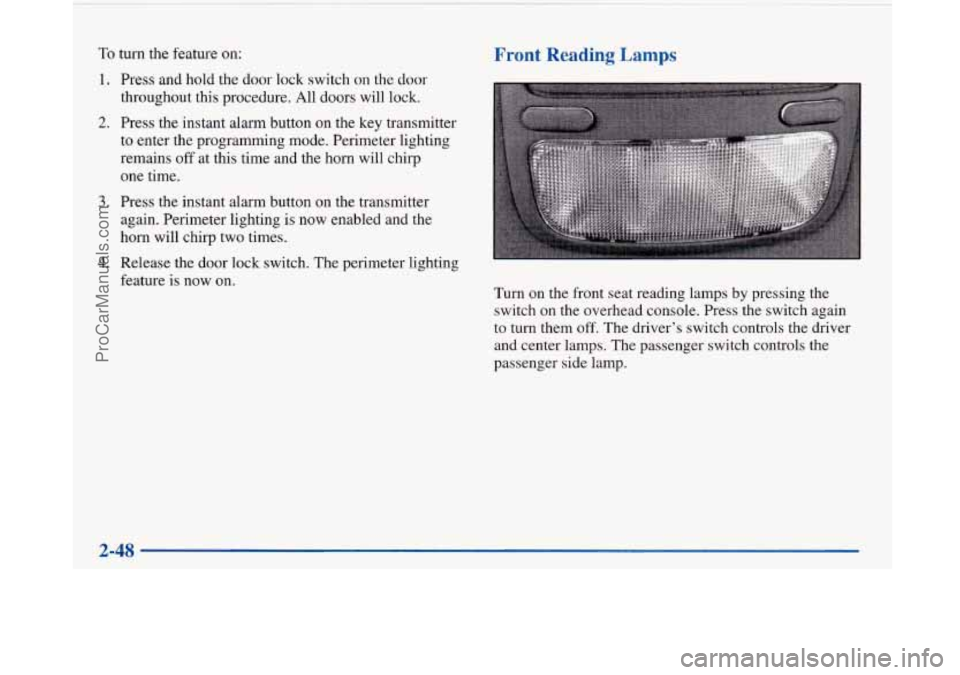
Front Reading Lamps
Turn on the front seat reading lamps by pressing the
switch on the overhead console. Press the switch again
to
turn them off. The driver’s switch controls the driver
and center lamps. The passenger switch controls the
passenger side lamp.
2-48
ProCarManuals.com
Page 115 of 420
Convex Outside Mirror
Your passenger’s side mirror is convex. A convex
mirror’s surface is curved
so you can see more from the
driver’s seat.
1
A convex mirror can make things (like other
vehicles) look farther away than they really are.
1 If you cut too sharply into the right lane, you
could hit a vehicle on your right. Check your
inside mirror or glance over your shoulder before
changing lanes.
Automatic DimmingMeated Outside Rearview Mirror
(If Equipped)
If you have this option, the driver’s side outside mirror
will adjust for the glare of headlamps behind you.
This
feature is controlled by the on and off settings on the
automatic electrochromic dayhight rearview mirror. See
“Automatic Electrochromic Daymight Rearview
Mirror” earlier in this section.
If you have this feature, the left and right outside
mirrors are also heated when you activate the rear
window defogger.
Storage Compartments
Glove Box
The glove box is directly in front of the front
passenger’s seat. Use the door key to lock and unlock
the glove
box. To open the glove box, pull the handle
upward until the latch opens.
ProCarManuals.com
Page 133 of 420
Warning Lights, Gages and Indicators
This part describes the warning lights and gages that may
be on your vehicle. The pictures will help you locate them.
Warning lights and gages can signal that something is
wrong before it becomes serious enough to cause an
expensive repair or replacement. Paying attention to
your warning lights and gages could also save you or
others from injury.
Warning lights come on when there may be or is a
problem with one of your vehicle’s functions.
As you will
see
in the details on the next few pages, some warning
lights come on briefly when you
start the engine just to let
you know they’re working.
If you are familiar with this
section, you should not be alarmed when this happens.
Gages can indicate when there may be or is a problem
with one of your vehicle’s functions. Often gages and
warning lights work together to let you know when
there’s a problem with your vehicle.
When one of the warning lights comes on and stays on
when you
are driving, or when one of the gages shows
there may be a problem, check the section that tells you
what to do about
it. Please follow this manual’s advice.
Waiting to do repairs can be costly
-- and even
dangerous.
So please get to know your warning lights
and gages. They’re a big help. Your
vehicle may also have a driver information system
that works along with the warning lights and gages. See
“Driver Information System” in the Index.
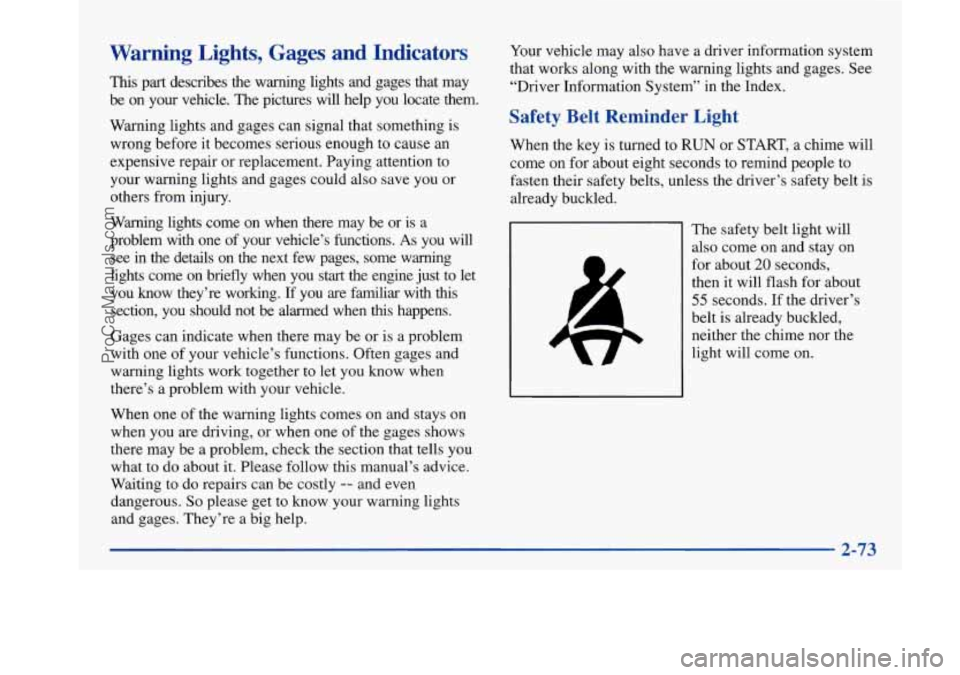
Safety Belt Reminder Light
When the key is turned to RUN or START, a chime will
come on for about eight seconds to remind people to
fasten their safety belts, unless the driver’s safety belt is
already buckled.
The safety belt light will
also come on and stay on
for about
20 seconds,
then
it will flash for about
55 seconds. If the driver’s
belt is already buckled,
neither the chime nor the
light will come on.
ProCarManuals.com
Page 134 of 420
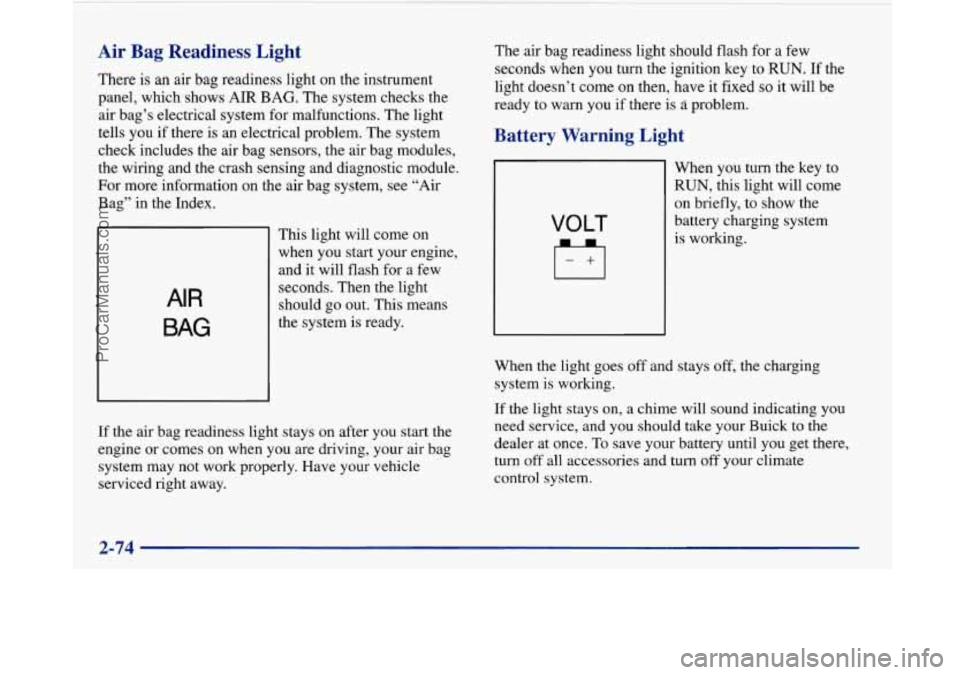
Air Bag Readiness Light
There is an air bag readiness light on the instrument
panel, which shows
AIR BAG. The system checks the
air bag’s electrical system for malfunctions. The light
tells you if there is an electrical problem. The system
check includes the air bag sensors, the air bag modules,
the wiring and the crash sensing and diagnostic module.
For more information on the air bag system, see “Air
Bag” in the Index.
AIR
BAG
This light will come on
when you start your engine,
and it will flash for a few
seconds. Then the light
should
go out. This means
the system is ready.
If the air bag readiness light stays on after you start the
engine or comes on when you are driving, your air bag
system may not work properly. Have your vehicle
serviced right away. The
air bag readiness light should flash for a few
seconds when you turn the ignition key to
RUN. If the
light doesn’t
come on then, have it fixed so it will be
ready to
warn you if there is problem.
Battery Warning Light
VOLT
When you turn the key to
RUN, this light will come
on briefly, to show the
battery charging system
is working.
When the light goes off and stays off, the charging
system is working.
If the light stays on, a chime will sound indicating you
need service, and you should take your Buick
to the
dealer at once. To save your battery until you
get there,
turn off all accessories and turn
off your climate
control system.
2-74
~
ProCarManuals.com
Page 135 of 420
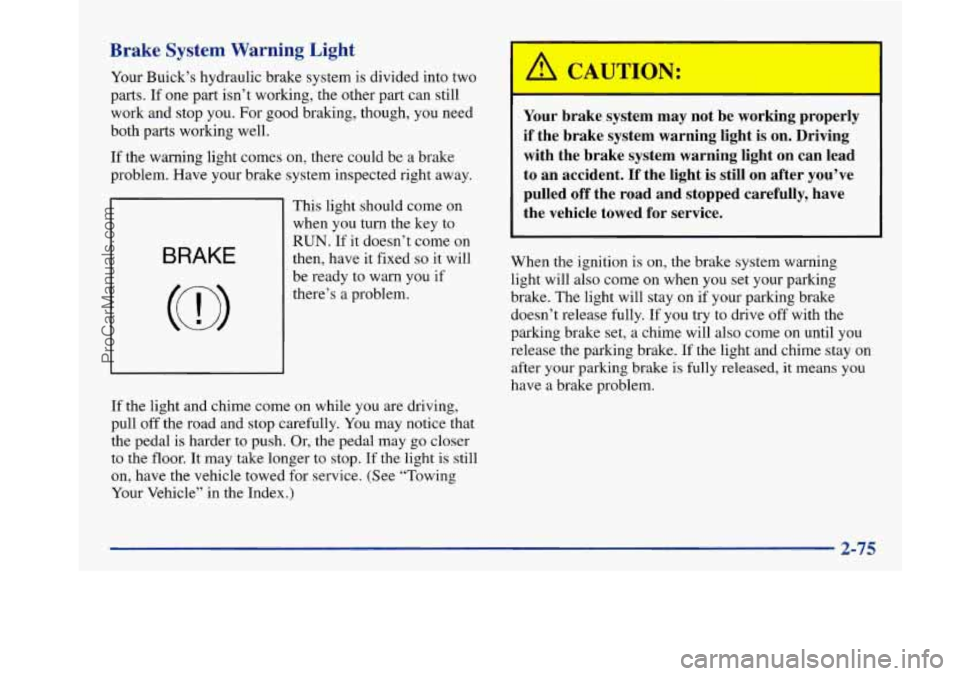
Brake System Warning Light
Your Buick’s hydraulic brake system is divided into two
parts. If one part isn’t working, the other part can still
work and stop you. For good braking, though, you need
both parts working well.
If the warning light comes on, there could be a brake
problem. Have your brake system inspected right away.
BRAKE
This light should come on
when you turn the key to
RUN. If it doesn’t come on
then, have
it fixed so it will
be ready to warn you if
there’s a problem.
I I
Your brake system may not be working properly
if the brake system warning light is on. Driving with the brake system warning light on can lead
to an accident. If the light is still on after you’ve pulled off the road and stopped carefully, have
the vehicle towed for service.
When the ignition is on, the brake system warning light will also come on when you set your parking
brake. The light will stay on if your parking brake
doesn’t release fully. If you try to drive off with the
parking brake set, a chime will also come on until you
release the parking brake.
If the light and chime stay on
after your parking brake
is fully released, it means you
have a brake problem.
If the light and chime come on while you are driving,
pull
off the road and stop carefully. You may notice that
the pedal is harder to push. Or, the pedal may go closer
to the floor. It may take longer to stop. If the light is still
on, have the vehicle towed for service. (See “Towing
Your Vehicle” in the Index.)
2-75
ProCarManuals.com
Page 136 of 420
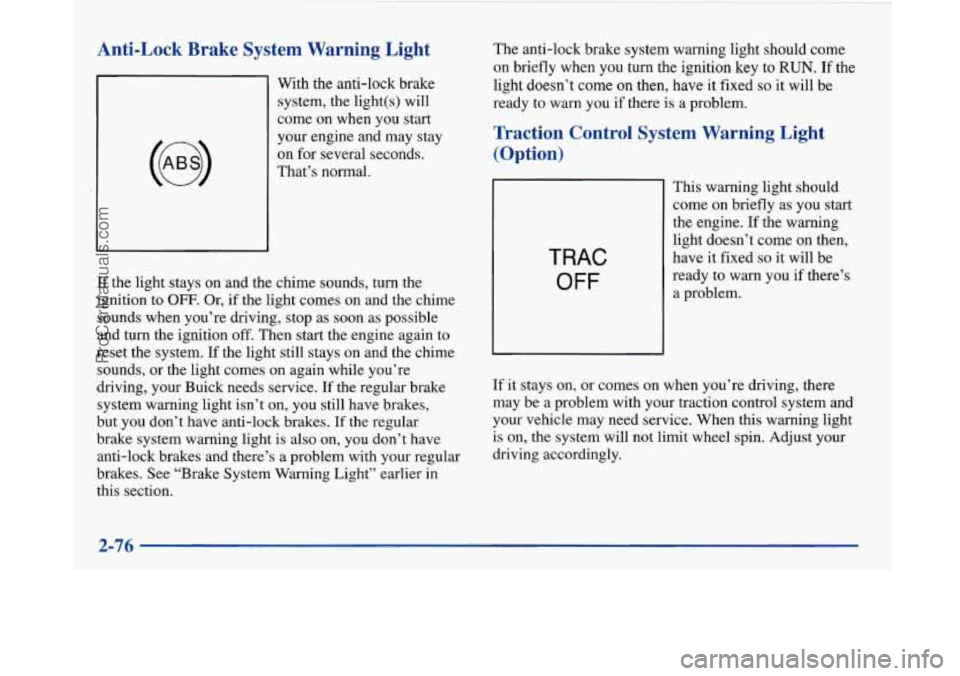
Anti-Lock Brake System Warning Light
With the anti-lock brake
system, the light(s) will
come on when you start
your engine and may stay
on for several seconds.
That’s normal.
If the light stays on and the chime sounds, turn the
ignition to
OFF. Or, if the light comes on and the chime
sounds when you’re driving, stop as soon as possible
and turn the ignition
off. Then start the engine again to
reset the system. If the light still stays on and the chime
sounds, or the light comes on again while you’re
driving, your Buick needs service.
If the regular brake
system warning light isn’t on, you still have brakes,
but you don’t have anti-lock brakes. If the regular
brake system warning light is also on, you don’t have
anti-lock brakes and there’s a problem with your regular
brakes. See “Brake System Warning Light” earlier in
this section. The
anti-lock brake system warning light should come
on briefly when you turn the ignition
key to RUN. If the
light doesn’t
come on then, have it fixed so it will be
ready
to warn you if there is a problem.
Traction Control System Warning Light
(Option)
TRAC
OFF
This warning light should
come
on briefly as you start
the engine. If the warning
light doesn’t come
on then,
have it fixed
so it will be
ready to warn you if there’s
a problem.
If it stays on, or comes on when you’re driving, there
may be a problem with your traction control system and
your vehicle may need service. When this warning light
is on, the system will not limit wheel spin. Adjust your
driving accordingly.
2-76
~
ProCarManuals.com
Page 139 of 420
If’ the Light Is Flashing
The following may prevent more serious damage to
your vehicle:
e Reducing vehicle speed.
e Avoiding hard accelerations.
0 Avoiding steep uphill grades.
0 If you are towing a trailer, reduce the amount of
cargo being hauled as soon as it is possible.
If the light stops flashing and remains on steady, see “If
the Light Is On Steady” following.
If the light continues to flash, when
it is safe to do so,
stop the vehicle. Find a safe place to park your vehicle.
Turn the key off, wait at least
10 seconds and restart the
engine.
If the light remains on steady, see “If the Light
Is On Steady” following. If the light is still flashing,
follow the previous steps, and drive the vehicle to your
dealer or qualified service center for service.
If the Light Is On Steady
You may be able to correct the emission system
malfunction by considering the following: Did
you just drive through a deep puddle of water?
If so, your electrical system may be wet. The condition
will usually be corrected when the electrical system
dries out.
A few driving trips should turn the light off.
Have you recently changed brands of fuel?
If so, be sure to fuel your vehicle with quality fuel (see
“Fuel” in the Index). Poor fuel quality will cause your
engine not to run as efficiently as designed. You may
notice this as stalling after start-up, stalling when you
put the vehicle into gear, misfiring, hesitation on
acceleration
or stumbling on acceleration. (These
conditions may go away once the engine is warmed up.)
This will be detected by the system and cause the light
to
turn on.
If you experience one or more of these conditions,
change the fuel brand you use. It will require at least one
full tank of the proper fuel to turn the light off.
If none of the above steps have made the light turn off,
have your dealer or qualified service center check the
vehicle. Your dealer has the proper test equipment and
diagnostic tools to fix any mechanical or electrical
problems that may have developed.
ProCarManuals.com
Page 140 of 420
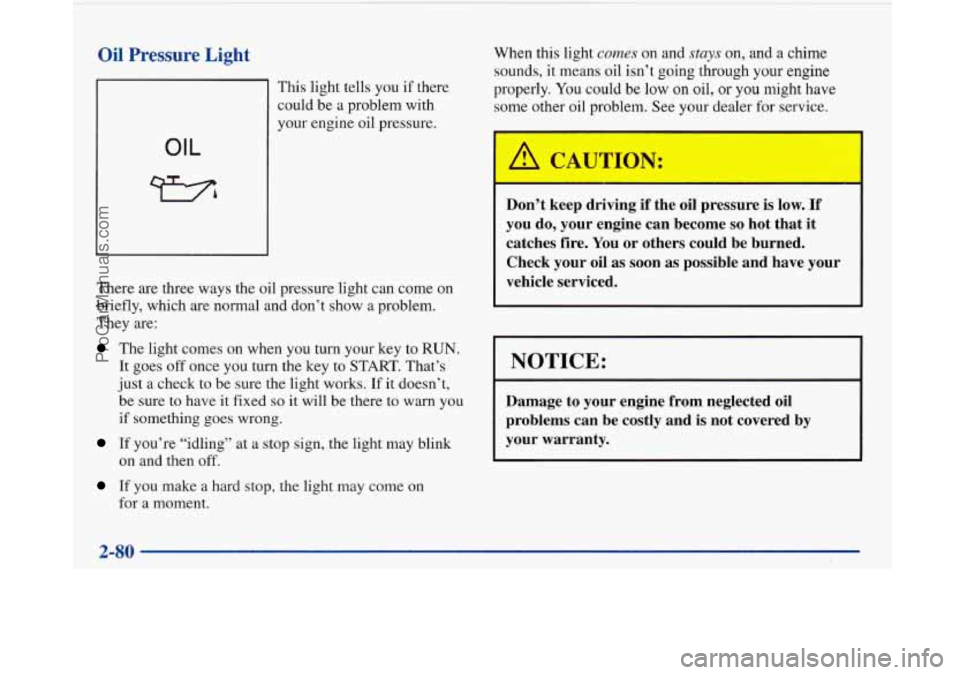
Oil Pressure Light
OIL
This light tells you if there
could be a problem with
your engine oil pressure.
There are three ways the oil pressure light can come on
briefly, which are normal and don’t show a problem.
They are:
The light comes on when you turn your key to RUN.
It goes off once you turn the key to START. That’s
just a check to be sure the light works. If
it doesn’t,
be sure to have
it fixed so it will be there to warn you
if something goes wrong.
If you’re “idling” at a stop sign, the light may blink
on and then off.
If you make a hard stop, the light may come on
for a moment.
When this light comes on and stays on, and a chime
sounds, it means oil isn’t
going through your engine
properly. You could
be low on oil, or you might have
some other oil problem. See your dealer for service.
Don’t keep driving if the oil pressure is
low. If
you do, your engine can become so hot that it
catches fire. You or others could be burned.
Check your oil as soon as possible and have your
vehicle serviced.
I NOTICE:
Damage to your engine from neglected oil
problems can be costly and
is not covered by
your warranty.
2-80
ProCarManuals.com
Page 145 of 420
Personal Choice DIC Display
This feature allows two different drivers to store and
recall their own preferred display mode. The Personal
Choice settings displayed on the DIC
are determined by
the transmitter used to enter the vehicle. After the
UNLOCK button of a remote keyless entry transmitter
is pressed and the ignition is in RUN, the DIC will
display the last settings of the identified driver. The
settings can also be changed by briefly pressing one of
the MEMORY buttons located on the driver’s door.
The DIC can also be used to program personal choice
features available with your vehicle, such as, memory
seats, memory door locks, security feedback, delayed
locking and perimeter lighting.
See “Personal Choice
Features” in the Index and “DIC Personal Choice
Programming” later
in this part. The DIC is used to
program information for DRIVER
#1 and DRIVER #2.
The DIC will identify a person as UNKNOWN
DRIVER
if they are neither DRIVER #1 nor DRIVER
#2.
Driver Information Center Controls
and Displays
There are two lines in the DIC display. The bottom line
of the display area is left blank. You can have your
dealer program your name to appear on this display line.
See your dealer for more information.
When you turn the ignition on, the DIC will display
your DRIVER NUMBER. The system will then perform
a status check and display any messages if a problem
is detected.
If there are
no problems detected, the display will return
to the mode selected by that driver the last time the
ignition was turned
off.
If a problem is detected, a diagnostic message will
appear in the display. The following pages will show the
messages you may see on the DIC display.
The message center is continuously updated with the
vehicle’s performance status.
ProCarManuals.com