ignition BUICK PARK AVENUE 2004 Owner's Guide
[x] Cancel search | Manufacturer: BUICK, Model Year: 2004, Model line: PARK AVENUE, Model: BUICK PARK AVENUE 2004Pages: 410, PDF Size: 4.45 MB
Page 93 of 410
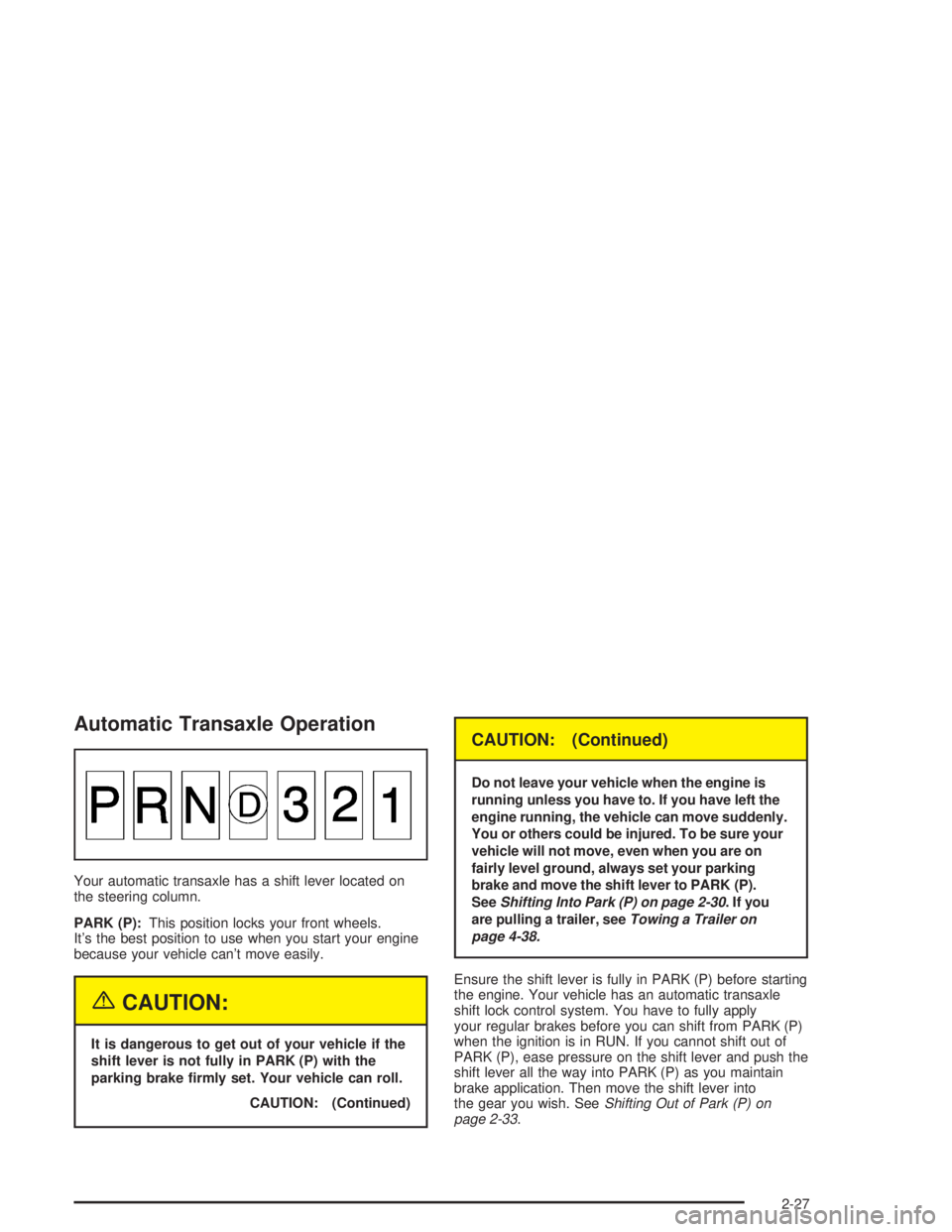
Automatic Transaxle Operation
Your automatic transaxle has a shift lever located on
the steering column.
PARK (P):This position locks your front wheels.
It’s the best position to use when you start your engine
because your vehicle can’t move easily.
{CAUTION:
It is dangerous to get out of your vehicle if the
shift lever is not fully in PARK (P) with the
parking brake rmly set. Your vehicle can roll.
CAUTION: (Continued)
CAUTION: (Continued)
Do not leave your vehicle when the engine is
running unless you have to. If you have left the
engine running, the vehicle can move suddenly.
You or others could be injured. To be sure your
vehicle will not move, even when you are on
fairly level ground, always set your parking
brake and move the shift lever to PARK (P).
SeeShifting Into Park (P) on page 2-30.Ifyou
are pulling a trailer, seeTowing a Trailer on
page 4-38.
Ensure the shift lever is fully in PARK (P) before starting
the engine. Your vehicle has an automatic transaxle
shift lock control system. You have to fully apply
your regular brakes before you can shift from PARK (P)
when the ignition is in RUN. If you cannot shift out of
PARK (P), ease pressure on the shift lever and push the
shift lever all the way into PARK (P) as you maintain
brake application. Then move the shift lever into
the gear you wish. SeeShifting Out of Park (P) on
page 2-33.
2-27
Page 95 of 410

SECOND (2):This position gives you more power but
lower fuel economy than THIRD (3). You can use
SECOND (2) on hills. It can help control your speed as
you go down steep mountain roads, but then you
would also want to use your brakes off and on.
Notice:Driving in SECOND (2) for more than
25 miles (40 km) or at speeds over 55 mph (90 km/h)
may damage the transaxle. Also, shifting into
SECOND (2) at speeds above 65 mph (105 km/h) can
cause damage. Drive in THIRD (3) or AUTOMATIC
OVERDRIVE (D) instead of SECOND (2).
FIRST (1):This position gives you even more power
but lower fuel economy than SECOND (2). You can use
it on very steep hills, or in deep snow or mud. If the
shift lever is put in FIRST (1), the transaxle won’t shift
into rst gear until the vehicle is going slowly enough.
Notice:Spinning the tires or holding the vehicle in
one place on a hill using only the accelerator
pedal may damage the transaxle. If you are stuck,
do not spin the tires. When stopping on a hill,
use the brakes to hold the vehicle in place.Parking Brake
This vehicle has a PUSH
TO RELEASE parking
brake pedal. To set the
parking brake, hold
the regular brake pedal
down with your right foot.
Push down the parking
brake pedal with your
left foot.
Whether the ignition key is in RUN or OFF, the brake
system warning light stays on while the parking brake
is set.
The parking brake uses the brakes on the rear wheels.
To release the parking brake, hold the regular brake
pedal down and push the parking brake pedal with your
left foot. When you lift your left foot, the parking brake
pedal will follow it to the release position.
2-29
Page 97 of 410
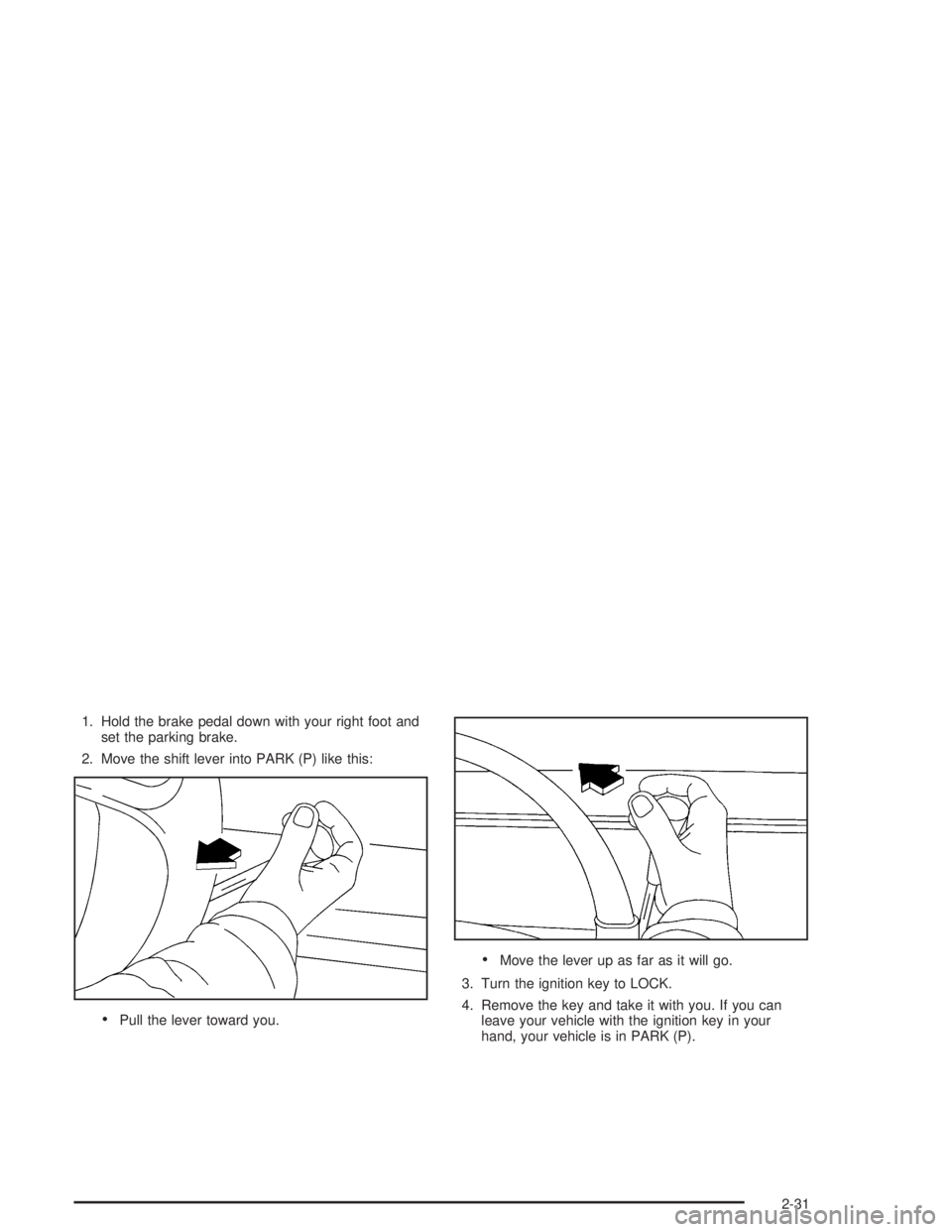
1. Hold the brake pedal down with your right foot and
set the parking brake.
2. Move the shift lever into PARK (P) like this:
Pull the lever toward you.
Move the lever up as far as it will go.
3. Turn the ignition key to LOCK.
4. Remove the key and take it with you. If you can
leave your vehicle with the ignition key in your
hand, your vehicle is in PARK (P).
2-31
Page 99 of 410
Shifting Out of Park (P)
Your vehicle has an automatic transaxle shift lock
control system, which locks the shift lever in PARK (P)
when the ignition is in the LOCK position. In addition,
you have to fully apply your regular brakes before you
can shift from PARK (P) when the ignition is in RUN.
SeeAutomatic Transaxle Operation on page 2-27.
If you cannot shift out of PARK (P), ease pressure on
the shift lever and push the shift lever all the way up
into PARK (P) as you maintain brake application.
Then, move the shift lever into the gear you want.
If you ever hold the brake pedal down but still can’t shift
out of PARK (P), try this:
1. Turn the key to OFF. Open and close the driver’s
door to turn off the RAP feature. (There is no shift
interlock in this key position.)
2. Apply and hold the brake until the end of Step 4.
3. Shift the transaxle to NEUTRAL (N).
4. Start the vehicle and then shift to the gear you want.
5. Have the system xed as soon as you can.
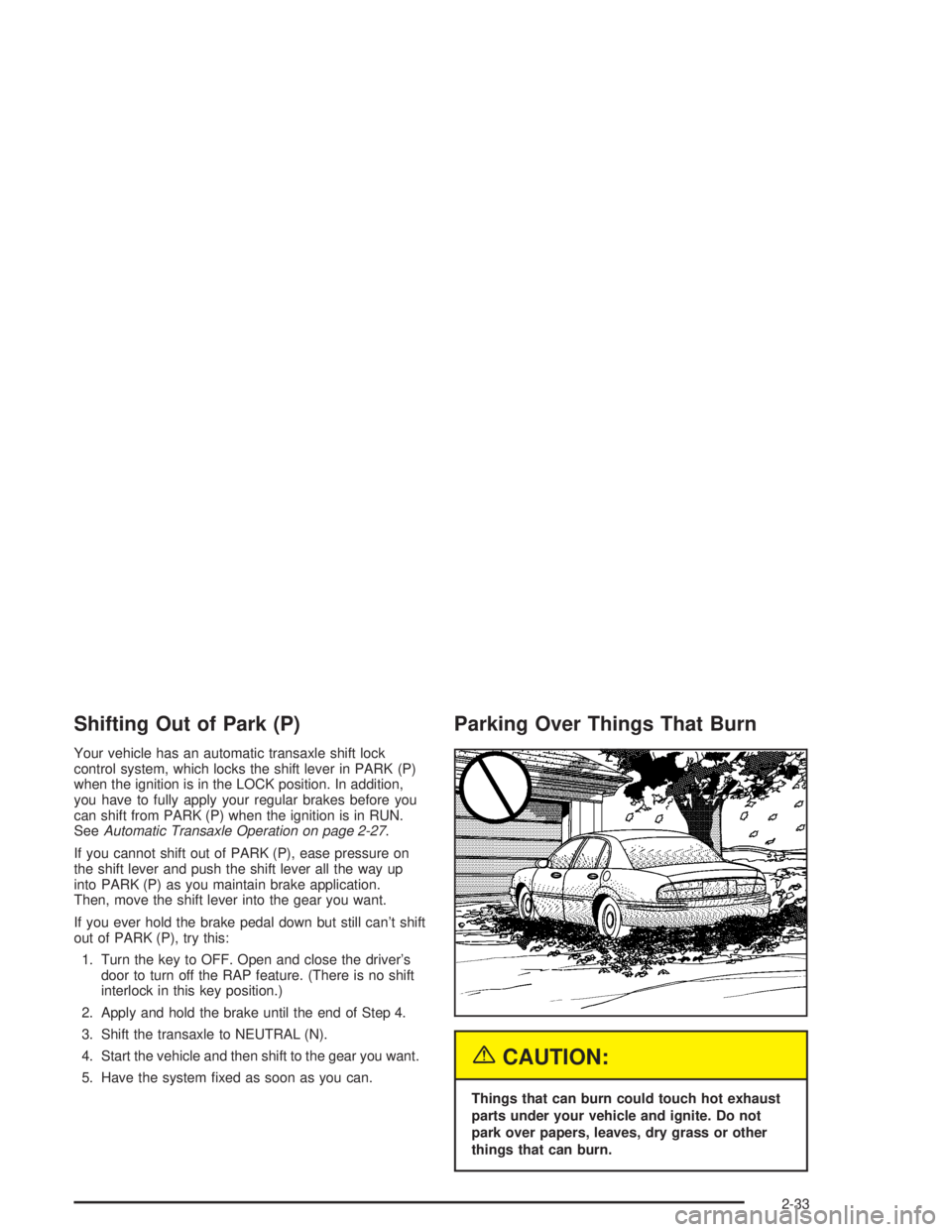
Parking Over Things That Burn
{CAUTION:
Things that can burn could touch hot exhaust
parts under your vehicle and ignite. Do not
park over papers, leaves, dry grass or other
things that can burn.
2-33
Page 103 of 410
Automatic Dimming Rearview
Mirror with Compass
Your vehicle may have an automatic dimming rearview
mirror with a compass. Your vehicle’s mirror may
also contain OnStar
®controls. SeeOnStar®System on
page 2-41for more information.
The mirror also includes an eight-point compass display
in the upper right corner of the mirror face.
When cleaning the mirror, use a paper towel or similar
material dampened with glass cleaner. Do not spray
glass cleaner directly on the mirror as that may cause
the liquid cleaner to enter the mirror housing.
Mirror Operation
MIRROR:Press this button to turn on the automatic
dimming feature. Press it again to turn off the automatic
dimming feature.
O(On/Off):For mirrors equipped with OnStar®
controls, press and hold this button for several seconds
to turn on the automatic dimming feature. Press and
hold it again to turn the automatic dimming feature off.
The green indicator light will come on when this
feature is active. The automatic dimming feature will be
active each time the vehicle is started.
Compass Operation
COMPASS:Press this button once to turn the compass
on or off.
O(On/Off):For mirrors equipped with OnStar®controls,
press this button once to turn the compass on or off.
When the ignition and the compass feature are on, the
compass will show two character boxes for about
two seconds. After two seconds, the mirror will display
the compass heading.
Compass Calibration
When on, the compass automatically calibrates as the
vehicle is driven. If, after two seconds, the display
does not show a compass heading (N for North,
for example), there may be a strong magnetic eld
interfering with the compass. Such interference may be
caused by a magnetic antenna mount, magnetic
note pad holder or a similar magnetic item. If the letter
C should ever appear in the compass window, the
compass may need calibration.
The mirror can be calibrated by driving the vehicle in
circles at 5 mph (8 km/h) or less until the display reads
a direction.
Mirrors equipped with OnStar
®controls can be placed
in calibration mode by pressing and holding the
on/off button untilaCisshown in the compass display.
2-37
Page 116 of 410
Sunroof
Your vehicle may be equipped with a sunroof.
The sunroof has both manual and express features for
opening the glass panel and sunshade.
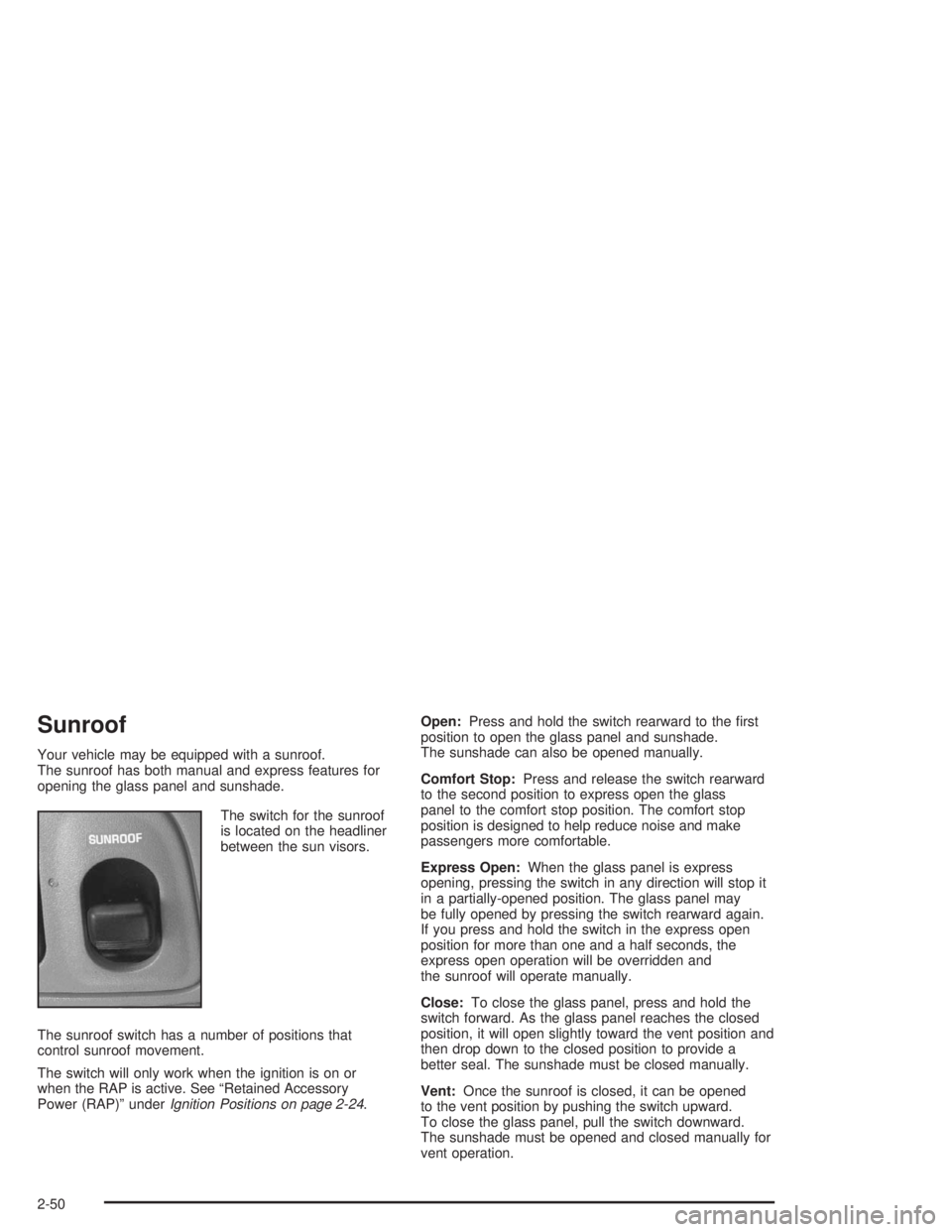
The switch for the sunroof
is located on the headliner
between the sun visors.
The sunroof switch has a number of positions that
control sunroof movement.
The switch will only work when the ignition is on or
when the RAP is active. See “Retained Accessory
Power (RAP)” underIgnition Positions on page 2-24.Open:Press and hold the switch rearward to the rst
position to open the glass panel and sunshade.
The sunshade can also be opened manually.
Comfort Stop:Press and release the switch rearward
to the second position to express open the glass
panel to the comfort stop position. The comfort stop
position is designed to help reduce noise and make
passengers more comfortable.
Express Open:When the glass panel is express
opening, pressing the switch in any direction will stop it
in a partially-opened position. The glass panel may
be fully opened by pressing the switch rearward again.
If you press and hold the switch in the express open
position for more than one and a half seconds, the
express open operation will be overridden and
the sunroof will operate manually.
Close:To close the glass panel, press and hold the
switch forward. As the glass panel reaches the closed
position, it will open slightly toward the vent position and
then drop down to the closed position to provide a
better seal. The sunshade must be closed manually.
Vent:Once the sunroof is closed, it can be opened
to the vent position by pushing the switch upward.
To close the glass panel, pull the switch downward.
The sunshade must be opened and closed manually for
vent operation.
2-50
Page 121 of 410
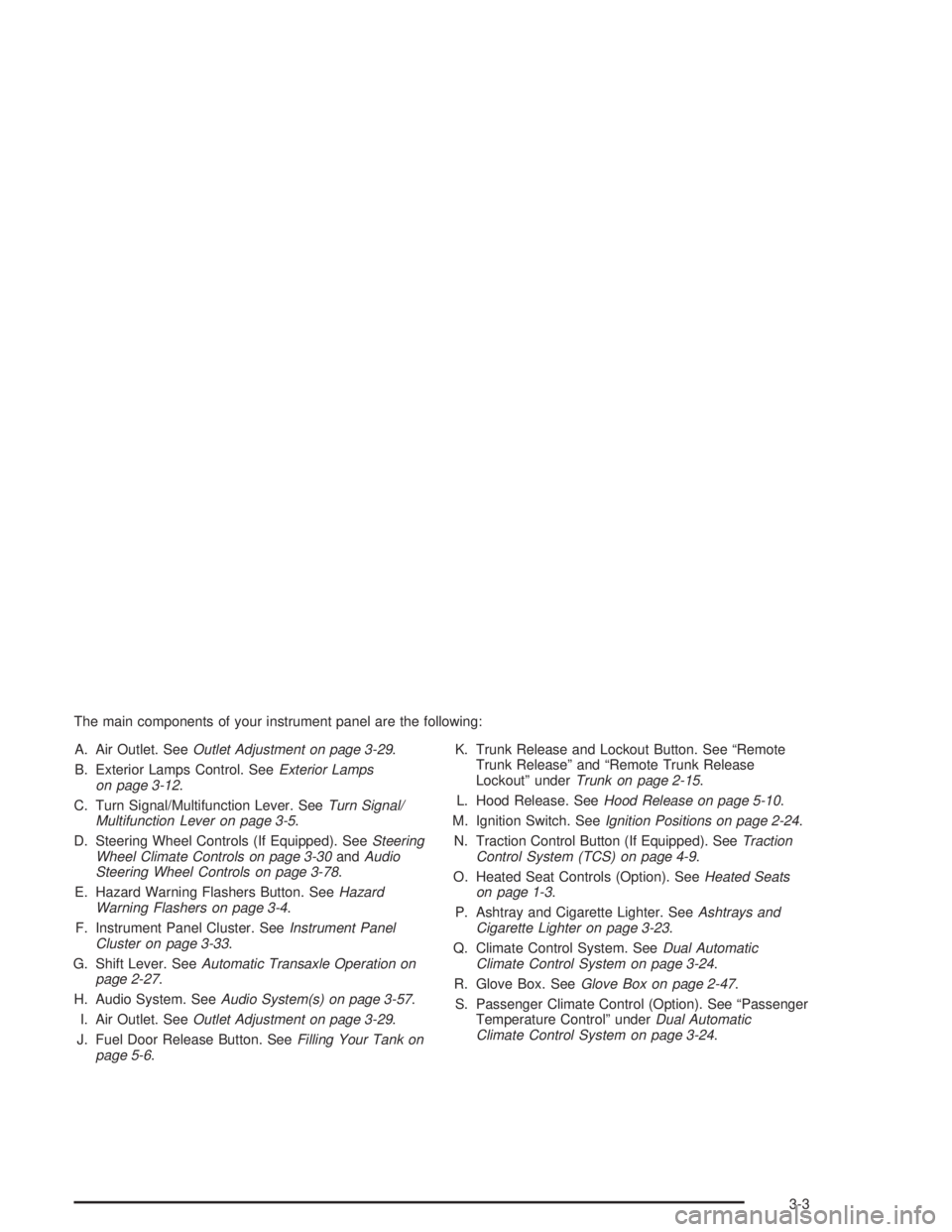
The main components of your instrument panel are the following:
A. Air Outlet. SeeOutlet Adjustment on page 3-29.
B. Exterior Lamps Control. SeeExterior Lamps
on page 3-12.
C. Turn Signal/Multifunction Lever. SeeTurn Signal/
Multifunction Lever on page 3-5.
D. Steering Wheel Controls (If Equipped). SeeSteering
Wheel Climate Controls on page 3-30andAudio
Steering Wheel Controls on page 3-78.
E. Hazard Warning Flashers Button. SeeHazard
Warning Flashers on page 3-4.
F. Instrument Panel Cluster. SeeInstrument Panel
Cluster on page 3-33.
G. Shift Lever. SeeAutomatic Transaxle Operation on
page 2-27.
H. Audio System. SeeAudio System(s) on page 3-57.
I. Air Outlet. SeeOutlet Adjustment on page 3-29.
J. Fuel Door Release Button. SeeFilling Your Tank on
page 5-6.K. Trunk Release and Lockout Button. See “Remote
Trunk Release” and “Remote Trunk Release
Lockout” underTrunk on page 2-15.
L. Hood Release. SeeHood Release on page 5-10.
M. Ignition Switch. SeeIgnition Positions on page 2-24.
N. Traction Control Button (If Equipped). SeeTraction
Control System (TCS) on page 4-9.
O. Heated Seat Controls (Option). SeeHeated Seats
on page 1-3.
P. Ashtray and Cigarette Lighter. SeeAshtrays and
Cigarette Lighter on page 3-23.
Q. Climate Control System. SeeDual Automatic
Climate Control System on page 3-24.
R. Glove Box. SeeGlove Box on page 2-47.
S. Passenger Climate Control (Option). See “Passenger
Temperature Control” underDual Automatic
Climate Control System on page 3-24.
3-3
Page 126 of 410

Rainsense™ II Wipers
If your vehicle has this feature, the moisture sensor is
mounted on the interior of the windshield below the
rearview mirror and is used to automatically operate
the wipers. This system operates by monitoring
the amount of moisture build-up on the windshield.
Wipes occur as needed to clear the windshield
depending on the driving conditions and the sensitivity
setting. In light rain or snow, fewer wipes will occur.
In heavy rain or snow, wipes will occur more frequently.
The system will operate in the delay, low speed and
high speed modes. If the system is left on for long
periods of time, occasional wipes may occur without
any moisture on the windshield. This is normal and
indicates that the Rainsense™ system is active.
The Rainsense™ system is activated by turning the
wiper control band to one of the ve sensitivity levels
within the delay area. The delay position closest to
OFF/MIST is the lowest sensitivity setting, level
one. This allows more rain or snow to collect on the
windshield between wipes. You can increase the
sensitivity of the system and the frequency of wipes by
turning the wiper control band away from you to thehigher sensitivity levels. The highest sensitivity setting,
level ve, is closest to the LO position. A single wipe
will occur each time you turn the wiper control band to a
higher sensitivity level to indicate that the sensitivity
level has been increased.
The windshield wipers also remain in a “high park”
position (the wipers are stopped on the windshield and
are not in the normal park position), even when the
ignition is turned off.
Notice:If you do not turn off the windshield wipers
when driving through an automatic car wash, you
could damage the wipers. Always turn off the
windshield wipers before entering an automatic
car wash.
The MIST and wash cycles operate as normal and
are not affected by the moisture-sensing function.
The system can be overridden at any time by manually
turning the wiper band to LO or HI speed.
Notice:Do not place stickers or other items on
the exterior glass surface directly in front of
the moisture sensor. Doing this could cause the
moisture sensor to malfunction.
3-8
Page 130 of 410
Using Cruise Control on Hills
How well your cruise control will work on hills depends
upon your speed, load and the steepness of the
hills. When going up steep hills, you may have to step
on the accelerator pedal to maintain your speed.
When going downhill, you may have to brake or shift to
a lower gear to keep your speed down. Of course,
applying the brake takes you out of cruise control.
Many drivers nd this to be too much trouble and do not
use cruise control on steep hills.
Ending Cruise Control
There are two ways to turn off the cruise control:
Step lightly on the brake pedal.
Move the cruise switch to OFF. The CRUISE light
will also go out.
Erasing Speed Memory
When you turn off the cruise control or the ignition, your
cruise control set speed memory is erased.
Exterior Lamps
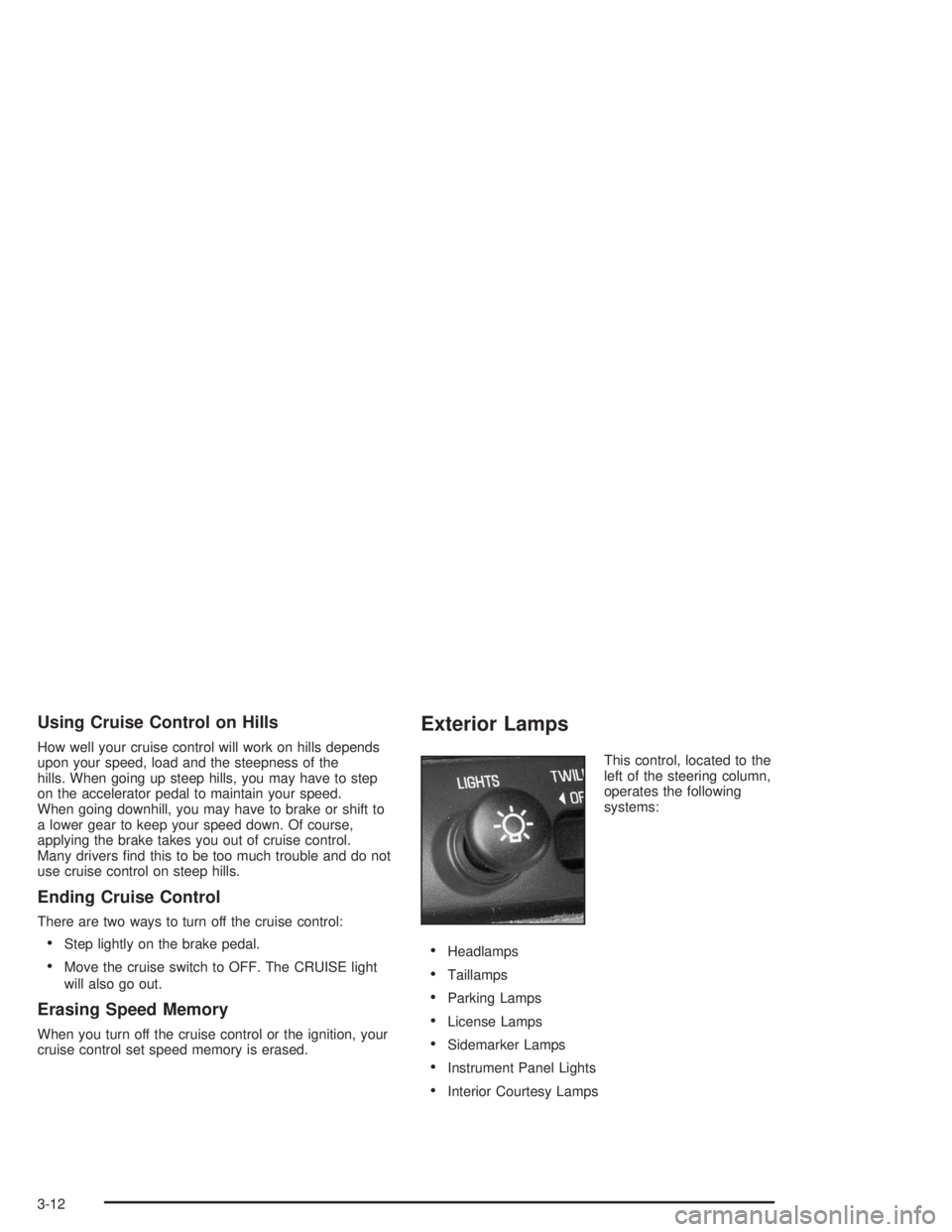
This control, located to the
left of the steering column,
operates the following
systems:
Headlamps
Taillamps
Parking Lamps
License Lamps
Sidemarker Lamps
Instrument Panel Lights
Interior Courtesy Lamps
3-12
Page 131 of 410
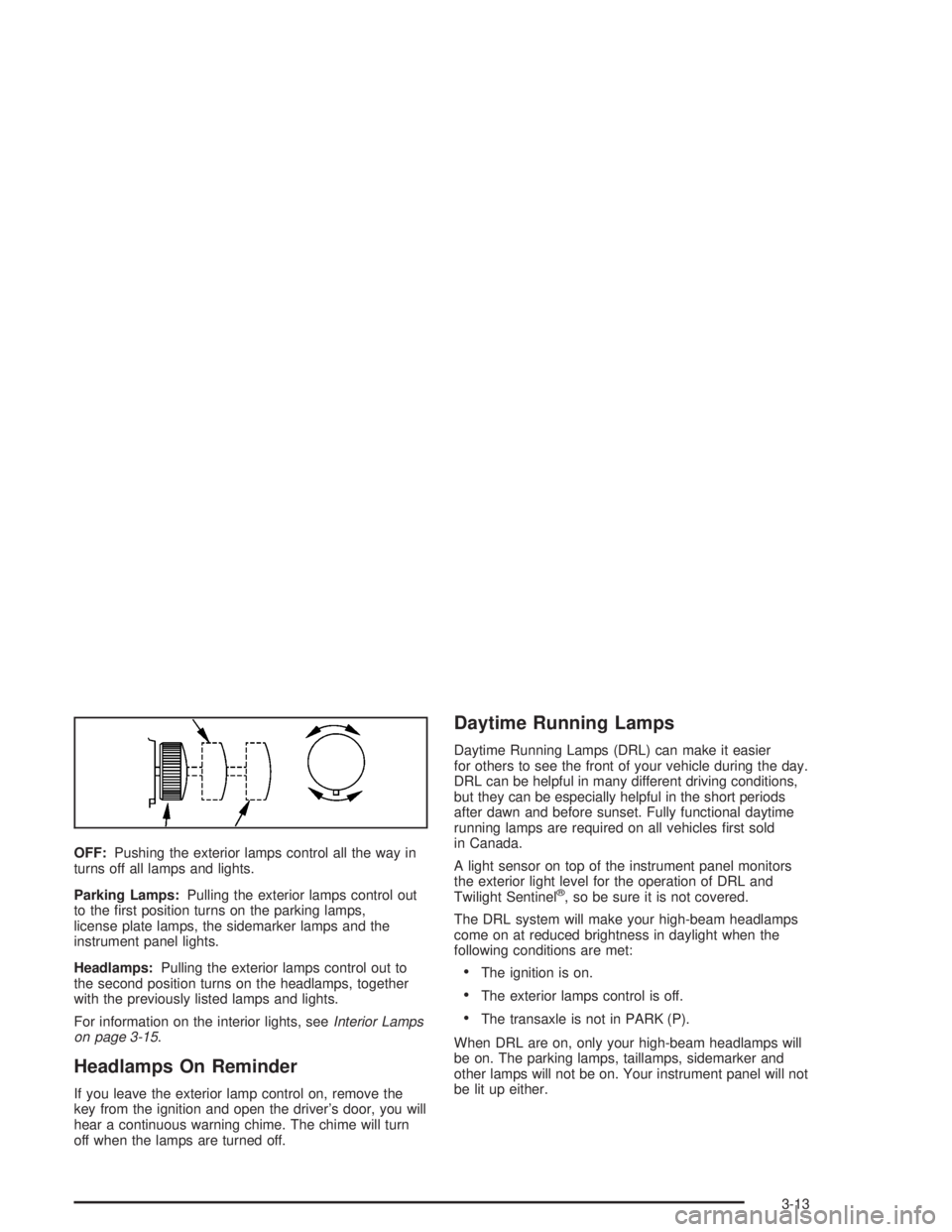
OFF:Pushing the exterior lamps control all the way in
turns off all lamps and lights.
Parking Lamps:Pulling the exterior lamps control out
to the rst position turns on the parking lamps,
license plate lamps, the sidemarker lamps and the
instrument panel lights.
Headlamps:Pulling the exterior lamps control out to
the second position turns on the headlamps, together
with the previously listed lamps and lights.
For information on the interior lights, seeInterior Lamps
on page 3-15.
Headlamps On Reminder
If you leave the exterior lamp control on, remove the
key from the ignition and open the driver’s door, you will
hear a continuous warning chime. The chime will turn
off when the lamps are turned off.
Daytime Running Lamps
Daytime Running Lamps (DRL) can make it easier
for others to see the front of your vehicle during the day.
DRL can be helpful in many different driving conditions,
but they can be especially helpful in the short periods
after dawn and before sunset. Fully functional daytime
running lamps are required on all vehicles rst sold
in Canada.
A light sensor on top of the instrument panel monitors
the exterior light level for the operation of DRL and
Twilight Sentinel
®, so be sure it is not covered.
The DRL system will make your high-beam headlamps
come on at reduced brightness in daylight when the
following conditions are met:
The ignition is on.
The exterior lamps control is off.
The transaxle is not in PARK (P).
When DRL are on, only your high-beam headlamps will
be on. The parking lamps, taillamps, sidemarker and
other lamps will not be on. Your instrument panel will not
be lit up either.
3-13