door lock BUICK PARK AVENUE 2005 User Guide
[x] Cancel search | Manufacturer: BUICK, Model Year: 2005, Model line: PARK AVENUE, Model: BUICK PARK AVENUE 2005Pages: 388, PDF Size: 2.55 MB
Page 76 of 388
Customizing Your Automatic Door
Locks Feature
You can program the automatic door locks feature to
one of the following modes:
Mode 0:No automatic door lock or unlock.
Mode 1:All doors automatically lock when shifted out
of PARK (P). No automatic door unlock.
Mode 2:All doors automatically lock when shifted out
of PARK (P). Only the driver’s door automatically
unlocks when shifted into PARK (P).
Mode 3:All doors automatically lock when shifted out
of PARK (P). All doors automatically unlock when shifted
into PARK (P).
Use the following procedure to change modes:
1. Close all of the doors and turn the ignition on. Keep
all doors closed throughout this procedure.
2. Press and hold LOCK on the power door lock
switch on the driver’s door through Step 4.
3. Press the lock button on the remote keyless entry
transmitter to enter the programming mode. The
automatic door lock mode will remain in the
current mode.4. Press the lock button on the transmitter again. Each
time the lock button is pressed, the mode will
advance by one, going from Mode 3 to Mode 0 to
Mode 1, etc.
For each press of the lock button, the door locks
will activate in the same manner they would activate
in the corresponding automatic door lock mode.
For example, pressing the lock button on the
transmitter to advance to Mode 2 would result in all
doors locking and then, only the driver’s door
would unlock. For Mode 0, no locking or unlocking
will occur.
5. Release the power door lock switch and turn the
ignition off. The automatic door locks will remain
in the most recent mode selected.
This procedure only changes the mode for the
transmitter used to change this setting.
If your vehicle is equipped with the Driver Information
Center (DIC), you can also program the automatic door
locks feature through the DIC. SeeDriver Information
Center (DIC) on page 3-46.
2-12
Page 77 of 388
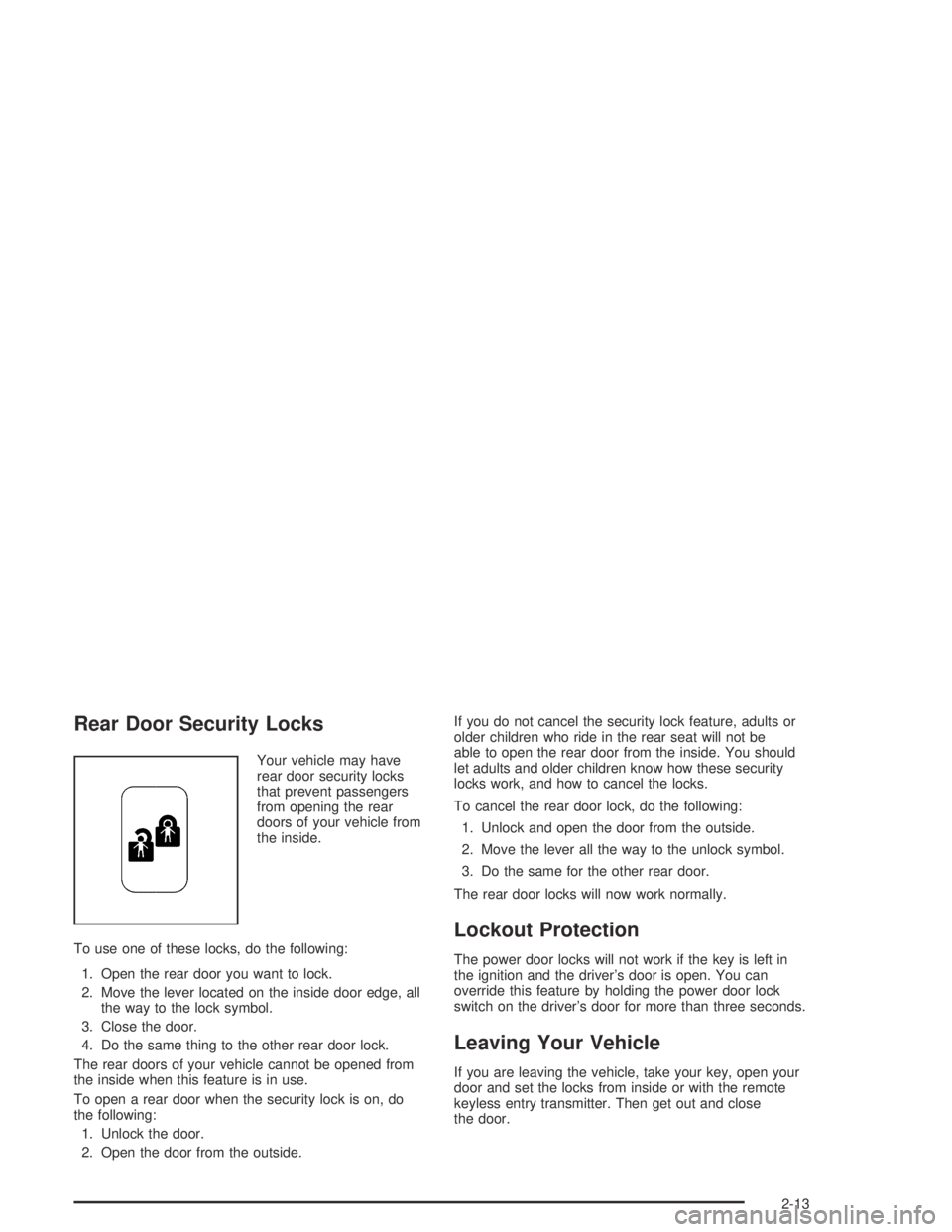
Rear Door Security Locks
Your vehicle may have
rear door security locks
that prevent passengers
from opening the rear
doors of your vehicle from
the inside.
To use one of these locks, do the following:
1. Open the rear door you want to lock.
2. Move the lever located on the inside door edge, all
the way to the lock symbol.
3. Close the door.
4. Do the same thing to the other rear door lock.
The rear doors of your vehicle cannot be opened from
the inside when this feature is in use.
To open a rear door when the security lock is on, do
the following:
1. Unlock the door.
2. Open the door from the outside.If you do not cancel the security lock feature, adults or
older children who ride in the rear seat will not be
able to open the rear door from the inside. You should
let adults and older children know how these security
locks work, and how to cancel the locks.
To cancel the rear door lock, do the following:
1. Unlock and open the door from the outside.
2. Move the lever all the way to the unlock symbol.
3. Do the same for the other rear door.
The rear door locks will now work normally.
Lockout Protection
The power door locks will not work if the key is left in
the ignition and the driver’s door is open. You can
override this feature by holding the power door lock
switch on the driver’s door for more than three seconds.
Leaving Your Vehicle
If you are leaving the vehicle, take your key, open your
door and set the locks from inside or with the remote
keyless entry transmitter. Then get out and close
the door.
2-13
Page 81 of 388
Power Windows
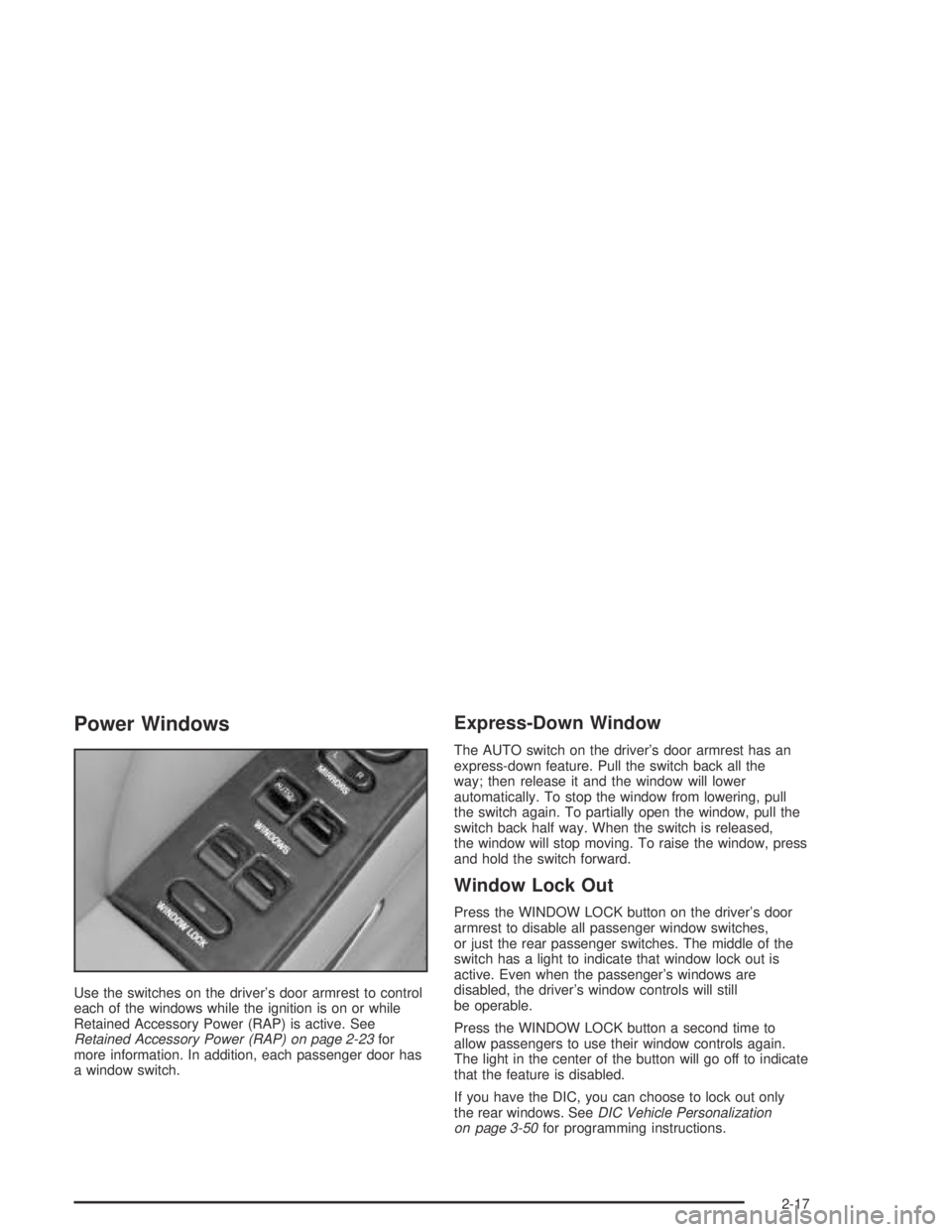
Use the switches on the driver’s door armrest to control
each of the windows while the ignition is on or while
Retained Accessory Power (RAP) is active. See
Retained Accessory Power (RAP) on page 2-23for
more information. In addition, each passenger door has
a window switch.
Express-Down Window
The AUTO switch on the driver’s door armrest has an
express-down feature. Pull the switch back all the
way; then release it and the window will lower
automatically. To stop the window from lowering, pull
the switch again. To partially open the window, pull the
switch back half way. When the switch is released,
the window will stop moving. To raise the window, press
and hold the switch forward.
Window Lock Out
Press the WINDOW LOCK button on the driver’s door
armrest to disable all passenger window switches,
or just the rear passenger switches. The middle of the
switch has a light to indicate that window lock out is
active. Even when the passenger’s windows are
disabled, the driver’s window controls will still
be operable.
Press the WINDOW LOCK button a second time to
allow passengers to use their window controls again.
The light in the center of the button will go off to indicate
that the feature is disabled.
If you have the DIC, you can choose to lock out only
the rear windows. SeeDIC Vehicle Personalization
on page 3-50for programming instructions.
2-17
Page 82 of 388
Sun Visors
Lighted Visor Vanity Mirror
If your vehicle has this feature, when you open the visor
vanity mirrors, the lamps turn on.
To block out glare, swing down the visors. The larger
sun visor can be removed from the center mount
and moved to the side, while the auxiliary sun visor
remains to block glare from the front.
The front side of the driver’s sun visor also contains a
pocket for map storage.
Theft-Deterrent Systems
Vehicle theft is big business, especially in some cities.
Although your vehicle has a number of theft-deterrent
features, we know that nothing we put on it can make it
impossible to steal.
Content Theft-Deterrent
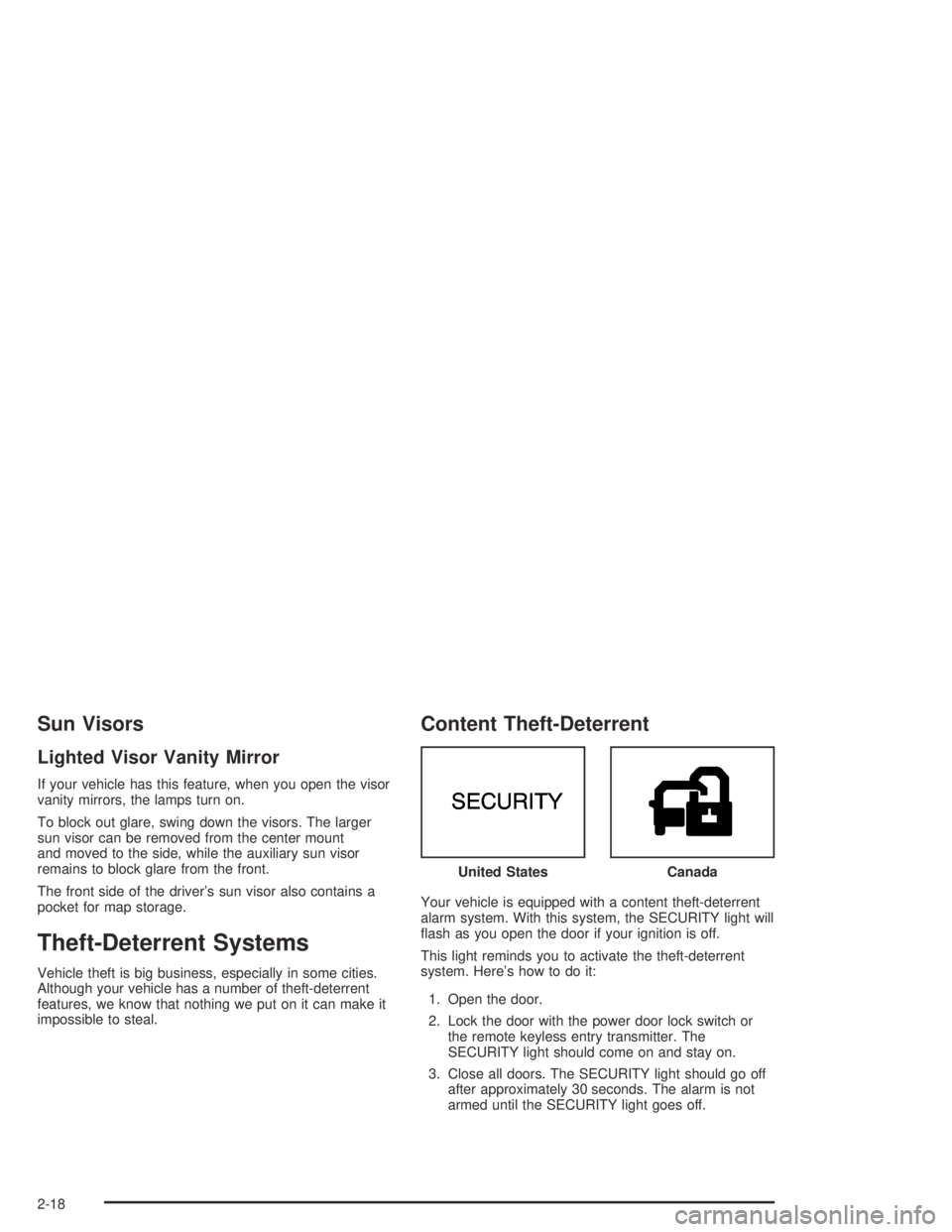
Your vehicle is equipped with a content theft-deterrent
alarm system. With this system, the SECURITY light will
ash as you open the door if your ignition is off.
This light reminds you to activate the theft-deterrent
system. Here’s how to do it:
1. Open the door.
2. Lock the door with the power door lock switch or
the remote keyless entry transmitter. The
SECURITY light should come on and stay on.
3. Close all doors. The SECURITY light should go off
after approximately 30 seconds. The alarm is not
armed until the SECURITY light goes off.United States
Canada
2-18
Page 83 of 388
If a door is opened without the key or the remote
keyless entry transmitter, the alarm will go off. Your
vehicle’s lamps will ash and the horn will sound
for 30 seconds. The lamps and horn will then turn off to
save battery power.
Remember, the theft-deterrent system won’t activate if
you lock the doors with a key or use the manual
door lock. It activates only if you use a power door lock
switch with the door open, or with the remote keyless
entry transmitter. You should also remember that
you can start your vehicle with the correct key if the
alarm has been set off.
Here’s how to avoid setting off the alarm by accident:
If you do not want to activate the theft-deterrent
system, the vehicle should be locked with the
door keyafterthe doors are closed.
Always unlock a door with a key, or use the remote
keyless entry transmitter. Unlocking a door any
other way will set off the alarm.
If you set off the alarm by accident, unlock any door
with your key. You can also turn off the alarm by
pressing the unlock button on the remote keyless entry
transmitter. The alarm won’t stop if you try to unlock
a door any other way.
Testing the Alarm
The alarm can be tested by following these steps:
1. From inside the vehicle, roll down the driver’s
window and open the driver’s door.
2. Activate the system by locking the doors using the
power door lock switch while the door is open, or
using the remote keyless entry transmitter.
3. Get out of the car, close the door and wait for the
SECURITY light to go out.
4. Then reach in through the window, unlock the door
with the manual door lock and open the door. This
should set off the alarm.
If the alarm does not sound when it should, but the
vehicle’s lamps ash, check to see if the horn works.
The horn fuse may be blown. To replace the fuse,
seeFuses and Circuit Breakers on page 5-92.
If the alarm does not sound or the vehicle’s lamps do
not ash, the vehicle should be serviced by a GM dealer.
2-19
Page 87 of 388
Notice:Using a tool to force the key from the
ignition switch could cause damage or break the
key. Use the correct key and turn the key only with
your hand. Make sure the key is in all the way. If
none of this works, then your vehicle needs service.
C (OFF):This position lets you turn off the engine. It
does not send any power to the accessories. The
instrument panel cluster will remain powered in OFF to
illuminate the gear shift indicator. The cluster will
also activate the parking brake light when the parking
brake is set. Use OFF if you must have your vehicle in
motion while the engine is not running.
D (RUN):This is the position the switch returns to after
you start your engine and release the ignition key.
This is the position for driving. Even when the engine is
not running, you can use RUN to operate your
electrical accessories and to display some instrument
panel warning lights.
E (START):This position starts your engine. When the
engine starts, release the ignition key. The switch
will return to RUN for normal driving.Key Reminder Warning
If you leave your key in OFF, you will hear a warning
chime when you open the driver’s door.
Always leave your key in LOCK while the engine is off.
If you leave it in any other position, you will drain
your battery power.
Retained Accessory Power (RAP)
After you turn the ignition off and remove the key, you
will still have power to such accessories as the
power windows, audio steering wheel controls (if
equipped), clock, sunroof (if equipped) and the radio for
up to 10 minutes. The instrument panel cluster lights
will stay on for a few seconds, then will go out. Once you
open a door, the power will shut off.
2-23
Page 95 of 388
Torque Lock
If you are parking on a hill and you do not shift your
transaxle into PARK (P) properly, the weight of the
vehicle may put too much force on the parking pawl in
the transaxle. You may nd it difficult to pull the shift
lever out of PARK (P). This is called “torque lock.”
To prevent torque lock, set the parking brake and then
shift into PARK (P) properly before you leave the
driver’s seat. To nd out how, seeShifting Into Park (P)
on page 2-30.
When you are ready to drive, move the shift lever out of
PARK (P)beforeyou release the parking brake.
If torque lock does occur, you may need to have another
vehicle push yours a little uphill to take some of the
pressure from the parking pawl in the transaxle, so you
can pull the shift lever out of PARK (P).
Shifting Out of Park (P)
Your vehicle has an automatic transaxle shift lock
control system which locks the shift lever in PARK (P)
when the ignition is in LOCK. In addition, you have
to fully apply your regular brakes before you can shift
from PARK (P) when the ignition is in RUN. See
Automatic Transaxle Operation on page 2-26.
If you cannot shift out of PARK (P), ease pressure on
the shift lever and push the shift lever all the way up into
PARK (P) as you maintain brake application. Then,
move the shift lever into the gear you want.
If you ever hold the brake pedal down but still cannot
shift out of PARK (P), try this:
1. Turn the key to OFF. Open and close the driver’s
door to turn off the RAP feature. There is no shift
interlock in this key position.
2. Apply and hold the brake until the end of Step 4.
3. Shift the transaxle to NEUTRAL (N).
4. Start the vehicle and then shift to the gear
you want.
5. Have the system xed as soon as you can.
2-31
Page 103 of 388
OnStar®System
The vehicle may have OnStar®. OnStar®uses global
positioning system (GPS) satellite technology, wireless
communications, and state of the art call centers to
provide you with a wide range of safety, security,
information, and convenience services.
A complete OnStar
®user’s guide and the terms and
conditions of the OnStar®Subscription Service
Agreement are included in the OnStar®-equipped
vehicle’s glove box literature. For more information, visit
www.onstar.com or www.onstarcanada.com. Contact
OnStar
®at 1-888-4-ONSTAR (1-888-466-7827),
or press the OnStar®button to speak to an OnStar®
advisor 24 hours a day, 7 days a week.A completed Subscription Service Agreement is required
prior to delivery of OnStar
®services and prepaid
calling minutes are also required for OnStar®Personal
Calling and OnStar®Virtual Advisor use. Terms and
conditions of the Subscription Service Agreement can be
found at www.onstar.com or www.onstarcanada.com.
OnStar®Services
One of the following plans is normally included for a
specic duration with each vehicle equipped with
OnStar
®. You can upgrade or extend your OnStar®
service plan to meet your needs.
Safe and Sound Plan
Automatic Notication of Air Bag Deployment
Emergency Services
Roadside Assistance
Stolen Vehicle Tracking
Accident Assist
Remote Door Unlock/Vehicle Alert
Remote Diagnostics
Online Concierge
2-39
Page 104 of 388
Directions and Connections Plan
All Safe and Sound Plan services
Driving Directions
Ride Assist
Information and Convenience Services
Luxury and Leisure Plan
All Directions and Connections Plan services
Personal Concierge
OnStar®Personal Calling
As an OnStar®subscriber, the Personal Calling
capability is available if your hand-held cell phone is
lost, forgotten, or has a low battery. It is a hands-free
wireless phone that is integrated into the vehicle.
Calls can be placed nationwide using simple voice
commands with no additional contracts and no additional
roaming charges. To nd out more about OnStar
®
Personal Calling, refer to the OnStar®user’s guide in
the vehicle’s glove box, visit www.onstar.com, or
www.onstarcanada.com; or speak with an OnStar
advisor by pressing the OnStar
®button or by calling
1-888-4-ONSTAR (1-888-466-7827).
OnStar®Virtual Advisor
Virtual Advisor is a feature of OnStar®Personal Calling
that uses minutes to access up-to-date weather and
traffic reports for your area, news and sports updates,
stock quotes, entertainment and more. You are also able
to listen and reply to your e-mail through your vehicle’s
speakers. Customize your information prole at
www.myonstar.com. See the OnStar
®user’s guide for
more information.
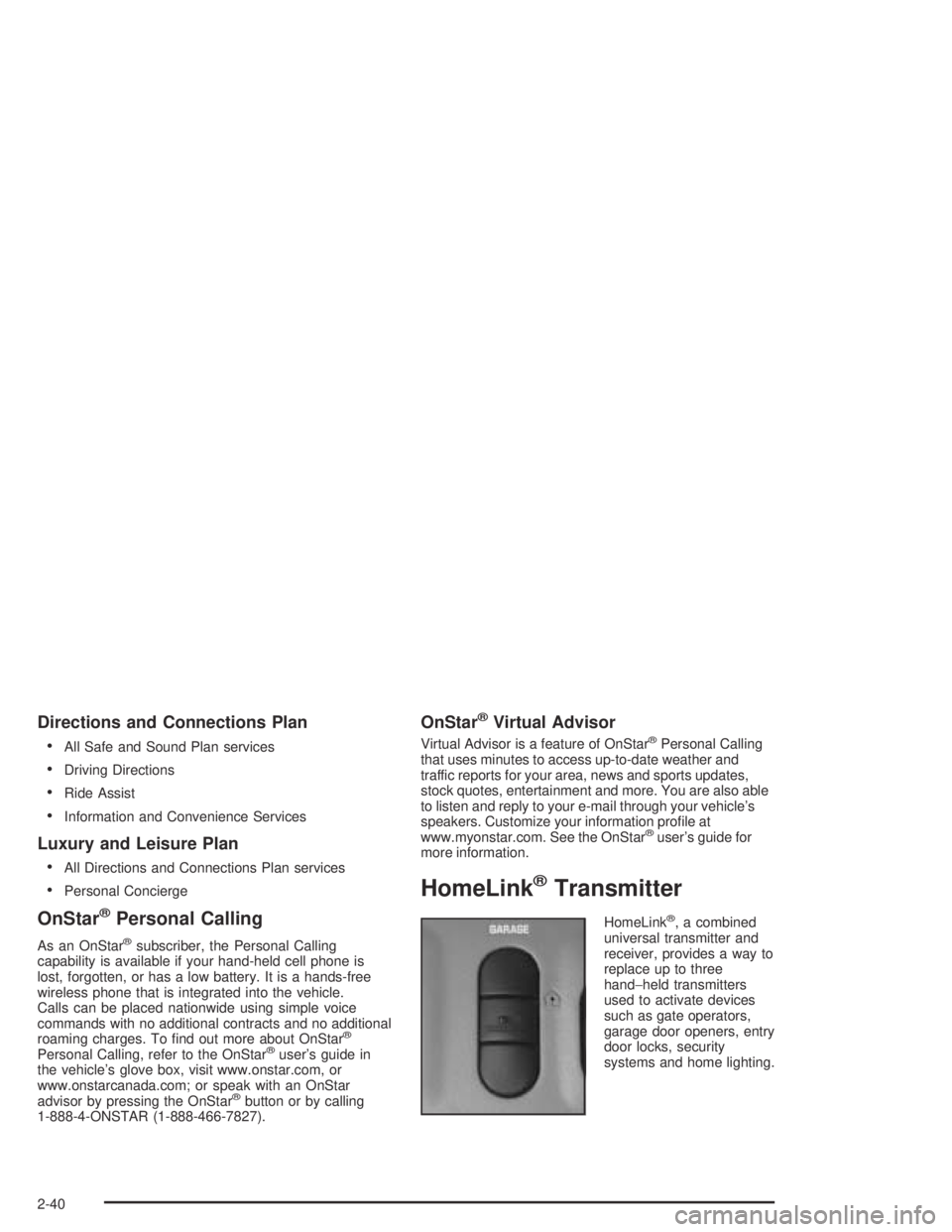
HomeLink®Transmitter
HomeLink®, a combined
universal transmitter and
receiver, provides a way to
replace up to three
hand−held transmitters
used to activate devices
such as gate operators,
garage door openers, entry
door locks, security
systems and home lighting.
2-40
Page 112 of 388
Open:Press and hold the switch rearward to the rst
position to open the glass panel and sunshade. The
sunshade can also be opened manually.
Comfort Stop:Press and release the switch rearward
to the second position to express open the glass
panel to the comfort stop position. The comfort stop
position is designed to help reduce outside noise.
Express Open:When the glass panel is express
opening, pressing the switch in any direction will stop it
in a partially-opened position. The glass panel may
be fully opened by pressing the switch rearward again.
If the switch is pressed and held in an express open
position for more than one and a half seconds, the
express open operation will be overridden and
the sunroof will operate manually.
Close:To close the glass panel, press and hold the
switch forward. As the glass panel reaches the closed
position, it will open slightly toward the vent position and
then drop down to the closed position. The sunshade
must be closed manually.
Vent:Once the sunroof is closed, it can be opened to
the vent position by pushing the switch upward. To
close the glass panel, pull the switch downward. The
sunshade must be opened and closed manually.Vehicle Personalization
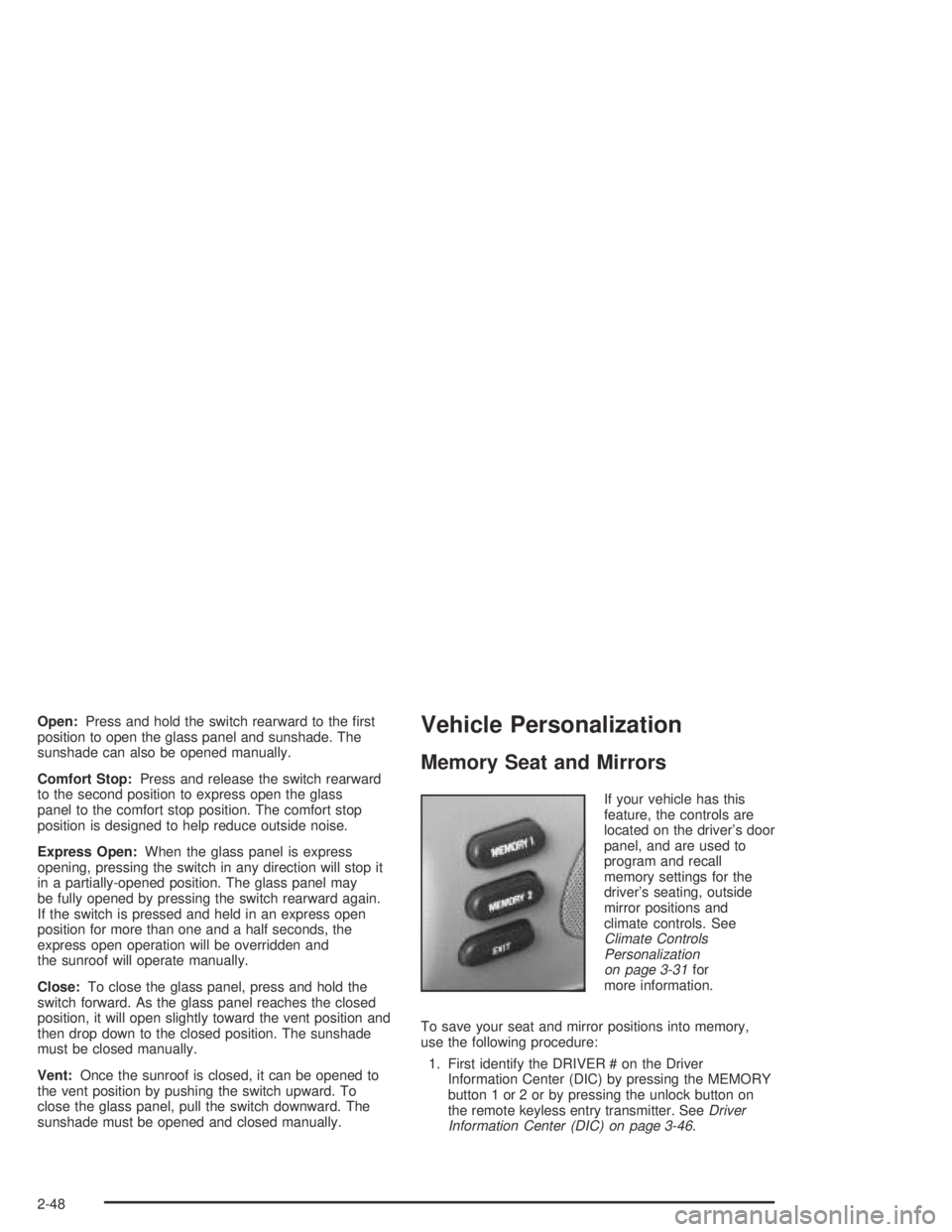
Memory Seat and Mirrors
If your vehicle has this
feature, the controls are
located on the driver’s door
panel, and are used to
program and recall
memory settings for the
driver’s seating, outside
mirror positions and
climate controls. See
Climate Controls
Personalization
on page 3-31for
more information.
To save your seat and mirror positions into memory,
use the following procedure:
1. First identify the DRIVER # on the Driver
Information Center (DIC) by pressing the MEMORY
button 1 or 2 or by pressing the unlock button on
the remote keyless entry transmitter. SeeDriver
Information Center (DIC) on page 3-46.
2-48