door lock BUICK REGAL 2003 User Guide
[x] Cancel search | Manufacturer: BUICK, Model Year: 2003, Model line: REGAL, Model: BUICK REGAL 2003Pages: 344, PDF Size: 2.21 MB
Page 72 of 344
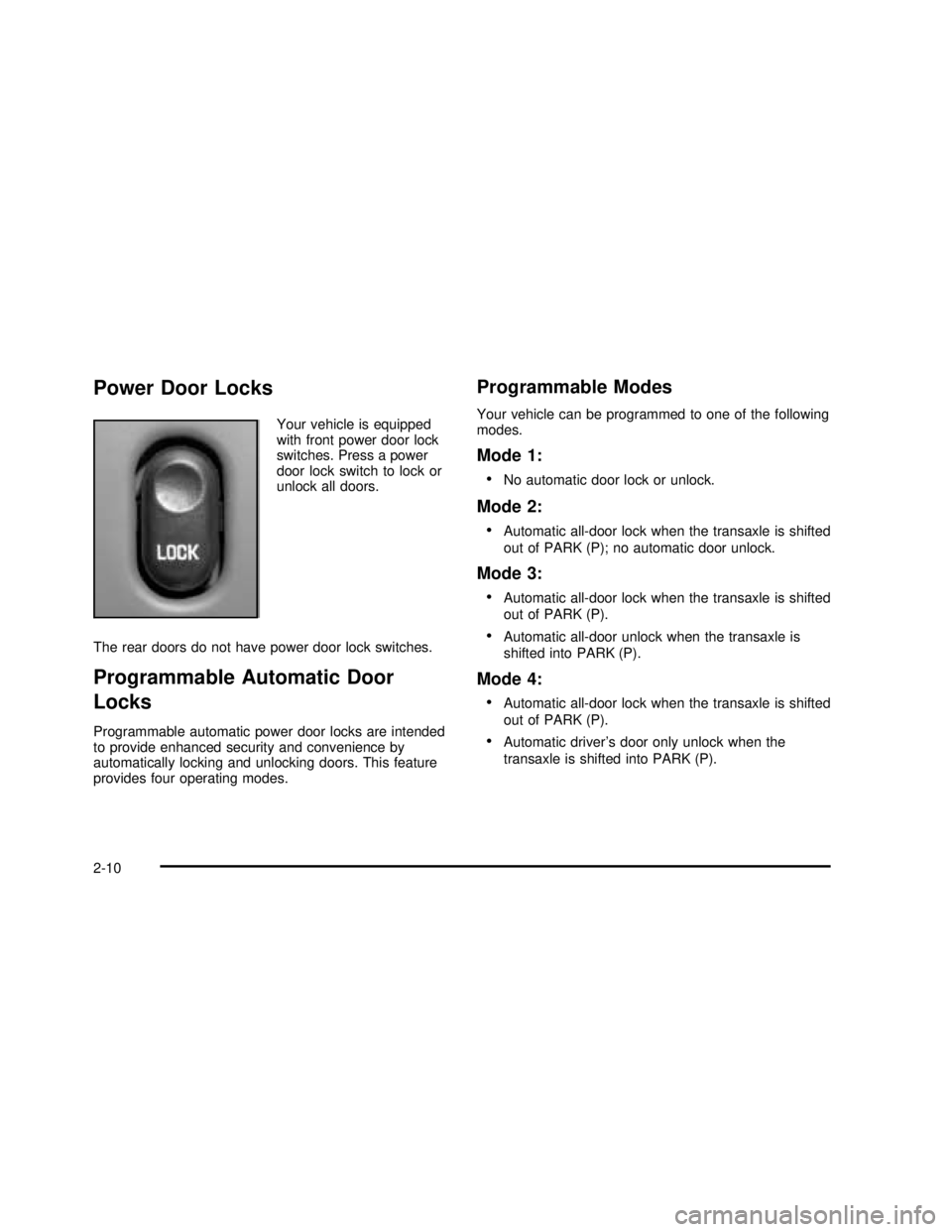
Power Door Locks
Your vehicle is equipped
with front power door lock
switches. Press a power
door lock switch to lock or
unlock all doors.
The rear doors do not have power door lock switches.
Programmable Automatic Door
Locks
Programmable automatic power door locks are intended
to provide enhanced security and convenience by
automatically locking and unlocking doors. This feature
provides four operating modes.
Programmable Modes
Your vehicle can be programmed to one of the following
modes.
Mode 1:
•
No automatic door lock or unlock.
Mode 2:
•
Automatic all-door lock when the transaxle is shifted
out of PARK (P); no automatic door unlock.
Mode 3:
•
Automatic all-door lock when the transaxle is shifted
out of PARK (P).
•Automatic all-door unlock when the transaxle is
shifted into PARK (P).
Mode 4:
•
Automatic all-door lock when the transaxle is shifted
out of PARK (P).
•Automatic driver’s door only unlock when the
transaxle is shifted into PARK (P).
2-10
2003 - Regal OM
Page 73 of 344

Before your vehicle was shipped from the factory, it was
programmed to Mode 3. The mode in which your
vehicle was programmed may have been changed since
it left the factory. To determine which programmable
mode your vehicle is programmed to or to program your
vehicle to a different mode, do the following:
1. Turn the ignition key to RUN.
2. Close all of the doors.
3. Apply your brakes.
4. Press and hold the power door lock switch in the
lock position. While holding the door lock switch in
the lock position, move the shift lever out of and
back into PARK (P).
After an initial transaxle cycle, each additional cycle will
advance the operating mode by one, starting from
the current operating mode. During this procedure, the
automatic door lock and unlock functions will operate
as defined by each mode listed previously, providing the
driver with feedback of the current operating mode. If
cycled beyond Mode 4, the vehicle will enter operating
Mode 1. When the door lock switch is released, the
vehicle will remain in the most recent operating mode.
Disconnecting the vehicle’s battery for up to a year
will not change the last programmed mode of the
programmable automatic power door locks.Lockout Protection
This feature helps to prevent a driver from locking the
keys inside of the vehicle by disabling the power
door locks when the following occurs:
•A door is opened,
•the key is left in the ignition, and
•a power door lock is pressed.
You may override the lockout protection feature by
holding the power door lock switch in the lock position
for more than three seconds while the key is in the
ignition and any door is open.
Remember, this feature can’t guarantee that you’ll never
be locked out of your vehicle. If you use the manual
door lock or if you leave the key in your vehicle, but not
in the ignition you could still be locked out of your
vehicle. Always remember to take your keys with you.
Leaving Your Vehicle
If you are leaving the vehicle, take your keys, open your
door and set the locks from inside. Then get out and
close the door. See“Delayed Locking”in this section for
more information.
2-11
2003 - Regal OM
Page 74 of 344
Trunk
{CAUTION:
It can be dangerous to drive with the trunk lid
open because carbon monoxide (CO) gas can
come into your vehicle. You can’t see or smell
CO. It can cause unconsciousness and even
death. If you must drive with the trunk lid open
or if electrical wiring or other cable
connections must pass through the seal
between the body and the trunk lid:
Make sure all other windows are shut.
Turn the fan on your heating or cooling
system to its highest speed and select the
control setting that will force outside air
into your vehicle. See“Climate Controls”
in the Index.
If you have air outlets on or under the
instrument panel, open them all the way.
See“Engine Exhaust”in the Index.
Trunk Lock
To unlock the trunk from the outside, insert the door key
and turn it. You can also press the trunk symbol on
your remote keyless entry transmitter.
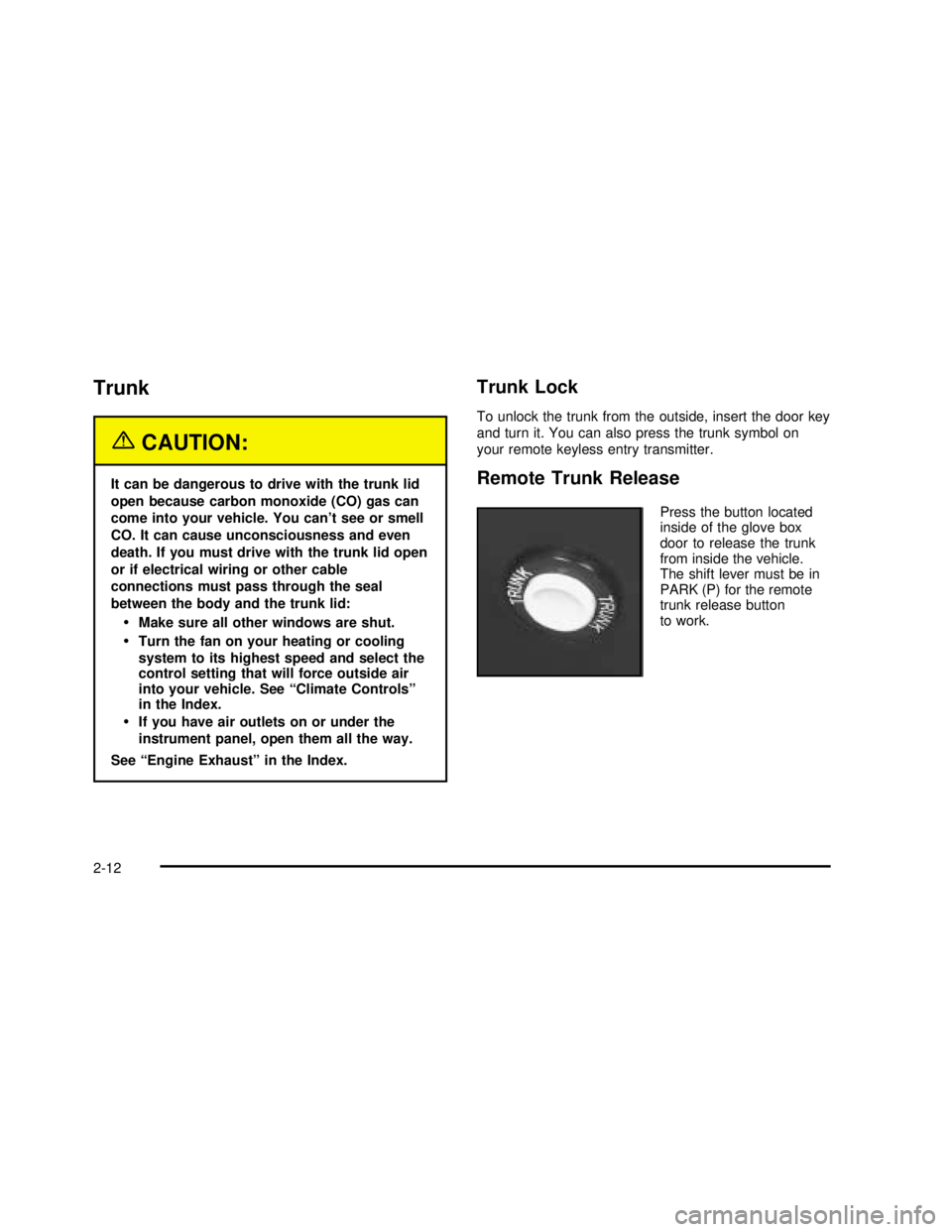
Remote Trunk Release
Press the button located
inside of the glove box
door to release the trunk
from inside the vehicle.
The shift lever must be in
PARK (P) for the remote
trunk release button
to work.
2-12
2003 - Regal OM
Page 77 of 344
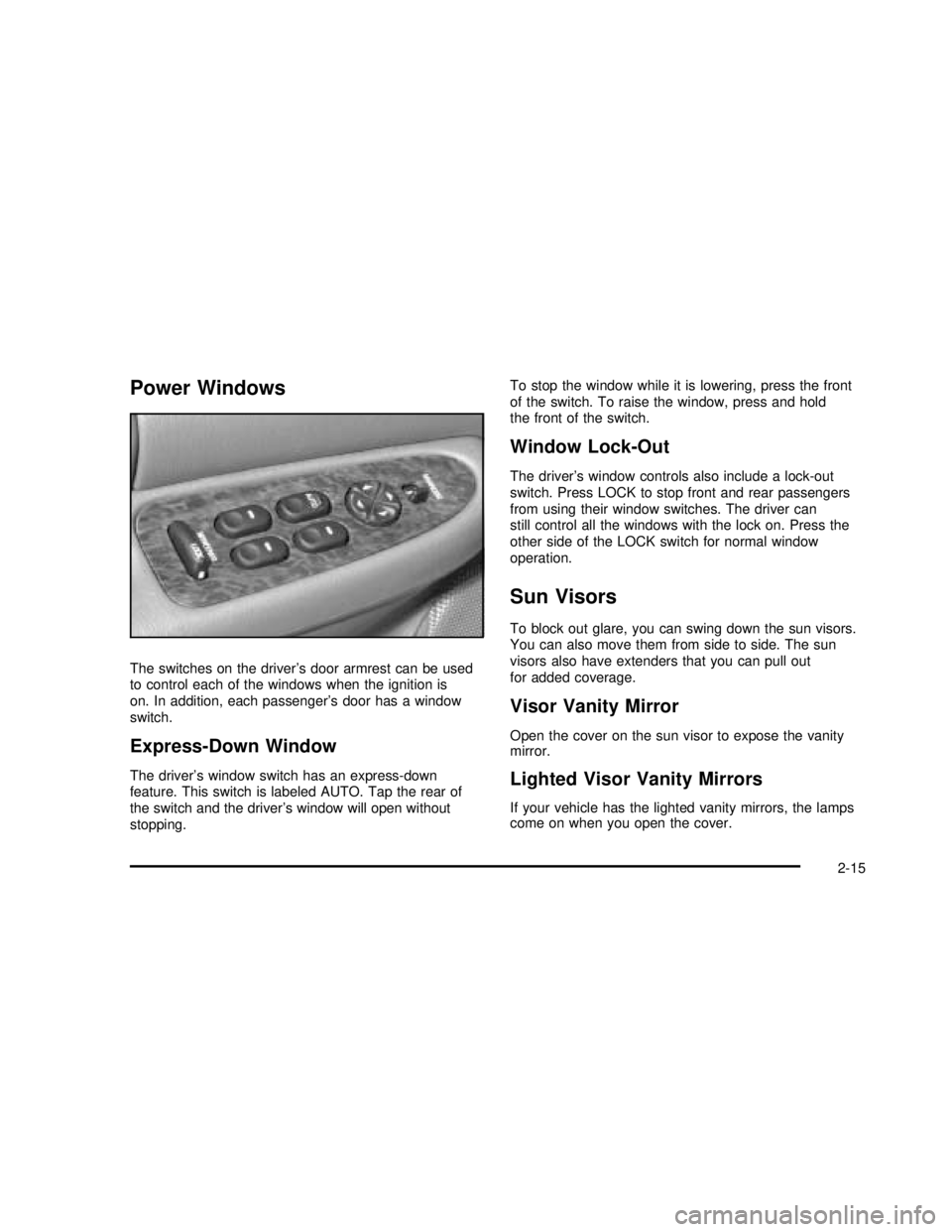
Power Windows
The switches on the driver’s door armrest can be used
to control each of the windows when the ignition is
on. In addition, each passenger’s door has a window
switch.
Express-Down Window
The driver’s window switch has an express-down
feature. This switch is labeled AUTO. Tap the rear of
the switch and the driver’s window will open without
stopping.To stop the window while it is lowering, press the front
of the switch. To raise the window, press and hold
the front of the switch.
Window Lock-Out
The driver’s window controls also include a lock-out
switch. Press LOCK to stop front and rear passengers
from using their window switches. The driver can
still control all the windows with the lock on. Press the
other side of the LOCK switch for normal window
operation.
Sun Visors
To block out glare, you can swing down the sun visors.
You can also move them from side to side. The sun
visors also have extenders that you can pull out
for added coverage.
Visor Vanity Mirror
Open the cover on the sun visor to expose the vanity
mirror.
Lighted Visor Vanity Mirrors
If your vehicle has the lighted vanity mirrors, the lamps
come on when you open the cover.
2-15
2003 - Regal OM
Page 80 of 344

Ignition Positions
With the ignition key in the ignition, you can turn the key
tofive different positions:
A (ACCESSORY):This position lets you use the radio
and windshield wipers when the engine is off. To
use ACCESSORY, push in the key and turn it toward
you. Your steering wheel will stay locked.
B (LOCK):This is the only position in which you can
insert or remove the key. This position locks the ignition,
steering wheel and transaxle. It’s a theft-deterrent
feature.Notice:If your key seems stuck in LOCK and you
can’t turn it, be sure you are using the correct key; if
so, is it all the way in? If it is, then turn the steering
wheel left and right while you turn the key hard.
Turn the key only with your hand. Using a tool
to force it could break the key or the ignition switch.
If none of these works, then your vehicle needs
service.
C (OFF):This position lets you turn off the engine but
still turn the steering wheel. It doesn’t lock the
steering wheel. Use OFF if you must have your vehicle
pushed or towed.
D (RUN):This position is where the key returns to after
you start your vehicle. With the engine off, you can
use RUN to display some of your warning and indicator
lights.
E (START):This position starts your engine.
A warning chime will sound if you open the driver’s door
when the ignition is in OFF, LOCK or ACCESSORY
and the key is in the ignition.
Retained Accessory Power (RAP)
With Retained Accessory Power (RAP), your power
windows and audio system will continue to work for up
to 10 minutes after the ignition key is turned to OFF
and before any of the doors are opened.
2-18
2003 - Regal OM
Page 96 of 344
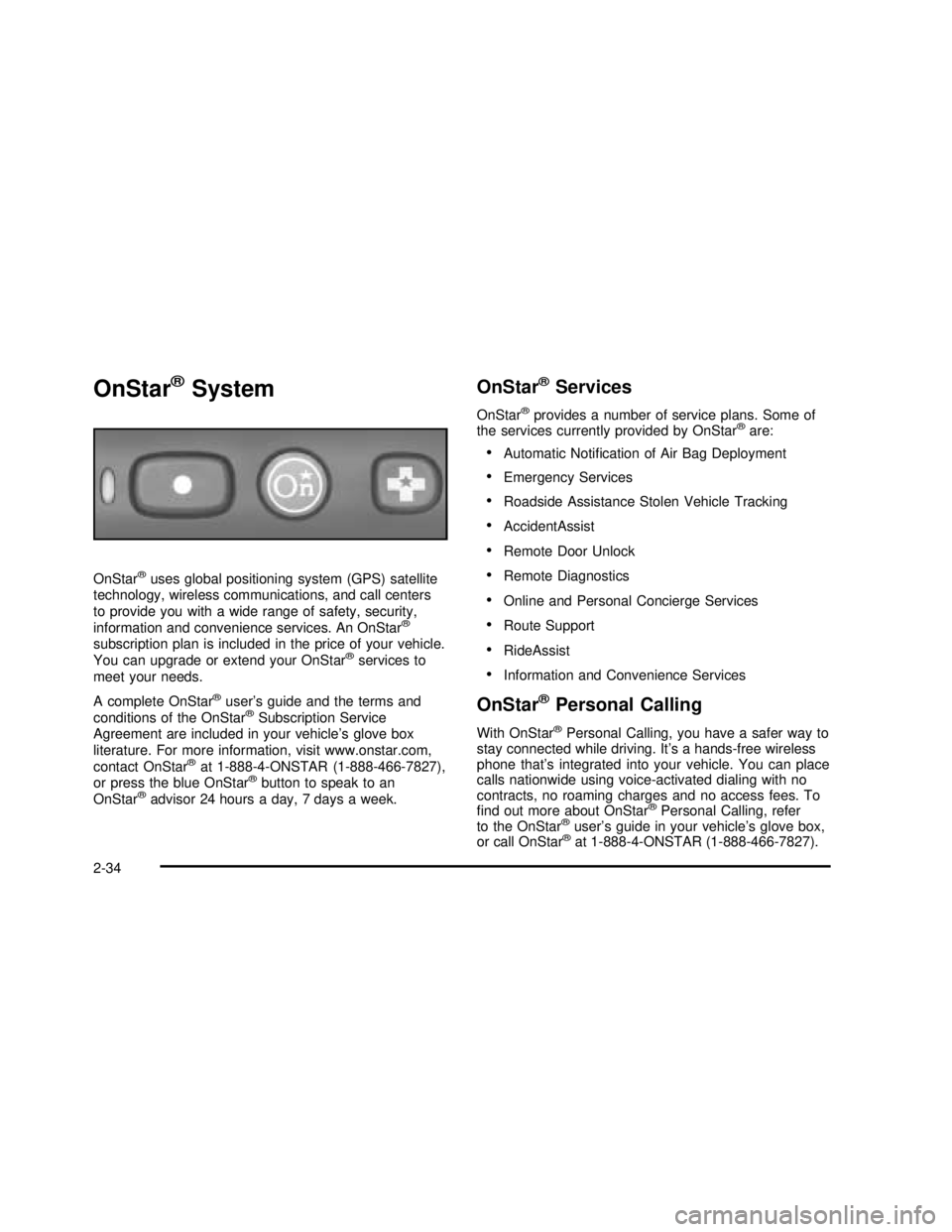
OnStar®System
OnStar®uses global positioning system (GPS) satellite
technology, wireless communications, and call centers
to provide you with a wide range of safety, security,
information and convenience services. An OnStar
®
subscription plan is included in the price of your vehicle.
You can upgrade or extend your OnStar®services to
meet your needs.
A complete OnStar
®user’s guide and the terms and
conditions of the OnStar®Subscription Service
Agreement are included in your vehicle’s glove box
literature. For more information, visit www.onstar.com,
contact OnStar
®at 1-888-4-ONSTAR (1-888-466-7827),
or press the blue OnStar®button to speak to an
OnStar®advisor 24 hours a day, 7 days a week.
OnStar®Services
OnStar®provides a number of service plans. Some of
the services currently provided by OnStar®are:
•Automatic Notification of Air Bag Deployment
•Emergency Services
•Roadside Assistance Stolen Vehicle Tracking
•AccidentAssist
•Remote Door Unlock
•Remote Diagnostics
•Online and Personal Concierge Services
•Route Support
•RideAssist
•Information and Convenience Services
OnStar®Personal Calling
With OnStar®Personal Calling, you have a safer way to
stay connected while driving. It’s a hands-free wireless
phone that’s integrated into your vehicle. You can place
calls nationwide using voice-activated dialing with no
contracts, no roaming charges and no access fees. To
find out more about OnStar
®Personal Calling, refer
to the OnStar®user’s guide in your vehicle’s glove box,
or call OnStar®at 1-888-4-ONSTAR (1-888-466-7827).
2-34
2003 - Regal OM
Page 97 of 344

OnStar®Virtual Advisor
With OnStar®Virtual Advisor you can listen to the news,
entertainment and informative topics, such as traffic
and weather reports. You are able to listen and reply to
your e-mail through your vehicle’s speakers.
A completed Subscription Service Agreement is required
prior to delivery of OnStar
®services and prepaid
calling minutes are also required for OnStar®Personal
Calling and OnStar®Virtual Advisor use. Terms and
conditions of the Subscription Service Agreement can be
found at www.onstar.com.
Storage Areas
Glove Box
Use the door key to lock and unlock the glove box. To
open, lift the latch.
Center Console Storage Area
The console has cupholders and a cassette tape
storage area.
To access the console storage area, press the latch on
the front of the console lid and pull up.
2-35
2003 - Regal OM
Page 99 of 344

Instrument Panel Overview...............................3-2
Hazard Warning Flashers................................3-4
Other Warning Devices...................................3-4
Horn .............................................................3-5
Tilt Wheel.....................................................3-5
Turn Signal/Multifunction Lever.........................3-5
Exterior Lamps.............................................3-10
Interior Lamps..............................................3-13
Accessory Power Outlets...............................3-15
Auxiliary Power Connection (Power Drop).........3-16
Ashtrays and Cigarette Lighter........................3-17
Climate Controls............................................3-17
Dual Climate Control System..........................3-17
Dual Automatic Climate Control System...........3-20
Outlet Adjutment...........................................3-24
Passenger Compartment Air Filter...................3-24
Warning Lights, Gages and Indicators.............3-26
Instrument Panel Cluster................................3-27
Speedometer and Odometer...........................3-28
Tachometer.................................................3-29
Safety Belt Reminder Light.............................3-29
Air Bag Readiness Light................................3-30
Charging System Light..................................3-31
Brake System Warning Light..........................3-31
Anti-Lock Brake System Warning Light.............3-32
Traction Control System (TCS) Warning Light . . .3-33
Low Traction Light
........................................3-33Engine Coolant Temperature Warning Light......3-34
Engine Coolant Temperature Gage..................3-34
Tire Pressure Light.......................................3-35
Malfunction Indicator Lamp.............................3-35
Oil Pressure Light.........................................3-38
Low Oil Level Light.......................................3-39
Change Engine Oil Light................................3-39
Security Light...............................................3-40
Cruise Control Light......................................3-40
Low Washer Fluid Warning Light.....................3-40
Door/Trunk Ajar Warning Light........................3-40
Service Vehicle Soon Light............................3-41
Fuel Gage...................................................3-41
Low Fuel Warning Light.................................3-42
Driver Information Center (DIC).......................3-42
Audio System(s).............................................3-44
Setting the Time...........................................3-45
Radio with Cassette......................................3-45
Radio with Cassette and CD..........................3-49
Theft-Deterrent Feature..................................3-55
Audio Steering Wheel Controls.......................3-57
Understanding Radio Reception......................3-57
Care of Your Cassette Tape Player.................3-58
Care of Your CDs.........................................3-59
Care of Your CD Player................................3-59
Backglass Antenna.......................................3-59
Section 3 Instrument Panel
3-1
2003 - Regal OM
Page 109 of 344

Parking Lamps:Pulling the control out, halfway to the
first position, turns on the parking lamps together
with the following:
•Taillamps
•License Plate Lamps
•Sidemarker Lamps
•Instrument Panel Lights
Headlamps:Pulling the control out all the way, to the
second position, turns on the headlamps together
with the previously listed lamps and lights.
A warning chime will sound if you open the driver’s door
when you turn the ignition switch to OFF, LOCK or
ACCESSORY with the lamps on.
Daytime Running Lamps / Automatic
Headlamp System
Daytime Running Lamps (DRL) can make it easier for
others to see the front of your vehicle during the
day. DRL can be helpful in many different driving
conditions, but they can be especially helpful in the short
periods after dawn and before sunset. Fully functional
daytime running lamps are required on all vehicles
first sold in Canada.A light sensor on top of the instrument panel makes the
DRL work, so be sure it isn’t covered.
The DRL system will make your front turn signal lamps
come on when the following conditions are met:
•The ignition is on,
•the exterior lamps control is off and
•the parking brake is released.
When the DRL are on, only your front turn signal lamps
will be on. The headlamps, taillamps, sidemarker and
other lamps won’t be on. Your instrument panel won’tbe
lit up either.
When it’s dark enough outside, your front turn signal
lamps will turn off and your vehicle’s headlamps
and parking lamps will turn on. The other lamps that
come on with your headlamps will also come on.
When it’s bright enough outside, your headlamps will go
off and your front turn signal lamps will come on.
To idle your vehicle with the DRL and automatic
headlamp control off, set the parking brake while the
ignition is in OFF or LOCK. Then start your vehicle. The
DRL, headlamps and parking lamps will stay off until
you release the parking brake.
3-11
2003 - Regal OM
Page 110 of 344

To turn off the automatic headlamp feature when it’s
dark outside, move the exterior lamp control to the
parking lamp position. Your parking lamps will remain
illuminated and your headlamps will turn off. The
fog lamps will also be lit if they were on when you
switched to the parking lamp position.
As with any vehicle, you should turn on the regular
headlamp system when you need it.
Delayed Headlamps
Delayed headlamps illumination provides a period of
exterior lighting as you leave your vehicle. The feature is
activated when your vehicle’s headlamps are on due
to the automatic headlamp control feature described
previously in this section, and when your vehicle’s
ignition is turned off. Your headlamps will then remain
on until the exterior lamps control is moved from OFF to
the parking lamp position or until a 90 second lighting
period has ended.
If you turn off the ignition with the exterior lamps control
in the parking lamp or headlamps position, the delayed
headlamps illumination cycle will not occur.
You can customize the vehicle to activate delayed
headlamps illumination when your vehicle’s ignition is
turned off under the conditions described above, or you
may choose not to activate this feature under any
conditions.You can turn the feature on and off when you perform
the following sequence:
1. Turn the ignition key to RUN.
2. Close all the doors.
3. Press and hold the power door lock switch. While
holding the door lock switch, cycle the exterior
lamps control on and then off two times.
4. Release the power door lock switch. These
operations must be carried out in a time period of
less than 10 seconds, followed by a delay period of
no more than 10 seconds.
5. Then, press and hold the power door unlock switch.
While holding the door unlock switch, turn the
exterior lamps control on and then off two times.
Release the power door unlock switch.
6. Release the power door unlock switch. These steps
must be carried out in a time period of less than
10 seconds.
After releasing the power door unlock switch, a single
chime will be heard if the delayed headlamp illumination
function has been disabled; two chimes will be heard
if the feature has been enabled. Disconnecting the
vehicle’s battery for up to a year will not change
the programmed operation for this feature.
3-12
2003 - Regal OM