light BUICK RIVIERA 1993 Owner's Guide
[x] Cancel search | Manufacturer: BUICK, Model Year: 1993, Model line: RIVIERA, Model: BUICK RIVIERA 1993Pages: 324, PDF Size: 16.01 MB
Page 116 of 324
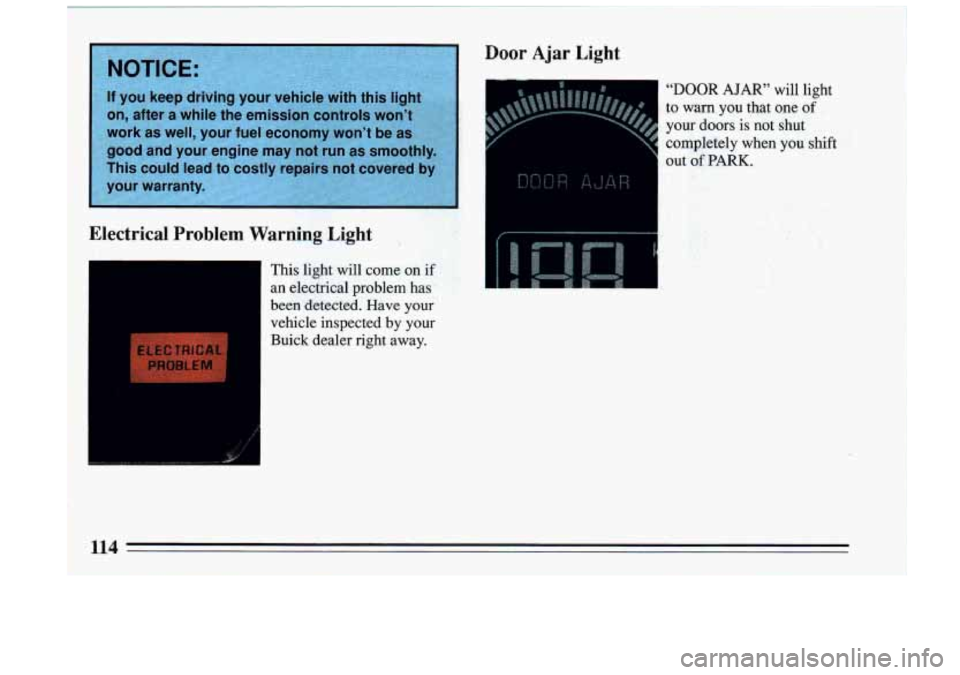
‘Electrical Problem Warning Light 3
This light will come on if
an elecpical problem has
been detected. Have your
vehicle inspected by your Buick dealer right away.
Door Ajar Light
“DOOR AJAR” will light
to
warn you that one of
your doors is not shut
completely
when you shift
out of PARK.
Page 117 of 324
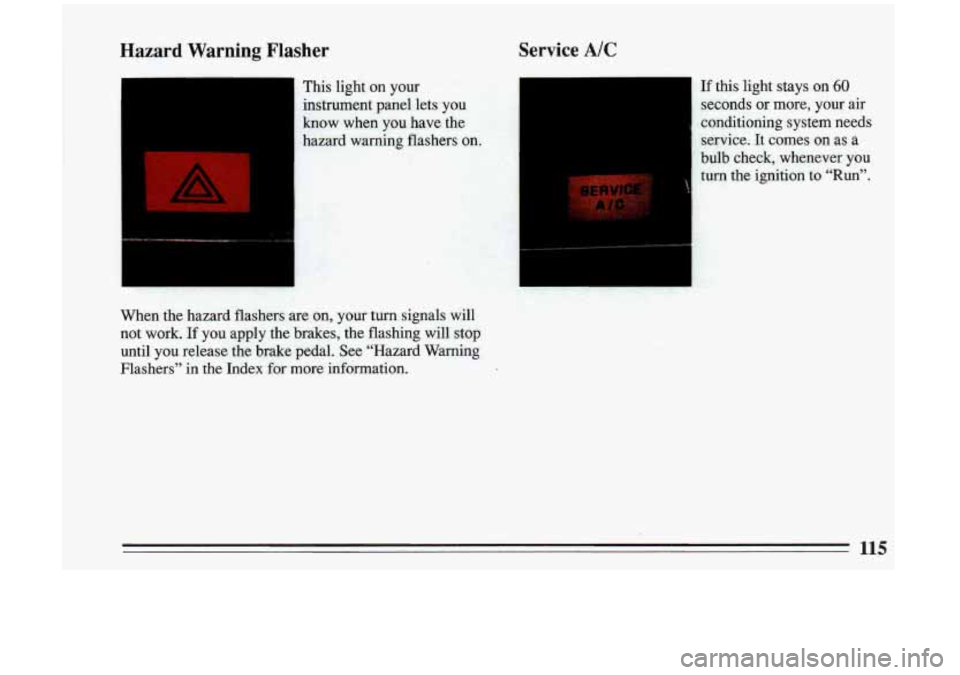
Hazard Warning Flasher Service A/C
- This light
on your
instrument panel lets you
know when you have the
hazard warning flashers
on.
When the hazard flashers are on, your turn signals will
not work.
If you apply the brakes, the flashing will stop
until’you release the brake pedal. See “Hazard Warning
Flashers” in the Index for more information.
If this light stays on 60
seconds or more, your air
conditioning system needs service. It comes
on as a
bulb cheek, whenever you
turn the ignition to “Run”.
Page 123 of 324
To rid the system of stale air in warm weather, air will
come out of the floor outlets for a short time.
Fan Speed
Bi-Level
H
The speed of the blower fan is controlled automancally'
if you have the fan on AUTO.
However, if you want the blower fan to run at a lower
speed, push
v.
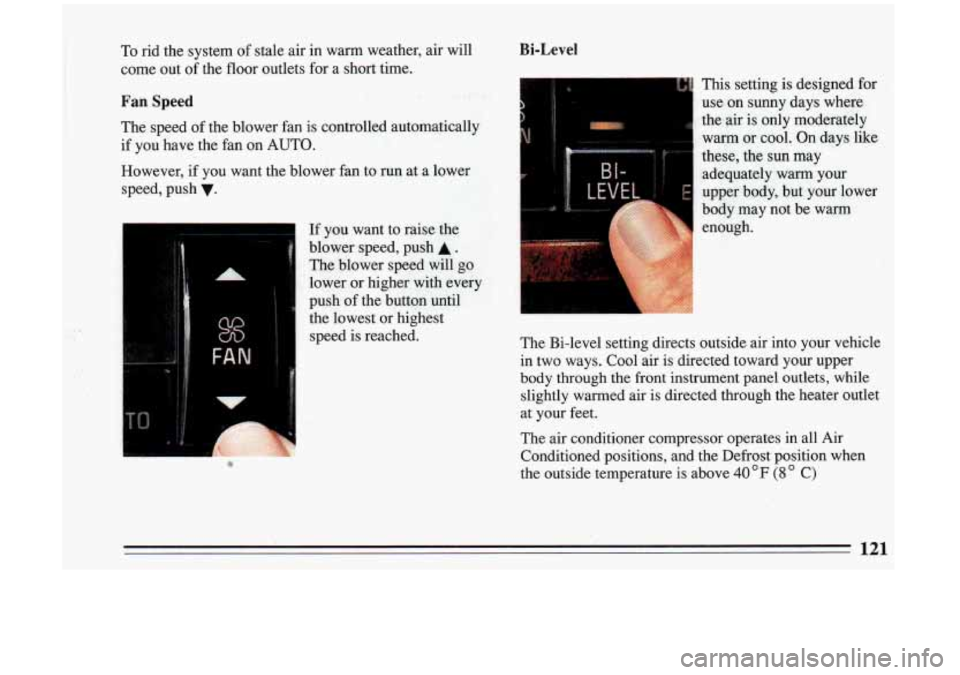
If you want to raise the
blower speed, push
A.
The blower speed will go
lower or higher with
every
push of the button until
the lowest or highest
speed is reached.
This setting is designed for
use on sunny days where
the-air is only moderately
warm or cool. On days like
these, the sun may
adequately
warm your
upper body, but your lower
body may not be warm enough.
The Bi-level setting directs outside air into your vehicle
in two ways. Cool air is directed toward your upper
body through the front instrument panel outlets,
while
slightly warmed air is directed through the heater outlet
at your feet.
The air conditioner compressor operates in all Air Conditioned positions, and the Defrost position when
the outside temperature is above 40 OF (8 C)
121
Page 126 of 324
Audio Systems
Your Delco@ audio system has been designed to operate
easily and give years
of listening pleasure. But you will
get the most enjoyment out of it if you acquaint yourself
with it first. Find out what your DelcoQ system can
do
and how to operate all its controls, to be sure you’re
getting the most out of the advanced engineering that
went into it.
FM Stereo
FM stereo will give you the best sound. But FM signals
will reach only about
10 to 40 miles (16 to 65 km). And,
tall buildings or hills can interfere with FM signals,
causing the sound
to come and go.
AM
The range for most AM stations is greater than for FM,
especially at night. The longer range, however, can
cause stations to interfere with each other. AM can pick
up noise from things like storms and power lines. Try
redu
~ --lg the treble to reduce this noise.
AM Stereo
This means the Delcoa system can receive C-QUAM@
stereo broadcasts. Many AM stations around the country
use C-QUAM@ to produce stereo, though some do not.
(C-QUAM@ is
a registered trademark of Motorola, Inc.)
If your Delcoa system can get C-QUAM@, your
STEREO light will come on when you’re receiving it.
I 124 I
! I
Page 130 of 324
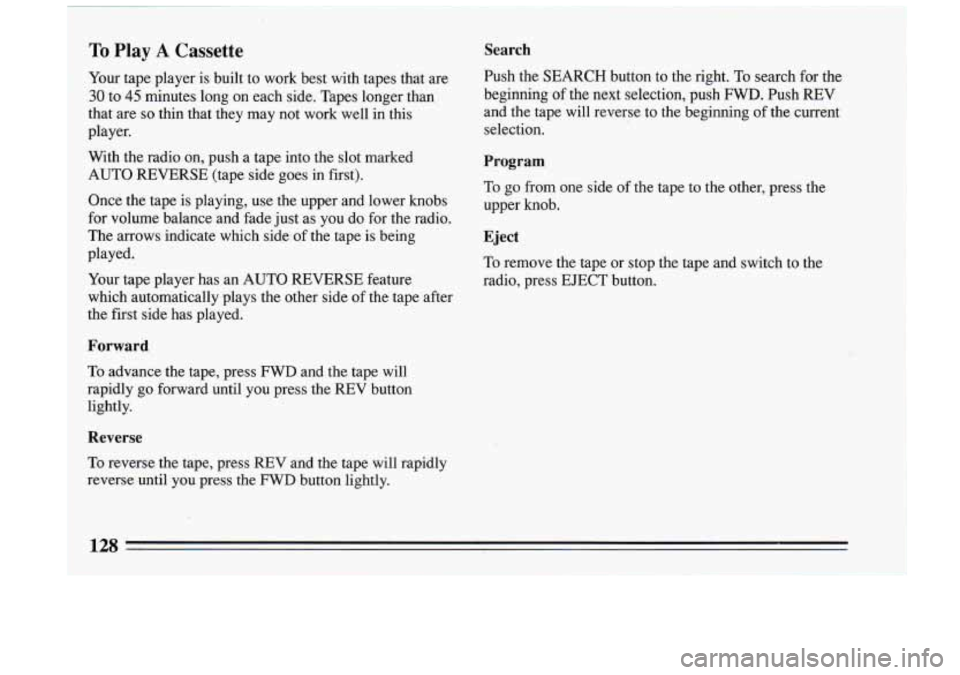
To Play A Cassette Search
Your tape player is built to work best with tapes that are Push the
~J3mcH button to the right. TO search for the
30 to 45 minutes long on each side. Tapes longer than beginning
of the next selection, push FWD. Push REV
that are
so thin that they may not work well in this and
the tape will reverse to the beginning of the current
player. selection.
With the radio on, push a tape into the slot marked
AUTO REVERSE (tape side goes
in first).
Once the tape is playing, use the upper and lower knobs
for volume balance and fade just as you
do for the radio.
The arrows indicate which side
of the tape is being
Program
To go from one side of the tape to the other, press the
upper knob.
Eject
played.
Your tape player has an AUTO REVERSE feature radio, press EJECT but\
ton.,
which automatically plays the other side of the tape after
the first side has played. To
remove the tape or stop the tape and switch to the
Forward
To advance the tape, press FWD and the tape will
rapidly
go forward until you press the REV button
lightly.
..
Reverse
To reverse the tape, press REV and the tape will rapidly
reverse until you press the
FWD button lightly.
128
Page 133 of 324
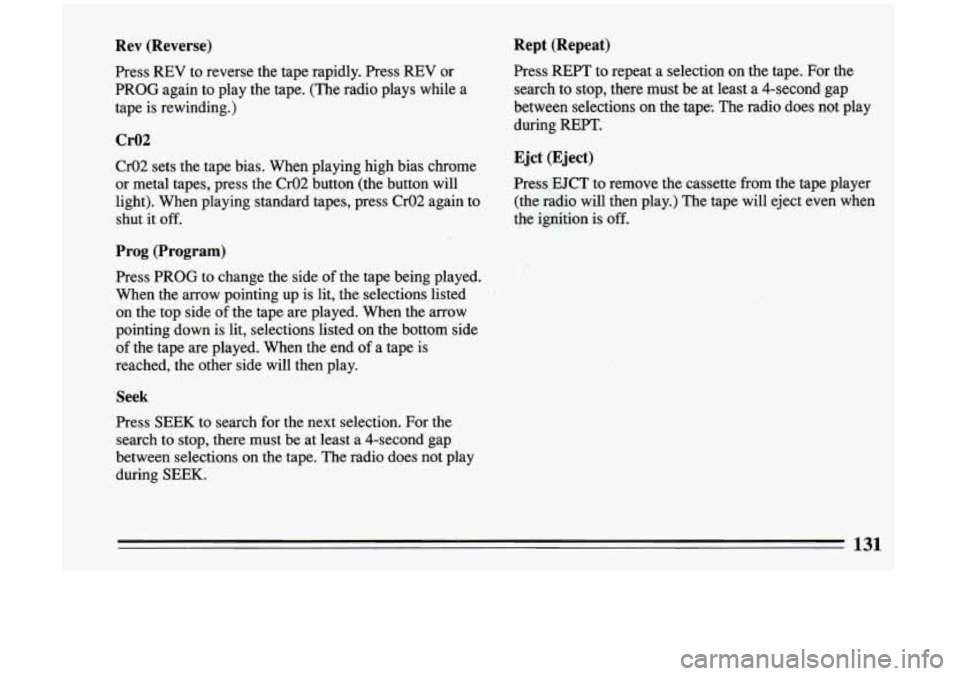
Rev (Reverse)
Press REV to reverse the tape rapidly. Press REV or
PROG again to play the tape. (The radio plays while a
tape is rewinding.)
Cr02
Cr02 sets the tape bias. When playing high bias chrome
or metal tapes, press the Cr02 button (the button will
light). When playing standard tapes, press Cr02 again .to
shut it off.
Prog (Program)
Press PROG to change the side of the tape being played.
When the arrow pointing up is lit, the selections listed
on the top side of the tape are played. When the arrow
pointing down is lit, selections listed on the bottom side
of the tape are played. When the end of a tape is
reached, the other side will then play.
Seek
Press SEEK to search for the next selection. For the
search to stop, there must be at least a 4-second gap
between selections on the tape. The radio does not play
during SEEK.
Rept (Repeat)
Press REPT to repeat a selection on the tape. For the
search to stop, there must be at least a 4-second gap
between selections
on the tape. The radio does not play
during REPT.
Ejet (Eject)
Press EJCT to remove the cassette from the tape player
(the radio will then play.) The tape will eject even when
the ignition is
off.
131
Page 136 of 324
I
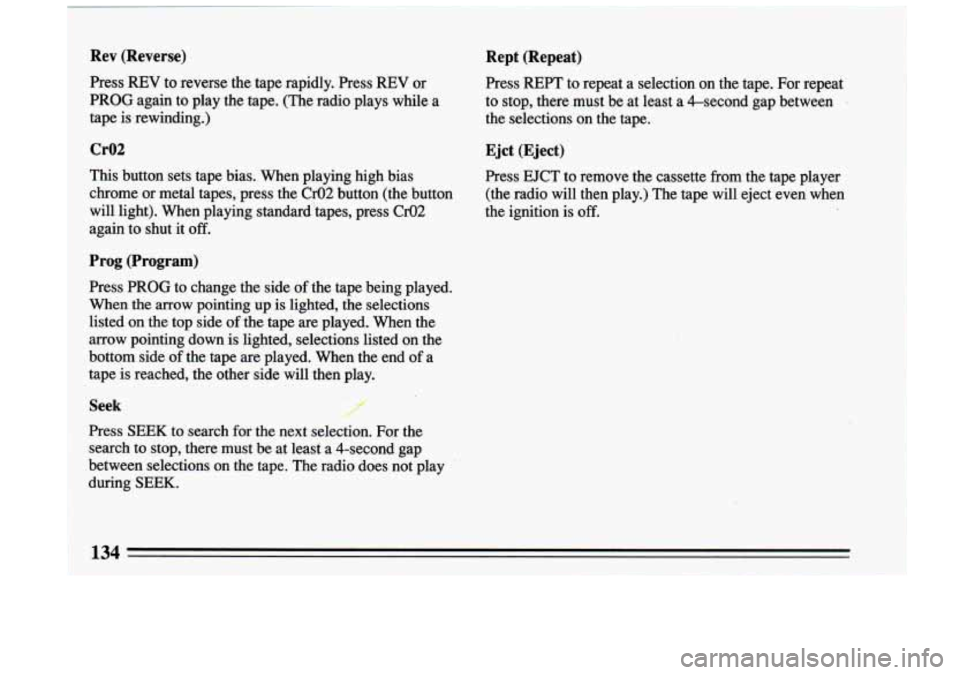
Rev (Reverse)
Press REV to reverse the tape rapidly. Press REV or
PROG again to play the tape. (The radio plays while
a
tape is rewinding.)
Cr02
This button sets tape bias. When playing high bias
chrome or metal tapes, press the
02 button (the button
will light).
When playing standard "tapes, press 02
again to shut it off.
Prog (Program)
Press PROG to change the side of the tape being played.
When the arrow pointing up is lighted, the selections
listed on the top side
of the tape are played. When the
arrow pointing down is lighted, selections listed on the
bottom side
of the tape are played. When the end of a
tape is reached, the other side
will then play.
Seek r""
Press SEEK to search for the next selection. For the
search to stop, there must be at leasf a.4-second gap
between selections on the tape. The radio does not play
during
SEEK.
Rept (Repeat)
Press REFT to repeat a selection on the tape. For repeat ".
to stop, there must be at least a &second gap between
the selections on the tape.
Ejct (Eject)
Press EJCT to remove the cassette from the tape player
(the radio will then play.)
The tape will eject even when
the ignition is
off.
134 -
Page 138 of 324
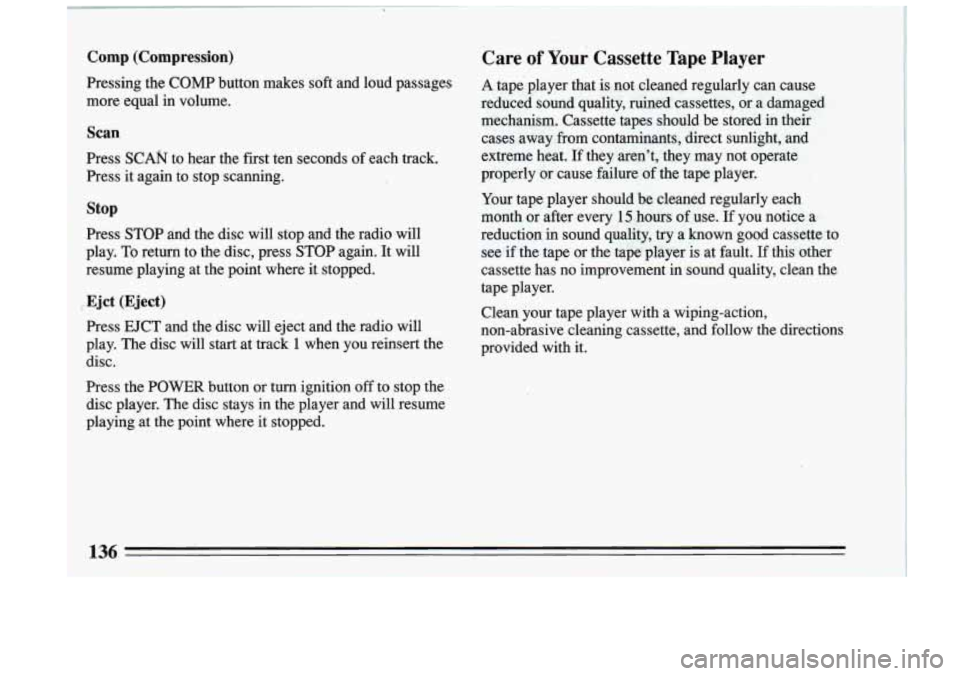
Comp (Compression)
Pressing the COMP button makes soft and loud passages
more equal
in volume.
Scan
Press SCAN to hear the first ten seconds of each track.
Press it again to stop scanning.
stop
Press STOP and the disc will stop and the radio will
play. To return to the disc, press STOP again. It will
resume playing at the point where it stopped.
Ejct (Eject)
Press EJCT and the disc will eject and the radio will
play. The disc will start at track
1 when you reinsert the
disc.
Press the POWER button or turn ignition
off to stop the
disc player. The disc stays in the player and will resume
playing at the point where it stopped.
Care of Your Cassette Tape Player
A tape- player that is. not cleaned regularly can cause
reduced
sound quality, ruined cassettes, or a damaged
mechanism. Cassette tapes should be stored in their
cases away
from contaminants, direct sunlight, and
extreme heat. If they aren’t, they may not operate
properly or cause failure of the tape player.
Your tape player should be cleaned regularly each
month or after every
15 hours of use. If you notice a
reduction
in sound quality, try a known good cassette to
see if the tape or the tape player is at fault.
If this other
cassette has no improvement in sound quality, clean the
tape player.
Clean your tape player with a wiping-action,
non-abrasive cleaning cassette, aild follow the directions
provided with it.
I
136
I
Page 139 of 324
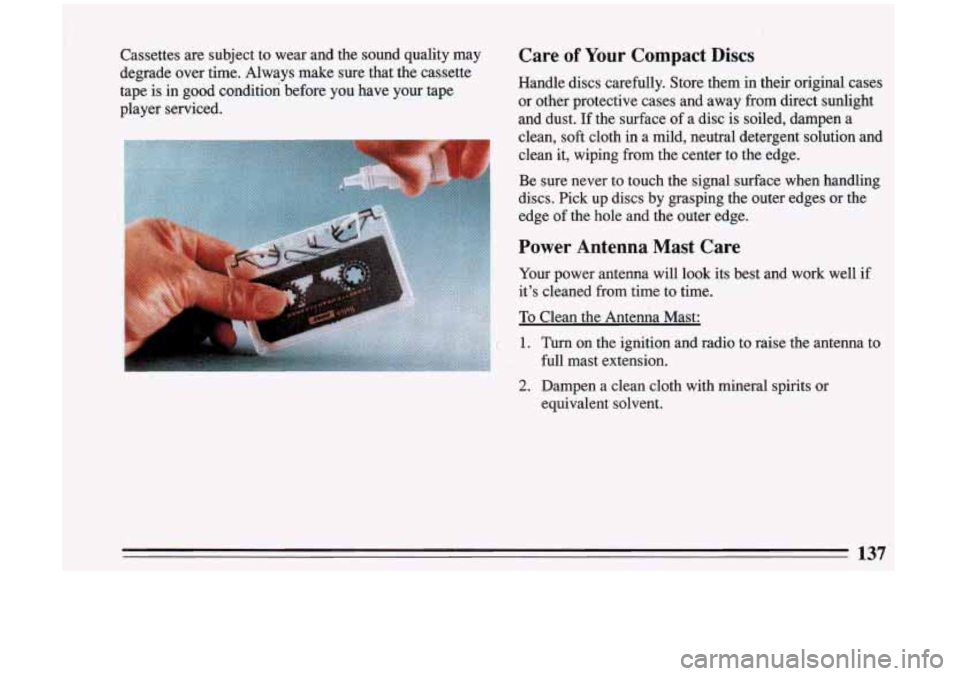
Cassettes are subject to wear and the sound quality may
degrade over time. Always make sure that the cassette
tape is in good condition before you have your tape
player serviced.
i
Care of Your Compact Discs
Handle discs carefully. Store them in their original cases
or other protective cases and away from direct sunlight
and dust. If the surface
of a disc is soiled, dampen a
clean,
soft cloth in a mild, neutral detergent solution and
clean it, wiping from the center to the edge.
Be sure never to touch the signal surface when handling
discs. Pick up discs by grasping the outer edges or the
edge of the hole and the outer edge.
Power Antenna Mast Care
Your power antenna will look its best and work well if
it’s cleaned from time to time.
To Clean the Antenna Mast:
1. Turn on the ignition and radio to raise the antenna to
full mast extension.
2. Dampen a clean cloth with mineral spirits or
equivalent solvent.
137
Page 147 of 324
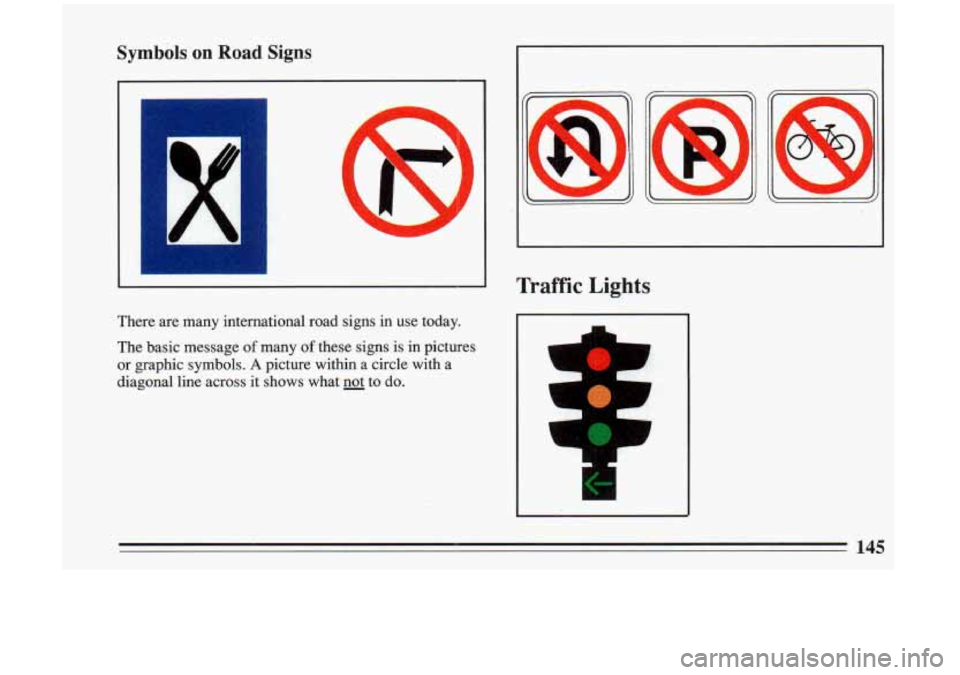
Symbols on Road Signs
There are many international road signs in use today.
The basic message
of many of these signs is in pictures
or graphic symbols.
A picture within a circle with a
diagonal line across it shows what
not to do.
Traffic Lights
1
L
'1
145