Aux BUICK TERRAZA 2007 Owner's Guide
[x] Cancel search | Manufacturer: BUICK, Model Year: 2007, Model line: TERRAZA, Model: BUICK TERRAZA 2007Pages: 562, PDF Size: 2.96 MB
Page 314 of 562
Rear Seat Audio (RSA)
(Option A, Uplevel)
Your vehicle may have this type of rear seat
audio (RSA) system, if it has this feature, it will
allow rear seat passengers to listen to and control
any of the following audio sources: AM/FM
tuner, front CD player, and XM™ Satellite Radio
Service (if equipped). However, the rear seat
passengers can only control the sources that the
front seat passengers are not listening to. For
example, rear seat passengers may listen to a CD
in the front radio and control it while the driver
listens to the radio through the front speakers.
The rear seat passengers have control of
the volume for each set of headphones.
The front seat audio controls always have
priority over the RSA controls. If the front seat
passengers switch the source for the main radio to
a remote source, the RSA will not be able to
control the remote source. You can operate the
RSA when the main radio is off.The DVD or auxiliary device will always be
available on channel (CHA or CH1) of the wireless
headphones. All other RSA sources are available
on CHB or CH2 of the wireless headphones,
as well as the wired headphones. If the RSA is
off, the wired headphones will provide DVD
or auxiliary device audio. The rear seat
passengers will not be able to listen to XM, on
CHB or CH2, if the front passenger is listening to
a DVD or auxiliary device.
The remote control will not operate any of the
RSA features.
314
Page 316 of 562

SRCE (Source):Press this button to switch
between playing the AM/FM tuner, front CD player,
and XM™ Satellite Radio Service (if equipped). If
one of the sources are not loaded, the system will
skip over the source when this button is pressed.
X(Headphone):Press the right or the left
headphone button to enable volume control of the
wired headphone connected to the corresponding
jack. Press the right and left arrow buttons to
change the volume.
rj(Parental Control):This button is located
behind the video screen, below the auxiliary jacks.
Press this button while using RSA, or when a
DVD or CD is playing to blank the video screen
and to mute the audio. The power indicator
lights on the DVD player will ash. Turning on the
parental control will also disable all other button
operations from the remote control and the
DVD player, except for the eject button. Press this
button again to restore operation of the RSA,
DVD player, and remote control.
This button may also be used to turn the DVD
player power on and automatically resume play if
the vehicle is on and a disc is in the player. If
no disc is in the player then the system will power
up in auxiliary mode.
Rear Seat Audio (RSA)
(Option B, Uplevel)
Your vehicle may have this type of rear seat
audio (RSA) system, if it has this feature, it will
allow rear seat passengers to listen to and control
any of the following audio sources: AM/FM
tuner, front CD player, and XM™ Satellite Radio
Service (if equipped). However, the rear seat
passengers can only control the sources that the
front seat passengers are not listening to. For
example, rear seat passengers may listen to a CD
in the front radio and control it while the driver
listens to the radio through the front speakers.
The rear seat passengers have control of
the volume for each set of headphones.
316
Page 317 of 562
The front seat audio controls always have
priority over the RSA controls. If the front seat
passengers switch the source for the main radio to
a remote source, the RSA will not be able to
control the remote source. You can operate the
RSA when the main radio is off.
The DVD or auxiliary device will always be
available on channel (CHA or CH1) of the wireless
headphones. All other RSA sources are available
on channel (CHB or CH2) of the wireless
headphones, as well as the wired headphones.
If the RSA is off, the wired headphones will provide
DVD or auxiliary device audio. The rear seat
passengers will not be able to listen to XM, on
channel (CHB or CH2), if the front passenger
is listening to a DVD or auxiliary device.
The remote control will not operate any of the
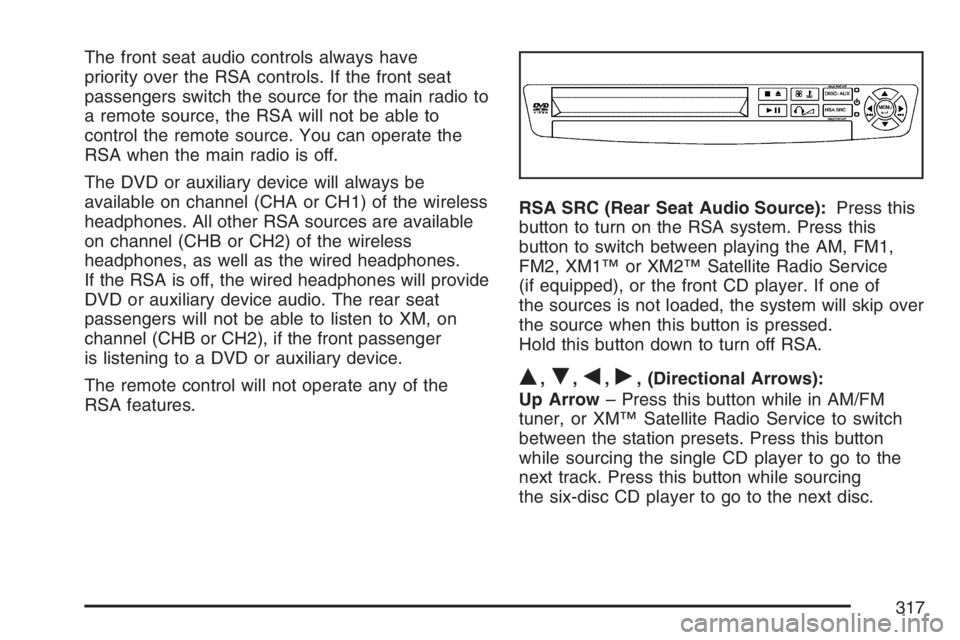
RSA features.RSA SRC (Rear Seat Audio Source):Press this
button to turn on the RSA system. Press this
button to switch between playing the AM, FM1,
FM2, XM1™ or XM2™ Satellite Radio Service
(if equipped), or the front CD player. If one of
the sources is not loaded, the system will skip over
the source when this button is pressed.
Hold this button down to turn off RSA.
Q,R,q,r, (Directional Arrows):
Up Arrow– Press this button while in AM/FM
tuner, or XM™ Satellite Radio Service to switch
between the station presets. Press this button
while sourcing the single CD player to go to the
next track. Press this button while sourcing
the six-disc CD player to go to the next disc.
317
Page 318 of 562

Down Arrow– Press this button while in AM/FM
tuner to change the BAND from AM/FM tuner
to the front CD player or to the XM™ Satellite
Radio Service.
Left Arrow– Press this button while in AM/FM
tuner, or XM™ Satellite Radio Service to
seek down. Press this button while sourcing the
single CD player, or the six-disc CD player to go
to the previous track.
Right Arrow– Press this button while in AM/FM
tuner, or XM™ Satellite Radio Service to seek
up. Press this button while sourcing the single CD
player, or the six-disc CD player to go to the
next track.
43(Wired Headphone Volume):Press this
button to select the correct headphone. Then press
the left or right arrow buttons to increase or
decrease the headphone volume.
rj(Parental Control):This button is located
behind the video screen next to the auxiliary
and headphone jacks. Press this button while
using RSA, or when a DVD or CD is playing
to blank the video screen and to mute the audio.
The power indicator lights on the DVD player
will ash. Turning on the parental control will also
disable all other button operations from the
remote control and the DVD player, except for the
eject button. Press this button again to restore
operation of the RSA, DVD player, and remote
control.
This button may also be used to turn the DVD
player power on and automatically resume play
if the vehicle is on and a disc is in the player.
If no disc is in the player then the system
will power up in auxiliary mode.
318
Page 324 of 562
Starting the System for Front Seat
Entertainment
The GM Mobile Digital Media system is available
through the DMS mode of your radio. This
system will power on and off automatically and
resume where the system last stopped.
To begin playback, follow the instructions
listed below:
1. Insert the DMS cartridge into the GM Mobile
Digital Media player.
2. Turn on your radio and switch to the DMS
mode by pressing the CD/AUX button on
your radio.
3. Press any of the rst four pushbuttons (A-D)
to select different browse modes.
4. Press the left or right SEEK/SCAN arrow (E)
to navigate through the mode items.
5. Turn the tune knob (F) to navigate through
songs in a song list.
Modes Overview
The numbered preset buttons one through four
are used to change the order tracks are grouped
and played. For example, in artist mode, all
tracks are grouped by artist names. Artist names
are listed alphabetically.
The SEEK/SCAN arrows are used to change the
mode item. For example, in Album Mode this will
change to the next or previous album. The mode list
name will display for ve seconds, time-out, then
update to show which list the GM Mobile Digital
Media system is currently playing.
The tune knob is used to change the song within
the current category. For example, while in a
playlist (Playlist Mode) turning the tune knob to
the right will change from track 1 to track 2.
tSEEK/SCANu:Once a mode has been set,
navigate through the categories within that mode
by pressing the right or left SEEK/SCAN arrow.
The category items will display for ve seconds,
time-out, then update to show which category the
Digital Media system is currently playing.
To change the song that is currently playing, press
the right or left SEEK/SCAN arrow to navigate
through the songs.
324
Page 327 of 562
Using the Fast Forward and Fast
Reverse Buttons
{|(Fast Forward/Fast Reverse):Press and
hold the fast forward or fast reverse arrow to
fast forward or reverse within the current track.
Using the GM Mobile Digital Media
System for Rear Seat Entertainment
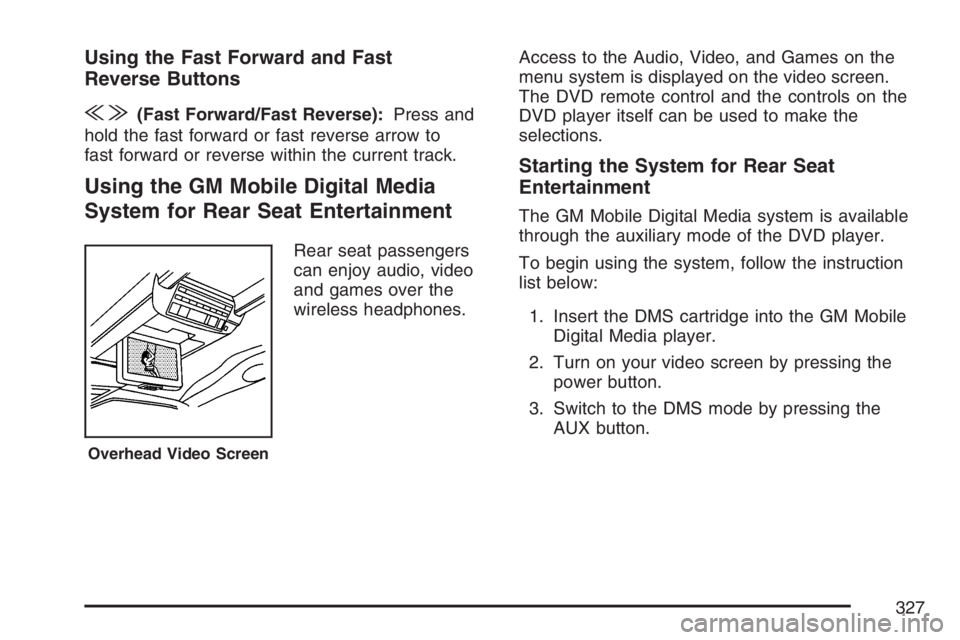
Rear seat passengers
can enjoy audio, video
and games over the
wireless headphones.Access to the Audio, Video, and Games on the
menu system is displayed on the video screen.
The DVD remote control and the controls on the
DVD player itself can be used to make the
selections.
Starting the System for Rear Seat
Entertainment
The GM Mobile Digital Media system is available
through the auxiliary mode of the DVD player.
To begin using the system, follow the instruction
list below:
1. Insert the DMS cartridge into the GM Mobile
Digital Media player.
2. Turn on your video screen by pressing the
power button.
3. Switch to the DMS mode by pressing the
AUX button.
Overhead Video Screen
327
Page 501 of 562

Fuses Usage
1 Right High-Beam
2 Fuel Pump
3 Diode
BLANK Not Used
BLANK Not Used
4 Left High-Beam
BLANK Not Used
BLANK Not Used
BLANK Not Used
5 Not Used
6 Air Conditioning Clutch
7 Horn
8 Left Low-Beam
9Powertrain Control Module,
Electronic Throttle Control
10 Not Used
11 Transmission Solenoid
12 Right Low-BeamFuses Usage
13 Anti-lock Brake System
14 Powertrain Control Module Ignition
15 Electronic Ignition
16 Fuel Injector
17Climate Control, RPA, Cruise
Control
18 Electronic Throttle Control
19 Engine Sensor, Evaporator
20 Airbag
21 Not Used
22 Not Used
23 Auxiliary Power
24 Front Windshield Washer
25 AC/DC Inverter
26 Rear Blower
27 Front Blower
28 Front Windshield Wiper
501