instrument panel CADILLAC CATERA 1997 1.G Owners Manual
[x] Cancel search | Manufacturer: CADILLAC, Model Year: 1997, Model line: CATERA, Model: CADILLAC CATERA 1997 1.GPages: 338, PDF Size: 18.02 MB
Page 24 of 338
Downloaded from www.Manualslib.com manuals search engine k
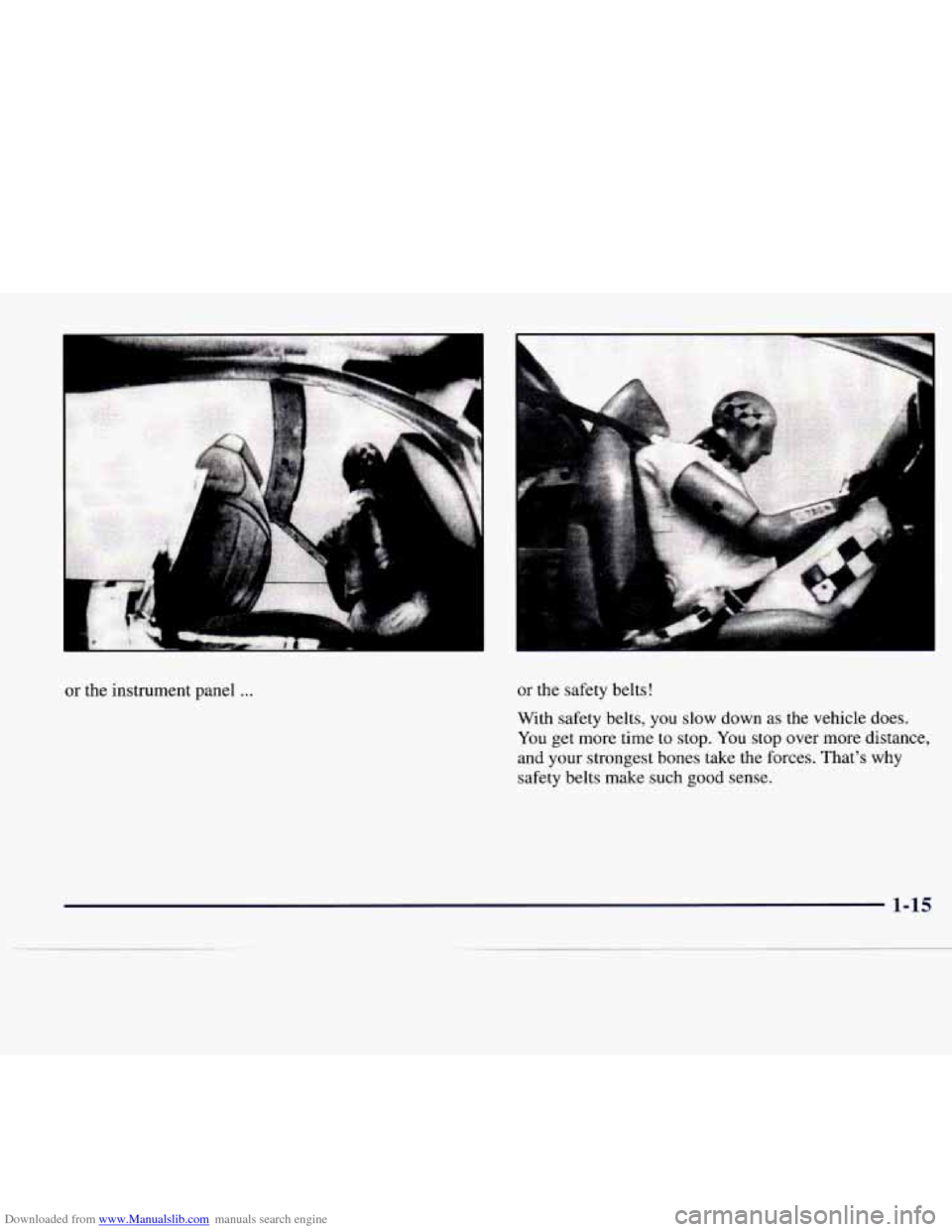
or the instrument panel ...
.... ... . . ... ....... . ......... ... ... . . . ... ... . . ......... . ... .. ..... ... ...
or the safety belts!
With safety belts, you slow down as the vehicle does.
You get more time to stop. You stop over more distance,
and
your strongest bones take the forces. That's why
safety belts make
such good sense.
1-15
Page 36 of 338
Downloaded from www.Manualslib.com manuals search engine There is an air bag
readiness light on the
instrument panel,
which shows the
air bag symbol.
The system checks the air bag electrical system for
malfunctions. The light tells you if there is an electrical
problem. See “Air Bag Readiness Light” in the Index
for more information. How the Air Bag Systems Work
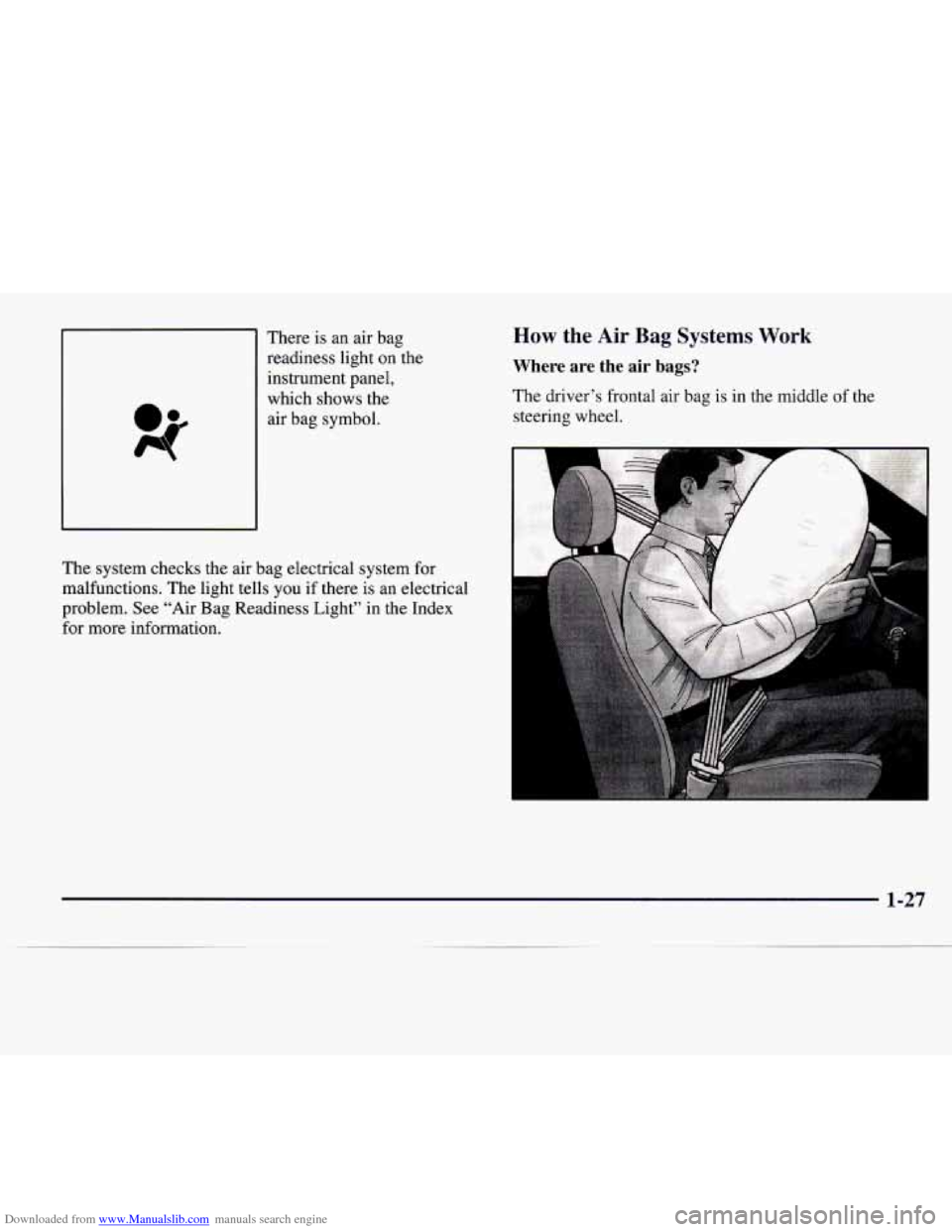
Where are the air bags?
The driver’s frontal air bag is in the middle of the
steering wheel.
1-27
Page 37 of 338
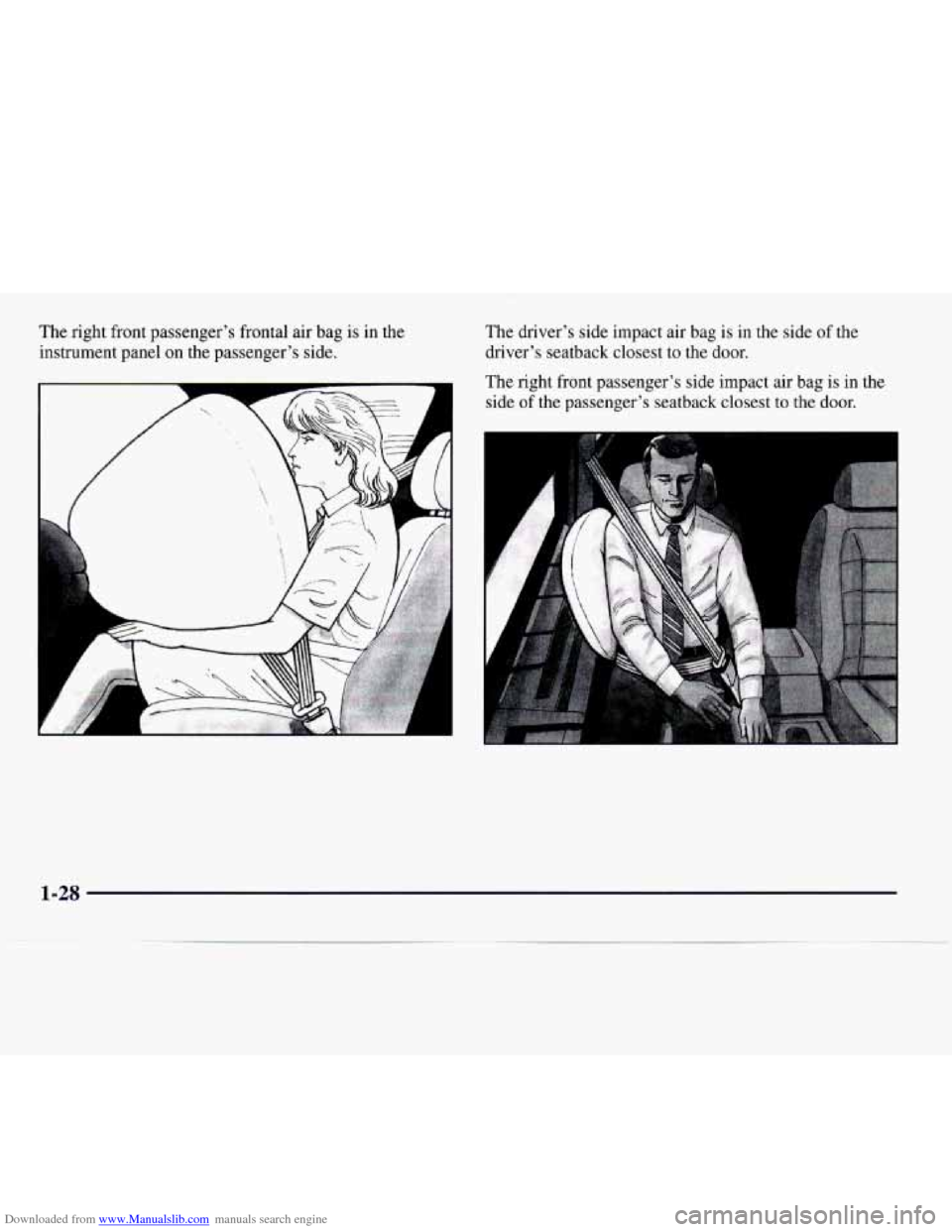
Downloaded from www.Manualslib.com manuals search engine The right front passenger’s frontal air bag is in the
instrument panel on the passenger’s side. The
driver’s side impact air bag is in the side of the
driver’s seatback closest
to the door.
The right front passenger’s side impact air bag is in the
side
of the passenger’s seatback closest to the door.
A
1-28
Page 39 of 338
Downloaded from www.Manualslib.com manuals search engine What makes an air bag inflate?
In an impact of sufficient severity, the air bag sensing
system detects that the vehicle is in a crash. For both
frontal and side impact air bags, the sensing system
triggers a release of gas from the inflator, which inflates
the air bag. The inflator, air bag and related hardware
are all part
of the air bag modules inside the steering
wheel, instrument panel and the side of the front
seatbacks closest to the door.
How does an air bag restrain?
In moderate to severe frontal or near frontal collisions,
even belted occupants can contact the steering wheel or
the instrument panel. In moderate to severe side
collisions, even belted occupants can contact the inside
of the vehicle. The air bag supplements the protection
provided by safety belts. Air bags distribute the force of
the impact more evenly over the occupant’s upper body,
stopping the occupant more gradually. But the frontal air
bags would not help you in many types of collisions,
including rollovers, rear impacts, and side impacts,
primarily because an occupant’s motion is not toward
the air bag. Side impact air bags would not help you in many
types of collisions, including frontal or near
frontal collisions, rollovers, and
rear impacts, primarily
because an occupant’s motion is not toward those air
bags. Air bags should never be regarded as anything
more than a supplement to safety belts, and then only in
moderate to severe frontal or near-frontal collisions for
the driver’s and right front passenger’s frontal air bags,
and only in moderate to severe side collisions for the
driver’s and right front passenger’s side impact air bags.
What will you see after an air bag inflates?
After an air bag inflates, it quickly deflates, so quickly
that some people may not even realize the air bag
inflated. Some components of the air bag module
-- the
steering wheel hub for the driver’s air bag, the
instrument panel for the right front passenger’s bag, the
side of the seatback closest to the door for the driver and
right front passenger’s side impact air bags
-- will be
hot for a short time. The parts
of the bag that come into
contact with you may be warm, but not too hot to touch.
There will be some smoke and dust coming from the
vents in the deflated air bags. Air bag inflation doesn’t
prevent the driver from seeing or being able to steer the
vehicle, nor does it stop people from leaving the vehicle.
1-30
Page 40 of 338
Downloaded from www.Manualslib.com manuals search engine I U I
When an air bag inflates, there is dust in the air.
This dust could cause breathing problems
for
people with a history of asthma or other
breathing trouble.
To avoid this, everyone in the
vehicle should get out as soon
as it is safe to do so.
If you have breathing problems but can’t get out
of the vehicle after an air bag inflates, then get
fresh
air by opening a window or a door.
In many crashes severe enough to inflate an air bag,
windshields are broken by vehicle deformation.
Additional windshield breakage may also occur from the
right front passenger air bag.
Air bags are designed to inflate only once. After an
air bag inflates, you’ll need some new parts for your
air bag system.
If you don’t get them, the air bag
system won’t be there to help protect you in another
crash.
A new system will include air bag modules
and possibly other parts. The service manual for your
vehicle covers the need to replace other parts.
0
e
Your vehicle is equipped with a crash sensing and
diagnostic module, which records information about
the frontal air bag system. The module records
information about the readiness
of the system, when
the sensors are activated and driver’s safety belt
usage at deployment.
Let only qualified technicians work on your air
bag systems. Improper service can mean that an
air bag system won’t work properly. See your dealer
for service.
NOTICE:
If you damage the covering for the driver’s or the
right front passenger’s air bag, or the air bag
covering on the driver’s and right front
passenger’s seatback, the bag may not work
properly. You may have to replace the air bag
module in the steering wheel, both the air bag
module and the instrument panel for the right
front passenger’s
air bag, or both the air bag
module and seatback for the driver’s and right
front passenger’s side impact air bag.
Do not
open or break the air bag coverings.
1-31
Page 62 of 338
Downloaded from www.Manualslib.com manuals search engine ,== -a .
Section 2 Features and Controls
Here you can learn about the many standard and optional features on your Catera, and information on starting,
shifting and braking. Also explained are the instrument panel and the warning systems that tell you
if everything is
working properly
-- and what to do if you have a problem.
2-2
2-
3
2-6
2- 10
2-1 1 2-12
2-
13
2- 14
2-15
2-16
2-
17
2-19
2-24 2-25
2-27
Keys
Door Locks
Remote Keyless Entry System (RKE)
Trunk
Theft
Theft-Deterrent (System)
Immobilizer
New Vehicle “Break-In”
Ignition Positions Starting Your Engine
.Engine Coolant Heater
Automatic Transmission Operation
Parking Brake
Shifting Into PARK
(P)
Shifting Out of PARK (P) 2-28
2-29
2-29
2-30
2-32
2-32
2-39
2-46
2-48
2-50
2-5
1
2-52
2-55
2-5 8
2-6
1
Parking Over Things That Burn
Engine Exhaust
Running Your Engine While You’re Parked
Windows Tilt Wheel
Turn Signal/Multifunction Lever
Lamps Mirrors
Storage Compartments
Ashtrays and Cigarette Lighter
Cellular Telephone
Sunroof
Universal Transmitter
Instrument Panel
Warning Lights, Gages and Indicators
Page 71 of 338
Downloaded from www.Manualslib.com manuals search engine 1
Trunk Trunk Release
It can be dangerous to drive with the trunk lid
open because carbon monoxide
(CO) gas can
come into your vehicle. You can’t see or smell
CO. It can cause unconsciousness and even death
If you must drive with the trunk lid open or if
electrical wiring or other cable connections must
pass through the seal between the body and the
trunk lid:
0 Make sure all windows are shut.
0 lhrn the fan on your heating or cooling
system to its highest speed with the setting
on
AUTO and the temperature between
65°F (18°C) and 85°F (29°C). That will
force outside
air into your vehicle. See
“Comfort Controls’’ in the Index.
0 If you have air outlets on or under the
instrument panel, open them all the
way.
See “Engine Exhaust” in the Index.
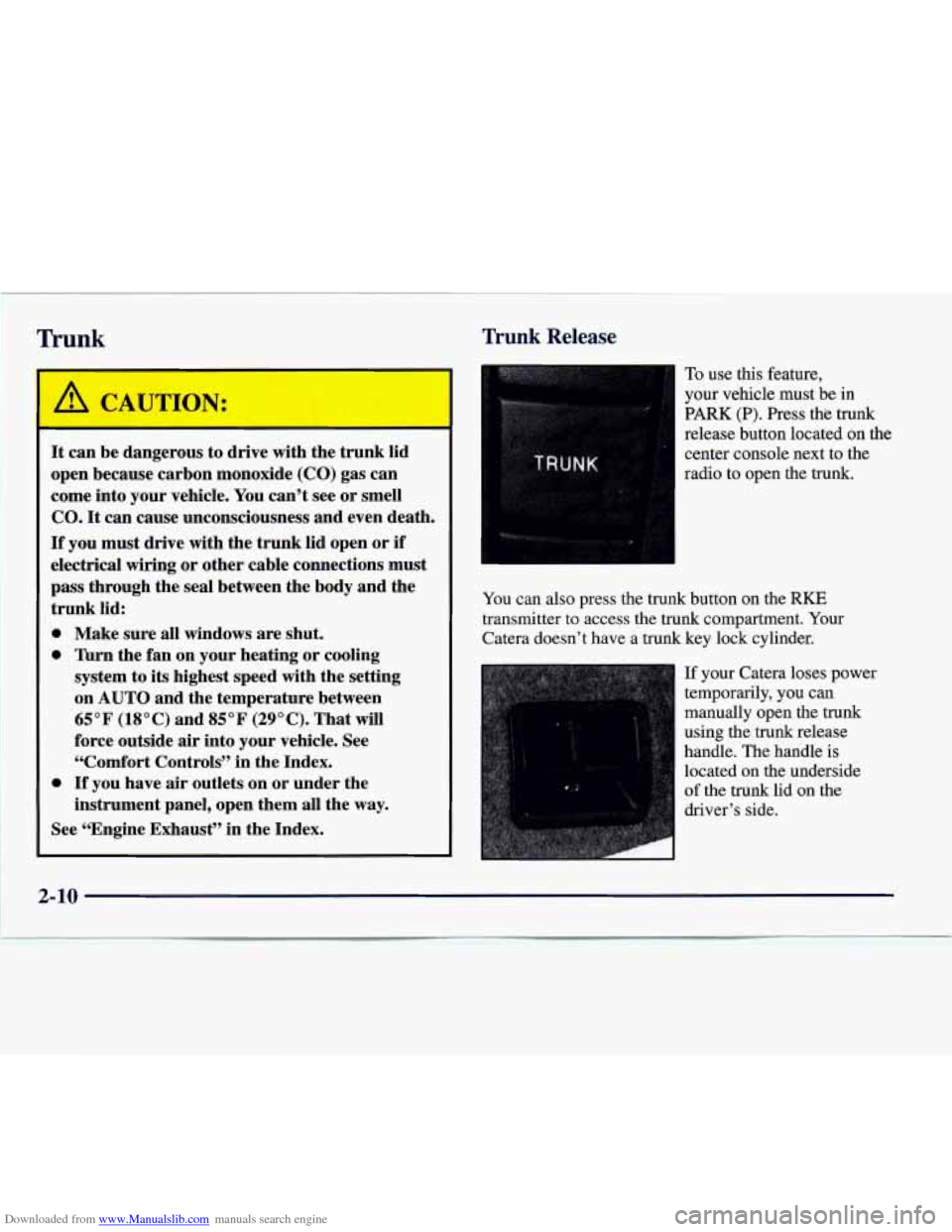
To use this feature,
your vehicle must be in
PARK (P). Press the trunk
release button located on the
center console next to the
radio to open the
trunk.
You can also press the trunk button on the RKE
transmitter to access the trunk compartment. Your
Catera doesn’t have
a trunk key lock cylinder.
If your Catera loses power
temporarily, you can
manually open the
trunk
using the trunk release
handle. The handle is
located on the underside
of the trunk lid on the
driver’s side.
2-10
Page 83 of 338
Downloaded from www.Manualslib.com manuals search engine Sport Mode Button
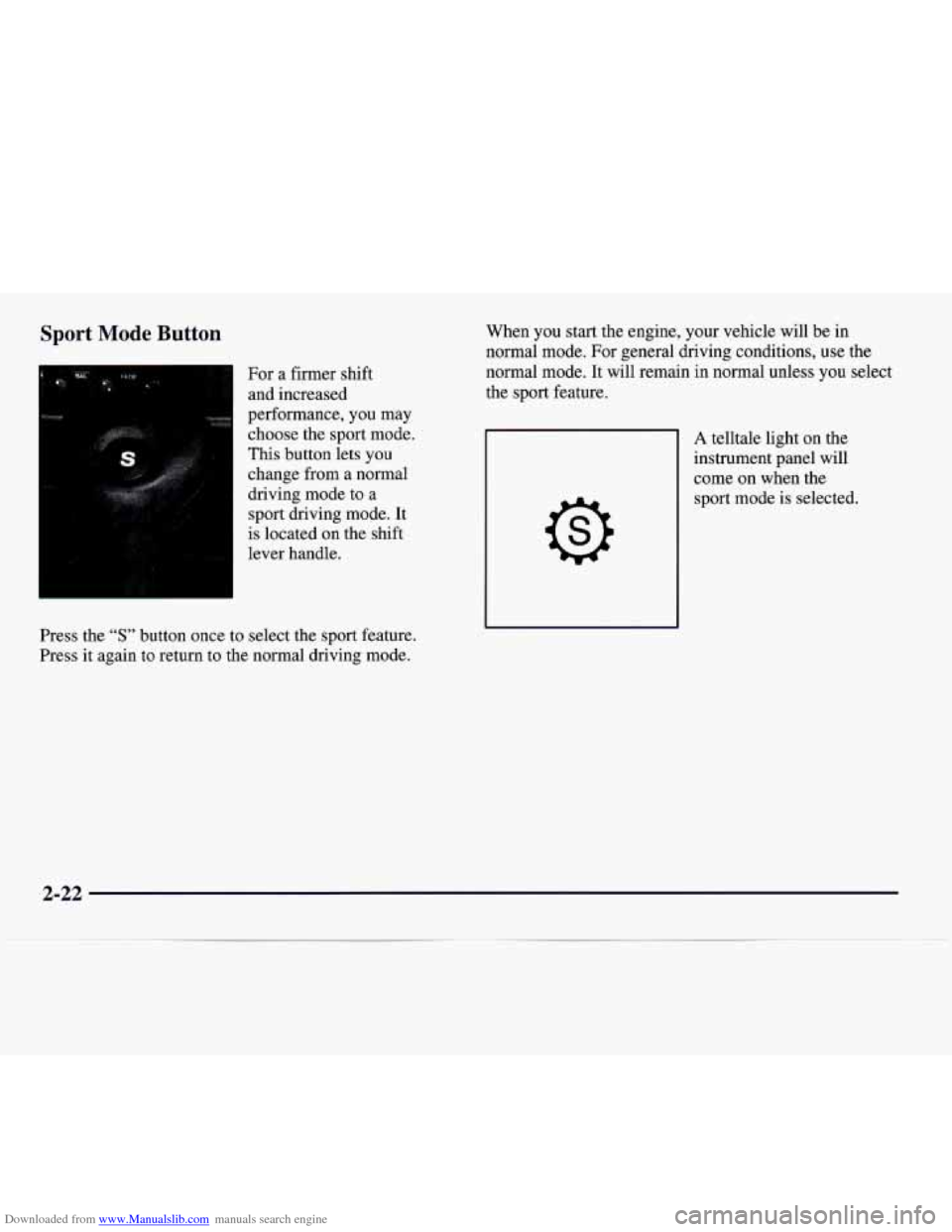
For a firmer shift
and increased
performance, you may
choose the sport mode.
This button lets you
change from a normal
driving mode to a
sport driving mode. It
is located
on the shift
lever handle.
rress the
"S" button once to select the sport feature.
Press it again to return to the normal driving mode. When you start
the engine, your vehicle will be
in
normal mode. For general driving conditions, use the
normal mode. It will remain in normal unless you select
the sport feature.
A telltale light on the
instrument panel will
come on when the
sport mode is selected.
2-22
Page 93 of 338
Downloaded from www.Manualslib.com manuals search engine Tilt Wheel lbrn SignaVMultifunction Lever
D
P
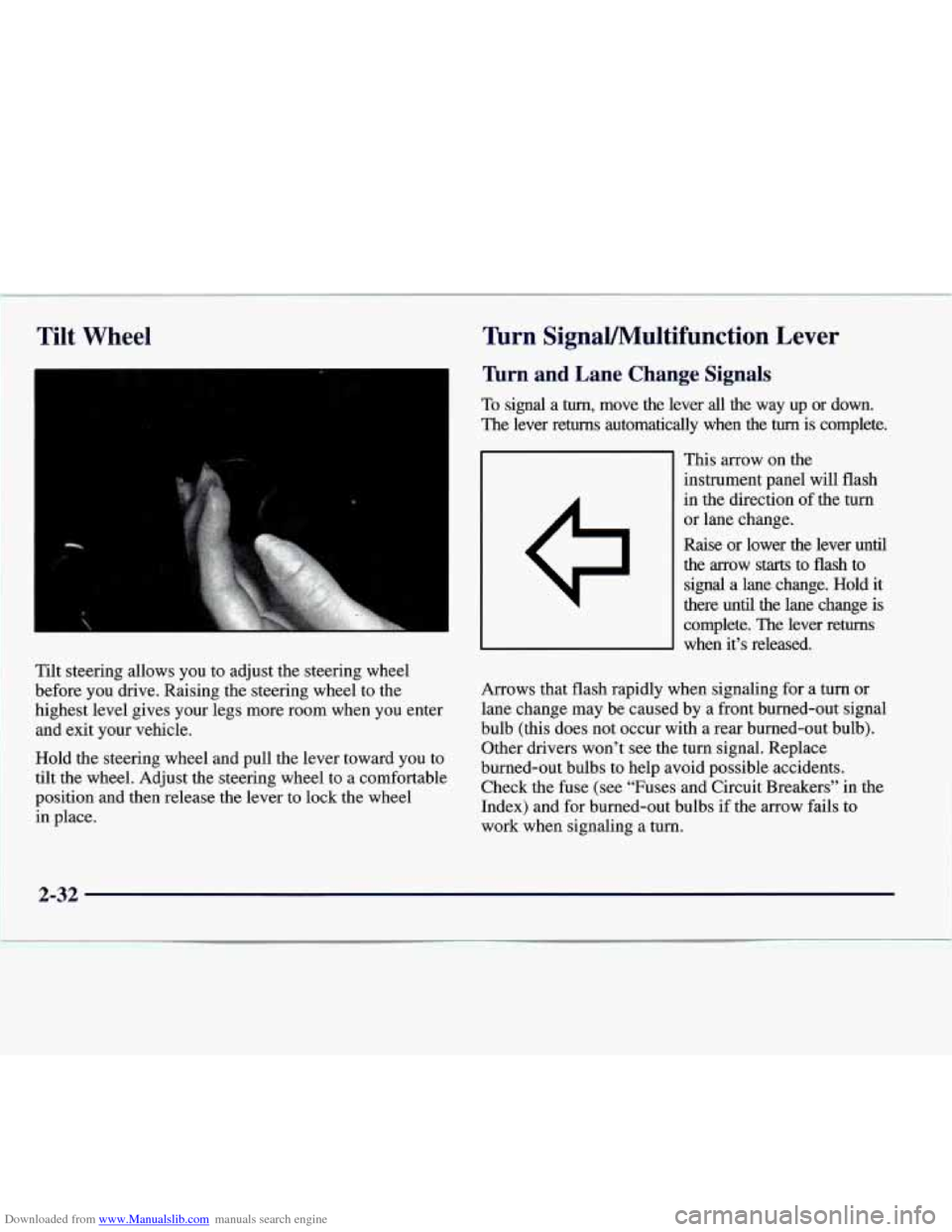
Tilt steering allows you to adjust the steering wheel
before you drive. Raising the steering wheel to the
highest level gives your legs more room when you enter
and exit your vehicle.
Hold the steering wheel and pull the lever toward you to
tilt
the wheel. Adjust the steering wheel to a comfortable
position and then release the lever to lock the wheel
in place.
Turn and Lane Change Signals
To signal a turn, move the lever all the way up or down.
The lever returns automatically when the
turn is complete.
This arrow on the
instrument panel will flash
in the direction
of the turn
or lane change.
Raise or lower the lever until
the arrow
starts to flash to
signal a lane change. Hold it
there until the lane change is
complete. The lever returns
when it’s released.
Arrows that flash rapidly when signaling
for a turn or
lane change may be caused by a front burned-out signal
bulb (this does not occur with a rear burned-out bulb).
Other drivers won’t see the turn signal. Replace
burned-out bulbs to help avoid possible accidents. Check the fuse (see “Fuses and Circuit Breakers” in the
Index) and for burned-out bulbs if the arrow fails to
work when signaling a turn.
2-32
Page 94 of 338
Downloaded from www.Manualslib.com manuals search engine Headlamp High/Low Changer Windshield Wipers
With
the twilight sentinel on or with the lamp control
dial turned to the headlamp position, push the turn
signal lever on the driver’s side of the steering wheel
away from you to turn on the high-beam headlamps.
This light on on the
instrument panel will be
on,
indicating high-beam usage.
Pull the lever back to the original position to return to
low-beam headlamps. For more information, see
“Headlamps” later in this section.
Flash-To-Pass
This lets you use the high-beam headlamps to signal the
driver in front of you that you want to pass.
Pull the turn signal lever toward you and release. The
high-beam headlamps will briefly
turn on and then off.
L
L
b
I
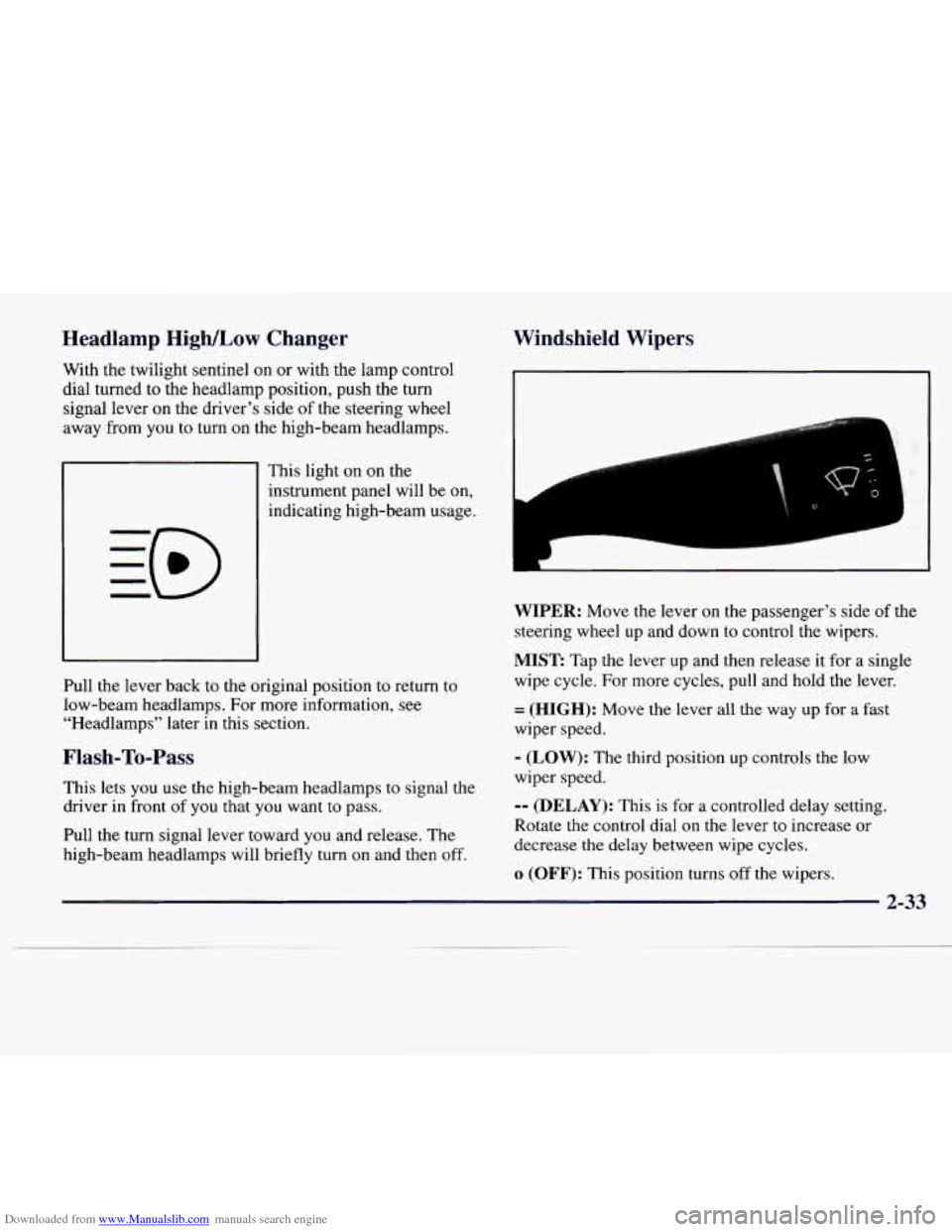
WIPER: Move the lever on the passenger’s side of the
steering wheel up and down to control the wipers.
MIST Tap the lever up and then release it for a single
wipe cycle. For more cycles, pull and hold the lever.
= (HIGH): Move the lever all the way up for a fast
wiper speed.
- (LOW): The third position up controls the low
wiper speed.
-- (DELAY): This is for a controlled delay setting.
Rotate the control dial on the lever to increase
or
decrease the delay between wipe cycles.
o (OFF): This position turns off the wipers.
2-33