light CADILLAC CATERA 1998 1.G Owner's Manual
[x] Cancel search | Manufacturer: CADILLAC, Model Year: 1998, Model line: CATERA, Model: CADILLAC CATERA 1998 1.GPages: 346, PDF Size: 19.13 MB
Page 115 of 346
Downloaded from www.Manualslib.com manuals search engine If you rotate the control dial all the way up, the lamps Light Sensor
will remain on for about three minutes after the ignition
has been turned to
OFF or LOCK. If you rotate the
control dial all the way down, the lamps will go
off
quickly. You can adjust the delay time from a few
seconds up to three minutes.
I
1
1 To turn the twilight sentinel off, press the OFF button
again. The indicator light in the button will be on.
This
lets the driver know that the system has been turned off.
The twilight sentinel also turns off if the ignition is
turned to
OFF or to LOCK.
-. ~ ~ -- - This light in the instrument
panel will come on if the ignition is on and: The
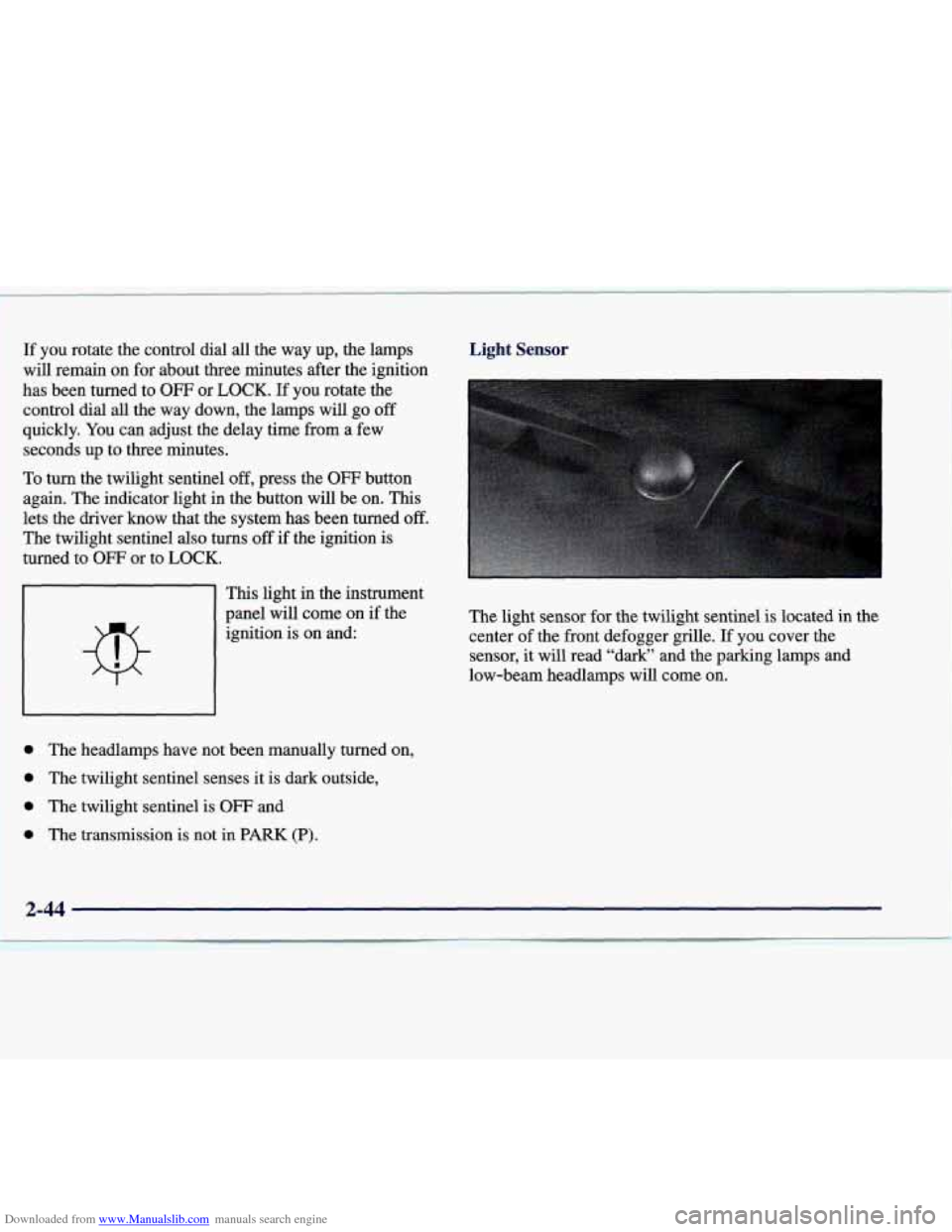
light sensor for the twilight sentinel is located in the
center of the front defogger grille. If you cover the
sensor, it will read “dark” and the parking lamps and
low-beam headlamps will come on.
1 0 The headlamps have not been manually turned on,
1 0 The twilight sentinel senses it is dark outside,
l 0 The twilight sentinel is OFF and
~ 0 The transmission is not in PARK (P).
Page 116 of 346
Downloaded from www.Manualslib.com manuals search engine Interior Lamps
Instrument Panel Brightness Control
This control dial is located to the right of the fog lamp
button. As you rotate the control dial up, the instrument
panel lights will brighten.
Illuminated Entry
This system turns on the courtesy lamps (dome lamps
and door entry lamps) for about
20 seconds when any of
the following occur:
0 If you manually unlock your vehicle with the key,
0 If any door is opened,
0 If you press the unlock button on the remote keyless
entry transmitter, or
0 After the last door on your vehicle is closed.
Illuminated entry immediately ends when your vehicle’s
ignition
is turned to ON or START.
Rear Reading Lamps
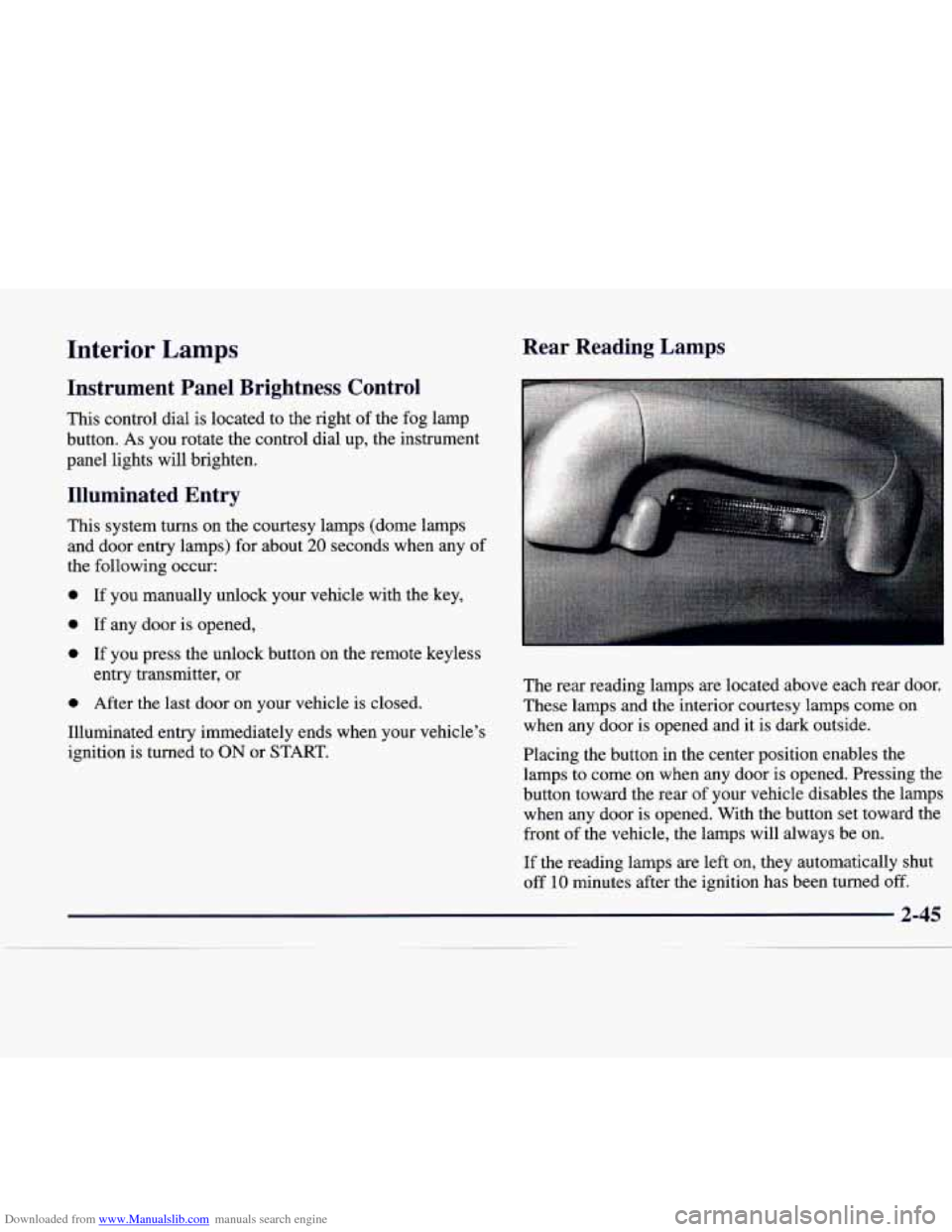
The rear reading lamps are located above each rear door.
These lamps
and the interior courtesy lamps come on
when any door is opened and it is dark outside.
Placing the button in the center position enables the
lamps to come on when any door is opened. Pressing the
button toward the rear of your vehicle disables the lamps
when any door is opened. With the button set toward the
front
of the vehicle, the lamps will always be on.
If the reading lamps are left on, they automatically shut
off
10 minutes after the ignition has been turned off.
2-45
Page 118 of 346
Downloaded from www.Manualslib.com manuals search engine Time Delay
This feature prevents rapid changing of the mirror from
the night mode to the day mode as you drive under
lights and through traffic.
Cleaning Photocells
Use a cotton swab and glass cleaner to clean the front
and rear photocells that make the auto-dimming
feature work.
Power Remote Control Mirror
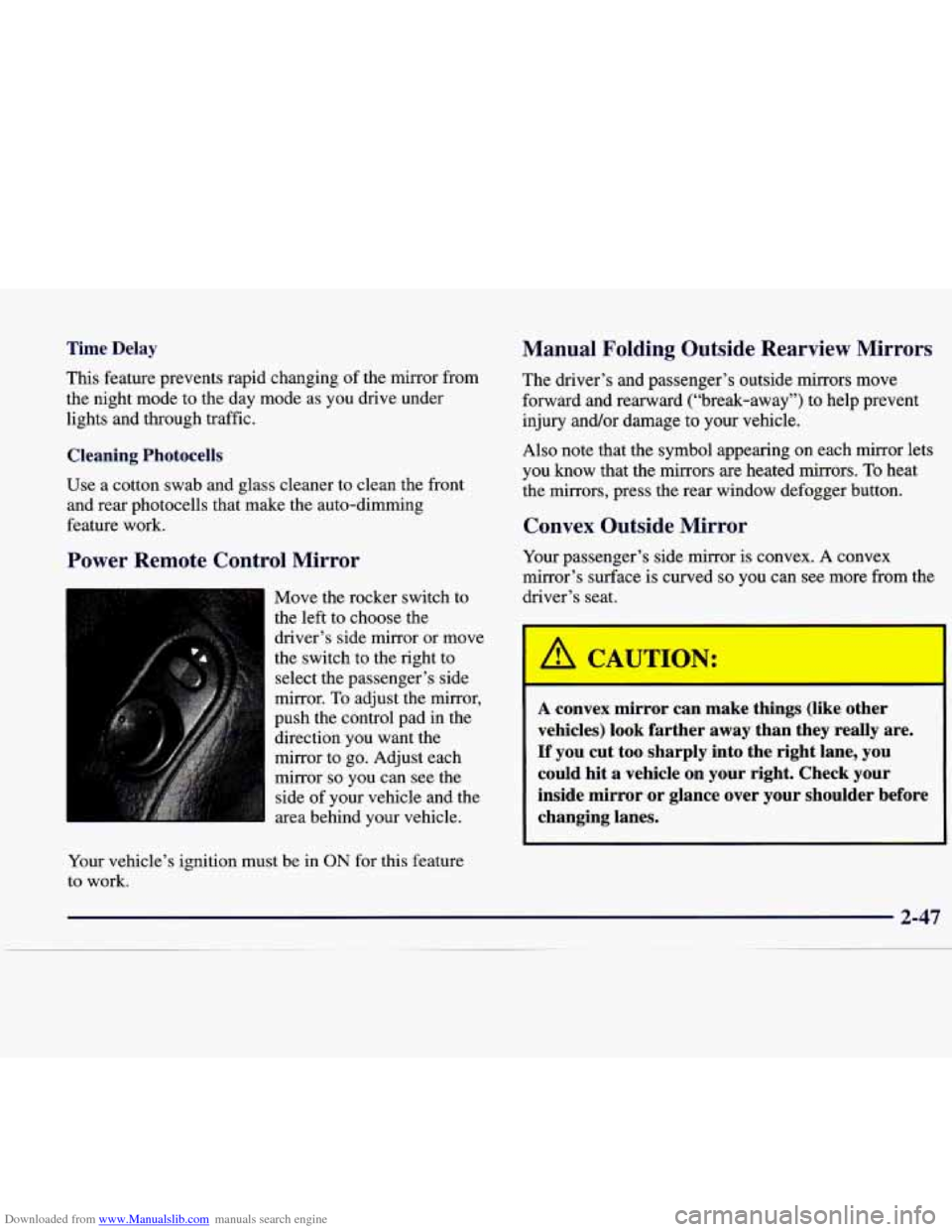
Move the rocker switch to
the left to choose the
driver’s side mirror or move
the switch
to the right to
select the passenger’s side
mirror.
To adjust the mirror,
push the control pad in the
direction you want the
mirror to go. Adjust each
mirror
so you can see the
side of your vehicle and the
area behind your vehicle.
Your vehicle’s ignition must be in
ON for this feature
to work.
Manual Folding Outside Rearview Mirrors
The driver’s and passenger’s outside mirrors move
forward and rearward (“break-away”) to help prevent
injury and/or damage to your vehicle.
Also note that the symbol appearing on each mirror lets
you know that the mirrors are heated mirrors.
To heat
the mirrors, press the rear window defogger button.
Convex Outside Mirror
Your passenger’s side mirror is convex. A convex
mirror’s surface is curved
so you can see more from the
driver’s seat.
CAUTIO--:
-
A convex mirror can make things (like other
vehicles) look farther away than they really are.
If you cut too sharply into the right lane, you
could hit a vehicle on your right. Check your
inside mirror or glance over your shoulder before
changing lanes.
Page 120 of 346
Downloaded from www.Manualslib.com manuals search engine Convenience Net
The convenience net is on the floor of the trunk. Put
small loads, like grocery bags, under the net. It can help
keep them from moving around during sharp turns or
quick starts and stops.
The net is not for larger, heavier loads. Store them in the
trunk as far forward as you can. When not using the net,
hook it to the metal loops, securing it to the floor.
Ashtrays and Cigarette Lighter
The front ashtray is located below the radio. Press on the
cover to access it. To clean the ashtray, press the black
tab to the right of the tray to release it. Now pull up on
the tray to remove and clean it.
To replace the tray after cleaning, follow these steps.
1. Hold the cover (flap) on top of the tray down so it is
not in the way.
2. Insert the tray downward and forward into the
3. Press down on the tray t6 ‘slidp it into place.
To use the rear ashtray, lift the lid.
ashtray holder.
NOTICE:
Don’t put papers or other flammable items
into the ashtrays. Hot cigarettes or other
smoking materials could ignite them, causing
a
damaging fire.
The cigarette lighter is located next to the ashtray. Press
it all the way in and release. It will pop back by itself
when it’s ready to light.
You also have a lighter on the
back of the center console near the rear seat air outlet.
These lighters (receptacles) work at all times, even when
your vehicle’s ignition has been turned off.
NOTICE:
Don’t hold a cigarette lighter in with your hand
while it is heating. If
you do, it won’t be able to
back away from the heating element when it’s
ready. That can make it overheat, damaging the
lighter and the heating element.
Page 121 of 346
Downloaded from www.Manualslib.com manuals search engine Sun Visors
Illuminated Visor Vanity Mirror
Turn the sunshade down and lift the cover to see the
mirror. Lighting is automatic.
Power Rear Sunshade (Option)
The power rear sunshade helps reduce the amount of
heat and light from the sun entering through the rear
window. This sunshade increases the comfort level of
the rear seat passengers as well as keeping your vehicle
a little cooler when it’s parked in a sunny area.
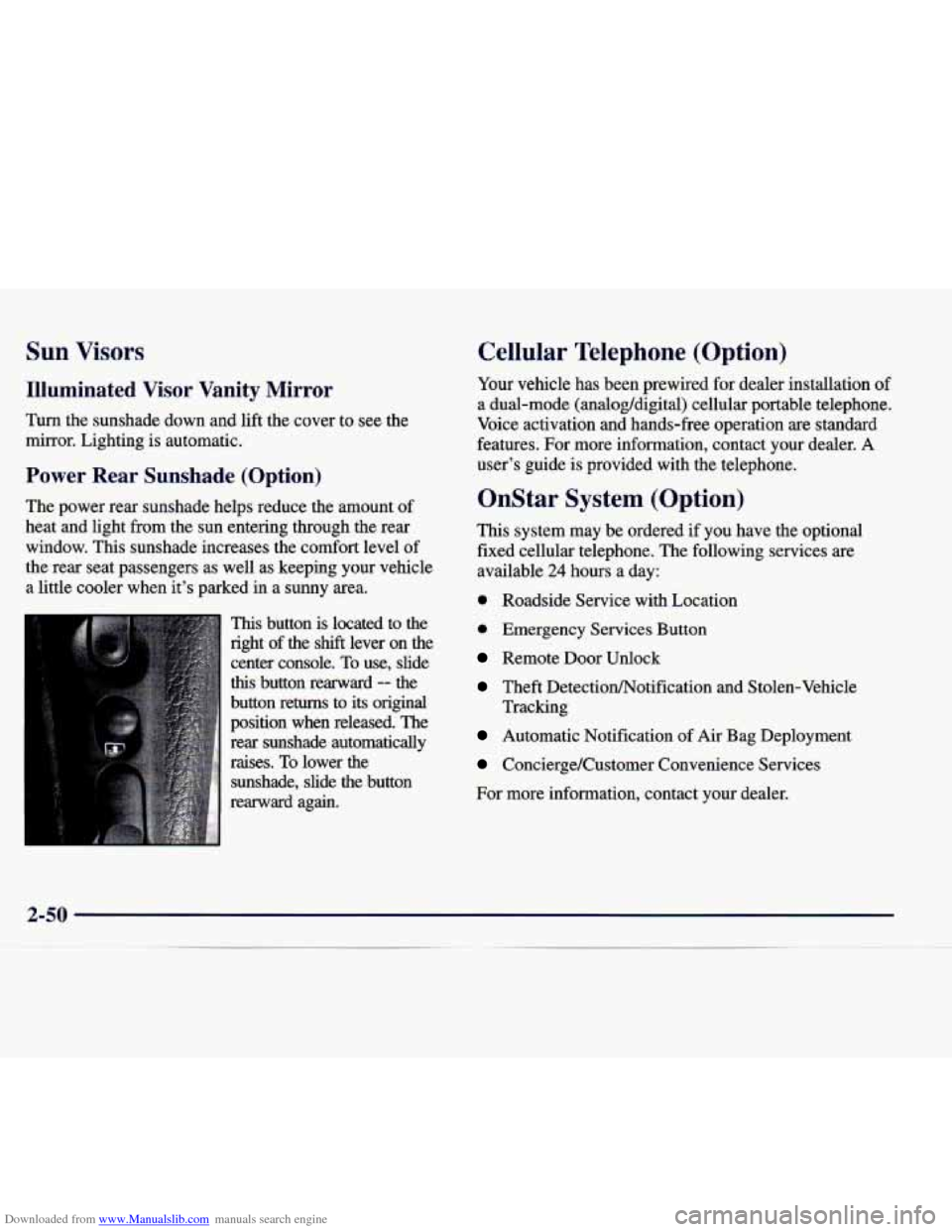
This button is located to the
right of the
shift lever on the
center console. To use, slide
this button rearward -- the
button returns to its original
position when released. The
rear sunshade automatically
raises.
To lower the
sunshade, slide the button
rearward again.
Cellular Telephone (Option)
Your vehicle has been prewired for dealer installation of
a dual-mode (analog/digital) cellular portable telephone.
Voice activation and hands-free operation are standard
features. For more information, contact your dealer. A
user’s guide is provided with the telephone.
OnStar System (Option)
This system may be ordered if you have the optional
fixed cellular telephone. The following services are
available
24 hours a day:
0 Roadside Service with Location
0 Emergency Services Button
Remote Door Unlock
Theft DetectiodNotification and Stolen-Vehicle
Tracking
Automatic Notification of Air Bag Deployment
Concierge/Customer Convenience Services
For more information, contact your dealer.
Page 126 of 346
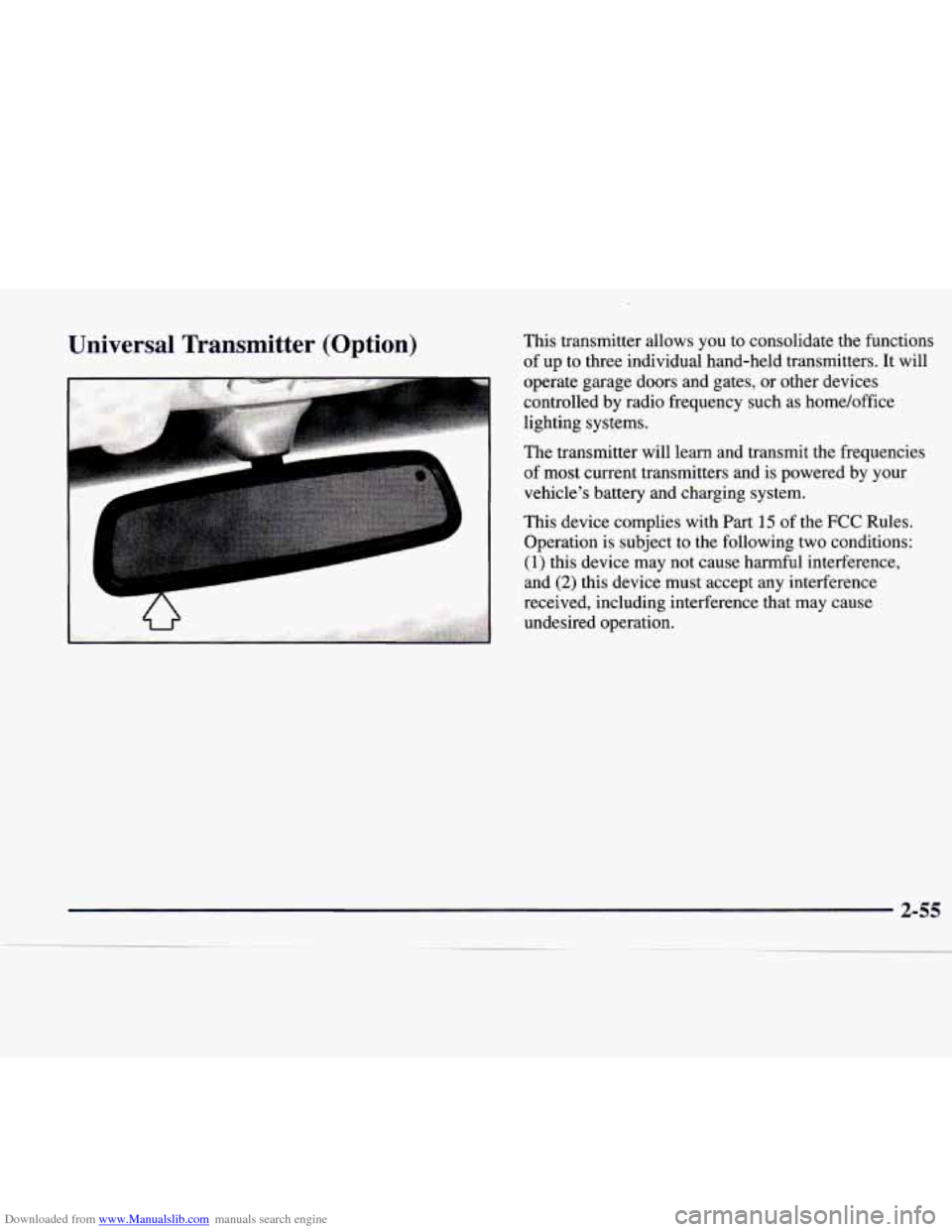
Downloaded from www.Manualslib.com manuals search engine Universal Transmitter (Option) This transmitter allows you to consolidate the functions
of up to three individual hand-held transmitters. It will
operate garage doors and gates, or other devices
controlled by radio frequency such as home/office
lighting systems.
The transmitter will learn and transmit the frequencies
of most current transmitters and is powered
by your
vehicle's battery and charging system.
This device complies with Part
15 of the FCC Rules.
Operation is subject to the following two conditions:
(1) this device may not cause harmful interference,
and
(2) this device must accept any interference
received, including interference that may cause
undesired operation.
Page 127 of 346
Downloaded from www.Manualslib.com manuals search engine This device complies with RSS-210 of Industry
Canada. Operation is subject to the following two
conditions:
(1) this device may not cause interference,
and
(2) this device must accept any interference,
including interference that may cause undesired
operation of the device.
Changes and modifications to this system by other than
an authorized service facility could void authorization to
use this equipment.
Programming the Transmitter
Do not use the universal transmitter with any garage
door opener that does not have the “stop and reverse”
safety feature. This includes any garage door opener
model manufactured before April
1, 1982.
Be sure that people and objects are clear of the garage
door
you are programming. Your
vehicle’s ignition should be on and the engine
should be off while programming the transmitter. Follow
these steps to program up to three channels:
1. If you have previously programmed a transmitter
channel, proceed to Step
2. Otherwise, hold down
the two outside buttons on the universal transmitter
until the indicator light begins to flash rapidly
(approximately
20 seconds). Then release the
buttons. This procedure initializes the memory and
erases any previous settings for all three channels.
2. Decide which one of the three channels you want
to program.
3. Hold the end of the hand-held transmitter about one
inch
(2.5 cm) away from the rear surface of the
mirror
so that you can still see the indicator light.
Page 128 of 346
Downloaded from www.Manualslib.com manuals search engine 4. Using both hands, press the hand-held transmitter
button and the desired button on the universal
transmitter. Continue to hold both buttons
through Step
5.
light on the universal transmitter flash slowly and
then rapidly. The rapid flashing, which could take up
to
90 seconds, indicates that the universal transmitter
has been programmed. Release both buttons once the
light starts to flash rapidly.
5. Hold down both buttons until you see the indicator
If you have trouble programming the universal
transmitter, make sure that you have followed the
directions exactly as described and that the battery in the
hand-held transmitter is not dead. If you still cannot
program it, rotate the hand-held transmitter end over end
and
try again. The universal transmitter may not work
with older garage door openers that do not meet current
Federal Consumer Safety Standards.
If you cannot
program the transmitter after repeated attempts, consult
the manufacturer of the unit at 1-800-335-3515. Be sure
to keep the original hand-held transmitter
in case
you need to erase and reprogram the universal transmitter.
Note to Canadian Owners: During programming, the
hand-held transmitter may stop transmitting after one or
two seconds. If you are programming from one of these
transmitters,
you should press and re-press the button on
the hand-held transmitter every
two seconds without ever
releasing the button on the universal transmitter.
You may
have to repeat
this step several times while programming.
Page 129 of 346
Downloaded from www.Manualslib.com manuals search engine Operating the Transmitter
Press and hold the appropriate button on the universal
transmitter. The indicator light comes on while the
signal is being transmitted.
Note that the effective transmission range of the
universal transmitter may differ from your hand-held
transmitter and from one channel to another.
Also note that if the hand-held transmitter appears to
program the universal transmitter but does not open
your garage door, and if the garage door opener was
manufactured after
1995, the garage door opener may
have a “rolling code” system.
A rolling code system
changes the code of the garage door opener every time
you open or close the garage door.
To determine if you have this system, press the button
on the universal transmitter that you have programmed
already. If the indicator light on the universal transmitter
flashes rapidly for one
or two seconds and then stops
flashing, the garage door opener has a rolling code
system. In a rolling code system, the garage door
receiver must be trained to the universal transmitter.
Training a Garage Door Opener with
“Rolling
Codes” (If Equipped)
If you have not previously programmed the hand-held
transmitter to the universal transmitter, see “Programming the Transmitter” earlier in this section.
If
you have completed this programming already, you now
need to train the garage door opener receiver to
recognize the universal transmitter. Refer
to your garage
door opener owner’s manual for the proper transmitter
training procedure for your garage door opener brand.
1.
2.
Locate the training button on the garage door opener
receiver. The exact location and color of the button
may vary by garage door opener brand. If you have
difficulty locating the training button, refer to your
garage door opener manual.
Press the training button on the garage door opener
receiver for one or
two seconds. An indicator light will
begin to flash when the receiver enters the
train mode.
2-58
Page 130 of 346
Downloaded from www.Manualslib.com manuals search engine 3. Return to the universal transmitter in your vehicle and
press the universal transmitter button you have already
programmed for
two to three seconds. Press the button
again to make sure that the universal transmitter has
been trained to the garage door opener receiver. Check that the training
was successful. The receiver light
should no longer be
flashing.
The garage door opener should now recognize the
universal transmitter. You may either use the universal
transmitter or the hand-held transmitter to open the
garage door.
If after following these instructions you still have
problems training the garage door opener, consult
your dealer.
Erasing Channels
To erase all three programmed channels, hold down the
two outside buttons until the indicator light begins to
flash. Individual channels cannot be erased, but can be
reprogrammed using the procedure for programming the
transmitter explained earlier.
Accessories
Accessories for the universal transmitter are available
from the manufacturer
of the unit. If you would like
additional information, please call
1-800-355-35 15.
2-59