light CADILLAC CATERA 1998 1.G User Guide
[x] Cancel search | Manufacturer: CADILLAC, Model Year: 1998, Model line: CATERA, Model: CADILLAC CATERA 1998 1.GPages: 346, PDF Size: 19.13 MB
Page 94 of 346
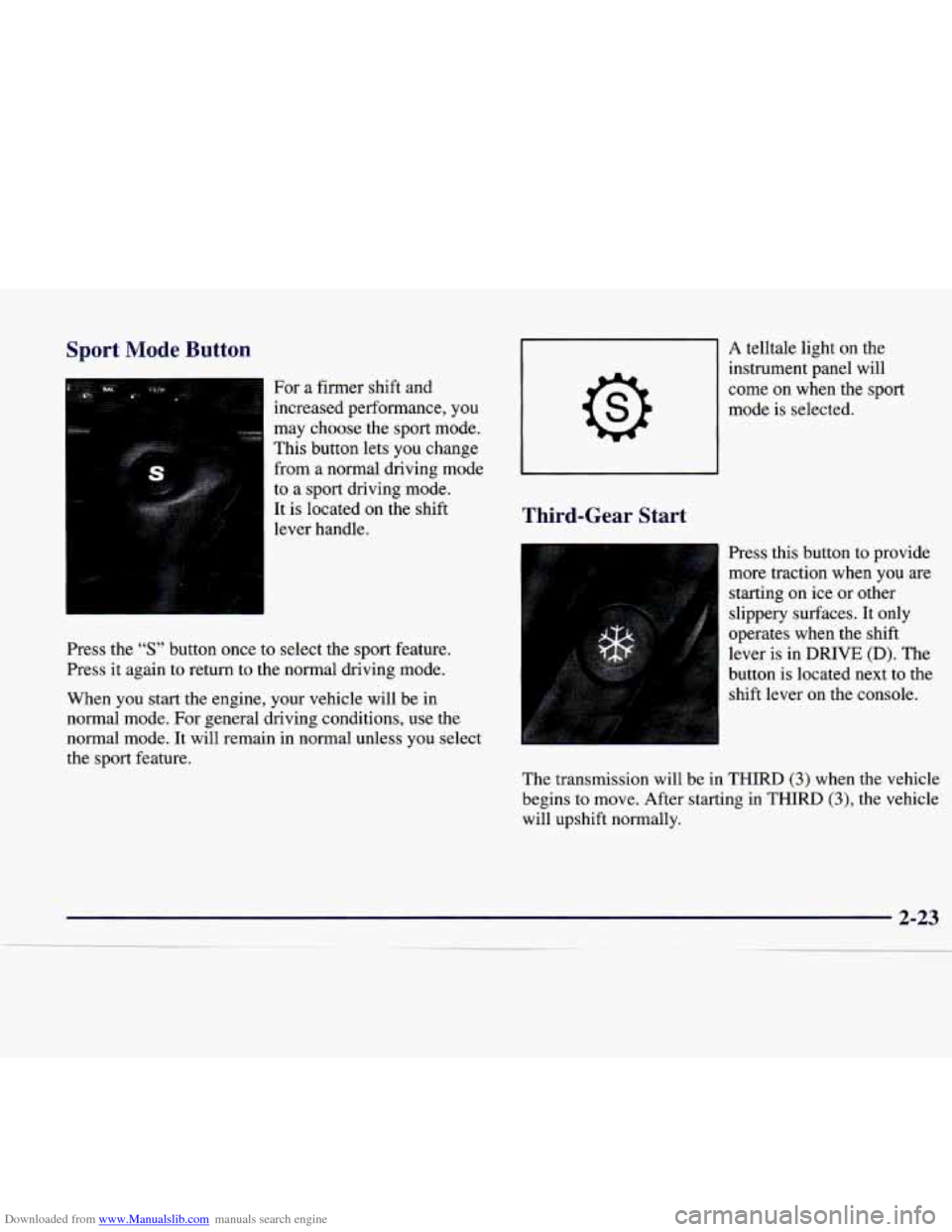
Downloaded from www.Manualslib.com manuals search engine Sport Mode Button
For a firmer shft and
increased performance, you
may choose the sport mode.
This button lets you change
from a normal driving mode
to
a sport driving mode.
It is located on the shift
lever handle.
A telltale light on the
instrument panel will
come on when
the sport
mode is selected.
I
Third-Gear Start
Press the “S” button once to select the sport feature.
Press it again to return to the normal driving mode.
When you start the engine, your vehicle will be in
normal mode. For general driving conditions, use the
normal mode. It will remain in normal unless you select
the sport feature. Press this button to
provide
more traction when you are
starting on ice or other
slippery surfaces. It only
operates when the shift
lever is in DRIVE (D). The
button is located next to the shift lever on the console.
The transmission will be in
THIRD (3) when the vehicle
begins to move. After starting in
THIRD (3), the vehicle
will upshift normally.
Page 95 of 346
Downloaded from www.Manualslib.com manuals search engine This feature is for improved traction only when the road
surface is slippery and is not intended for continuous use
or when the vehicle
is stuck in sand, mud, ice, snow or
gravel. Drive as usual for normal road conditions.
This feature automatically turns off when any of the
following conditions occur:
When the ignition is turned off.
If the shift lever is placed in PARK (P), THIRD (3),
SECOND (2), or FIRST (1).
If you press and hold the accelerator pedal past its
resistance point for more than two seconds.
When speed falls below 25 mph (40 km/h).
0 Once the vehicle reaches 67 mph (108 km/h).
To turn this feature off, press the button again.
Whenever you start your vehicle, the transmission is in
the normal mode.
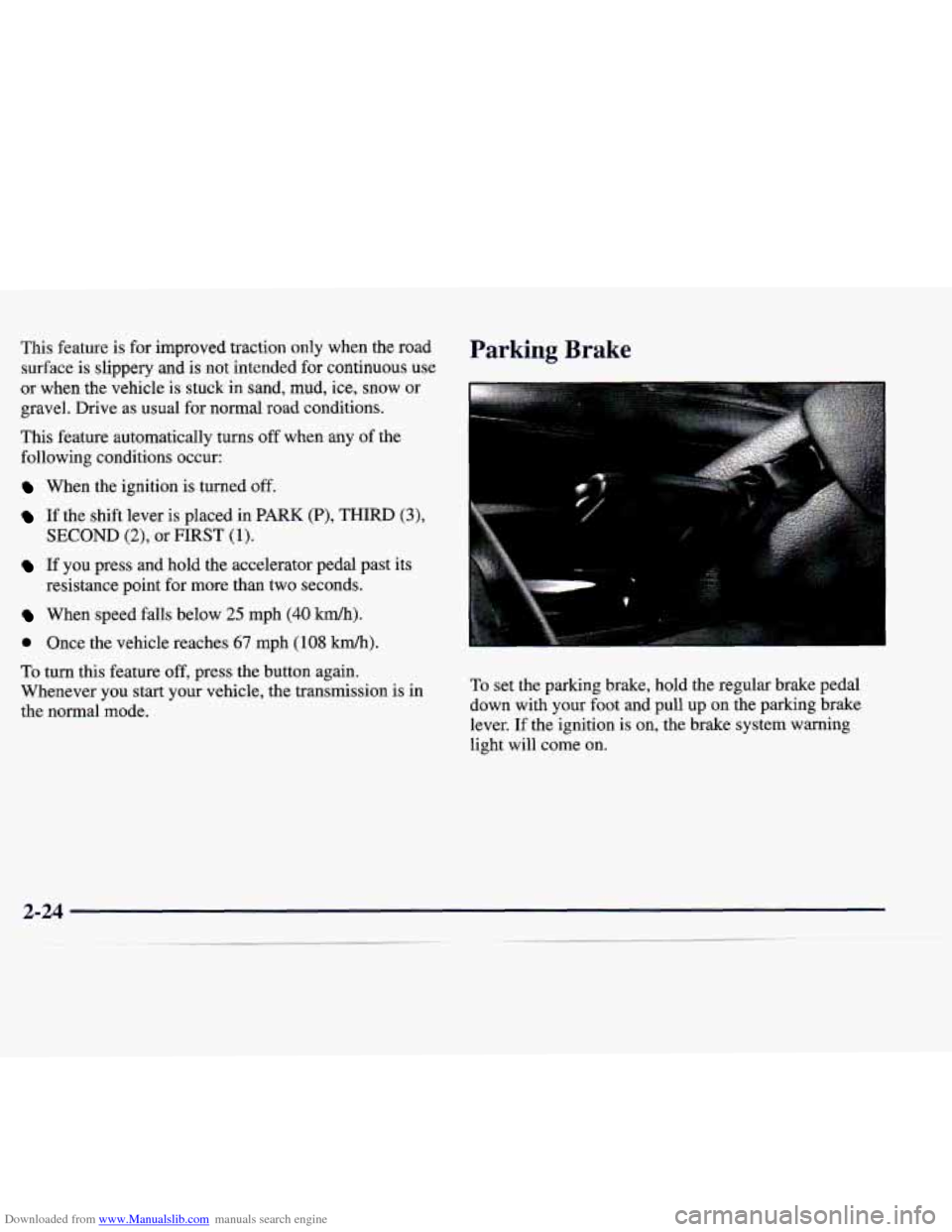
Parking Brake
To set the parking brake, hold the regular brake pedal
down with your foot and pull up on the parking brake
lever.
If the ignition is on, the brake system warning
light will come on.
Page 96 of 346
Downloaded from www.Manualslib.com manuals search engine If you start to drive with the parking brake set, the
BRAKE warning light stays on. See “Brake System
Warning Light” in the Index for more information.
To release the parking brake, hold the brake pedal down
with your
foot and pull the parking brake lever up until
you can press the end release button. Hold the release
button in
as you move the brake lever all the way down.
NOTICE:
Driving with the parking brake on can cause the
rear brakes to overheat. You may have to replace
them and you could also damage other parts of
your vehicle.
If you are towing a trailer and are parking on a hill, see
“Towing a Trailer” in the Index. This section shows
what
to do first to keep the trailer from moving.
Shifting Into PARK (P)
I
It can be dangerous to get out of your vehicle if
the shift lever is not fully in PARK (P) with the
parking brake firmly set. Your vehicle can roll. If
you have left the engine running, the vehicle can
move suddenly.
You or others could be injured.
To be sure your vehicle won’t move, even when
you’re on fairly level ground, use the steps that
follow.
If you’re pulling a trailer, see “Towing a
Trailer” in the Index.
Console Shift Lever
1. Hold the brake pedal down with your right foot.
Page 105 of 346
Downloaded from www.Manualslib.com manuals search engine Headlamp HighLow Beam Windshield Wipers
With the twilight sentinel on or with the lamp control
dial turned to the headlamp position, push the turn
signal lever on the driver’s
side of the steering wheel
away from you to turn on the high-beam headlamps.
This light on the instrument
panel will be on, indicating
high-beam usage.
Pull the lever back to the original position to return to
low-beam headlamps. For more information, see
“Headlamps” later in this section.
Flash-To-Pass
This feature uses the high-beam headlamps to signal the
driver in front of you that you want to pass.
To use, pull the turn signal lever toward you and release.
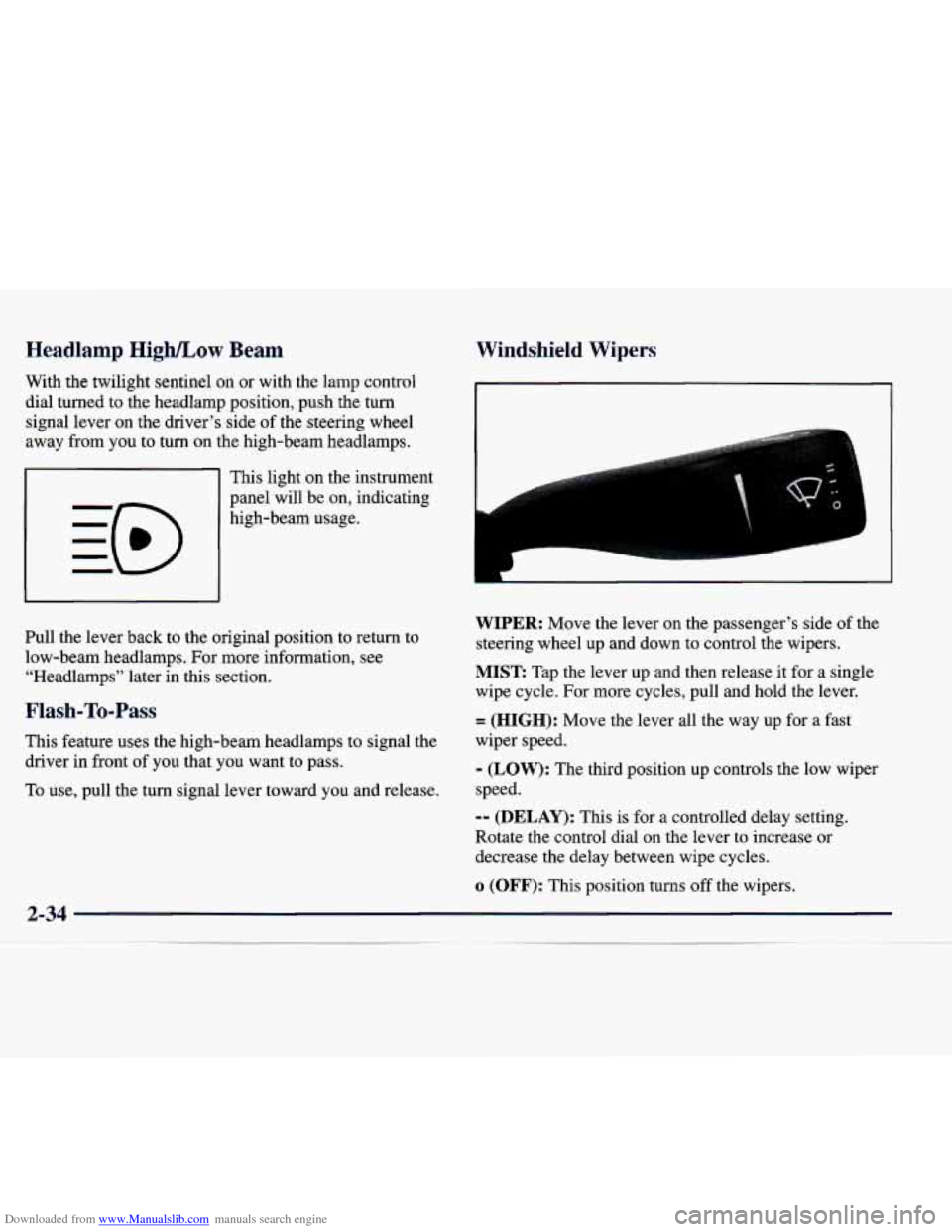
WIPER: Move the lever on the passenger’s side of the
steering wheel up and down to control the wipers.
MIST Tap the lever up and then release it for a single
wipe cycle. For more cycles, pull and hold the lever.
= (HIGH): Move the lever all the way up for a fast
wiper speed.
- (LOW): The third position up controls the low wiper
speed.
-- (DELAY): This is for a controlled delay setting.
Rotate the control dial
on the lever to increase or
decrease the delay between wipe cycles.
o (OFF): This Dosition turns off the wipers.
2-34
Page 106 of 346
Downloaded from www.Manualslib.com manuals search engine Be sure to clear ice and snow from the wiper blades
before using them. If they’re frozen to the windshield,
carefully loosen
or thaw them. If the blades do become
damaged, replace them with new blades.
Heavy snow
or ice can overload the wiper motor. A
circuit breaker will stop the motor until it cools. Clear
away snow
or ice to prevent an overload.
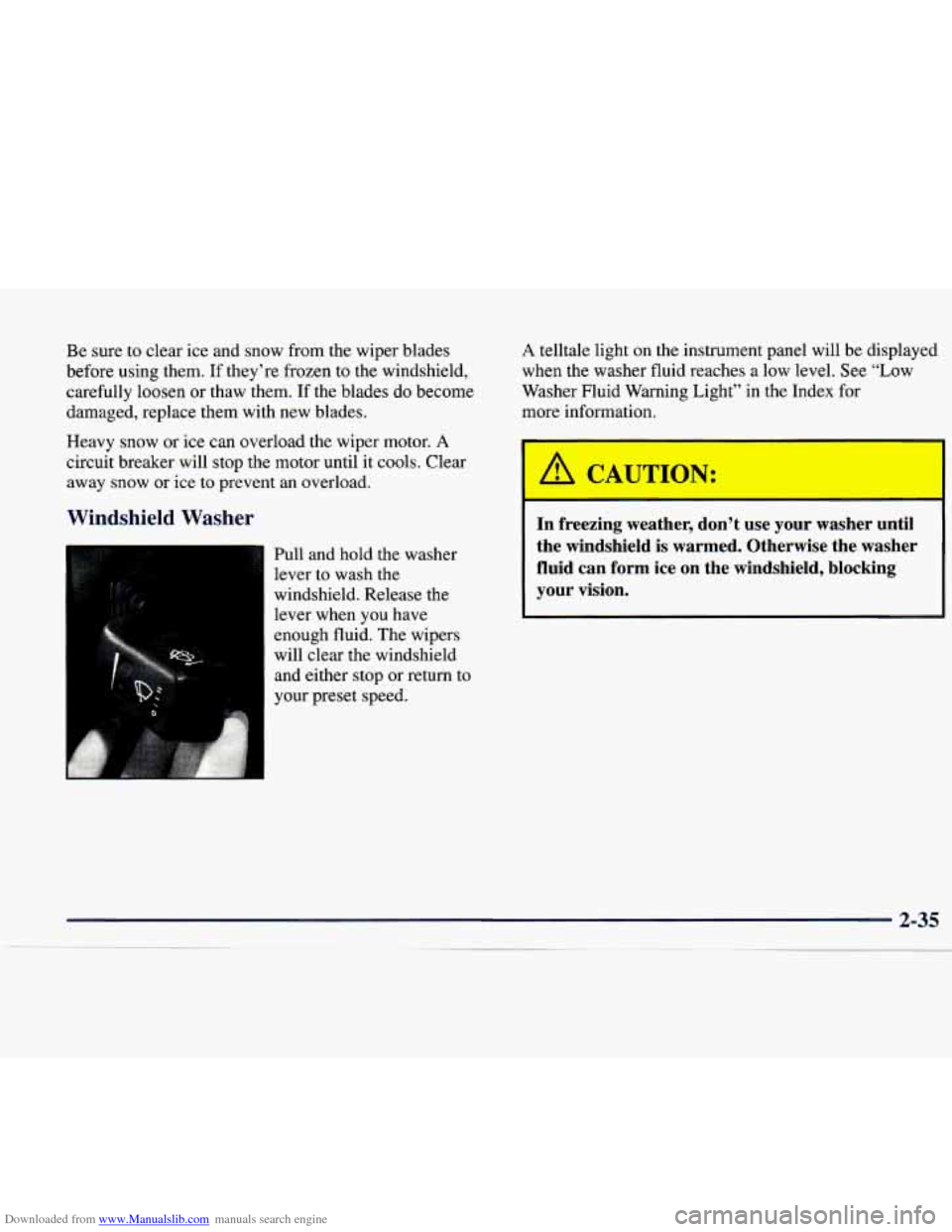
Windshield -washer
Pull and hold the washer
lever to wash the
windshield. Release the
lever when
you have
enough fluid. The wipers
will clear the windshield and either stop or return
to
A telltale light on the instrument panel will be displayed
when
the washer fluid reaches a low level. See “Low
Washer Fluid Warning Light” in the Index for
more information.
I
A CAUTION:
--
In freezing weather, don’t use your washer until
the windshield
is warmed. Otherwise the washer
fluid can form ice on the windshield, blocking
your vision.
Page 110 of 346
Downloaded from www.Manualslib.com manuals search engine Passing Another Vehicle While Using Cruise Control
Use the accelerator pedal to increase your speed. When
you take your foot off the pedal, your vehicle will slow
down to the cruise control speed you set earlier.
Using Cruise Control on Hills
How well the cruise control will work on hills depends
upon your speed, load and the steepness
of the hills.
When going up steep hills, you may have to step on the
accelerator pedal to maintain your speed. When going
downhill, you may have to brake or shift to a lower gear
to keep your speed down. Of course, applying the brake
takes you out of cruise control. Many drivers find this to
be too much trouble and don’t use cruise control on
steep hills.
Ending Cruise Control
There are two ways to end cruise control:
0 Step lightly on the brake pedal.
0 Press the OFF button at the end of the cruise lever.
Erasing Speed Memory
The cruise control set speed memory is erased when you
turn off the cruise control or the ignition.
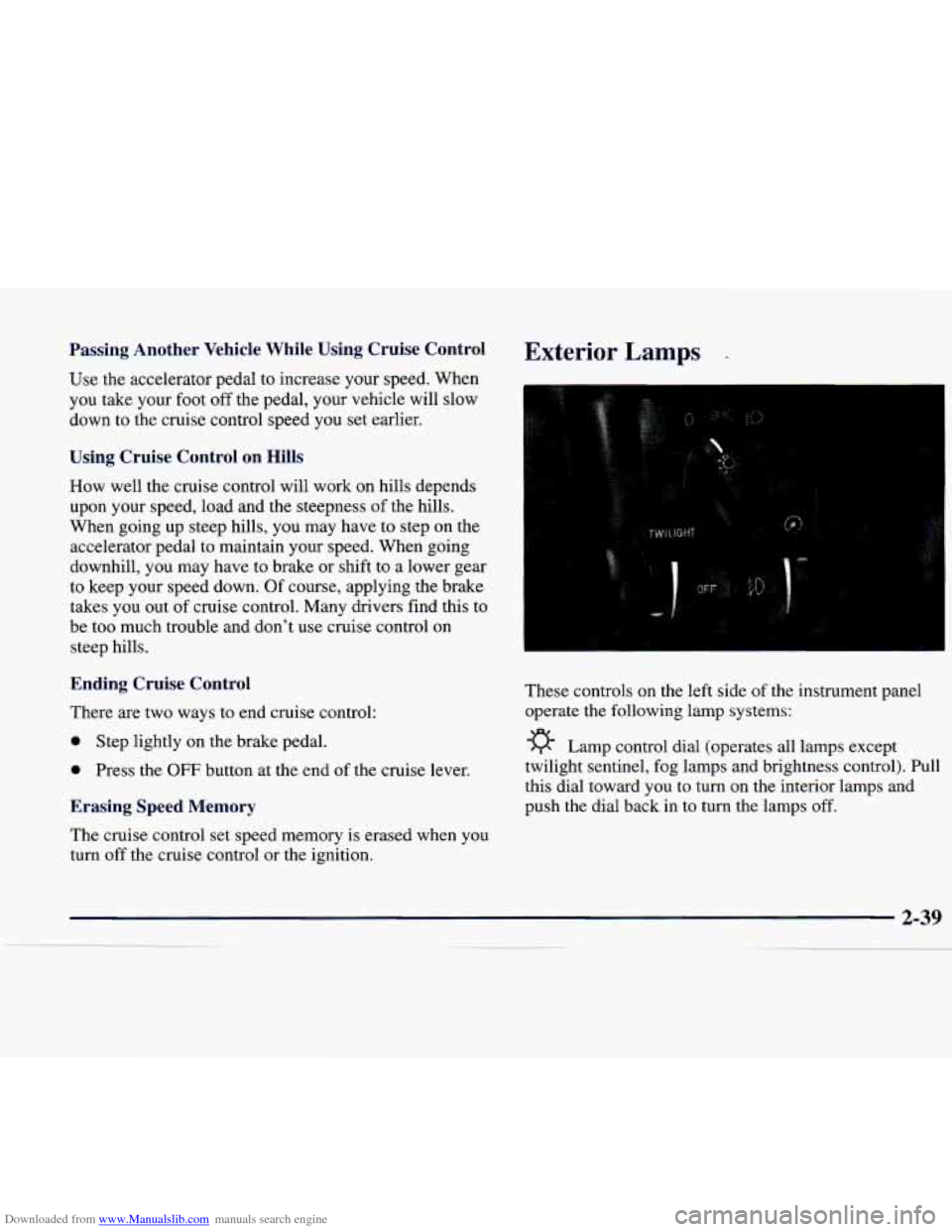
Exterior Lamps .
These controls on the left side of the instrument panel
operate the following lamp systems:
-g- Lamp control dial (operates all lamps except
twilight sentinel, fog lamps and brightness control). Pull
this dial toward you
to turn on the interior lamps and
push the dial back in to turn the lamps off.
Page 111 of 346
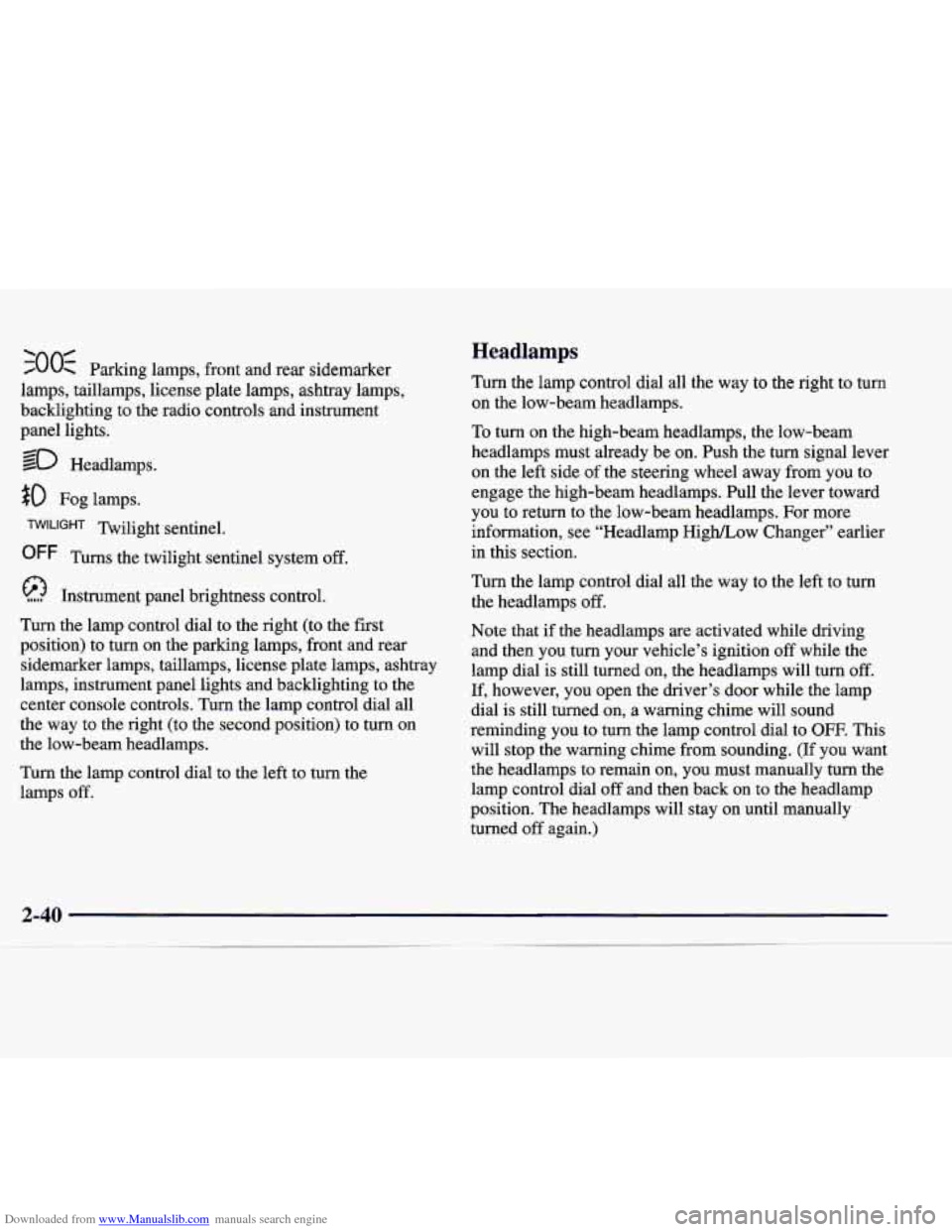
Downloaded from www.Manualslib.com manuals search engine ‘00s 0 Parking lamps, front and rear sidemarker
lamps, taillamps, license plate lamps, ashtray lamps,
backlighting to the radio controls and instrument
panel lights.
so Headlamps.
$0 Fog lamps.
Twilight sentinel.
OFF Turns the twilight sentinel system off.
Instrument panel brightness control.
Turn the lamp control dial to the right (to the first
position) to turn
on the parking lamps, front and rear
sidemarker lamps, taillamps, license plate lamps, ashtray
lamps, instrument panel lights and backlighting to the
center console controls. Turn the lamp control dial all
the way to the right (to the second position) to turn on
the low-beam headlamps.
Turn the lamp control dial
to the left to turn the
lamps off.
Headlamps
Turn the lamp control dial all the way to the right to turn
on the low-beam headlamps.
10 turn on the high-beam headlamps, the low-beam
headlamps must already be on. Push the turn signal lever
on the left side of the steering wheel away from you to
engage the high-beam headlamps. Pull the lever toward
you to return to the low-beam headlamps. For more
information, see “Headlamp High/Low Changer” earlier
in this section.
Turn the lamp control dial all the way to the left to turn
the headlamps
off.
Note that if the headlamps are activated while driving
and then you turn your vehicle’s ignition off while the
lamp dial is still turned
on, the headlamps will turn off.
If, however, you open the driver’s door while the lamp
dial is still turned on, a warning chime will sound
reminding you to turn the lamp control dial to
OFF. This
will stop the warning chime from sounding. (If you want
the headlamps to remain on, you must manually turn the
lamp control dial
off and then back on to the headlamp
position. The headlamps will stay on until manually
turned off again.)
Page 112 of 346
Downloaded from www.Manualslib.com manuals search engine Wiper-Activated Headlamps
This feature activates the low-beam headlamps, parking
lamps, sidemarker lamps and taillamps after the
windshield wipers have been in use for about
20 seconds.
The wiper-activated headlamps light the way in poor
weather and
also make your vehicle more visible to
other drivers.
If the wipers are on and the ignition switch
is turned off, the headlamps will immediately turn off.
The headlamps will also deactivate if the windshield
wipers have been turned
off for about 20 seconds.
Perimeter Lighting
This feature turns on the low-beam headlamps,
parking lamps, sidemarker lamps and taillamps for
about
20 seconds after the unlock button on the remote
keyless entry transmitter is pressed. Perimeter lighting
immediately ends when your vehicle’s ignition is turned
to
ON or START.
Lamps On Reminder
You will hear a warning chime if you open the door
while leaving the lamps on, if the manual headlamp
control is activated. An exception to this is when you’re
using the twilight sentinel.
Daytime Running Lamps
Daytime Running Lamps (DRL) can make it easier for
others to see the front of your vehicle during the day.
DIU, can be helpful in many different driving
conditions, but they can be especially helpful in the short periods after dawn and before sunset.
The DRL system will make the high-beam headlamps
come on at reduced brightness when:
your vehicle’s ignition is in ON or START,
the low-beam headlamps are off (the manual lamp
switch is in the off or park lamp position) and
your vehicle’s transmission is shifted out of
PARK
(P).
When DRL are on, only the high-beam headlamps (at
reduced brightness) will be on.
No other exterior lamps
such as
the parking lamps, taillamps, etc. will be on
when the DRL
are being used. The instrument panel
won’t be lit up either.
When the twilight sentinel is on and it’s dark enough
outside, the high-beam headlamps (at reduced intensity)
will change to low-beam headlamps. When it’s bright
enough outside, the regular lamps will go off, and the
high-beam headlamps change to the reduced brightness
of
DRL.
2-41
__
Page 113 of 346
Downloaded from www.Manualslib.com manuals search engine To idle your vehicle with the headlamps off, turn off the The following conditions will override the Dm:
twilight sentinel switch and shift the transmission into
PARK (P). Placing your vehicle in PARK (P) disables
the DRL. The
DRL will stay off until you shift out of
PARK (P).
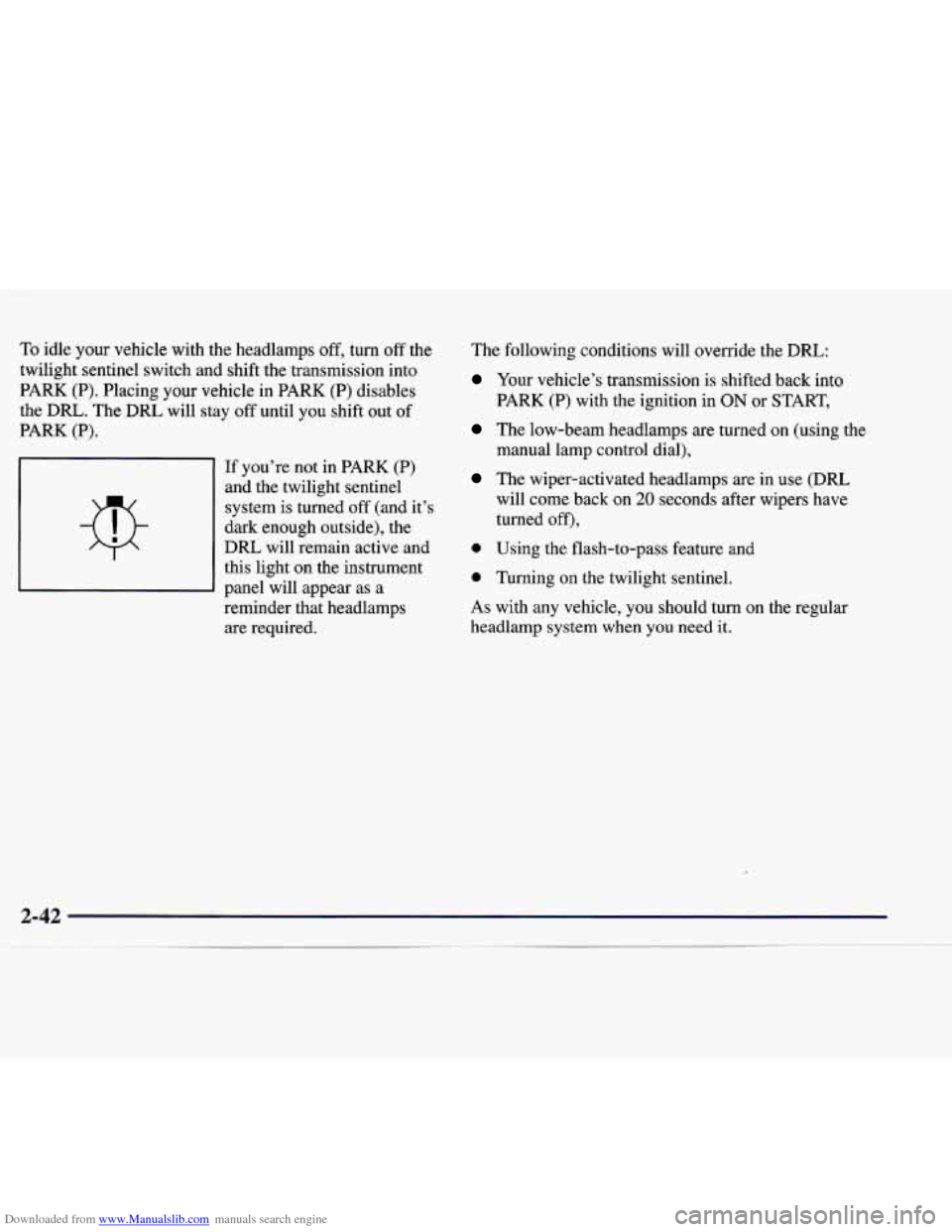
If you're not in PARK
(P)
and the twilight sentinel
system
is turned off (and it's
dark enough outside), the
DRL will remain active and
this light on the instrument
panel will appear as a
reminder that headlamps are required.
Your vehicle's transmission is shifted back into
PARK (P) with the ignition in ON or START,
The low-beam headlamps are turned on (using the
manual lamp control dial),
The wiper-activated headlamps are in use (DRL
will come back on
20 seconds after wipers have
turned
off),
0 Using the flash-to-pass feature and
0 Turning on the twilight sentinel.
As with any vehicle, you should turn on the regular
headlamp system
when you need it.
Page 114 of 346
Downloaded from www.Manualslib.com manuals search engine Fog Lamps Cornering Lamps
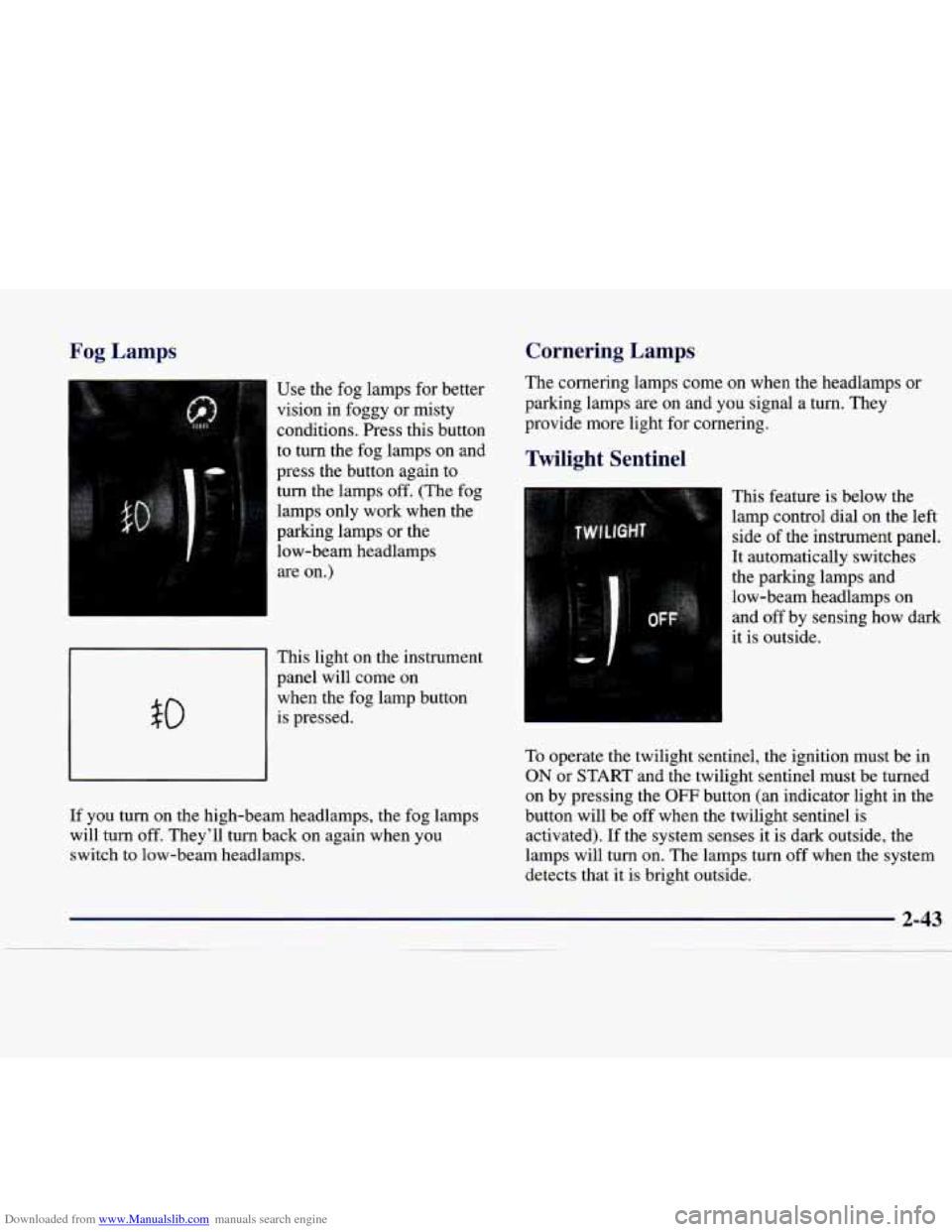
Use
the fog lamps for better
vision in foggy or misty
conditions.
Press this button
to turn the fog lamps on and
press the button again to
I turn the lamps off. (The fog
lamps only work when the
parking lamps or the
low-beam headlamps
are on.)
I
This light on the instrument
panel will come on
when the fog lamp button
is pressed. 50
I
If you turn on the high-beam headlamps, the fog lamps
will turn
off. They'll turn back on again when you
switch to low-beam headlamps. The
cornering lamps come
on when the headlamps or
parking lamps are on and you signal a turn. They
provide more light for cornering.
Twilight Sentinel
This feature is below the
lamp control dial on the left
side
of the instrument panel.
It automatically switches
the parking lamps and
low-beam headlamps on
and off by sensing how dark
it is outside.
To operate the twilight sentinel, the ignition must be in
ON or START and the twilight sentinel must be turned
on by pressing the
OFF button (an indicator light in the
button will be
off when the twilight sentinel is
activated). If the system senses it is dark outside, the
lamps will turn on. The lamps turn off when the system
detects that it is bright outside.