oil change CADILLAC CT5 2023 User Guide
[x] Cancel search | Manufacturer: CADILLAC, Model Year: 2023, Model line: CT5, Model: CADILLAC CT5 2023Pages: 526, PDF Size: 6.85 MB
Page 390 of 526

Cadillac CT5 Owner Manual (GMNA-Localizing-U.S./Canada-16500419) -
2023 - CRC - 5/6/22
Vehicle Care 389
fluid as indicated on the
reservoir cap. See Brake Fluid
0404 for brake fluid to use.
How to Check and Add
Fluid
Visually check the brake/
clutch fluid reservoir to make
sure the fluid level is at the
MIN (minimum) line on the side
of the reservoir. The brake/
hydraulic clutch fluid system
should be closed and sealed.
Do not remove the cap to
check the fluid level or to
top-off the fluid level. Remove
the cap only when necessary
to add the proper fluid until
the level reaches the MIN line.
Engine Air Filter Life
System
This feature provides the
engine air filter’s remaining life
and best timing for a change.
The timing to change an
engine air filter depends on
driving and environmental
conditions.
When to Change the
Engine Air Filter
When the Driver Information
Center (DIC) displays a
message to replace the engine
air filter at the next oil change,
follow this timing.
When the DIC displays a
message to replace the engine
air filter soon, replace the
engine air filter at the earliest
convenience.
The system must be reset
after the engine air filter is
changed.
If the DIC displays a message
to check the engine air filter
system, see your dealer.
How to Reset the Engine
Air Filter Life System
To reset:
1. Place the vehicle in P (Park). 2. Display the Air Filter Life
on the DIC. See Driver
Information Center (DIC)
(Base Level) 0136 or
Driver Information Center
(DIC) (Uplevel) 0139.
3. Press
Ton the steering
wheel, or press the trip
odometer reset stem if the
vehicle does not have DIC
controls, to move to the
Reset/Disable display area.
Select Reset, then press
the thumbwheel or press
the reset stem for several
seconds.
4. Press the thumbwheel or the reset stem to confirm
the reset.
Engine Air Cleaner/
Filter
The engine air cleaner/filter is
in the engine compartment on
the passenger side of the
vehicle for the 2.0L L4 and
6.2L V8 engines, and in the
center of the engine
Page 395 of 526

Cadillac CT5 Owner Manual (GMNA-Localizing-U.S./Canada-16500419) -
2023 - CRC - 5/6/22
394 Vehicle Care
Engine Coolant
The cooling system in the
vehicle is filled with
DEX-COOL engine coolant.
See Maintenance Schedule
0471 and
Recommended Fluids and
Lubricants 0476.
The following explains the
cooling system and how to
check and add coolant when it
is low. If there is a problem
with engine overheating, see
Engine Overheating 0398.
What to Use
{Warning
Do not touch heater or
radiator hoses, or other
engine parts. They can be
very hot and can burn you.
Do not run the engine if
there is a leak; all coolant
could leak out. That could
cause an engine fire and can
burn you. Fix any leak before
driving the vehicle. Use a 50/50 mixture of clean
drinkable water and
DEX-COOL coolant. This
mixture:
.Gives freezing protection
down to
−37 °C (−34 °F),
outside temperature.
.Gives boiling protection up
to 129 °C (265 °F), engine
temperature.
.Protects against rust and
corrosion.
.Will not damage aluminum
parts.
.Helps keep the proper
engine temperature.
Caution
Do not use anything other
than a mix of DEX-COOL
coolant that meets GM
Standard GMW3420 and
clean, drinkable water.
Anything else can cause
damage to the engine
cooling system and the
(Continued)
Caution (Continued)
vehicle, which would not be
covered by the vehicle
warranty.
Never dispose of engine
coolant by putting it in the
trash, pouring it on the
ground, or into sewers,
streams, or bodies of water.
Have the coolant changed by
an authorized service center,
familiar with legal
requirements regarding used
coolant disposal. This will help
protect the environment and
your health.
Checking Coolant
The vehicle must be on a level
surface when checking the
coolant level.
It is normal to see coolant
moving in the upper coolant
hose return line when the
engine is running. It is also
normal to see bubbles
entering the surge tank
through the small hose.
Page 465 of 526

Cadillac CT5 Owner Manual (GMNA-Localizing-U.S./Canada-16500419) -
2023 - CRC - 5/6/22
464 Vehicle Care
Caution (Continued)
.Do not heavily saturate
the upholstery when
cleaning.
.Do not use solvents or
cleaners containing
solvents.
.Do not use disinfecting
wipes that are scented or
contain bleach. Do not use
wipes or cleaners that
show a color transfer to
the wipe or change the
appearance of the interior
surface when used.
.Do not use scented or
gel-type hand sanitizers.
If hand sanitizer comes in
contact with interior
surfaces of the vehicle,
blot immediately and clean
with a soft cloth
dampened with a mild
soap and water solution.
Interior Glass
To clean, use a microfiber
cloth fabric dampened with
water. Wipe droplets left
behind with a clean dry cloth.
If necessary, use a commercial
glass cleaner after cleaning
with plain water.
Caution
To prevent scratching, never
use abrasive cleaners on
automotive glass. Abrasive
cleaners or aggressive
cleaning may damage the
rear window defogger.
Cleaning the windshield with
water during the first three to
six months of ownership will
reduce tendency to fog.
Speaker Covers
Vacuum around a speaker
cover gently, so that the
speaker will not be damaged.
Clean spots with water and
mild soap.
Coated Moldings
Coated moldings should be
cleaned.
.When lightly soiled, wipe
with a sponge or soft,
lint-free cloth dampened
with water.
.When heavily soiled, use
warm soapy water.
Vinyl/Rubber
If equipped with vinyl floor and
rubber floor mats, use a soft
cloth and/or brush dampened
with water to remove dust and
loose dirt. For more thorough
cleaning, use a mild soap and
water solution.
{Warning
Do not use cleaners that
contain silicone, wax-based
products, or cleaners that
increase gloss on vinyl/
rubber floor and mats.
These cleaners can
permanently change the (Continued)
Page 470 of 526

Cadillac CT5 Owner Manual (GMNA-Localizing-U.S./Canada-16500419) -
2023 - CRC - 5/6/22
Service and Maintenance 469
Service and
Maintenance
General Information
General Information . . . . . . 469
Maintenance Schedule
Maintenance Schedule . . . 471
Multi-Point Vehicle
Inspection (MPVI)
Multi-Point VehicleInspection (MPVI) . . . . . . . . 474
Special Application
Services
Special ApplicationServices . . . . . . . . . . . . . . . . . . . . 475
Recommended Fluids,
Lubricants, and Parts
Recommended Fluids andLubricants . . . . . . . . . . . . . . . . . 476
Maintenance Replacement Parts . . . . . . 477
Maintenance Records
Maintenance Records . . . . 479
General
Information
Your vehicle is an important
investment. This section
describes the required
maintenance for the vehicle.
Follow this schedule to help
protect against major repair
expenses resulting from
neglect or inadequate
maintenance. It may also help
to maintain the value of the
vehicle if it is sold. It is the
responsibility of the owner to
have all required maintenance
performed.
Your dealer has trained
technicians who can perform
required maintenance using
genuine replacement parts.
They have up-to-date tools
and equipment for fast and
accurate diagnostics. Many
dealers have extended
evening and Saturday hours,
courtesy transportation, and
online scheduling to assist
with service needs. Your dealer recognizes the
importance of providing
competitively priced
maintenance and repair
services. With trained
technicians, the dealer is the
place for routine maintenance
such as oil changes and tire
rotations and additional
maintenance items like tires,
brakes, batteries, and wiper
blades.
Caution
Damage caused by improper
maintenance can lead to
costly repairs and may not
be covered by the vehicle
warranty. Maintenance
intervals, checks,
inspections, recommended
fluids, and lubricants are
important to keep the
vehicle in good working
condition.
Do not have chemical
flushes that are not
approved by GM performed
(Continued)
Page 472 of 526

Cadillac CT5 Owner Manual (GMNA-Localizing-U.S./Canada-16500419) -
2023 - CRC - 5/6/22
Service and Maintenance 471
Maintenance
Schedule
Tire Rotation and
Required Services Every
12 000 km (7,500 mi)
Tires are rotated to achieve a
more uniform wear for all tires.
The first rotation is the most
important.
Anytime unusual wear is
noticed, rotate the tires as
soon as possible, check for
proper tire inflation pressure,
and check for damaged tires
or wheels. If the unusual wear
continues after the rotation,
check the wheel alignment.
See When It Is Time for New
Tires0437 and
Wheel Replacement 0441.
.Perform Multi-Point Vehicle
Inspection. See Multi-Point
Vehicle Inspection (MPVI)
0474.
.Lubricate body components.
See Exterior Care 0457.
Additional Required
Services —Normal
Service
Every 12 000 km (7,500 mi)
.Check engine oil level and oil
life percentage. If needed,
change engine oil and filter,
and reset oil life system. Or
when the CHANGE ENGINE
OIL SOON message displays,
have the engine oil and filter
changed within the next
1 000 km/600 mi. If driven
under the best conditions,
the engine oil life system
may not indicate the need
for vehicle service for up to
a year. The engine oil and
filter must be changed at
least once a year and the oil
life system must be reset.
Your trained dealer
technician can perform this
work. If the engine oil life
system is reset accidentally,
service the vehicle within
5 000 km/3,000 mi since the
last service. Reset the oil life system when the oil is
changed. See Engine Oil Life
System
0386.
.When the REPLACE AT
NEXT OIL CHANGE
message displays, the engine
air filter should be replaced
at the next engine oil
change. When the REPLACE
ENGINE AIR FILTER SOON
message displays, the engine
air filter should be replaced
at the earliest convenience.
Reset the engine air filter life
system after the engine air
filter is replaced. See Engine
Air Filter Life System 0389.
Every 36 000 km (22,500 mi)
.Passenger compartment air
filter replacement (or every
24 months, whichever
occurs first). More frequent
replacement may be needed
if the vehicle is driven in
areas with heavy traffic,
poor air quality, areas with
high dust levels or are
sensitive to environmental
allergens. Filter replacement
Page 474 of 526

Cadillac CT5 Owner Manual (GMNA-Localizing-U.S./Canada-16500419) -
2023 - CRC - 5/6/22
Service and Maintenance 473
.Drain and fill engine cooling
system. Or every six years,
whichever comes first. See
Cooling System0392.
Severe Conditions
Requiring More Frequent
Maintenance*
.Public service, military,
or commercial use vehicles
to include the following:
‐ Ambulances, police cars,
and emergency rescue
vehicles.
‐ Civilian vehicles such as
light duty pick-up trucks,
SUVs, and passenger cars
that are used in military
applications.
‐ Recovery vehicles such as
tow trucks and flatbed
single vehicle carriers or
any vehicle that is
consistently used in towing
trailers or other loads.
‐ High use commercial
vehicles such as courier
delivery vehicles, private
security patrol vehicles, or any vehicles that
operate on a 24–hour
basis.
‐ Any vehicle consistently
operated in a high sand or
dust environment such as
those used on oil pipelines
and similar applications..Vehicles that are regularly
used for short trips of 6 km
(4 mi) or less.
The oil life indicator will show
you when to change the oil
and filter. Under severe
conditions the indicator may
come on before 12 000 km
(7,500 mi).
* Footnote: Under extreme
driving conditions listed
above, it may be necessary
to replace your spark plugs
at more frequent intervals.
For further assistance in
determining the most
suitable service maintenance
intervals for your vehicle,
please contact your
authorized GM Dealer. Extreme service is for
vehicles mainly driven
off-road in four-wheel drive
or used in farming, mining,
forestry, or snow plowing.
Additional Required
Services
—Severe Service
Every 72 000 km (45,000 mi)
.Change automatic
transmission fluid and filter.
.Change manual transmission
fluid. (If equipped)
.Change transfer case fluid,
if equipped with AWD. Do
not directly power wash the
transfer case and/or front/
rear axle output seals. High
pressure water can
overcome the seals and
contaminate the transfer
case fluid. Contaminated
fluid will decrease the life of
the transfer case and/or
axles and should be
replaced.
Page 476 of 526
Cadillac CT5 Owner Manual (GMNA-Localizing-U.S./Canada-16500419) -
2023 - CRC - 5/6/22
Service and Maintenance 475
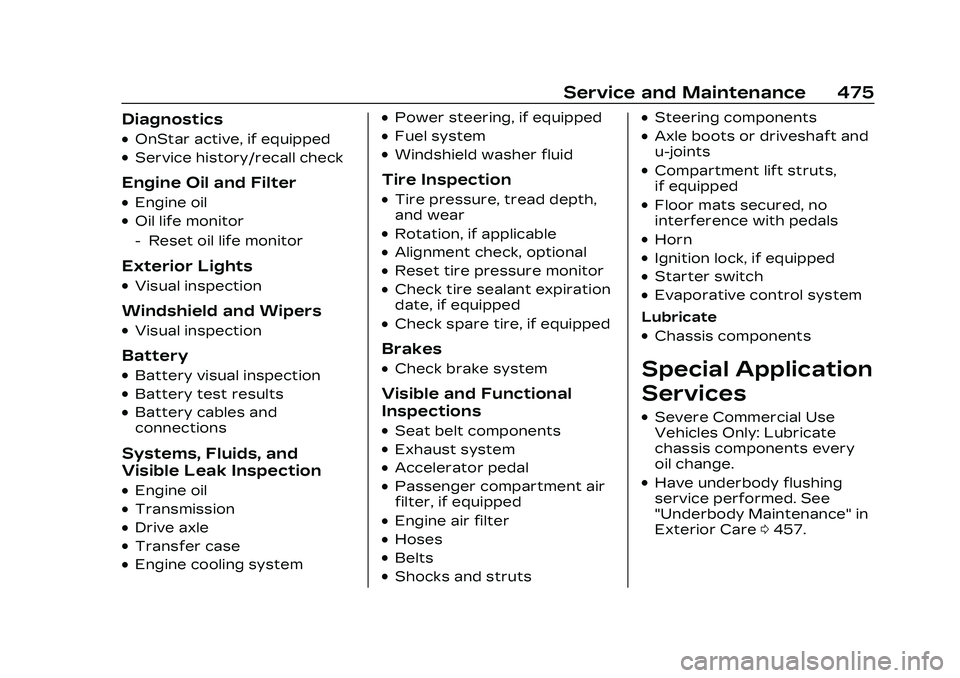
Diagnostics
.OnStar active, if equipped
.Service history/recall check
Engine Oil and Filter
.Engine oil
.Oil life monitor
‐Reset oil life monitor
Exterior Lights
.Visual inspection
Windshield and Wipers
.Visual inspection
Battery
.Battery visual inspection
.Battery test results
.Battery cables and
connections
Systems, Fluids, and
Visible Leak Inspection
.Engine oil
.Transmission
.Drive axle
.Transfer case
.Engine cooling system
.Power steering, if equipped
.Fuel system
.Windshield washer fluid
Tire Inspection
.Tire pressure, tread depth,
and wear
.Rotation, if applicable
.Alignment check, optional
.Reset tire pressure monitor
.Check tire sealant expiration
date, if equipped
.Check spare tire, if equipped
Brakes
.Check brake system
Visible and Functional
Inspections
.Seat belt components
.Exhaust system
.Accelerator pedal
.Passenger compartment air
filter, if equipped
.Engine air filter
.Hoses
.Belts
.Shocks and struts
.Steering components
.Axle boots or driveshaft and
u-joints
.Compartment lift struts,
if equipped
.Floor mats secured, no
interference with pedals
.Horn
.Ignition lock, if equipped
.Starter switch
.Evaporative control system
Lubricate
.Chassis components
Special Application
Services
.Severe Commercial Use
Vehicles Only: Lubricate
chassis components every
oil change.
.Have underbody flushing
service performed. See
"Underbody Maintenance" in
Exterior Care 0457.
Page 511 of 526
Cadillac CT5 Owner Manual (GMNA-Localizing-U.S./Canada-16500419) -
2023 - CRC - 5/6/22
510 Connected Services
vehicles, Wi-Fi can also be
managed from the Wi-Fi
Hotspot menu.
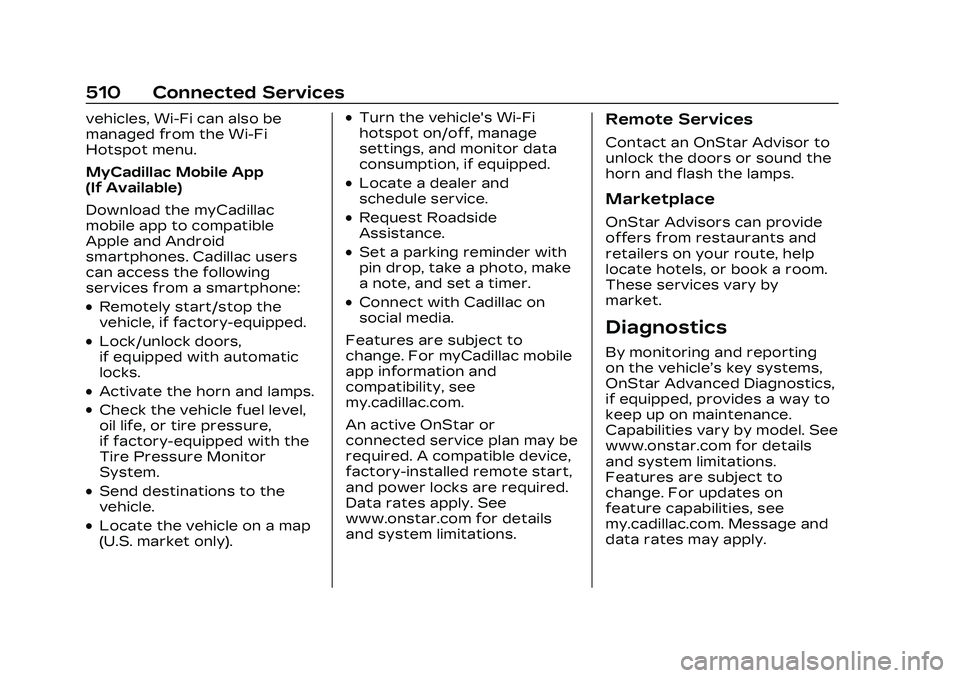
MyCadillac Mobile App
(If Available)
Download the myCadillac
mobile app to compatible
Apple and Android
smartphones. Cadillac users
can access the following
services from a smartphone:
.Remotely start/stop the
vehicle, if factory-equipped.
.Lock/unlock doors,
if equipped with automatic
locks.
.Activate the horn and lamps.
.Check the vehicle fuel level,
oil life, or tire pressure,
if factory-equipped with the
Tire Pressure Monitor
System.
.Send destinations to the
vehicle.
.Locate the vehicle on a map
(U.S. market only).
.Turn the vehicle's Wi-Fi
hotspot on/off, manage
settings, and monitor data
consumption, if equipped.
.Locate a dealer and
schedule service.
.Request Roadside
Assistance.
.Set a parking reminder with
pin drop, take a photo, make
a note, and set a timer.
.Connect with Cadillac on
social media.
Features are subject to
change. For myCadillac mobile
app information and
compatibility, see
my.cadillac.com.
An active OnStar or
connected service plan may be
required. A compatible device,
factory-installed remote start,
and power locks are required.
Data rates apply. See
www.onstar.com for details
and system limitations.
Remote Services
Contact an OnStar Advisor to
unlock the doors or sound the
horn and flash the lamps.
Marketplace
OnStar Advisors can provide
offers from restaurants and
retailers on your route, help
locate hotels, or book a room.
These services vary by
market.
Diagnostics
By monitoring and reporting
on the vehicle’s key systems,
OnStar Advanced Diagnostics,
if equipped, provides a way to
keep up on maintenance.
Capabilities vary by model. See
www.onstar.com for details
and system limitations.
Features are subject to
change. For updates on
feature capabilities, see
my.cadillac.com. Message and
data rates may apply.