change wheel CADILLAC CT6 2016 User Guide
[x] Cancel search | Manufacturer: CADILLAC, Model Year: 2016, Model line: CT6, Model: CADILLAC CT6 2016Pages: 397, PDF Size: 7.09 MB
Page 145 of 397

Cadillac CT6 Owner Manual (GMNA-Localizing-U.S./Canada-9235592) -
2016 - crc - 11/6/15
144 Instruments and Controls
HUD Display on the Vehicle
Windshield
The HUD may display some of the
following vehicle information and
vehicle messages or alerts:
.
Speed
.
Tachometer
.
Audio
.
Phone
.
Navigation
.
Collision Alert
.
Cruise Control
.
Lane Keep Assist
.
Low Fuel Some vehicle messages or alerts
displayed in the HUD may be
cleared by using the steering wheel
controls. See Vehicle
Messages 0 146 .
The HUD control is to the left of the
steering wheel.
To adjust the HUD image:
1. Adjust the driver seat.
2. Start the engine.
3. Use the following settings to
adjust the HUD. $ : Press down or lift up to center
the HUD image. The HUD image
can only be adjusted up and down,
not side to side.
! : Press to select the display
view. Each press will change the
display view.
D : Lift up and hold to brighten
the display. Press down and hold to
dim the display. Hold down to turn
the display off.
The HUD image will automatically
dim and brighten to compensate for
outside lighting. The HUD
brightness control can also be
adjusted as needed.
The HUD image can temporarily
light up depending on the angle and
position of the sunlight on the HUD
display. This is normal.
Polarized sunglasses could make
the HUD image harder to see.
HUD Views
There are four views in the HUD.
Some vehicle information and
vehicle messages or alerts may be
displayed in any view.
Page 154 of 397

Cadillac CT6 Owner Manual (GMNA-Localizing-U.S./Canada-9235592) -
2016 - crc - 11/6/15
Instruments and Controls 153(ACC), Forward Collision Alert
(FCA), and/or the Front Automatic
Braking (FAB) System may not
work. Do not use these systems
until the vehicle has been repaired.
SERVICE DRIVER ASSIST
SYSTEM If this message displays, take the
vehicle to your dealer to repair the
system.
Adaptive Cruise Control (ACC),
Forward Collision Alert (FCA), Front
Automatic Braking (FAB),
Assistance Systems for Parking or
Backing, Lane Keep Assist (LKA),
and/or Lane Departure Warning
(LDW) may not work. Do not use
these systems until the vehicle has
been repaired.
SERVICE FRONT CAMERA
If this message remains on after
continued driving, the vehicle needs
service. Take the vehicle to your
dealer. Do not use the Front
Pedestrian Braking (FPB), Forward
Collision Alert (FCA), Front Automatic Braking (FAB), Lane
Keep Assist (LKA), and Lane
Departure Warning (LDW) features.
SERVICE NIGHT VISION
SYSTEM The Night Vision system needs
service. See your dealer.
SERVICE PARK ASSIST This message displays if there is a
problem with the Parking Assist
system. Do not use this system to
help you park. See your dealer for
service.
SERVICE REAR AUTO BRAKE
AND PARK ASSIST This message displays if there is a
problem with the parking and
backing features of the Driver
Assistance System. Do not use this
system to help park or back the
vehicle. See your dealer for service.
SERVICE SIDE DETECTION
SYSTEM
If this message remains on after
continued driving, the vehicle needs
service. Take the vehicle to your dealer. Side Blind Zone Alert
(SBZA), Lane Change Alert (LCA),
and Rear Cross Traffic Alert (RCTA)
features will not work.
SIDE DETECTION SYSTEM
UNAVAILABLE This message indicates that Side
Blind Zone Alert (SBZA), Lane
Change Alert (LCA), and Rear
Cross Traffic Alert (RCTA) are
disabled either because the sensor
is blocked and cannot detect
vehicles in the blind zone, or the
vehicle is passing through an open
area, such as the desert, where
there is insufficient data for
operation. This message may also
activate during heavy rain or due to
road spray. The vehicle does not
need service. For cleaning, see
"Washing the Vehicle" under
Exterior Care 0 333 .
TAKE STEERING
If LKA does not detect active driver
steering, an alert and chime may be
provided. Move the steering wheel
to dismiss. See Lane Keep Assist
(LKA) 0 248 .
Page 175 of 397

Cadillac CT6 Owner Manual (GMNA-Localizing-U.S./Canada-9235592) -
2016 - crc - 11/6/15
174 Lighting change is completed. If the lever is
briefly pressed and released, the
turn signal flashes three times.
The turn and lane-change signal
can be turned off manually by
moving the lever back to its original
position.
If after signaling a turn or lane
change, the arrow flashes rapidly or
does not come on, a signal bulb
may be burned out.
Replace any burned out bulbs. If a
bulb is not burned out, check the
fuse. See Fuses and Circuit
Breakers 0 290 . Interior Lighting Instrument Panel
Illumination Control
The brightness of the instrument
panel lighting and steering wheel
controls can be adjusted.
D : Move the thumbwheel up or
down to brighten or dim the lights.
The brightness of the displays
automatically adjust based on
outdoor lighting. The instrument
panel illumination control will set the
lowest level to which the displays
will be automatically adjusted. Courtesy Lamps The courtesy lamps come on when
any door is opened unless the dome
lamp override is activated. To
deactivate the dome lamp override,
press
( OFF and the LED
indicator on the button will turn off.
Dome Lamps The dome lamp is in the overhead
console.
To change the dome lamp settings,
press:
( OFF : Turns the lamp off, even
when a door is open.
Page 192 of 397

Cadillac CT6 Owner Manual (GMNA-Localizing-U.S./Canada-9235592) -
2016 - crc - 11/6/15
Driving and Operating 191
Driving and
Operating Driving Information Distracted Driving . . . . . . . . . . . . 192
Defensive Driving . . . . . . . . . . . . . 193
Drunk Driving . . . . . . . . . . . . . . . . . 193
Control of a Vehicle . . . . . . . . . . . 193
Braking . . . . . . . . . . . . . . . . . . . . . . . 193
Steering . . . . . . . . . . . . . . . . . . . . . . 194
Off-Road Recovery . . . . . . . . . . . 194
Loss of Control . . . . . . . . . . . . . . . 195
Driving on Wet Roads . . . . . . . . 195
Hill and Mountain Roads . . . . . 196
Winter Driving . . . . . . . . . . . . . . . . 197
If the Vehicle Is Stuck . . . . . . . . 198
Vehicle Load Limits . . . . . . . . . . . 198
Starting and Operating New Vehicle Break-In . . . . . . . . . 202
Ignition Positions . . . . . . . . . . . . . 202
Starting the Engine . . . . . . . . . . . 204
Retained Accessory
Power (RAP) . . . . . . . . . . . . . . . . 206
Engine Coolant Heater . . . . . . . 206
Shifting Into Park . . . . . . . . . . . . . 207
Shifting out of Park . . . . . . . . . . . 208
Parking over Things
That Burn . . . . . . . . . . . . . . . . . . . 209 Engine Exhaust Engine Exhaust . . . . . . . . . . . . . . 209
Running the Vehicle While
Parked . . . . . . . . . . . . . . . . . . . . . . 210
Automatic Transmission Automatic Transmission . . . . . . 210
Manual Mode . . . . . . . . . . . . . . . . . 212
Drive Systems All-Wheel Drive . . . . . . . . . . . . . . . 213
Brakes Antilock Brake
System (ABS) . . . . . . . . . . . . . . . 214
Electric Parking Brake . . . . . . . . 214
Brake Assist . . . . . . . . . . . . . . . . . . 216
Hill Start Assist (HSA) . . . . . . . . 216
Automatic Vehicle
Hold (AVH) . . . . . . . . . . . . . . . . . . 217
Ride Control Systems Traction Control/Electronic
Stability Control . . . . . . . . . . . . . 217
Driver Mode Control . . . . . . . . . . 219
Cruise Control Cruise Control . . . . . . . . . . . . . . . . 220
Adaptive Cruise Control . . . . . . 223
Driver Assistance Systems
Driver Assistance Systems . . . 230 Assistance Systems for
Parking or Backing . . . . . . . . . . 231
Assistance Systems for
Driving . . . . . . . . . . . . . . . . . . . . . . 237
Forward Collision Alert (FCA)
System . . . . . . . . . . . . . . . . . . . . . . 237
Front Automatic Braking (FAB)
System . . . . . . . . . . . . . . . . . . . . . . 240
Front Pedestrian Braking
(FPB) System . . . . . . . . . . . . . . . 241
Night Vision System . . . . . . . . . . 243
Side Blind Zone
Alert (SBZA) . . . . . . . . . . . . . . . . 246
Lane Change Alert (LCA) . . . . . 246
Lane Departure
Warning (LDW) . . . . . . . . . . . . . 248
Lane Keep Assist (LKA) . . . . . . 248
Surround Vision Recorder . . . . 250
Fuel Fuel . . . . . . . . . . . . . . . . . . . . . . . . . . 251
California Fuel
Requirements . . . . . . . . . . . . . . . 253
Fuels in Foreign Countries . . . 253
Fuel Additives . . . . . . . . . . . . . . . . 253
Filling the Tank . . . . . . . . . . . . . . . 253
Filling a Portable Fuel
Container . . . . . . . . . . . . . . . . . . . 255
Page 196 of 397

Cadillac CT6 Owner Manual (GMNA-Localizing-U.S./Canada-9235592) -
2016 - crc - 11/6/15
Driving and Operating 195The vehicle's right wheels can drop
off the edge of a road onto the
shoulder while driving. Follow
these tips:
1. Ease off the accelerator and
then, if there is nothing in the
way, steer the vehicle so that it
straddles the edge of the
pavement.
2. Turn the steering wheel about
one-eighth of a turn, until the
right front tire contacts the
pavement edge.
3. Turn the steering wheel to go
straight down the roadway.
Loss of Control Skidding There are three types of skids that
correspond to the vehicle's three
control systems:
.
Braking Skid — wheels are not
rolling.
.
Steering or Cornering Skid —
too much speed or steering in a
curve causes tires to slip and
lose cornering force. .
Acceleration Skid — too much
throttle causes the driving
wheels to spin.
Defensive drivers avoid most skids
by taking reasonable care suited to
existing conditions, and by not
overdriving those conditions. But
skids are always possible.
If the vehicle starts to slide, follow
these suggestions:
.
Ease your foot off the
accelerator pedal and steer the
way you want the vehicle to go.
The vehicle may straighten out.
Be ready for a second skid if it
occurs.
.
Slow down and adjust your
driving according to weather
conditions. Stopping distance
can be longer and vehicle
control can be affected when
traction is reduced by water,
snow, ice, gravel, or other
material on the road. Learn to
recognize warning clues — such
as enough water, ice, or packed
snow on the road to make a
mirrored surface — and slow
down when you have any doubt. .
Try to avoid sudden steering,
acceleration, or braking,
including reducing vehicle speed
by shifting to a lower gear. Any
sudden changes could cause
the tires to slide.
Remember: Antilock brakes help
avoid only the braking skid.
Driving on Wet Roads Rain and wet roads can reduce
vehicle traction and affect your
ability to stop and accelerate.
Always drive slower in these types
of driving conditions and avoid
driving through large puddles and
deep-standing or flowing water.
{ Warning
Wet brakes can cause crashes.
They might not work as well in a
quick stop and could cause
pulling to one side. You could
lose control of the vehicle.
(Continued)
Page 215 of 397
Cadillac CT6 Owner Manual (GMNA-Localizing-U.S./Canada-9235592) -
2016 - crc - 11/6/15
214 Driving and Operating
Brakes Antilock Brake
System (ABS) This vehicle has ABS, an advanced
electronic braking system that helps
prevent a braking skid.
When the vehicle begins to drive
away, ABS checks itself.
A momentary motor or clicking noise
might be heard while this test is
going on, and it might even be
noticed that the brake pedal moves
a little. This is normal.
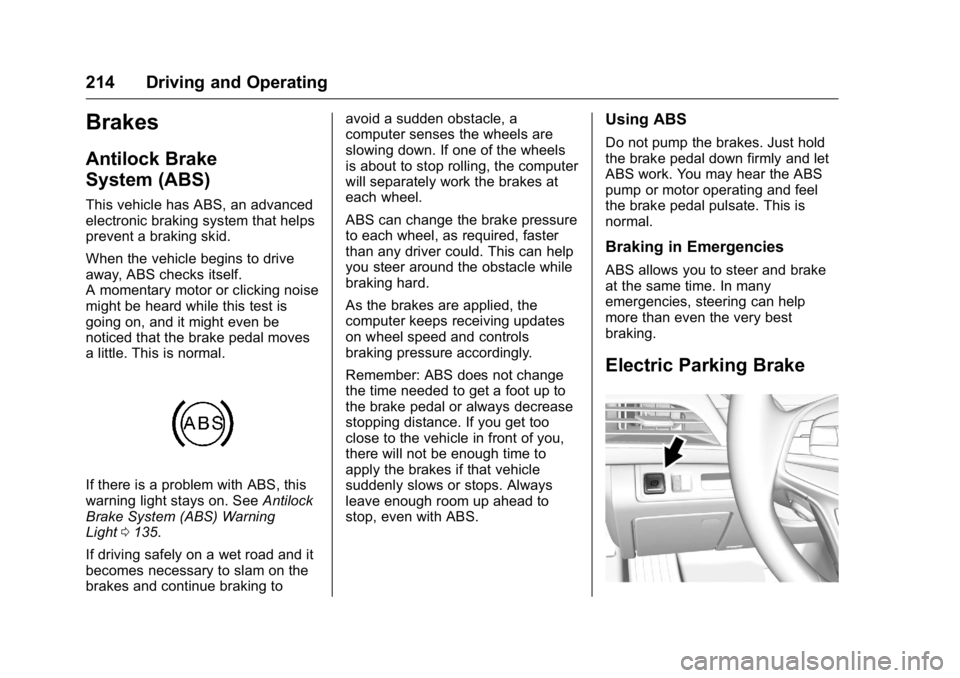
If there is a problem with ABS, this
warning light stays on. See Antilock
Brake System (ABS) Warning
Light 0 135 .
If driving safely on a wet road and it
becomes necessary to slam on the
brakes and continue braking to avoid a sudden obstacle, a
computer senses the wheels are
slowing down. If one of the wheels
is about to stop rolling, the computer
will separately work the brakes at
each wheel.
ABS can change the brake pressure
to each wheel, as required, faster
than any driver could. This can help
you steer around the obstacle while
braking hard.
As the brakes are applied, the
computer keeps receiving updates
on wheel speed and controls
braking pressure accordingly.
Remember: ABS does not change
the time needed to get a foot up to
the brake pedal or always decrease
stopping distance. If you get too
close to the vehicle in front of you,
there will not be enough time to
apply the brakes if that vehicle
suddenly slows or stops. Always
leave enough room up ahead to
stop, even with ABS. Using ABS Do not pump the brakes. Just hold
the brake pedal down firmly and let
ABS work. You may hear the ABS
pump or motor operating and feel
the brake pedal pulsate. This is
normal.
Braking in Emergencies ABS allows you to steer and brake
at the same time. In many
emergencies, steering can help
more than even the very best
braking.
Electric Parking Brake
Page 218 of 397
Cadillac CT6 Owner Manual (GMNA-Localizing-U.S./Canada-9235592) -
2016 - crc - 11/6/15
Driving and Operating 217
Automatic Vehicle
Hold (AVH)
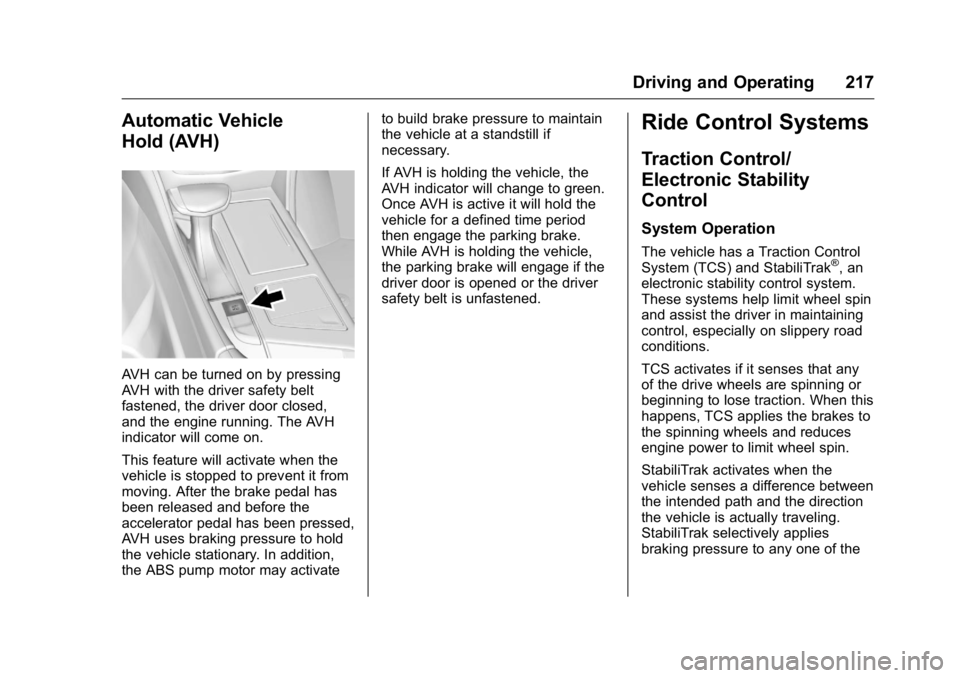
AVH can be turned on by pressing
AVH with the driver safety belt
fastened, the driver door closed,
and the engine running. The AVH
indicator will come on.
This feature will activate when the
vehicle is stopped to prevent it from
moving. After the brake pedal has
been released and before the
accelerator pedal has been pressed,
AVH uses braking pressure to hold
the vehicle stationary. In addition,
the ABS pump motor may activate to build brake pressure to maintain
the vehicle at a standstill if
necessary.
If AVH is holding the vehicle, the
AVH indicator will change to green.
Once AVH is active it will hold the
vehicle for a defined time period
then engage the parking brake.
While AVH is holding the vehicle,
the parking brake will engage if the
driver door is opened or the driver
safety belt is unfastened.
Ride Control Systems Traction Control/
Electronic Stability
Control System Operation The vehicle has a Traction Control
System (TCS) and StabiliTrak ®
, an
electronic stability control system.
These systems help limit wheel spin
and assist the driver in maintaining
control, especially on slippery road
conditions.
TCS activates if it senses that any
of the drive wheels are spinning or
beginning to lose traction. When this
happens, TCS applies the brakes to
the spinning wheels and reduces
engine power to limit wheel spin.
StabiliTrak activates when the
vehicle senses a difference between
the intended path and the direction
the vehicle is actually traveling.
StabiliTrak selectively applies
braking pressure to any one of the
Page 221 of 397

Cadillac CT6 Owner Manual (GMNA-Localizing-U.S./Canada-9235592) -
2016 - crc - 11/6/15
220 Driving and Operating If the vehicle is equipped with AWD,
the Tour mode is in between the
Sport and the Snow/Ice modes for a
more balanced feel.
Sport Mode Use where road conditions or
personal preference demand a more
controlled response.
When selected, the Sport mode
indicator will display in the Driver
Information Center (DIC).
When in Sport mode, the vehicle will
shift automatically but may hold a
lower gear longer than it would in
the normal driving mode based on
braking, throttle input, and vehicle
lateral acceleration. See Automatic
Transmission 0 210 . The steering,
including Active Rear Steer (if
equipped), will change to provide
more precise control.
If the vehicle is equipped with AWD,
the Sport mode sends more torque
to the rear wheels. Snow/Ice Mode Use when more traction is needed
during slippery conditions. Snow/Ice
mode will use a different accelerator
pedal map in order to optimize
traction on slippery surfaces.
When selected, the Snow/Ice mode
indicator will display in the DIC.
This feature is not intended for use
when the vehicle is stuck in sand,
mud, ice, snow, or gravel. If the
vehicle becomes stuck, see If the
Vehicle Is Stuck 0 198 .
If the vehicle is equipped with AWD,
the Snow/Ice mode will provide
more torque to the front wheels. Cruise Control
{ WarningCruise control can be dangerous
where you cannot drive safely at
a steady speed. Do not use
cruise control on winding roads or
in heavy traffic.
Cruise control can be dangerous
on slippery roads. On such roads,
fast changes in tire traction can
cause excessive wheel slip, and
you could lose control. Do not use
cruise control on slippery roads.
With cruise control, a speed of
about 40 km/h (25 mph) or more can
be maintained without keeping your
foot on the accelerator. Cruise
control does not work at speeds
below about 40 km/h (25 mph).
If the Traction Control/electronic
stability control system begins to
limit wheel spin while using cruise
control, the cruise control
Page 225 of 397

Cadillac CT6 Owner Manual (GMNA-Localizing-U.S./Canada-9235592) -
2016 - crc - 11/6/15
224 Driving and Operating
{ WarningACC will not detect or brake for
children, pedestrians, animals,
or other objects.
Do not use ACC when:
.
On winding and hilly roads
or when the sensors are
blocked by snow, ice, or dirt.
The system may not detect
a vehicle ahead. Keep the
entire front of the vehicle
clean.
.
Visibility is low, such as in
fog, rain, or snow
conditions. ACC
performance is limited under
these conditions.
.
On slippery roads where
fast changes in tire traction
can cause excessive
wheel slip. J : Press to turn the system on or
off. The indicator turns white on the
instrument cluster when ACC is
turned on.
RES+ : Press briefly to resume the
previous set speed or to increase
vehicle speed if ACC is already
activated. To increase speed by
1 km/h (1 mph), press RES+ to the
first detent. To increase speed to the
next 5 km/h (5 mph) mark on the
speedometer, press RES+ to the
second detent.
SET – : Press briefly to set the
speed and activate ACC or to
decrease vehicle speed if ACC is already activated. To decrease
speed by 1 km/h (1 mph), press SET
− to the first detent. To decrease
speed to the next 5 km/h (5 mph)
mark on the speedometer, press
SET − to the second detent.
* : Press to disengage ACC
without erasing the selected set
speed.
[ : Press to select a following gap
time (or distance) setting for ACC of
Far, Medium, or Near.
Setting Adaptive Cruise Control
If
J is on when not in use, it could
get pressed and go into cruise when
not desired. Keep
J off when
cruise is not being used.
Select the set speed desired for
cruise. This is the vehicle speed
when no vehicle is detected in
its path.
ACC will not set at a speed less
than 25 km/h (16 mph), although it
can be resumed when driving at
lower speeds.
Page 227 of 397

Cadillac CT6 Owner Manual (GMNA-Localizing-U.S./Canada-9235592) -
2016 - crc - 11/6/15
226 Driving and Operating Reducing Speed While ACC Is at a
Set Speed
If ACC is already activated, do one
of the following:
.
Use the brake to get to the
desired lower speed. Press
SET – and release the
accelerator pedal. The vehicle
will now cruise at the lower
speed.
.
Press and hold SET – until the
desired lower speed is reached,
then release it.
.
To decrease the vehicle speed in
smaller increments, press SET −
to the first detent. For each
press, the vehicle goes about
1 km/h (1 mph) slower.
.
To decrease the vehicle speed in
larger increments, press SET −
to the second detent. For each
press, the vehicle speed
decreases to the next 5 km/h
(5 mph) mark on the
speedometer. The speedometer reading can be
displayed in either English or metric
units. See Instrument Cluster
(Uplevel) 0 121 or Instrument
Cluster (Base Level) 0 118 . The
increment value used depends on
the units displayed.
Selecting the Follow Distance Gap
When a slower moving vehicle is
detected ahead within the selected
following gap, ACC will adjust the
vehicle's speed and attempt to
maintain the follow distance gap
selected.
Press
[ on the steering wheel to
adjust the following gap. Each press
cycles the gap button through three
settings: Far, Medium, or Near.
When pressed, the current gap
setting displays briefly on the
instrument cluster and HUD. The
gap setting will be maintained until it
is changed.
Since each gap setting corresponds
to a following time (Far, Medium,
or Near), the following distance will
vary based on vehicle speed. The
faster the vehicle speed, the further back your vehicle will follow a
vehicle detected ahead. Consider
traffic and weather conditions when
selecting the following gap. The
range of selectable gaps may not be
appropriate for all drivers and
driving conditions.
Changing the gap setting
automatically changes the alert
timing sensitivity (Far, Medium,
or Near) for the Forward Collision
Alert (FCA) feature. See Forward
Collision Alert (FCA) System 0 237 .
Alerting the Driver
If ACC is engaged, driver action
may be required when ACC cannot
apply sufficient braking because of
approaching a vehicle too rapidly.
When this condition occurs, the
collision alert symbol on the HUD
will flash on the windshield. Either