climate control CADILLAC CTS 2006 1.G User Guide
[x] Cancel search | Manufacturer: CADILLAC, Model Year: 2006, Model line: CTS, Model: CADILLAC CTS 2006 1.GPages: 442, PDF Size: 2.57 MB
Page 152 of 442
Notice:Leaving electrical equipment on for
extended periods will drain the battery. Always
unplug electrical equipment when not in use and do
not plug in equipment that exceeds the maximum
20 ampere rating.
Certain electrical accessories may not be compatible
with the accessory power outlet and could result
in blown vehicle or adapter fuses. If you experience a
problem see your dealer for additional information
on accessory power outlets.
Notice:Adding any electrical equipment to your
vehicle may damage it or keep other components
from working as they should. The repairs would not
be covered by your warranty. Do not use equipment
exceeding maximum amperage rating of 20 amperes.
Check with your dealer before adding electrical
equipment.
When adding electrical equipment, be sure to follow the
proper installation instructions included with the
electrical equipment you install.
Notice:Improper use of the power outlet can cause
damage not covered by your warranty. Do not
hang any type of accessory or accessory bracket
from the plug because the power outlets are
designed for accessory power plugs only.Ashtray(s) and Cigarette Lighter
Your vehicle may have an ashtray and cigarette lighter.
Notice:If you put papers, pins, or other ammable
items in the ashtray, hot cigarettes or other
smoking materials could ignite them and possibly
damage your vehicle. Never put ammable items in
the ashtray.
Ashtray
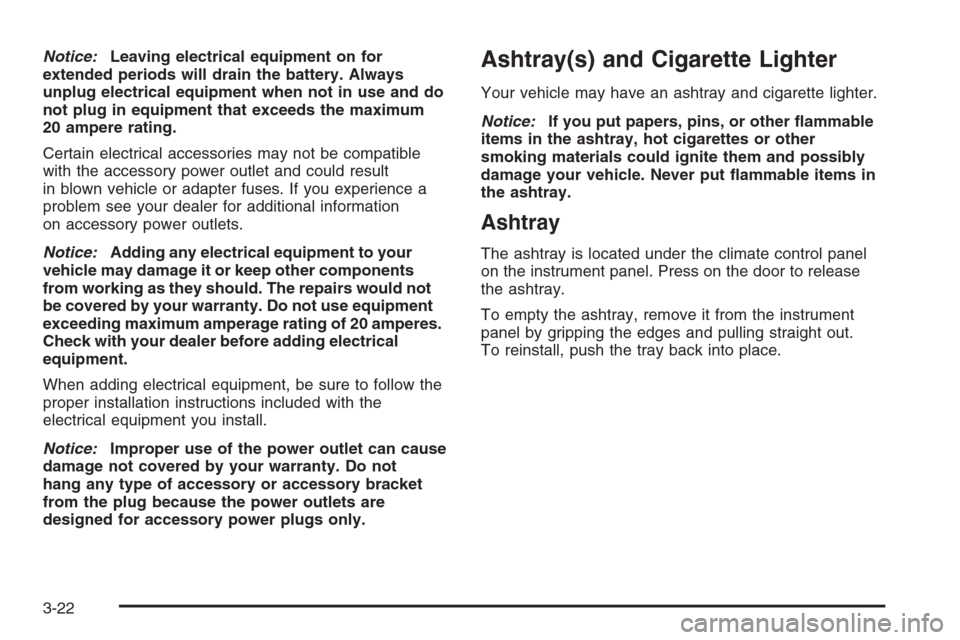
The ashtray is located under the climate control panel
on the instrument panel. Press on the door to release
the ashtray.
To empty the ashtray, remove it from the instrument
panel by gripping the edges and pulling straight out.
To reinstall, push the tray back into place.
3-22
Page 153 of 442

Cigarette Lighter
The cigarette lighter is located next to the ashtray.
The vehicle does not have a cigarette lighter for the
rear seat passengers.
Notice:Holding a cigarette lighter in while it is
heating will not allow the lighter to back away from
the heating element when it is hot. Damage from
overheating may occur to the lighter or heating
element, or a fuse could be blown. Do not hold a
cigarette lighter in while it is heating.
SeeAccessory Power Outlet(s) on page 3-21for more
information.
To use the lighter, press the lighter all the way in and
release it. It will pop back out by itself once the element
has heated for use.
Climate Controls
Dual Climate Control System
With this system you can control the heating, cooling
and ventilation for your vehicle.
Uplevel Version Shown, Base Similar
3-23
Page 155 of 442
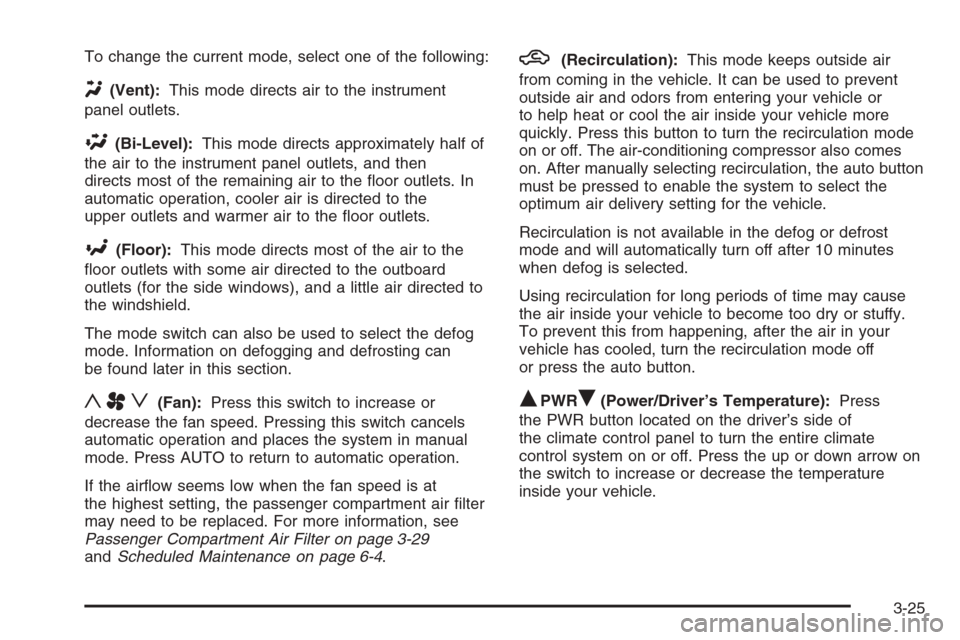
To change the current mode, select one of the following:
Y(Vent):This mode directs air to the instrument
panel outlets.
\(Bi-Level):This mode directs approximately half of
the air to the instrument panel outlets, and then
directs most of the remaining air to the oor outlets. In
automatic operation, cooler air is directed to the
upper outlets and warmer air to the oor outlets.
[(Floor):This mode directs most of the air to the
oor outlets with some air directed to the outboard
outlets (for the side windows), and a little air directed to
the windshield.
The mode switch can also be used to select the defog
mode. Information on defogging and defrosting can
be found later in this section.
yAz(Fan):Press this switch to increase or
decrease the fan speed. Pressing this switch cancels
automatic operation and places the system in manual
mode. Press AUTO to return to automatic operation.
If the airow seems low when the fan speed is at
the highest setting, the passenger compartment air lter
may need to be replaced. For more information, see
Passenger Compartment Air Filter on page 3-29
andScheduled Maintenance on page 6-4.
h(Recirculation):This mode keeps outside air
from coming in the vehicle. It can be used to prevent
outside air and odors from entering your vehicle or
to help heat or cool the air inside your vehicle more
quickly. Press this button to turn the recirculation mode
on or off. The air-conditioning compressor also comes
on. After manually selecting recirculation, the auto button
must be pressed to enable the system to select the
optimum air delivery setting for the vehicle.
Recirculation is not available in the defog or defrost
mode and will automatically turn off after 10 minutes
when defog is selected.
Using recirculation for long periods of time may cause
the air inside your vehicle to become too dry or stuffy.
To prevent this from happening, after the air in your
vehicle has cooled, turn the recirculation mode off
or press the auto button.
QPWRR(Power/Driver’s Temperature):Press
the PWR button located on the driver’s side of
the climate control panel to turn the entire climate
control system on or off. Press the up or down arrow on
the switch to increase or decrease the temperature
inside your vehicle.
3-25
Page 156 of 442

QPWRR(Power/Passenger’s Temperature):Press
the PWR button located on the passenger’s side of
the climate control panel to allow the passenger’s
climate control setting to be different than the driver’s.
Press the up or down arrow on the switch to increase or
decrease the temperature for the front passenger.
A/C OFF (Air Conditioning):Press this button to
manually turn off the air conditioning compressor. Press
AUTO to return to automatic operation or press the
A/C OFF button again.
Sensors
There is a solar sensor located on the instrument panel,
near the windshield.There is also an interior
temperature sensor
located to the right of the
steering wheel on the
instrument panel.
These sensors monitor the solar radiation and the air
inside your vehicle, they use the information to maintain
the selected temperature by adjusting to the
temperature, the fan speed, and the air delivery system.
The system may also supply cooler air to the side of
the vehicle facing the sun. The recirculation mode
will also be activated, as necessary. Do not cover the
sensors or the automatic climate control system will not
work properly.
3-26
Page 157 of 442
Defogging and Defrosting
Fog on the inside of windows is a result of high humidity
(moisture) condensing on the cool window glass. This
can be minimized if the climate control system is
used properly. There are two modes to clear fog from
your windshield. Use the defog mode to clear the
windows of fog or moisture and warm the passengers.
Use the defrost mode to remove fog or frost from
the windshield more quickly.
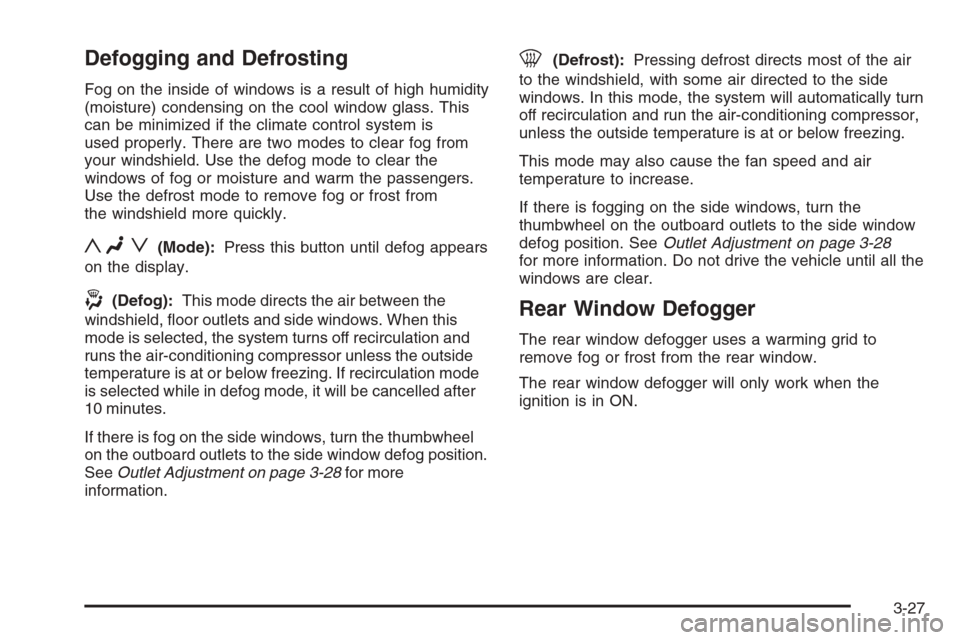
yNz(Mode):Press this button until defog appears
on the display.
-(Defog):This mode directs the air between the
windshield, oor outlets and side windows. When this
mode is selected, the system turns off recirculation and
runs the air-conditioning compressor unless the outside
temperature is at or below freezing. If recirculation mode
is selected while in defog mode, it will be cancelled after
10 minutes.
If there is fog on the side windows, turn the thumbwheel
on the outboard outlets to the side window defog position.
SeeOutlet Adjustment on page 3-28for more
information.
0(Defrost):Pressing defrost directs most of the air
to the windshield, with some air directed to the side
windows. In this mode, the system will automatically turn
off recirculation and run the air-conditioning compressor,
unless the outside temperature is at or below freezing.
This mode may also cause the fan speed and air
temperature to increase.
If there is fogging on the side windows, turn the
thumbwheel on the outboard outlets to the side window
defog position. SeeOutlet Adjustment on page 3-28
for more information. Do not drive the vehicle until all the
windows are clear.
Rear Window Defogger
The rear window defogger uses a warming grid to
remove fog or frost from the rear window.
The rear window defogger will only work when the
ignition is in ON.
3-27
Page 159 of 442
Passenger Compartment Air Filter
The passenger compartment air lter traps most of the
pollen from the air entering your vehicle. Like your
vehicle’s engine air cleaner/lter, it needs to be changed
periodically. SeeScheduled Maintenance on page 6-4.
Using the climate control system without the passenger
air lter installed may allow water or other debris to
enter the system. This could cause a water leak
or noises. Make sure to install a new air lter after
removing the old one.
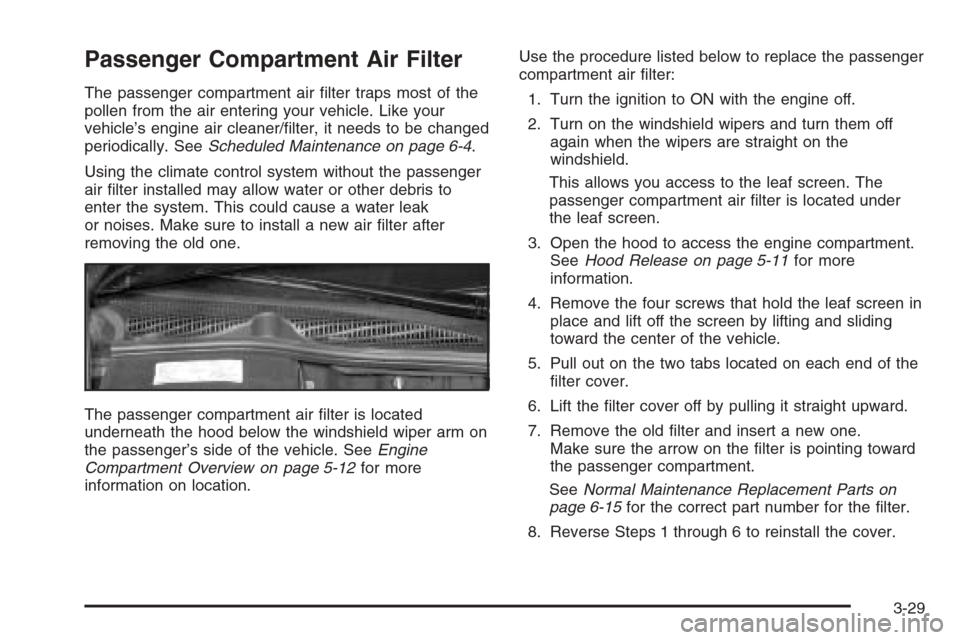
The passenger compartment air lter is located
underneath the hood below the windshield wiper arm on
the passenger’s side of the vehicle. SeeEngine
Compartment Overview on page 5-12for more
information on location.Use the procedure listed below to replace the passenger
compartment air lter:
1. Turn the ignition to ON with the engine off.
2. Turn on the windshield wipers and turn them off
again when the wipers are straight on the
windshield.
This allows you access to the leaf screen. The
passenger compartment air lter is located under
the leaf screen.
3. Open the hood to access the engine compartment.
SeeHood Release on page 5-11for more
information.
4. Remove the four screws that hold the leaf screen in
place and lift off the screen by lifting and sliding
toward the center of the vehicle.
5. Pull out on the two tabs located on each end of the
lter cover.
6. Lift the lter cover off by pulling it straight upward.
7. Remove the old lter and insert a new one.
Make sure the arrow on the lter is pointing toward
the passenger compartment.
SeeNormal Maintenance Replacement Parts on
page 6-15for the correct part number for the lter.
8. Reverse Steps 1 through 6 to reinstall the cover.
3-29
Page 160 of 442
Steering Wheel Climate
Controls (CTS)
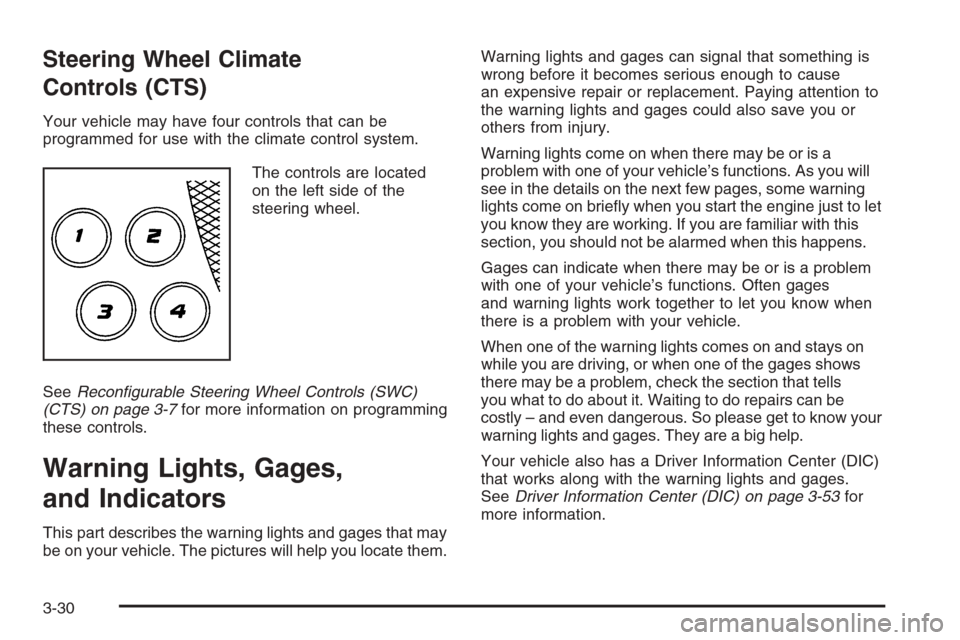
Your vehicle may have four controls that can be
programmed for use with the climate control system.
The controls are located
on the left side of the
steering wheel.
SeeRecongurable Steering Wheel Controls (SWC)
(CTS) on page 3-7for more information on programming
these controls.
Warning Lights, Gages,
and Indicators
This part describes the warning lights and gages that may
be on your vehicle. The pictures will help you locate them.Warning lights and gages can signal that something is
wrong before it becomes serious enough to cause
an expensive repair or replacement. Paying attention to
the warning lights and gages could also save you or
others from injury.
Warning lights come on when there may be or is a
problem with one of your vehicle’s functions. As you will
see in the details on the next few pages, some warning
lights come on briey when you start the engine just to let
you know they are working. If you are familiar with this
section, you should not be alarmed when this happens.
Gages can indicate when there may be or is a problem
with one of your vehicle’s functions. Often gages
and warning lights work together to let you know when
there is a problem with your vehicle.
When one of the warning lights comes on and stays on
while you are driving, or when one of the gages shows
there may be a problem, check the section that tells
you what to do about it. Waiting to do repairs can be
costly – and even dangerous. So please get to know your
warning lights and gages. They are a big help.
Your vehicle also has a Driver Information Center (DIC)
that works along with the warning lights and gages.
SeeDriver Information Center (DIC) on page 3-53for
more information.
3-30
Page 189 of 442

CAT (Category):This menu item allows you to select
radio stations based on preset categories. To turn
the CAT feature on, press the TUNE/SEL knob once.
When CAT is on, an X will be in the box next to CAT on
the menu. The X disappears when CAT is off.
See “Activating Category (CAT) Stations (RDS and
XM™)” underRadio with CD on page 3-85for more
information.
TA (Traffic Announcement):This menu item allows
you to turn the TA feature on and off. To turn the
TA feature on, press the TUNE/SEL knob once. When
TA is on, an X will be in the box next to TA on the
menu. The X disappears when TA is off.
See “RDS Messages” underRadio with CD on
page 3-85for more information.
MSG (Message) RECALL RDS (Radio Data System)
MESSAGE:This menu item allows you to view an
RDS radio station message broadcast by a radio station.
To view the message, press the TUNE/SEL knob
once. The message will appear on the screen.
See “RDS Messages” underRadio with CD on
page 3-85for more information.
AF (Alternate Frequency):This menu item allows you
to turn the AF feature on and off. To turn on AF,
press the TUNE/SEL knob once. When AF is on, an X
will be in the box next to AF on the menu. The X
disappears when AF is off.See “Activating Category (CAT) Stations (RDS and
XM™)” underRadio with CD on page 3-85for more
information.
ASEEK LOCAL/DISTANT:This feature instructs the
audio system to seek only local radio stations with
the strongest signal or to seek all radio stations with a
strong signal in a large area. Use LOCAL when you are
in urban areas where there are several strong radio
station signals and you want to limit the number
of stations to those with the strongest signals only. Use
DISTANT when you are in rural areas where there
are fewer radio station signals available.
To switch between LOCAL and DISTANT, press the
TUNE/SEL knob. Once your choice is displayed, turn the
knob to set your choice and continue scrolling through
the main menu.
9(English/Metric Units):Use this menu item to
adjust the measurement units.
You can choose between ENGLISH UNITS and
METRIC UNITS. To switch between the two, press the
TUNE/SEL knob. Once your choice is displayed,
turn the knob to set your choice and continue scrolling
through the main menu.
The measurement units that you choose will be reected
on all the vehicle system displays, not just the DIC
information. For example, the climate control panel will
display degrees Celsius if you choose METRIC UNITS.
3-59
Page 191 of 442

DIC Warnings and Messages
These messages will appear if there is a problem
detected in one of your vehicle’s systems.
You must acknowledge a message to clear it from the
screen for further use. To clear a message, press
the CLR button.
Be sure to take any message that appears on the screen
seriously and remember that clearing the message will
only make the message disappear, not the problem.
Battery Not Charging
When this message appears on the display, there is a
problem with the generator and battery charging
systems. Have the electrical system checked by your
GM dealer as soon as possible.
Battery Saver Active
This message appears when the system detects that
the battery voltage is dropping beyond a reasonable
level. The battery saver system will start reducing certain
features of the vehicle which you may not be able to
notice. At the point that the features are disabled,
this message is displayed. It means that the vehicle is
trying to save the charge in the battery.Turn off all unnecessary accessories to allow the battery
to recharge.
The normal battery voltage range is 11.5 to 15.5 volts.
You can monitor battery voltage on the DIC by pressing
the INFO button until BATTERY VOLTS appears.
Battery Voltage High
This message indicates that the electrical charging
system is overcharging the battery. When the system
detects that the battery voltage is above approximately
16 volts, this message will be displayed.
To reduce the charging overload, use the vehicle’s
accessories. Turn on the exterior lamps and radio, set the
climate control on AUTO and the fan speed on the
highest setting, and turn the rear window defogger on.
The normal battery voltage range is 11.5 to 15.5 volts
when the engine is running. You can monitor battery
voltage on the DIC by pressing the INFO button
until BATTERY VOLTS appears.
3-61
Page 196 of 442

This message will also appear when the windshield
wipers have been on for more than six seconds and the
exterior lamp control is off or in the parking lamp position.
Ice Possible
This message appears when the outside temperature is
cold enough to create icy road conditions.
Left Rear Door Ajar
When this message appears on the display, it means
that the driver’s side rear door was not closed
completely. You should make sure that the door is
closed completely.
Oil Pressure Low – Stop Engine
Notice:If you drive your vehicle while the engine
oil pressure is low, severe engine damage may
occur. If a low oil pressure warning appears on the
instrument panel cluster and/or DIC, stop the
vehicle as soon as possible. Do not drive the vehicle
until the cause of the low oil pressure is corrected.
SeeEngine Oil on page 5-16for more information.
Passenger Door Ajar
When this message appears on the display, it means
that the passenger’s side front door was not closed
completely. You should make sure that the door
is closed completely.
Right Rear Door Ajar
When this message appears on the display, it means
that the passenger’s side rear door was not closed
completely. You should check to make sure that
the door is closed completely.
Service AC (Air Conditioning) System
This message appears when the electronic sensors that
control the air conditioning and heating systems are
no longer working. Have the climate control system
serviced by your GM dealer if you notice a drop
in heating and air conditioning efficiency.
Service Air Bag
There is a problem with the airbag system when this
message appears. Have your vehicle serviced by your
GM dealer immediately. SeeAirbag Readiness Light
on page 3-34for more information.
Service Brake Assist
This message will display when a problem with the
panic brake assist system has been detected. Have your
vehicle serviced by your GM dealer.
3-66