brake CADILLAC CTS 2011 2.G User Guide
[x] Cancel search | Manufacturer: CADILLAC, Model Year: 2011, Model line: CTS, Model: CADILLAC CTS 2011 2.GPages: 496, PDF Size: 7.71 MB
Page 74 of 496
Black plate (6,1)Cadillac CTS/CTS-V Owner Manual - 2011
3-6 Seats and Restraints
To recall memory positions, press
and release“1”or“2.” The vehicle
must be in P (Park) for an automatic
transmission, or the parking brake
must be applied for a manual
transmission. A single beep will
sound when the button is pressed.
The seat, outside mirrors, and/or
power steering column will move to
the position previously stored for the
identified driver.
Automatic Entry Recall
If entry/exit recall is programmed on
in the vehicle personalization menu,
automatic entry recall occurs when
the ignition is turned on. See “Entry/
Exit Recall” underVehicle
Personalization
on page 5‑45for
more information.
To stop recall movement, press one
of the power seat, memory,
or outside mirror buttons, or the
power steering column switch,
if equipped. If something has blocked the driver
seat or the steering column while
recalling a memory position, the
recall may stop. Remove the
obstruction; then press the
appropriate control for the area that
is not recalling for two seconds. Try
recalling the memory position again
by pressing the appropriate memory
button. If the memory position is still
not recalling, see your dealer for
service.
Exit Recall
S(Exit Button):
Press to move the
driver seat and/or power steering
column, if equipped, to the exit
position. A single beep sounds
when the exit feature activates. The
vehicle must be in P (Park) for an
automatic transmission, or the
parking brake must be applied for a
manual transmission. If entry/exit recall is programmed on
in the vehicle personalization menu,
automatic seat and/or steering
column movement occurs under the
following conditions:
.The ignition key is removed on
vehicles with Remote Keyless
Entry (RKE).
.The ignition is turned to OFF
and the driver door is opened on
vehicles with Remote Keyless
Access.
If entry/exit recall is programmed
off and the exit button is pressed,
the driver seat will move back a
preset distance and the steering
column, if equipped, will move up
and forward. See Vehicle
Personalization
on page 5‑45for
more information.
If something has blocked the driver
seat while recalling the exit position,
the recall may stop. Remove the
obstruction; then press and hold the
power seat control rearward for
two seconds. Try recalling the exit
Page 141 of 496
Black plate (1,1)Cadillac CTS/CTS-V Owner Manual - 2011
Instruments and Controls 5-1
Instruments and
Controls
Controls
Steering Wheel Adjustment . . . 5-2
Steering Wheel Controls(Audio) . . . . . . . . . . . . . . . . . . . . . . 5-3
Heated Steering Wheel . . . . . . . 5-4
Horn . . . . . . . . . . . . . . . . . . . . . . . . . . 5-4
Windshield Wiper/Washer . . . . . 5-4
Rear Window Wiper/ Washer . . . . . . . . . . . . . . . . . . . . . . 5-6
Headlamp Washer . . . . . . . . . . . . 5-7
Compass . . . . . . . . . . . . . . . . . . . . . 5-7
Clock . . . . . . . . . . . . . . . . . . . . . . . . . 5-8
Power Outlets . . . . . . . . . . . . . . . . . 5-9
Cigarette Lighter . . . . . . . . . . . . . . 5-9
Ashtrays . . . . . . . . . . . . . . . . . . . . . 5-10
Warning Lights, Gauges, and
Indicators
Warning Lights, Gauges, and Indicators . . . . . . . . . . . . . . . . . . 5-10
Instrument Cluster . . . . . . . . . . . 5-11
Speedometer . . . . . . . . . . . . . . . . 5-13
Odometer . . . . . . . . . . . . . . . . . . . . 5-13
Trip Odometer . . . . . . . . . . . . . . . 5-13 Tachometer . . . . . . . . . . . . . . . . . . 5-13
Fuel Gauge . . . . . . . . . . . . . . . . . . 5-13
Boost Gauge . . . . . . . . . . . . . . . . 5-14
Engine Speed Limiter . . . . . . . . 5-15
Engine Oil Pressure
Gauge . . . . . . . . . . . . . . . . . . . . . . 5-15
Engine Coolant Temperature Gauge . . . . . . . . . . . . . . . . . . . . . . 5-16
Safety Belt Reminders . . . . . . . 5-17
Airbag Readiness Light . . . . . . 5-17
Passenger Airbag Status Indicator . . . . . . . . . . . . . . . . . . . . 5-18
Charging System Light . . . . . . 5-19
Malfunction Indicator Lamp . . . . . . . . . . . . . 5-19
Brake System Warning Light . . . . . . . . . . . . . . . . . . . . . . . 5-22
Antilock Brake System (ABS) Warning Light . . . . . . . . . . . . . . 5-23
Up-Shift Light . . . . . . . . . . . . . . . . 5-24
Traction Control System (TCS)/StabiliTrak
®Light . . . . 5-24
Engine Coolant Temperature Warning Light . . . . . . . . . . . . . . 5-25
Tire Pressure Light . . . . . . . . . . 5-25
Engine Oil Pressure Light . . . . 5-26
Security Light . . . . . . . . . . . . . . . . 5-26
High-Beam on Light . . . . . . . . . 5-26 Fog Lamp Light . . . . . . . . . . . . . . 5-27
Lamps on Reminder . . . . . . . . . 5-27
Cruise Control Light . . . . . . . . . 5-27
Information Displays
Driver Information
Center (DIC) . . . . . . . . . . . . . . . 5-27
Vehicle Messages
Vehicle Messages . . . . . . . . . . . 5-31
Battery Voltage and ChargingMessages . . . . . . . . . . . . . . . . . . 5-31
Brake System Messages . . . . 5-32
Compass Messages . . . . . . . . . 5-34
Cruise Control Messages . . . . 5-34
Door Ajar Messages . . . . . . . . . 5-34
Engine Cooling System Messages . . . . . . . . . . . . . . . . . . 5-35
Engine Oil Messages . . . . . . . . 5-35
Engine Power Messages . . . . 5-36
Fuel System Messages . . . . . . 5-36
Key and Lock Messages . . . . . 5-36
Lamp Messages . . . . . . . . . . . . . 5-39
Object Detection System Messages . . . . . . . . . . . . . . . . . . 5-39
Ride Control System Messages . . . . . . . . . . . . . . . . . . 5-40
Airbag System Messages . . . . 5-42
Page 162 of 496

Black plate (22,1)Cadillac CTS/CTS-V Owner Manual - 2011
5-22 Instruments and Controls
The vehicle may not pass
inspection if:
.The malfunction indicator lamp is
on with the engine running, or if
the light does not come on when
the ignition is turned to ON/RUN
while the engine is off.
.The critical emission control
systems have not been
completely diagnosed by the
system. This can happen if the
battery has recently been
replaced or if the battery has run
down. The diagnostic system
evaluates critical emission
control systems during normal
driving. This can take
several days of routine driving.
If this has been done and the
vehicle still does not pass the
inspection, your dealer can
prepare the vehicle for
inspection.
Brake System Warning
Light
The vehicle brake system consists
of two hydraulic circuits. If one
circuit is not working, the remaining
circuit can still work to stop the
vehicle. For normal braking
performance, both circuits need to
be working
If the warning light comes on, there
is a brake problem. Have the brake
system inspected right away.
EnglishMetric
This light should come on briefly
when the ignition is placed in ON/
RUN. If it does not come on then,
have it fixed so it will be ready to
warn if there is a problem.
When the ignition is on, the brake
system warning light also comes on
when the parking brake is set.
The light flashes or stays on if the
parking brake is not fully released.
If the light stays on after the parking
brake is fully released, there is a
base brake problem.
Page 163 of 496
Black plate (23,1)Cadillac CTS/CTS-V Owner Manual - 2011
Instruments and Controls 5-23
{CAUTION
The brake system might not be
working properly if the brake
system warning light is on.
Driving with the brake system
warning light on can lead to a
crash. If the light is still on after
the vehicle has been pulled off
the road and carefully stopped,
have the vehicle towed for
service.
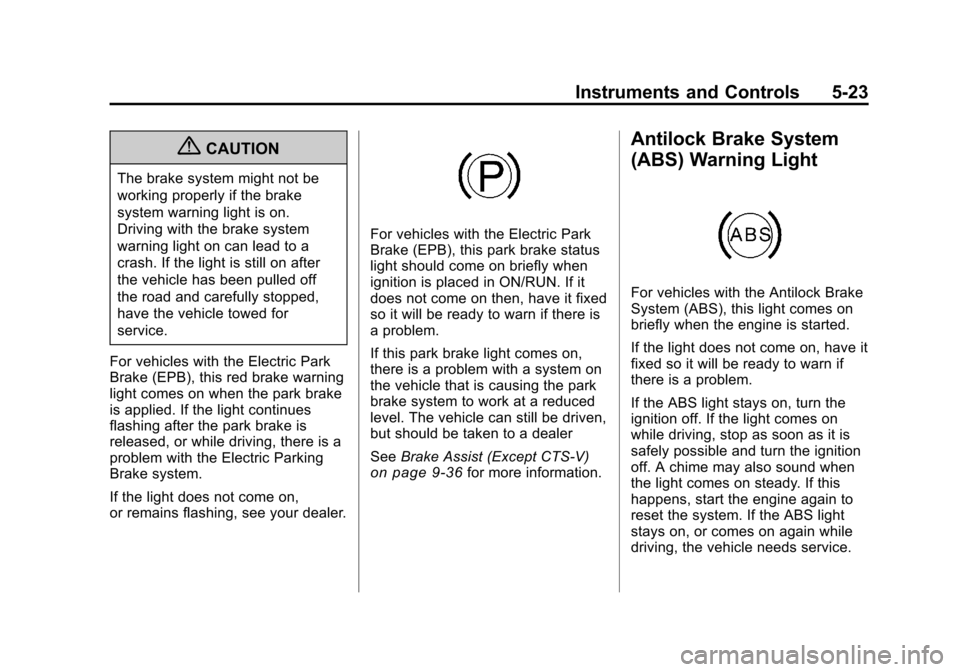
For vehicles with the Electric Park
Brake (EPB), this red brake warning
light comes on when the park brake
is applied. If the light continues
flashing after the park brake is
released, or while driving, there is a
problem with the Electric Parking
Brake system.
If the light does not come on,
or remains flashing, see your dealer.
For vehicles with the Electric Park
Brake (EPB), this park brake status
light should come on briefly when
ignition is placed in ON/RUN. If it
does not come on then, have it fixed
so it will be ready to warn if there is
a problem.
If this park brake light comes on,
there is a problem with a system on
the vehicle that is causing the park
brake system to work at a reduced
level. The vehicle can still be driven,
but should be taken to a dealer
See Brake Assist (Except CTS-V)
on page 9‑36for more information.
Antilock Brake System
(ABS) Warning Light
For vehicles with the Antilock Brake
System (ABS), this light comes on
briefly when the engine is started.
If the light does not come on, have it
fixed so it will be ready to warn if
there is a problem.
If the ABS light stays on, turn the
ignition off. If the light comes on
while driving, stop as soon as it is
safely possible and turn the ignition
off. A chime may also sound when
the light comes on steady. If this
happens, start the engine again to
reset the system. If the ABS light
stays on, or comes on again while
driving, the vehicle needs service.
Page 164 of 496

Black plate (24,1)Cadillac CTS/CTS-V Owner Manual - 2011
5-24 Instruments and Controls
If the regular brake system warning
light is not on, the vehicle still has
brakes, but not antilock brakes.
If the regular brake system warning
light is also on, the vehicle does not
have antilock brakes and there is a
problem with the regular brakes.
SeeBrake System Warning Light
on page 5‑22.
For vehicles with a Driver
Information Center (DIC), see Driver
Information Center (DIC)
on
page 5‑27for all brake related DIC
messages.
Up-Shift Light
The vehicle may have an up-shift
light. It indicates when to shift to the
next higher gear for best fuel
economy. See
Manual Transmission
on
page 9‑30for more information.
For the CTS-V, the tracer lights
function as a performance up-shift
light.
The tracers flash to indicate
when to shift to the next higher gear
to avoid the engine speed limit.
See Automatic Transmission
on
page 9‑26or Manual Transmissionon page 9‑30for more information.
Traction Control System
(TCS)/StabiliTrak®Light
The Traction Control System (TCS)/
StabiliTrak warning light should
come on briefly when the engine is
started. If it does not, have the vehicle
serviced by your dealer. If the
system is working normally, the
indicator light then goes off.
If the light comes on or stays on
while driving, there may be a
problem with the TCS/StabiliTrak
and the vehicle may need service.
When this warning light is on, the
system does not limit wheel spin.
Adjust driving accordingly.
See
Traction Control System (TCS)
on page 9‑37andStabiliTrak
Systemon page 9‑38for more
information.
Page 172 of 496
Black plate (32,1)Cadillac CTS/CTS-V Owner Manual - 2011
5-32 Instruments and Controls
Battery Volts Low
This message displays when the
electrical system is charging less
than 10 volts or the battery has
been drained.
If this message appears
immediately after starting the
engine, it is possible that the
generator can still recharge the
battery. The battery should recharge
while driving, but may take a
few hours to do so. Consider using
an auxiliary charger to boost the
battery after returning home or to a
final destination. Make sure you
follow the manufacturer's
instructions.
If this message appears while
driving or after starting the vehicle
and stays on, have it checked
immediately to determine the cause
of this problem.
To help the generator recharge the
battery quickly, reduce the load on
the electrical system by turning off
the accessories.The normal battery voltage range is
11.5 to 15.5 volts. Monitor battery
voltage on the DIC by pressing the
vehicle information button until
Battery Voltage is displayed.
Service Battery Charging
System
This message displays when there
is a problem with the generator and
battery charging systems. Driving
with this problem could drain the
battery. Turn off all unnecessary
accessories. Stop and turn off the
vehicle as soon as it is safe to do
so. Have the electrical system
checked by your dealer. Under
certain conditions, the charging
system light may also turn on in the
instrument panel cluster. See
Charging System Light
on
page 5‑19for more information.
Brake System Messages
Park Brake Released
For vehicles with the Electric
Parking Brake, this message
displays when the parking brake
has been released from the set
position. See the Electric Parking
Brake information under Parking
Brake (Manual)
on page 9‑33or
Parking Brake (Electric)on
page 9‑34for more information.
Park Brake Set
For vehicles with the Electric
Parking Brake, this message
displays when the parking brake
has been applied to the set position.
See the Electric Parking Brake
information under Parking Brake
(Manual)
on page 9‑33or Parking
Brake (Electric)on page 9‑34for
more information.
Page 173 of 496
Black plate (33,1)Cadillac CTS/CTS-V Owner Manual - 2011
Instruments and Controls 5-33
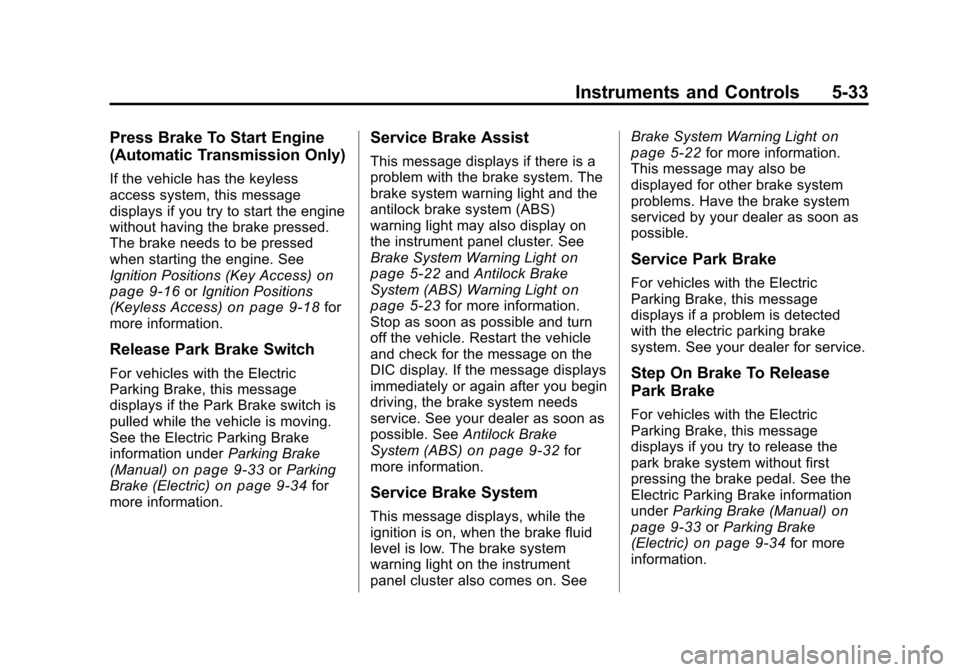
Press Brake To Start Engine
(Automatic Transmission Only)
If the vehicle has the keyless
access system, this message
displays if you try to start the engine
without having the brake pressed.
The brake needs to be pressed
when starting the engine. See
Ignition Positions (Key Access)
on
page 9‑16or Ignition Positions
(Keyless Access)on page 9‑18for
more information.
Release Park Brake Switch
For vehicles with the Electric
Parking Brake, this message
displays if the Park Brake switch is
pulled while the vehicle is moving.
See the Electric Parking Brake
information under Parking Brake
(Manual)
on page 9‑33or Parking
Brake (Electric)on page 9‑34for
more information.
Service Brake Assist
This message displays if there is a
problem with the brake system. The
brake system warning light and the
antilock brake system (ABS)
warning light may also display on
the instrument panel cluster. See
Brake System Warning Light
on
page 5‑22and Antilock Brake
System (ABS) Warning Lighton
page 5‑23for more information.
Stop as soon as possible and turn
off the vehicle. Restart the vehicle
and check for the message on the
DIC display. If the message displays
immediately or again after you begin
driving, the brake system needs
service. See your dealer as soon as
possible. See Antilock Brake
System (ABS)
on page 9‑32for
more information.
Service Brake System
This message displays, while the
ignition is on, when the brake fluid
level is low. The brake system
warning light on the instrument
panel cluster also comes on. See Brake System Warning Light
on
page 5‑22for more information.
This message may also be
displayed for other brake system
problems. Have the brake system
serviced by your dealer as soon as
possible.
Service Park Brake
For vehicles with the Electric
Parking Brake, this message
displays if a problem is detected
with the electric parking brake
system. See your dealer for service.
Step On Brake To Release
Park Brake
For vehicles with the Electric
Parking Brake, this message
displays if you try to release the
park brake system without first
pressing the brake pedal. See the
Electric Parking Brake information
under Parking Brake (Manual)
on
page 9‑33or Parking Brake
(Electric)on page 9‑34for more
information.
Page 181 of 496
Black plate (41,1)Cadillac CTS/CTS-V Owner Manual - 2011
Instruments and Controls 5-41
If this message comes on while you
are driving, pull off the road as soon
as possible and stop carefully. Try
resetting the system by turning the
ignition off then back on. If this
message still stays on or comes
back on again while you are driving,
the vehicle needs service. Have the
StabiliTrak system inspected by
your dealer as soon as possible.
SeeStabiliTrak System
on
page 9‑38for more information.
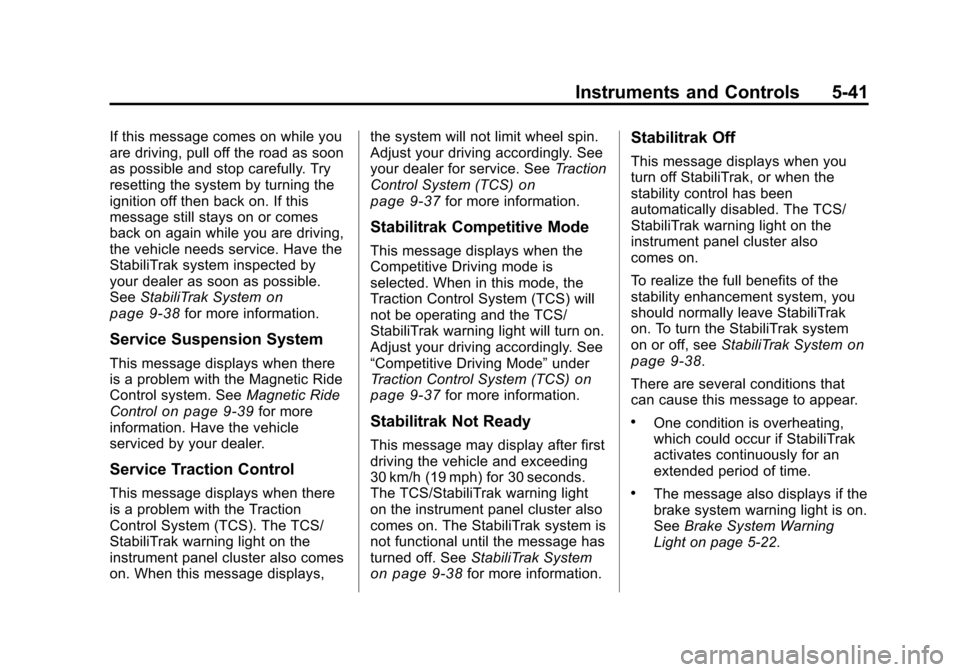
Service Suspension System
This message displays when there
is a problem with the Magnetic Ride
Control system. See Magnetic Ride
Control
on page 9‑39for more
information. Have the vehicle
serviced by your dealer.
Service Traction Control
This message displays when there
is a problem with the Traction
Control System (TCS). The TCS/
StabiliTrak warning light on the
instrument panel cluster also comes
on. When this message displays, the system will not limit wheel spin.
Adjust your driving accordingly. See
your dealer for service. See
Traction
Control System (TCS)
on
page 9‑37for more information.
Stabilitrak Competitive Mode
This message displays when the
Competitive Driving mode is
selected. When in this mode, the
Traction Control System (TCS) will
not be operating and the TCS/
StabiliTrak warning light will turn on.
Adjust your driving accordingly. See
“Competitive Driving Mode” under
Traction Control System (TCS)
on
page 9‑37for more information.
Stabilitrak Not Ready
This message may display after first
driving the vehicle and exceeding
30 km/h (19 mph) for 30 seconds.
The TCS/StabiliTrak warning light
on the instrument panel cluster also
comes on. The StabiliTrak system is
not functional until the message has
turned off. See StabiliTrak System
on page 9‑38for more information.
Stabilitrak Off
This message displays when you
turn off StabiliTrak, or when the
stability control has been
automatically disabled. The TCS/
StabiliTrak warning light on the
instrument panel cluster also
comes on.
To realize the full benefits of the
stability enhancement system, you
should normally leave StabiliTrak
on. To turn the StabiliTrak system
on or off, seeStabiliTrak System
on
page 9‑38.
There are several conditions that
can cause this message to appear.
.One condition is overheating,
which could occur if StabiliTrak
activates continuously for an
extended period of time.
.The message also displays if the
brake system warning light is on.
See Brake System Warning
Light on page 5‑22.
Page 201 of 496

Black plate (3,1)Cadillac CTS/CTS-V Owner Manual - 2011
Lighting 6-3
Daytime Running
Lamps (DRL)
Daytime Running Lamps (DRL) can
make it easier for others to see the
front of your vehicle during the day.
Fully functional daytime running
lamps are required on all vehicles
first sold in Canada.
The DRL system will make either
the reduced intensity low‐beam
headlamps or dedicated DRLs come
on when the following conditions
are met:
.It is still daylight and the ignition
is in ON/RUN or START.
.The exterior lamp control is in off
or AUTO and the headlamps
are off.
.The automatic transmission is
not in P (Park).
When DRLs are on, only the
reduced intensity low‐beam
headlamps or dedicated DRLs will be on. The other exterior lamps and
the instrument panel cluster will not
be on.
When the exterior lamp control is in
AUTO and it is dark enough outside,
the DRL turns off and the low-beam
headlamps will turn on. When it is
bright enough outside, the low-beam
headlamps will go off, and the DRL
will turn back on. If the vehicle is
started in a dark garage, the
automatic headlamp system comes
on immediately. Once the vehicle
leaves the garage, it takes about
one minute for the automatic
headlamp system to change to DRL
if it is light outside. During that
delay, the instrument panel cluster
may not be as bright as usual. Make
sure the instrument panel brightness
lever is in the full bright position.
See
Instrument Panel Illumination
Control on page 6‑5.
Turning the exterior lamp control to
off or to the low-beam headlamp
position will turn off the DRL. If the parking lamps or the fog lamps were
turned on instead, the DRL will still
turn off.
This will work regardless of gear
position and whether or not the
parking brake is set.
Automatic Headlamp
System
When it is dark enough outside and
the exterior lamps control is in the
automatic position, the headlamps
come on automatically. See
Exterior
Lamp Controls on page 6‑1.
The vehicle has a light sensor
located on top of the instrument
panel. Make sure it is not covered,
or the headlamps will be on when
they are not needed.
The system may also turn on the
headlamps when driving through a
parking garage or tunnel.
Page 261 of 496

Black plate (1,1)Cadillac CTS/CTS-V Owner Manual - 2011
Driving and Operating 9-1
Driving and
Operating
Driving Information
Defensive Driving . . . . . . . . . . . . . 9-2
Drunk Driving . . . . . . . . . . . . . . . . . 9-2
Control of a Vehicle . . . . . . . . . . . 9-3
Braking . . . . . . . . . . . . . . . . . . . . . . . 9-3
Steering . . . . . . . . . . . . . . . . . . . . . . . 9-4
Off-Road Recovery . . . . . . . . . . . . 9-5
Loss of Control . . . . . . . . . . . . . . . . 9-6
Competitive Driving . . . . . . . . . . . 9-7
Driving on Wet Roads . . . . . . . . . 9-7
Highway Hypnosis . . . . . . . . . . . . 9-8
Hill and Mountain Roads . . . . . . 9-8
Winter Driving . . . . . . . . . . . . . . . . . 9-9
If the Vehicle is Stuck . . . . . . . . 9-11
Vehicle Load Limits . . . . . . . . . . 9-11
Starting and Operating
New Vehicle Break-In . . . . . . . . 9-16
Ignition Positions (KeyAccess) . . . . . . . . . . . . . . . . . . . . 9-16
Ignition Positions (Keyless Access) . . . . . . . . . . . . . . . . . . . . 9-18 Retained Accessory
Power (RAP) . . . . . . . . . . . . . . . 9-19
Starting the Engine . . . . . . . . . . 9-19
Engine Coolant Heater . . . . . . . 9-21
Shifting Into Park . . . . . . . . . . . . 9-22
Shifting Out of Park . . . . . . . . . . 9-23
Parking (Manual Transmission) . . . . . . . . . . . . . . 9-24
Parking Over Things That Burn . . . . . . . . . . . . . . . . . . 9-24
Engine Exhaust
Engine Exhaust . . . . . . . . . . . . . . 9-24
Running the Vehicle WhileParked . . . . . . . . . . . . . . . . . . . . . 9-25
Automatic Transmission
Automatic Transmission . . . . . 9-26
Manual Mode . . . . . . . . . . . . . . . . 9-28
Manual Transmission
Manual Transmission . . . . . . . . 9-30
Drive Systems
All-Wheel Drive . . . . . . . . . . . . . . 9-32
Brakes
Antilock BrakeSystem (ABS) . . . . . . . . . . . . . . 9-32
Parking Brake (Manual) . . . . . . 9-33
Parking Brake (Electric) . . . . . . 9-34
Brake Assist (Except CTS-V) . . . . . . . . . . . . 9-36
Ride Control Systems
Traction ControlSystem (TCS) . . . . . . . . . . . . . . 9-37
StabiliTrak System . . . . . . . . . . . 9-38
Competitive Driving Mode . . . 9-39
Magnetic Ride Control . . . . . . . 9-39
Limited-Slip Rear Axle . . . . . . . 9-40
Cruise Control
Cruise Control . . . . . . . . . . . . . . . 9-40
Object Detection Systems
Ultrasonic Parking Assist . . . . 9-42
Rear Vision Camera (RVC) . . . . . . . . . . . . . 9-44