tires CADILLAC CTS 2011 2.G Owners Manual
[x] Cancel search | Manufacturer: CADILLAC, Model Year: 2011, Model line: CTS, Model: CADILLAC CTS 2011 2.GPages: 496, PDF Size: 7.71 MB
Page 2 of 496

Black plate (2,1)Cadillac CTS/CTS-V Owner Manual - 2011
2011 Cadillac CTS/CTS-V Owner ManualM
Driving and Operating. . . . . . . . 9-1
Driving Information . . . . . . . . . . . . . 9-2
Starting and Operating . . . . . . . 9-16
Engine Exhaust . . . . . . . . . . . . . . 9-24
Automatic Transmission . . . . . . 9-26
Manual Transmission . . . . . . . . . 9-30
Drive Systems . . . . . . . . . . . . . . . . 9-32
Brakes . . . . . . . . . . . . . . . . . . . . . . . 9-32
Ride Control Systems . . . . . . . . 9-37
Cruise Control . . . . . . . . . . . . . . . . 9-40
Object Detection Systems . . . . 9-42
Fuel . . . . . . . . . . . . . . . . . . . . . . . . . . 9-47
Towing . . . . . . . . . . . . . . . . . . . . . . . 9-52
Conversions and Add-Ons . . . 9-58 Vehicle Care
. . . . . . . . . . . . . . . . . 10-1
General Information . . . . . . . . . . 10-3
Vehicle Checks . . . . . . . . . . . . . . . 10-4
Headlamp Aiming . . . . . . . . . . . 10-35
Bulb Replacement . . . . . . . . . . 10-38
Electrical System . . . . . . . . . . . . 10-40
Wheels and Tires . . . . . . . . . . . 10-66
Jump Starting . . . . . . . . . . . . . . 10-112
Towing . . . . . . . . . . . . . . . . . . . . . 10-117
Appearance Care . . . . . . . . . . 10-120
Service and Maintenance . . . 11-1
General Information . . . . . . . . . . 11-1
Scheduled Maintenance . . . . . . 11-3
Recommended Fluids,
Lubricants, and Parts . . . . . . . 11-7
Maintenance Records . . . . . . . 11-11 Technical Data
. . . . . . . . . . . . . . . 12-1
Vehicle Identification . . . . . . . . . 12-1
Vehicle Data . . . . . . . . . . . . . . . . . . 12-2
Customer Information . . . . . . . 13-1
Customer Information . . . . . . . . 13-1
Reporting Safety Defects . . . . 13-15
Vehicle Data Recording and
Privacy . . . . . . . . . . . . . . . . . . . . 13-17
Index . . . . . . . . . . . . . . . . . . . . . i-1
Page 28 of 496
Black plate (22,1)Cadillac CTS/CTS-V Owner Manual - 2011
1-22 In Brief
Tire Pressure Monitor
This vehicle may have a Tire
Pressure Monitor System (TPMS).
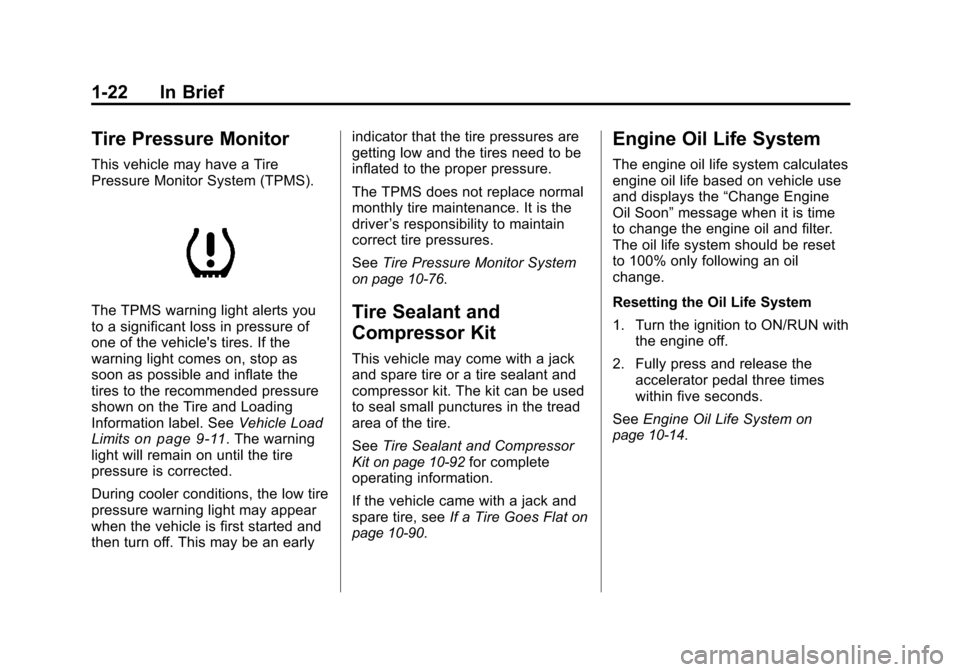
The TPMS warning light alerts you
to a significant loss in pressure of
one of the vehicle's tires. If the
warning light comes on, stop as
soon as possible and inflate the
tires to the recommended pressure
shown on the Tire and Loading
Information label. SeeVehicle Load
Limits
on page 9‑11. The warning
light will remain on until the tire
pressure is corrected.
During cooler conditions, the low tire
pressure warning light may appear
when the vehicle is first started and
then turn off. This may be an early indicator that the tire pressures are
getting low and the tires need to be
inflated to the proper pressure.
The TPMS does not replace normal
monthly tire maintenance. It is the
driver
’s responsibility to maintain
correct tire pressures.
See Tire Pressure Monitor System
on page 10‑76.
Tire Sealant and
Compressor Kit
This vehicle may come with a jack
and spare tire or a tire sealant and
compressor kit. The kit can be used
to seal small punctures in the tread
area of the tire.
SeeTire Sealant and Compressor
Kit
on page 10‑92for complete
operating information.
If the vehicle came with a jack and
spare tire, see If a Tire Goes Flat
on
page 10‑90.
Engine Oil Life System
The engine oil life system calculates
engine oil life based on vehicle use
and displays the “Change Engine
Oil Soon” message when it is time
to change the engine oil and filter.
The oil life system should be reset
to 100% only following an oil
change.
Resetting the Oil Life System
1. Turn the ignition to ON/RUN with the engine off.
2. Fully press and release the accelerator pedal three times
within five seconds.
See Engine Oil Life System
on
page 10‑14.
Page 29 of 496
Black plate (23,1)Cadillac CTS/CTS-V Owner Manual - 2011
In Brief 1-23
Driving for Better Fuel
Economy
Driving habits can affect fuel
mileage. Here are some driving tips
to get the best fuel economy
possible.
.Avoid fast starts and accelerate
smoothly.
.Brake gradually and avoid
abrupt stops.
.Avoid idling the engine for long
periods of time.
.When road and weather
conditions are appropriate, use
cruise control, if equipped.
.Always follow posted speed
limits or drive more slowly when
conditions require.
.Keep vehicle tires properly
inflated.
.Combine several trips into a
single trip.
.Replace the vehicle's tires with
the same TPC Spec number
molded into the tire's sidewall
near the size.
.Follow recommended scheduled
maintenance.
Roadside Service
U.S. or Canada:1-800-882-1112
TTY Users: 1-888-889-2438
As the owner of a new Cadillac, you
are automatically enrolled in the
Roadside Service program which is
available 24 hours a day, 365 days
a year. Roadside Service and OnStar
If you have a current OnStar
subscription, press the OnStar
button and the current GPS location
will be sent to an OnStar Advisor
who will assess your problem,
contact Roadside Service, and relay
exact location to get you the help
you need.
Online Owner Center
The Online Owner Center is a
complimentary service that includes
online service reminders, vehicle
maintenance tips, online owner
manual, special privileges
and more.
Sign up today at:
www.gmownercenter.com/cadillac
(U.S.) or
www.gm.ca (Canada).
Page 111 of 496

Black plate (43,1)Cadillac CTS/CTS-V Owner Manual - 2011
Seats and Restraints 3-43
passenger airbag(s). See
Passenger Sensing Systemon
page 3‑37.
If you have questions, call
Customer Assistance. The
phone numbers and addresses
for Customer Assistance are in
Step Two of the Customer
Satisfaction Procedure in this
manual. See Customer
Satisfaction Procedure
on
page 13‑1.
If the vehicle has rollover
roof-rail airbags, see Different
Size Tires and Wheels
on
page 10‑85for additional
important information. Q: Because I have a disability,
I have to get my vehicle
modified. How can I find out
whether this will affect my
airbag system?
A: If you have questions, call
Customer Assistance. The
phone numbers and addresses
for Customer Assistance are in
Step Two of the Customer
Satisfaction Procedure in this
manual. See Customer
Satisfaction Procedure
on
page 13‑1.
In addition, your dealer and the
service manual have information
about the location of the airbag
sensors, sensing and diagnostic
module and airbag wiring.
Airbag System Check
The airbag system does not need
regularly scheduled maintenance or
replacement. Make sure the airbag
readiness light is working. See
Airbag Readiness Light
on
page 5‑17for more information.
Notice: If an airbag covering is
damaged, opened, or broken, the
airbag may not work properly. Do
not open or break the airbag
coverings. If there are any
opened or broken airbag covers,
have the airbag covering and/or
airbag module replaced. For the
location of the airbag modules,
see What Makes an Airbag
Inflate?
on page 3‑35. See your
dealer for service.
Page 160 of 496
Black plate (20,1)Cadillac CTS/CTS-V Owner Manual - 2011
5-20 Instruments and Controls
Malfunctions often are indicated by
the system before any problem is
apparent. Being aware of the light
can prevent more serious damage
to the vehicle. This system assists
the service technician in correctly
diagnosing any malfunction.
Notice:If the vehicle is
continually driven with this light
on, after a while, the emission
controls might not work as well,
the vehicle's fuel economy might
not be as good, and the engine
might not run as smoothly. This
could lead to costly repairs that
might not be covered by the
vehicle warranty.
Notice: Modifications made to the
engine, transmission, exhaust,
intake, or fuel system of the
vehicle or the replacement of the
original tires with other than
those of the same Tire
Performance Criteria (TPC) can
affect the vehicle's emission
controls and can cause this light
to come on. Modifications to
these systems could lead to costly repairs not covered by the
vehicle warranty. This could also
result in a failure to pass a
required Emission Inspection/
Maintenance test. See
Accessories and Modifications
on
page 10‑4.
This light comes on during a
malfunction in one of two ways:
Light Flashing: A misfire condition
has been detected. A misfire
increases vehicle emissions and
could damage the emission control
system on the vehicle. Diagnosis
and service might be required.
To prevent more serious damage to
the vehicle:
.Reduce vehicle speed.
.Avoid hard accelerations.
.Avoid steep uphill grades.
.If towing a trailer, reduce the
amount of cargo being hauled as
soon as it is possible. If the light continues to flash, when
it is safe to do so, stop the vehicle.
Find a safe place to park the
vehicle. Turn the vehicle off, wait at
least 10 seconds, and restart the
engine. If the light is still flashing,
follow the previous steps and see
your dealer for service as soon as
possible.
Light On Steady:
An emission
control system malfunction has
been detected on the vehicle.
Diagnosis and service might be
required.
Page 165 of 496
Black plate (25,1)Cadillac CTS/CTS-V Owner Manual - 2011
Instruments and Controls 5-25
Engine Coolant
Temperature Warning
Light
The engine coolant temperature
warning light comes on briefly when
the engine is started.
If it does not, have the vehicle
serviced by your dealer. If the
system is working normally, the
indicator light then goes off.
If the light comes on and stays on
while driving, the vehicle may have
a problem with the cooling system.
Stop the vehicle and turn off the
engine to avoid damage to the
engine. A warning chime sounds
when this light is on.
SeeEngine Overheating
on
page 10‑24for more information.
Tire Pressure Light
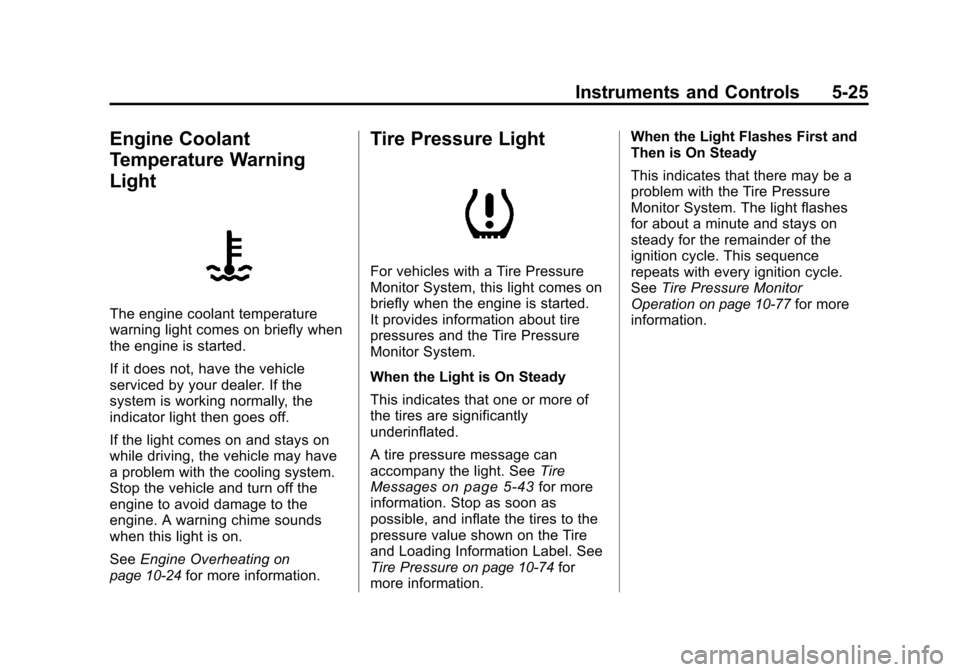
For vehicles with a Tire Pressure
Monitor System, this light comes on
briefly when the engine is started.
It provides information about tire
pressures and the Tire Pressure
Monitor System.
When the Light is On Steady
This indicates that one or more of
the tires are significantly
underinflated.
A tire pressure message can
accompany the light. See Tire
Messages
on page 5‑43for more
information. Stop as soon as
possible, and inflate the tires to the
pressure value shown on the Tire
and Loading Information Label. See
Tire Pressure
on page 10‑74for
more information. When the Light Flashes First and
Then is On Steady
This indicates that there may be a
problem with the Tire Pressure
Monitor System. The light flashes
for about a minute and stays on
steady for the remainder of the
ignition cycle. This sequence
repeats with every ignition cycle.
See
Tire Pressure Monitor
Operation
on page 10‑77for more
information.
Page 183 of 496
Black plate (43,1)Cadillac CTS/CTS-V Owner Manual - 2011
Instruments and Controls 5-43
Start Aborted By Theft
Deterrent
This message displays if there is a
communication problem between
the keyless access system and the
vehicle. The vehicle cannot be
started when this message displays.
See your dealer for service.
Theft Attempted
This message displays if the
theft-deterrent system has detected
a break-in attempt while you were
away from the vehicle. See
Anti-Theft Alarm System
on
page 2‑23for more information.
Service Vehicle Messages
Service A/C System
This message displays when the
electronic sensors that control the
air conditioning and heating
systems are no longer working.
Have the climate control system
serviced by your dealer if you notice
a drop in heating and air
conditioning efficiency.
Service Vehicle Soon
This message displays when a
non-emissions related malfunction
occurs. Have the vehicle serviced
by your dealer as soon as possible.
Tire Messages
Service Tire Monitor System
This message displays if a part on
the Tire Pressure Monitor System
(TPMS) is not working properly. The
tire pressure light also flashes and
then remains on during the same
ignition cycle. See Tire Pressure
Light
on page 5‑25. Several
conditions may cause this message
to appear. See Tire Pressure
Monitor Operation
on page 10‑77for
more information. If the warning
comes on and stays on, there may
be a problem with the TPMS. See
your dealer.
Tire Learning Active
This message displays when the
Tire Pressure Monitor System
(TPMS) is re-learning the tire
positions on the vehicle. The tire
positions must be re-learned after
rotating the tires or after replacing a
tire or sensor. See Tire Rotation
on
page 10‑81, Tire Pressure Monitor
Systemon page 10‑76, and Tire
Pressureon page 10‑74for more
information.
Tire Low Add Air To Tire
On vehicles with the Tire Pressure
Monitor System (TPMS), this
message displays when the
pressure in one or more of the
vehicle’s tires is low. This message
also displays LEFT FRONT, RIGHT
FRONT, LEFT REAR, or RIGHT
REAR to indicate the location of the
low tire.
The low tire pressure warning light
will also come on. See Tire
Pressure Light
on page 5‑25.
Page 184 of 496
Black plate (44,1)Cadillac CTS/CTS-V Owner Manual - 2011
5-44 Instruments and Controls
If a tire pressure message appears
on the DIC, stop as soon as you
can. Inflate the tires by adding air
until the tire pressure is equal to the
values shown on the Tire Loading
Information label. SeeTires
on
page 10‑66, Vehicle Load Limitson
page 9‑11, and Tire Pressureon
page 10‑74.
If the vehicle does not have a spare
tire, the message will display “Use
Inflator Kit in Trunk”. Use the inflator
kit to inflate the tires to the correct
pressure. See Tire Sealant and
Compressor Kit
on page 10‑92for
more information.
More than one tire pressure
message can be received at a time.
To read the other messages, press
the set/reset button.
The DIC display also shows the tire
pressure values. See Driver
Information Center (DIC)
on
page 5‑27.
Transmission Messages
Differential Hot, Reduce Speed
(CTS-V Only)
This message displays and a chime
sounds if the differential fluid
temperature exceeds 150°C
(300°F). Driving aggressively or at
high speeds can cause the
differential fluid temperature to be
higher than normal. If this message
appears, you may continue to drive
at a slower speed. If you have been
operating the vehicle under normal
driving conditions, the vehicle may
need service. See your dealer for an
inspection.
To acknowledge the message,
press
V. The message reappears
and a chime sounds every
two minutes until this condition
changes. If you do not clear the
message, it will remain on until the
condition changes.
Service Transmission
This message displays when there
is a problem with the vehicle's
transmission. Have the vehicle
serviced by your dealer.
Shift To Park (Automatic
Transmission Only)
If the vehicle has the keyless
access system, this message
displays if the vehicle is not in
P (Park) while the engine is being
turned off. The vehicle will be in
ACC/ACCESSORY. Once the shift
lever is moved to P (Park), the
ignition needs to be turned off. If the
ignition is not turned off, the vehicle
will remain in ACC/ACCESSORY.
To avoid draining the battery, turn
the ignition to off before leaving the
vehicle.
Page 263 of 496

Black plate (3,1)Cadillac CTS/CTS-V Owner Manual - 2011
Driving and Operating 9-3
Death and injury associated with
drinking and driving is a global
tragedy.
Alcohol affects four things that
anyone needs to drive a vehicle:
judgment, muscular coordination,
vision, and attentiveness.
Police records show that almost
40 percent of all motor
vehicle-related deaths involve
alcohol. In most cases, these
deaths are the result of someone
who was drinking and driving. In
recent years, more than
17,000 annual motor vehicle-related
deaths have been associated with
the use of alcohol, with about
250,000 people injured.
For persons under 21, it is against
the law in every U.S. state to drink
alcohol. There are good medical,
psychological, and developmental
reasons for these laws.
The obvious way to eliminate the
leading highway safety problem is
for people never to drink alcohol
and then drive.Medical research shows that
alcohol in a person's system can
make crash injuries worse,
especially injuries to the brain,
spinal cord, or heart. This means
that when anyone who has been
drinking
—driver or passenger —is
in a crash, that person's chance of
being killed or permanently disabled
is higher than if the person had not
been drinking.
Control of a Vehicle
The following three systems
help to control the vehicle while
driving —brakes, steering, and
accelerator. At times, as when
driving on snow or ice, it is easy to
ask more of those control systems
than the tires and road can provide.
Meaning, you can lose control of the
vehicle. See Traction Control
System (TCS) on page 9‑37.
Adding non‐dealer accessories can
affect vehicle performance. See
Accessories and Modifications
on
page 10‑4.
Braking
See Brake System Warning Lighton page 5‑22.
Braking action involves perception
time and reaction time. Deciding to
push the brake pedal is perception
time. Actually doing it is
reaction time.
Average reaction time is about
three‐fourths of a second. But that is
only an average. It might be less
with one driver and as long as two
or three seconds or more with
another. Age, physical condition,
alertness, coordination, and
eyesight all play a part. So do
alcohol, drugs, and frustration. But
even in three‐fourths of a second, a
vehicle moving at 100 km/h
(60 mph) travels 20 m (66 ft). That
could be a lot of distance in an
emergency, so keeping enough
space between the vehicle and
others is important.
Page 264 of 496
Black plate (4,1)Cadillac CTS/CTS-V Owner Manual - 2011
9-4 Driving and Operating
And, of course, actual stopping
distances vary greatly with the
surface of the road, whether it is
pavement or gravel; the condition of
the road, whether it is wet, dry,
or icy; tire tread; the condition of the
brakes; the weight of the vehicle;
and the amount of brake force
applied.
Avoid needless heavy
braking. Some people drive in
spurts—heavy acceleration
followed by heavy braking —rather
than keeping pace with traffic. This
is a mistake. The brakes might not
have time to cool between hard
stops. The brakes will wear out
much faster with a lot of heavy
braking. Keeping pace with the
traffic and allowing realistic following
distances eliminates a lot of
unnecessary braking. That means
better braking and longer brake life.
If the engine ever stops while the
vehicle is being driven, brake
normally but do not pump the
brakes. If the brakes are pumped,
the pedal could get harder to push down. If the engine stops, there will
still be some power brake assist but
it will be used when the brake is
applied. Once the power assist is
used up, it can take longer to stop
and the brake pedal will be harder
to push.
Adding non‐dealer accessories can
affect vehicle performance. See
Accessories and Modifications
on
page 10‑4.
Steering
Power Steering
If power steering assist is lost
because the engine stops or the
power steering system is not
functioning, the vehicle can be
steered but it will take more effort.
Speed Variable Assist Steering
The vehicle has a steering system
that varies the amount of effort
required to steer the vehicle in
relation to the speed of the vehicle. The amount of steering effort
required is less at slower speeds
to make the vehicle more
maneuverable and easier to park. At
faster speeds, the steering effort
increases to provide a sport-like feel
to the steering. This provides
maximum control and stability.
If the vehicle seems harder to steer
than normal when parking or driving
slowly, there may be a problem with
the system. You will still have power
steering, but steering will be stiffer
than normal at slow speeds. See
your dealer for service.
Steering Tips
It is important to take curves at a
reasonable speed.
Traction in a curve depends on the
condition of the tires and the road
surface, the angle at which the
curve is banked, and vehicle speed.
While in a curve, speed is the one
factor that can be controlled.