change time CADILLAC DEVILLE 1995 7.G User Guide
[x] Cancel search | Manufacturer: CADILLAC, Model Year: 1995, Model line: DEVILLE, Model: CADILLAC DEVILLE 1995 7.GPages: 403, PDF Size: 20.69 MB
Page 168 of 403
Downloaded from www.Manualslib.com manuals search engine c
There are two things the system docsrl’r do:
It can’t sense heavy dust in the places where you drive. If you drive in a
dusty area, you should change your oil every 3,000 miles (5 000 km) or
three months (whichever comes first) unlesi the display says to change
it eve11 somer than that.
0 It doesn’t check IIOCV much oil you have, so you‘ll still have to check for
that. To see how, see “Engine Oil“ in the Index.
Electronic Level Control
The Electronic Level Control (ELC) system autonmtically adjusts the rear
trim height in response to changes in vehicle loading. The system consists
of
an air compressor assembly, air drver, exhaust solcnoici, compressor
relay, height sensor, air adjustable shocks and air tubing. The compressor
is activated
when the ignition is on and a sufficient amount of weight is
added
to the car to cause the rear suspension to deflect more than
approximately one inch. The exhaust solenoid
is powered at all times,
allowing the system to exhaust with the ignition off when excess weight
is
removed from the vehicle.
If the system has a slight leak, the air compressor will run frequently for a
few seconds each time.
For a larger air leak the air compressor may stay on for up to seven
minutes. You should see your dealer for service, but
you can keep driving
lyour Cadillac.
2-95
Page 179 of 403
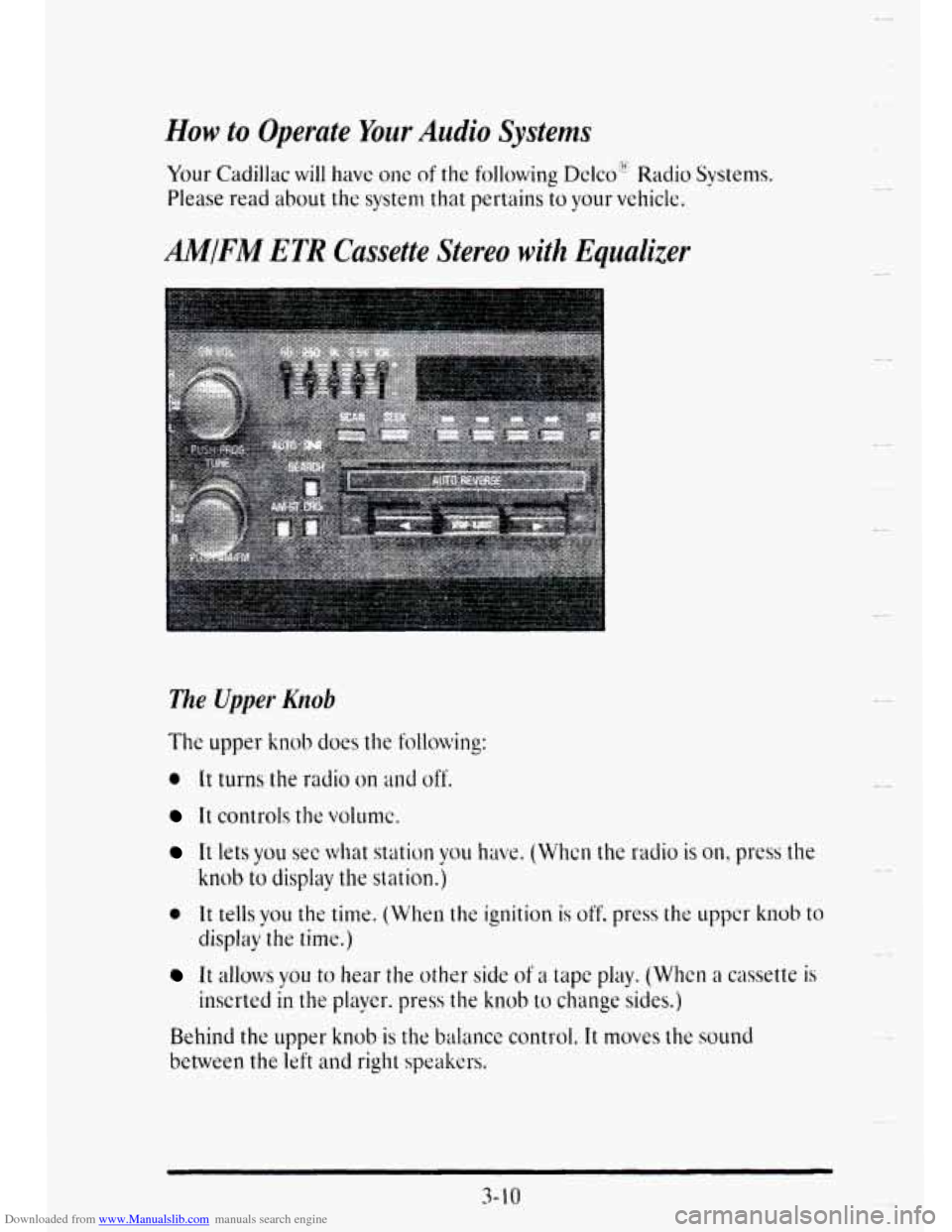
Downloaded from www.Manualslib.com manuals search engine How to Operate Your Audio Systems
Your Cadillac will have one of the following Dclco”*’ Radio Systems.
Please read about the system that pertains to your vehicle.
AM/FM ETR Cassette Stereo with Equalizer
The Upper Knob
It controls the volunlc.
Et lets you see what station you have. (Whcn the radio is on, press the
* It tells you the time. (When the ignition is off. press the uppcr knob to
knob to display the station.)
display the time.)
It allows you to hear the other side of a tape play. (Whcn a cassette is
Behind
the upper knob is the bal;mcc control. It moves the sound
between the left and right speakers.
inserted in the player. press the knob to change sides.)
3- 10
Page 186 of 403
Downloaded from www.Manualslib.com manuals search engine I
r
!
r
1
I
r
r
P
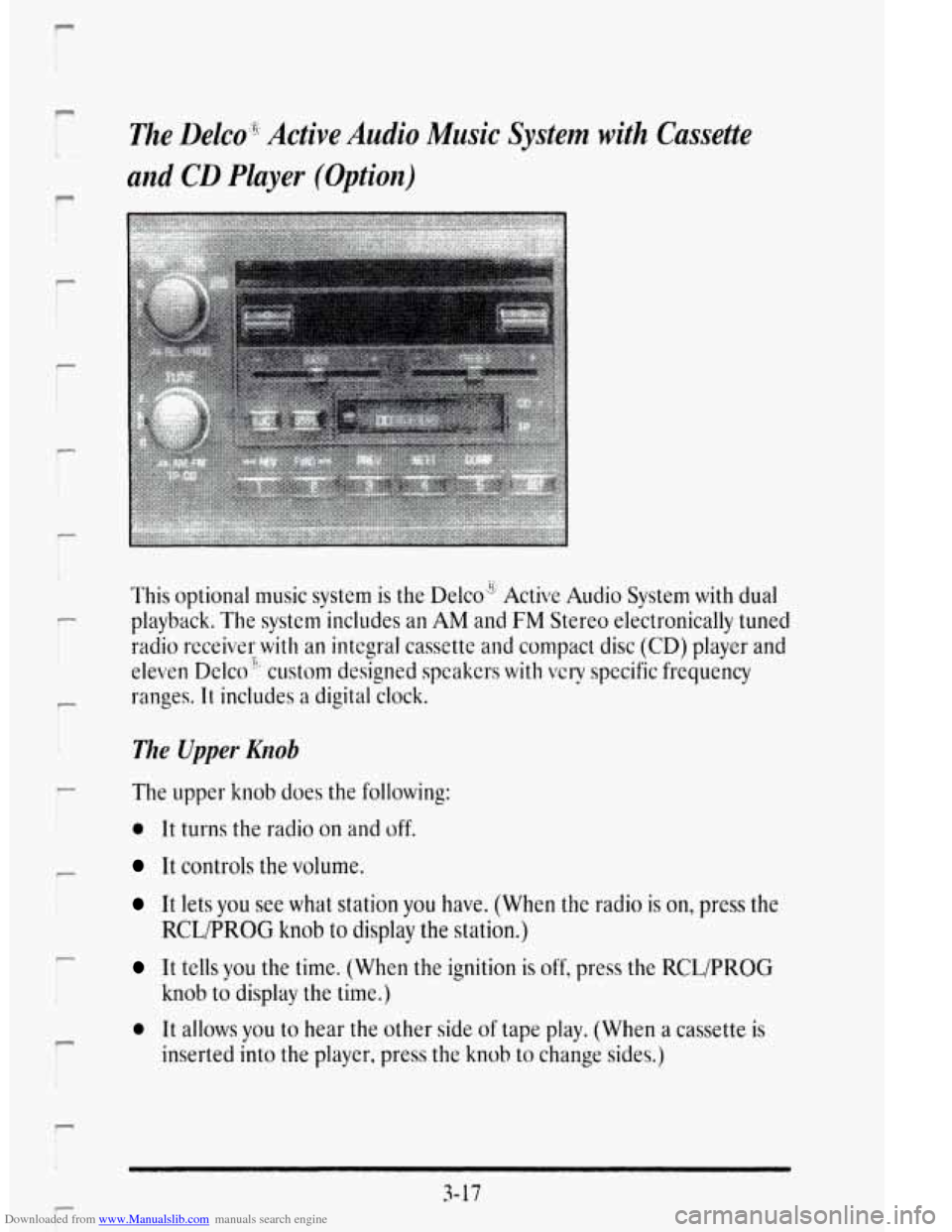
The Delco'g;8 Active Audio Music System with Cassette
and
CD Player (Option)
This optional music system is the Delco" Active Audio System with dual
playback. The system includes an AM and
FM Stereo el&tronically tuned
radio rece,ivsr
with an integral cassette and compact disc (CD) player and
eleven Delco", custom designed speakers with
very specific frequency
ranges.
It includes a digital clock.
?.
The Upper Knob
The upper knob does the following:
0 It turns the radio on and off.
It controls the volume.
It lets you see what station you have. (When the radio is on, press the
It tells you the time. (When the ignition is off, press the RCL/PROG
0 It allows you to hear the other side of tape play. (Whe.n a cassette is
RCLPROG knob to display the station.)
knob to display the time.)
inserted
into the player, press the knob to change sides.)
3-17
Page 201 of 403

Downloaded from www.Manualslib.com manuals search engine You slam on the brakes. Here's what happens with ABS.
A computer senses that wheels are slowing down. If one of the wheels is
about to stop rolling, the computer will separately work the brakes at each
front wheel
and at the rear wheels.
The anti-lock system can change the brake pressure faster than any driver
could. The computer
is programmed to make the most of available tire
and road conditions.
.. , ,.. .. . '.' - ... . ... .. *.
You can steer around the obstacle while braking hard.
As you brake, your computer keeps receiving updates
on wheel speed and
controls braking pressure accordingly.
Remember: Anti-lock doesn't change the time
you need to get your foot
up to the brake pedal. If you get too close to the vehicle in front of you,
you won't have time to apply your brakes if that vehicle suddenly slows or
stops. Always leave e.nough room up ahead to stop, even though you have
anti-lock brakes.
To Use Anti-Lock
Don't pump the brakes. Just hold the brake pedal down and fet anti-lock
work for
you. You may hear the anti-lock pump or motor operate, and
feel the brake pedal pulsate,
but this is normal.
4-8
Y
c
Page 207 of 403

Downloaded from www.Manualslib.com manuals search engine So here are some tips for passing:
0
0
e
e
0
e
0
"Drive ahead." Look down the road, to the sides, and to crossroads for
situations that might affect your passing patterns. If you have any
doubt whatsoever about
making a successful pass, wait for a better
time.
Watch for traffic signs, pavement markings, and lines.
if yo^ can see a
sign up ahead that might indicate a turn or an intersection, delay your
pass.
A broken center line usually indicates it's all right to pass
(providing the road ahead is clear). Never cross a solid line on your
side
of the lane or a double solid line, even if the road seems empty of
approaching traffic.
Do not get too close to the vehicle you want to pass while you're
awaiting an opportunity. For one thing, following too closely reduces
your area
of vision, especiallv if you're following a larger vehicle. Also,
you won't have adequate space if the vehicle ahead suddenly slows or
stops. Keep back
a reasonable distance.
When
it looks like a chance to pass is coming up, start to accelerate
but stay
in the right lane and don't get too close. Time your move so
you will be increasing specd as the time comes to move into the other
lane.
If the way is clear to pass, you will have a "running start" that
more than makes up
for the distance you would lose by dropping back.
And
if something happens to cause you to cancel your pass. you need
only
slow down and drop back again and wait for another opportunity
If other cars are lined up
to pass a slow vehicle, wait your turn. But
take care that someone
isn't trying c to pass you as you pull out to pass
the slow vehicle. Remember to glance over your shoulder ;ind check
the blind spot.
Check your mirrors. glancc
OVC~ your shoulder. ;~nd start your lcft 1;tnc
change signal bcfortj moving out of thc right 12111~ to pass. Whcn you
are far enough ahead of the passul vehicle to see its front in your
inside mirror, activate your right lane change signal and move back
into the right lane. (Remember that your right outside mirror is
convex. The vehicle
you just passed may seem to be farther away from
you than it really is.)
Try not to pass more than one vehicle at a time on two-lane roads.
Reconsider before passing
the next vehicle.
4-1 4
Page 284 of 403
Downloaded from www.Manualslib.com manuals search engine How to Reset the Oil Lye Indicator
After the oil has been changed, display the 01L LIFE LEFT message by
pressing the INFORMATION button. Then press and hold the RESET
button until the display shows "100." This resets the oil life index. The
message will remain off until the next oil change is needed. The
percentage of oil life remaining may be checked at any time bv pressing
the
INFORMATION button several times until the OIL LIFk LEFT
message appears. For more information on the Oil Life Index feature. see
*'Oil Life Index'' in the Index.
Engine Coolant Heater
An engine coolant heater can be a big help if vou have to park outside in
very cold weather. 0' F (- 18' C) or colder. Ifyour vehicle has this option,
see-*.Engine Coolant Heater" in the Index.
What to Do with, Used Oil
Did vou know that used engine oil contains certain elements that may be
unhealthy for vour skin and could even cause cancer'! Don't
let used oil
stav on your skin for. very long. Clean your skin and nails with soap and
waier, or a good hand cleaner. Wash or properly throw away clothing or
rags containing used engine oil. (See the manufacturer's warnings about
the use and disposal of oil products.)
Used oil can be a real threat to the environment. If vou change your own
oil. be sure to drain all free-flowing oil from the filtdr before disposal.
Don't
ever dispose of oil by putting it in the trash. pouring it on the
hy taking it to a place that collects used oil. If you have a problcm
propcrly disposing of your used oil, ask your dealer. a scrvicc station or a
local recycling center ior hclp.
-
2 Oround, into sewers. or into streams or bodies of water. Instead, recycle it
Page 376 of 403
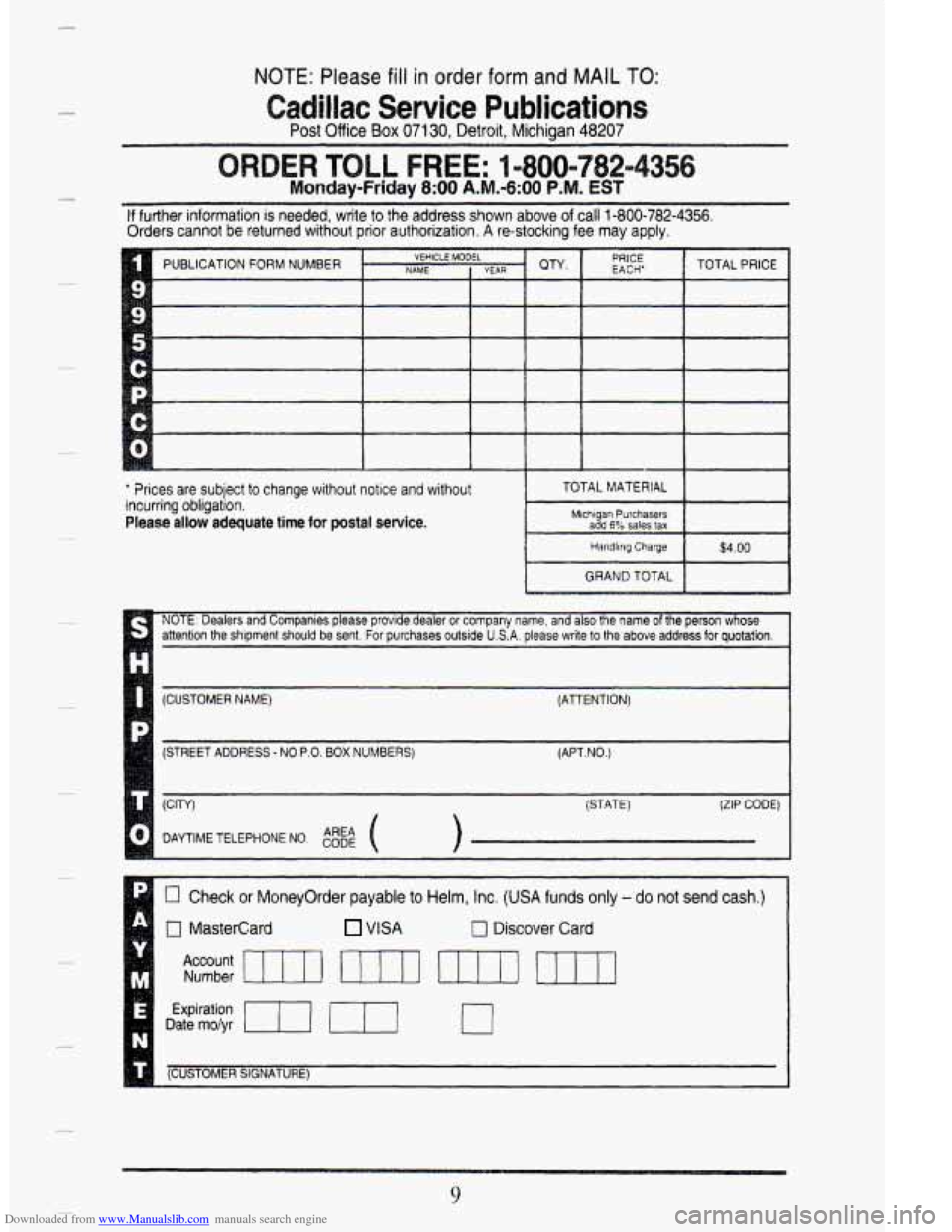
Downloaded from www.Manualslib.com manuals search engine NOTE: Please fill in order form and MAIL TO:
Post Office Box 07130, Detroit, Michiaan 48207
adillac Service Publications
-~
LL FREE: 1 m800=782=
Monday-Friday 8:OO A.M.-6:00 P.M. EST
If further information is needed, write to the address shown above of call 1-800-782-4356.
Orders cannot be returned without prior authorization. A re-stocking fee may apply.
' ?rices are subject to change without notice and without
incurring obligation.
Please allow adequate time for postal sewice.
L (CUSTOMER NAME) (ATTENTION)
(STREET ADDRESS
- NO P.O. BOX NUMBERS) (APT.NO.)
(STATE)
(ZIP CODE)
DAYTIME TELEPHONE NO.
0 Check or Moneyorder payable to Helm, Inc. (USA funds only - do not send cash.)
n Mastercard VISA n Discover Card I
I
Expiration
Date mo/yr m 0
(CUSTOMER SIGNATURE) I
9
Page 393 of 403
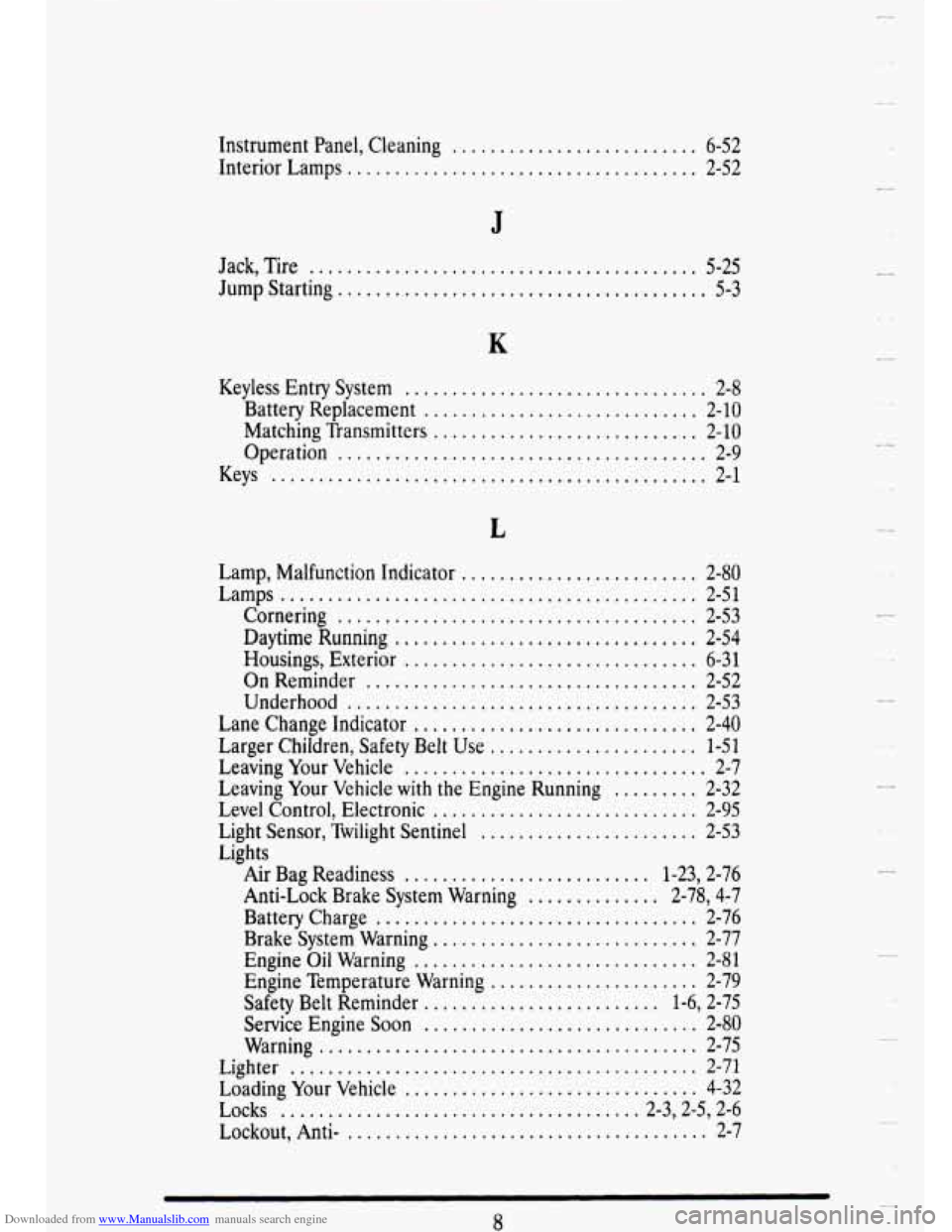
Downloaded from www.Manualslib.com manuals search engine Instrument Panel, Cleaning .......................... 6-52
Interior Lamps ..................................... 2-52
J
Jack, Tire ......................................... 5-25
Jump Starting.. ..................................... 5-3
Keyless Entry System ................................ 2-8
Battery Replacement ............................. 2-10
Matching Transmitters ............................ 2-10
Operation ....................................... 2-9
Keys .............................................. 2-1
Lamp, Malfunction Indicator . . , . . , , . . , . . , . , . . , . . , . . + , 2-80
Lamps ............................................ 2-51
Cornering ...................................... 2-53
Daytime Running ................................ 2-54
Housings, Exterior ............................... 6-31
On Reminder ................................... 2-52
Underhood ..................................... 2-53
Lane Change Indicator .............................. 2-40
Larger Children, Safety Belt Use ...................... 1-51
Leaving Your Vehicle ................................ 2-7
Leaving Your Vehicle with the Engine Running ......... 2-32
Level Control, Electronic ............................ 2-95
Light Sensor, Twilight Sentinel ....................... 2-53
Lights
Air Bag Readiness
.......................... 1-23,2-76
Anti-Lock Brake System Warning .............. 2-78,4-7
Battery Charge .................................. 2-76
Brake System Warning ............................ 2-77
Engine Oil Warning .............................. 2-81
Engine Temperature Warning ...................... 2-79
Safety Belt Reminder ......................... 1-6,2-75
Service Engine Soon ............................. 2-80
Warning ........................................ 2-75
Lighter ........................................... 2-71
Loading Your Vehicle ............................... 4-32
Lockout, Anti- ...................................... 2-7
Locks ...................................... 2-3,2-5,2-6
U
Y
..
0
u
Page 399 of 403
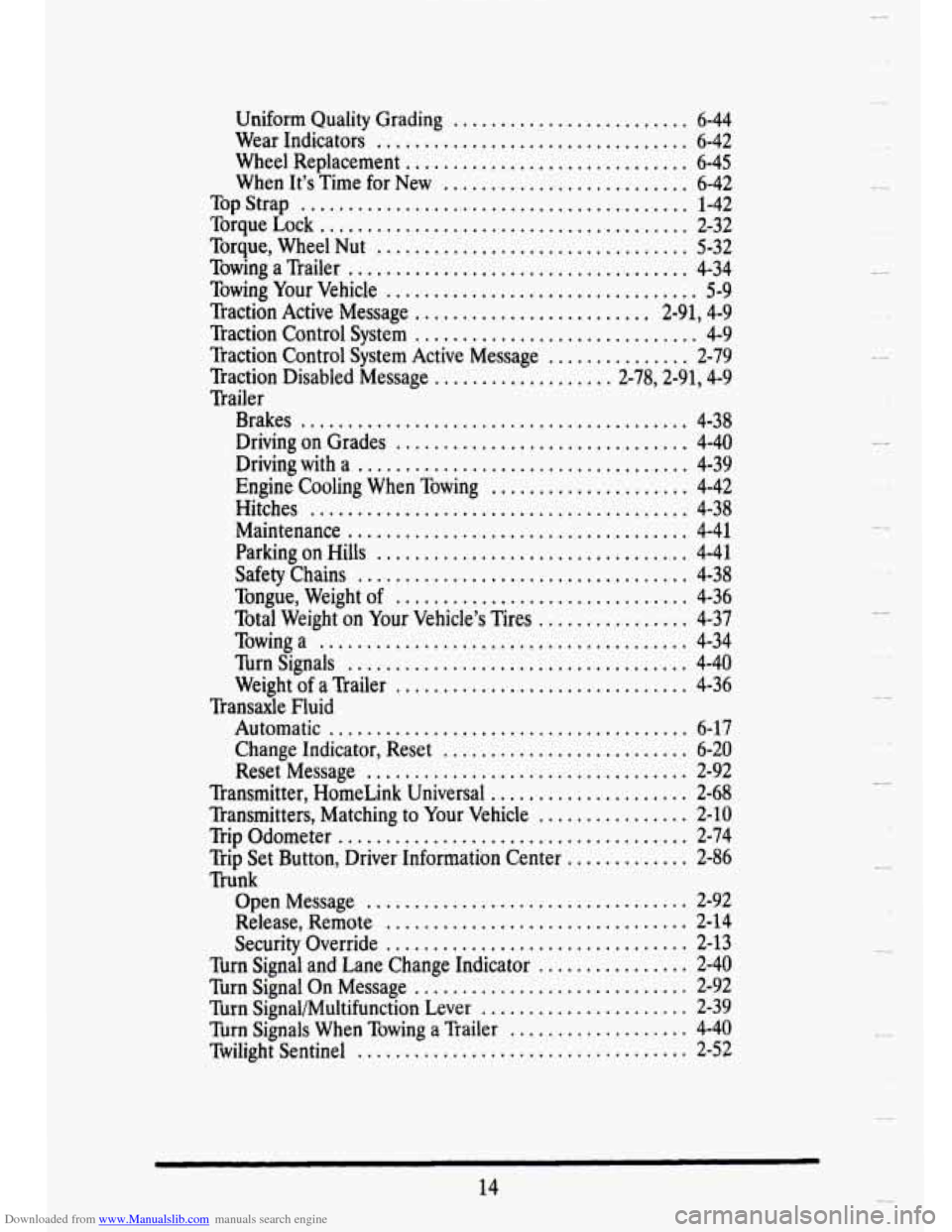
Downloaded from www.Manualslib.com manuals search engine Uniform Quality Grading ......................... 6-44
Wear Indicators ................................. 6-42
Wheel Replacement .............................. 6-45
When It’s Time for New .......................... 6-42
Top Strap ......................................... 1-42
Torque Lock ....................................... 2-32
Torque, Wheel Nut ................................. 5-32
Towing a Trailer .................................... 4-34
Towing Your Vehicle ................................. 5-9
Traction Active Message ......................... 2-91,4-9
Traction Control System .............................. 4-9
Traction Control System Active Message ............... 2-79
Traction Disabled Message ................... 2-78,2-91,4-9
Trailer
Brakes
......................................... 4-38
Driving on Grades ............................... 4-40
Driving with a ................................... 4-39
Engine Cooling When Towing ..................... 4-42
Hitches ........................................ 4-38
Maintenance .................................... 4-41
Parking on Hills ................................. 4-41
Safety Chains ................................... 4-38
Tongue, Weight of ............................... 4-36
Total Weight on Your Vehicle’s Tires ................ 4-37
Towing a ....................................... 4-34
Turn Signals .................................... 4-40
Weight of a Trailer ............................... 4-36
Automatic ...................................... 6-17
Change Indicator, Reset .......................... 6-20
Reset Message .................................. 2-92
Transmitter, HomeLink Universal ..................... 2-68
Transmitters, Matching to Your Vehicle ................ 2-10
Trip Odometer ..................................... 2-74
Trunk Transaxle Fluid
Trip Set Button, Driver Information Center
............. 2-86
Open Message .................................. 2-92
Release, Remote ................................ 2-14
Security Override ................................ 2-13
Turn Signal On Message ............................. 2-92
Turn Signal and Lane Change Indicator ................ 2-40
Turn SignaI/Multifunction Lever ...................... 2-39
Turn Signals When Towing a Trailer ................... 4-40
Twilight Sentinel ................................... 2-52
14
Y
U
u
u