ignition CADILLAC DEVILLE 1996 7.G User Guide
[x] Cancel search | Manufacturer: CADILLAC, Model Year: 1996, Model line: DEVILLE, Model: CADILLAC DEVILLE 1996 7.GPages: 354, PDF Size: 20.32 MB
Page 77 of 354
Downloaded from www.Manualslib.com manuals search engine key immediately. See your Cadillac dealer or a
locksmith for
key service.
If the STARTING DISABLED DUE TO THEFT
SYSTEM, REMOVE IGNITION KEY and WAIT
3 MINUTES messages are displayed, the key should
be cleaned and dried. After three minutes,
try again.
A START CAR message will appear at this time. If
the engine still does not start, wait 3 minutes and try a
duplicate key.
At this time, fuses should be checked (see
“Fuses and Circuit Breakers”
in the Index). If the engine
does not start with the duplicate key, your vehicle needs
service. See your Cadillac dealer
for service.
If the THEFT SYSTEM PROBLEM message is
displayed during vehicle operation,
your vehicle needs
servicing. Your vehicle will restart
if you turn it off;
however, your vehicle may be unprotected. See your
Cadillac dealer for service.
If an ignition key is lost or damaged, see your Cadillac
dealer
or a locksmith to have a new key made.
New Vehicle CLBreak-In’’
NOTICE:
Your modern Cadillac doesn’t need an elaborate
“break-in.” But it
will perform better in the long
run if
you follow these guidelines:
Don’t drive at any one speed -- fast or
slow
-- for the first 500 miles (804 km).
Don’t make full-throttle starts.
200 miles (322 km) or so. During this time
your new brake linings aren’t yet broken
in. Hard stops with new linings can mean
premature wear and earlier replacement.
Follow this breaking-in guideline every
time
you get new brake linings.
0 Don’t tow a trailer during break-in. See
“Towing
a ’Ilrailer” in the Index for more
information.
0 Avoid making hard stops for the first
2-14
3.
Page 78 of 354
Downloaded from www.Manualslib.com manuals search engine I_
c
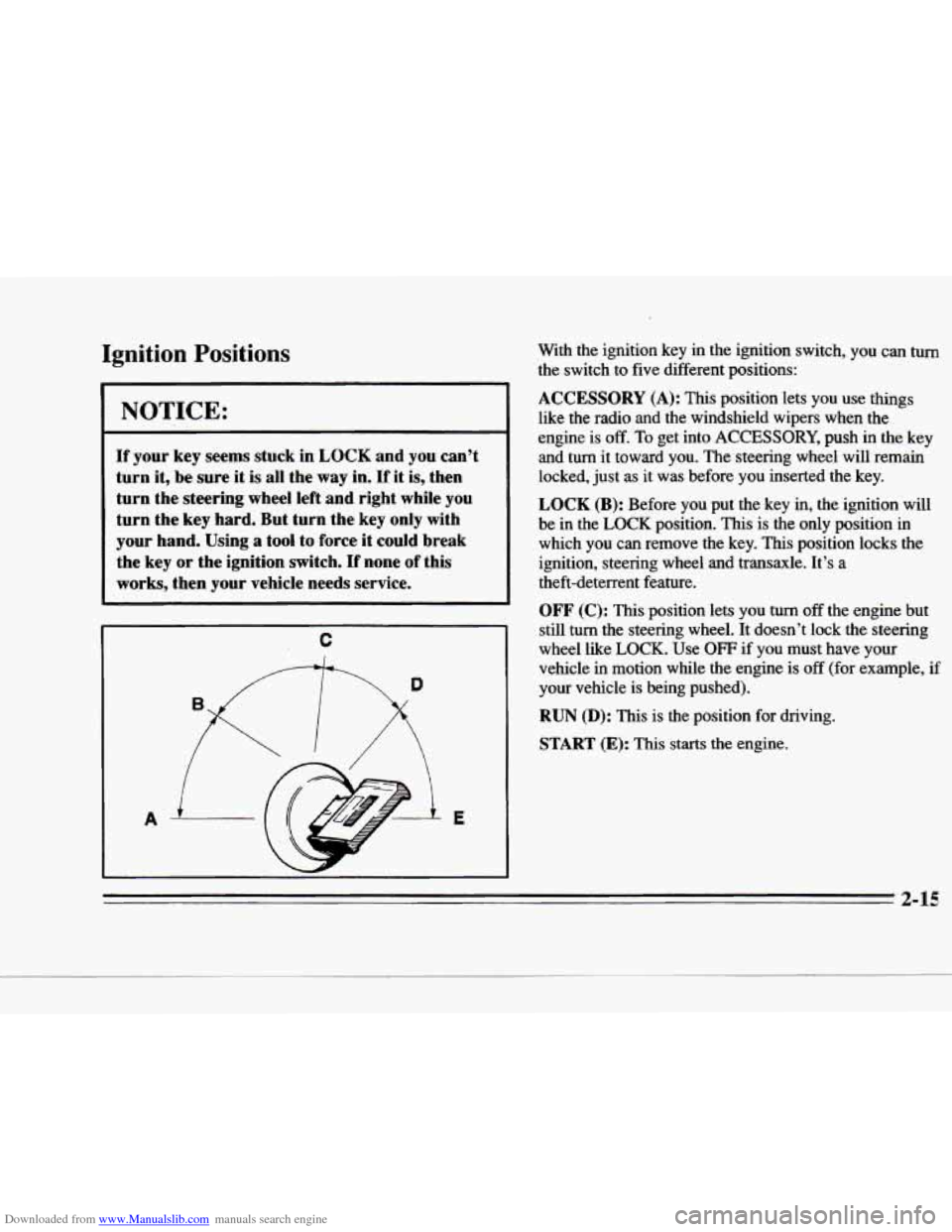
Ignition Positions
I NOTICE:
If your key seems stuck in LOCK and you can’t
turn it,
be sure it is all the way in. If it is, then
turn the steering wheel left and right while you
turn the key
hard. But turn the key only with
your hand. Using
a tool to force it could break
the key
or the ignition switch. If none of this
works, then your vehicle needs service. With the ignition key in the ignition switch, you
can turn
the switch to five different positions:
ACCESSORY (A): This position lets you use things
like the radio and the windshield wipers when the
engine
is off. To get into ACCESSORY, push in the key
and
turn it toward you. The steering wheel will remain
locked, just as it was before you inserted the key.
LOCK
(B): Before you put the key in, the ignition will
be in the
LOCK position. This is the only position in
which you can remove the key. This position locks the
ignition, steering wheel
and transaxle. It’s a
theft-deterrent feature.
OFF (C): This position lets you turn off the engine but
still
turn the steering wheel. It doesn’t lock the steering
wheel like
LOCK. Use OFF if you must have your
vehicle in motion while the engine is off (for example, if
your vehicle is being pushed).
RUN (D): This is the position for driving.
START (E): This starts the engine.
2-15
Page 79 of 354
Downloaded from www.Manualslib.com manuals search engine Retained Accessory Power
The following accessories on your Cadillac may be used
for up to 10 minutes after the ignition key is turned
to om:
Radio
0 Power Windows
Astroroof
Power to these accessories stops after
10 minutes or if any
door is opened.
If you want power for another 10 minutes,
turn the ignition key to RUN and then back to OFF.
Starting Your Engine
Move your shift lever to PARK (P) or NEUTRAL (N).
Your engine won’t start in any other position -- that’s a
safety feature.
To restart when you’re already moving,
use
NEUTRAL (N) only.
NOTICE:
Don’t try to shift to PARK (P) if your Cadillac
is moving. If you do, you could damage the
transaxle. Shift
to PARK (P) only when your
vehicle is stopped.
1. Without pushing the accelerator pedal, turn your
ignition
key to START. When the engine starts, let
go of the key. The idle speed will go down as your
engine gets warm.
NOTICE:
Holding your key in START for longer than
15 seconds at a time will cause your battery to
be drained much sooner. And the excessive heat
can damage your starter
motor.
r’
2. If it doesn’t start right away, hold your key in
START for about three seconds at a time until your
engine
starts. Wait about 15 seconds between each
try to help avoid draining your battery.
3. If your engine still won’t start (or starts but then
stops), it could be
flooded with too much gasoline.
Try pushing your accelerator pedal all the way to the
floor and holding it there as you hold the key in
START for about three seconds.
If the vehicle starts
briefly but then stops
again, do the same thing.
2-16 1
Page 83 of 354
Downloaded from www.Manualslib.com manuals search engine Ensure the shift lever is fully in PARK (P) range before
starting the engine. Your Cadillac has a brake-transaxle
shift interlock. You
have to fully apply your regular
brakes
before you can shift from PARK (P) when the
ignition key is in
the RUN position. If you cannot
shift out of
PARK (P), ease pressure on the shift
lever
-- push the shift lever all the way into PARK (P)
and release the shift lever button on the floor shift
console models as
you maintain brake application. Then
move the shift lever into the gear
you wish. (Press the
shift lever button before moving the shift lever
on floor
shift console models.) See “Shifting Out
of PARK (P)”
in this section.
REVERSE (R): Use this gear to back up.
I NOTICE: 1 ~
Shifting to REVERSE (R) while your vehicle is
moving forward could damage your transaxle.
Shift to REVERSE
(R) only after your vehicle
has stopped.
Also use this gear to rock your vehicle back and forth to
get out of snow, ice
or sand without damaging your
transaxle. See
“If You’re Stuck in Sand, Mud, Ice or
Snow” in the Index for additional information.
2-20
Page 86 of 354
Downloaded from www.Manualslib.com manuals search engine F
c
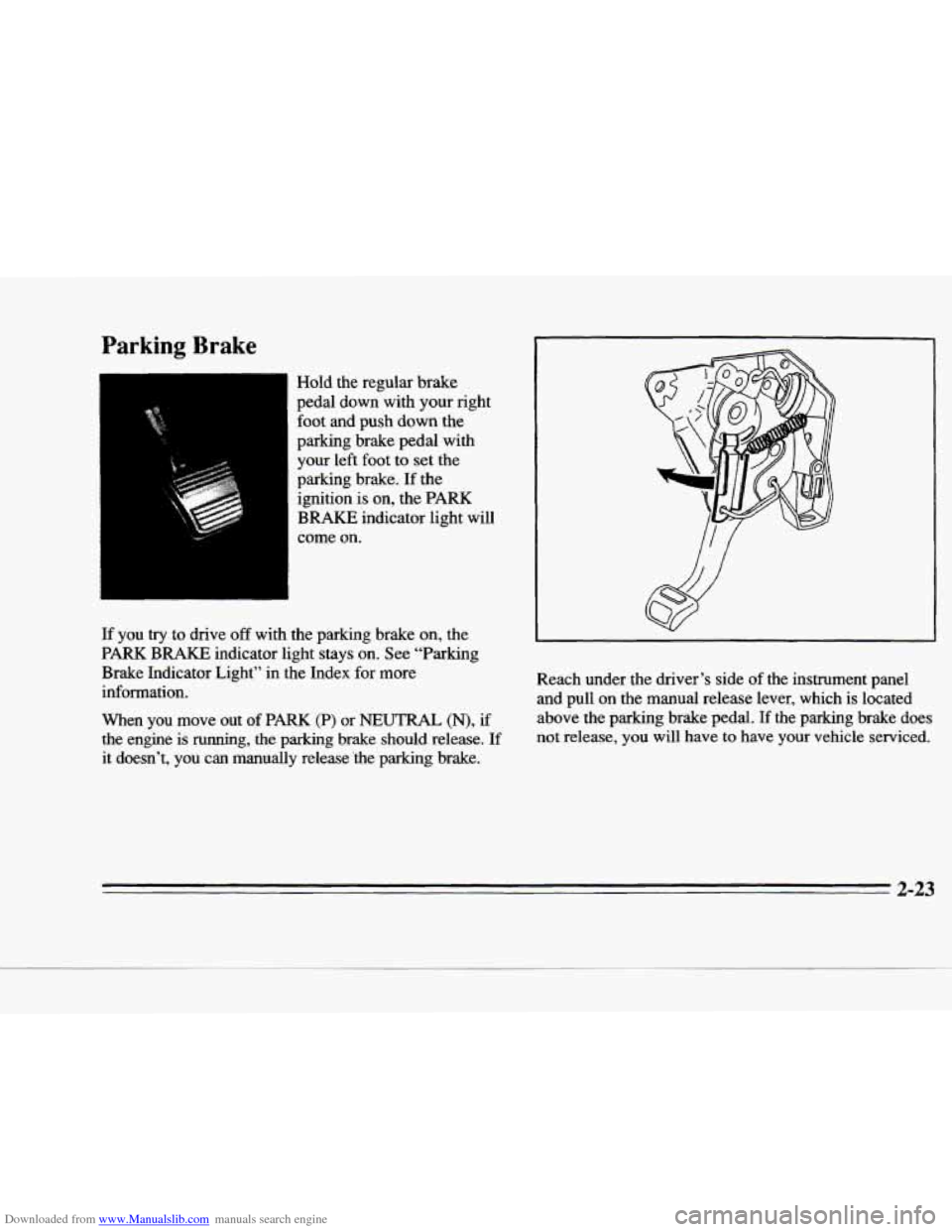
Parking Brake
Hold the regular brake
pedal down with your right foot and push
down the
parking brake pedal with
your left foot to set the
parking brake. If the
ignition
is on, the PARK
BRAKE indicator light will
come
on.
If you try to drive off with the parking brake on, the
PARK
BRAKE indicator light stays on. See "Parking
Brake Indicator Light" in the Index for more
information.
When you move
out of PARK (P) or NEUTRAL (N), if
the engine is
running, the parking brake should release. If
it doesn't, you can manually release 'the parking brake. Reach under the driver's side
of the instrument panel
and pull on the manual release lever, which is located
above the parking brake pedal.
If the parking brake does
not release, you will have to have your vehicle serviced.
2-23
Page 88 of 354
Downloaded from www.Manualslib.com manuals search engine f
r
r
r
r
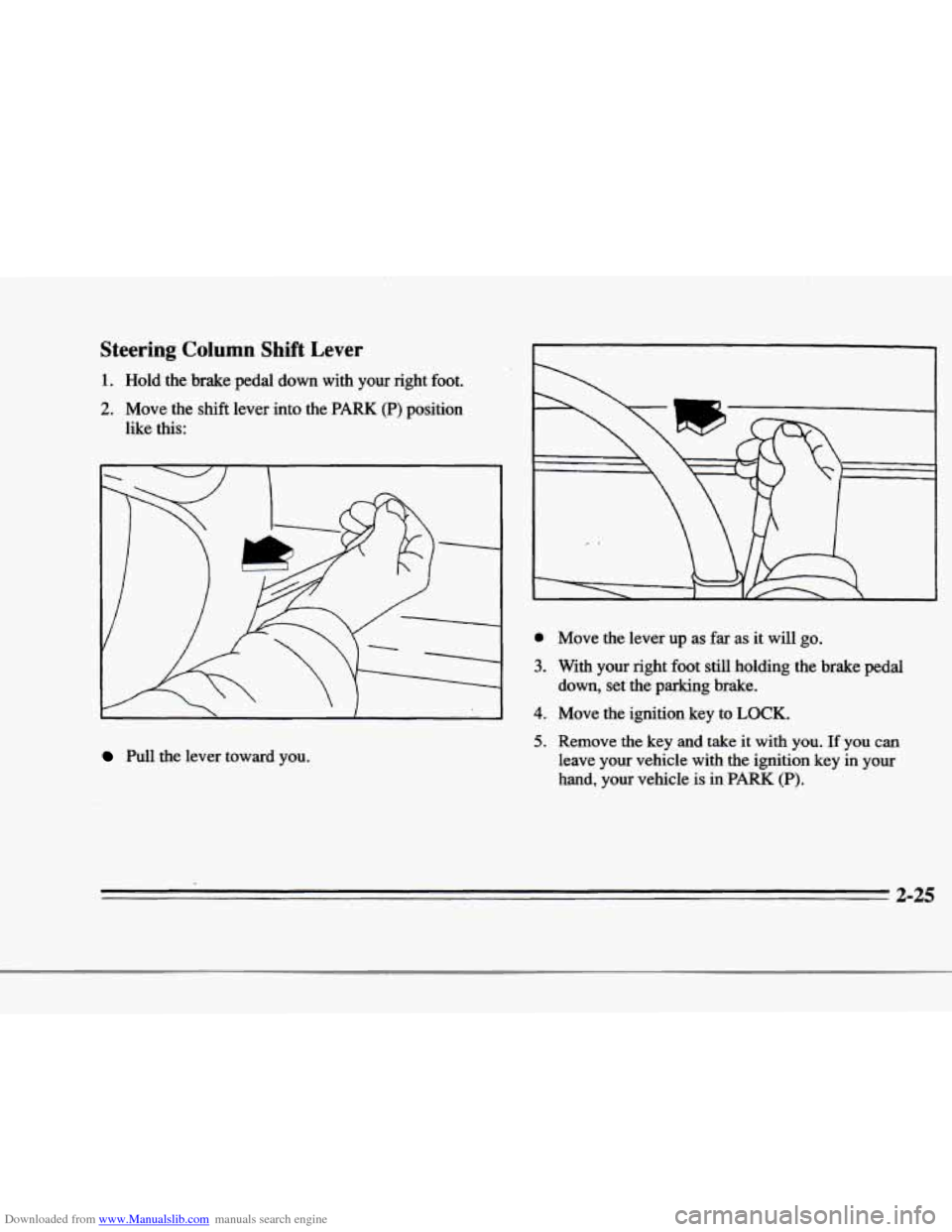
Steering Column Shift Lever
1. Hold the brake pedal down with your right foot.
2. Move the shift lever into the PARK (P) position
like this:
Pull the lever toward you.
r
r .
e
3.
4.
5.
Move the lever up as far as it will go.
With your right foot still holding the brake pedal
down, set the parking brake.
Move the ignition key to
LOCK.
Remove the key and take it with you. If you can
leave
your vehicle with the ignition key in your
hand, your vehicle is
in PARK (P).
2-25
Page 90 of 354
Downloaded from www.Manualslib.com manuals search engine c
c
c
Shifting Out of PARK (P)
Your Cadillac has a brake-transaxle shift interlock. You
have to fully apply your regular brakes before you can
shift from PARK
(P) when the ignition is in the RUN
position. See “Automatic Transaxle” in the Index.
If you cannot shift out of PARK (P), ease pressure on
the shift lever
-- push the shift lever all the way into
PARK (P) and also release the shift lever button on
floor
shift models as you maintain brake application. Then
move the shift lever into
the gear you want:If you ever
hold the brake pedal down but still can’t shift out
of
PARK (P), try this:
1. Turn the key to OFF. Open and close the driver’s
door
to turn off the Retained Accessory Power
feature.
2. Apply and hold the brake until the end of Step 4.
3. Shift to NEUTRAL (N).
4. Start the vehicle and then shift to the drive gear
5. Have the vehicle fixed as soon as you can.
you want.
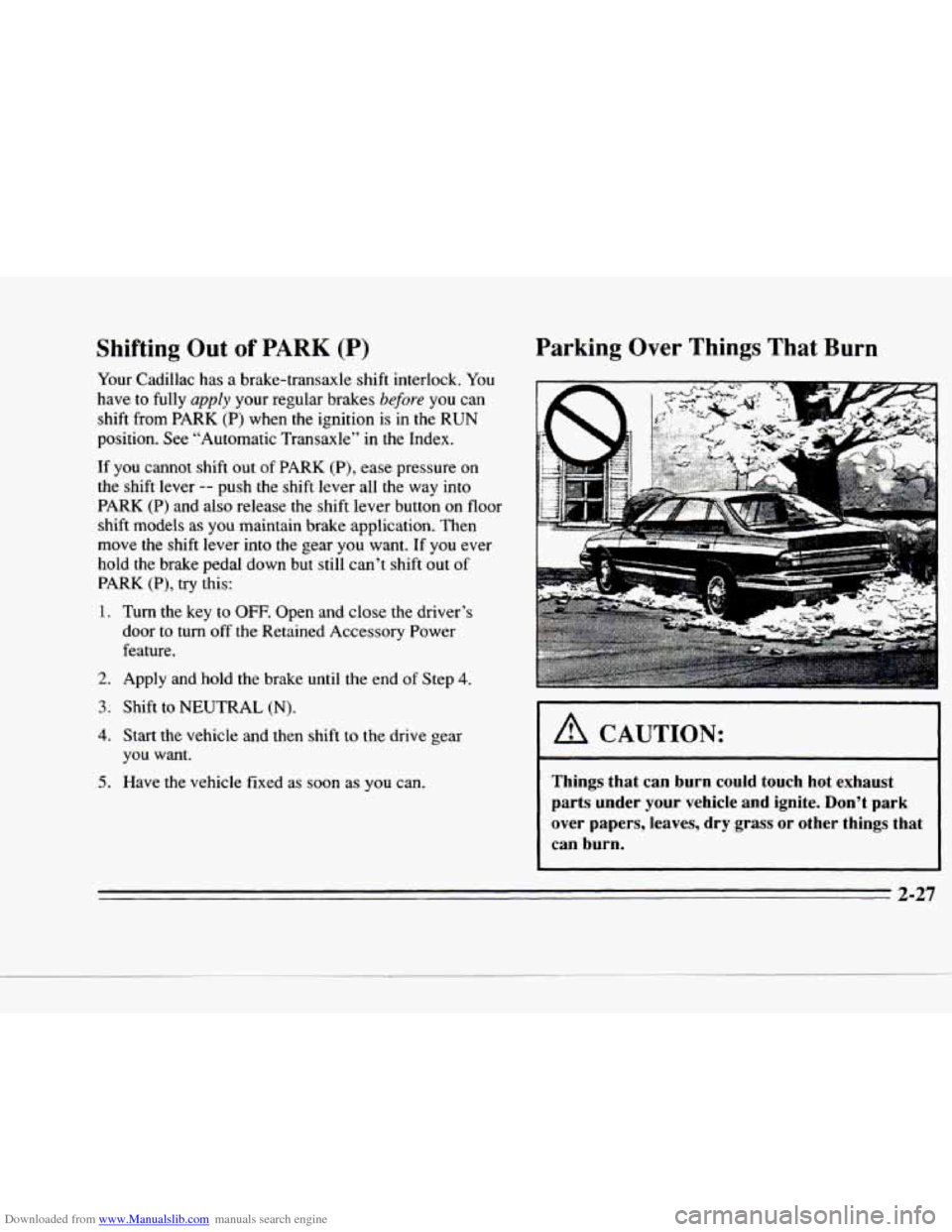
Parking Over Things That Burn
I A CAUTION: I
Things that can
burn could touch hot exhaust
parts under your vehicle and ignite. Don’t park
over papers, leaves, dry grass or other things that can burn.
P
Page 93 of 354
Downloaded from www.Manualslib.com manuals search engine Your vehicle has RAP. When you stop your vehicle and Rear Window Lockout
turn the ignition key to OFF, you can still use your
power windows. The electrical power to operate the
windows will not shut off until
you open a door or 10
minutes have passed. If you want this power for another
10 minutes, turn the key to RUN and back to OFF.
Express-Down Window
This feature is present on the driver’s power window.
Pressing the control rearward
will lower the window
completely.
If you want to stop the window as it is
lowering, press
the control forward. Press the control
forward to raise the window.
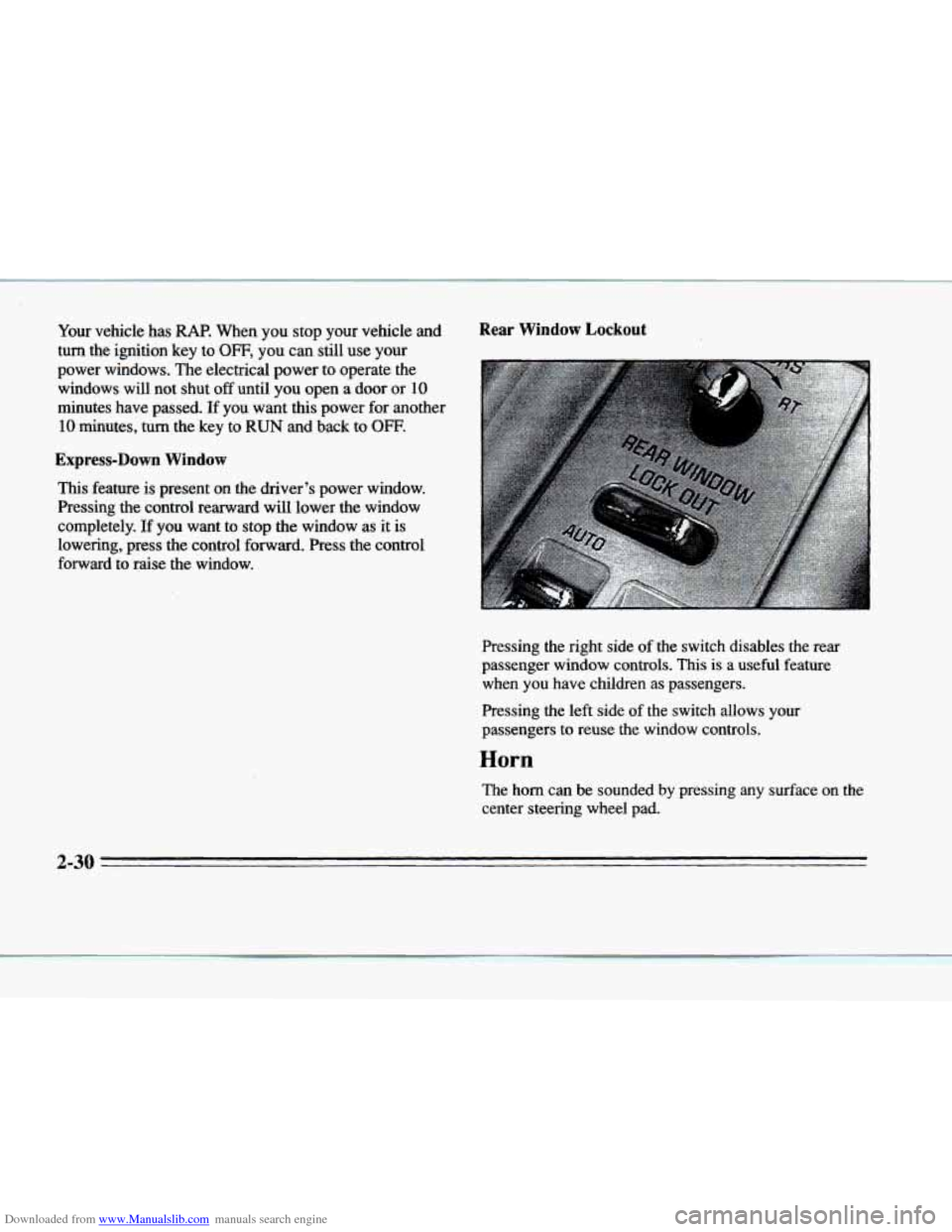
Pressing the right side
of the switch disables the rear
passenger window controls. This
is a useful feature
when you have children as passengers.
Pressing the
left side of the switch allows your
passengers to reuse the window controls.
Horn
The horn can be sounded by pressing any surface on the
center steering wheel pad.
2-30
Page 97 of 354
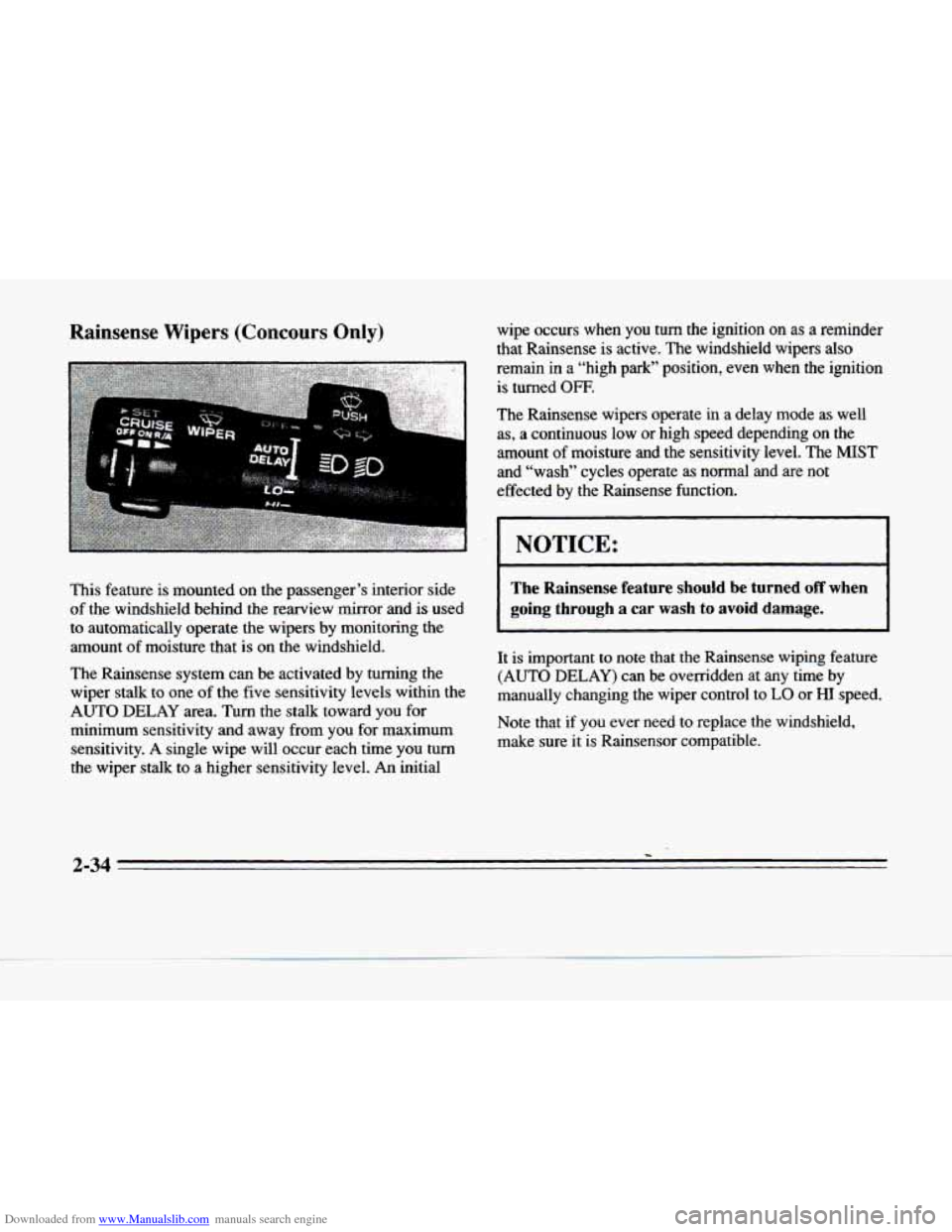
Downloaded from www.Manualslib.com manuals search engine This feature is mounted on the passenger’s interior side
of the windshield behind the rearview mirror and is used
to automatically operate the wipers by monitoring the
amount
of moisture that is on the windshield.
The Rainsense system can be activated by turning the
wiper stalk
to one of the five sensitivity levels within the
AUTO DELAY area. Turn the stalk toward you for
minimum sensitivity and away from you for maximum
sensitivity.
A single wipe will occur each time you turn
the wiper stalk to a higher sensitivity level.
An initial wipe occurs when
you turn the ignition on as a reminder
that Rainsense is active. The windshield wipers
also
remain in a “high park” position, even when the ignition
is turned
OFF.
The Rainsense wipers operate in a delay mode as well
as, a continuous low or high speed depending on the
amount
of moisture and the sensitivity level. The MIST
and “wash” cycles operate as normal and are not
effected by the Rainsense function.
NOTICE: I
- -- -~
The Rainsense feature should be turned off when
going through a car wash
to avoid damage.
It is important to note that the Rainsense wiping feature
(AUTO DELAY) can be overridden at any time
by
manually changing the wiper control to LO or HI speed.
Note that if you ever
need to replace the windshield,
make sure it is Rainsensor compatible.
2-34
-
Page 102 of 354
Downloaded from www.Manualslib.com manuals search engine c
c
c
Reducing Speed While Using Cruise Control
There are two ways to reduce your speed while using
cruise control:
0 Push in the button at the end of the lever until you
reach a desired lower speed, then release
it. A
CRUISE ENGAGED message will then display.
To slow down in very small amounts, push the
button for less than half a second. Each time you do
this, you’ll go
1 mph (1.6 b/h) slower.
Passing Another Vehicle While Using Cruise Control
Use the accelerator pedal to increase your speed. when
you take
your foot off the pedal, your vehicle will slow
down to the cruise control speed you set earlier.
Using Cruise Control on Hills
How well your cruise control will work on hills depends
upon your speed, load and the steepness
of the hills.
When going up steep hills,
you may have to step on the
accelerator pedal to maintain your speed. When going
downhill, you may have to brake or shift to a lower gear
to keep your speed down.
Of course, applying the brake
takes you out
of cruise control. Many drivers find this to
be too much trouble and don’t use cruise control on steep hills.
Ending Cruise Control
There are two ways to end cruise control:
Step lightly on the brake pedal.
Move the CRUISE switch to OFF.
Erasing Speed Memory
The cruise control set speed memory is erased when you
turn off the cruise control
or the ignition.
2-39