instrument panel CADILLAC DEVILLE 1996 7.G User Guide
[x] Cancel search | Manufacturer: CADILLAC, Model Year: 1996, Model line: DEVILLE, Model: CADILLAC DEVILLE 1996 7.GPages: 354, PDF Size: 20.32 MB
Page 94 of 354
Downloaded from www.Manualslib.com manuals search engine Tilt Wheel
P
c
c
c
P
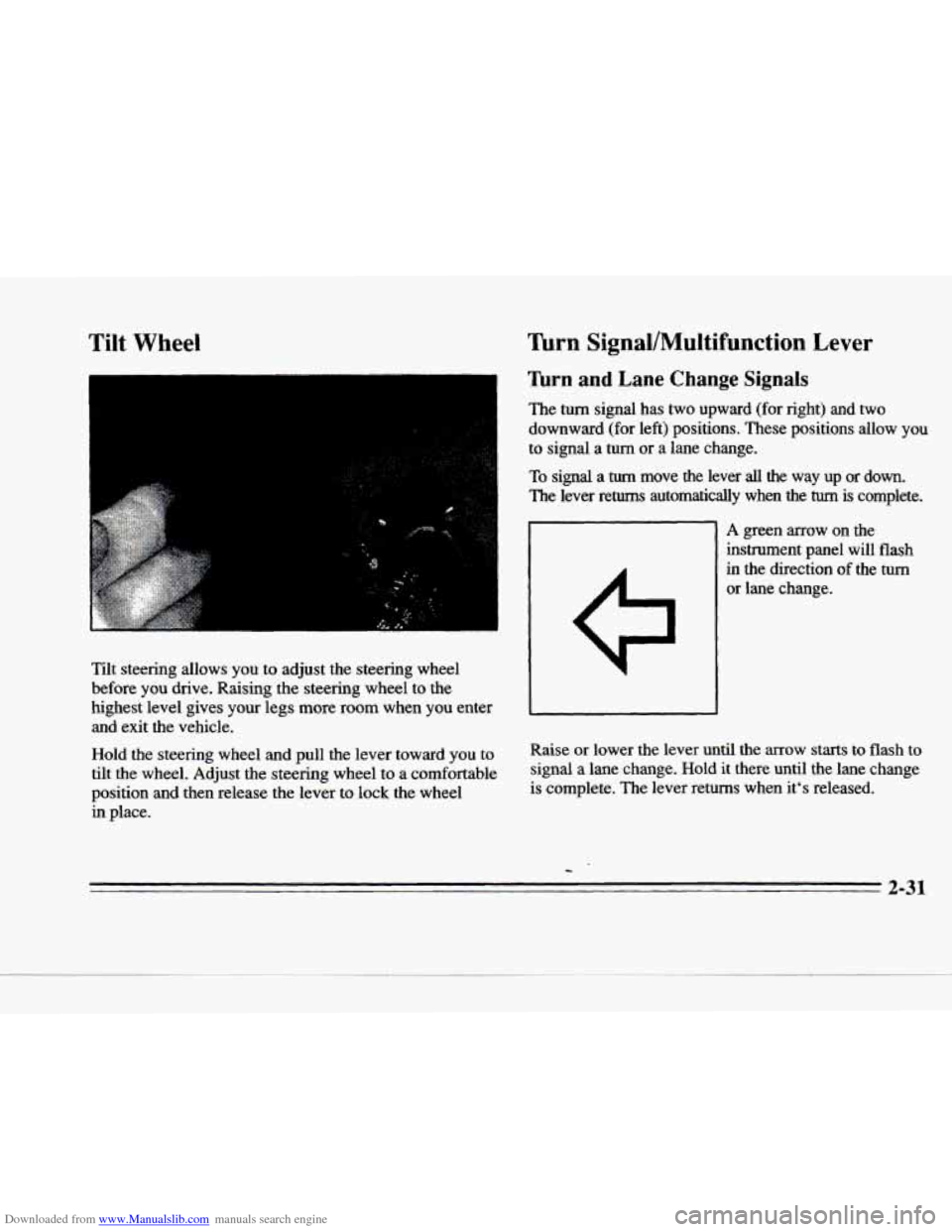
zit steering allows you to adjust the steering wheel
before you drive. Raising the steering wheel to the
highest level gives
your legs more room when you enter
and exit the vehicle.
Hold the steering wheel
and pull the lever toward you to
tilt the wheel. Adjust the steering wheel to a comfortable
position
and then release the lever to lock the wheel
in place.
Turn Signal/Multifunction Lever
lhrn and Lane Change Signals
The turn signal has two upward (for right) and two
downward (for left) positions.
These positions allow you
to signal a turn or a lane change.
To signal a turn move the lever all the way up or down.
The lever returns automatically when the turn is complete.
A green mow on the
instrument panel will
flash
in the direction of the turn
or lane change.
Raise or lower the lever until the
arrow starts to flash to
signal
a lane change. Hold it there until the lane change
is complete. The lever returns when it's released.
2-31
Page 95 of 354
Downloaded from www.Manualslib.com manuals search engine If the turn signal is left on, a warning chime will sound
and the DIC
will display TURN SIGNAL ON (after
driving about
a mile) to remind you to turn it off.
Arrows that flash rapidly when signaling for a turn or
lane change may
be caused by a burned out signal bulb.
Other drivers won’t see the turn signal.
Replace burned out bulbs to help avoid possible accidents. Check the fuse (see “Fuses and Circuit
Breakers”
in the Index) and for burned-out bulbs if the
arrow fails to work when signaling a turn.
Headlamp High/Low Beam
Pull the turn signal lever all
the way toward you and then release
it to change the
headlamps
from low beam
to high
or from high beam
to low. The blue light on the
instrument panel will
be on
indicating high beam usage.
Flash-To-Pass
This lets you use the high-beam headlamps to signal the
driver in front
of you that you want to pass. It works
even
if the headlamps are ‘off.
Pull the turn signal lever toward you to use. When
you do:
0 If the headlamps are off, the high-beam headlamps
will turn
on. They’I1 stay on as long as you hold the
lever there. Release the lever to turn them
off.
0 If the headlamps are on low beam, they will shift to
high
beam and stay there. Pull the lever toward you
to return to low beam.
If the headlamps are on high beam, they will switch
to low beam. To return to high beam, pull the lever
toward you.
2-32
Page 103 of 354
Downloaded from www.Manualslib.com manuals search engine Lamps
1
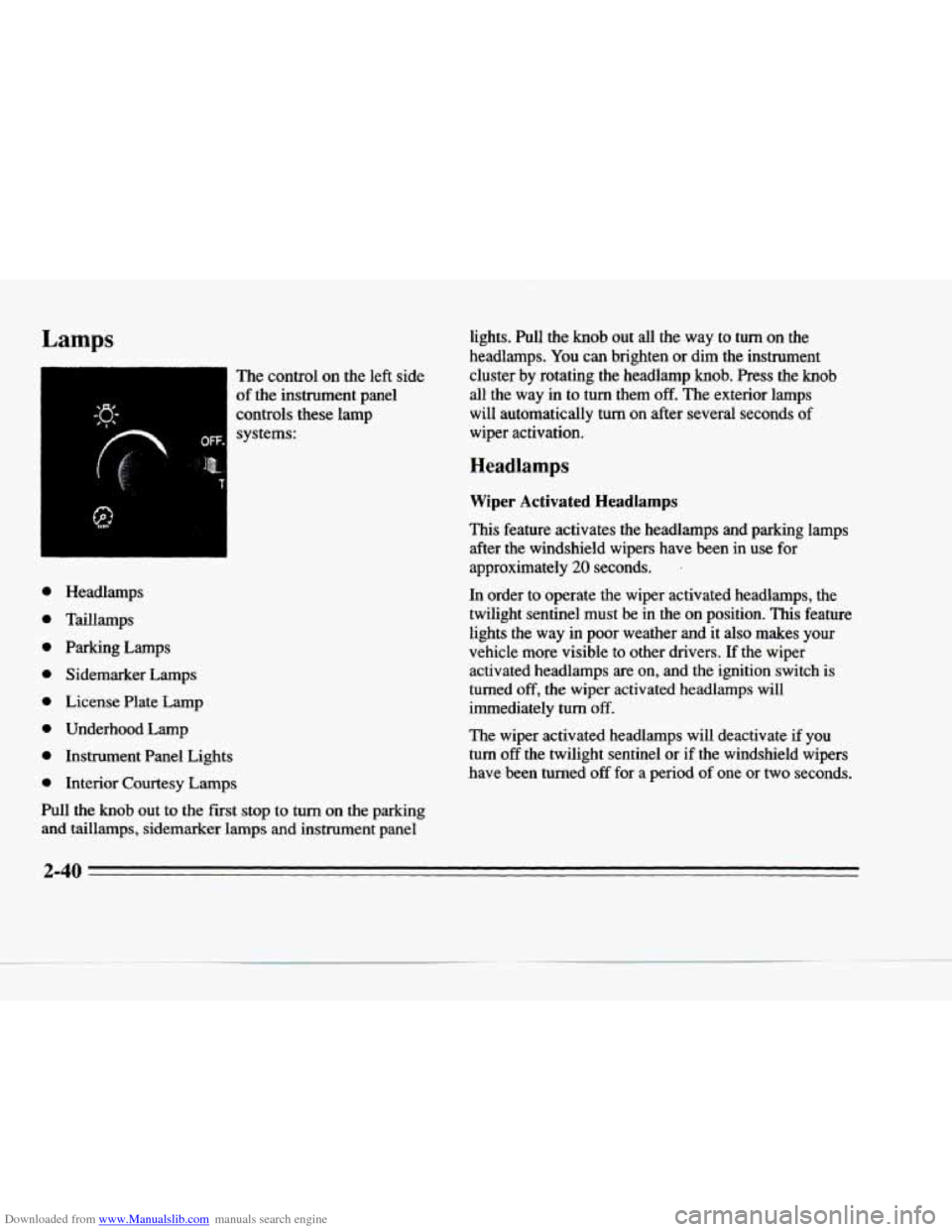
The control on the left side
of the instrument panel
controls these lamp systems:
e
e
e
e
e
e
e
e
Headlamps
Taillamps
Parking Lamps Sidemarker Lamps
License Plate Lamp
Underhood Lamp
Instrument Panel Lights
Interior Courtesy Lamps
Pull the knob out to the
fist stop to turn on the parking
and taillamps, sidemarker lamps and instrument panel lights. Pull the
knob out all the way to turn on the
headlamps.
You can brighten or dim the instrument
cluster by rotating the headlamp
knob. Press the knob
all the way in to turn them off. The exterior lamps
will automatically turn
on after several seconds of
wiper activation.
Headlamps
Wiper Activated Headlamps
This feature activates the headlamps and parking lamps after the windshield wipers have been in
use for
approximately 20 seconds. ’
In order to operate the wiper activated headlamps, the
twilight sentinel must
be in the on position. This feature
lights the way
in poor weather and it also makes your
vehicle more visible to other drivers. If the wiper activated headlamps are
on, and the ignition switch is
turned
off, the wiper activated headlamps will
immediately
turn off.
The wiper activated headlamps will deactivate
if you
turn off the twilight sentinel or if the windshield wipers
have been turned
off for a period of one or two seconds.
2-40
Page 104 of 354
Downloaded from www.Manualslib.com manuals search engine P
c
21
c
P
c
Lamps on Reminder
You will hear a warning chime if you pull the key from
the ignition while leaving the lamps
on, if the manual
headlamp control is activated. An exception to this is
when you’re using twilight sentinel.
Daytime Running Lamps
Daytime Running Lamps (DRL) can make it easier for
others to see the front of your vehicle during
the day.
DRL can be helpful
in many different driving
conditions, but they can be especially helpful in
the
short periods after dawn and before sunset.
A light sensor on top of the instrument panel makes the
DRL work,
so be sure it isn’t covered.
The
DRL system will make the low-beam headlamps
come
on at reduced brightness when:
the ignition is on,
the headlamp switch is off and
the transaxle is not in PARK (P).
When DRL are on, only the low-beam headlamps (at
reduced brightness) will be
on. No other exterior lamps
such as the parking lamps, taillamps, etc. will be on
when the
DRL are being used. Your instrument panel
won’t be
lit up either. When
it’s dark enough outside, the low-beam
headlamps (at reduced intensity) will change
to normal
low-beam headlamp operation. When it’s bright enough
outside, the regular lamps will go
off, and the low-beam
headlamps change to the reduced brightness
of DRL.
To idle your vehicle with the DRL off, tum off the
twilight sentinel switch and shift the transaxle into
PARK (P). Placing your vehicle in PARK (P) disables
the DRL. The DRL will stay
off until you shift out of
PARK (P).
As with any vehicle, you should turn on the regular
headlamp system when you need it.
Cornering Lamps
The cornering lamps come on when the headlamps or
parking lamps are on and you signal a turn. They
provide more light for cornering.
Underhood Lamp
Turn the parking lamps on to operate the underhood lamp. The underhood
lamp will come on when the hood
is open.
2-41
Page 106 of 354
Downloaded from www.Manualslib.com manuals search engine c
c-
Exterior Lighting Battery Saver
The exterior lamps will turn off approximately
10 minutes after the ignition is turned to LOCK or ACC, if
the manual park lamp control is on. This protects draining
the battery
in case you have left the headlamps or parking
lamps on. Use the control knob to
turn the lamps back on
indefinitely. To delay the lamps from tuming off, see
"Twilight Sentinel" earlier in this section.
Interior Lamps
Instrument Panel Intensity Control
As you turn the headlamp knob clockwise, the
instrument panel lights will brighten. Turning the
headlamp knob all the way clockwise will turn on the interior lamps.
Lamp Monitors
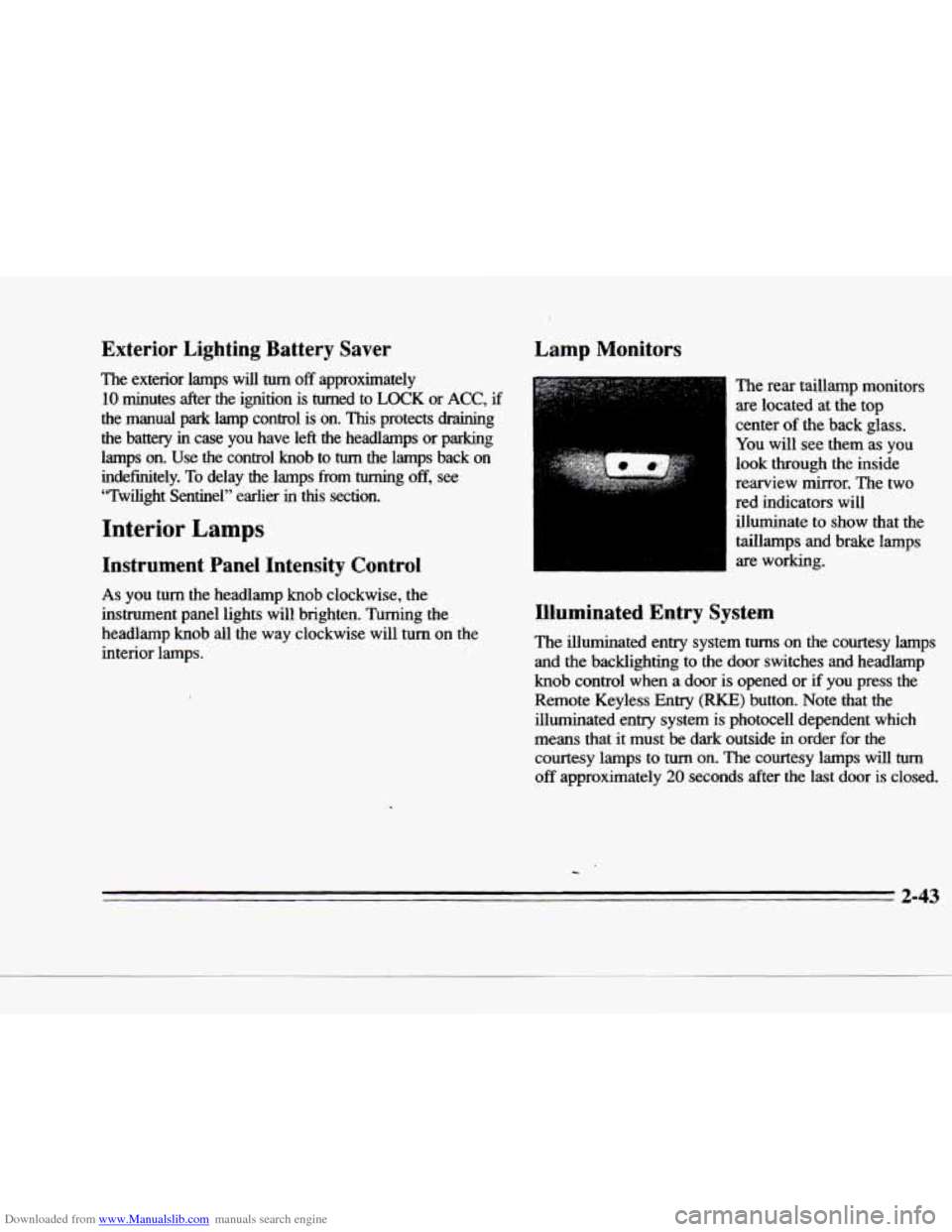
The rear taillamp monitors
are located at the top
center
of the back glass.
You will see them as you
look through the inside
rearview mirror. The two
red indicators will
illuminate to show that the
taillamps and brake lamps
are working.
Illuminated Entry System
The illuminated entry system turns on the courtesy lamps
and the backlighting
to the door switches and headlamp
knob control when a door is opened or if you press the
Remote Keyless Entry
(RKE) button. Note that the
illuminated entry system
is photocell dependent which
means that it must
be dark outside in order for the
courtesy lamps to
turn on. The courtesy lamps will turn
off approximately 20 seconds after the last door is closed.
2-43
Page 123 of 354

Downloaded from www.Manualslib.com manuals search engine The Instrument Panel: Your Information System
2-60
Page 124 of 354
Downloaded from www.Manualslib.com manuals search engine F-
The instrument panel is designed to let you know at a
glance
how your Cadillac is running. You’ll know how
fast you’re going, how much fuel you’re using and
many
of the other things you’ll need to know to drive
safely and economically. The main components
of the
instrument panel are:
1. Air Outlets
2. Turn Signal/Multifunction Lever
3. Driver Information Center Control Buttons
c
4. Driver’s Side Air Bag
5. Cluster
6. Steering Column Shift Lever
7. Electronic Climate Controls
8. Audio System
9. Passenger’s Side Air Bag
10. Lamp Controls
11. Steering Wheel Touch Controls for Climate Control
12. Hood Release
13. Horn
14. Steering Wheel Touch Controls for Audio System
15. Astray and Cigarette Lighter
16. Glove Box
2-61
Page 127 of 354
Downloaded from www.Manualslib.com manuals search engine Safety Belt Reminder Light
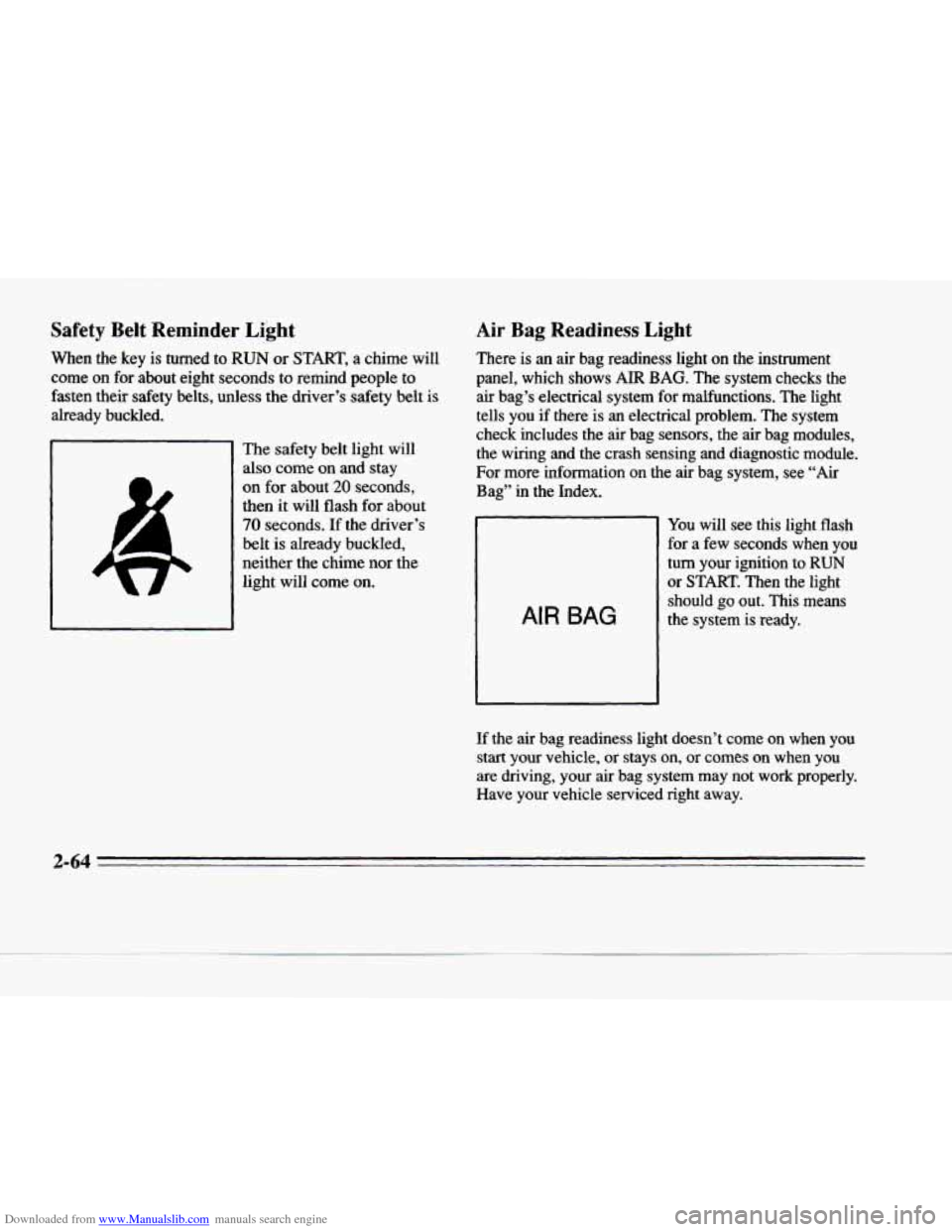
When the key is turned to RUN or START, a chime will
come on for about eight seconds to remind people to
fasten their safety belts, unless the driver’s safety belt is
already buckled.
The safety belt light will
also come on and stay
on for about 20 seconds,
then it will flash for about
70 seconds. If the driver’s
belt is already buckled,
neither the chime nor the
light will come on.
Air Bag Readiness Light
There is an air bag readiness light on the instrument
panel, which shows AIR BAG. The system checks the air bag’s electrical system for malfunctions. The light
tells you if there is an electrical problem. The system
check includes the air bag sensors, the air bag modules, the wiring and the crash sensing and diagnostic module.
For more information on the air bag system, see “Air
Bag’’ in the Index.
AIR BAG
You will see this light flash
for a few seconds when you
turn your ignition to
RUN
or START. Then the light
should
go out. This means
the system is ready.
If the air bag readiness light doesn’t come on when you
start your vehicle, or stays on, or
comes on when you
are driving, your air bag system may not work properly.
Have your vehicle serviced right away.
c
2-64
Page 142 of 354
Downloaded from www.Manualslib.com manuals search engine P-
,+
c
c
FUEL LEVEL VERY LOW - 11: This message serves
as a warning that the fuel level in the tank is critically
low. Stop for fuel immediately.
MONITORED SYSTEMS OK - I: This message only
appears in the “recall” mode by pressing the
RESET
button. It lets you know that no other messages are
stored or currently active.
PASS KEY NOT PROGRAMMED - 31: This
warning message displays when the PASS-Key pellet information has not been programmed into your vehicle.
See your Cadillac dealership for service.
PCM FAULT - 110: The circuit in the Powertrain
Control Module
(PCM) has shorted or is loose when this
message appears. Have your Cadillac serviced by your
dealership at once.
REDUCED ENGINE POWER - 41: This message
informs
the driver that due to wheel slippage your
vehicle
is reducing engine power to compensate for the
loss of traction. Accelerating too fast causing the tires to
spin
is an example of when this message would display.
REMOVE KEY - 70: This message will appear when
the Personalized Automotive Security System
(PASS-Key
11) is unable to read the pellet on the
ignition key or
an improper key pellet has been inserted.
Wait for the DIC to display STARTING DISABLED
DUE TO THEFT SYSTEM REMOVE IGNITION
KEY. The instrument panel cluster will then
run a timer
and change the messages to WAIT
3 MINUTES, WAIT
2 MINUTES,. WAIT 1 MINUTE and then START CAR.
When the REMOVE
KEY message is displayed, remove
the ignition key. Check the ignition key for damage. If it
is damaged,
it may need to be replaced. If you see no
damage, clean the pellet contacts with a soft cloth
or
napkin before inserting the key back into the ignition.
Have your vehicle serviced if the message still appears.
SERVICE A/C SYSTEM A/C COMPRESSOR
OFF
- 14: This message appears when the electronic
sensors that control the A/C and heating systems are no
longer working. Have the climate control system serviced
if you notice a drop in heating and A/C efficiency.
SERVICE AIR BAG - 83: There is a problem with the
Supplemental Inflatable Restraint (air bag) system when
this message appears. Let only a qualified technician work on your vehicle. See your Cadillac dealership for
service
at once.
2-79
Page 144 of 354
Downloaded from www.Manualslib.com manuals search engine c
.c
c
STARTING DISABLED DUE TO THEFT SYSTEM
REMOVE IGNITION KEY
- 33: This message will
appear when the Personalized Automotive Security
System (PASS-Key
11) senses that an improper ignition
key is being used to try to start
the vehicle. Check the
ignition key for damage. If
it is damaged, it may need to
be replaced. If you see no damage, clean the pellet
contacts
with a soft cloth or napkin. Remove the ignition
key and wait for the
DTC to display WAIT 3 MINUTES.
The instrument panel cluster will then run a timer and change the messages to WAIT
2 MINUTES, WAIT
1 MINUTE and then START CAR. When the START
CAR message is displayed, try again to start the engine.
STOP ENGINE ENGINE OVERHEATED - 42: This
message will appear when the engine has overheated. Stop and turn the engine off immediately to avoid severe
engine damage. See “Engine Overheating” in
the Index.
this message appears while the engine is running, stop
the engine and do not operate it until the cause
of low
oil pressure is corrected. Severe damage to
the engine
can result.
STOP ENGINE LOW OIL PRESSURE - 35: If
THEFT SYSTEM PROBLEMlCAR MAY NOT
RESTART
- 34: This message means there is a problem
in the Personalized Automotive Security System
(PASS-Key 11).
A fault has been detected in the system
which means that
the PASS-Key I1 system is disabled
and is not protecting
the vehicle. The vehicle usually
restarts however, you may want to take your vehicle to a
proper service center before turning off the engine.
TOP SPEED FUEL CUT-OFF - 111: This message
will appear when the PCM senses that the maximum
speed for your Cadillac has been reached. The speed
of
your vehicle will decrease several mph as the fuel
supply is cutoff. This allows your vehicle to stay in a
stable operating range.
TRACTION READY - 91: This message informs the
driver that the traction control system is available. This occurs when the traction on/off button in the glove box
has been returned to
an on position (pressing the button
once turns the traction control system off; pressing the
button again turns the system back on).
TRACTION OFF - 89: This message will be displayed
after
the traction control has been turned off.
TRANS FLUID RESET - 48: With the engine not
running and the ignition on, press and hold the
OFF and
rear defog buttons until the TRANS FLUID RESET
meGage appears on the DIC (between 5 and 20 seconds).
2-81 c