light CADILLAC DEVILLE 1996 7.G User Guide
[x] Cancel search | Manufacturer: CADILLAC, Model Year: 1996, Model line: DEVILLE, Model: CADILLAC DEVILLE 1996 7.GPages: 354, PDF Size: 20.32 MB
Page 75 of 354
Downloaded from www.Manualslib.com manuals search engine Theft-Deterrent System (Option)
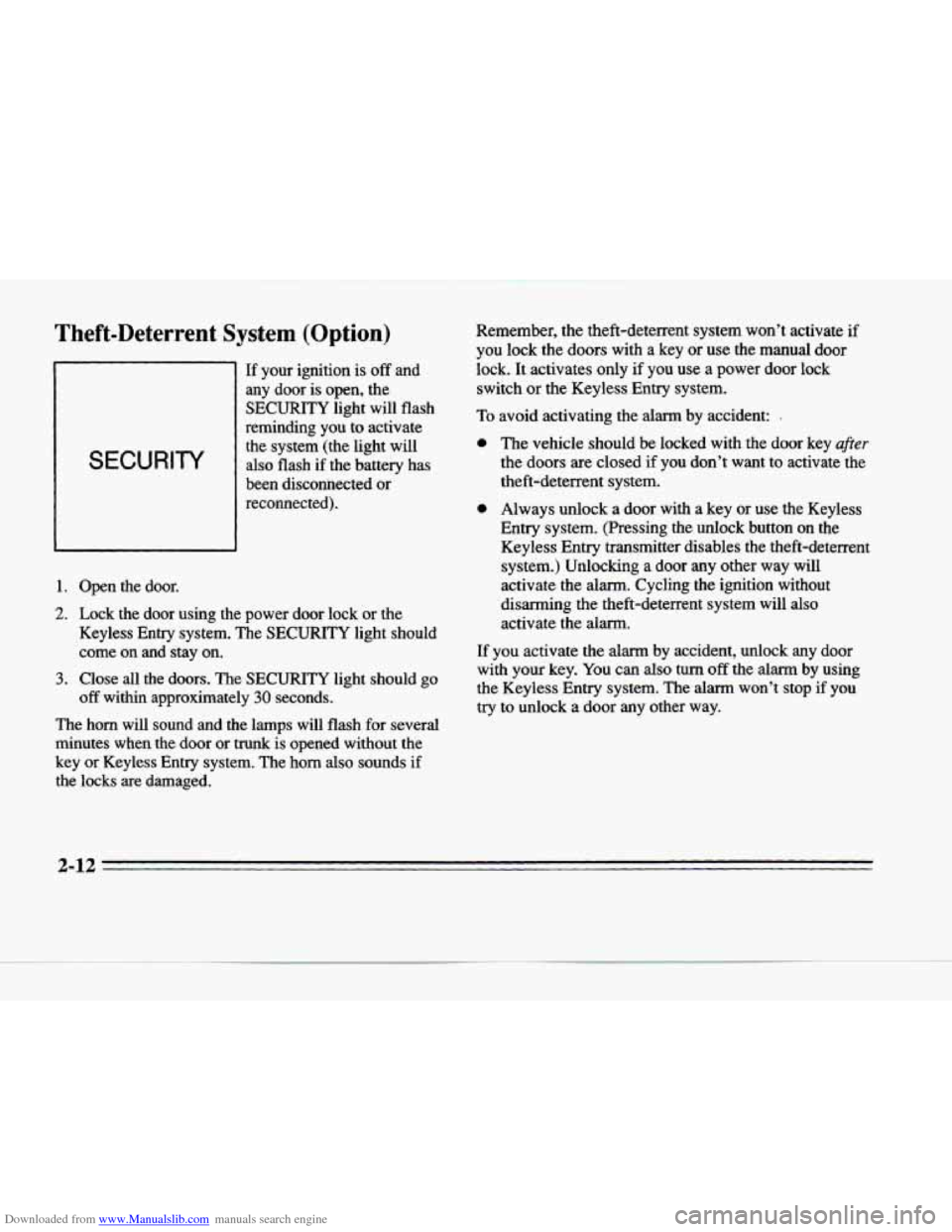
SECURITY
If your ignition is off and
any door is open, the
SECURITY light will flash
reminding you to activate
the system (the light will
also flash if the battery has
been disconnected or
reconnected).
1. Open the door.
2. Lock the door using the power door lock or the
Keyless Entry system. The
SECURITY light should
come on and stay on.
3. Close all the doors. The SECURITY light should go
off within approximately 30 seconds.
The horn will sound and the lamps will flash for several
minutes when the door or
trunk is opened without the
key or Keyless Entry system. The
horn also sounds if
the locks
are damaged. Remember,
the theft-deterrent system won’t activate
if
you lock the doors with a key or use the manual door
lock. It activates only if
you use a power door lock
switch or the Keyless Entry system.
To avoid activating the alarm by accident: I
0 The vehicle should be locked with the door key after
the doors are closed if you don’t want to activate the
theft-deterrent system.
0 Always unlock a door with a key or use the Keyless
Entry system. (Pressing the unlock button on the
Keyless Entry transmitter disables the theft-deterrent
system.) Unlocking
a door any other way will
activate the alarm. Cycling
the ignition without
disarming the theft-deterrent system will also
activate the alarm.
If you activate the alarm by accident, unlock any door
with your key.
You can also turn off the alarm by using
the Keyless Entry system. The alarm won’t stop
if you
try to unlock a door any other way.
3 13
-,
Page 86 of 354
Downloaded from www.Manualslib.com manuals search engine F
c
Parking Brake
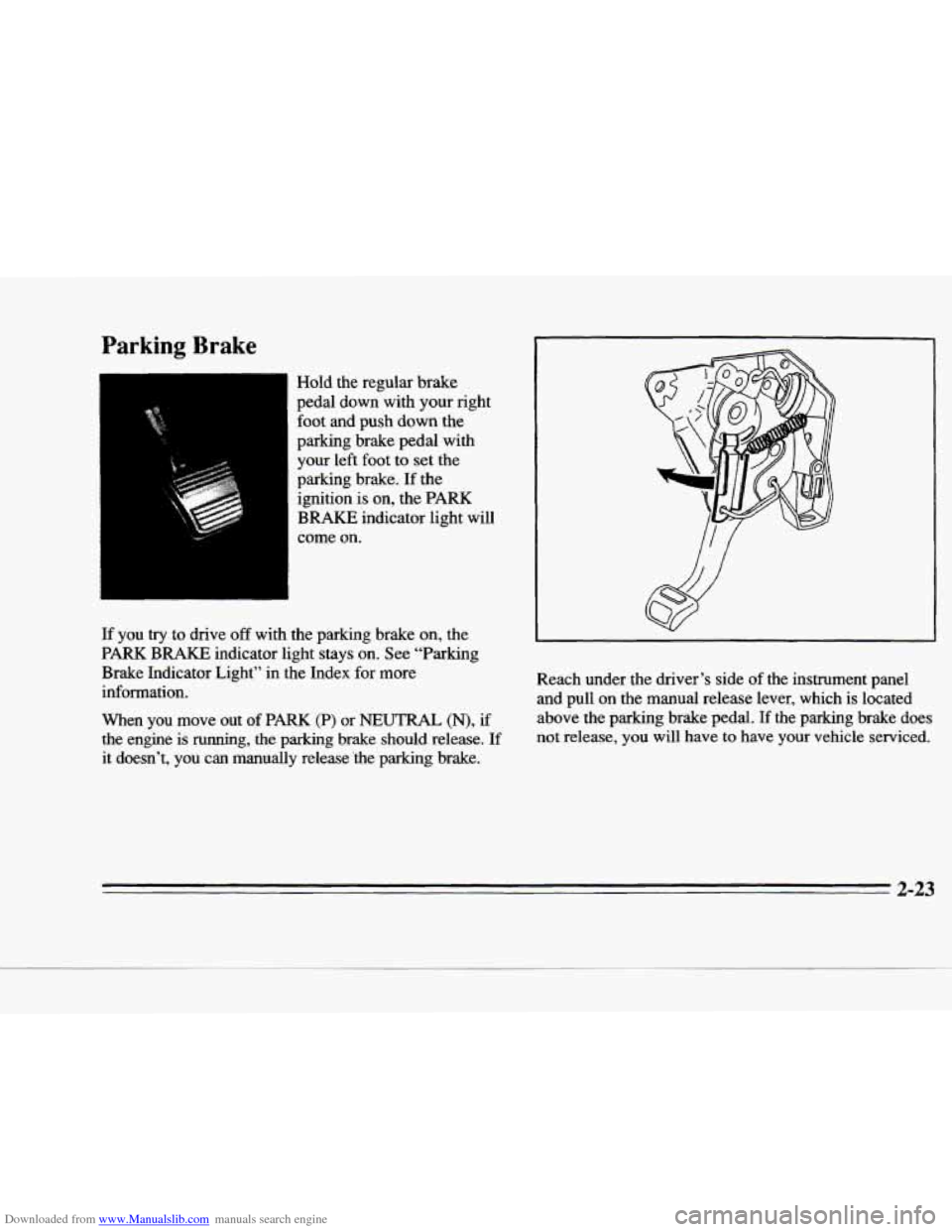
Hold the regular brake
pedal down with your right foot and push
down the
parking brake pedal with
your left foot to set the
parking brake. If the
ignition
is on, the PARK
BRAKE indicator light will
come
on.
If you try to drive off with the parking brake on, the
PARK
BRAKE indicator light stays on. See "Parking
Brake Indicator Light" in the Index for more
information.
When you move
out of PARK (P) or NEUTRAL (N), if
the engine is
running, the parking brake should release. If
it doesn't, you can manually release 'the parking brake. Reach under the driver's side
of the instrument panel
and pull on the manual release lever, which is located
above the parking brake pedal.
If the parking brake does
not release, you will have to have your vehicle serviced.
2-23
Page 95 of 354
Downloaded from www.Manualslib.com manuals search engine If the turn signal is left on, a warning chime will sound
and the DIC
will display TURN SIGNAL ON (after
driving about
a mile) to remind you to turn it off.
Arrows that flash rapidly when signaling for a turn or
lane change may
be caused by a burned out signal bulb.
Other drivers won’t see the turn signal.
Replace burned out bulbs to help avoid possible accidents. Check the fuse (see “Fuses and Circuit
Breakers”
in the Index) and for burned-out bulbs if the
arrow fails to work when signaling a turn.
Headlamp High/Low Beam
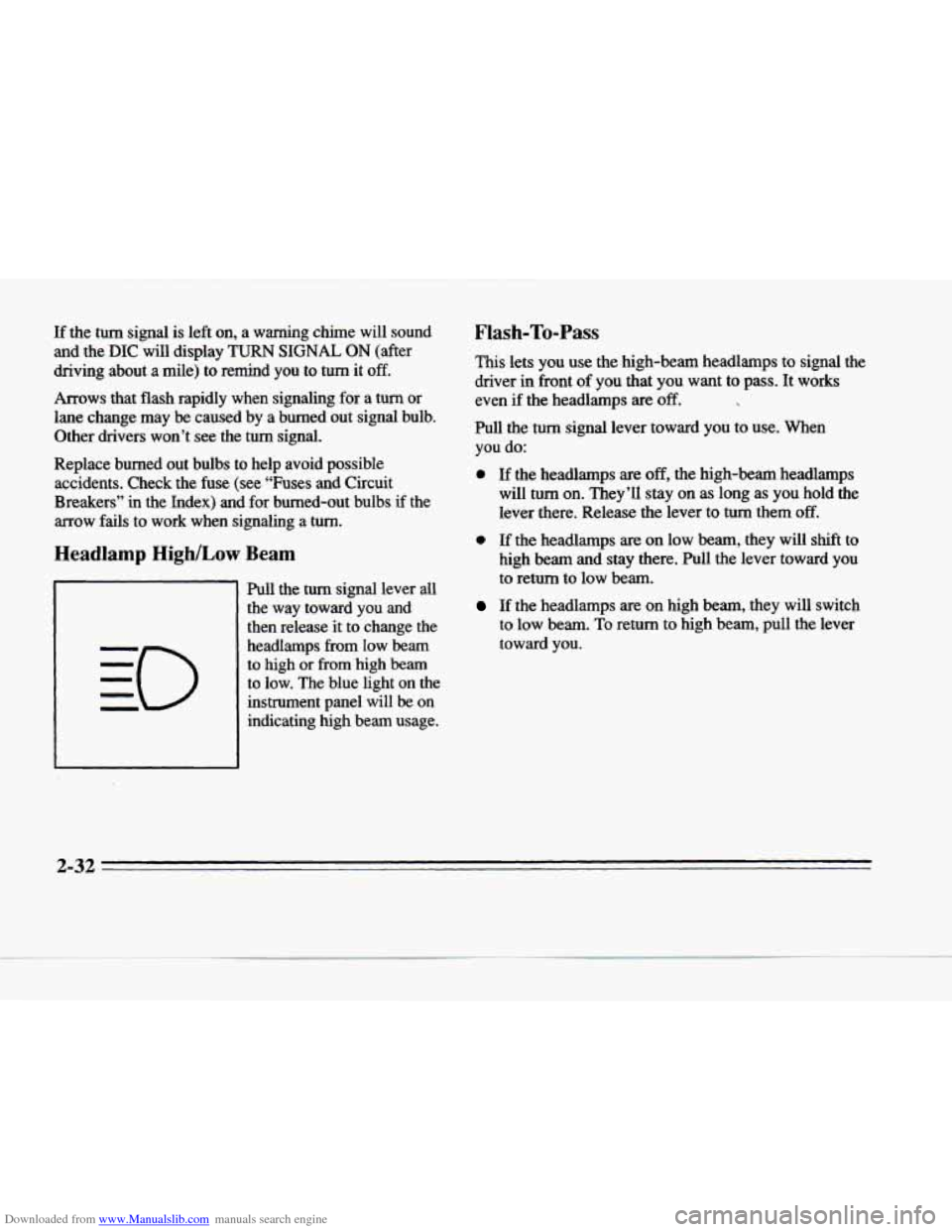
Pull the turn signal lever all
the way toward you and then release
it to change the
headlamps
from low beam
to high
or from high beam
to low. The blue light on the
instrument panel will
be on
indicating high beam usage.
Flash-To-Pass
This lets you use the high-beam headlamps to signal the
driver in front
of you that you want to pass. It works
even
if the headlamps are ‘off.
Pull the turn signal lever toward you to use. When
you do:
0 If the headlamps are off, the high-beam headlamps
will turn
on. They’I1 stay on as long as you hold the
lever there. Release the lever to turn them
off.
0 If the headlamps are on low beam, they will shift to
high
beam and stay there. Pull the lever toward you
to return to low beam.
If the headlamps are on high beam, they will switch
to low beam. To return to high beam, pull the lever
toward you.
2-32
Page 102 of 354
Downloaded from www.Manualslib.com manuals search engine c
c
c
Reducing Speed While Using Cruise Control
There are two ways to reduce your speed while using
cruise control:
0 Push in the button at the end of the lever until you
reach a desired lower speed, then release
it. A
CRUISE ENGAGED message will then display.
To slow down in very small amounts, push the
button for less than half a second. Each time you do
this, you’ll go
1 mph (1.6 b/h) slower.
Passing Another Vehicle While Using Cruise Control
Use the accelerator pedal to increase your speed. when
you take
your foot off the pedal, your vehicle will slow
down to the cruise control speed you set earlier.
Using Cruise Control on Hills
How well your cruise control will work on hills depends
upon your speed, load and the steepness
of the hills.
When going up steep hills,
you may have to step on the
accelerator pedal to maintain your speed. When going
downhill, you may have to brake or shift to a lower gear
to keep your speed down.
Of course, applying the brake
takes you out
of cruise control. Many drivers find this to
be too much trouble and don’t use cruise control on steep hills.
Ending Cruise Control
There are two ways to end cruise control:
Step lightly on the brake pedal.
Move the CRUISE switch to OFF.
Erasing Speed Memory
The cruise control set speed memory is erased when you
turn off the cruise control
or the ignition.
2-39
Page 103 of 354
Downloaded from www.Manualslib.com manuals search engine Lamps
1
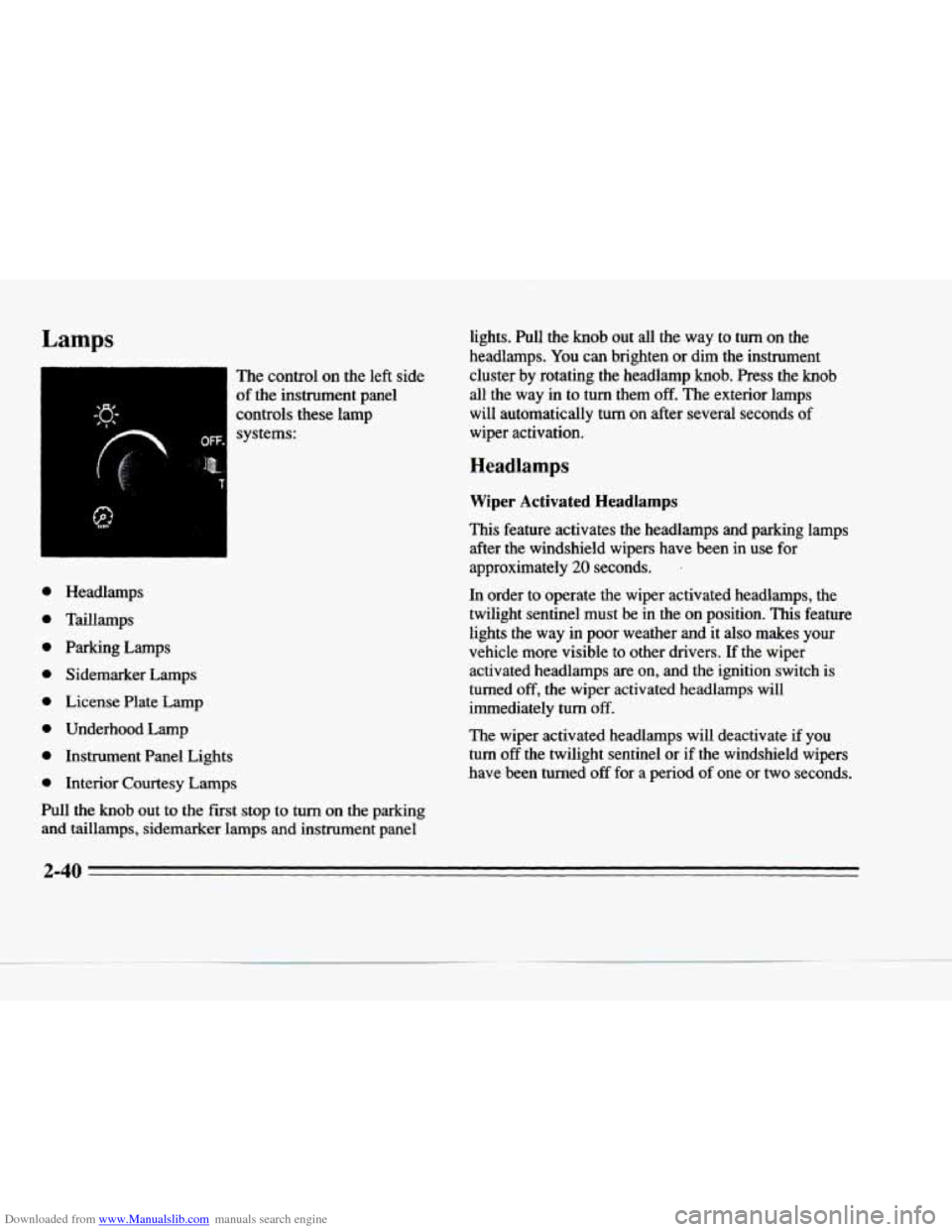
The control on the left side
of the instrument panel
controls these lamp systems:
e
e
e
e
e
e
e
e
Headlamps
Taillamps
Parking Lamps Sidemarker Lamps
License Plate Lamp
Underhood Lamp
Instrument Panel Lights
Interior Courtesy Lamps
Pull the knob out to the
fist stop to turn on the parking
and taillamps, sidemarker lamps and instrument panel lights. Pull the
knob out all the way to turn on the
headlamps.
You can brighten or dim the instrument
cluster by rotating the headlamp
knob. Press the knob
all the way in to turn them off. The exterior lamps
will automatically turn
on after several seconds of
wiper activation.
Headlamps
Wiper Activated Headlamps
This feature activates the headlamps and parking lamps after the windshield wipers have been in
use for
approximately 20 seconds. ’
In order to operate the wiper activated headlamps, the
twilight sentinel must
be in the on position. This feature
lights the way
in poor weather and it also makes your
vehicle more visible to other drivers. If the wiper activated headlamps are
on, and the ignition switch is
turned
off, the wiper activated headlamps will
immediately
turn off.
The wiper activated headlamps will deactivate
if you
turn off the twilight sentinel or if the windshield wipers
have been turned
off for a period of one or two seconds.
2-40
Page 104 of 354
Downloaded from www.Manualslib.com manuals search engine P
c
21
c
P
c
Lamps on Reminder
You will hear a warning chime if you pull the key from
the ignition while leaving the lamps
on, if the manual
headlamp control is activated. An exception to this is
when you’re using twilight sentinel.
Daytime Running Lamps
Daytime Running Lamps (DRL) can make it easier for
others to see the front of your vehicle during
the day.
DRL can be helpful
in many different driving
conditions, but they can be especially helpful in
the
short periods after dawn and before sunset.
A light sensor on top of the instrument panel makes the
DRL work,
so be sure it isn’t covered.
The
DRL system will make the low-beam headlamps
come
on at reduced brightness when:
the ignition is on,
the headlamp switch is off and
the transaxle is not in PARK (P).
When DRL are on, only the low-beam headlamps (at
reduced brightness) will be
on. No other exterior lamps
such as the parking lamps, taillamps, etc. will be on
when the
DRL are being used. Your instrument panel
won’t be
lit up either. When
it’s dark enough outside, the low-beam
headlamps (at reduced intensity) will change
to normal
low-beam headlamp operation. When it’s bright enough
outside, the regular lamps will go
off, and the low-beam
headlamps change to the reduced brightness
of DRL.
To idle your vehicle with the DRL off, tum off the
twilight sentinel switch and shift the transaxle into
PARK (P). Placing your vehicle in PARK (P) disables
the DRL. The DRL will stay
off until you shift out of
PARK (P).
As with any vehicle, you should turn on the regular
headlamp system when you need it.
Cornering Lamps
The cornering lamps come on when the headlamps or
parking lamps are on and you signal a turn. They
provide more light for cornering.
Underhood Lamp
Turn the parking lamps on to operate the underhood lamp. The underhood
lamp will come on when the hood
is open.
2-41
Page 105 of 354
Downloaded from www.Manualslib.com manuals search engine Twilight Sentinel
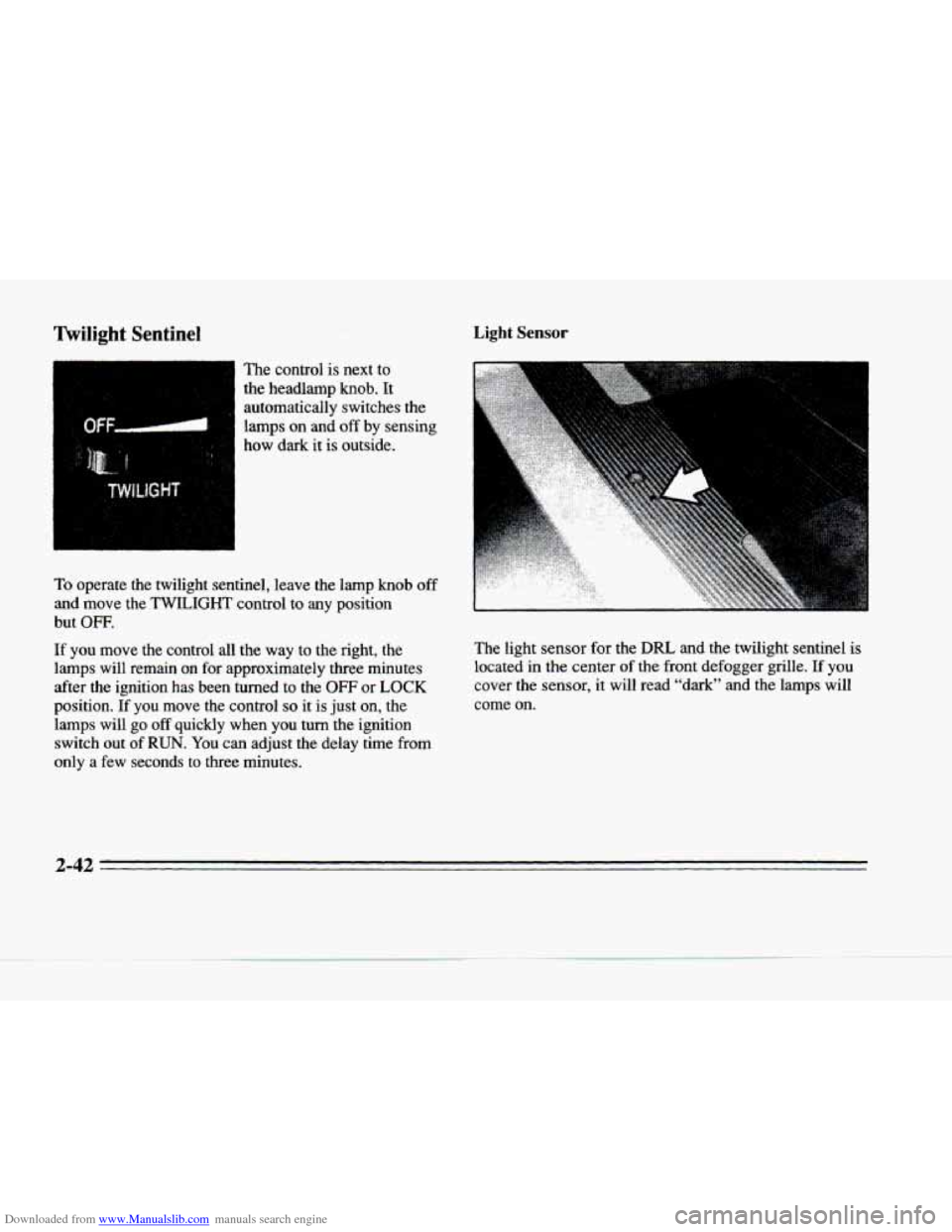
I W The control is next to
the headlarnp
knob. It
automatically switches the
lamps on and off by sensing
how dark it is outside.
To operate the twilight sentinel, leave the lamp knob off
and move the TWILIGHT control to any position
but
OFF.
If you move the control all the way to the right, the
lamps will remain
on for approximately three minutes
after the ignition has been turned to the
OFF or LOCK
position. If you move the control so it is just on, the
lamps will go off quickly when you turn the ignition switch out
of RUN. You can adjust the delay time from
only a few seconds to three minutes.
Light Sensor
The light sensor for the DRL and the twilight sentinel is
located in the center of the front defogger grille. If you
cover the sensor, it will read “dark” and the lamps will\
come on.
2-42
Page 106 of 354
Downloaded from www.Manualslib.com manuals search engine c
c-
Exterior Lighting Battery Saver
The exterior lamps will turn off approximately
10 minutes after the ignition is turned to LOCK or ACC, if
the manual park lamp control is on. This protects draining
the battery
in case you have left the headlamps or parking
lamps on. Use the control knob to
turn the lamps back on
indefinitely. To delay the lamps from tuming off, see
"Twilight Sentinel" earlier in this section.
Interior Lamps
Instrument Panel Intensity Control
As you turn the headlamp knob clockwise, the
instrument panel lights will brighten. Turning the
headlamp knob all the way clockwise will turn on the interior lamps.
Lamp Monitors
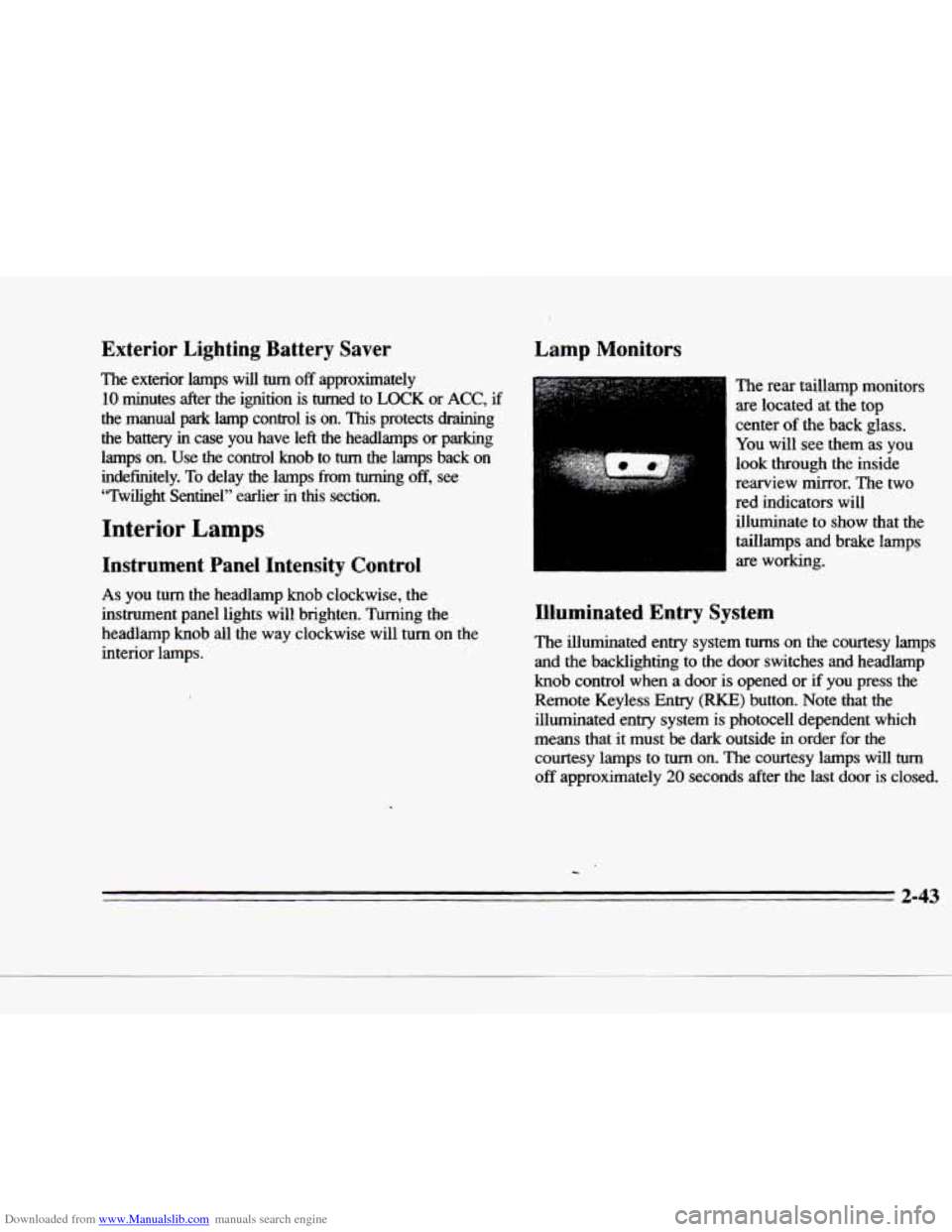
The rear taillamp monitors
are located at the top
center
of the back glass.
You will see them as you
look through the inside
rearview mirror. The two
red indicators will
illuminate to show that the
taillamps and brake lamps
are working.
Illuminated Entry System
The illuminated entry system turns on the courtesy lamps
and the backlighting
to the door switches and headlamp
knob control when a door is opened or if you press the
Remote Keyless Entry
(RKE) button. Note that the
illuminated entry system
is photocell dependent which
means that it must
be dark outside in order for the
courtesy lamps to
turn on. The courtesy lamps will turn
off approximately 20 seconds after the last door is closed.
2-43
Page 108 of 354
Downloaded from www.Manualslib.com manuals search engine c
c
c
c
c
Inadvertent Power Battery Saver
This feature is designed to protect your vehicle’s battery
against drainage from the interior lamps,
trunk lamp,
glove box lamp, cigarette lighters or the garage door opener. When the ignition is turned
OFF, the power to
these features will automatically
turn off after 10 minutes
(three minutes if a new car has
15 miles or less). Power
will
be restored for an additional 10 minutes if any door
is opened, the
trunk is opened or the courtesy lamp
switch is turned on.
Battery Guard Storage
This feature is for long term use and miust be
programmed through the DIC while the ignition is in the
RUN position. Battery guard storage protects the battery
by placing the vehicle in a storage mode
so that the
radio, amplifiers, instrument cluster and Remote Keyless
Entry
(RKE) will not drain the battery over a long
period
of time.
To begin programming, press the INFORMATION
and RESET buttons at
the same time for approximately
two seconds. Press the RESET button to answer
“yes” and press the INFORMATION button to indicate a “no” response. The first prompt
to appear relates to the automatic door
locks. This feature can be bypassed by pressing the
INFORMATION button. The STORAGE MODE?
prompt appears next. To select, press the
RESET button.
ENABLE STORAGE MODE? will then appear. A yes
or no response must be given. If the INFORMATION
(no) button is pressed, the DISABLE STORAGE
MODE? prompt will appear. Once again, a yes or no
response is required.
Once the battery guard has been programmed, your
vehicle will enter the storage mode approximately
20 minutes after the ignition key has been turned off.
The RKE will also be disabled at this point. The RKE
will reactivate when a door or the trunk is opened,
however,
if your vehicle is left inactive for another
20 minutes the RKE will re-enter the storage mode.
Your vehicle will stay in the storage mode until the
ignition key
is turned out of LOCK. The system will
“wake-up” when the
door key is inserted into the door
however, your vehicle will remain in the storage mode.
The ignition must be out of
LOCK before the battery
guard is disabled.
2-45
Page 110 of 354
Downloaded from www.Manualslib.com manuals search engine On/Off Switch Time Delay
This feature prevents rapid changing
of the mirror from
the night mode to the day mode as you drive under lights and through traffic.
c I
I
I
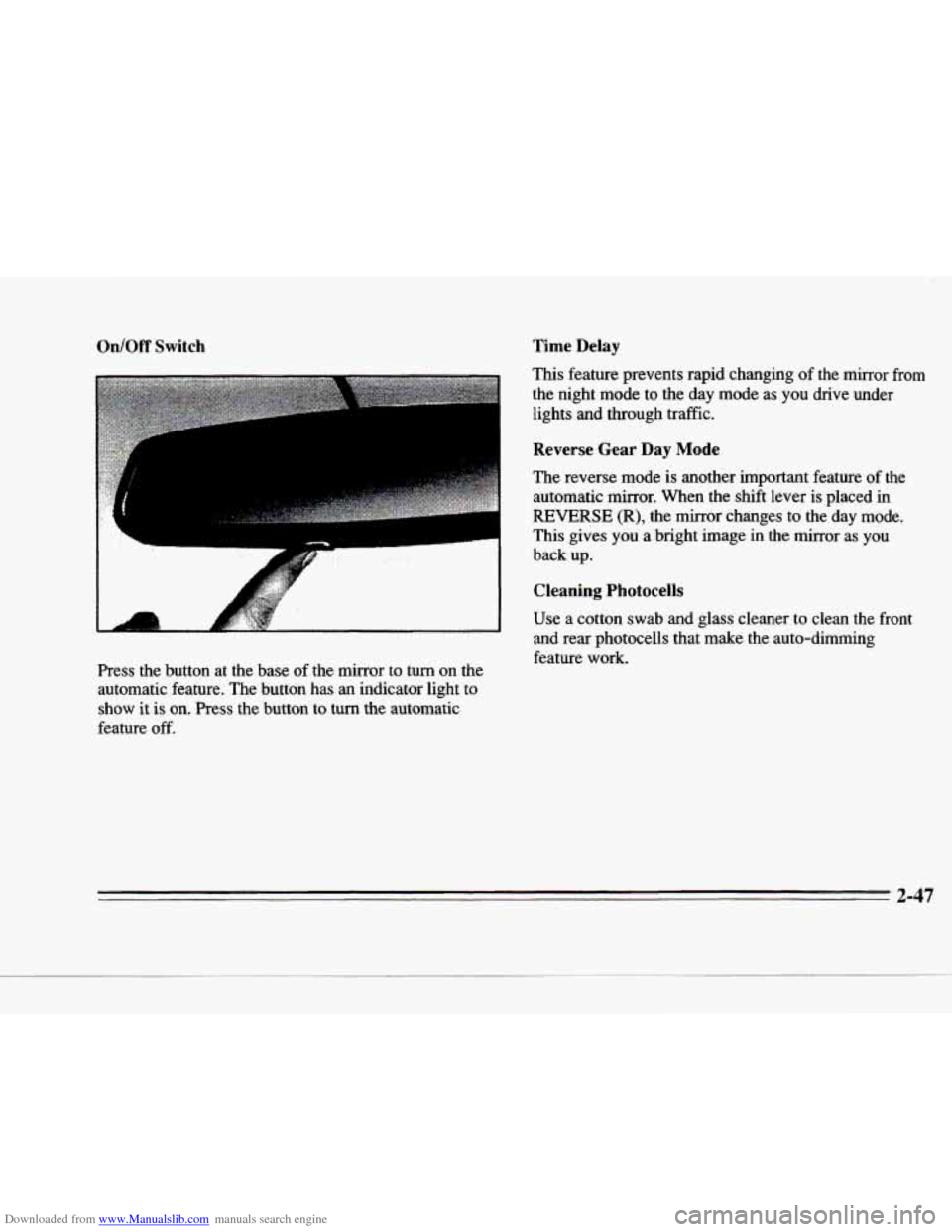
Press the button at the base of the mirror to turn on the
automatic feature. The button has
an indicator light to
show it is on. Press the button to turn the automatic
feature
off.
Reverse Gear Day Mode
The reverse mode is another important feature of the
automatic mirror. When the shift lever is placed in
REVERSE (R), the mirror changes to the day mode.
This gives
you a bright image in the mirror as you
back up.
Cleaning Photocells
Use a cotton swab and glass cleaner to clean the front
and rear photocells that make the auto-dimming
feature
work.
2-47