light CADILLAC DEVILLE 1996 7.G Owner's Manual
[x] Cancel search | Manufacturer: CADILLAC, Model Year: 1996, Model line: DEVILLE, Model: CADILLAC DEVILLE 1996 7.GPages: 354, PDF Size: 20.32 MB
Page 112 of 354
Downloaded from www.Manualslib.com manuals search engine Time Delay
This feature prevents rapid changing of the mirror from
the night mode
to the day mode as you drive under
lights and through traffic.
Compass Calibration
r
r
r
r
Reverse Gear Day Mode
The reverse mode is another important feature of the
automatic mirror. When the shift lever
is placed in
REVERSE (R), the mirror changes to the day mode.
This gives you a bright image in the mirror as you
back up.
Cleaning Photocells
Use a cotton swab and glass cleaner to clean the front
and rear photocells that make the auto-dimming
feature work. Once the compass is calibrated,
it does not need to be
recalibrated. To calibrate
the compass:
1. Set the switch on the mirror control to C/M.
2. Turn the vehicle ignition switch on. The letter C
should be displayed in the mirror compass window.
If not, hold the CAL switch (on the bottom of the
mirror)
for more than 10 seconds, and the letter C
will appear. To hold in the CAL switch, insert a
paper clip into the small hole on the bottom of the
mirror housing. The display will show a number first, but keep holding until the letter
C appears.
3. For quick calibration, drive the vehicle in a
360-degree circle at less than
5 mph (8 km/h) until
the display reads a compass direction.
For nonnal
calibration, drive the vehicle
on your everyday
routine, and the compass will eventually calibrate.
r
2-49
Page 116 of 354
Downloaded from www.Manualslib.com manuals search engine P
Convenience Net
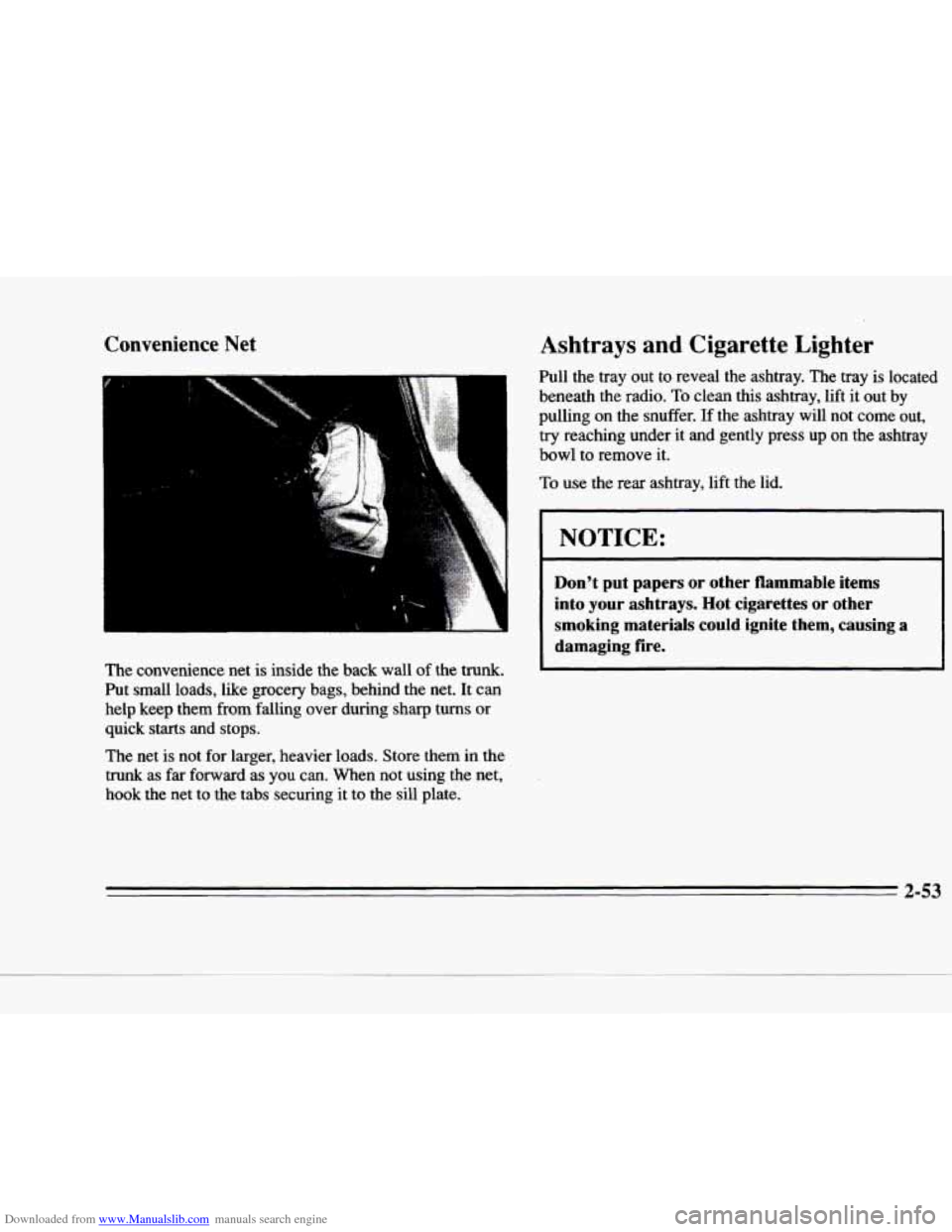
The convenience net is inside the back wall of the trunk.
Put small loads, like grocery bags, behind the net. It can
help keep them
from falling over during sharp turns or
quick starts and stops.
Ashtrays and Cigarette Lighter
Pull the tray out to reveal the ashtray. The tray is located \
beneath the radio.
To clean this ashtray, lift it out by
pulling on the snuffer. If the ashtray will not come out,
try reaching under it and gently press up on the ashtray
bowl to remove it.
To use the rear ashtray, lift the lid.
NOTICE:
Don't put papers or other flammable items
into your ashtrays.
Hot cigarettes or other
smoking materials could ignite them, causing
a
damaging fire.
The net is not for larger, heavier loads. Store them in the
trunk as far forward as you can.
When not using the net,
hook the net to the tabs securing it to the sill plate.
2-53
Page 117 of 354
Downloaded from www.Manualslib.com manuals search engine The cigarette lighter is located near the ashtray. Press it
all the way in and release. It will pop back by itself
when it’s ready
to light. You may also have a lighter
located at the
rear seat air outlet.
Note that power to the cigarette lighter will shut
off
10 minutes after the ignition is turned off. This helps to
prevent battery drainage. For more information, see
“Inadvertent Battery Saver” earlier
in this section.
NOTICE:
Don’t hold a cigarette lighter in with your hand
while it
is heating. If you do, it won’t be able to
back away from the heating element when it’s
ready. That can make it overheat, damaging the
Iighter and the heating element.
Sun Visors
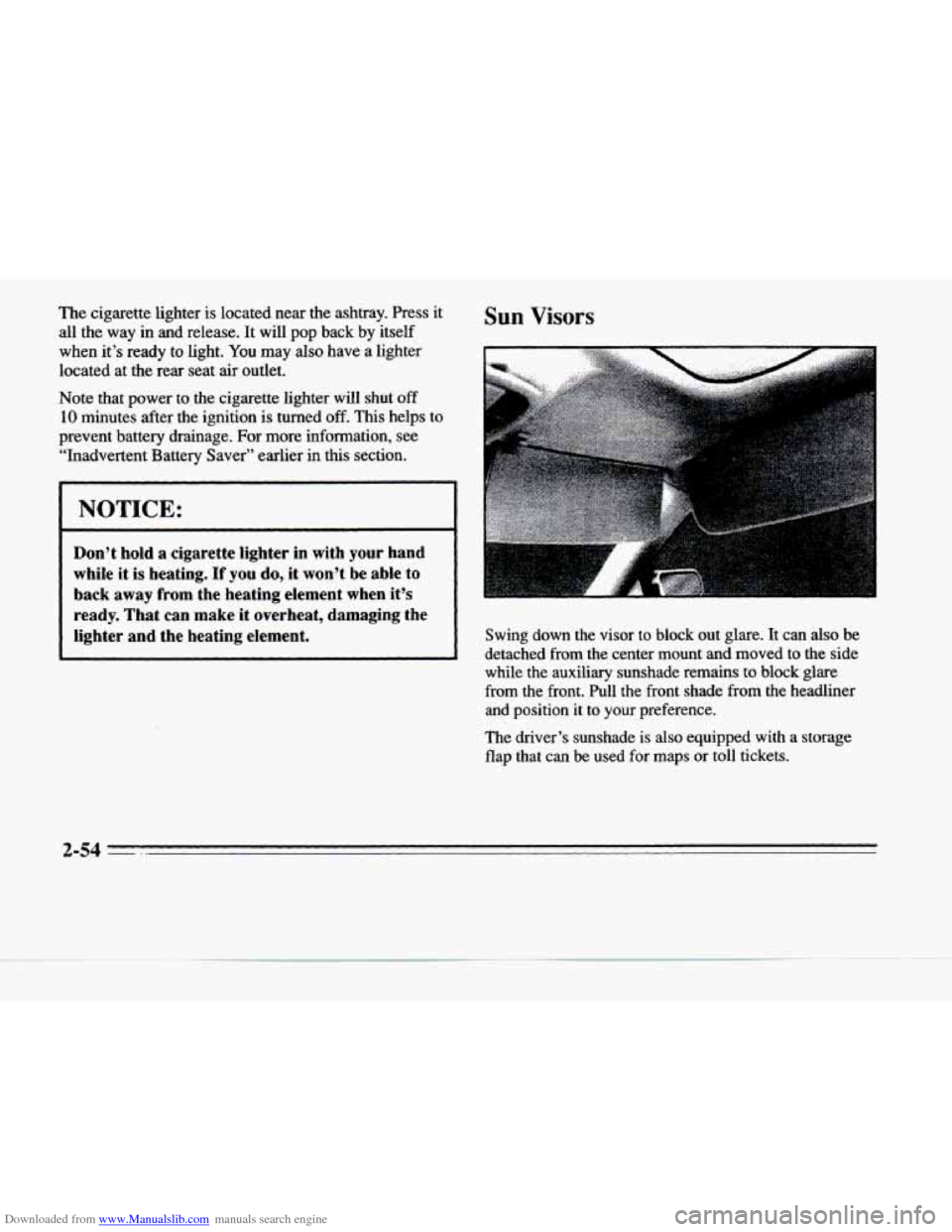
Swing down the visor to block out glare. It can also be
detached from the center mount and moved to the side
while the auxiliary sunshade remains to block glare
from the front. Pull the front shade from the headliner
and position it to your preference.
The driver’s sunshade is also equipped
with a storage
flap that can be used
for maps or toll tickets.
-.
Page 120 of 354
Downloaded from www.Manualslib.com manuals search engine c
4‘
Universal Transmitter (Option)
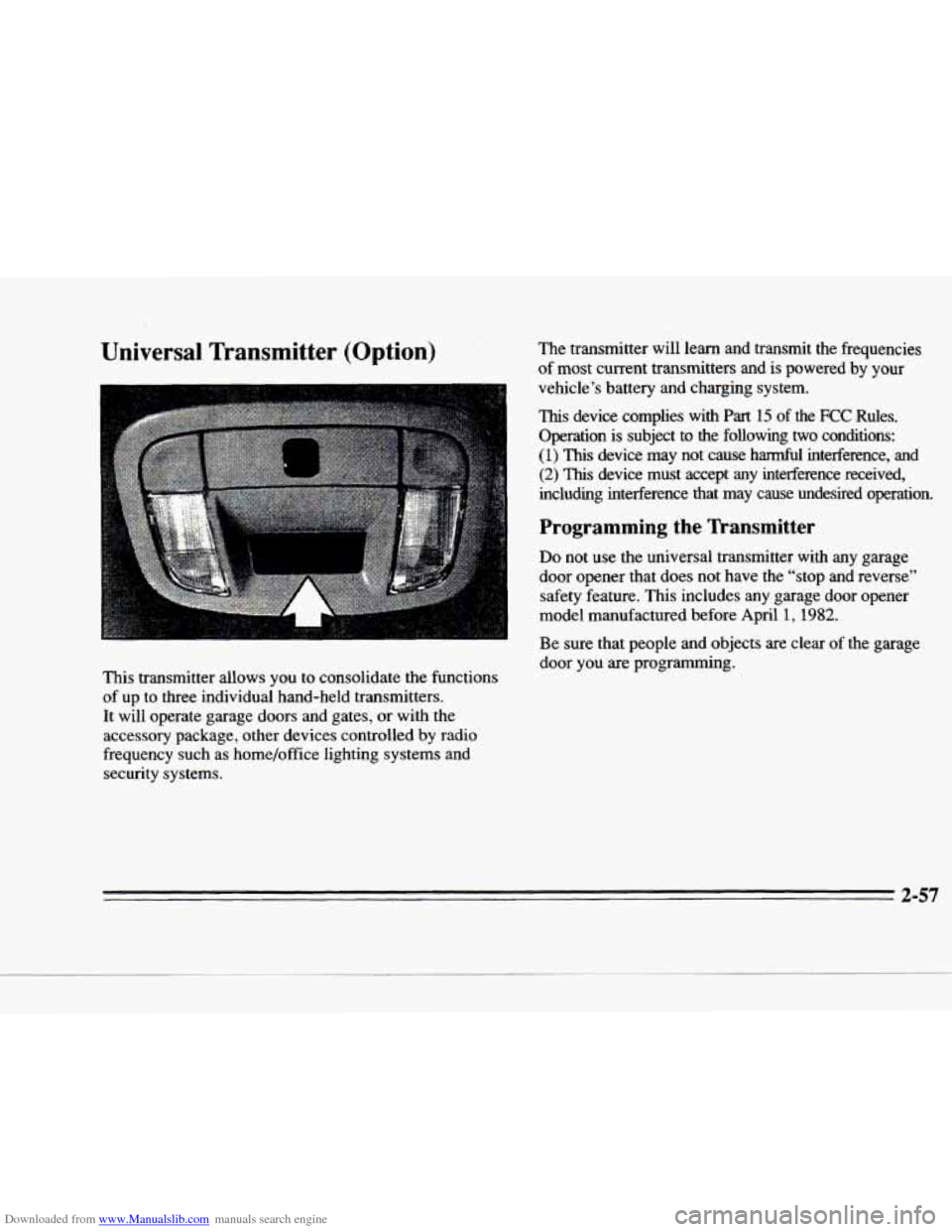
This transmitter allows you to consolidate the functions of up to three individual hand-held transmitters. It will operate garage doors and gates, or with the
accessory package, other devices controlled
by radio
frequency such
as home/office lighting systems and
security systems. The transmitter will learn and transmit
the frequencies
of most current transmitters and is powered
by your
vehicle’s battery and charging system.
This device complies with Part 15 of the FCC Rules.
Operation is subject to the following two conditions:
(1) This device may not cause harmful interference, and
(2) This device must accept any interference received,
including interference that may cause undesired operation.
Programming the Transmitter
Do not use the universal transmitter with any garage
door opener that does not have the “stop and reverse”
safety feature. This includes any garage door opener
model manufactured before April
1, 1982.
Be sure that people and objects are clear of the garage
door you are programming.
Page 121 of 354
Downloaded from www.Manualslib.com manuals search engine Your vehicle’s engine should be turned off while
programming the transmitter. Follow these steps to
program up to three channels:
1. If you have not previously programmed a universal
trdsmitter channel, proceed to Step
2. Otherwise,
hold down the two outside buttons on the universal
transmitter until the red light begins to flash rapidly
(approximately
20 seconds). Then release the
buttons. This procedure initializes the memory
and
erases any previous settings for all three channels.
2. Hold the end of the hand-held transmitter against the
bottom surface
of the universal transmitter so that
you
can still see the red light.
3. Decide which one of the three channels you want to
program. Using both hands, press the hand-held
transmitter button and the desired button on the
universal transmitter. Continue to hold both buttons
through Step
4. 4.
Hold down both
buttons until you see the red light
on the universal transmitter flash rapidly and then stop. The rapid flashing, which could take up to
90 seconds, indicates that the universal transmitter
has been programmed. Release
both buttons once
the light starts to flash rapidly.
If you have trouble programming the universal
transmitter, make sure that you have followed the
directions exactly as described and that the battery in the
hand-held transmitter is not dead.
If you still cannot
program it, rotate the hand-held transmitter end over end
and
try again. The universal transmitter may not work
with older garage door openers that do not
meet current
Federal Consumer Safety Standards.
If you cannot
program the transmitter after repeated attempts, consult
your Cadillac dealer.
Be sure to keep the original hand-held transmitter
in case you need
to erase and reprogram the
universal transmitter.
I
-
.I
-3
2-58
-
Page 122 of 354
Downloaded from www.Manualslib.com manuals search engine pll
c
Note to Canadian Owners: During programming, the
hand-held transmitter may stop transmitting after one or
two seconds.
If you are programming from one of these
transmitters,
you should press and re-press the button on
the hand-held transmitter every two seconds without ever releasing the button on the universal transmitter.
Release both buttons when the red light on the universal
transmitter begins to flash rapidly.
Operating the Transmitter
Press and hold the appropriate button on the universal
transmitter. The red light comes on while the signal
is
being transmitted.
Note that the effective transmission range of the
universal transmitter may differ from the hand-held
transmitter and from one channel to another. Also
note that the universal transmitter is disabled when the
VALET button inside
of the glove box is activated.
For more information, see “Security Override” earlier
in this section.
Erasing Channels
To erase all three programmed channels, hold down the
two outside buttons until the red light begins to flash.
Individual channels cannot be erased, but
can be
reprogrammed using the procedure for programming
the
transmitter explained earlier.
Accessories
Accessories for the universal transmitter are available
from the manufacturer of the unit.
If you would like
additional information please call
1-800-355-35 15.
2-59
Page 124 of 354
Downloaded from www.Manualslib.com manuals search engine F-
The instrument panel is designed to let you know at a
glance
how your Cadillac is running. You’ll know how
fast you’re going, how much fuel you’re using and
many
of the other things you’ll need to know to drive
safely and economically. The main components
of the
instrument panel are:
1. Air Outlets
2. Turn Signal/Multifunction Lever
3. Driver Information Center Control Buttons
c
4. Driver’s Side Air Bag
5. Cluster
6. Steering Column Shift Lever
7. Electronic Climate Controls
8. Audio System
9. Passenger’s Side Air Bag
10. Lamp Controls
11. Steering Wheel Touch Controls for Climate Control
12. Hood Release
13. Horn
14. Steering Wheel Touch Controls for Audio System
15. Astray and Cigarette Lighter
16. Glove Box
2-61
Page 126 of 354
Downloaded from www.Manualslib.com manuals search engine h
c
Speedometer and Odometer
The speedometer lets you see your speed in both miles per hour (mph) and kilometers per hour
(km/h). The
odometer shows how
far your vehicle has been driven,
in either miles (used in the United States) or kilometers
(used in Canada).
You may wonder what: happens if a vehicle has to have a
new odometer installed. The new one may read the
correct mileage. This is because your vehicle’s computer
has stored the mileage in memory.
Warning Lights, Gages and Indicators
This part describes the warning lights and gages that
may be on your vehicle. The pictures will help you
locate them.
Warning lights and gages can signal that something
is
wrong before it becomes serious enough to cause an
expensive repair or replacement. Paying attention to
your warning lights and gages could also save you
or
others from injury. Warning lights come
on when there may
be or is a
problem
with one of your vehicle’s functions. As you
will see in the details
on the next few pages, some
warning lights come on briefly when you start the
engine just to let you know they’re working.
If you are
familiar with this section, you should not
be alarmed
when this happens.
Gages can indicate when there may be or is a problem
with one of your vehicle’s functions. Often gages and
warning lights work together to let you
know when
there’s a problem with your vehicle,
When one
of the warning lights comes on and stays on
when
you are driving, or when one of the gages shows
there may be a problem, check the section that tells you
what to do about
it. Please follow this manual’s advice.
Waiting
to do repairs can be costly -- and even
dangerous.
So please get to know your warning lights
and gages. They’re a big help.
Your vehicle may also have a driver information system
that works along with the warning lights
and gages. See
“Driver Information Center” in the Index.
2-63
Page 127 of 354
Downloaded from www.Manualslib.com manuals search engine Safety Belt Reminder Light
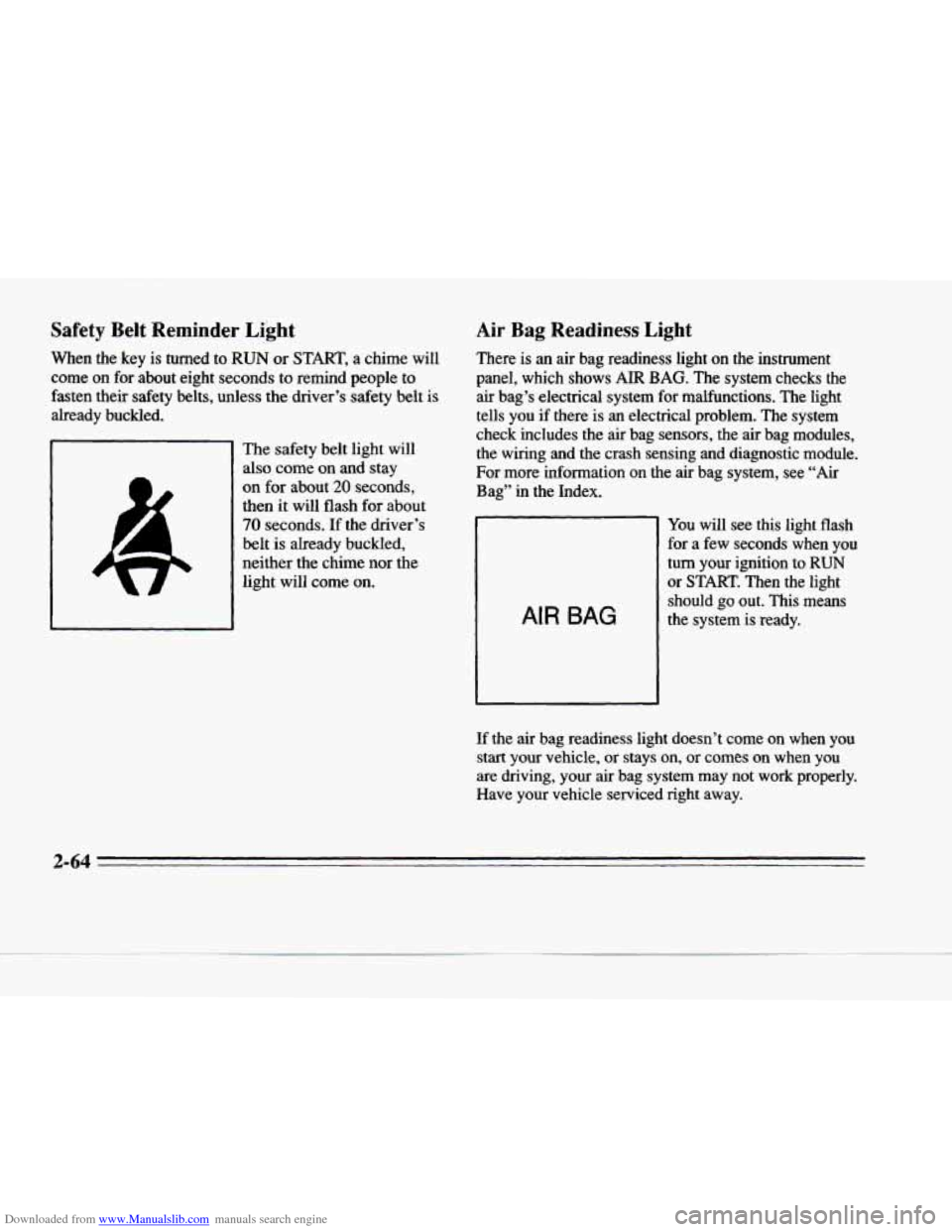
When the key is turned to RUN or START, a chime will
come on for about eight seconds to remind people to
fasten their safety belts, unless the driver’s safety belt is
already buckled.
The safety belt light will
also come on and stay
on for about 20 seconds,
then it will flash for about
70 seconds. If the driver’s
belt is already buckled,
neither the chime nor the
light will come on.
Air Bag Readiness Light
There is an air bag readiness light on the instrument
panel, which shows AIR BAG. The system checks the air bag’s electrical system for malfunctions. The light
tells you if there is an electrical problem. The system
check includes the air bag sensors, the air bag modules, the wiring and the crash sensing and diagnostic module.
For more information on the air bag system, see “Air
Bag’’ in the Index.
AIR BAG
You will see this light flash
for a few seconds when you
turn your ignition to
RUN
or START. Then the light
should
go out. This means
the system is ready.
If the air bag readiness light doesn’t come on when you
start your vehicle, or stays on, or
comes on when you
are driving, your air bag system may not work properly.
Have your vehicle serviced right away.
c
2-64
Page 128 of 354
Downloaded from www.Manualslib.com manuals search engine P
P-
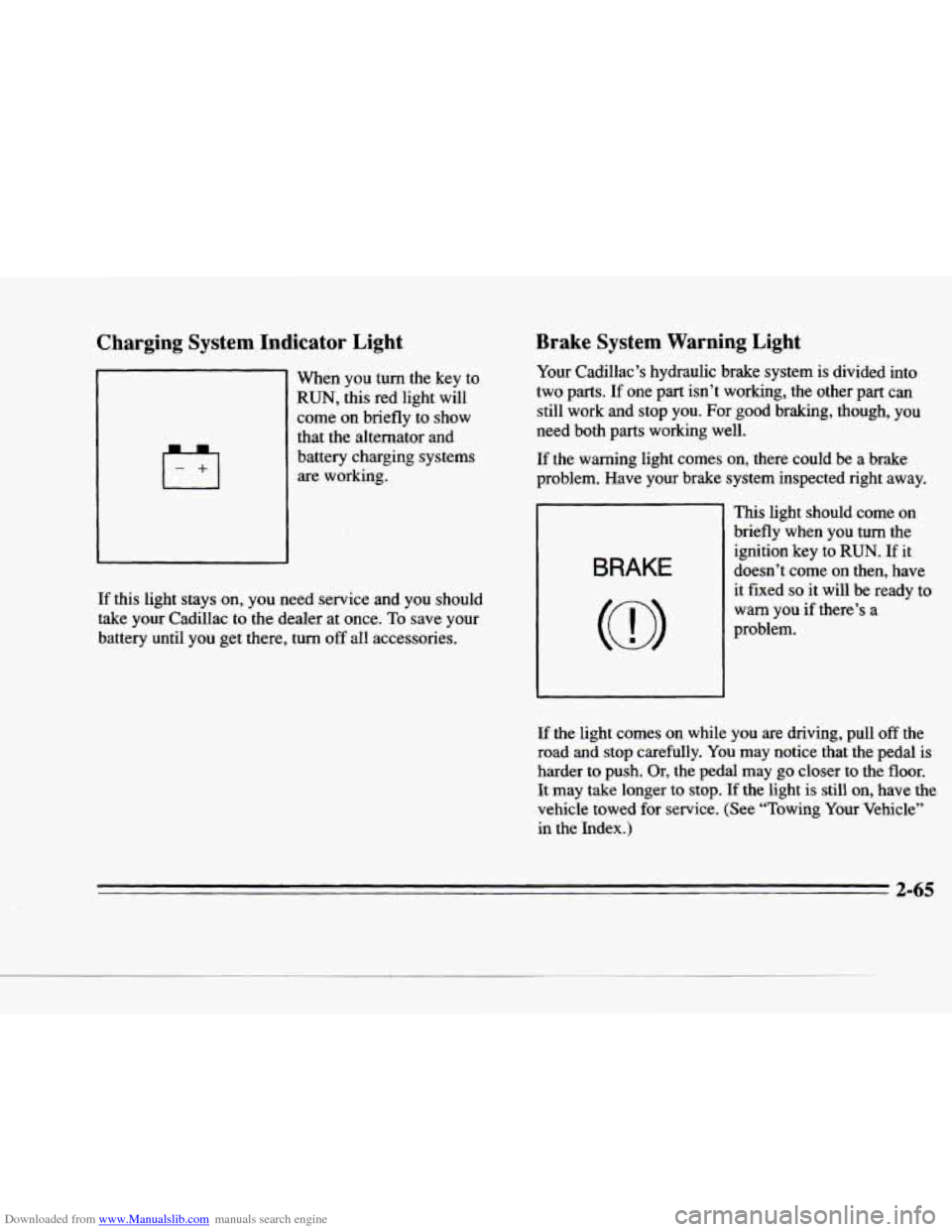
Charging System Indicator Light
I-el
When you turn the key to
RUN, this red light will
come
on briefly to show
that the alternator and
battery charging systems are working.
If this light stays on, you need service and you should
take your Cadillac
to the dealer at once. To save your
battery until you get there, turn off all accessories.
Brake System Warning Light
Your Cadillac’s hydraulic brake system is divided into
two parts. If one
part isn’t working, the other part can
still work and stop you. For good braking, though, you
need both parts working well.
If the warning light comes on, there could be a brake
problem. Have your brake system inspected right away.
BRAKE
This light should come on
briefly when you turn the
ignition key
to RUN. If it
doesn’t come on then, have it fixed
so it will be ready to
warn you
if there’s a
problem.
If
the light comes on while you are driving, pull off the
road and stop carefully.
You may notice that the pedal is
harder to push. Or, the pedal may
go closer to the floor.
It may take longer to stop. If the light is still on, have the
vehicle towed
for service. (See “Towing Your Vehicle”
in the Index.)
2-65