turn signal CADILLAC DEVILLE 1996 7.G User Guide
[x] Cancel search | Manufacturer: CADILLAC, Model Year: 1996, Model line: DEVILLE, Model: CADILLAC DEVILLE 1996 7.GPages: 354, PDF Size: 20.32 MB
Page 161 of 354
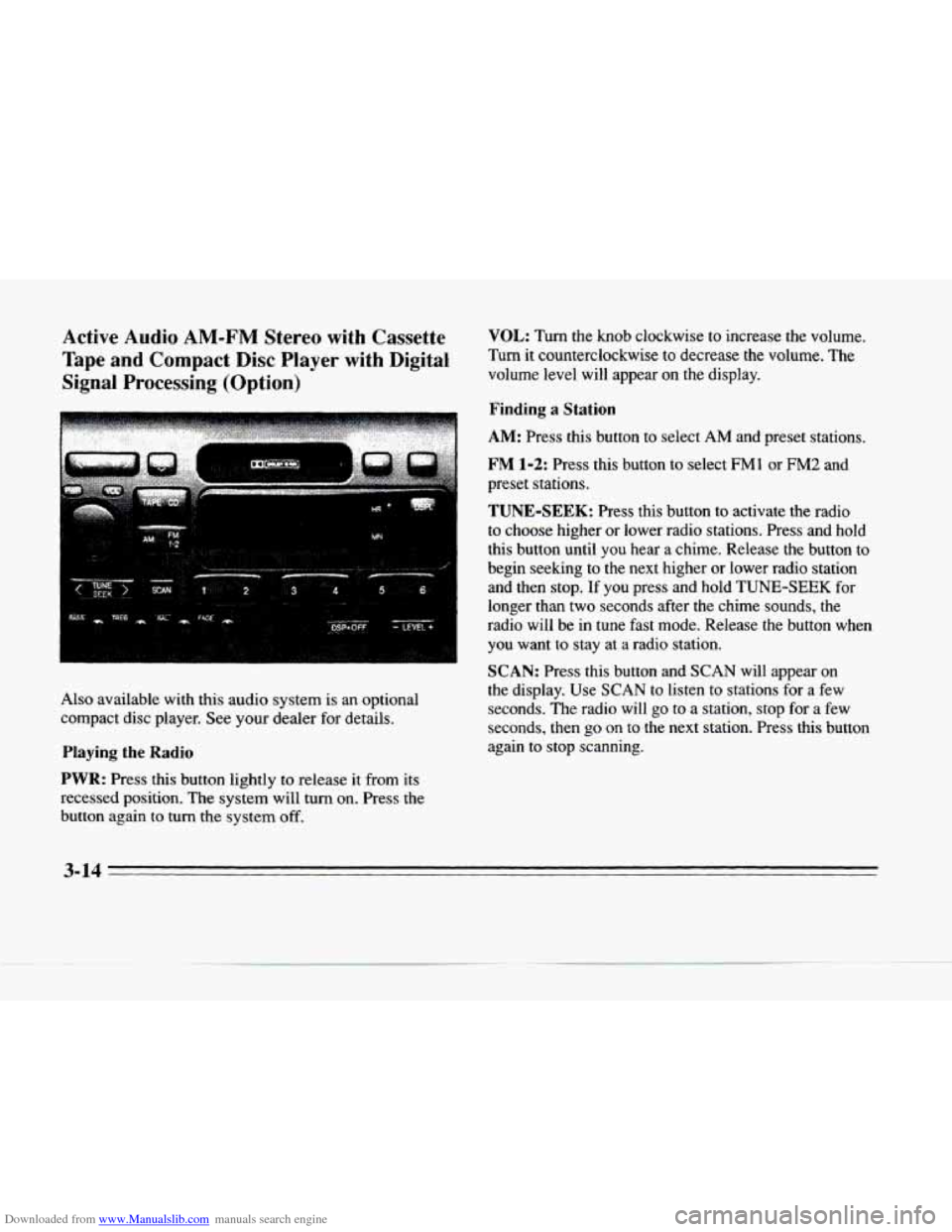
Downloaded from www.Manualslib.com manuals search engine Active Audio AM-FM Stereo with Cassette
Tape
and Compact Disc Player with Digital
Signal Processing (Option)
Also available with this audio system is an optional
compact disc player. See your dealer for details.
PIaying the Radio
PWR: Press this button lightly to release it from its
recessed position. The system will turn on. Press the
button again to turn the system off.
VOL: Turn the knob clockwise to increase the volume.
Turn it counterclockwise to decrease the
volume. The
volume level will appear on the display.
Finding a Station
AM: Press this button to select AM and preset stations.
FM 1-2: Press this button to select FM1 or FM2 and
preset stations.
TUNE-SEEK: Press this button to activate the radio
to choose higher or lower radio stations. Press and hold
this button until you hear a chime. Release the button to
begin seeking
to the next higher or lower radio station
and then stop.
If you press and hold TUNE-SEEK for
longer than two seconds after the chime sounds, the
radio will be
in tune fast mode. Release the button when
you want to stay at
a radio station.
SCAN: Press this button and SCAN will appear on
the display. Use SCAN to listen to stations for a few
seconds. The radio will
go to a station, stop for a few
seconds, then go
on to the next station. Press this button
again to stop scanning.
3-14
Page 162 of 354
Downloaded from www.Manualslib.com manuals search engine LI PUSHBUTTONS: The six numbered pushbuttons let
you return
to your favorite stations. You can set up to
18 stations (six AM, six FM1 and six FM2).
1.
2.
3.
4.
c
c
Press AM or FM 1-2 to select the band.
Find the station you want by pressing TUNE-SEEK. Press and hold one
of the six numbered buttons until
you hear a chime. A preset number will appear on
the display.
The sound will mute. When it returns, release the button. Whenever you press that numbered button,
the station you set will return.
PSCAN: Press and hold SCAN for two to three seconds
until
PSCAN (preset scan) appears on the display to
listen to each of
your preset stations for a few seconds
(factory presets which have
not been reprogrammed with
your stations will be ignored). The radio will go to the
fKst preset station stored on your pushbuttons, stop for a
few seconds, then go on to the next preset station. Press
SCAN again to stop scanning. If a preset station has weak
reception, the radio will not stop at the preset station.
Setting the Tone
BASS: Press this button lightly so it extends. Turn the
BASS knob clockwise to increase and counterclockwise
to decrease bass. The middle position is a detent.
TREB: Press this button lightly so it extends. Turn the
TREB knob clockwise to increase and counterclockwise to decrease treble. The middle position is a detent.
Push the
knobs back in when you are not using them.
DSP: The Digital Signal Processing (DSP) feature is
used to produce four audio effects. These include
TALK, DRIVER SEAT, LIVE and AUDITORIUM.
DSP can be used while listening to the radio, the
cassette tape player or the
CD player. To activate DSP,
press the DSP button. Press this button again to go
through the four effects.
To turn the DSP feature off,
press OFF.
TALK: This setting is used when listening to
non-musical material such as baseball games, talk shows or news.
TALK gives the best clarity of
spoken words. The high and low frequencies are
lowered, the mid-range is increased and the audio
is moved to the front speakers.
3-15
Page 178 of 354
Downloaded from www.Manualslib.com manuals search engine c
c
c
Care of Your Cassette Tape Player
A tape player that is not cleaned regularly can cause
reduced sound quality, ruined cassettes or a damaged
mechanism. Cassette tapes should be stored in their cases away from contaminants, direct sunlight and
extreme heat.
If they aren’t, they may not operate
properly
or may cause failure of the tape player.
Your
tape player should be cleaned regularly after every
50 hours of use. Your radio may display CLN or CLEAN
TAPE to indicate that you have used your tape player for
50 hours without resetting the tape clean timer. Each time
the cassette
is cleaned, the 50 hour cassette timer should
be reset. This is done by holding down the eject button
for five seconds or until the
TAPE CLEAN message is
displayed. If you notice a reduction in sound quality, try a
known good cassette to
see if the tape or the tape player is
at fault.
If this other cassette has no improvement in sound
quality, clean the tape player.
Cleaning may be done with a scrubbing action,
non-abrasive cleaning cassette with pads which scrub
the
tape head as the hubs of the cleaner cassette turn. It
is normal for the cassette
to eject while cleaning. Insert
the cassette at least six times to ensure thorough
cleaning.
A scrubbing action cleaning cassette is
available through your Cadillac dealer. You may
also choose a non-scrubbing action, wet-tyw
cleaner which uses a cassette with a fabric belt
to clean
the tape head. This type of cleaning cassette will not
eject.
It may not clean as thoroughly as the scrubbing
type cleaner.
Cassettes are subject
to wear and the sound quality may
degrade over time. Always
make sure that the cassette
tape is in good condition before you have your tape
player serviced.
Care of Your Compact Discs
Handle discs carefully. Store them in their original cases
or other protective cases and away from direct sunlight and dust. If the surface of a disc is soiled, dampen
a
clean, soft cloth in a mild, neutral detergent solution and
clean it, wiping from the center
to the edge.
Be sure never to touch the signal surface when handling
discs. Pick up discs
by grasping the outer edges or the
edge
of the hole and the outer edge.
3-31
Page 195 of 354
Downloaded from www.Manualslib.com manuals search engine 0
0
a
a
Check your mirrors, glance over your shoulder and
start your left lane change signal before moving out
of the right lane to pass. When you are far enough
ahead of the passed vehicle to see its front in your
inside mirror, activate your right lane change signal
and move back into the right lane. (Remember that
your right outside mirror is convex. The vehicle you
just passed may seem to be farther away from you
than it really is.)
Try not to pass more than one vehicle at a time on
two-lane roads. Reconsider before passing the next
vehicle.
Don’t overtake a slowly moving vehicle too rapidly.
Even though the brake
lamps are not flashing, it may
be slowing down or starting to turn.
If you’re being passed, make it easy for the
following driver
to get ahead of you. Perhaps you
can ease a little to the right.
Loss of Control
Let’s review what driving experts say about what
happens when the three control systems (brakes, steering
and acceleration) don’t have enough friction where
the
tires meet the road to do what the driver has asked.
In any emergency, don’t give up. Keep trying to steer and
constantly seek
an escape route or area of less danger.
Skidding
In a skid, a driver can lose control of the vehicle.
Defensive drivers avoid most skids
by taking reasonable
care suited to existing conditions, and by not “overdriving”\
those conditions. But skids are always possible.
The three types
of skids correspond to your Cadillac’s
three control systems. In the braking skid, your wheels aren’t rolling.
In the steering or cornering skid, too
much speed or steering in a curve causes tires to slip and
lose comering force. And in the acceleration skid, too
much throttle causes the driving wheels
to spin.
A cornering skid is best handled by easing your foot off
the accelerator pedal.
Remember: Any traction control system helps avoid
only the acceleration skid.
If your traction control system is
off, then an
acceleration skid is also best handled by easing your
foot
off the accelerator pedal.
If your vehicle starts to slide, ease your foot off the
accelerator pedal and quickly steer the way you want the
vehicle to go. If you
start steering quickly enough, your
vehicle may straighten out. Always be ready for a
second skid
if it occurs.
4-14
Page 198 of 354
Downloaded from www.Manualslib.com manuals search engine P
c
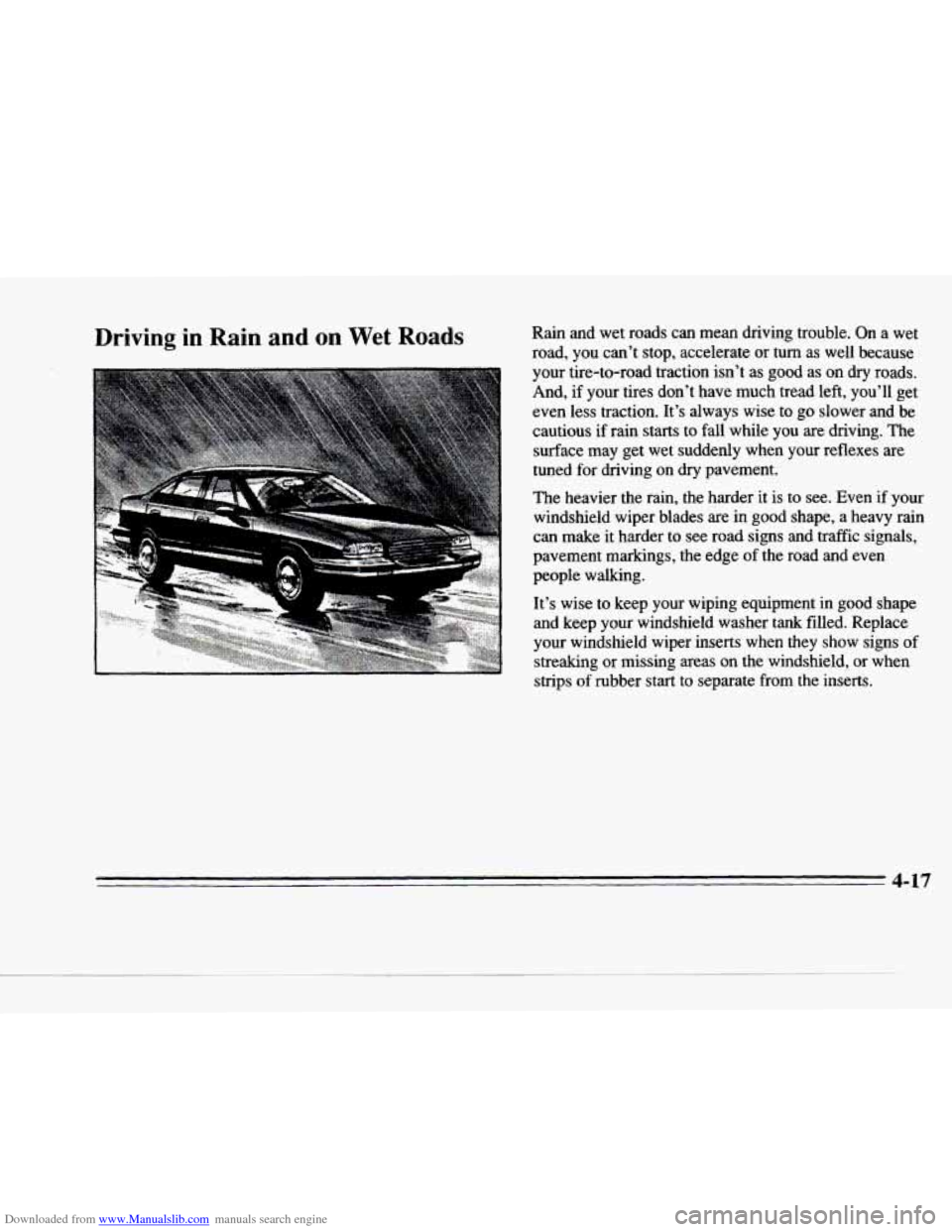
Driving in Rain and on Wet Roads Rain and wet roads can mean driving trouble. On a wet
road, you can’t stop, accelerate or
turn as well because
your tire-to-road traction isn’t
as good as on dry roads.
And, if your tires don’t have much tread left, you’ll ge\
t even less traction. It’s always wise to
go slower and be
cautious if rain starts to fall while you are driving. The
surface may get wet suddenly when your reflexes are
tuned for driving on dry pavement.
The heavier the rain, the harder it is to see. Even if your \
windshield wiper blades are
in good shape, a heavy rain
can make it harder to see road signs and traffic signals,
pavement
markings, the edge of the road and even
people walking.
It’s wise to keep your wiping equipment in good shape
and keep your windshield washer
tank filled. Replace
your windshield wiper inserts when they show signs of
streaking or missing areas on the windshield,
or when
strips
of rubber start to separate from the inserts.
4-17
Page 201 of 354
Downloaded from www.Manualslib.com manuals search engine City Driving
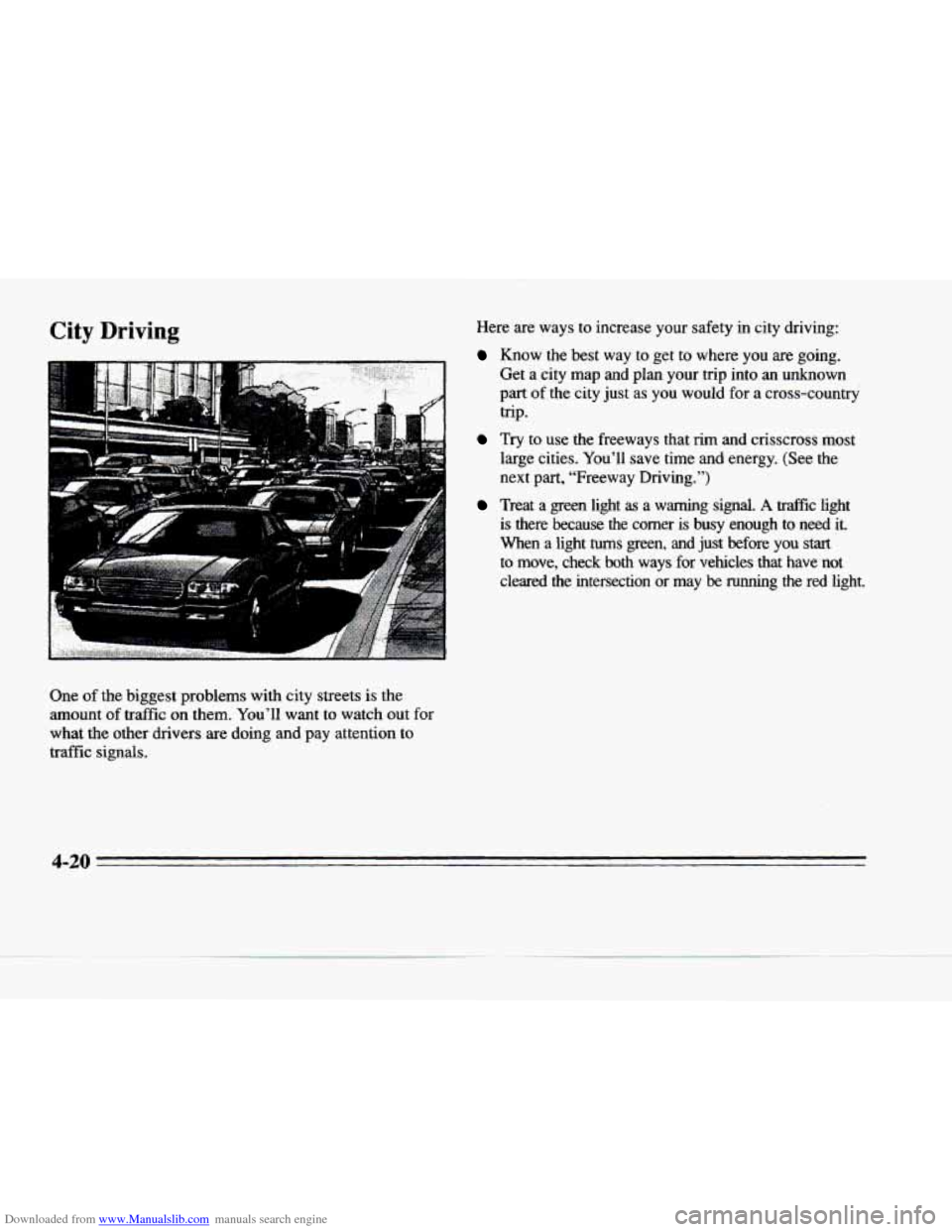
One of the biggest problems with city streets is the
amount of traffic
on them. You’ll want to watch out for
what the other drivers are doing and pay attention to
traffic signals. Here are ways to increase your safety in city driving:
Know the best way to get to where you are going.
Get a city map and plan your trip into an unknown
part of the city just as you would for a cross-country
Try to use the freeways that rim and crisscross most
large cities. You’ll save time and energy. (See the
next part, “Freeway Driving.”)
Treat a green light as a warning signal. A trd3c light
is there because the comer is busy enough to need it.
When a light
turns green, and just before you start
to move, check both ways for vehicles that have not
cleared
the intersection or may be running the red light.
trip.
4-20
Page 202 of 354
Downloaded from www.Manualslib.com manuals search engine Freeway Driving
c
c
w-..
?A- . __
Mile for mile, freeways (also called thruways, parkways,
expressways, turnpikes or superhighways) are the safest
of all roads. But they have their own special rules.
The most important advice on freeway driving is: Keep
up with traffic and keep to the right. Drive at
the same
speed most
of the other drivers are driving. Too-fast or
too-slow driving breaks a smooth traffic flow. Treat the.
left lane on
a freeway as a passing lane.
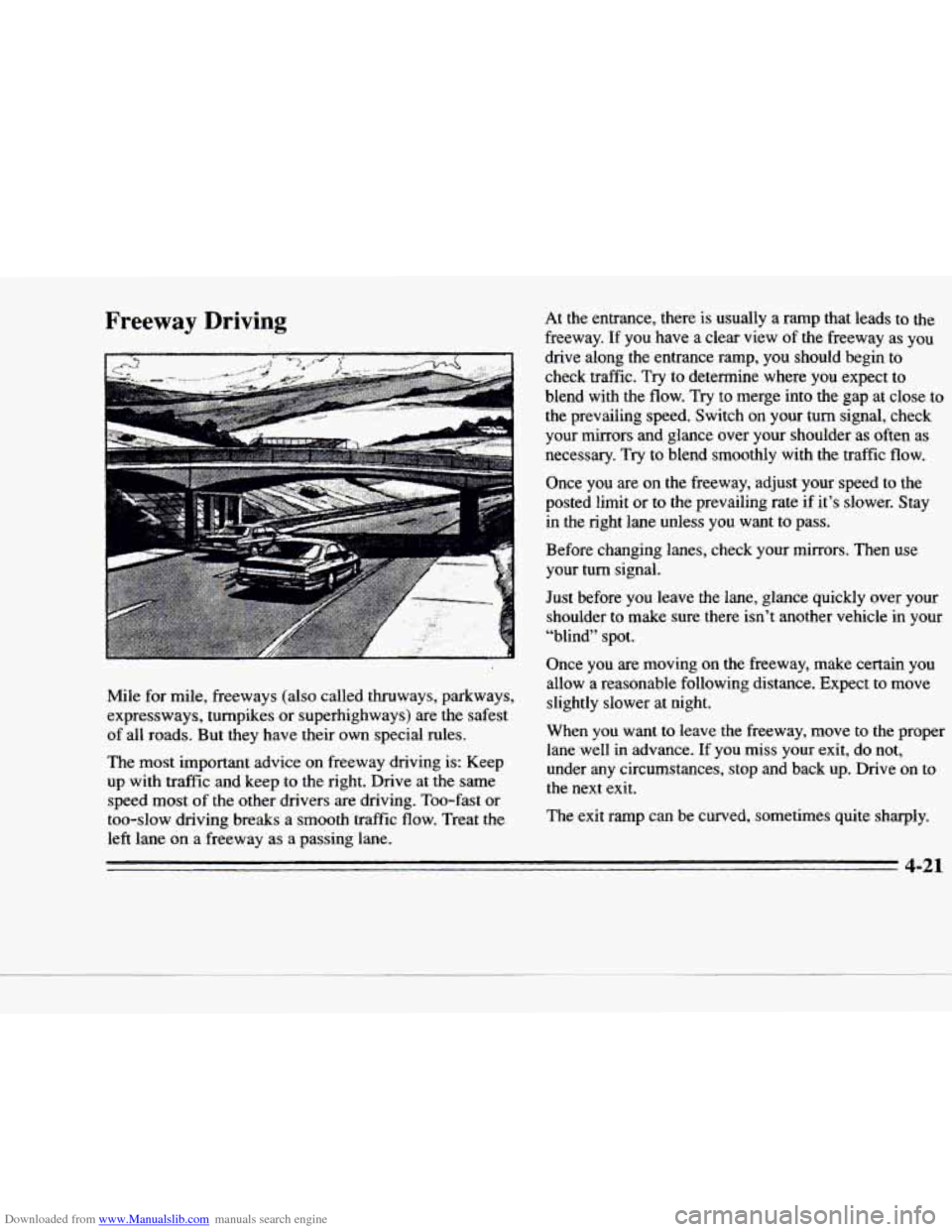
At the entrance, there is usually a ramp that leads to the
freeway. If you have a clear view of the freeway as YOU
drive along the entrance ramp, you should begin to
check traffic. Try to determine where you expect to
blend with
the flow. Try to merge into the gap at close to
the prevailing speed. Switch on your
turn signal, check
your mirrors and glance over your shoulder as often as
necessary. Try to blend smoothly with the traffic
flow.
Once you are on the freeway, adjust your speed to the
posted
limit or to the prevailing rate if it’s slower. Stay
in the right lane unless
you want to pass.
Before changing lanes, check your mirrors. Then use
your turn signal.
Just before
you leave the lane, glance quickly over your
shoulder to make sure there isn’t another vehicle in your
“blind” spot.
Once you
are moving on the freeway, make certain you
allow a reasonable following distance. Expect to move slightly slower
at night.
When you want to leave
the freeway, move to the proper
lane well in advance.
If you miss your exit, do not,
under any circumstances, stop
and back up. Drive on to
the
next exit.
The exit ramp can be curved, sometimes quite sharply.
Page 218 of 354

Downloaded from www.Manualslib.com manuals search engine c
c
Y
c)
c)
Following Distance
Stay at least twice as far behind the vehicle ahead as you
would when driving your vehicle without
a trailer. This
can help
you avoid situations that require heavy braking
and sudden turns.
Passing
You’ll need more passing distance up ahead when
you’re towing a trailer. And, because you’re a good deal
longer, you’ll need
to go much farther beyond the
passed vehicle before you
can return to your lane.
Backing Up
Hold the bottom of the steering wheel with one hand.
Then, to move the trailer to the left, just move that hand
to the left.
To move the trailer to the right, move your
hand to the right. Always back
up slowly and, if
possible, have someone guide you.
Making Thms
NOTICE:
Making very sharp turns while trailering could
cause the trailer to come in contact with the
vehicle. Your vehicle could be damaged. Avoid
making very sharp turns while trailering.
When you’re turning with a trailer, make wider turns than
normal.
Do this so your trailer won’t strike soft shoulders,
curbs, road signs, trees
or other objects. Avoid jerky or
sudden maneuvers. Signal well in advance.
Page 219 of 354
Downloaded from www.Manualslib.com manuals search engine lhrn Signals When Towing a nailer
When you tow a trailer, your vehicle may need a
different
turn signal flasher and extra wiring. Check
with your Cadillac dealer. The green
arrows on your
instrument panel will flash whenever you signal a
turn
or lane change. Properly hooked up, the trailer lamps
will
also flash, telling other drivers you’re about to turn,
change lanes or stop.
When towing a trailer, the green arrows on your
instrument panel will flash for turns even
if the bulbs on
the trailer
are burned out. Thus, you may think drivers
behind you are seeing your signal when they are not. It’s
important to check occasionally to be sure the trailer
bulbs are still working.
Driving On Grades
Reduce speed and shift to a lower gear before you start
down a long or steep downgrade.
I€ you don’t shift
down, you might have to use your
brakes so much that
they would get hot and no longer work well.
On a long uphill grade,
shift down and reduce your
speed to around
45 mph (70 b/h) or less to reduce the
possibility
of engine and transaxle overheating.
If your vehicle weighs more
than 1,OOO lbs. (450 kg),
you may want to drive in
THIRD (3) instead of
OVERDRIVE (@).
4-38
Page 224 of 354

Downloaded from www.Manualslib.com manuals search engine c
w
Section 5 Problems on the Road
Here you'll find what to do about some problems that
can occur on the road.
Hazard Warning Flashers
r- .. , . , .:.. :.
Your hazard warning flashers let you warn others. They
also let police
know you have a problem. Your front and
rear turn signal lamps will flash on and off.
Press the button in to make the front and rear turn signal
lamps flash
on and off.
5-1