ignition CADILLAC DEVILLE 1997 7.G Owners Manual
[x] Cancel search | Manufacturer: CADILLAC, Model Year: 1997, Model line: DEVILLE, Model: CADILLAC DEVILLE 1997 7.GPages: 386, PDF Size: 21.61 MB
Page 6 of 386

Downloaded from www.Manualslib.com manuals search engine Few automobiles are fortunate enough to have the rich heritage \
that is Cadillac. The name Cadillac is appropriately that of
Antoine de La Mothe Cadillac, the French military commander
who founded the city of Detroit in
1701. What better name for
the oldest automobile manufacturer in Detroit.
Henry M. Leland, known as the master of precision,
initiated his precision manufacturing techniques at the
founding
of Cadillac in 1902. His exacting standards
prompted the motto by which Cadillac has been guided
over the years
- “Craftsmanship A Creed - Accuracy
A
Law.”
The introduction of the first four cylinder engine in 1905
led the industry and enabled Cadillacs to travel at speeds
up to
50 mph.
For attention to quality and innovation, the Royal
Automobile Club
of England awarded the prestigious
Dewar Trophy to Cadillac twice . . . first in 1908 for
achieving perfect interchangeability
of parts and again
for introducing the electric self starter, electric lighting
and ignition system on 1912 models. Cadillac is the
only American manufacturer to win this honor and
the only manufacturer in the world to win it twice.
As
commonplace as standardized parts are today, in 1908
parts were still individually hand fitted both in
production and service.
V
Page 19 of 386
Downloaded from www.Manualslib.com manuals search engine If your vehicle is in PARK (P), you can recall mirror
and seating positions by briefly pressing button
1 or 2.
This will adjust the seat and mirrors to where you
have previously programmed them. If you have
accidentally pressed one
of the memory recall buttons
and want to stop seat or mirror movement, press one
of the manual seat or mirror control buttons. This
cancels a memory recall.
You can also recall a seat and mirror position if your
vehicle is not in PARK (P). Press and hold either the
1 or 2 button until seat and mirror movement is
complete. Releasing the buttons will stop adjustment.
The EXIT button can be programmed to allow easy exit
for up to two drivers. Adjust the seat to a comfortable
“exit” position and then press the
SET button followed
by the EXIT button. While your vehicle is in PARK (P),
briefly press the EXIT button to recall your programmed
exit position. Automatic seat, mirrors, comfort controls and radio
movement will occur
if the Remote Keyless Entry
(RE) transmitter is used
to enter the vehicle. The
number on the back of the transmitter corresponds to
the
1 or 2 seat, mirror, comfort controls and radio
positions. After the unlock button is pressed on the
RKE transmitter (the ignition must be in lock) or
when the key is placed in the ignition, the seat, mirrors,
comfort controls and radio will automatically adjust to
the appropriate positions.
Automatic seat, mirrors, comfort controls and radio
movement are programmed through the Driver
Information Center
(DIC) so that the driver can select
whether or not movement will occur using the RKE
transmitter
or by placing the ignition key in the ignition.
For more information, see “Remote Recall Memory” in
the Index.
1-4
Page 20 of 386

Downloaded from www.Manualslib.com manuals search engine Heated Front Seat (Option) Reclining Front Seatbacks
The
control is located on the outboard side of each front
seat. Move the SEAT HEAT control to either
LO or HI
to turn on the heating elements in the seat. The LO
setting warms the seatback and cushion until the seat
approximates body temperature. The
HI setting heats the
seat to a slightly higher temperature.
A telltale light in
the control reminds you that the heating system is in use.
The heated seats can only be used when the ignition
is
turned on.
Press the recliner control forward or rearward to adjust
the seatback.
1-5
Page 44 of 386
Downloaded from www.Manualslib.com manuals search engine Let only qualified technicians work on your air
bag systems. Improper service can mean that an
air bag system won’t work properly. See your dealer
for service.
NOTICE:
If you damage the covering for the driver’s or
the right front passenger’s
air bag, or the air
bag covering on the driver’s and right front
passenger’s door, the bag may not work properly.
You may have to replace the air bag module in
the steering wheel, both the
air bag module and
the instrument panel for the right front
passenger’s
air bag, or both the air bag module
and door panel for the driver’s and right front
passenger’s side impact
air bag. Do not open or
break the
air bag coverings. Servicing
Your
Air Bag-Equipped Cadillac
Air bags affect how your Cadillac should be serviced.
There are parts
of the air bag systems in several places
around your vehicle. Your Cadillac dealer and the
Cadillac Service Manual have information about
servicing your vehicle and the air bag systems.
To
purchase a service manual, see “Service and Owner
Publications” in the Index.
For up to
10 seconds after the ignition key is
turned off and the battery
is disconnected, an air
bag can still inflate during improper service. You
can be injured if you are close to an
air bag when
it inflates. Avoid wires wrapped with yellow tape
or yellow connectors. They are probably part
of
the air bag systems. Be sure to follow proper
service procedures, and make sure the person
performing work for you is qualified to do
so.
The air bag systems do not need regular maintenance.
1-29
~
Page 66 of 386
Downloaded from www.Manualslib.com manuals search engine fib- -%
Section 2 Features and Controls
Here you can learn about the many standard and optional features on your Cadillac, and information on starting,
shifting and braking. Also explained
are the instrument panel and the warning systems that tell you if everything is
working properly
-- and what to do if you have a problem.
2-2
2-4
2-7
2-13
2- 16
2-17
2-19
2-20
2-20
2-22
2-23
2-25
2-28
2-30
2-33
2-3 3
2-34
2-34
2-35 Keys
Door Locks
Remote Keyless Entry (RKE) System
Trunk
Theft
Theft-Deterrent System (If Equipped)
PASS-Key@
I1
New Vehicle “Break-In”
Ignition Positions
Starting Your Engine
Engine Coolant Heater (Option) (Canada Only)
Automatic Transaxle Operation
Parking Brake Shifting Into PARK
(P)
Shifting Out of PARK (P)
Parking Over Things That Burn
Engine Exhaust
Running Your Engine While You’re Parked
Windows 2-37
2-45
2-50
2-5 3
2-59
2-6
1
2-63
2-63
2-63 2-63
2-64
2-65
2-68
2-70
2-7 1
2-74
2-85 Turn SignaVMultifunction
Lever
Lamps
Interior Lamps
Mirrors Storage Compartments
Ashtrays and Cigarette Lighter Cellular Telephone (Option)
Assist Handles
Umbrella Holder (DeVille d’Elegance Only)
Floor Mats
Astroroof (Option)
Universal Transmitter (Option)
The Instrument Panel: Your
Information System
Digital Cluster (DeVille and
DeVille d’Elegance Only)
Analog Cluster (DeVille Concours Only)
Warning Lights, Gages and Indicators
Driver Information Center (DIC)
2-1
Page 67 of 386

Downloaded from www.Manualslib.com manuals search engine Keys
II
A CAUTION:
Leaving young children in a vehicle with the
ignition key is dangerous for many reasons.
A child or others could be badly injured or
even killed.
They could operate power windows or other
controls or even make the vehicle move.
If they
turned the ignition to
ON and moved the shift
lever out of
PARK (P), that would release the
parking brake. Don’t leave the
keys in a vehicle
with young children.
2-2
Page 68 of 386

Downloaded from www.Manualslib.com manuals search engine The oval key is for the
doors and all other locks. When
a new Cadillac is delivered, the dealer removes
the plug from the door key. The plug has a code on
it
that tells the dealer or a qualified locksmith how to
make extra keys. The ignition key has a bar code tag
attached
to it rather than a knock out plug. Your dealer
or qualified locksmith can make extra ignition keys by
reading the bar code tag.
Keep the
bar code tag and the door key plugs in a safe
place.
If you lose your keys, you will be able to have
new ones made using the plug or bar code tag.
NOTICE:
Your Cadillac has a number of new features that
can help prevent theft. You can have
a lot of
trouble getting into your vehicle
if you ever
lock your keys inside and you may have to damage your vehicle to get in. Be sure you
have extra keys.
2-3
Page 70 of 386

Downloaded from www.Manualslib.com manuals search engine Power Door Locks
Press the power door lock to
lock or unlock all the doors
at once. The rear power
door locks only provide a
lock function as a safety
feature. They will not
unlock the doors.
Automatic Door Locks
Close your doors and turn on the ignition. Every time
you move the shift lever out of PARK (P), all of the
doors will lock. The doors will unlock every time you
stop the vehicle and move the shift lever into PARK (P).
If someone needs to get out while your vehicle is not in
PARK (P), have that person use the manual or power
lock. When the door is closed again, it will not lock
automatically. Use the manual or power lock to lock the
door again.
If you need to lock the doors before shifting
out of PARK (P), use the manual or power lock button
to lock the doors.
Programmable Automatic Door Locks
(If Equipped)
With the ignition in the RUN position, the door locks
can be programmed through prompts displayed by the
Driver Information Center (DIC). These prompts allow
the driver to choose various lock settings.
To begin programming, press and hold the
INFORMATION (INFO) and RESET
(INFO RESET)
buttons at the same time to display the following prompts.
DOORS LOCK IN GEAR: All doors automatically
lock when shifted out of PARK (P).
DOORS UNLOCK IN PARK: All doors automatically
lock when shifted out of PARK (P). All doors
automatically unlock when shifted into PARK (P).
DRIVR UNLOCK IN PARK: All doors automatically
lock when shifted out of PARK (P). Only the driver’s
door automatically unlocks when shifted into
PARK (P).
2-5
Page 72 of 386
Downloaded from www.Manualslib.com manuals search engine When you want to open a rear door when the security
lock is on:
1. Unlock the door from the inside.
2. Then open the door from the outside.
To cancel the rear door lock:
1. Unlock the door from the inside and open the door
from the outside.
2. Move the lever all the way down.
3. Do the same for the other rear door.
The rear door locks will now work normally.
Anti-Lockout Featur--
Leaving your key in any ignition position with any
door open will disable the use of the power door lock
switches. The anti-lockout feature is disabled when the
ignition
is on. If you close the doors, you can lock them
using the RKE system. It
is always recommended that
you remove the ignition key when locking your vehicle.
Note that the anti-lockout feature can be overridden by
holding the power door lock switch for three seconds
or longer.
Leaving Your Vehicle
If you are leaving the vehicle, open the door, set the
locks from the inside, get out and close the door.
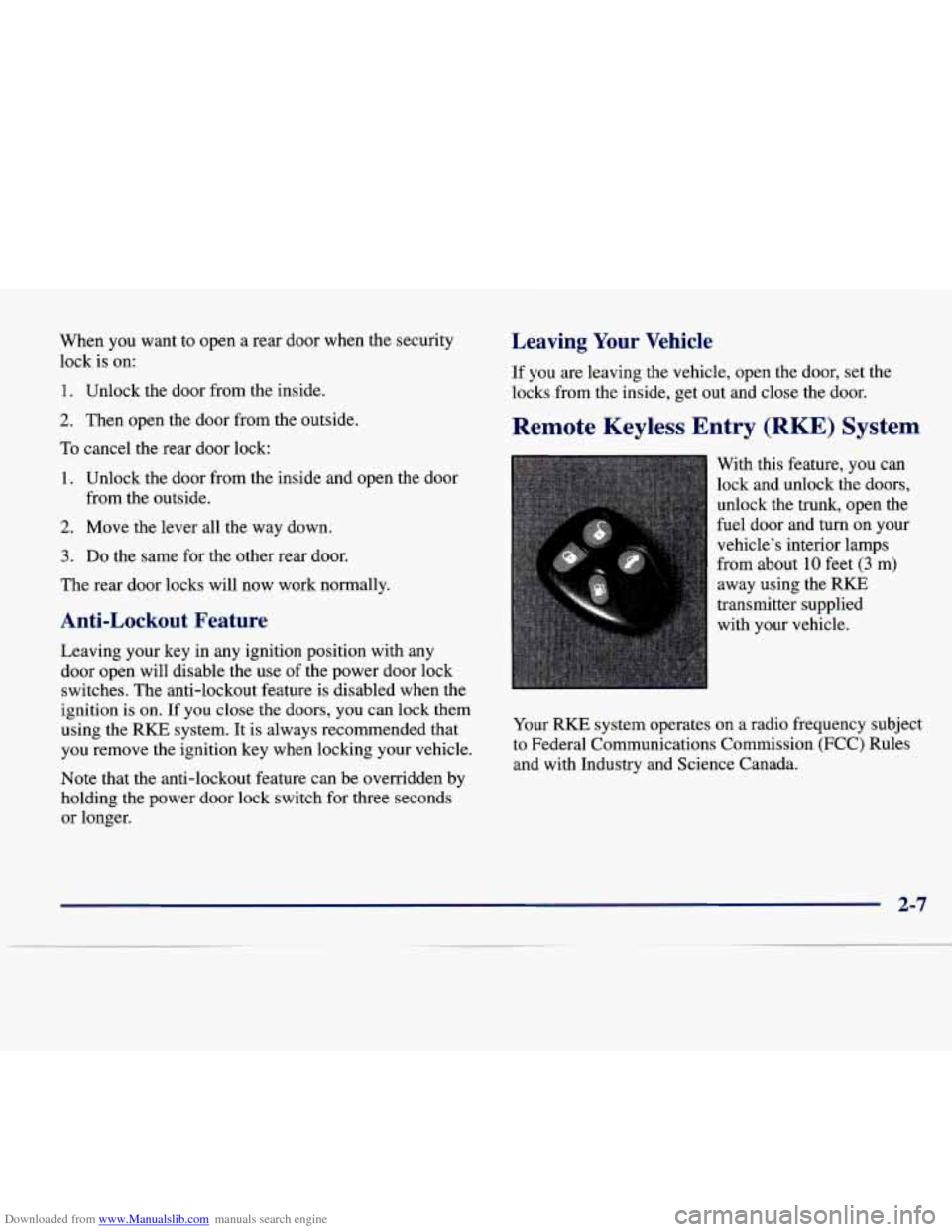
Remote Keyless Entry (RKE) System
With this feature, you can
lock and unlock the doors,
unlock the trunk, open the
fuel door and turn on your
vehicle’s interior lamps
from about
10 feet (3 m)
away using the RKE
transmitter supplied
with your vehicle.
Your
RKE system operates on a radio frequency subject
to Federal Communications Commission (FCC) Rules
and with Industry and Science Canada.
2-7
Page 74 of 386
Downloaded from www.Manualslib.com manuals search engine The RKE transmitter can also be used to recall the
memory settings for up to two drivers. For more
information, see “Memory Seat and Mirrors” in
the Index.
Note that pressing the transmitter buttons numerous times (approximately
500 times) out of the vehicle’s operating
range may cause the transmitter not to work. Replacing
the battery and pressing the transmitter buttons
10 or
more times out of range will also cause
the transmitter
not to work. To reset the transmitter, you must be within
the vehicle’s operating range. Press and hold the trunk
button, and within one second, press and hold the lock
button. Continue to hold both buttons for approximately
three seconds. See your Cadillac dealer for service if your
transmitter still doesn’t work properly.
RKE Personalization Features
Remote Confiimation (If Equipped)
Before you select features, be sure that the number on
the back of the RKE transmitter matches the driver
preferred.
You can confirm the correct driver by placing
the key in the LOCK position and pressing unlock on
the
RKE transmitter.
This personalization feature allows the driver to program
the parking lamps to blink or to remain
off when the lock or unlock buttons
on the RKE transmitter are pressed.
Press the TRIP SET
(TRIP RESET) button to answer
“yes,” press
the RESET (INFO RESET) button to indicate
“no” or press the INFORMATION
(INFO) button to
“skip” to the next personalization feature.
To begin programming, the ignition must be in the RUN
position. Press and hold the INFORMATION (INFO)
and RESET (INFO RESET) buttons at the same time.
The first message to appear refers to the programmable
automatic door locks. To skip this prompt, press the
INFORMATION (INFO) button.
When
REMOTE FLASH LIGHTS appears on the DIC
display, press the yes button
to program the parking
lamps to blink once when the lock button on the
RKE
transmitter is pressed and to blink twice when the
unlock button is pressed.
If you don’t want the parking
lamps to blink when using the
RKE transmitter, press
the
no button.
FEATURE
ON will display if REMOTE FLASH
LIGHTS was selected and FEATURE OFF will show if
you answer no.
For
a list of the other personalization features available,
see “Memory and Personalization Features” later in
this section.