brake CADILLAC ELDORADO 1993 10.G User Guide
[x] Cancel search | Manufacturer: CADILLAC, Model Year: 1993, Model line: ELDORADO, Model: CADILLAC ELDORADO 1993 10.GPages: 398, PDF Size: 20.66 MB
Page 102 of 398
Downloaded from www.Manualslib.com manuals search engine Console Shift Lever
1. Hold the brake pedal down with your right foot.
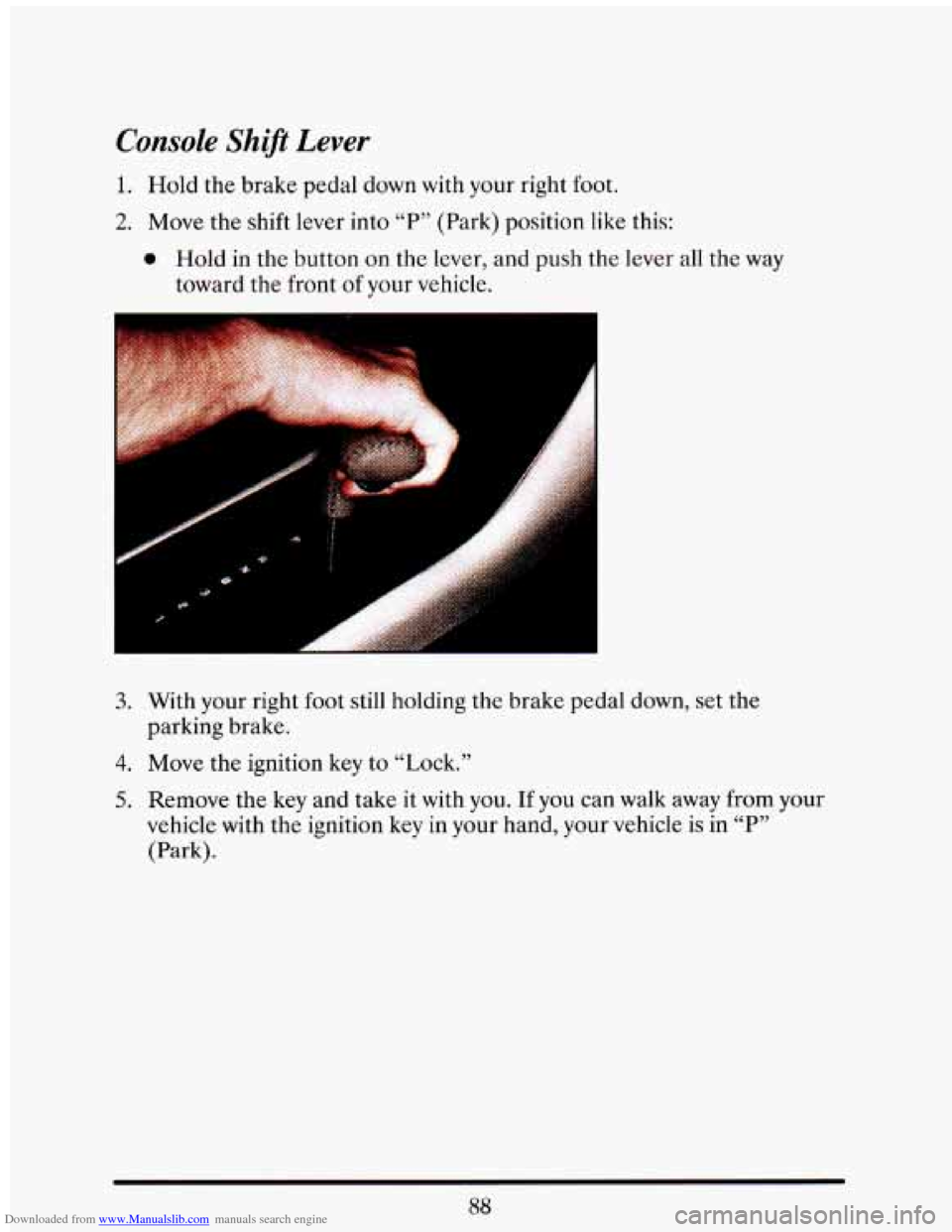
2. Move the shift lever into “P” (Park) position like this:
0 Hold in the button on the lever, and push the lever all the way
toward the front
of your vehicle.
3. With your right foot still holding the brake pedal down, set the
parking brake.
4. Move the ignition key to “Lock.”
5. Remove the key and take it with you. If you can walk away from your
vehicle with the ignition key
in your hand, your vehicle is in “P”
(Park).
88
Page 103 of 398
Downloaded from www.Manualslib.com manuals search engine Leaving Your Vehicle With the Engine Running
It can be dangerous to leave your vehicle with the engine ---.* . ’
running. Your vehicle could move suddenly if the shift lever is .- : :->=:I
not fully in “P” (Park) with the parking brake firmly set. And, i -
-”I leave the vehicle with the engine running, it could overheat
and even catch fire. You or others could be injured. Don’A
yo1 vehicle with the engine running unlc , you ha I
.-
. J .. .: . ?- -.. -. .. -
~ -- ~I
If you have to leave your vehicle with the engine running, be sure your
vehicle is
in “P7, (Park) and your parking brake is firmly set before you
leave
it. After you’ve moved the shift lever into the “P” (Park) position,
hold the regular brake pedal down. Then, see if you can move the shift
lever away from “P” (Park) without first pulling
it toward you (or, if you
have the console shift lever, without first pushing the button). If you can,
it means that the shift lever wasn’t
fully locked into “P7, (Park).
SHIFTING OUT OF “P” (PARK)
Your Cadillac has a brake-transaxle shift interlock. You have to fully
apply your regular brake before you can shift from
“P7’ (Park) when the
ignition is
in the “Run” position. See “Automatic Transaxle” in the Index.
If you cannot shift
out of “P” (Park), ease pressure on the shift lever --
push the shift lever all the way into “P” (Park) and also release the shift
lever button
on floor shift console models as you maintain brake
application. Then move
the shift lever into the gear you wish. (Press the
shift lever button before moving the shift lever.)
If you ever hold the
brake pedal down but still can’t shift out of “P” (Park), try this:
1. Turn the key to “Off.” Open and close the driver’s door to turn off the
2. Apply and hold the brake until the end of Step 4.
3. Shift to “N” (Neutral).
Retained
Accessory Power feature.
4. Start the vehicle and then shift to the drive gear you want.
5. Have the vehicle fixed as soon as you can.
Page 106 of 398
Downloaded from www.Manualslib.com manuals search engine RUNNING YOUR ENGINE ?KHILE YOU’RE
PARKED
It’s better not to park with the engine running. But if you ever have to,
here are some things to know.
ling the engine with the air system control off could allow
dangerous exhaust into your vehicle (see the earlier Caution
under “Engine Exhaust”).
~
Also, idling in a dosed-in place can let deadly carbon monoxide
(CO) intkpur vehicle even if the fan switch is at the highest
setting. One place this
can happen is a garage. Exhaust -- with
CO -- can come in easily. NEVER park in a garage with the
engine running.
Another closed-in place can be a blizzard. (See C6Blizzard” in the
Index.)
It
can be dangerous to get out of your vehicle if-the shin lever i
not fully in ccP” (Park) with the parking brake firmly set. Your
vehicle
can roll. Don’t leave your vehicle when the engine is
running unless
you have to. If you’ve left the engine running,
the vehicle can move suddenly. You or others could be iqjun ,,
To be sure your vehicle won’t move, even when you’re on fairly
level ground, always set your parking brake after
you move the
shift lever to “P’, (Park). ’
Follow the proper steps to be sure your vehicle won’t move. See
“Shifting Into ‘P’ (Park)” in the Index.
If you are parking on a hill, or if you’re pulling a trailer, also see
“Parking on Hills”
or 4T~~ a lhiler” in the Index.
I
92
Page 115 of 398
Downloaded from www.Manualslib.com manuals search engine CRUISE CONTROL
With Cruise Control, you can maintain a speed of about 25 mph (40
kmih) or more without keeping your foot on the accelerator. This can
really help on long trips. Cruise Control does not work at speeds below
about
25 mph (40 km/h).
When you apply your brakes, the Cruise Control shuts off.
Cruise Control can be dangerous where you can’t drive safely
at a steady speed.
So, don’t use your Cruise Control on
winding roads or in heavy traffic.
Cruise Control can be dangerous on slippery roads. On such
roads, fast changes in tire traction can cause needless wheel
spinning, and
you could lose control. Don’t use Cruise
Control on slippery roads.
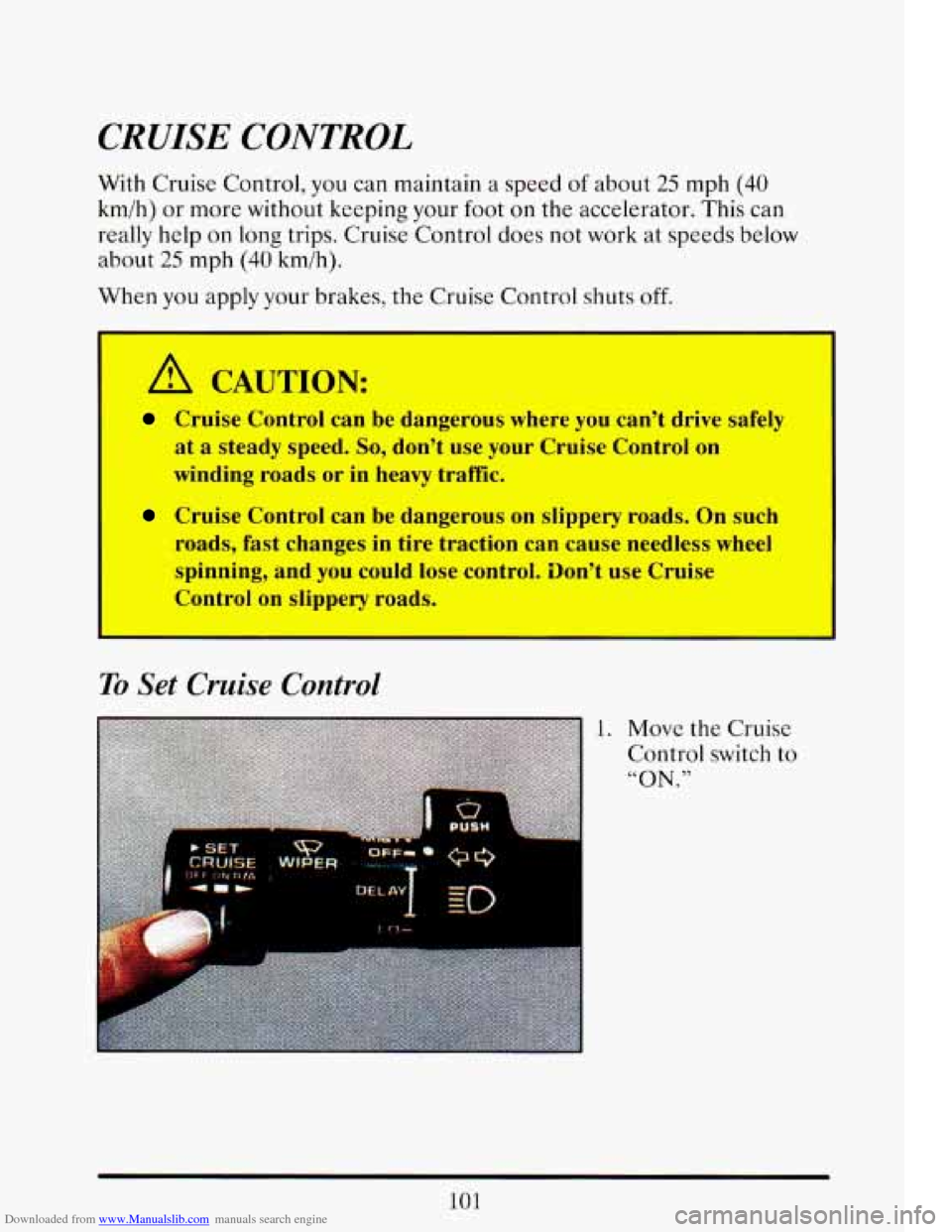
To Set Crucse Control
1. Move the Cruise
Control switch
to
“ON ”
101
Page 117 of 398
Downloaded from www.Manualslib.com manuals search engine r - --
!-
I
i
r
r
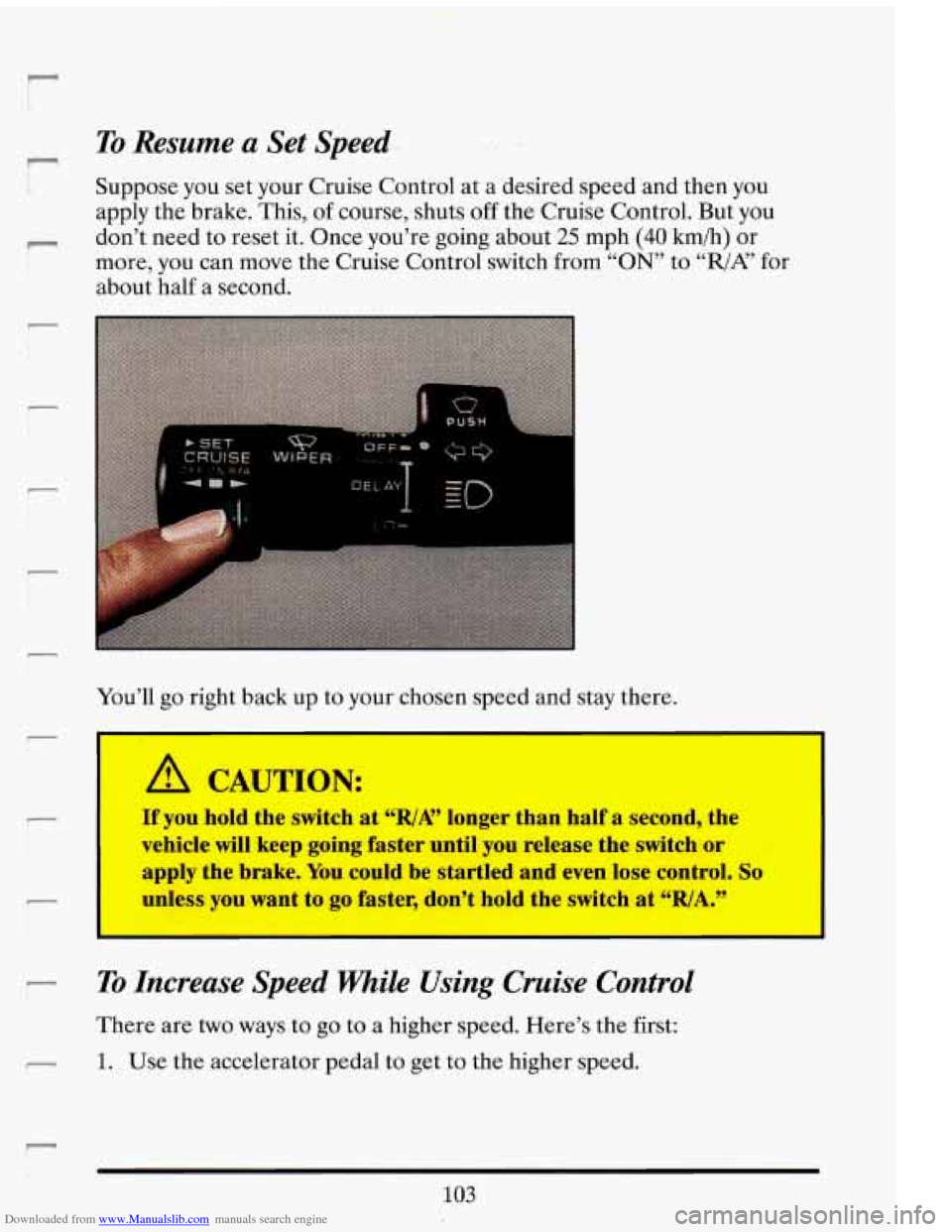
To Resume a Set Speed..
Suppose you set your Cruise Control at a desired speed and then you
apply the brake. This, of course, shuts off the Cruise Control. But you
don’t need to reset it. Once you’re going about
25 mph (40 kmih) or
more, you can move the Cruise Control switch from
“ON” to ‘‘,/A? for
about half a second.
You’ll go right back up to your chosen speed and stay there.
I I
A CAUTION:
If you hold the switch at %/A” longer than half a second, the
vehicle will keep going faster until you release the switch or
apply the brake. You could be startled and even lose control.
So
unless you want to go faster, don’t hold the switch at “RIA.”
I I
To Increase Speed FWaile Using Cruise Control
There are two ways to go to a higher speed. Here’s the first:
1. Use the accelerator pedal to get to the higher speed.
103
Page 118 of 398
Downloaded from www.Manualslib.com manuals search engine 2. Push the button at the end of the lever, then release the button and
the accelerator pedal. Yodll now cruise at the higher speed.
Here’s the second way to go to
a higher speed:
1. Move the Cruise switch from “ON” to “R/A.’, Hold it there unru you
2. To increase your speed in very small amounts, move the switch to
get
up to the speed
you want, and then release the switch.
“R/A” Each time you do this, your vehicle will go about 1 mph (1.6
km/h) faster.
4.6L (Northstar)
The accelerate feature will only work after you have set the Cruise
Control speed by pushing the
“SET CRUISE” button.
To Reduce Speed While Using Cruise Control
1. Push in the button at the end of the lever until you reach the lower
speed you want, then release it.
2. To slow down in very small amounts, push the button for less than half
a second. Each time you do this, you’ll go 1 mph (1.6 km/h) slower.
Pussing Another Khicle while Using Cruise Control
Use the accelerator pedal to increase your speed. When you take your
foot off
the pedal, your vehicle will slow down to the Cruise Control
speed you set earlier.
Using Cruise Control on Hills
How well your Cruise Control will work on hills depends upon your
speed, load, and the steepness
of the hills. When going up steep hills, you
may have to step
on the accelcrator pedal to maintain your speed. When
going downhill, you may have to brake or shift
to a lower gear to keep
your speed down.
Of course, applying the brake takes you out of Cruise
Control.
Many drivers find this to bc too much trouble and don’t use
Cruise Control on steep hills.
104
Page 119 of 398
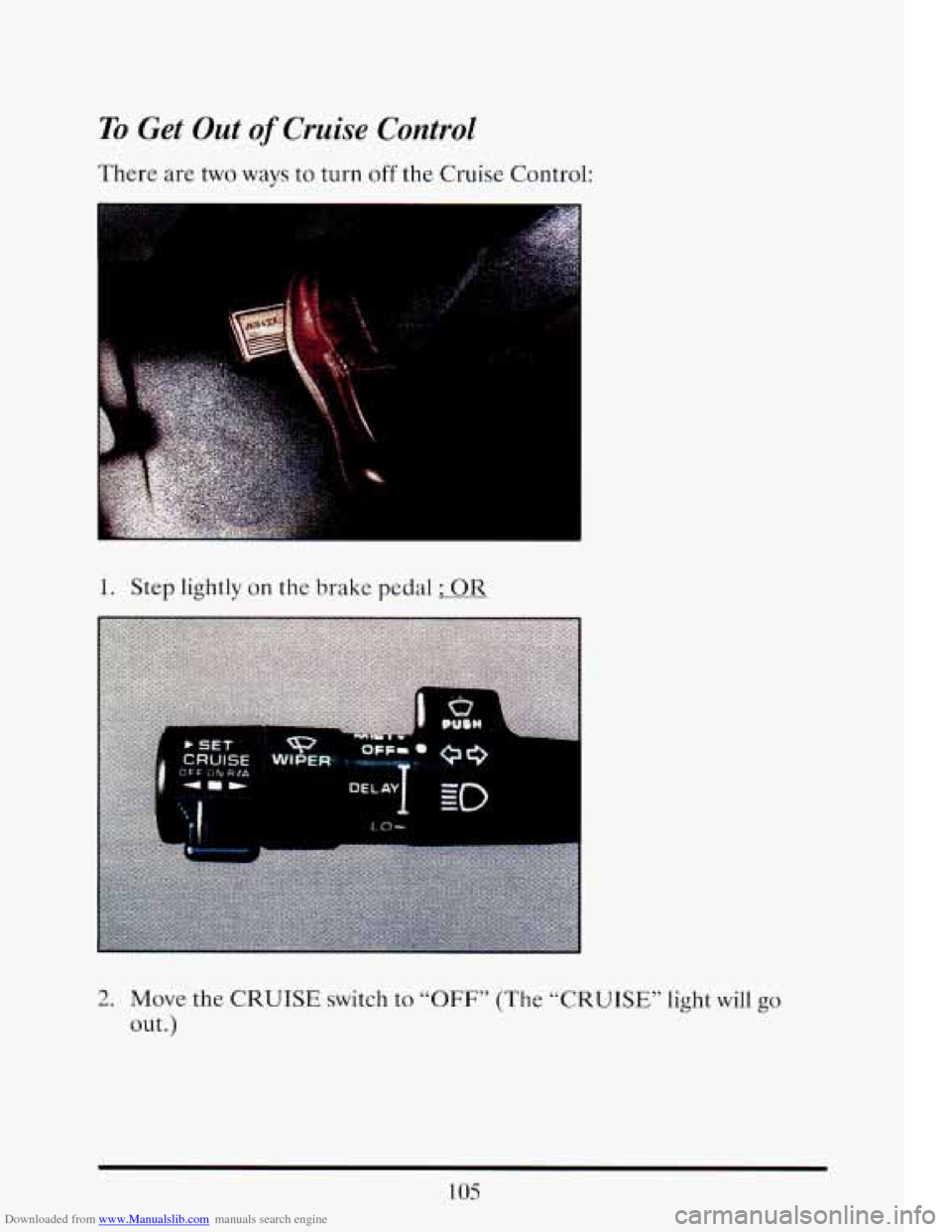
Downloaded from www.Manualslib.com manuals search engine To Get Out of Cruise Control
There are two ways to turn off the Cruise Control:
1. Step lightly on the brake pedal ; OR
I - P
2. Move the CRUISE switch to “OFF” (The “CRUISE” light will go
out .)
105
Page 133 of 398
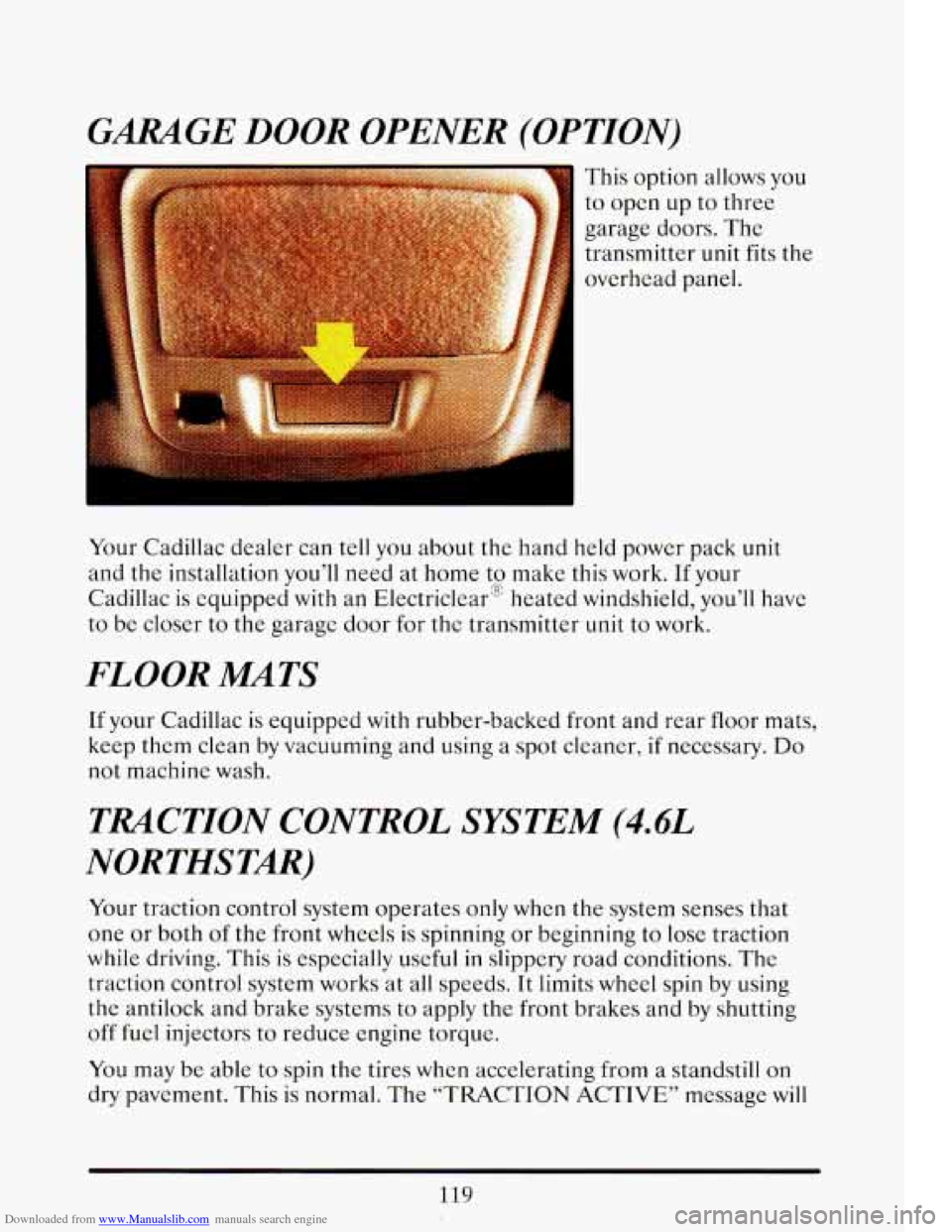
Downloaded from www.Manualslib.com manuals search engine GARAGE DOOR OPENER (OPTION)
This option allows you
to open up to three
garage doors. The transmitter unit fits the
overhead panel.
Your Cadillac dealer can tell you about the hand held power pack unit
and the installation you’ll need at home to make this work.
If your
CadilIac
is equipped with an Electriclear” heated windshield, you’ll have
to be closer to the garage door for the transmitter unit
to work.
FLOOR MATS
If your Cadillac is equipped with rubber-backed front and rear floor mats,
keep them clean by vacuuming and using a spot cleaner,
if necessary. Do
not machine wash.
TRACTION CONTROL SYSTEM (4.4L
NORTHSTAR)
Your traction control system operates only when the system senses that
one or both of the front wheels
is spinning or beginning to lose traction
while driving. This is especially useful
in slippery road conditions. The
traction control system works at all speeds.
It limits wheel spin by using
the antilock and brake systems to apply the front brakes and by shutting
off
fuel injectors to reduce engine torque.
You may be able to spin the tires when accelerating from a standstill on
dry pavement. This is normal. The “TRACTION ACTIVE” message will
119
Page 138 of 398
Downloaded from www.Manualslib.com manuals search engine some warning lights come on briefly when you turn the ignition key just to
let you know they’re working.
If you are familiar with this section, you
should not be alarmed when this happens.
When one
of the warning lights comes on and stays on when you are
driving, check the section that tells you what to do about it. Please follow
the manual’s advice. Waiting to do repairs can be costly
-- and even
dangerous.
So please get to know your warning lights. They’re a big help.
Your vehicle may
also have a driver information system that works along
with the warning lights. See “Driver Information System” in the Index.
Brake System Warning Light
Your Cadillac hydraulic brake system is divided into two parts. If one part
isn’t working, the other part can still work and stop you. For good
braking, though, you need both parts working
well.
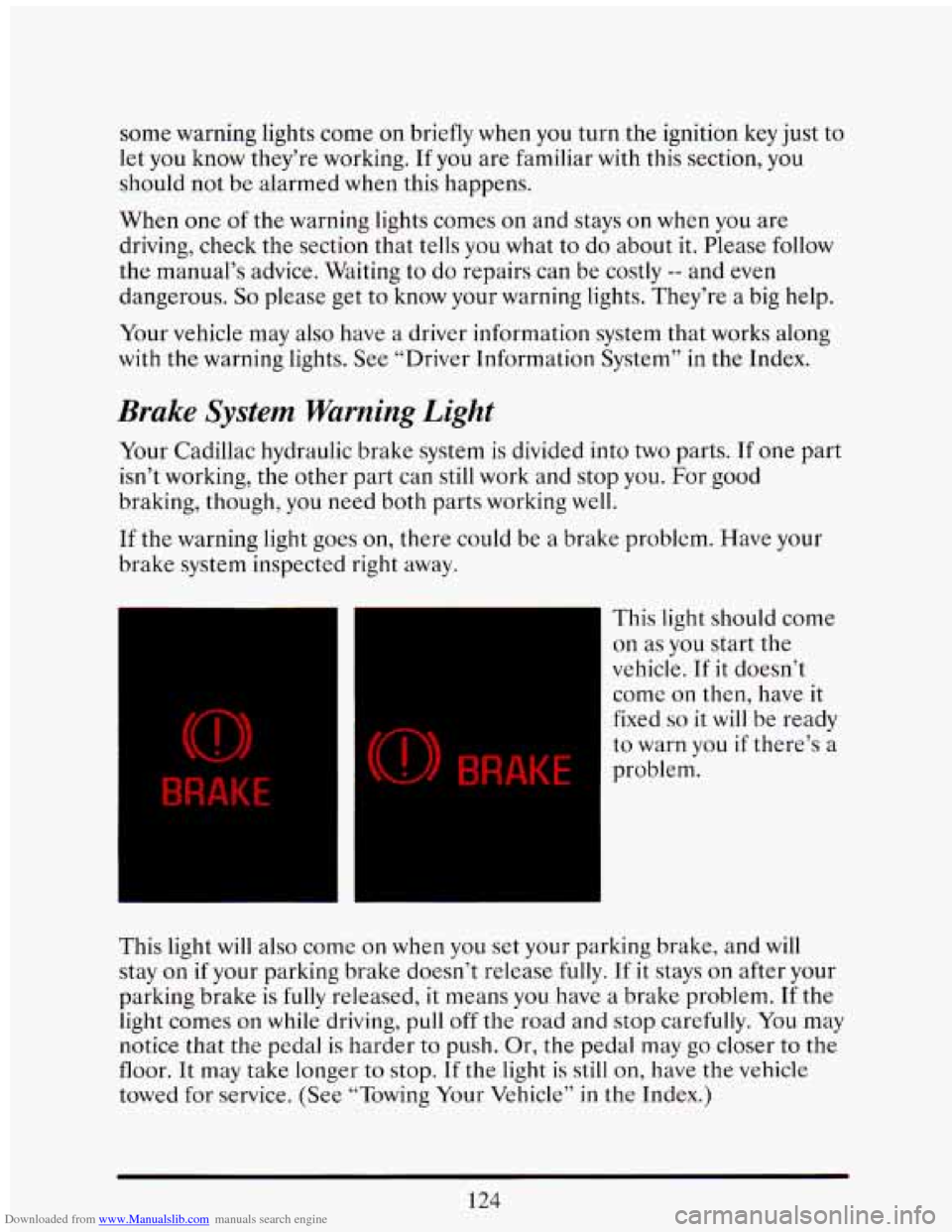
If the warning light goes on, there could be a brake problem. Have your
brake system inspected right away.
BRAKE
(0) BRAKE
This light should come
on as you start the
vehicle. If it doesn’t
come
on then, have it
fixed
so it will be ready
to warn you if there’s a
problem.
This light will also come
on when you set your parking brake, and will
stay
on if your parking brake doesn’t release fully. If it stays on after your
parking brake
is fully released, it means you have a brake problem. If the
light comes
on while driving, pull off the road and stop carefully. You may
notice that the pedal is harder
to push. Or, the pedal may go closer to the
floor. It may take longer to stop.
If the light is still on, have the vehicle
towed for service. (See “Towing Your Vehicle” in
the Index.)
124
Page 139 of 398
Downloaded from www.Manualslib.com manuals search engine I
A CAUTION:
Your brake system may not be working properly if the brake
warning light is
on. Driving with the brake warning light on can
lead to an accident. If the light is still
on after you've pulled off
service. e road and
stopped carefully, have the vehicle towed for
I
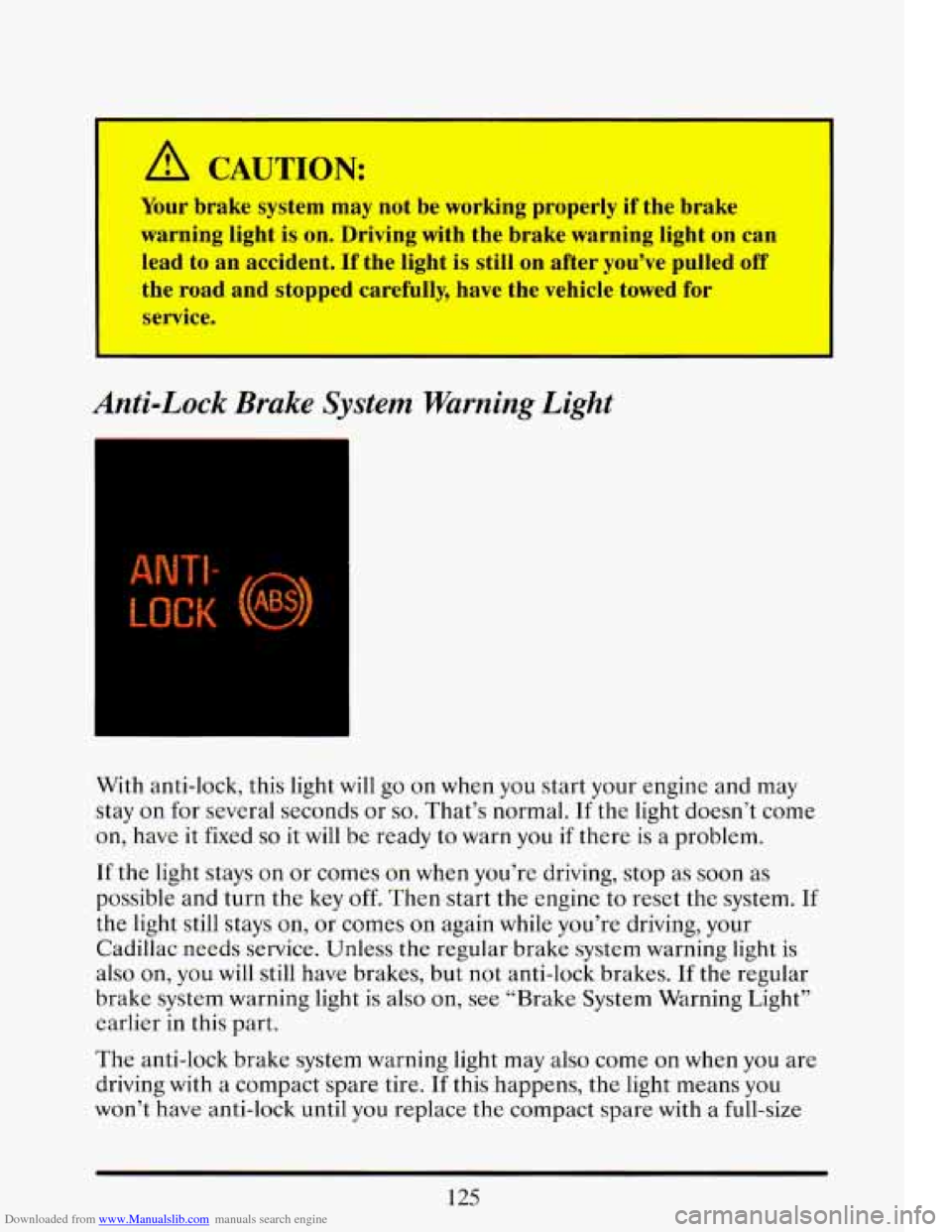
Anti-Lock Brake System Warning Light
=
With anti-lock, this light will go on when you start your engine and may
stay
on for several seconds or so. That's normal. If the light doesn't come
on, have it fixed
so it will be ready to warn you if there is a problem.
If the light stays on or comes on when you're driving, stop as soon
as
possible and turn the key off. Then start the engine to reset the system. If
the light still stays on, or comes on again while you're driving, your
Cadillac needs service. -Unless the regular brake system warning light is
also on,
you will still have brakes, but not anti-lock brakes. If the regular
brake system warning light is also on, see "Brake System Warning Light"
earlier in this part.
The anti-lock brake system warning light may also come
on when you are
driving with a compact spare tire.
If this happens, the light means you
won't have anti-lock until you replace the compact spare with a full-size
125