brake CADILLAC ELDORADO 1993 10.G Owner's Manual
[x] Cancel search | Manufacturer: CADILLAC, Model Year: 1993, Model line: ELDORADO, Model: CADILLAC ELDORADO 1993 10.GPages: 398, PDF Size: 20.66 MB
Page 147 of 398
Downloaded from www.Manualslib.com manuals search engine STORE/RECALL
Pressing this button will store any currently displayed message that is
indicating a system problem. Once a message has been stored the next
message
of normal information is displayed.
When
a message is stored it is saved in the computer, but once the
ignition
is turned off the message is lost. All messages stored when your
engine is running can be viewed one at a time by pressing
“STORE/RECALIY button.
FUEL USED RESET
Display the fuel used, then press and hold the STORE/RECALL button
until
0 is displayed.
DISPLAY ON/OFF
Pressing this button will turn off the Driver Information Center,
Electronic Climate Control and Fuel Data Center displays. While
displays are
off, pressing the “INFORMATION” button will turn on only
the Driver Information Center. If any other button is pressed or a driving
warning message needs
to be displayed, or fuel level falls below 4 gallons,
all the displays will come back on.
TRIP SET
Press and hold this button to set the Trip Odometer back to zero.
ENG/MET (English/Metric)
Press this button to switch from English (miles) to metric (kilometers).
Driver Information Center Messages
These messages will appear if there is a problem sensed in one of your
vehicle’s systems. Vehicles that
are first sold in Canada or are export
vehicles will have a number after each message. This number helps to
identify that message, which is only displayed in English.
APPLY BRAKE TO SHIFT
This message will appear if your vehicle is in “P” (Park) for about 5
seconds and the brake is not depressed. If you do not want this message
to appear, you can cancel this message by pressing the
OFF and the Blue
(cooler) button on the Electronic Climate control panel. Push \
the same
2
buttons again to have this message displayed again.
133
Page 149 of 398
Downloaded from www.Manualslib.com manuals search engine CHANGE TRANS FLUID (Northstar Only)
This message will appear when it is time to replace the transaxle fluid.
See your maintenance booklet for the proper fluid and change i\
ntervals.
CHECK BRAKE FLUID
This message is displayed to inform the driver that the brake reservoir
fluid level
is low. Check the brake reservoir level and add as needed.
Have the brake system serviced by
a Cadillac technician as soon as
possible.
If the brake warning light is on, follow the directions in that
section.
CHECK COOLANT LEVEL (Northstar Only)
This message will appear when there is a low level of engine coolant.
Have the cooling system serviced by a Cadillac technician as soon as
possible.
CHECK FUEL GAGE
This message will appear when your fuel supply is less than 4 gallons and
your display is turned
off.
CHECK OIL LEVEL (Northstar Only)
This message will appear when your engine oil is approximately a quart
low. If this message is displayed, check the oil and add as needed.
CHANGE OIL SOON
This message will appear when your engine oil is less than 10 percent or
the mileage since the last oil change is more than 6750 miles.
CHANGE ENGINE OIL
135
This means that the life of your engine oil has expired and it should be
changed immediately. See engine
oil and filter recommendations in the
Maintenance Schedule. After an
oil change, the Oil Life Index must be
reset. See “Oil Life Indicator”
in the index on how to reset it.
Page 185 of 398
Downloaded from www.Manualslib.com manuals search engine Many city roads and expressways, and even bridges, use reversible-lane
traffic control during rush hours. A red
X light above a lane means no
driving in that lane at that time.
A green arrow means you may drive in
that lane.
Look for the signs posted to warn drivers what hours and days
these systems are in effect.
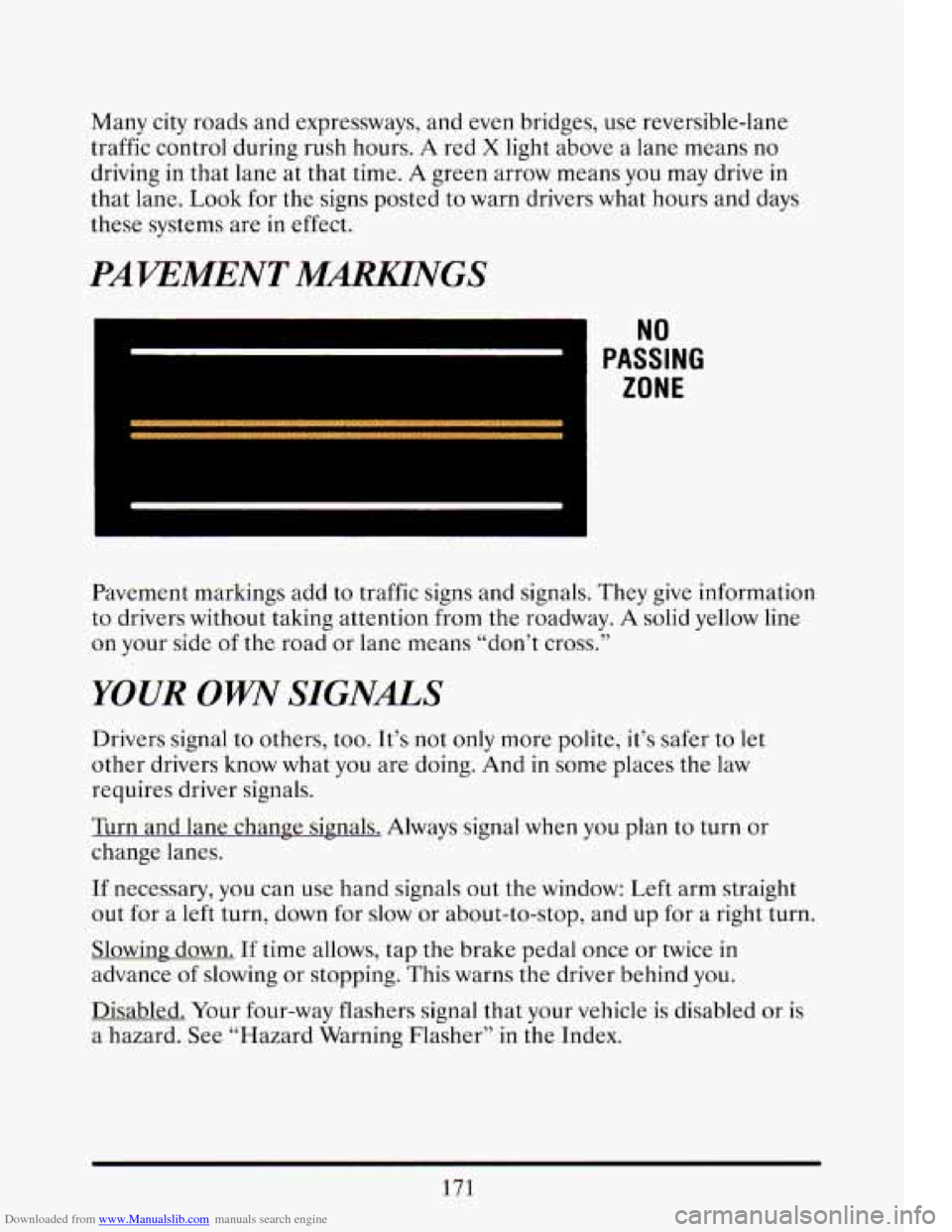
PAWMENT MmNGS
I NU
PASSING
ZONE
Pavement markings add to traffic signs and signals. They give information
to drivers without taking attention from the roadway. A solid yellow line
on your side of the road or lane means “don’t cross.’’
YOUR OW SIGNALS
Drivers signal to others, too. It’s not only more polite, it’s safer to let
other drivers know what you are doing. And in some places the law
requires driver signals.
Turn and lane change signals. Always signal when
you plan to turn or
change lanes.
If necessary, you can use hand signals out the window: Left arm straight
out for a left turn, down for slow
or about-to-stop, and up for a right turn.
Slowing down.
If time allows, tap the brake pedal once or twice in
advance
of slowing or stopping. This warns the driver behind you.
Disabled. Your four-way flashers signal that your vehicle is disabled or is
a hazard.
See “Hazard Warning Flasher” in the Index.
171
Page 186 of 398
Downloaded from www.Manualslib.com manuals search engine TRAFFIC OFFICER
The traffic police officer is also a source of important information. The
officer’s signals govern, no matter what the traffic lights
or other signs
say.
The next section discusses some
of the road conditions you may
encounter.
DEFENSIVE DMNG
The best advice anyone can give about driving is: Drive defensively.
Please start with a
very important safety device in your Cadillac: Buckle
up. (See “Safety Belts” in the Index.)
Defensive driving really means “be ready for anything.” On city streets,
rural roads, or freeways, it means “always expect the unexpected.”
Assume that pedestrians or other drivers are going to be careless and
make mistakes. Anticipate what they might do. Be ready for their
mistakes.
Expect children to dash out from behind parked cars, often followed by
other children. Expect occupants in parked cars to open doors into traffic.
Watch for movement in parked cars
-- someone may be about to open a
door.
Expect other drivers to run stop signs when you are
on a through street.
Be ready to brake if necessary as
you go through intersections. You may
not have to use the brake, but if
you do, you will be ready.
If you’re driving through a shopping center parking lot where there are
well-marked lanes, directional arrows, and designated parking are\
as,
expect some drivers to ignore all these markings and dash straight toward
one part
of the lot.
Pedestrians can be careless. Watch for them. In general, you must give
way
to pedestrians even if you know you have the right of way.
Rear-end collisions are about the most preventable of accidents. Yet they
are common. Allow enough following distance. It’s the best defensive
driving maneuver,
in both city and rural driving. You never know wh.en
the vehicle in front
of you is going to brake or turn suddenly.
172
Page 190 of 398
Downloaded from www.Manualslib.com manuals search engine person with a higher BAC might not be able to react quickly enough to
avoid the collision.
There’s something else about drinking and driving that many people
don’t know. Medical research shows that alcohol in a person’s system can
make crash injuries worse. That’s especially true for brain, spinal cord
and heart injuries. That means that if anyone who has been drinking
--
driver or passenger -- is in a crash, the chance of being killed or
permanently disabled
is higher than if that person had not been drinking.
And we’ve already seen that the chance
of a crash itself is higher for
drinking drivers.
I
A CAUTION:
Drinking and then driving is very dangerous. Your reflexes,
perceptions, and judgment will be affected
by even a small
amount of alcohol.
You could have a serious -- or even fatal --
accident if you drive after drinking. Please don’t drink and drive
or ride with a driver who has been drinking. Ride home in a cab;
or if you’re with
a group, designate a driver who will not drink.
CONTROL OF A WHICLE
You have three systems that make your vehicle go where you want it to
go. They are the brakes, the steering and the accelerator.
All three
systems have
to do their work at the places where the tires meet the road.
176
Page 191 of 398
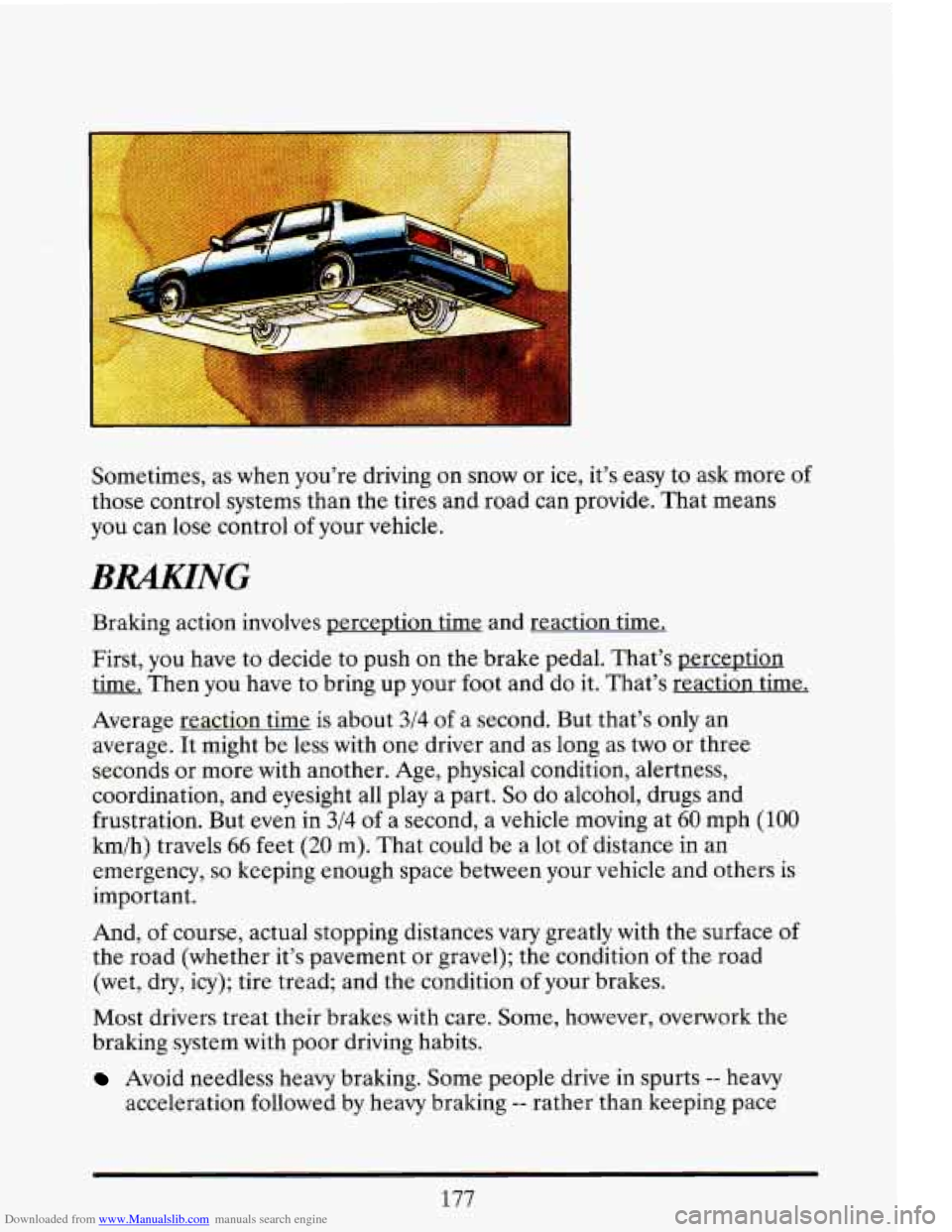
Downloaded from www.Manualslib.com manuals search engine Sometimes, as when you're driving on snow or ice, it's easy to ask more of
those control systems than the tires and road can provide. Tha\
t means
you can lose control of your vehicle.
BRAKING
Braking action involves p- and reaction time.
First, you have to decide to push on the brake pedal. That's perception
time. Then you have to bring up your foot and do it. That's reaction time.
Average reaction time
is about 3/4 of a second. But that's only an
average. It might be less with one driver and as long as
two or three
seconds or more with another. Age, physical condition, alertness,
coordination, and eyesight all play a part.
So do alcohol, drugs and
frustration. But even in
3/4 of a second, a vehicle moving at 60 mph (100
km/h) travels 66 feet (20 m). That could be a lot of distance in an
emergency,
so keeping enough space between your vehicle and others is
important.
And,
of course, actual stopping distances vary greatly with the surface of
the road (whether it's pavement or gravel); the condition of the road
(wet, dry, icy); tire tread; and the condition
of your brakes.
Most drivers treat their brakes with care. Some, however, overwork the
braking system with poor driving habits.
Avoid needless heavy braking. Some people drive in spurts -- heavy
acceleration followed by heavy braking
-- rather than keeping pace
177
Page 192 of 398
Downloaded from www.Manualslib.com manuals search engine with traffic. This is a mistake. Your brakes may not have time to cool
between hard stops. Your brakes will wear out much faster
if you do a
lot
of heavy braking. a
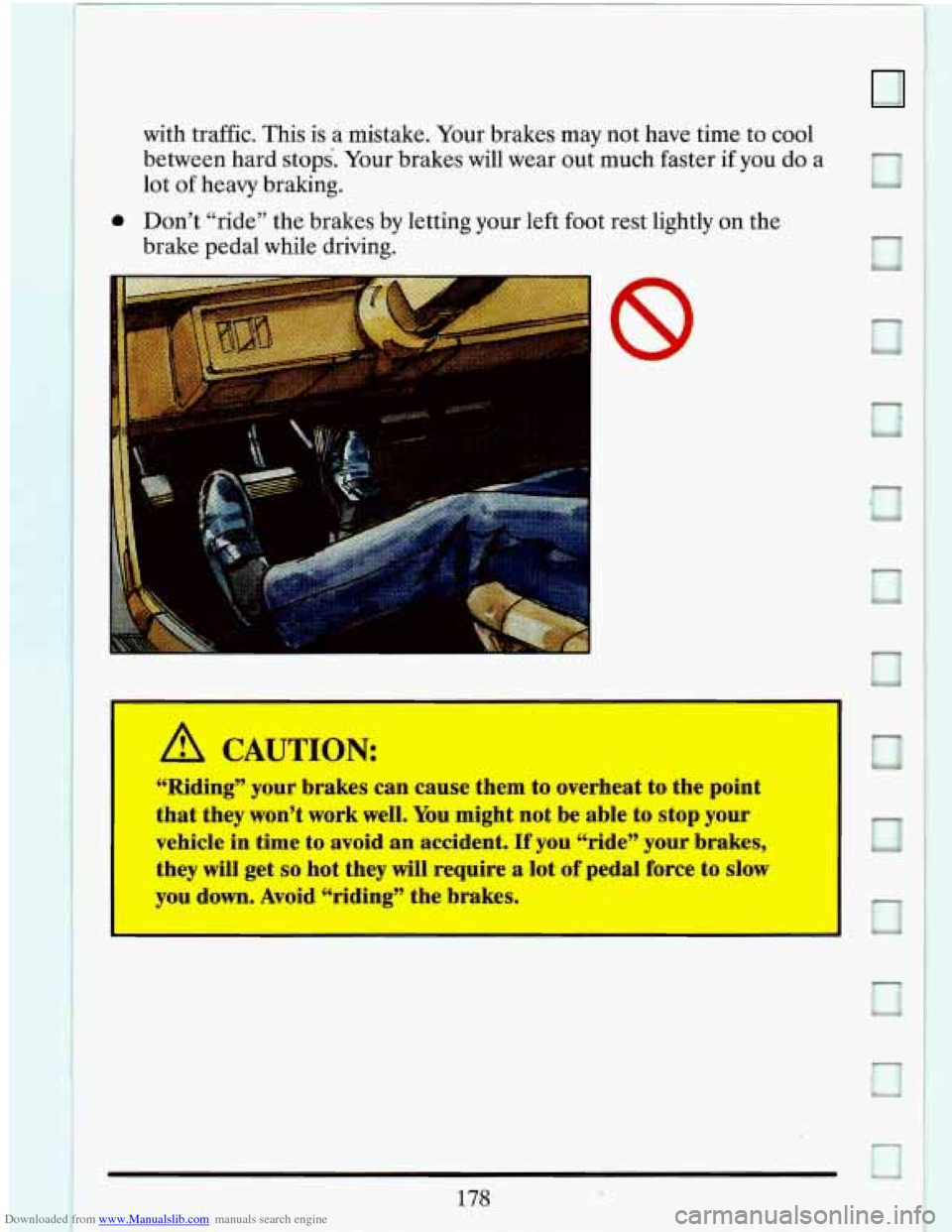
0 Don’t “ride’’ the brakes by letting your left foot rest lightly on the
brake pedal while driving.
8
r
. . ... ..
A CAUTION:
I
“Riding” your brakes can cause them to overheat to the point
that they won’t work well.
You might not be able to stop your
vehicle in time to avoid an accident.
If you “ride” your brakes,
they
will get so hot they will require a lot of pedal force to slc
you down. Avoid “riding” the brakes.
178
Page 193 of 398
Downloaded from www.Manualslib.com manuals search engine If you keep pace with the traffic and allow realistic following distances,
you
will eliminate a lot of unnecessary braking. That means better
braking and longer brake life.
If your engine ever stops while you’re driving, brake normally but
don’t pump your brakes.
If you do, the pedal may get harder to push
down.
If your engine. stops, you will still have some power brake assist.
But you
will use it when you brake. Once the power assist is used up, it
may take longer to stop and the brake pedal will be harder to push.
Anti-Lock Brakes (ABS)
Your Cadillac has an advanced electronic braking system that will help
prevent skidding.
This light on the
instrument panel
will
go on when you start
your vehicle.
hear a
Once the vehicle speed reaches about
5 mph (8 km/h), you may
momentary motor or c1,icking noise and you may
even notice that your
brake pedal moves a little
while this is going on. This is the ABS system
testing itself.
If there’s a problem with the anti-lock brake system, the
anti-lock brake system warning light will stay on. See “Anti-lock Brake
System Warning Light” in the Index.
179
Page 194 of 398
Downloaded from www.Manualslib.com manuals search engine C I I
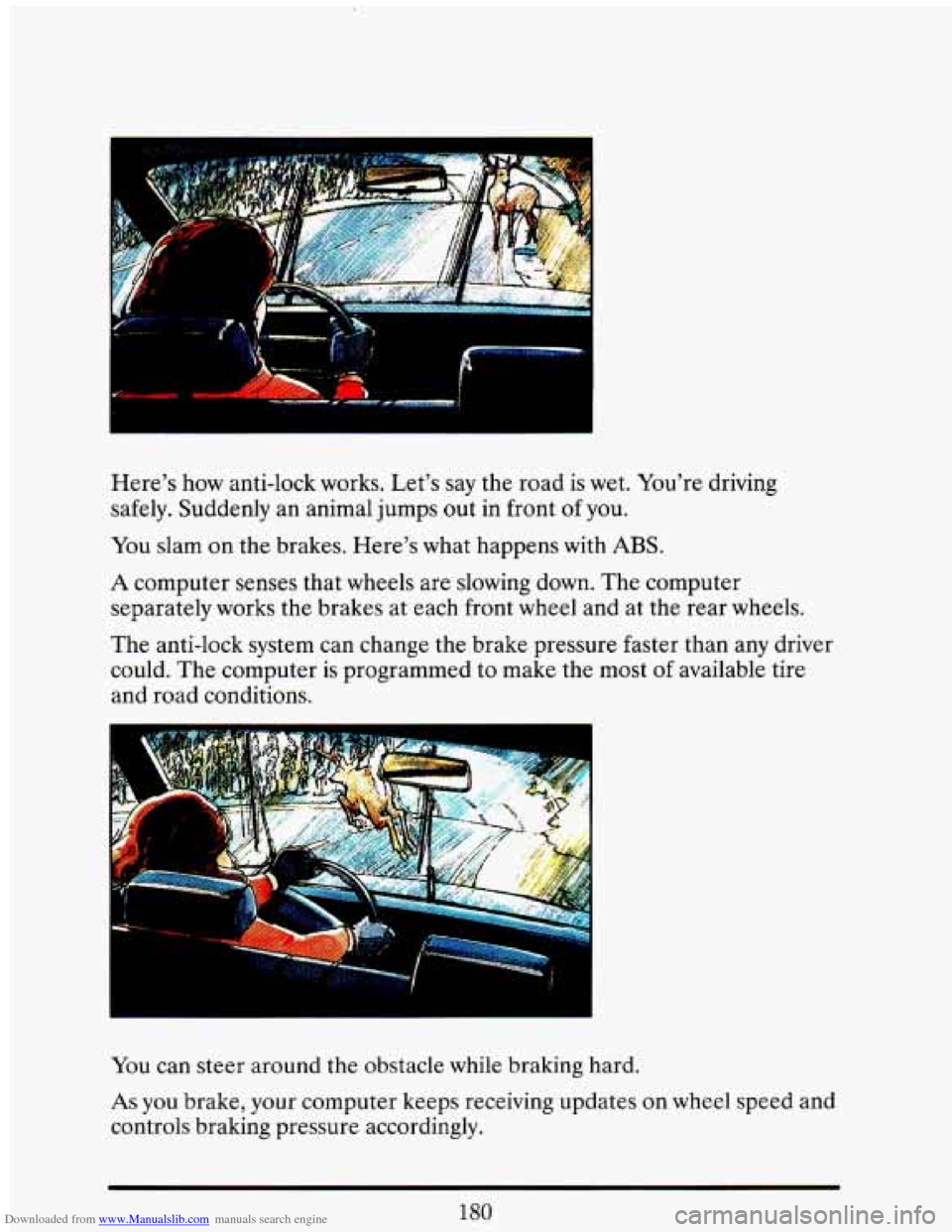
Here’s how anti-lock works. Let’s say the road is wet. You’re driving
safely. Suddenly an animal jumps out in front
of you.
You slam on the brakes. Here’s what happens with
ABS.
A computer senses that wheels are slowing down. The computer
separately works the brakes at each front wheel and at the re\
ar wheels.
The anti-lock system can change the brake pressure faster than any driver
could. The computer is programmed to make the most of available tire
and road conditions.
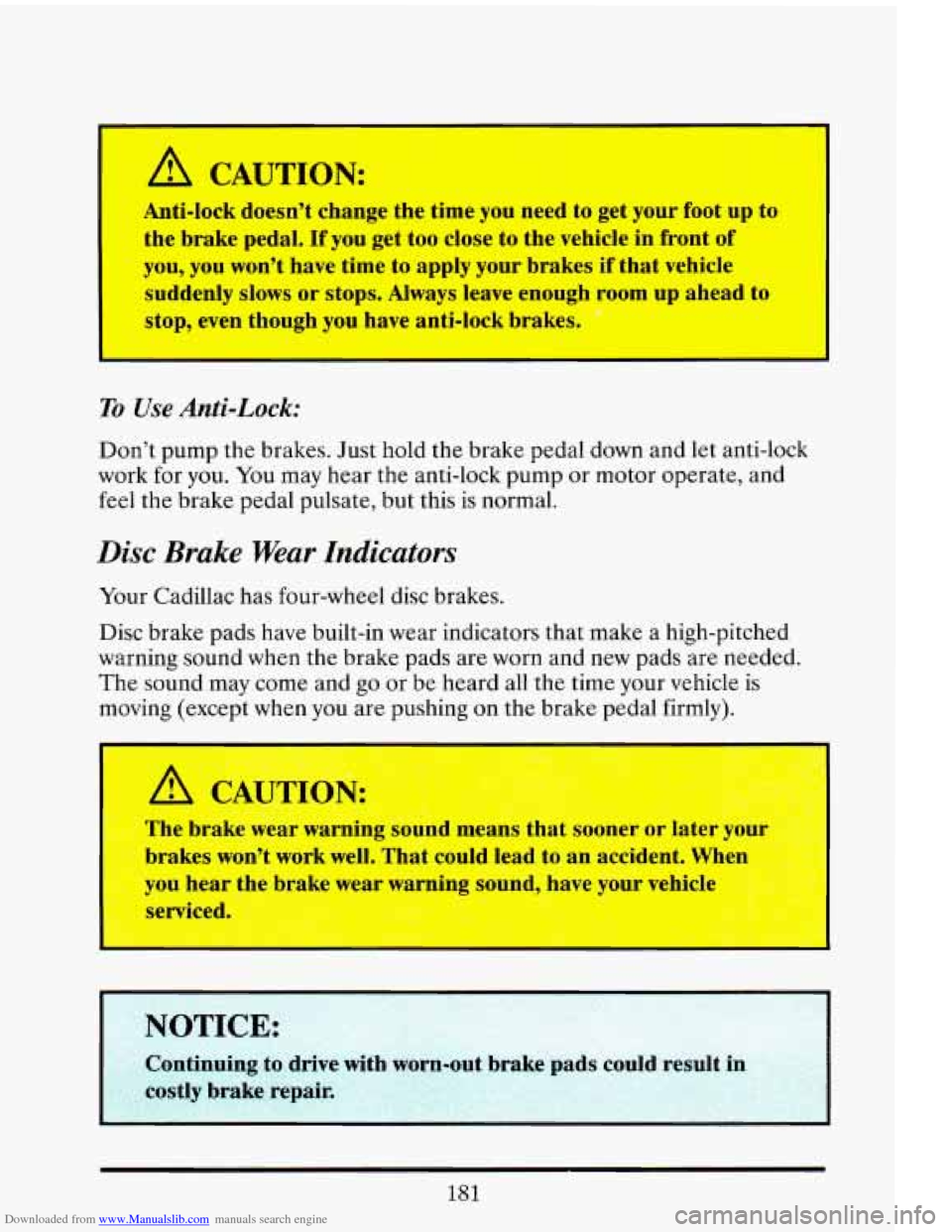
You can steer around the obstacle while braking hard.
As you brake, your computer keeps receiving updates on wheel speed and
controls braking pressure accordingly.
180
Page 195 of 398
Downloaded from www.Manualslib.com manuals search engine I
A CAUTION:
Anti-lock doesn’t change the time you need to get your foot up to
the brake pedal. If you get too close
to the vehicle in front of
you, you won’t have time to apply your brakes
if that vehicle
suddenly slows or stops.
Always leave enough room up ahead to
stop, even though you have anti-lock brakes.
I
To Use Anti-Lock:
Don’t pump the brakes. Just hold the brake pedal down and let anti-lock
work for you.
You may hear the anti-lock pump or motor operate. and
feel the brake pedal pulsate, but this is normal.
Disc Brake Wear Indicators
Your Cadillac has four-wheel disc brakes.
Disc brake pads have built-in wear indicators that make a high-pitched
warning sound when the brake pads are worn and new pads are needed.
The sound may come and
go or be heard all the time your vehicle is
moving (except when you
are pushing on the brake pedal firmly).
UJTION:
The brake wear warning sound means that sooner or later YL-,
brakes won’t work well. That could lead to an accident. When
you hear the brake wear warning sound, have your vehicle
serviced.
NOTICE:
181