ignition CADILLAC ELDORADO 1993 10.G Owner's Manual
[x] Cancel search | Manufacturer: CADILLAC, Model Year: 1993, Model line: ELDORADO, Model: CADILLAC ELDORADO 1993 10.GPages: 398, PDF Size: 20.66 MB
Page 120 of 398
Downloaded from www.Manualslib.com manuals search engine To Erase Speed Memory
When you turn off the Cruise Control or the ignition, your Cruise
Control set speed memory is erased.
LIGHTS
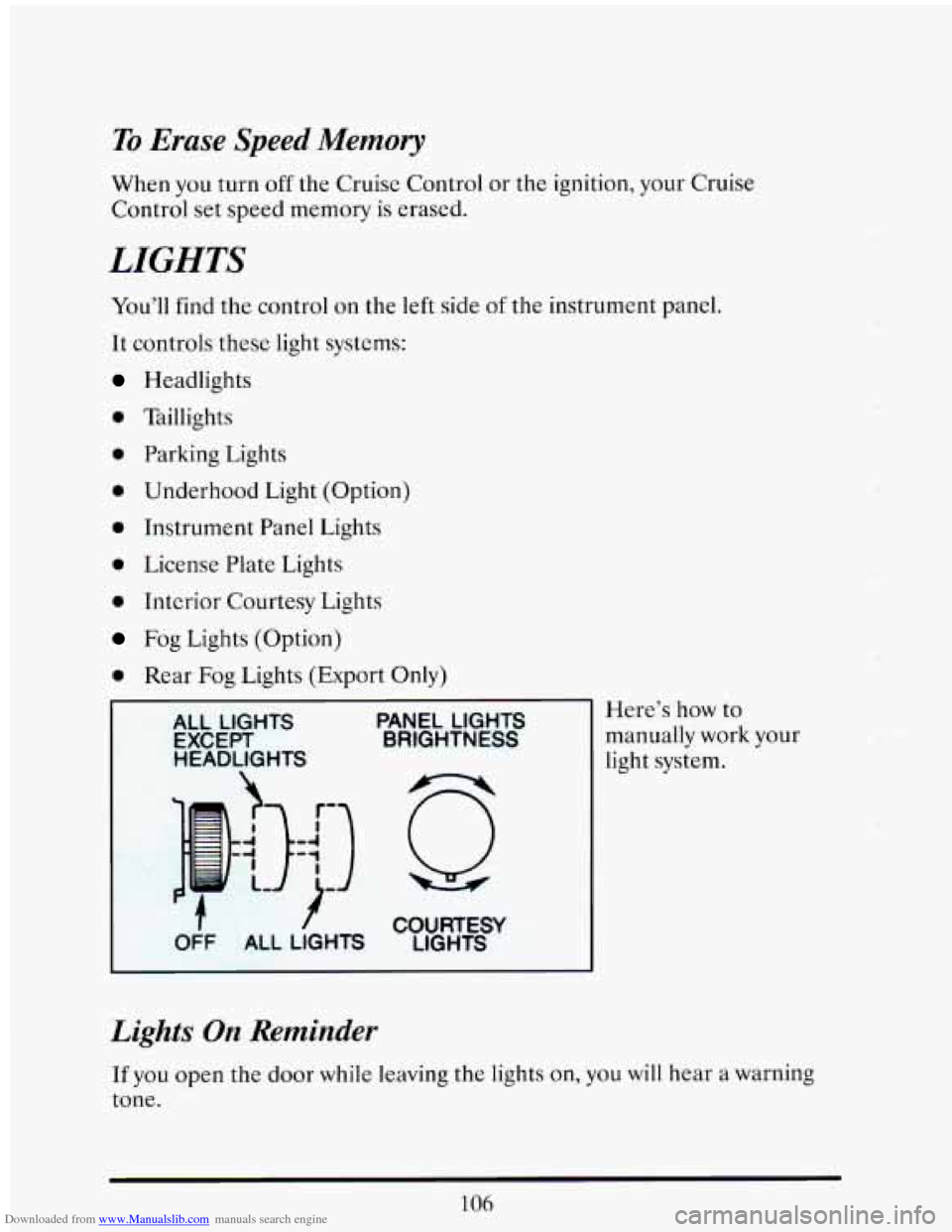
You’ll find the control on the left side of the instrument panel.
It controls these light systems:
Headlights
0 Taillights
0 Parking Lights
0 Underhood Light (Option)
0 Instrument Panel Lights
0 License Plate Lights
0 Interior Courtesy Lights
Fog Lights (Option)
0 Rear Fog Lights (Export Only)
ALL LIGHTS PANEL LIGHTS
EXCEPT
BRIGHTNESS
light system. HEADLIGHTS
manually work your
Here’s
how
to
I )- COURTESY
OFF ALL LIGHTS LIGHTS
Lights On Reminder
If you open the door while leaving the lights on, you will hear a warning
tone.
106
Page 124 of 398
Downloaded from www.Manualslib.com manuals search engine Your DRL work with a light sensor on top of the instrument panel.
Don’t cover
it up.
The low beam headlights will come on at reduced brightness in daylight
when:
The ignition is on
The headlight switch is off, and
The transaxle is not in “P” (Park).
.At dusk,
if the Twilight Sentinel feature is turned on, the exterior lights
will come on automatically and the
low beams will change to full
brightness. At dawn, the exterior lights will go out and the low beams will
change to the reduced brightness
of DRL (if the headlight switch is off).
Of course, you may still turn on the headlights any time you need to.
To idle your vehicle with the DRL off, shift the transaxle into “P” (Park).
The
DRL will stay off until you shift out of “P” (Park).
Reading Lights
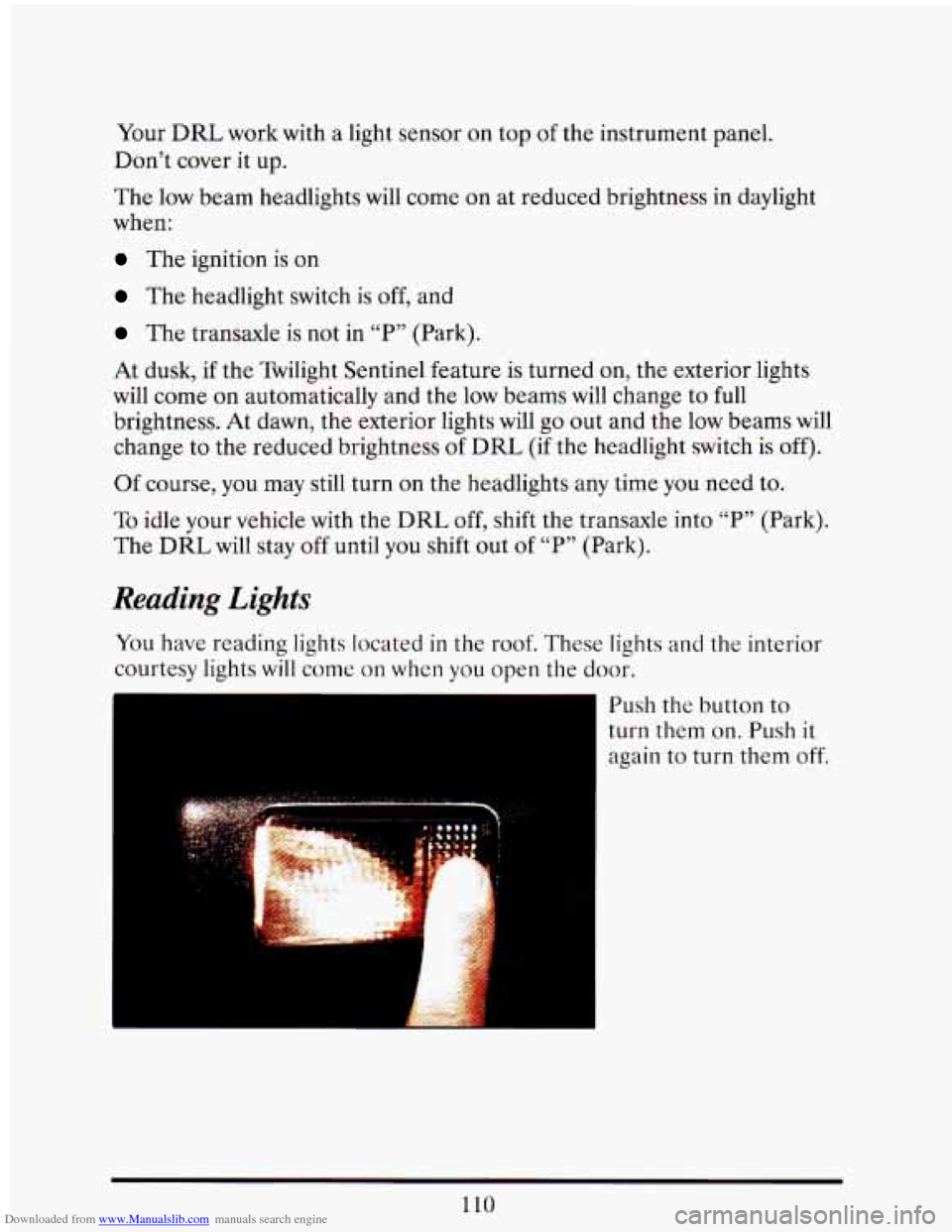
You have reading lights located in the roof. These lights and the interior
courtesy lights
will come on when you open the door.
Push the button
to
turn them on. Push it
again to turn them off.
110
Page 129 of 398
Downloaded from www.Manualslib.com manuals search engine I
r
I- f
7
f
A CAUTION:
I
If you aren't used to a convex mirror, you can --it another
vehicle.
A convex mirror can make things (like other vehicles)
look farther
away than they really are. If you cut too sharply
into the right lane, you could hit
a vehicle on your right. Check
your inside mirror or glance over your shoulder before changing
lanes.
I I
BREAK-AWAY OUTSIDE MIMOR (EXPORT)
The mirrors will collapse in either the forward or rearward direction, and
then return to the normal position.
ASTROROOF = EXPRESS OPEN
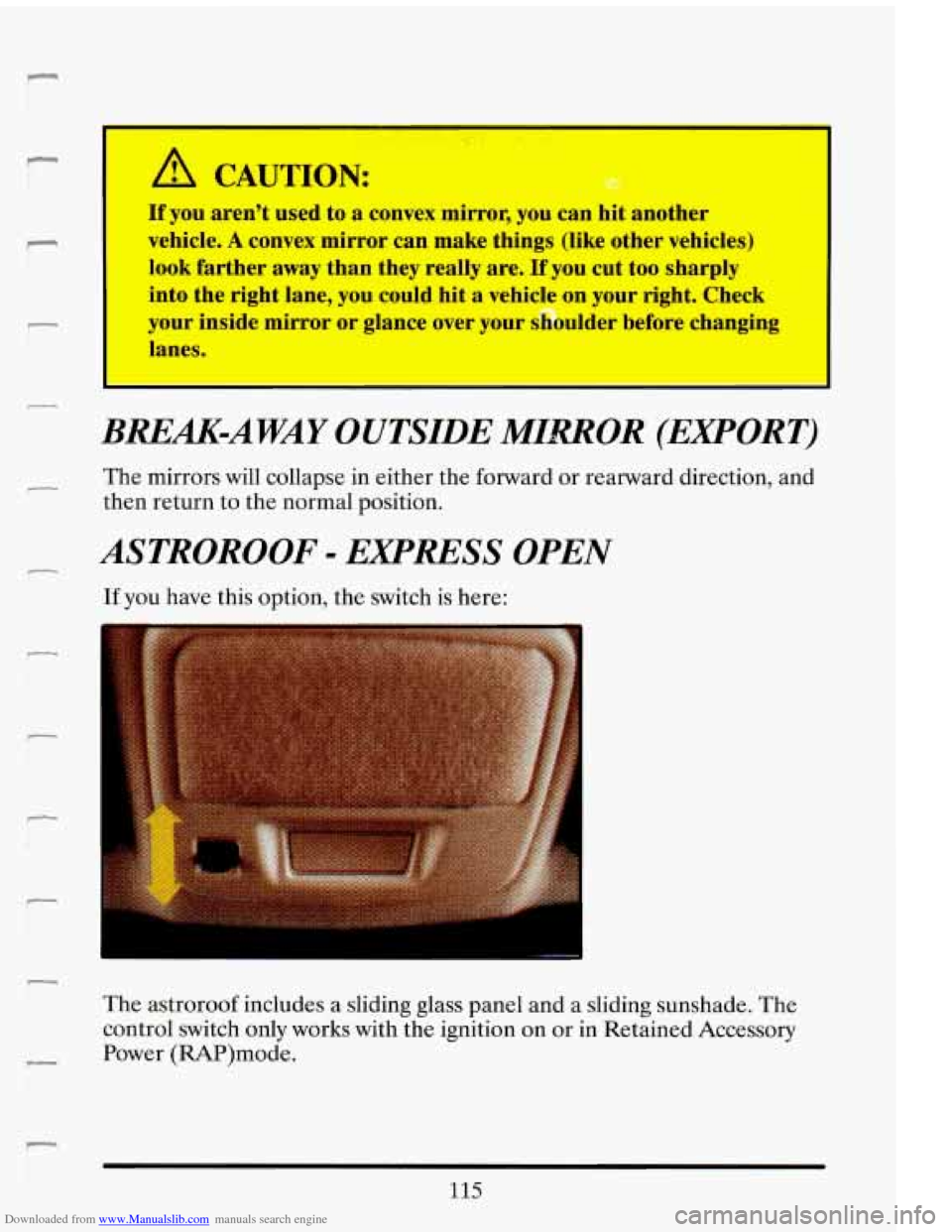
If you have this option, the switch is here:
The astroroof includes a sliding glass panel and a sliding sunshade. The
control switch only works with the ignition on or
in Retained Accessory
Power (RAP)mode.
115
Page 138 of 398
Downloaded from www.Manualslib.com manuals search engine some warning lights come on briefly when you turn the ignition key just to
let you know they’re working.
If you are familiar with this section, you
should not be alarmed when this happens.
When one
of the warning lights comes on and stays on when you are
driving, check the section that tells you what to do about it. Please follow
the manual’s advice. Waiting to do repairs can be costly
-- and even
dangerous.
So please get to know your warning lights. They’re a big help.
Your vehicle may
also have a driver information system that works along
with the warning lights. See “Driver Information System” in the Index.
Brake System Warning Light
Your Cadillac hydraulic brake system is divided into two parts. If one part
isn’t working, the other part can still work and stop you. For good
braking, though, you need both parts working
well.
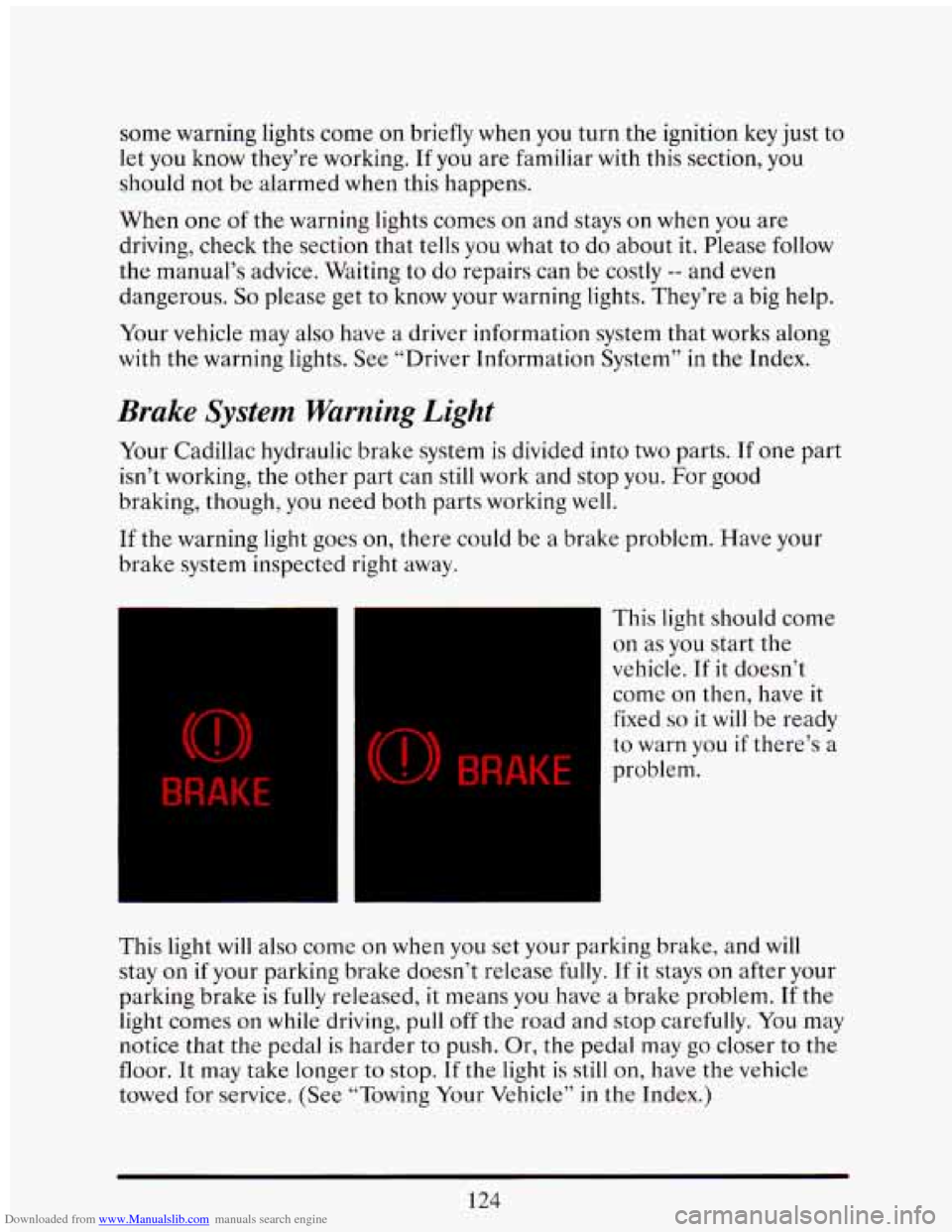
If the warning light goes on, there could be a brake problem. Have your
brake system inspected right away.
BRAKE
(0) BRAKE
This light should come
on as you start the
vehicle. If it doesn’t
come
on then, have it
fixed
so it will be ready
to warn you if there’s a
problem.
This light will also come
on when you set your parking brake, and will
stay
on if your parking brake doesn’t release fully. If it stays on after your
parking brake
is fully released, it means you have a brake problem. If the
light comes
on while driving, pull off the road and stop carefully. You may
notice that the pedal is harder
to push. Or, the pedal may go closer to the
floor. It may take longer to stop.
If the light is still on, have the vehicle
towed for service. (See “Towing Your Vehicle” in
the Index.)
124
Page 141 of 398
Downloaded from www.Manualslib.com manuals search engine A computer monitors operation of your fuel, ignition and emission
control systems. This light should come on when the ignition is on, but
the engine is not running, as a check to show you it is working.
If it does
not come
on at all, have it fixed right away. If it stays on, or it comes on
while you are driving, the computer
is indicating that you have a problem.
You should take your vehicle
in for service soon.
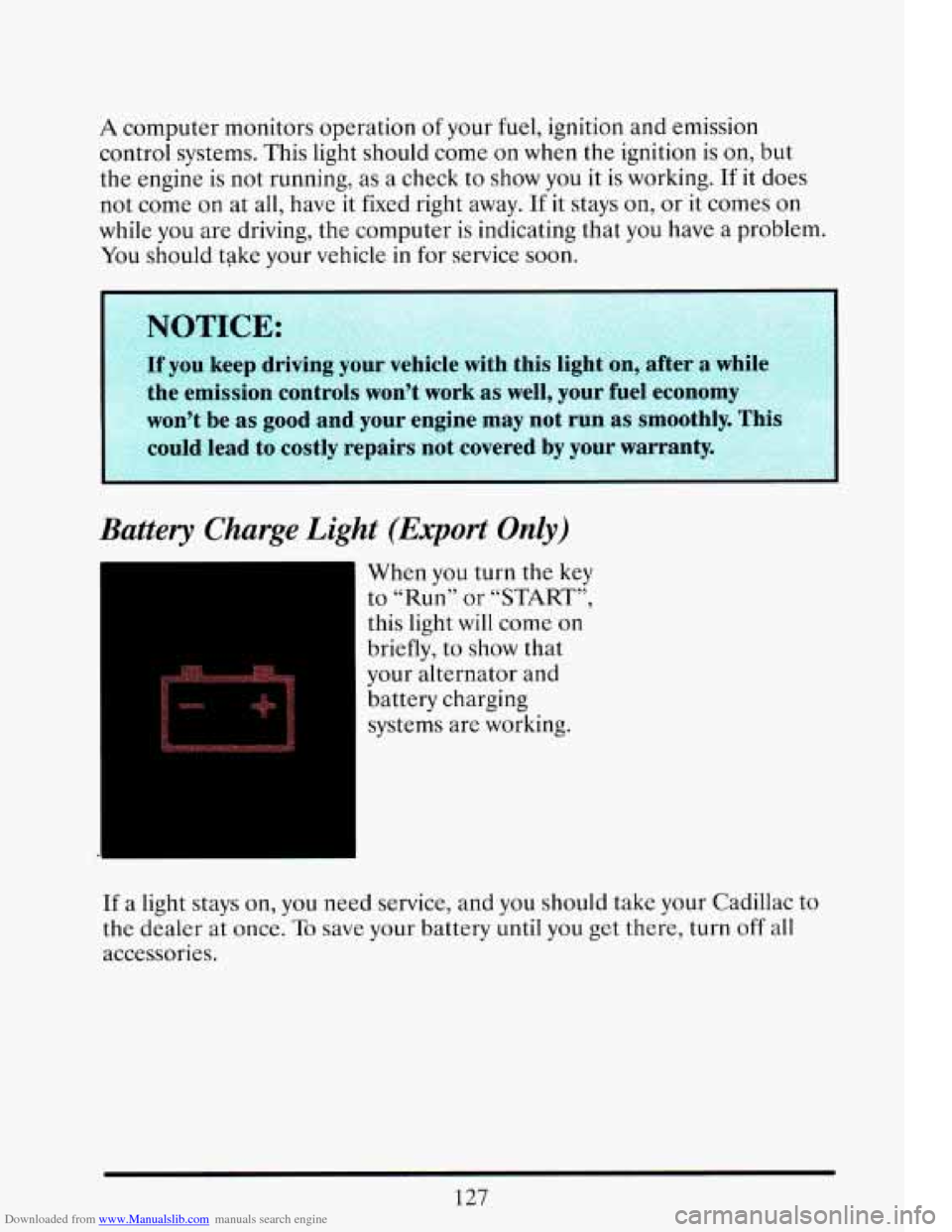
Battery Charge Light (Export Only)
.L
When you turn the key
to “Run” or
“START”,
this light will come on
briefly, to show that
your alternator and
battery charging
systems are working.
If a light stays on, you need service, and you should take your Cadillac to
the dealer at once.
To save your battery until you get there, turn off all
accessories.
Page 144 of 398
Downloaded from www.Manualslib.com manuals search engine Fuel Gage
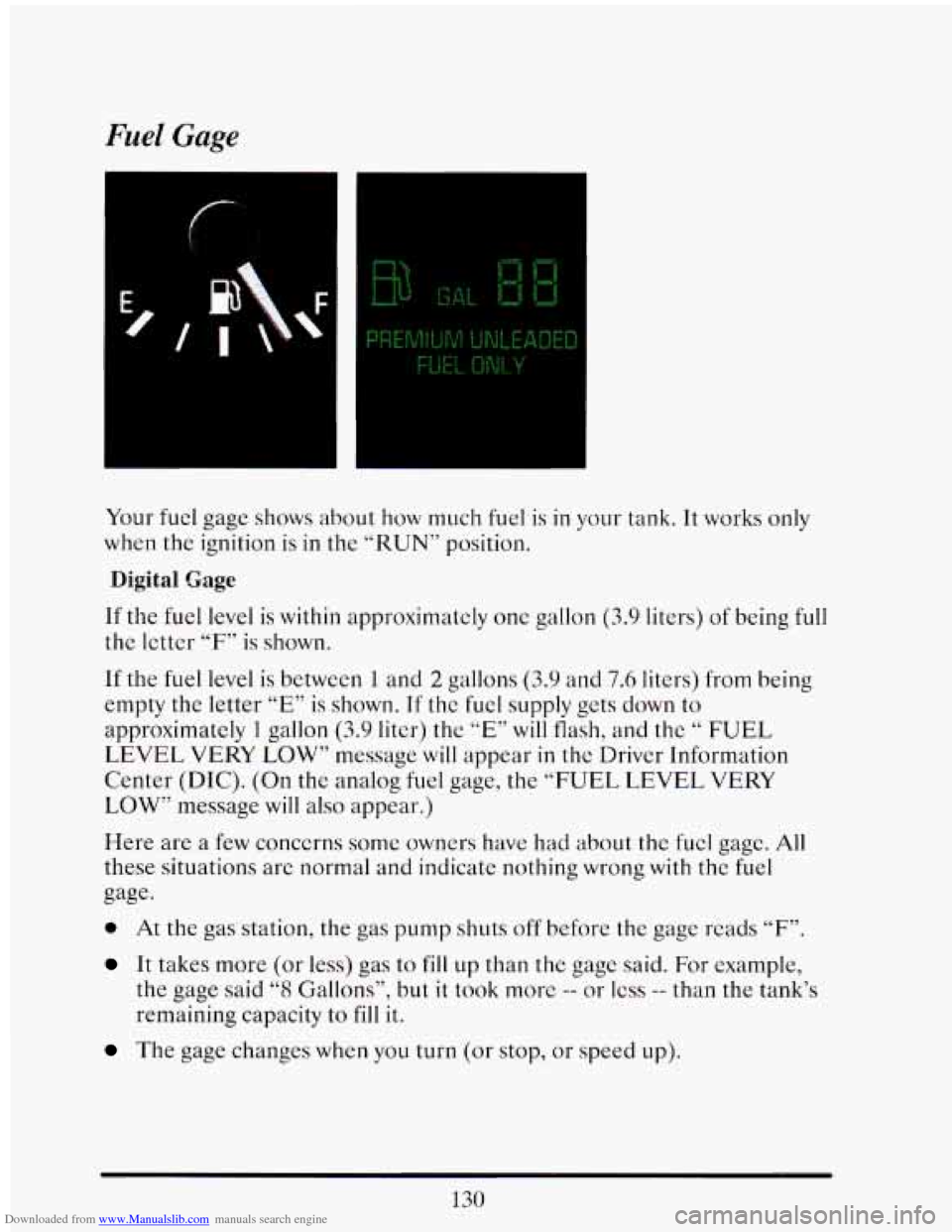
Your fuel gage shows about how much fuel is in your tank. It works only
when the ignition is
in the “RUN” position.
Digital Gage
If the fuel level is within approximately one gallon (3.9 liters) of being full
the letter “F” is shown.
If the fuel level
is between 1 and 2 gallons (3.9 and 7.6 liters) from being
empty the letter
“E” is shown. If the fuel supply gets down to
approximatcly 1 gallon (3.9 liter) the ”E” will flash, and the “ FUEL
LEVEL VERY LOW” message will appear
in the Driver Information
Center (DIC). (On the analog
fuel gage, the “FUEL LEVEL VERY
LOW’’ message will
also appear.)
Here are a few concerns some owners have had about the fucl gage. All
these situations are normal and indicate nothing wrong with the fuel
gage.
0 At the gas station, the gas pump shuts off before the gage reads “F”.
It takes more (or less) gas to fill up than the gage said. For example,
the gage said “8 Gallons”? but it took morc -- or less -- than the tank’s
remaining capacity
to fill it.
The gage changes when you turn (or stop, or speed up).
Page 147 of 398
Downloaded from www.Manualslib.com manuals search engine STORE/RECALL
Pressing this button will store any currently displayed message that is
indicating a system problem. Once a message has been stored the next
message
of normal information is displayed.
When
a message is stored it is saved in the computer, but once the
ignition
is turned off the message is lost. All messages stored when your
engine is running can be viewed one at a time by pressing
“STORE/RECALIY button.
FUEL USED RESET
Display the fuel used, then press and hold the STORE/RECALL button
until
0 is displayed.
DISPLAY ON/OFF
Pressing this button will turn off the Driver Information Center,
Electronic Climate Control and Fuel Data Center displays. While
displays are
off, pressing the “INFORMATION” button will turn on only
the Driver Information Center. If any other button is pressed or a driving
warning message needs
to be displayed, or fuel level falls below 4 gallons,
all the displays will come back on.
TRIP SET
Press and hold this button to set the Trip Odometer back to zero.
ENG/MET (English/Metric)
Press this button to switch from English (miles) to metric (kilometers).
Driver Information Center Messages
These messages will appear if there is a problem sensed in one of your
vehicle’s systems. Vehicles that
are first sold in Canada or are export
vehicles will have a number after each message. This number helps to
identify that message, which is only displayed in English.
APPLY BRAKE TO SHIFT
This message will appear if your vehicle is in “P” (Park) for about 5
seconds and the brake is not depressed. If you do not want this message
to appear, you can cancel this message by pressing the
OFF and the Blue
(cooler) button on the Electronic Climate control panel. Push \
the same
2
buttons again to have this message displayed again.
133
Page 151 of 398
Downloaded from www.Manualslib.com manuals search engine SERVICE A/C SYSTEM A/C COMPRESSdR OFF
This message appears when the electronic sensors that control the A/C
and heating system are no longer working.
You mav notice a drop in
heating and A/C efficiency when this message appkars. Have your
Climate Control system serviced
if this message appears.
STARTING DISABLED DUE TO THEFT SYSTEM REMOVE
IGNITION
KEY
This message will appear when the Personalized Automotive Security
System (PASS Key
I1 rM ) senses that an improper ignition key is being
used to try to start the vehicle. Check the ignition key
for damage. If it is
damaged, it may need to be replaced. If you see no damage, clean the
pellet contacts
with a soft cloth or napkin. Remove the ignition key and
wait for the Driver Information Center to display “WAIT
3 MINUTES”.
The Instrument Panel Cluster
will then run a timer and change the
messages to “WAIT 2 MINUTES”, “WAIT 1 MINUTE”, and then
“START CAR”. When the “START CAR” message
is displayed, try again
to start the engine.
SERVICE NOW - REFER TO OWNERS MANUAL
This message appears if you have a problem with the Electronic Control
Module (ECM).
To correct this problem have your vehicle serviced at
your Cadillac dealership.
SERVICE RIDE CONTROL
This message is displayed to indicate that the Suspension System is not
operating properly. To correct this problem have
your vehicle serviced at
your Cadillac dealership at your earliest convenience.
STOP ENGINE ENGINE OVERHEATING
This message will appear when your engine has overheated. Stop and
turn your engine
off immediately to avoid severe engine damage. See
“Engine Overheating” in the Index.
SERVICE VEHICLE SOON
This message will appear if there is a problem with your Emission
Control System.
If the “SERVICE ENGINE SOON” light on the
instrument panel and this message appear and then turns off, it
is an
indication that
a temporary problem has cleared itself. Have your vehicle
checked
at your earliest convenience.
137
Page 152 of 398
Downloaded from www.Manualslib.com manuals search engine STOP ENGINE LOW OIL PRESSURE
If this message appears while the engine is running, stop the engine and
do not operate it until the cause of low oil pressure is corrected. Severe
damage to the engine can result.
SERVICE SUPPLEMENTAL INFLATABLE RESTRAINT
If this message appears, there is a problem with your Supplemental
Inflatable Restraint (Air Bag) system. Let only a qualified technician
work on your vehicle. See your Cadillac dealer for service at once.
THEFT SYSTEM PROBLEM/CAR MAY NOT RESTART
This message means there is atroblem in the Personalized Automotive
Security System (PASS Key
I1 ). PASS Key I1 TM will prevent the vehicle
from restarting if it is turned off,
so you should take the vehicle to a
proper service center before turning the engine off. Never leave an
unattended vehicle with the engine running. Once you are where you can
get service, turn the engine
off and then try to restart it. If the vehicle
does not restart, the PASS Key
I1 TM system will need servicing.
TRACTION ACTIVE
If your vehicle is equipped with Traction Control, this message will be
displayed if Traction Control is being used to reduce wheel slippage.
TRACTION DISABLED
If your vehicle is equipped with Traction Control, this message will be
displayed if
a problem is noted in the Traction Control System. Have your
vehicle serviced as soon as possible.
TRANS FLUID RESET (Northstar Only)
With the engine not running and the ignition ON, press and hold the
OFF and REAR DEFOG buttons until the TRANS FLUID RESET
message appears in the Information Center (between 5 and 20 seconds).
TRANS OVERHEATED (Northstar Only)
This message indicates that your transaxle is running too hot. You should
stop and turn your engine
off as soon as possible. Let the engine and
transaxle cool and have the problem corrected. Severe transaxle damage
can result from an overheated transaxle
138
Page 153 of 398
Downloaded from www.Manualslib.com manuals search engine TURN SIGNAL ON
This message is a reminder, after driving about a mile that you have your
turn
signal on.
TRUNK OPEN
This message indicates that your trunk is opcn when the Ignition is ON.
VERY LOW REFRIGERANT
This message means that the Air Conditioning system detects a
refrigerant level that is low enough to cause damage to the A/C
compressor.
To avoid damage, the A/C compressor automatically turns
off and the Electronic Climate Control will automatically switch from
“AUTO” to “ECON” and remain there. Have your
A/C system serviced if
this message appears.
Speed Sensitive Steering (SSS)
This system varies the amount of steering effort proportionate to your
vehicle speed. Steering is easier at
a lower speed for increased
maneuverability and parking ease.
As your vehicle speed increases, the
steering effort
is also increased proportionately. At highway speeds the
amount
of steering effort is greatly increased to provide a manual like
steering feel for maximum control
an enhanced vehicle stability.
Road Sensing Suspension (Northstar Only)
The Road Sensing Suspension automatically controls the ride of your
vehicle.
The system controls damping forces in the shock absorbers and
struts in response to various road and driving conditions. The system is
capable
of making these changes within milli-seconds.
The
Road Sensing Suspension controller is a computer used to control
and monitor the system. The computer receives inputs from vertical
acceleration sensors, wheel
to body position sensors, vehicle speed
sensor, lift and dive signals, and determines optimum strut valving or
(suspension stiffness) for your current operating conditions.
The
computer also receives feedback from the various components to
determine proper system operation. If the computer receives an incorrect
feedback from the system, an error code will be
set in memory and a
“SERVICE RIDE CONTROC’ message will display on the Driver
139