brake CADILLAC ELDORADO 1994 10.G User Guide
[x] Cancel search | Manufacturer: CADILLAC, Model Year: 1994, Model line: ELDORADO, Model: CADILLAC ELDORADO 1994 10.GPages: 398, PDF Size: 21.2 MB
Page 110 of 398
Downloaded from www.Manualslib.com manuals search engine Torque Lock
If you are parking on a hill and you don’t shift your transaxle into “P”
(Park) properly, the weight
of the vehicle may put too much force on the
parking pawl in the transaxle. You may find it difficult to pull the shift
lever out of “P” (Park). This is called “torque lock.”
To prevent torque
lock, set the parking brake and then shift into
“P” (Park) properly before
you leave the driver’s seat.
To find out how, see “Shifting Into ‘P’ (Park)”
in the Index.
If ‘?.orque lock” does occur, you may need to have another vehicle push
yours
a little uphill to take some of the pressure from the transaxle, so
you can pull the shift lever out of “P” (Park).
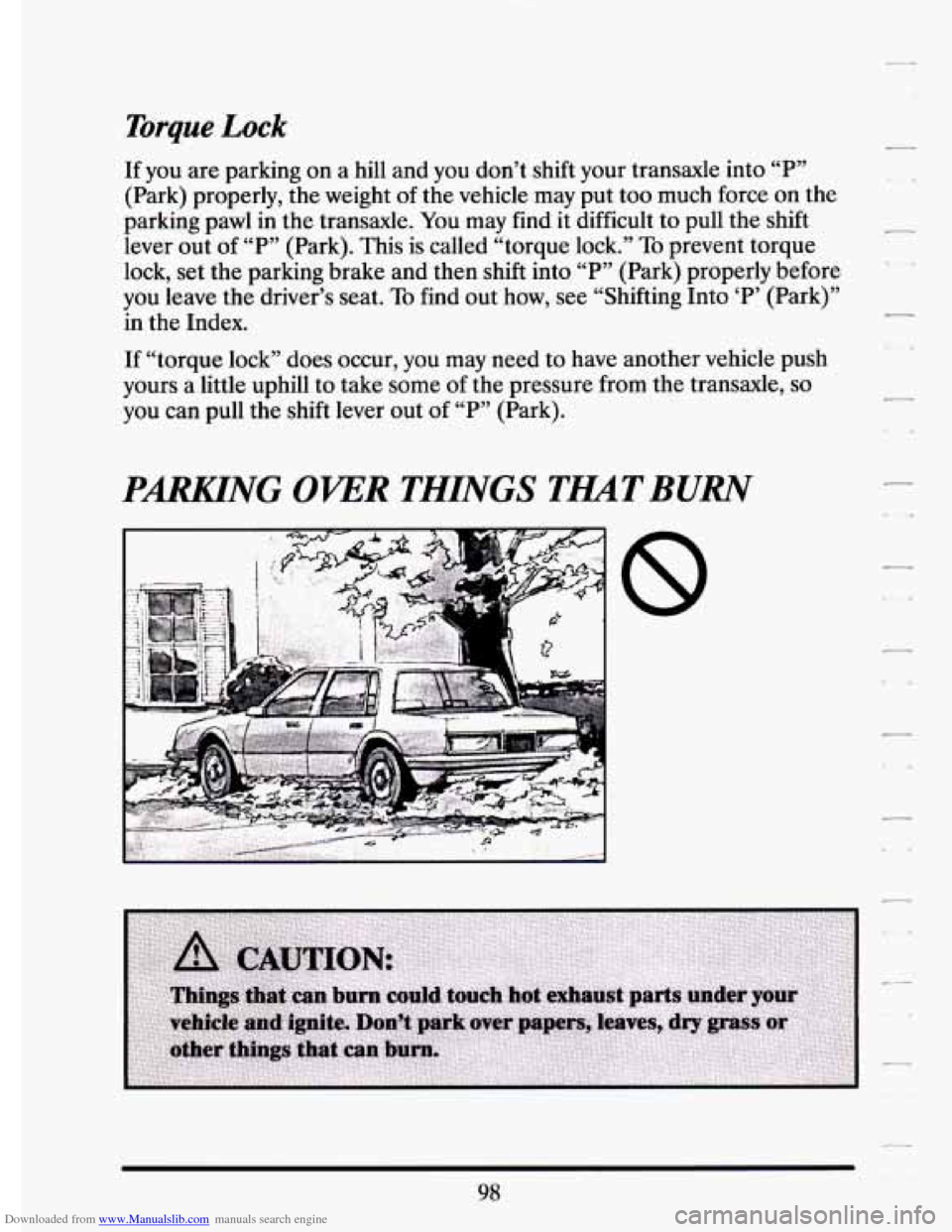
PARKING OKER THINGS TMTBURN
,,
-
98
Page 123 of 398
Downloaded from www.Manualslib.com manuals search engine ‘E
r
r
r
r
5. Take your foot off the accelerator pedal.
To Resume a Set Speed
Suppose you set your Cruise Control at a desired speed. and then you
apply the brake. This,
of course, shuts off the Cruise.Contro1. But you
don’t need to reset it. Once you’re going about
25 mph .(40 km/h) or
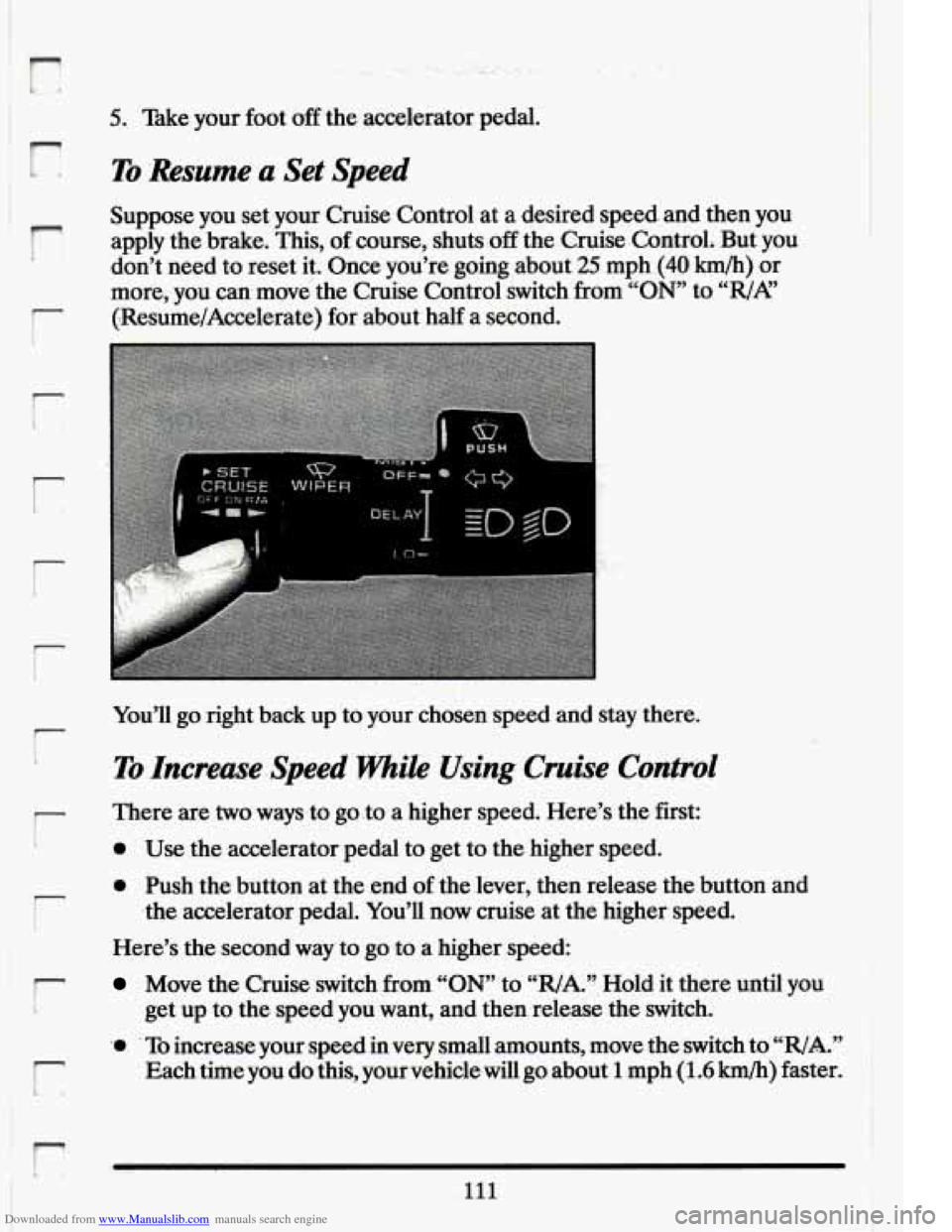
more, you can. move the Cruise Control switch from “ON” to “WA”
(-Resume/Accelerate) for about half a second.
r
r
You’ll go right back up to your chosen speed and stay there.
-.c
To Increase-Speed While Using Cruise Control
,- There are two waysto go,to a higher speed. Here’s the first:
0 ’ Use .the accelerator pedal to get to the higher speed.
r
0 Push the button at the .end of the lever, then release the button and
Here’s the second way’to goto
a higher speed:
.the
accelerator pedal. You’ll now cruise at the higher speed.
r Move the Cruise switch from “ON’ to “R/A.’’. Hold it there until you
i get up to the speed you want, and thenrelease the switch.
111
r
‘0 To increase your,speed in very small amounts, move the switch to ‘WA.”
Each time you do this, your vehicle will go about 1 mph (1.6 km/h) faster.
r
Page 124 of 398
Downloaded from www.Manualslib.com manuals search engine The accelerate feature will only work after you have set the Cruise
Control speed by pushing the
“SET CRUISE” button.
To Reduce Speed While Using Cruise Control
There are two ways to reduce your speed while using cruise control:
Push in the button at the end of the lever until you reach the lower
speed you want, then release it.
To slow down in very small amounts, push the button for less than half
a second. Each time you
do this, you’ll go 1 mph (1.6 kmk) slower.
Passing Another khicle While Using Cruise Control
Use the accelerator pedal to increase your speed. When you take your
foot off the pedal, your vehicle
will slow down to the Cruise Control
speed you set earlier.
Using Cruise Control on Hills
How well your Cruise Control will work on hills depends upon your
speed, load, and the steepness
of the hills. When going up steep hills, you
may have
to step on the accelerator pedal to maintain your speed. When
going downhill, you may have to brake or shift
to a lower gear to keep
your speed down. Of course, applying the brake takes you out
of Cruise
Control. Many drivers
find this to be too much trouble and don’t use
Cruise Control on steep hills.
112
Page 125 of 398
Downloaded from www.Manualslib.com manuals search engine r
To Get Out of Cruise Control
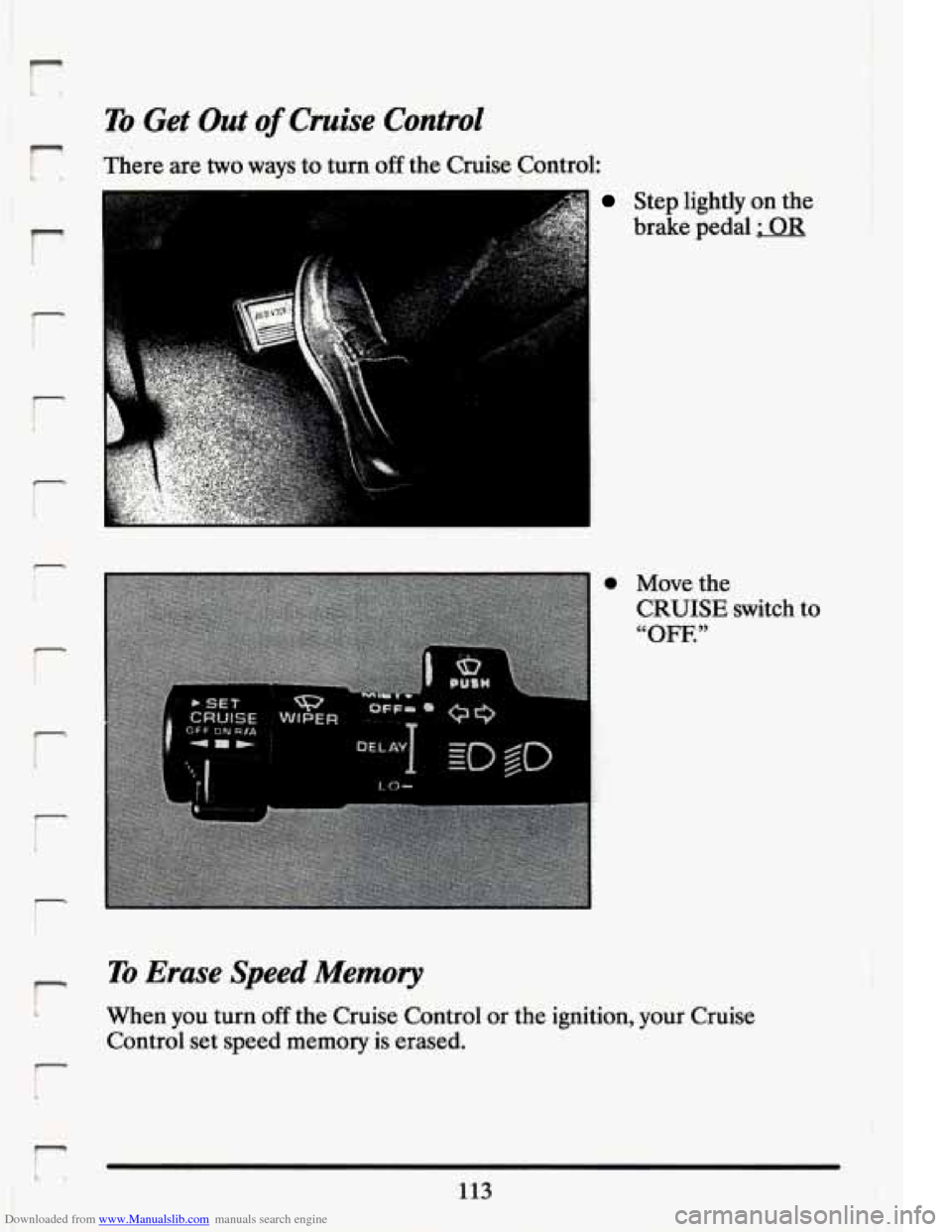
There are two ways to turn off the Cruise Control:
r
7 I I
Step lightly on the
brake pedal
; OR
0
r
P
r
Move the CRUISE switch to
“OFF.”
r
To Erase Speed Memory
1 When you turn off the Cruise Control or the ignition, your Cruise
Control set speed memory is erased.
113
I
Page 144 of 398
Downloaded from www.Manualslib.com manuals search engine the manual’s advice. Waiting to do repairs can be costly -- and even
dangerous.
So please get to know your warning lights. They’re a big help.
Your vehicle may also have a driver information system that works along
with the warning lights. See “Driver Information System”
in the Index.
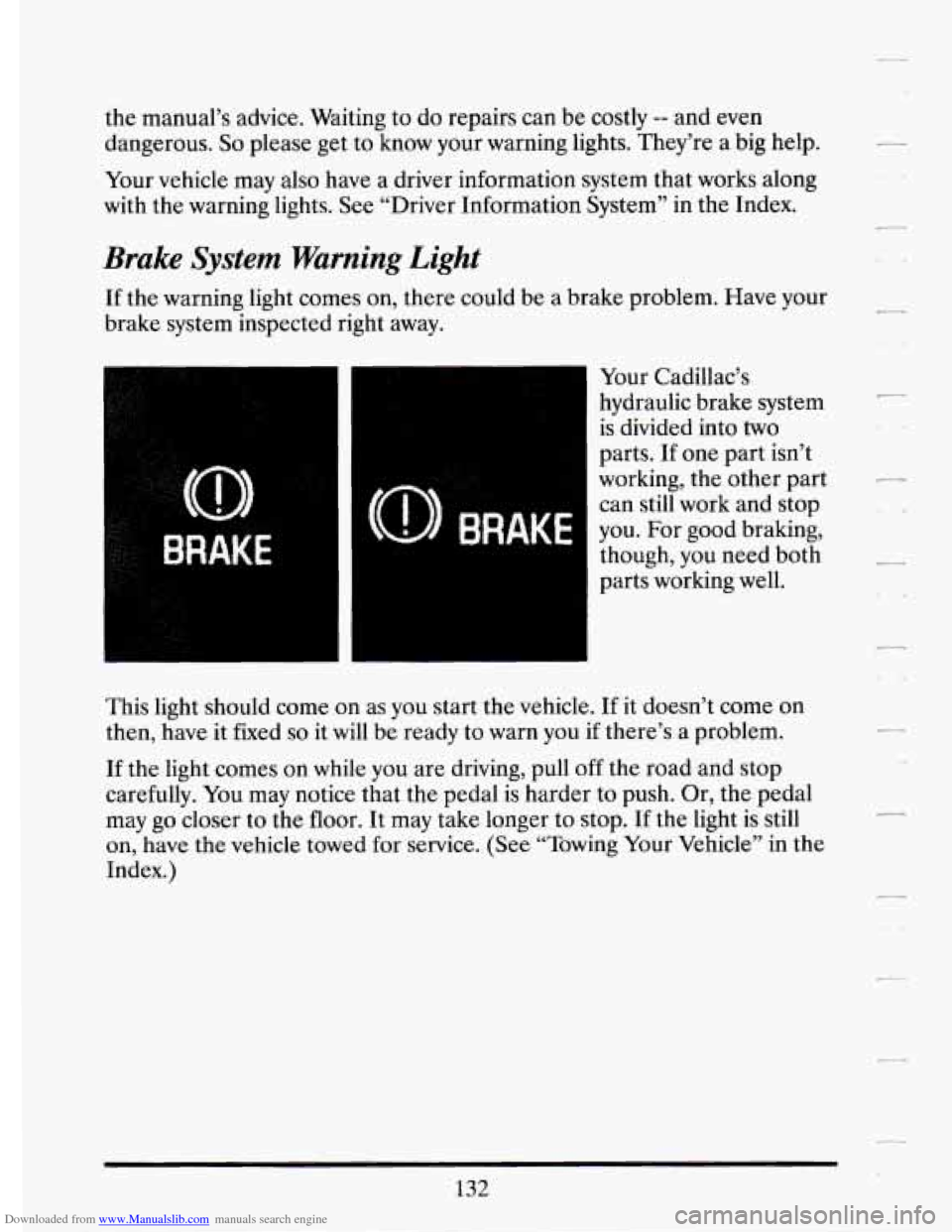
Brake System Warning Light
If the warning light comes on, there could be a brake problem. Have your
brake system inspected right away.
Your Cadillac’s
hydraulic brake system
is divided into two
parts. If one part isn’t
working, the other part
can still work and stop
you. For good braking,
though, you need both
parts working well.
This light should come
on as you start the vehicle. If it doesn’t come on
then, have it fixed
so it will be ready to warn you if there’s a problem.
If the light comes on while you are driving, pull off the road and stop
carefully.
You may notice that the pedal is harder to push. Or, the pedal
may go closer to the floor. It may take longer to stop. If the light
is still
on, have the vehicle towed for service. (See “Towing Your Vehicle” in the
Index.)
132
Page 145 of 398
Downloaded from www.Manualslib.com manuals search engine ..
‘The brake system warning light will also.come on when you set your
parking ,brake, and it will stay on if your.:parking brake doesn’t release
fully. If
it stays on after your parking .brake is fully released, it means you
have a brake problem.
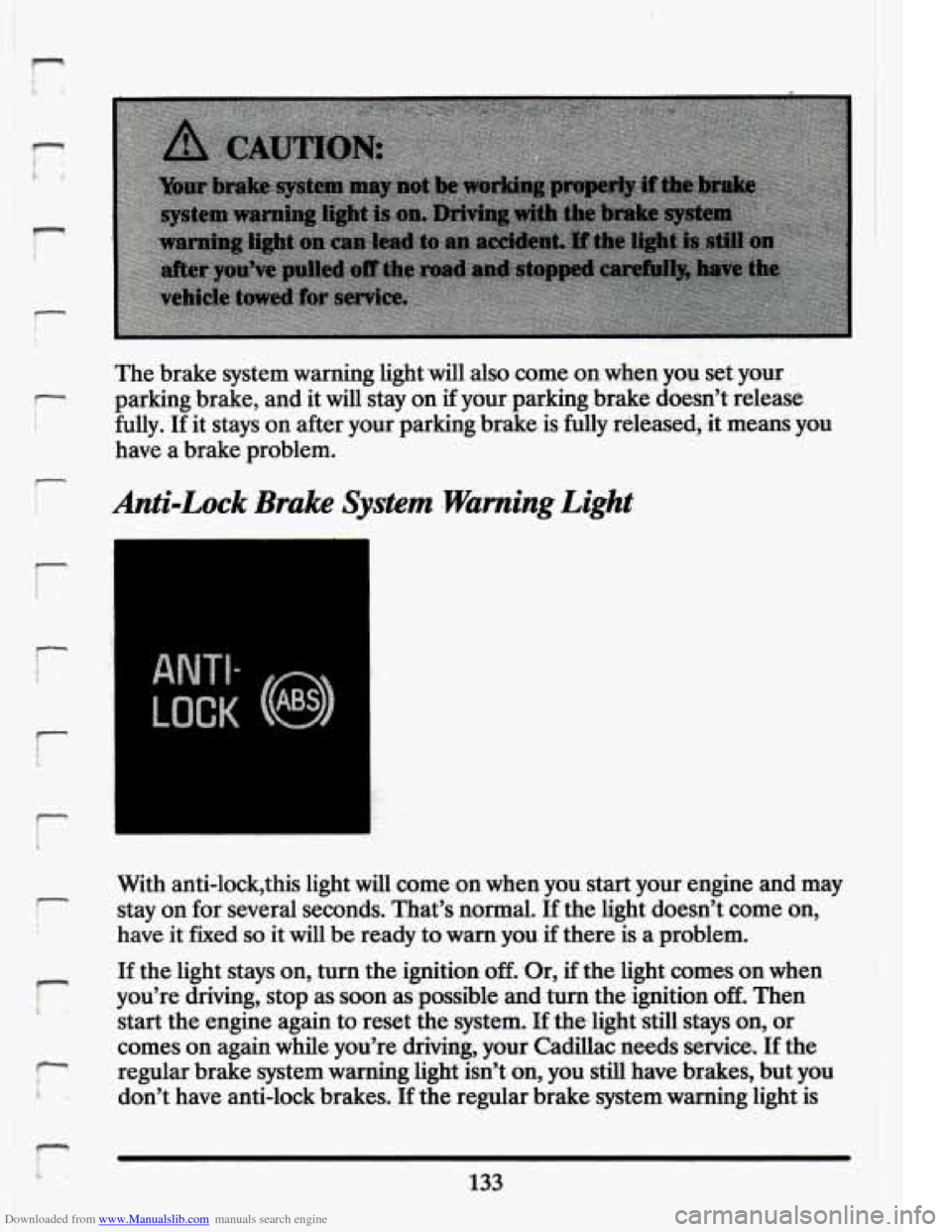
Anti-Lock 3rake System warning Light
LOCK
With anti-lock’this light will come on when you start your engine and may
stay on for several seconds. That’s normal. If the light doesn’t come
on,
have it fixed so it will be ready to warn you if there is a problem.
I-
i
If the light stays on, turn the ignition off. .Or, if the ‘light. comes on when
you’re driving, stop as soon as possible and turn the ignition
off. Then
start the engine again
to reset the system. If the-light still. stays on, or
comes on again while you’re driving, your Cadillac needs service.
If the
regular brake system warning
1ig.M isn’t. on, you still have brakes, but you
don’t have anti-lock brakes.
If the regular brake system warning light is
133
Page 146 of 398
Downloaded from www.Manualslib.com manuals search engine also on, you don’t have anti-lock brakes and there’s a problem with your
regular brakes. See “Brake System Warning Light” earlier in this part.
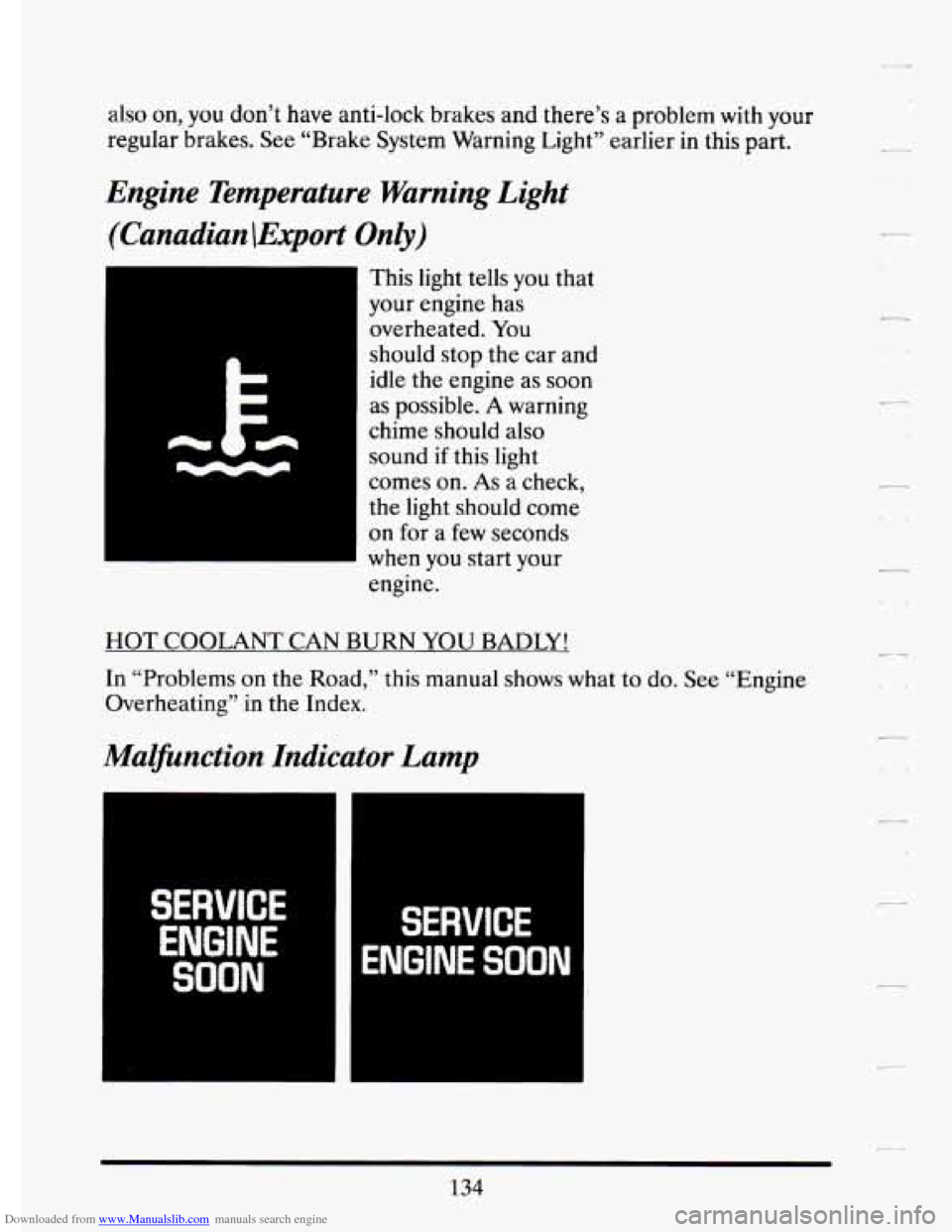
Engine Temperature Warning Light
(Canadian \Export Only)
This light tells you that
your engine has
overheated. You
should stop the car and
idle the engine as soon
as possible.
A warning
chime should also
sound if this light
comes on.
As a check,
the light should come
on
for a few seconds
when
you start your
engine.
HOT COOLANT CAN BURN YOU BADLY!
In “Problems on the Road,” this manual shows what to do. See “Engine
Overheating” in the Index.
Malfunction Indicator Lamp
SERVICE
ENGINE
SOON
SERVICE
ENGINE SOON
134
Page 154 of 398
Downloaded from www.Manualslib.com manuals search engine DISPLAY ON/OFF Button
Pressing this button will turn off the Driver Information Center,
Electronic Climate Control and Fuel Data Center displays. If
you have
the digital cluster the
fuel gage, Trip and odometer will also turn off.
While displays are off, pressing the INFORMATION button will turn on
only the Driver Information Center. If any other button is pressed or a
driving warning message needs to be displayed, or fuel level falls below
4 gallons, all the displays will come back on.
TRIP SET Button
Press and hold this button to set the Trip Odometer back to zero.
ENG/MET (English/Metric Button)
Press this button to switch from English (miles) and Degrees
(Fahrenheit), to Metric (kilometers) and Degrees (Celsius).
Driver Information Center Messages
These messages will appear if there is a problem sensed in one of your
vehicle’s systems. Vehicles that are first sold
in Canada or are export
vehicles will have a number after each message. This number he\
lps to
identify that message, which is only displayed
in English.
APPLY BRAKE TO SHIFT - 46
This message will appear if your vehicle is in “P” (Park) for about 15
seconds and the brake is not depressed. If you do not want this message
to appear,
you can cancel this message by holding the “OFF” and the
Blue (cooler) button on the Electronic Climate Control panel for about
5 seconds. Hold the same two buttons again to have this message
displayed again.
A/C OVERHEATED - A/C COMPRESSOR OFF - 15
If the refrigerant system ever reaches an over-pressure condition, this \
message will appear to tell you that the air conditioning compressor has
been turned off. Air conditioned air will not be delivered to cool your
vehicle. If the pressure returns to a normal operating range,
you must
select
“AUTO”, “DEFOG”, or Defrost to start the compressor. If this
message continues to appear, have the system repaired as
soon as
possible to avoid compressor damage.
142
Page 155 of 398
Downloaded from www.Manualslib.com manuals search engine I-
r- I
i
BATTERY NO CMGE - .07 r,
This message will appear if your battery is not b.eing charged. Have your
electrical ,system checked by your Cadillac dealership at your earliest
convenience.
BATTERY VOLTS HIGH - 08
This .message shows that the electrical charging system is overcharging,
(more than
16 volts). To.avoid being stranded have. the electrical system
checked by your Cadillac dealership at your earliest convenience. You can
reduce the charging overload by using.the accessories. Turn on the lights,
radio,
set the Climate ‘Control on .“AUTO” and ,the.fan speed on “HI’’
and turn the rear window defogger.on. Youcan monitor battery voltage
on the Driver Information Center by toggling the“‘1NFORMATION”
button. When the engine is running, -the normal range is
11.5 to
1.5.5 volts.
BATTERY VOLTS LOW - 06
.This .message will appear when the.electrica1 system is charging less than
10 volts, or if the battery has been drained. If this message appears
immediately.after starting it .is possible that the .generator can still
recharge the battery. The. battery should recharge after driving a,few
miles and the message should go out.
If this .message appears while
driving or. after starting your vehicle and stays on,’have it, checked
immediately.to determine.the cause
of this problem. To help the
generatorrecharge the,,battery quickly, you can .reduce,the load.on the
electrical system by turning
off your accessories. You can monitor battery
voltage on the Driver Information Center. by toggling the
“INFORMATION” button. The. normal range
is 11.5 to 15.5 volts.
CHANGE TRANS FLUID - 47
This message will appear when it is time to replace the transaxle fluid.
See your maintenance booklet for the proper -fluid and change intervals.
CHECKBRAKEFLUID - 37
This.message. is displayed to inform the-driver that the brake.reservoir
fluid level .is low. Check.the brake reservoir level and add as needed.
Have the brake system serviced by a. Cadillac technician
-as soon as
.possible.
IT the brake warning light is on, €0110~ the directionsin that
section.
r L
143
Page 183 of 398
Downloaded from www.Manualslib.com manuals search engine r
i !
1‘
I:
r
r
Rear-end collisions are qbrrJt.;the m~$t puwentable .oS_aqidents. Yet they:
are common.
Allow enough foll&g!disiance. It s ,the’be$t defensive
driving maneuver, in both city and
rural driving. You never know when
the vehicle in front
of you is going to brake or turn suddenly.
.k,; 4,:w: , s.7,- ”,, 9 x..:.’. ’
The Blood AlcohoKontent (BAC) of someone who is drinking..depends
upon four things:
0 How much alcohol is in the drink.
0 The drinker’s body weight.
The amount of food th,at is consumed before and during drinking.
0 The length of time it has taken the drinker to consume the alcohol.