radio CADILLAC ELDORADO 1994 10.G Owners Manual
[x] Cancel search | Manufacturer: CADILLAC, Model Year: 1994, Model line: ELDORADO, Model: CADILLAC ELDORADO 1994 10.GPages: 398, PDF Size: 21.2 MB
Page 7 of 398
Downloaded from www.Manualslib.com manuals search engine r
r
r
r
r
I r
r
,r
r
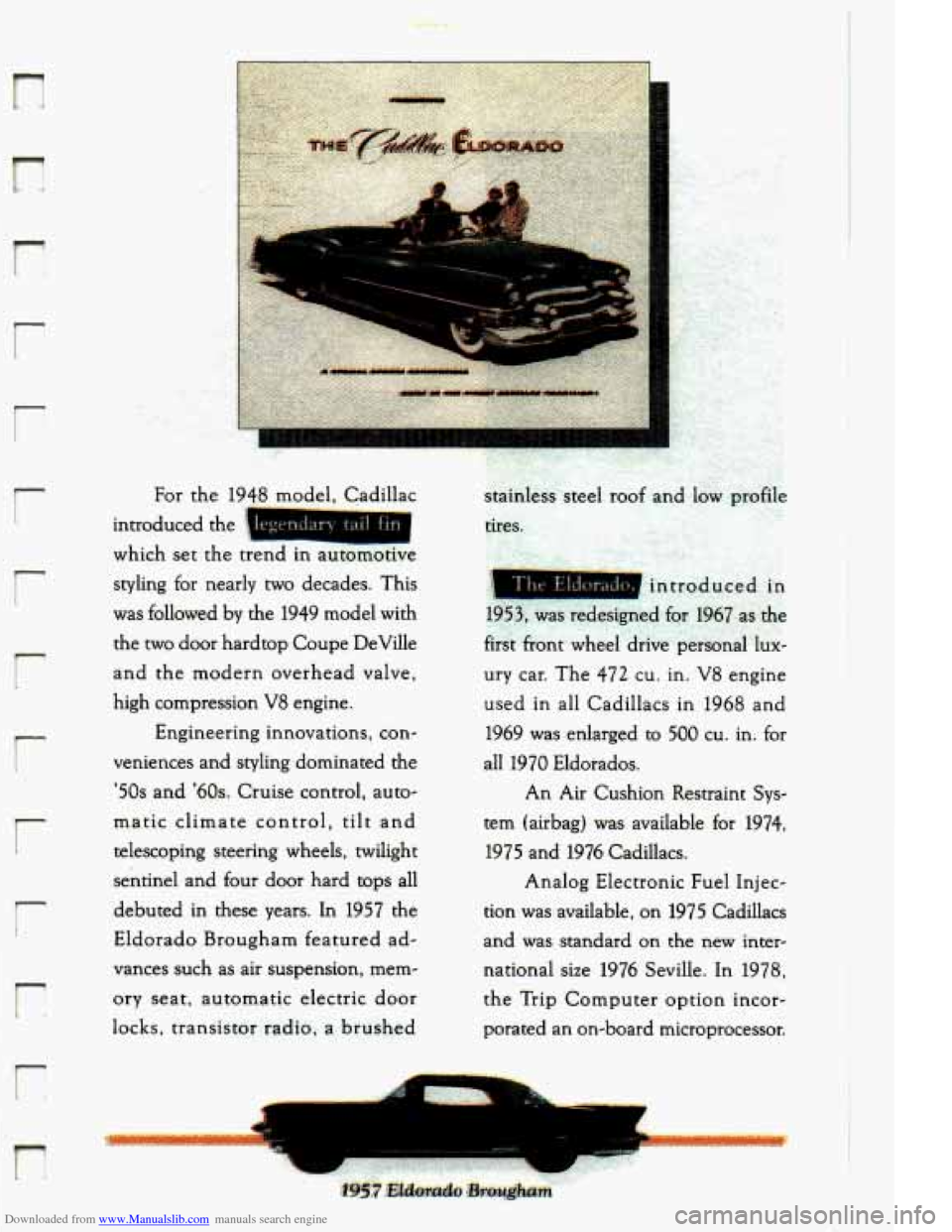
introduced the
which set the trend in automotive
styling for nearly two decades. This
was followed
by the 1949 model with
the two door hardtop Coupe DeVille
and the modern overhead valve,
high compression
V8 engine.
Engineering innovations, con-
veniences and styling dominated the
'50s and '60s. Cruise control, auto-
matic climate control,
tilt and
telescoping steering wheels, twilight
sentinel and four door hard tops all
debuted in these years. In
1957 the
Eldorado Brougham featured ad-
vances such as air suspension, mem-
ory seat, automatic electric door
locks, transistor radio, a. brushed
L.
c .,
Page 83 of 398
Downloaded from www.Manualslib.com manuals search engine r
r
r t
r
ir
r:
r
Your vehicle is equipped with this feature. If you leave the key in the
ignition whether in the Accessory, Lock,
or Off position with the ,driver's
door open, you cannot lock,the vehicle using the power locks.
If you close
the door you can.lo.ck it using the Remote Keyless Entry System. It is
always recommended. that- you rem0v.e your ignition
key when locking
your vehicle.
Illuminated Entry System
Your illuminated.entry system turns on all the courtesy lights when a door
is opened or if you push the Remote Keyless. Entry button. .When. the
door is closed, the courtesylights will go out.
RElMOTE KEIZESS ENTRY SYSTEM
With this feature you can turn on your interior lights, lock.and unlock
your doors, or unlock your trunk from-up
to 15 feet (4.5 mm) using the
key chain transmitter supplied with your vehicle
...
Your. Remote Keyless Entry System is intended to be used as a
supplementary vehicle entry device. It is not intended to replace, but
rather should be used in conjunction with a door lock key. It operates on
a radio frequency subject to Federal Communications Commission
(FCC) Rules.
This device complies with Part 15 of the FCC Rules. Operation.
is subject
to the following
two conditions: (1) This device may not cause harmful . ,I
interference,.and (2) This device must accept any interference received,
including interference that may cause undesired operation.
Should interference- to this system occur, try this:
Check to determine if battery replacement is necessary. See the
Check the distance. You may be too far from your vehicIe. This
Check the location. Other vehicles or objects may be. blocking the-
0, See your Cadillac dealer ora qualified technician for service.
instructions
on battery replacement..
product has a maximum range.
signal.
71
Page 96 of 398
Downloaded from www.Manualslib.com manuals search engine Before you put the key In, your ignition will be in the “LOCK” position.
This position locks your ignition, steering
wheel and transaxle. It’s an
anti-theft feature.
The other positions let
you perform these functions:
ACC: Accessory lets you use things like the radio and the windshield
wipers when the engine is off. To get into “ACC”, push
in the key and turn
it toward you. Your steering wheel
will remain locked, just as it was-
before you inserted the key.
OFF: This position lets you turn off the engine but still turn the steering
wheel. It doesn’t lock the steering wheel like “Lock.” Use “Off”
if you
must have your car in motion while the engine is off (for example, if your
car is being pushed).
RUN This is the position for driving.
STARR This starts your engine.
NOTICE:
If your key seems stuck in “Lock” and you can’t turn it, be sure it
is
all the way in. If it is, then turn the steering wheel left and
right while you turn the key hard. But turn the key only with your
hand. Using
a tool to force it could break the key or the ignition
switch. If none of this works, then your vehicle needs service.
STARTING YOUR ENGINE
Move your shift lever to “P” (Park) or “N” (Neutral). Your engine won’t
start in any other position
-- that’s a safety feature. To restart when you’re
already moving, use
“N” (Neutral) only.
.-
,.
NOTICE: -
Don’t try to shift to “P” (Park) if your Cadillac is moving. If you
I
do, you could damage the transaxle. Shift to “P” (Park) only
when your vehicle
is stopped.
84
Page 155 of 398
Downloaded from www.Manualslib.com manuals search engine I-
r- I
i
BATTERY NO CMGE - .07 r,
This message will appear if your battery is not b.eing charged. Have your
electrical ,system checked by your Cadillac dealership at your earliest
convenience.
BATTERY VOLTS HIGH - 08
This .message shows that the electrical charging system is overcharging,
(more than
16 volts). To.avoid being stranded have. the electrical system
checked by your Cadillac dealership at your earliest convenience. You can
reduce the charging overload by using.the accessories. Turn on the lights,
radio,
set the Climate ‘Control on .“AUTO” and ,the.fan speed on “HI’’
and turn the rear window defogger.on. Youcan monitor battery voltage
on the Driver Information Center by toggling the“‘1NFORMATION”
button. When the engine is running, -the normal range is
11.5 to
1.5.5 volts.
BATTERY VOLTS LOW - 06
.This .message will appear when the.electrica1 system is charging less than
10 volts, or if the battery has been drained. If this message appears
immediately.after starting it .is possible that the .generator can still
recharge the battery. The. battery should recharge after driving a,few
miles and the message should go out.
If this .message appears while
driving or. after starting your vehicle and stays on,’have it, checked
immediately.to determine.the cause
of this problem. To help the
generatorrecharge the,,battery quickly, you can .reduce,the load.on the
electrical system by turning
off your accessories. You can monitor battery
voltage on the Driver Information Center. by toggling the
“INFORMATION” button. The. normal range
is 11.5 to 15.5 volts.
CHANGE TRANS FLUID - 47
This message will appear when it is time to replace the transaxle fluid.
See your maintenance booklet for the proper -fluid and change intervals.
CHECKBRAKEFLUID - 37
This.message. is displayed to inform the-driver that the brake.reservoir
fluid level .is low. Check.the brake reservoir level and add as needed.
Have the brake system serviced by a. Cadillac technician
-as soon as
.possible.
IT the brake warning light is on, €0110~ the directionsin that
section.
r L
143
Page 169 of 398
Downloaded from www.Manualslib.com manuals search engine n
m
The system will go off after a fmr,.g&u$e: h~e~~i~~~.c;vc!e,I~~you shift.out of
“P” (Park),, the system will only cycle for two minutes. If you want it to
cycle again, push the switch. It.wil1 go on for two minute cycles. after that.
If it has cleared your windshield before the cycle is over, you can turn it
off.by.just gushing the switch again.
1 Use. the defroster ta.clear the windshield. In warm weather the heated
- of the sun’s heat.producing radiation. The system’s solar control
windshield system helps.
keep the vehicle’s interior cool by blocking much
I properties also help reduce interior fading.
There is a metal
film in: the windshield- which. will%lockout some radio or
r microwave signals. Therefore,
(In certain states radar detectors ardegal:)
Your.Delco@ sound system has been .designed to operate easily and
give.
you acquaint yourself with it first. Find out whatyour Delcoa system can
do .and how
to operate all its controls, to be. sure you’re getting the most
r years of listening pleasure. But you will get the most enjoyment out. of .it if
i out of the advanced engineering that went into it.
FM Stereo
m
I FM stereo will give you the best sound. But FM signals will reach only
about
10 to 40 miles (16 to 65 km). And, tall buildings or hills can
interfere with
FM signals, causing popping,. crackling, or momentary
1 r hissing sounds.
I
AM
r I
1
The range formost AM stations is greater than for FM; especially at
night. The longer range, however, can cause stations to interfere with
.,
each other. AM can pick up noise from things like storms and power
r lines. Tiy reducing the treble to reduce this noise if you ever get .it.
t
157.
Page 170 of 398
Downloaded from www.Manualslib.com manuals search engine This means your radio can produce quality AM sound comparable to FM
stereo. AMAX@ reduces noise without reducing the high frequencies you
need for the best sound. In addition to improved sound quality, AMAX’
includes more station on the AM band. You don’t have to do anything to
your radio because
AMAX@ is automatic.
AM Stereo
This means the Delco@ system can receive C-QUAM’ stereo broadcasts.
Many
AM stations around the country use C-QUAM@ to produce stereo,
although some do not. (C-QUAM@ is a registered trademark
of
Motorola, Inc.) If your Delco@ system can get C-QUAM@, your “ST”
stereo light
will come on when you’re receiving it.
Be aware that hearing damage from loud noise is almost undetectable
until it is too late. Your hearing can adapt to higher volumes
of sound.
Sound that seems normal can be loud and harmful to your hearing. Take
precautions by adjusting the volume control on your radio to a safe sound
level before your hearing adapts to it.
To help avoid hearing loss or damage:
Adjust the volume control to the lowest setting.
Increase volume slowly until you hear comfortably and clearly.
158
Page 171 of 398
Downloaded from www.Manualslib.com manuals search engine hl
r
i
n
NOTICE:
So, before adding sound equipment, .check with your dealer and
be sure
to check Federal rules covering mobile radio and
telephone units.
r
159
Page 172 of 398
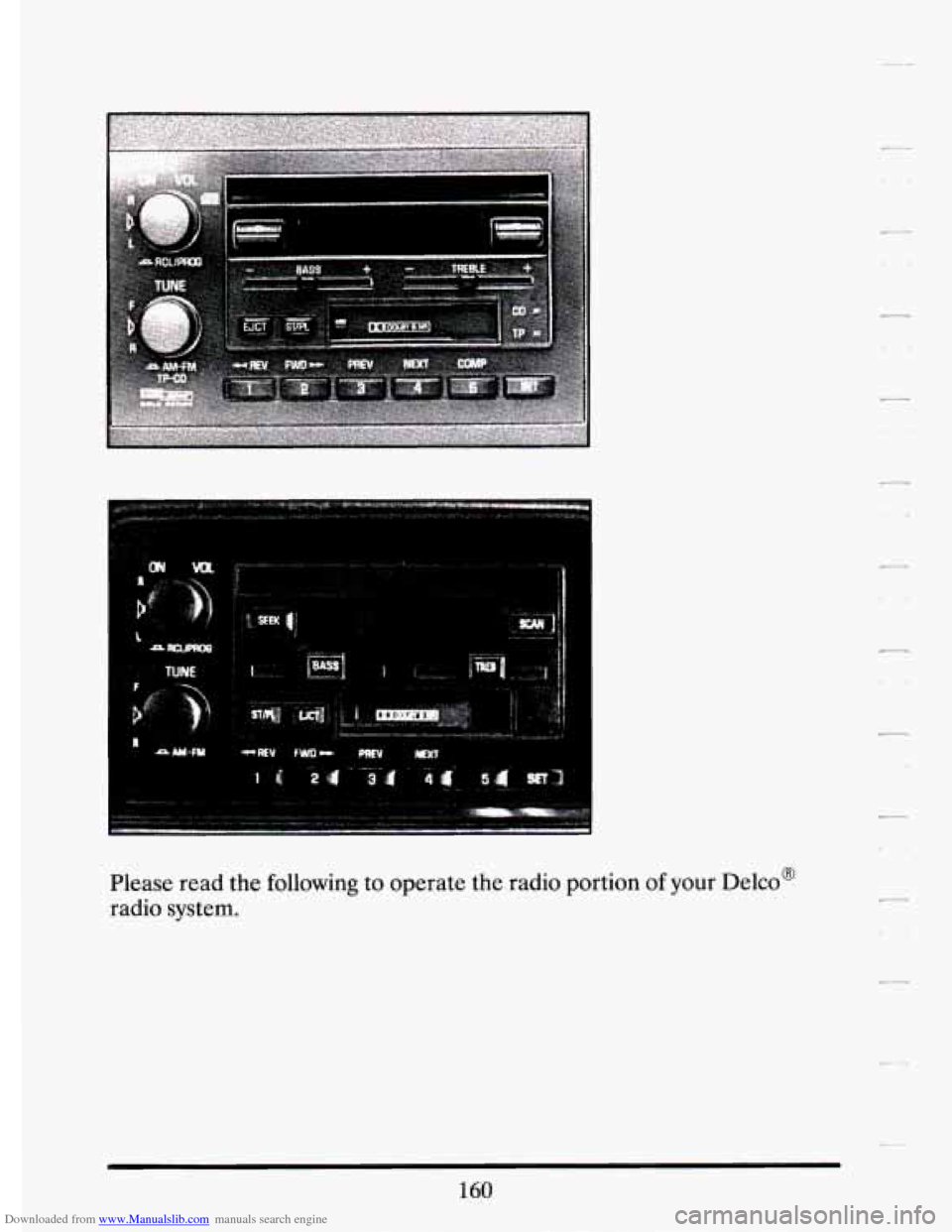
Downloaded from www.Manualslib.com manuals search engine Please read the following to operate the radio portion of your Delco@
radio system.
160
Page 173 of 398
Downloaded from www.Manualslib.com manuals search engine r
F Y!
r
r
i
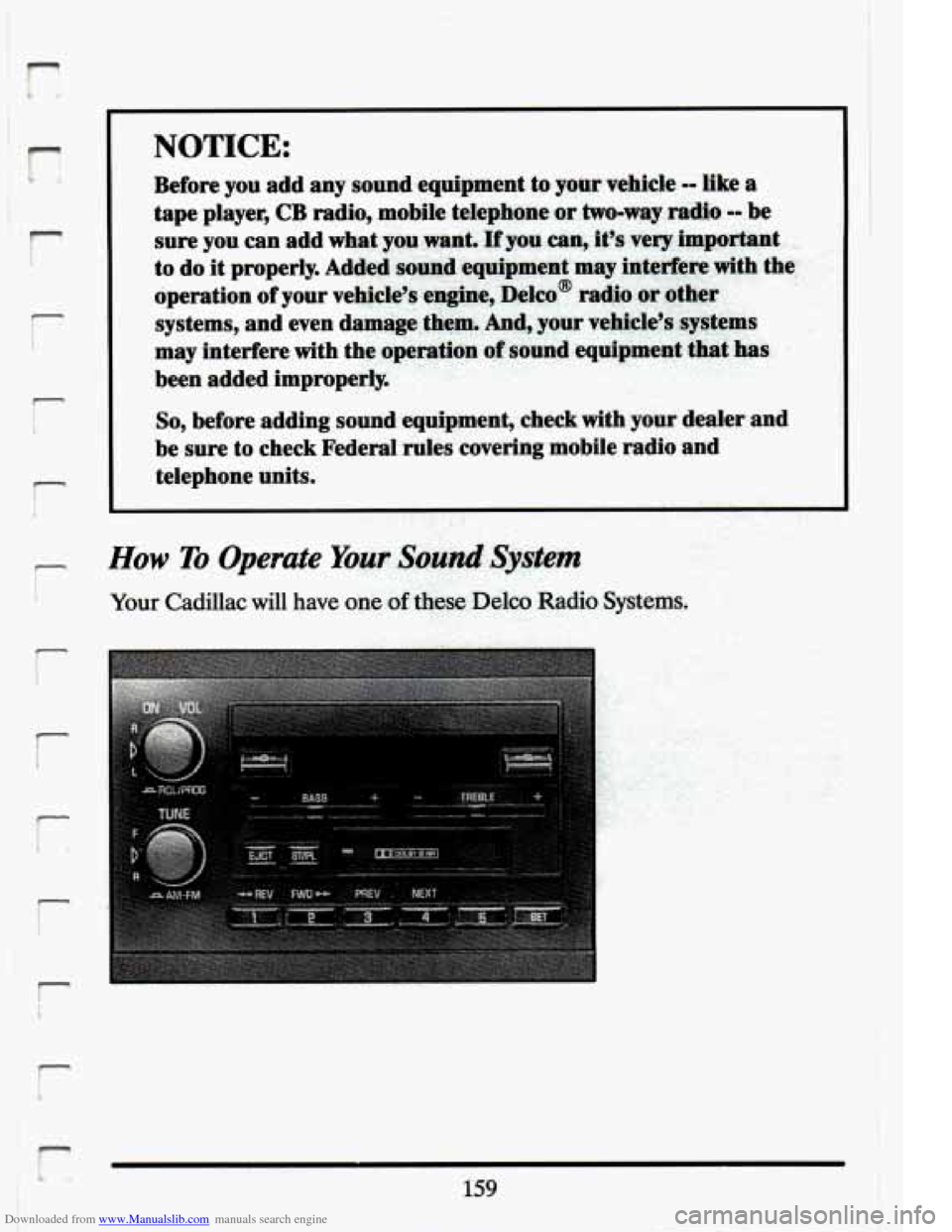
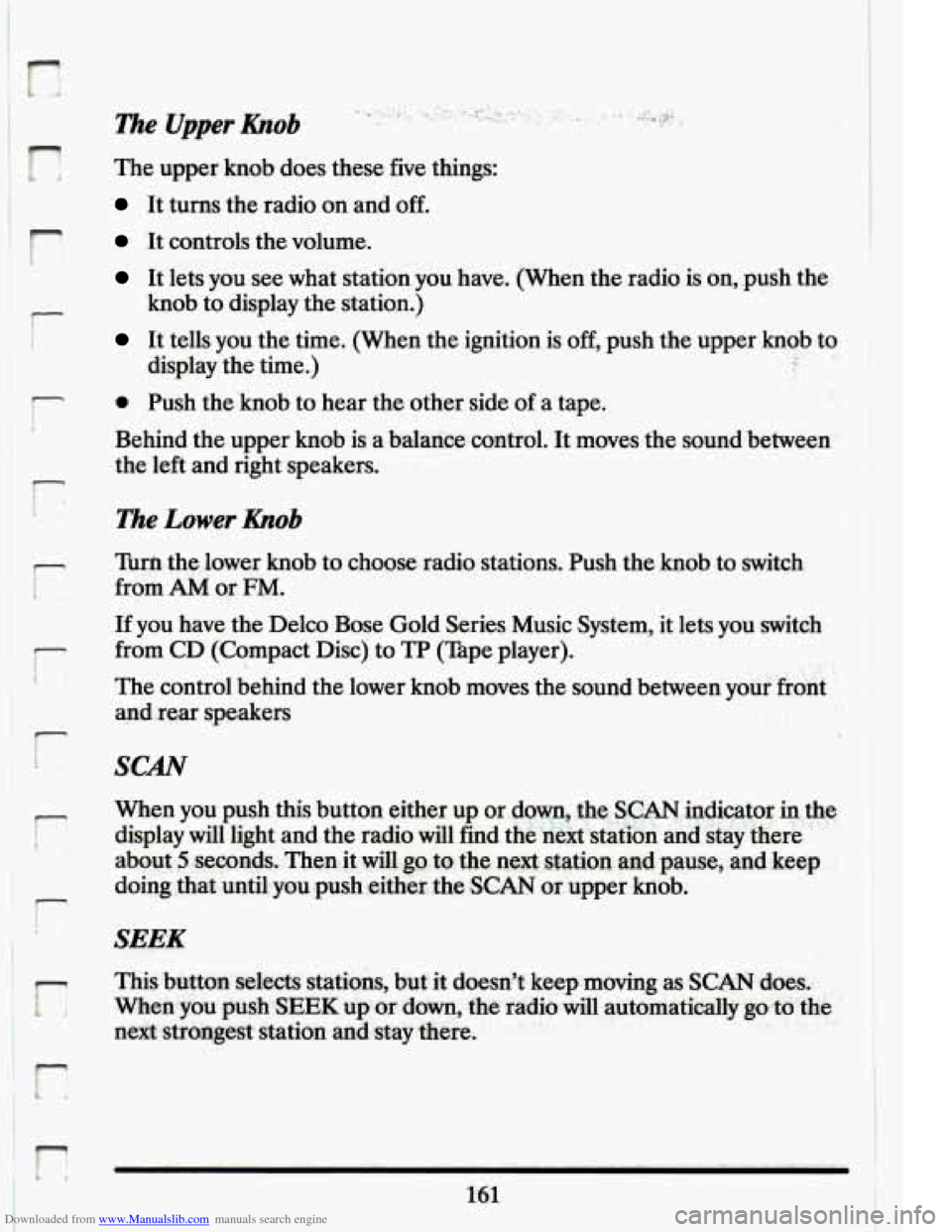
The Upper hob
The upper knob does these five things:
It turns the radio on and off.
It controls the volume.
It lets you see what station you have. (When the radio is on, .push the
It tells you the time. (When the ignition is off, push the upper knob to
knob
to display the station.)
display the time.) .- 4
0 Push the knob to hear the other side of a tape.
Behind the upper knob is a balanee control. It moves the sound between
the left and right speakers.
The Lower hob
Turn the .lower knob to choose radio stations. Push the knob to switch
from
AM or FM.
If you have the Delco Bose Gold Series Music System, it lets you switch
from CD (Compact Disc) to
TP (Tape player).
The control behind the lower knob moves the sound between your
front
and rear speakers .. . ..
SCAN
When you push this button either up or.down, the S:CAN indicator: the
display will light and the radio will find the
next station and stay there '' '.
about 5 seconds. Thenit dl g~ .to the next stsltion.md pause, and keep
doing that until you push eithkr the
SCAN or upper hob,
SEEK
I
Page 174 of 398
Downloaded from www.Manualslib.com manuals search engine Export Radio Only
The SCAN and SEEK function selects stations only in one direction.
Pushbuttons
You can set the push buttons to get up to ten favorite stations (Five on
AM and five more on FM). Just:
Choose either AM or FM
Tune in the station.
Push the SET button.
0 Within 5 seconds, push one of the five pushbuttons.
0 Repeat these steps for each of the five pushbuttons.
BASS
The slide control increases or decreases the bass response tone. Moving
the control to the right increases bass while moving it to the left
decreases it.
TREBLE
The slide control increases or decreases the treble response tone. Moving
the control to the right increases the treble while moving it to the left
decreases it.
Your Cassette Tape Phyer
Your cassette tape player works best with tapes that are 30 to 45 minutes
long on each side. Tapes longer than that are
so thin that they may not
work well in this player.
If you look at the tape, or on its label or box, it should say whether its bias,
“equalization” is
70 microseconds (70 p) or 120 microseconds (120 p).
Chrome and metal tapes are 70 p sec and standard iron tapes are 120 p sec.
Your tape player will adjust automatically for either
type of cassette tape.
162