fuel CADILLAC ELDORADO 1995 10.G User Guide
[x] Cancel search | Manufacturer: CADILLAC, Model Year: 1995, Model line: ELDORADO, Model: CADILLAC ELDORADO 1995 10.GPages: 395, PDF Size: 20.17 MB
Page 155 of 395
Downloaded from www.Manualslib.com manuals search engine Driver Information Center Control Buttons
MPG LlIQO km
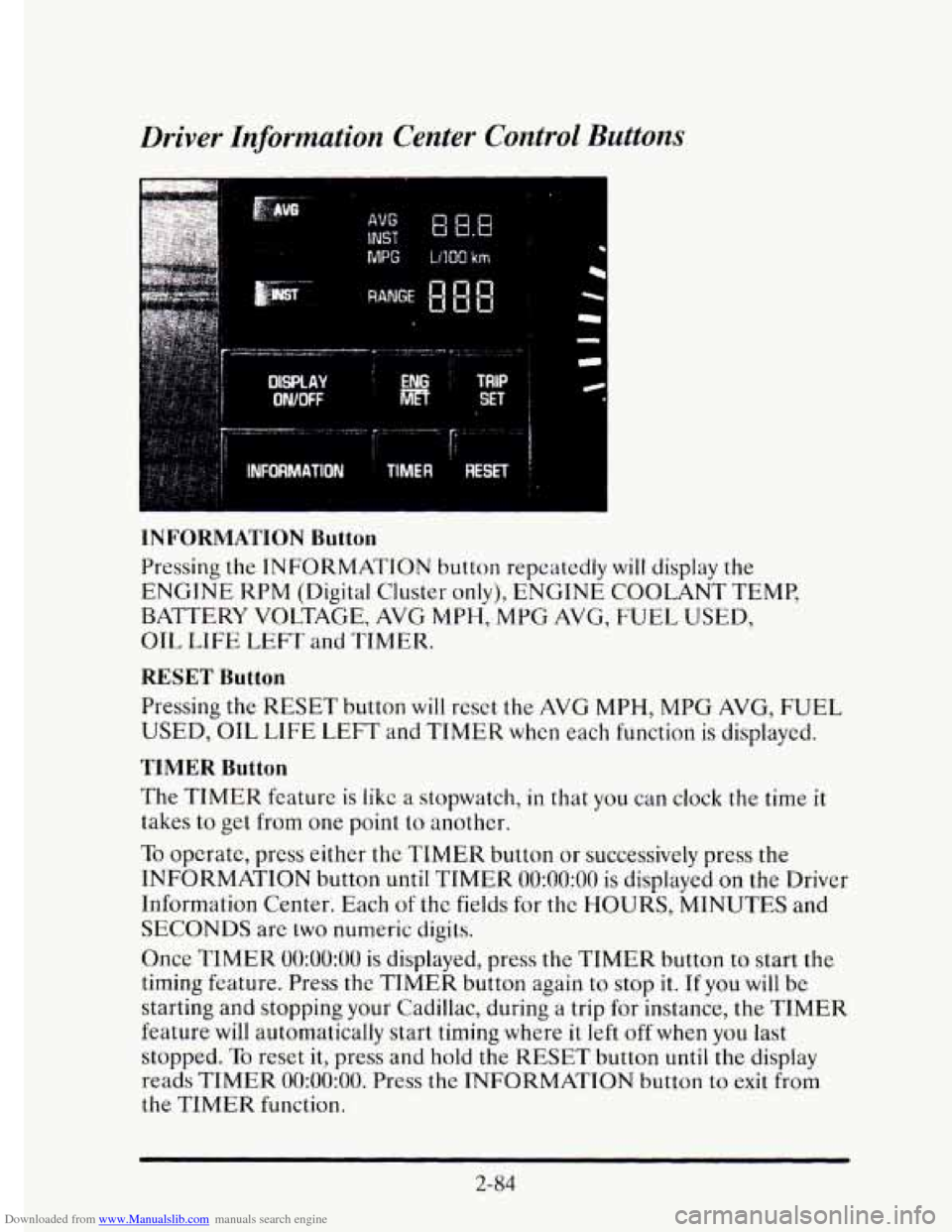
INFORMATION Button
Pressing the INFORMATION button repeatedly will display the
ENGINE KPM (Digital Cluster only), ENGINE COOLANT TEMP,
BATTERY VOLTAGE, AVG
MPH, MPG AVG, FUEL USED,
OIL
LIFE LEFT and TIMER.
RESET Button
Pressing the RESET button will reset the AVG MPH, MPG AVG, FUEL
USED, OIL LIFE LEFT and TIMER when each function is displayed.
TIMER Button
The TIMER feature is like a stopwatch, in that you can clock the time it
takes to get from one point to another.
To opcrate, press either the TIMER button or successively press the
INFORMATION button
until TIMER 0O:OO:OO is displayed on the Driver
Information Center. Each
of the fields for the HOURS, MINUTES and
SECONDS are two numeric digits.
Once
TIMER 0O:OO:OO is displayed, press the TIMER button to start the
timing feature. Press the TIMER button again to stop
it. If you will be
starting and stopping your Cadillac, during a trip for instance, the
TIMER
feature will automatically start timing where it left off when you last
stopped.
To reset it, press and hold the RESET button until the display
reads
TIMER 0O:OO:OO. Press the INFORMATION button to exit from
the TIMER function.
2-84
Page 156 of 395
Downloaded from www.Manualslib.com manuals search engine AVG MPH (Average Speed) Reset
Press repeatedly the INFORMATION button to display the AVG MPH,
then press and hold the RESET button until 0.0 AVG MPH is displayed.
MPG AVG (Average Fuel Economy) Reset
Press repeatedly the INFORMATION button to display the MPG AVG,
then press and hold the
RESET button until 0.0 AVG MPG is displayed.
Another method
to reset both AVG MPG is to press the AVG button on
the Fuel Data Panel until 0.0 AVG MPG is shown in both displays.
Fuel Used Reset
Press repeatedly the INFORMATION button to display the FUEL
USED on the Driver Information Center, then press and hold the
RESET button
until FUEL USED 0.0 is displayed.
Oil Life Left Reset
Press repeatedly the INFORMATION button to display the OIL LIFE
LEFT, then press and hold the RESET button until 0.0 OIL LIFE LEFT
is displayed.
DISPLAY ON/OFF Button
c
Pressing this button will turn off the Driver Information Center (DIC),
Electronic Climate Control and
Fuel Data Center displays. If you have
the digital cluster, the fuel gage, trip odometer and odometer
will also
turn off. While displays are off, pressing the INFORMATION button
will
only turn on the DIC. If any other button is pressed or a driving warning
message needs to be displayed or fuel level falls below four gallons, all the
displays
will come back on.
TRIP SET Button
Press and hold this button to set the trip odometer back to zero.
ENG/MET (English/Metric Button)
Press this button to switch from English (miles and Degrees Fahrenheit)
to metric (kilometers and Degrees Celsius).
2-85
Page 158 of 395
Downloaded from www.Manualslib.com manuals search engine BATTERY VOLTS LOW - 06
This message will appear when the electrical system is charging less than
10 volts or if the battery has been drained. If this message appears
immediately after starting,
it is possible that the generator can still
recharge the battery. The battery should recharge after driving a few miles
and the message should go out. If this message appears while driving or
after starting your vehicle and stays on, have
it checked immediately to
determine the cause
of this problem. To help the generator recharge the
battery quickly you can reduce the load on the electrical system by turning
off your accessories. You can monitor battery voltage on
the Driver
Information Center by toggling the
INFORMATION button. The normal
range
is 11.5 to 15.5 volts.
CHANGE TRANS FLUID - 47
This message will appear when it is time to replace the transaxle fluid. See
your maintenance schedule booklet for the proper fluid and change
intervals.
CHECK BRAKE FLUID - 37
This message is displayed to inform the driver that the brake reservoir
fluid level is low. Check
the brake reservoir level and add as needed. Have
the brake system serviced by a Cadillac technician as soon as possible.
If the brake warning light is on, follow the directions in that part.
CHECK COOLANT LEVEL - 04
This message will appear when there is a low level of engine coolant.
Have the cooling system serviced by a Cadillac technician as soon as
possible.
CHECK FUEL GAGE - 39
This message will appear when your fuel supply is less than four gallons
and your display is turned off.
2-87
Page 160 of 395
Downloaded from www.Manualslib.com manuals search engine ENGINE HOT - A/C COMPRESSOR OFF - 16
This message will appear when the Climate Control is in AUTO or
defrost and the engine coolant
is hotter than the normal operating
temperature. To avoid added strain on
a hot engine the air conditioning
compressor
is automatically turned off. When that happens, air
conditioned air is not delivered. If the coolant temperature returns to
normal, you must select AUTO, DEFOG or DEFROST to return to a
normal A/C compressor operation.
FUEL LEVEL VERY LOW - 11
c
i
This message serves as a warning that the fuel level in your tam IS
critically low. It means you should stop for fuel immediately.
SERVICE A/C SYSTEM A/C COMPRESSOR OFF - 14
This message appears when the electronic sensors that control the A/C
and heating system are no longer working. Have your Climate Control
system serviced
if you notice a drop in heating and A/C efficiency.
STARTING DISABLED DUE TO THEFT SYSTEM REMOVE
IGNITION KEY
- 33
This message will a ear when the Personalized Automotive Security
System (PASS-Key 11) senses
that an improper ignition key is being used
to
try to start the vehicle. Check the ignition key for damage. If it is
damaged, it may need to be replaced. If you see no damage, clean the
pellet contacts
with a soft cloth or napkin. Remove the ignition key and
wait for the Driver Information Center to display WAIT
3 MINUTES.
The instrument panel cluster
will then run a timer and change the
messages
to WAIT 2 MINUTES, WAIT 1 MINUTE, and then START
CAR. When the START CAR message is displayed,
try again to start the
engine.
SERVICE NOW - REFER TO OWNERS MANUAL - 02
This message appears if you have a problem with the Powertrain Control
Module (PCM).
To correct this problem have your vehicle serviced at
your Cadillac dealership.
2-89
Page 168 of 395
Downloaded from www.Manualslib.com manuals search engine i.
Temperature
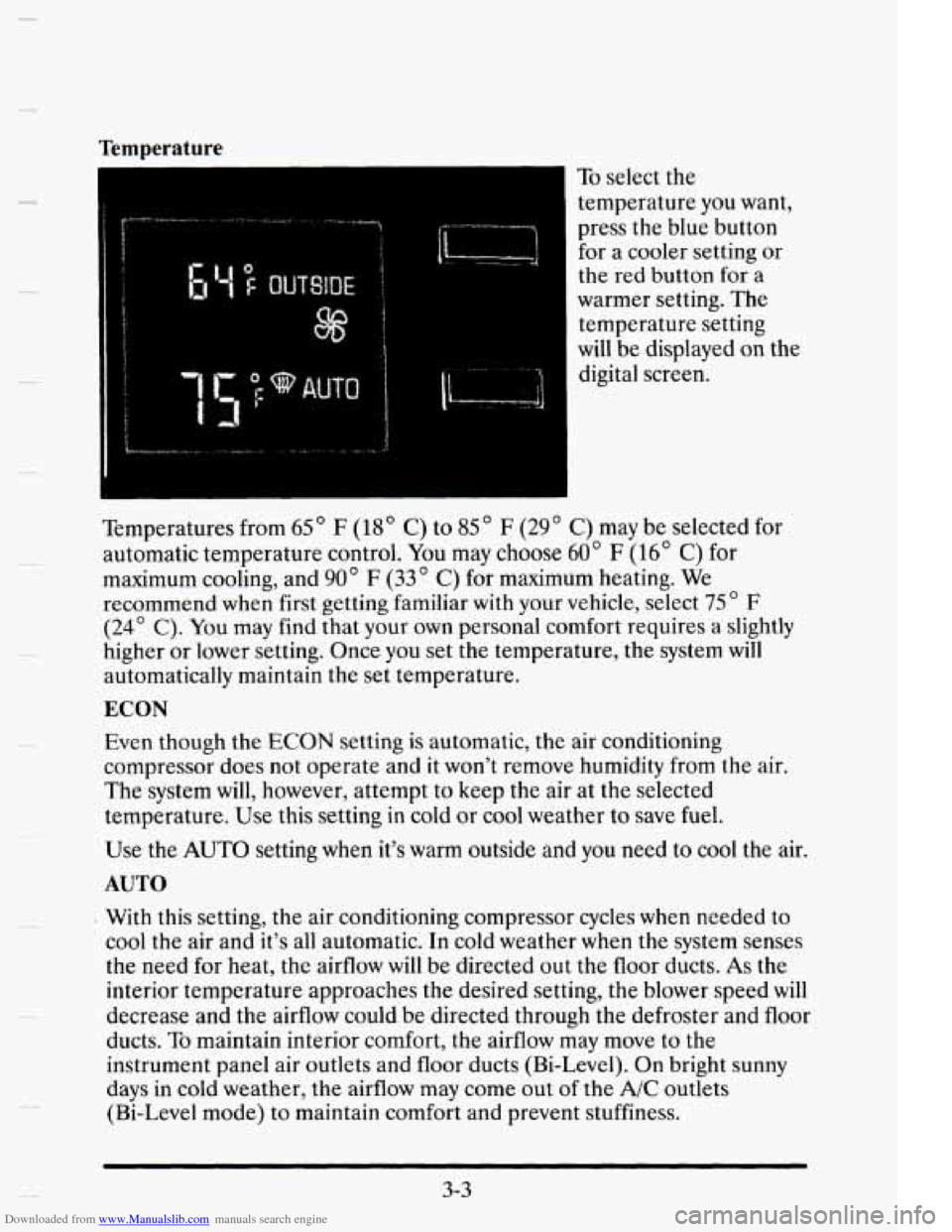
To select the
temperature you want,
press the blue button
for a cooler setting or
the red button for a
warmer setting.
The
temperature setting
will be displayed on the
digital screen.
Temperatures from
65 ' F (18' C) to 85 " F (29 ' C) may be selected for
automatic temperature control.
You may choose 60" F (16' C) for
maximum cooling, and
90' F (33" C) for maximum heating. We
recommend when first getting familiar with your vehicle, select
75 ' F
(24' C). You may find that your own personal comfort requires a slightly
higher or lower setting. Once you set the temperature, the system will
automatically maintain the set temperature.
ECON
Evert though the ECON setting is automatic, the air conditioning
compressor does not operate and it won't remove humidity from the air.
The system will, however, attempt to
keep the air at the selected
temperature.
Use this setting in cold or cool weather to save fuel.
Use the AUTO setting when it's warm outside and you need to cool the air.
AUTO
With this setting, the air conditioning compressor cycles when needed to
cool the air and it's all automatic. In cold weather when the system senses
the need for heat, the airflow will be directed out the floor ducts.
As the
interior tempcrature approaches the desired setting, the blower speed
will
decrease and the airflow could be directed through the defroster and floor
ducts.
To maintain interior comfort, the airflow may move to the
instrument panel air outlets and floor ducts (Bi-Level). On bright sunny
days in cold weather, the airflow may come out
of the A/C outlets
(Bi-Level mode) to maintain comfort and prevent stuffiness.
3-3
Page 196 of 395
Downloaded from www.Manualslib.com manuals search engine Traction Control System
Your vehicle has a traction control system that limits wheel spin. This is
especially useful in slippery road conditions.
The system operates only if it
senses that one or both of the front wheels are spinning or beginning to
lose traction. When this happens, the system works the front brakes and
reduces engine power (by shutting off
fuel injectors) to limit wheel spin.
c
The TRACTION ACTIVE message will display on the Driver
Information Center when the traction control system is limiting wheel
spin. See “Driver Information Center Messages”
in the Index. You may
feel
the system working, or you may notice some noise, but this is normal.
If your vehicle is
in cruise control when the traction control system begins
to
limit wheel spin, the cruise control will automatically disengage. When
road conditions allow you to safely use
it again, you may re-engage the
cruise control. (See “Cruise Control”
in the Index.)
The TRACTION DISABLED message
will display on the Driver
Information Center to let
you know if there’s a problem with your traction
control system. See “Driver Information Center Messages”
in the Index.
When this message is displayed, the system will not limit wheel spin.
Adjust your driving accordingly.
Braking in Emergencies
Use your anti-lock braking system when you need to. With anti-lock, you
can steer and brake at the same time. In many emergencies, steering can
help you more than even the very best braking.
4-9
Page 216 of 395
Downloaded from www.Manualslib.com manuals search engine I
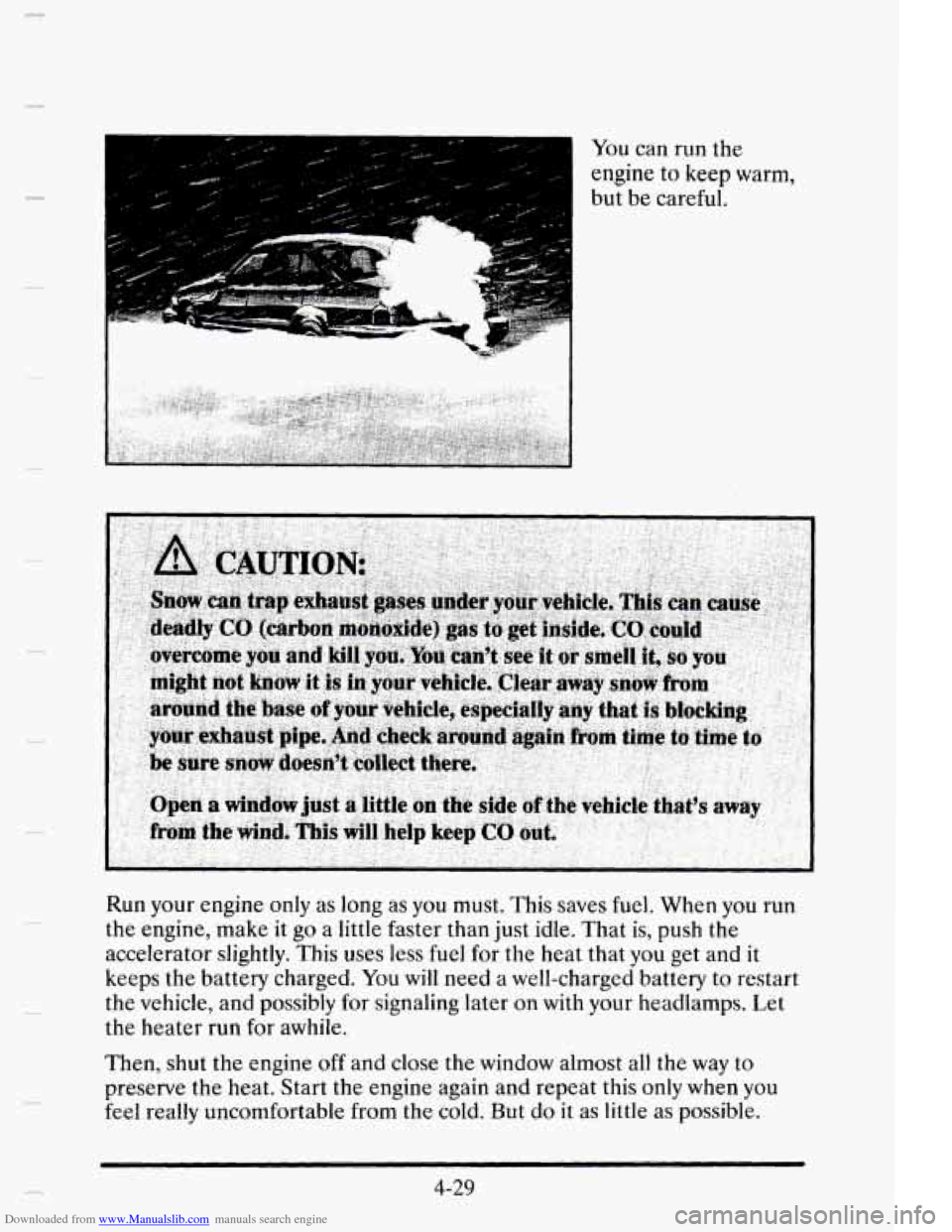
You can run the
engine to keep warm,
but be careful.
Run your engine only as long as
you must. This saves fuel. When you run
the engine, make it go a little faster than just idle. That is, push the
accelerator slightly. This uses less fuel for the heat that you get and it
keeps the battery charged. You
will need a well-charged battery to restart
the vehicle, and possibly
for signaling later on with your headlamps. Let
the heater run
for awhile.
Then, shut the engine off and close the window almost all the way to
preserve the heat. Start the engine again and repeat this only when you
feel really uncomfortable from the cold. But
do it as little as possible.
4-29
Page 217 of 395
Downloaded from www.Manualslib.com manuals search engine Preserve the fuel as long as you can. To help keep warm, you can get out
of the vehicle and do some fairly vigorous exercises every half hour or
SO
until help comes.
LOmING YOUR VEHICLE
~~
( TIRE-LOADING INFORMATION
OCCUPANTS VEHICLE CAP.
WT.
FRT. CTR. RR. TOTAL LBS. KG
MAX. LOADING
& GVWR SAME AS VEHICLE
CAPACITY WEIGHT XXX
COLD TIRE
TIRE SIZE SPEED PRESSURE
RTG PSVKPa
F
RT.
RR.
SPA.
IF TIRES ARE HOT. ADD 4PSV28KPa SEE
OWNER’S MANUAL FOR ADDITIONAL
INFORMATION
-_ - - - GEN GME,
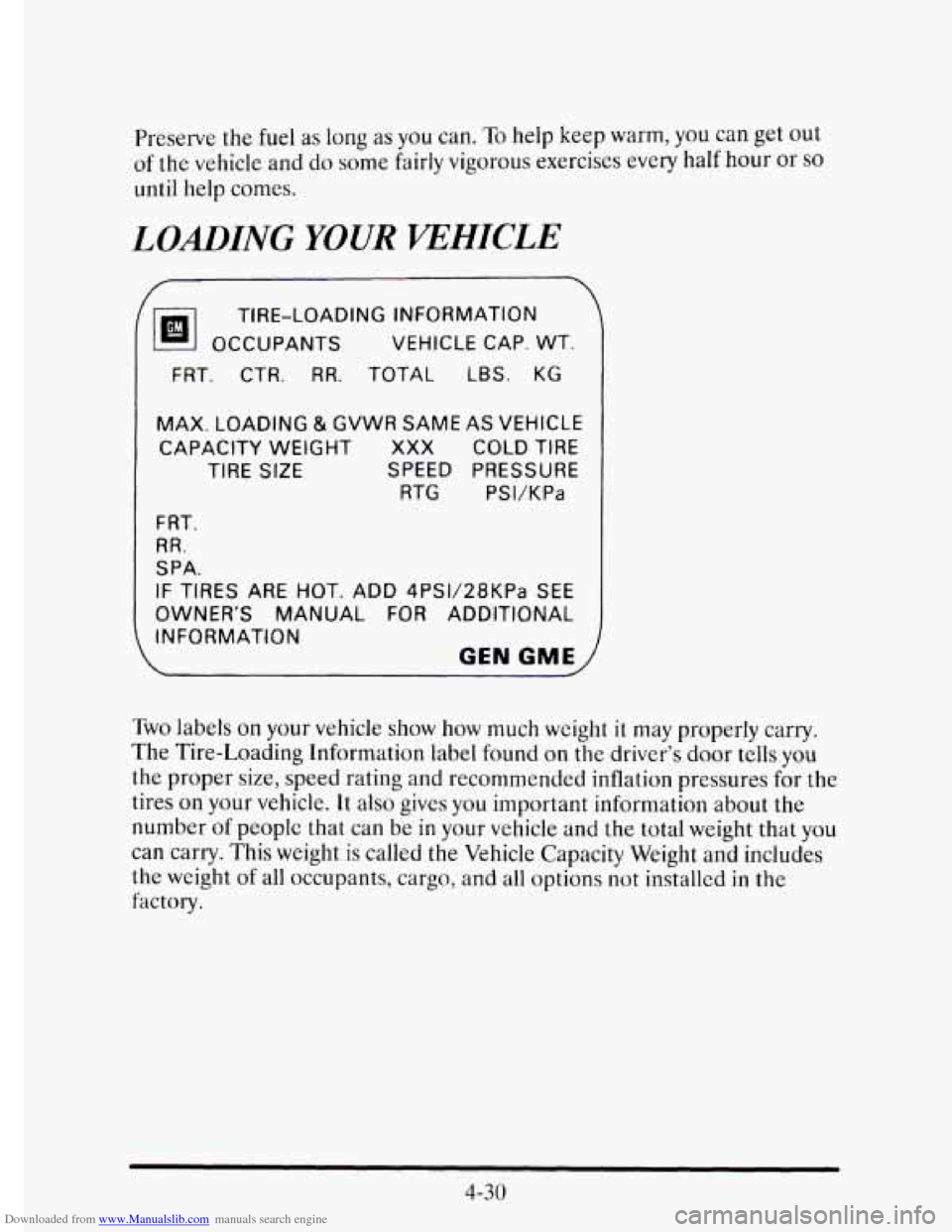
Two labels on your vehicle show how much weight it may properly carry.
The Tire-Loading Information label found
on the driver’s door tells you
the proper size, speed rating and recommended inflation pressures for the
tires
on your vehicle. It also gives you important information about the
number
of peoplc that can be in your vehicle and the total weight that you
can carry. This weight
is called the Vehicle Capacity Weight and includes
the weight
of all occupants, cargo, and all options not installed in the
factory.
4-30
Page 218 of 395
Downloaded from www.Manualslib.com manuals search engine MfD BY GENERAL MOTORS CORP
DATE GVWR GAWR FRT GAWR RR
THIS VEHICLE CONFORMS TO ALL APPLI-
CABLE U.S. FEDERAL
MOTOR VEHICLE
TION STANDARDS
IN EFFECT ON THE
DATE OF MANUFACTURE SHOWN ABOVE.
SAFETY, BUMPER, AND THEFT
PREVEN-
GEN GME 1
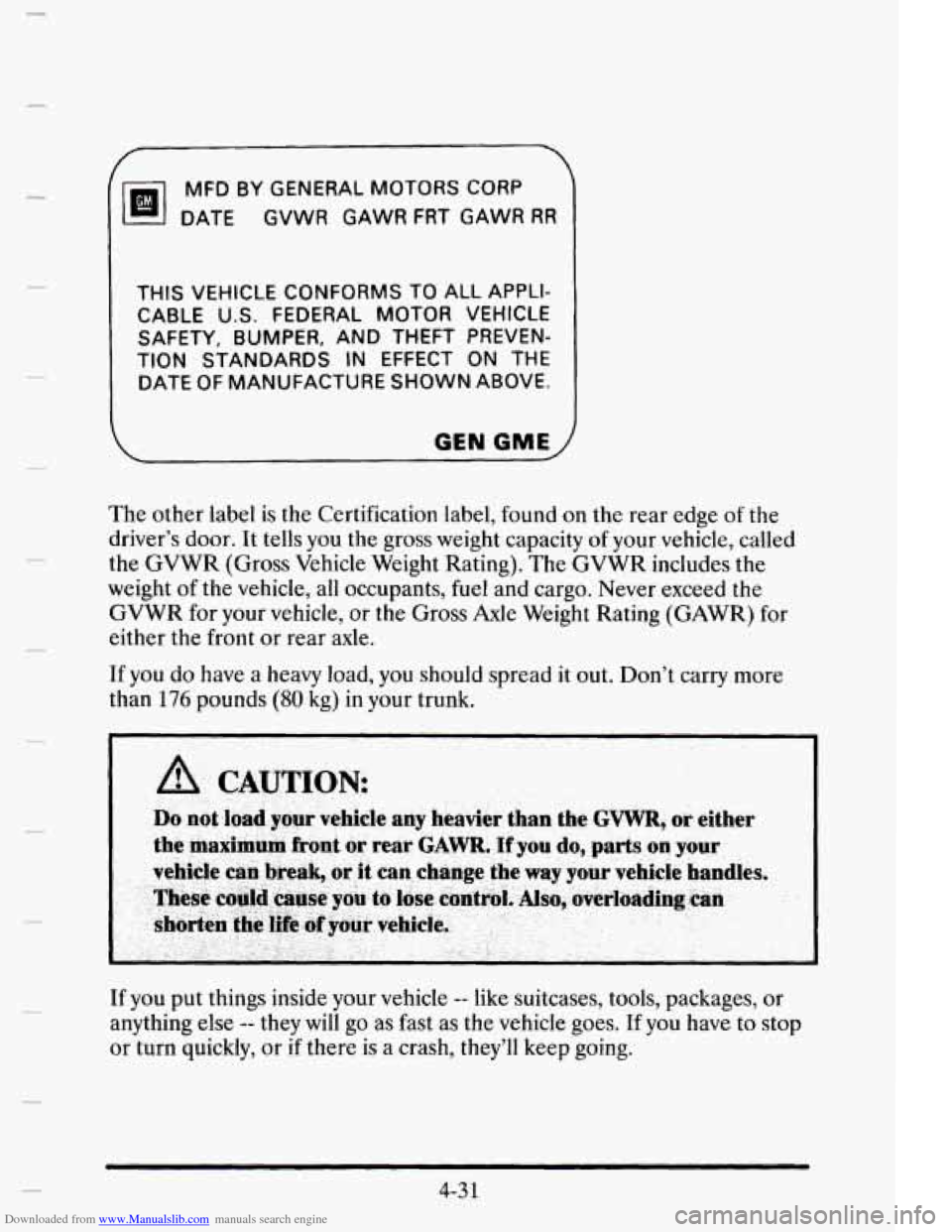
The other label is the Certification label, found on the rear edge of the
driver’s door. It tells you
the gross weight capacity of your vehicle, called
the GVWR (Gross Vehicle Weight Rating). The GVWR includes the
weight
of the vehicle, all occupants, fuel and cargo. Never exceed the
GVWR for your vehicle, or the Gross
Axle Weight Rating (GAWR) for
either the front or rear axle.
If you do have a heavy load, you should spread
it out. Don’t carry more
than
176 pounds (80 kg) in your trunk.
If you put things inside your vehicle
-- like suitcases, tools, packages, or
anything else
-- they will go as fast as the vehicle goes. If you have to stop
or turn quickly, or
if there is a crash, they’ll keep going.
4-3 1
Page 220 of 395
Downloaded from www.Manualslib.com manuals search engine NOTICE:
Pulling a trailer improperly can damage your vehicle and result
in costly repairs not covered by your warranty. To pull a trailer
correctly, follow the advice in this part, and see your Cadillac
dealer for important information about towing a trailer with
your vehicle.
Your vehicle can tow a trailer if it is equipped with the Northstar 4.6L
engine and proper trailer towing equipment. To identify what the vehicle
trailering capacity
is for your vehicle, you should read the information in
“Weight of the Trailer” that appears later in this section. But trailering is
different than just driving your vehicle by itself. Trailering means changes
in handling, durability, and fuel economy. Successful, safe trailering takes
correct equipment, and it has to be used properly.
That’s the reason for this part. In it are many time-tested, important
trailering tips and safety rules. Many
of these are important for your
safety and that
of your passengers. So please read this section carefully
before you pull
a trailer.
Load-pulling components such as the engine, transaxle, wheel assemblies,
and tires are forced to work harder against the drag
of the added weight.
The engine is required
to operate at relatively higher speeds and under
greater loads, generating extra heat. What’s more, the trailer adds
considerably
to wind resistance, increasing the pulling requirements.
If You Do Decide To Pull A nailer
If you do, here are some important points.
e There are many different laws, including speed limit restrictions,
having to do with trailering. Make sure your rig will
be legal, not only
where you live but
also where you’ll be driving. A good source for this
information can be state or provincial police.
Consider using a sway control.
4-33