ignition CADILLAC ELDORADO 1995 10.G User Guide
[x] Cancel search | Manufacturer: CADILLAC, Model Year: 1995, Model line: ELDORADO, Model: CADILLAC ELDORADO 1995 10.GPages: 395, PDF Size: 20.17 MB
Page 89 of 395
Downloaded from www.Manualslib.com manuals search engine If you’re ever driving and you get the PASS-KEY MALFUNCTION
message
you will be able to restart your engine if you turn it off. Your
PASS-Key% system, however, is not working properly and must be
serviced by your Cadillac dealer. Your vchicle is not protected by the
PASS-K~Y~II system.
If you lose or damage a PASS-Key‘II ignition ke , see your Cadillac
dealer or
a locksmith who can service PASS-Key I1 to have a new key
made.
J
NOTICE:
Your modern Cadillac doesn’t need an elaborate “break-in.” But
it will perform better in the long run if you follow these
guidelines:
Don’t drive at any one speed -- fast or slow -- for the first
500 miles (804 km). Don’t make full-throttle starts.
0 Avoid making hard stops for the first 200 miles (322 km) or
so. During this t.ime your new brake linings aren’t yet broken
in. Hard stops with new linings can mean premature wear
and earlier replacement. Follow this “breaking-in” guideline
every time you get new brake linings.
0 Don’t tow a trailer during “break-in.” See “Towing a Trailer”
in the Index for more information.
2- 18
Page 90 of 395
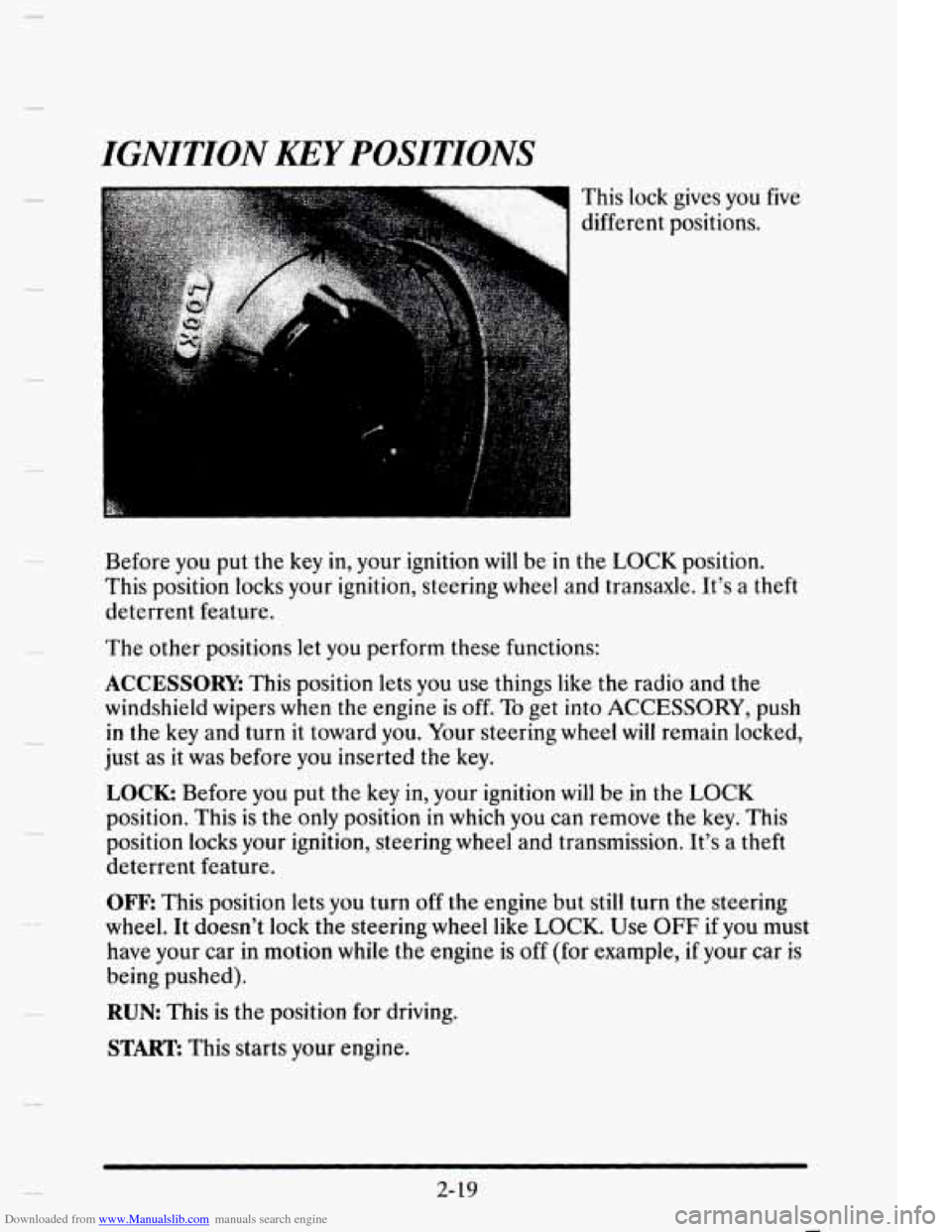
Downloaded from www.Manualslib.com manuals search engine IGNITION KEY POSITIONS
This lock gives you five
different positions.
Before you
put the key in, your ignition will be in the LOCK position.
This position locks your ignition, steering wheel and transaxle. It’s a theft
deterrent feature.
The other positions let you perform these functions:
ACCESSORY: This position lets you use things like the radio and the
windshield wipers when
the engine is off. To get into ACCESSORY, push
in the key and turn it toward you. Your steering wheel will remain locked,
just
as it was before you inserted the key.
LOCK: Before you put the key in, your ignition will be in the LOCK
position. This is the only position in which you can remove the key. This
position locks your ignition, steering wheel and transmission. It’s a theft
deterrent feature.
OFF
This position lets you turn off the engine but still turn the steering
wheel. It doesn’t lock the steering wheel like LOCK. Use OFF if you must
have your car in motion while the engine
is off (for example, if your car is
being pushed).
RUN: This is the position for driving.
START: This starts your engine.
2-19
Page 91 of 395
Downloaded from www.Manualslib.com manuals search engine I NOTICE:
If your key seems stuck in LOCK and you can’t turn it, be sure
it is all the way in. If it is, then turn the steering wheel left and
right while
you turn the key hard. But turn the key only with
your hand. Using a tool to force it could break the key
or the
ignition switch.
If none of this works, then your vehicle needs
service.
STARTING YOUR ENGINE
Move your shift lever to PARK (P) or NEUTRAL (N). Your engine won’t
start
in any other position -- that’s a safety feature. To restart when you’re
already moving, use
NEUTRAL (N) only.
~ ~~ ~
NOTICE:
Don’t try to shift to PARK (P) if your Cadillac is moving. If you
do, you could damage the transaxle. Shift to
PARK (P) only
when your vehicle is stopped.
To start your Northstar V8 engine:
1. Without pushing the accelerator pedal, turn your ignition key to
START When the engine starts, let go of the key. The idle speed will
go down as your engine gets warm.
NOTICE:
Holding your key in START for longer than 15 seconds at a time
will cause your battery to be drained much sooner.
And the
excessive heat can damage your starter motor.
2-21)
Page 95 of 395
Downloaded from www.Manualslib.com manuals search engine Ensure the shift lever is fully in PARK (P) range before starting the
engine. Your Cadillac has
a brake-transaxle shift interlock. You have to
fully apply your regular brakes befure you can shift from PARK (P) when
when the ignition key is
in the RUN position. If you cannot shift out of
PARK (P), ease pressure on the shift lever -- push the shift lever all the
way into PARK (P) and release the shift lever button
on the floor shift
console models as you maintain brake application. Then move the shift
lever into the gear you wish. (Press the shift lever button before moving
the shift lever
on floor shift console models.) See “Shifting Out of
PARK (P)” in this section.
REVERSE (R): Use this gear to back up.
NOTICE:
Shifting to REVERSE (R) while your vehicle is moving forward
could damage
your transaxle. Shift to REVERSE (R) only after
your vehicle
has stopped.
Also use this gear to rock your vehicle back and forth to get out of snow,
ice or sand without damaging your transaxle. See “If You’re Stuck in
Sand,
Mud, Ice or Snow” in the Index for additional information.
NEUTRAL, (N): In this position, your engine doesn’t connect with the
wheels.
To restart when you’re already moving, use NEUTRAL (N) only.
Also, use NEUTRAL (N) when your vehicle is being towed.
2-24
1
1
a
Page 98 of 395
Downloaded from www.Manualslib.com manuals search engine -
PMNG BRAKE
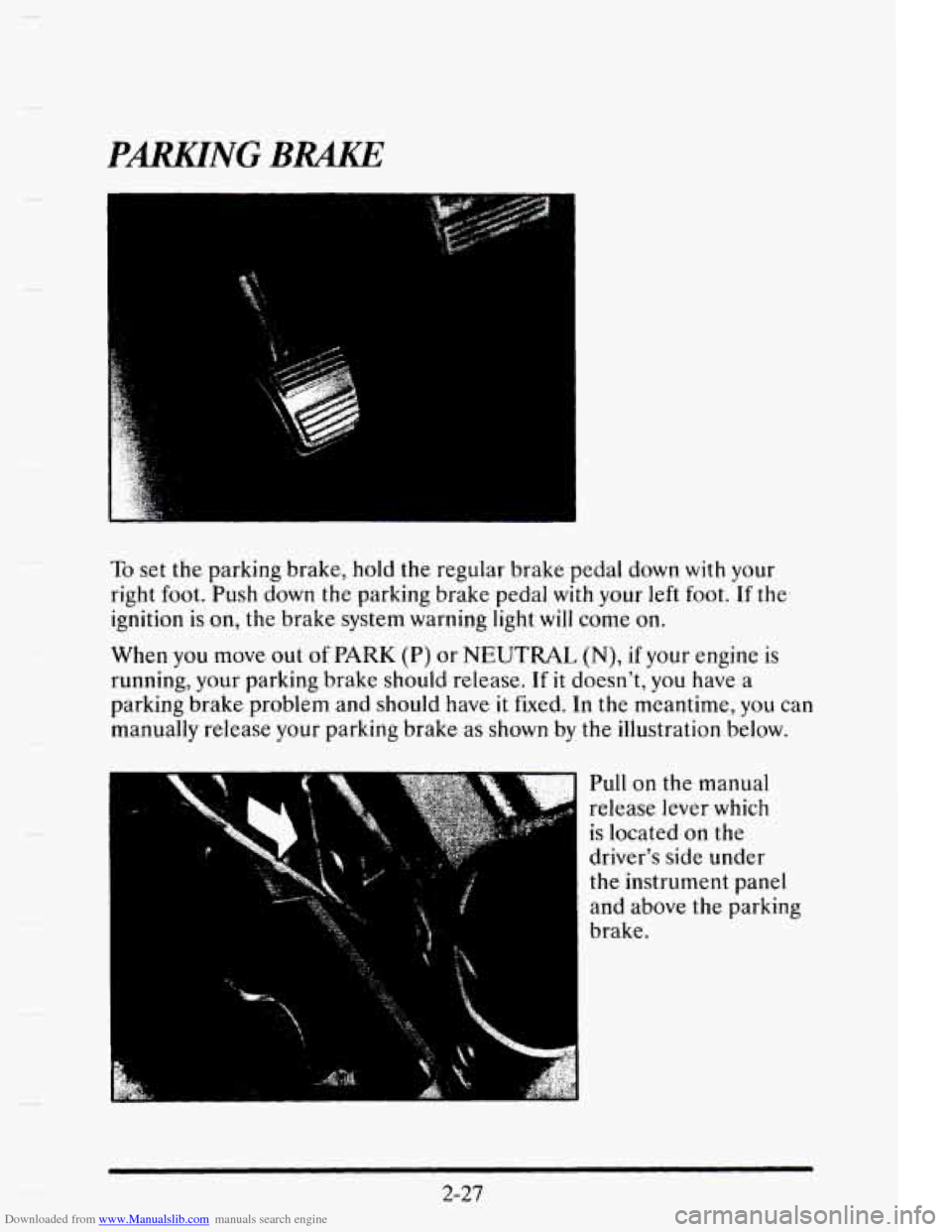
To set the parking brake, hold the regular brake pedal down with your
right
foot. Push down the parking brake pedal with your left foot. If the
ignition
is on, the brake system warning light will come on.
When you move out
of PARK (P) or NEUTRAL (N), if your engine is
running, your parking brake should release.
If it doesn’t, you have a
parking brake problem and should have
it fixed. In the meantime, you can
manually release your parking brake as shown by the illustration below.
Pull
on the manual
release lever which
is located
on the
driver’s side under
the instrument panel
and above the parking
brake.
2-27
Page 100 of 395
Downloaded from www.Manualslib.com manuals search engine Steering Column Ship Lever
1. Turn the ignition key to the OFF or RUN position.
2. Hold the brake pedal down with your right foot.
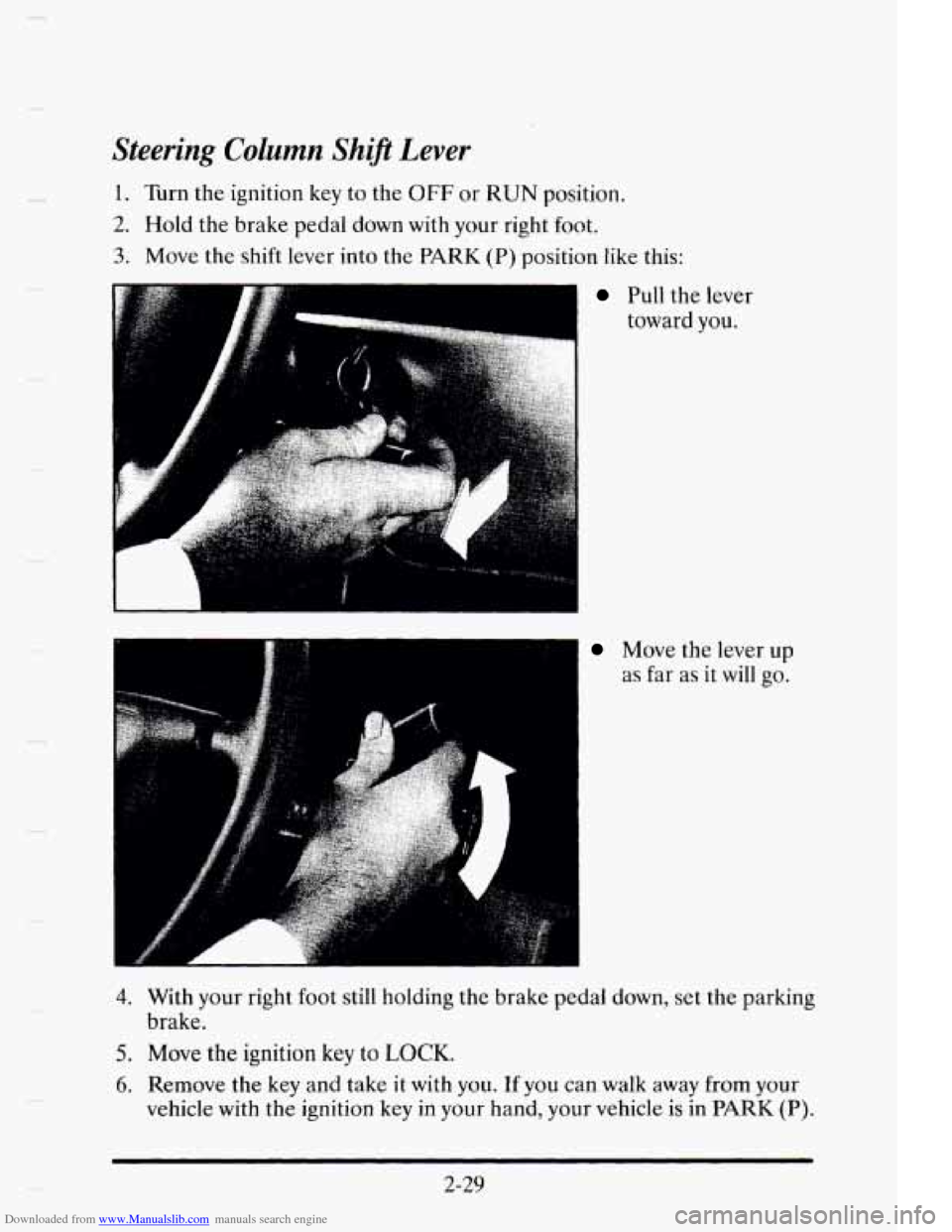
3. Move the shift lever into the PARK (P) position like this:
~ Pull the lever
toward you.
Move the lever up
as far as
it will go.
4. With your right foot still holding the brake pedal down, set the parking
5. Move the ignition key to LOCK.
6. Remove the key and take it with you. If you can walk away from your
brake.
vehicle with
the ignition key
in your hand, your vehicle is in PARK (P).
2-29
Page 101 of 395
Downloaded from www.Manualslib.com manuals search engine Console Shift Lever
1. Turn the ignition key to the OFF or RUN position.
2. Hold the brake pedal down with your right foot.
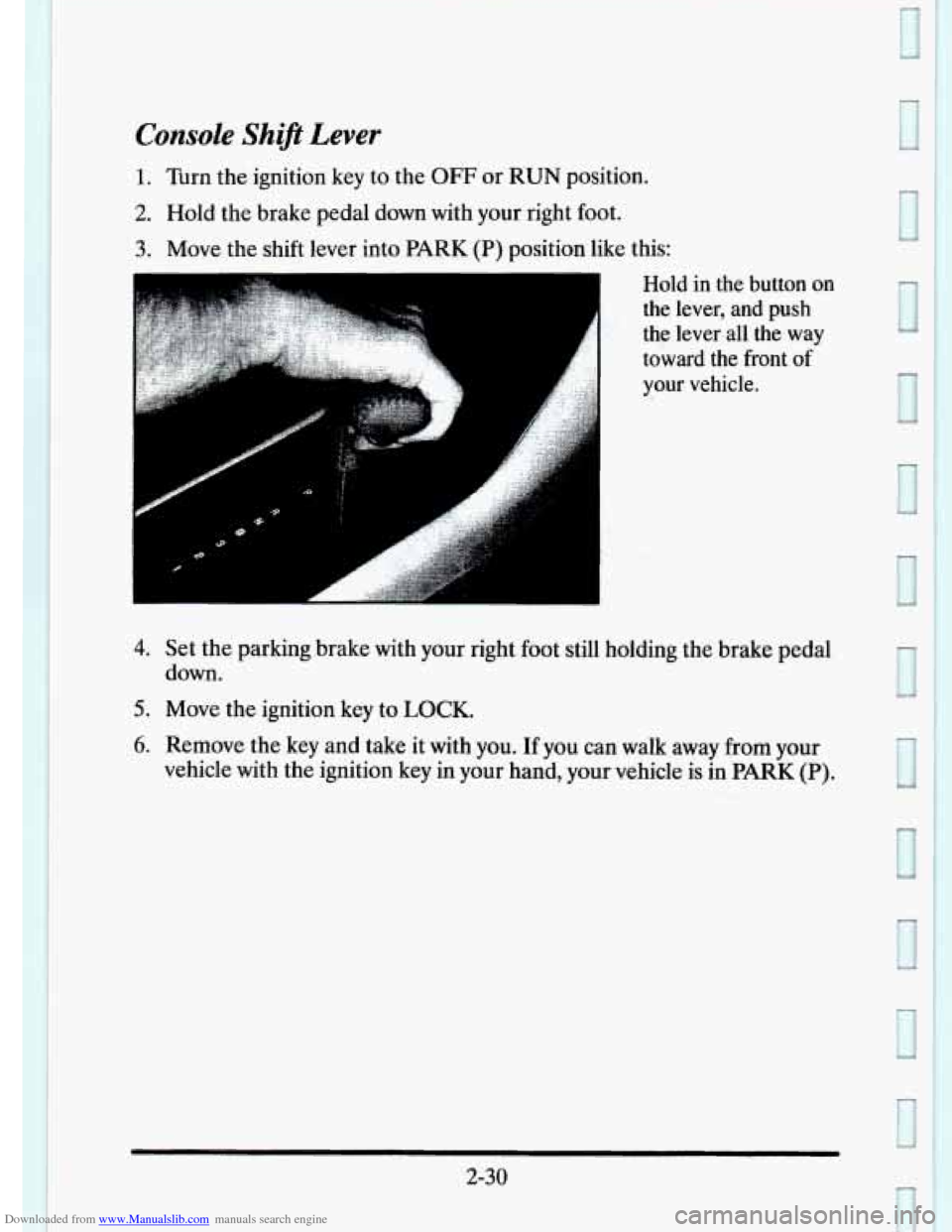
3. Move the shift lever into PARK (P) position like this:
Hold in the button on
the lever, and push
the lever all the way
toward the front
of
your vehicle.
A
4. Set the parking brake with your right foot still holding the brake pedal
5. Move the ignition key to LOCK.
6. Remove the key and take it with you. If you can walk away from your
down.
vehicle with the ignition key in your hand, your vehicle is
in PARK (P).
2-30
Page 107 of 395
Downloaded from www.Manualslib.com manuals search engine POWER WINDOWS
t
6
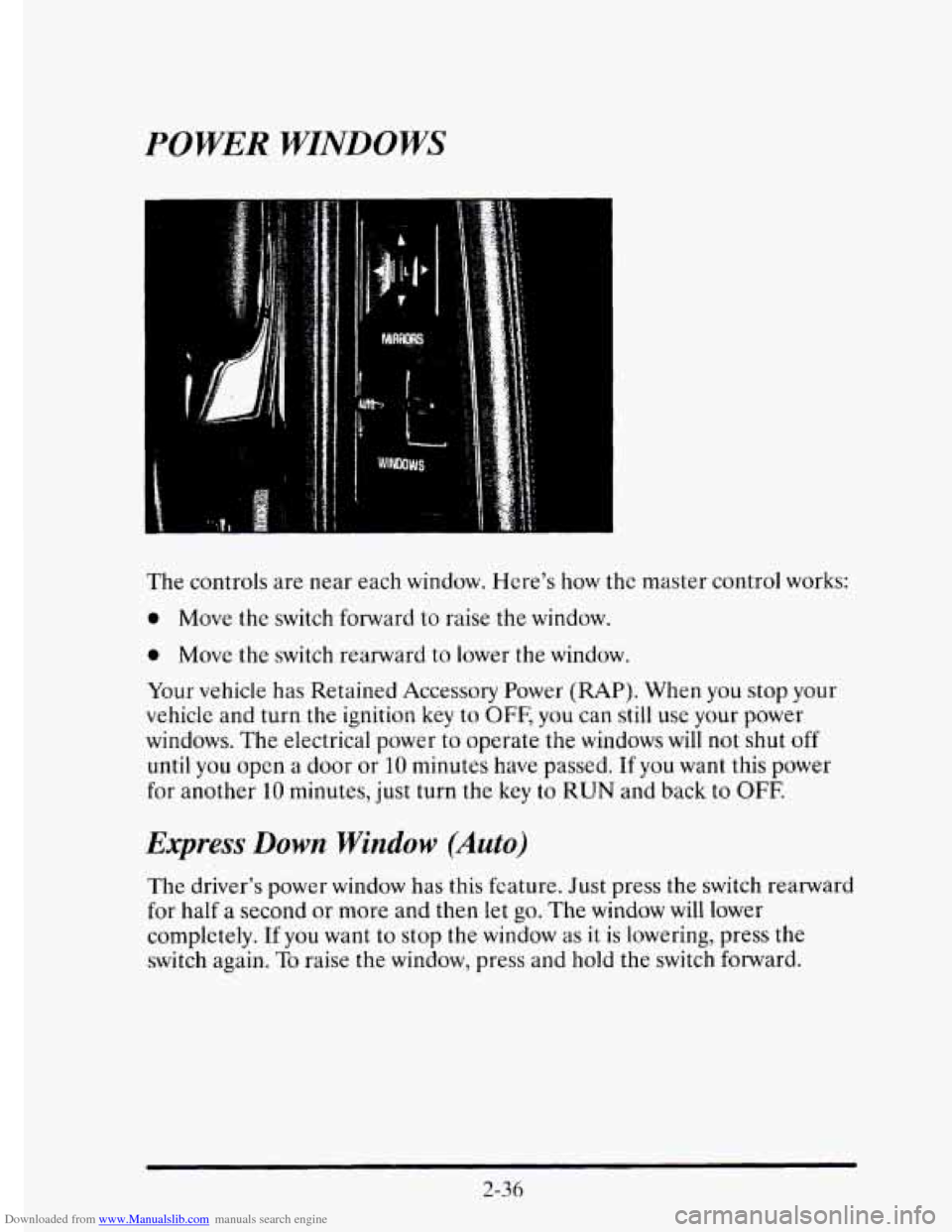
The controls are near each window. Here's how the master control works:
0 Move the switch forward to raise the window.
0 Move the switch rearward to lower the window.
Your vehicle has Retained Accessory Power (RAP). When
you stop your
vehicle and turn the ignition key
to OFF, you can still use your power
windows.
The electrical power to operate the windows will not shut off
until you open a door or 10 minutes have passed. If you want this power
for another
10 minutes, just turn the key to RUN and back to OFF.
Express Down Window (Auto)
The driver's power window has this fcature. Just press the switch rearward
for half
a second or more and then let go. The window will lower
completely.
If you want to stop the window as it is lowering, press the
switch again.
To raise the window, press and hold the switch forward.
2-36
Page 111 of 395
Downloaded from www.Manualslib.com manuals search engine As you signal a turn or a lane change, if the arrows don’t flash but just stay on
a signal bulb may be burned
out and other drivers won’t see your turn signal.
If
a bulb is burned out, rcplacc it to help avoid an accident. If the green
arrows don’t go on at all when you signal
a turn, check the fuse (see
“Fuses’’ in
the Index) and for burned-out bulbs.
Wiper Activated Headlumps
This feature activates the headlamps and parking lamps after the
windshield wipers have been in use
for approximately 23 seconds.
In order
to operate the wiper activated headlamps, the twilight sentinel
must
be in the ON position. This feature lights the way in poor weather
and
it also makes your vehicle more visible to other drivers. If the wiper
activated headlamps are
on, and the ignition switch is turned off, the
wiper activated headlamps
will immediately turn off.
The wiper activated headlamps will deactivate if you turn off the twilight
sentinel
or if the windshield wipers have been turned off for a period of
one or two seconds.
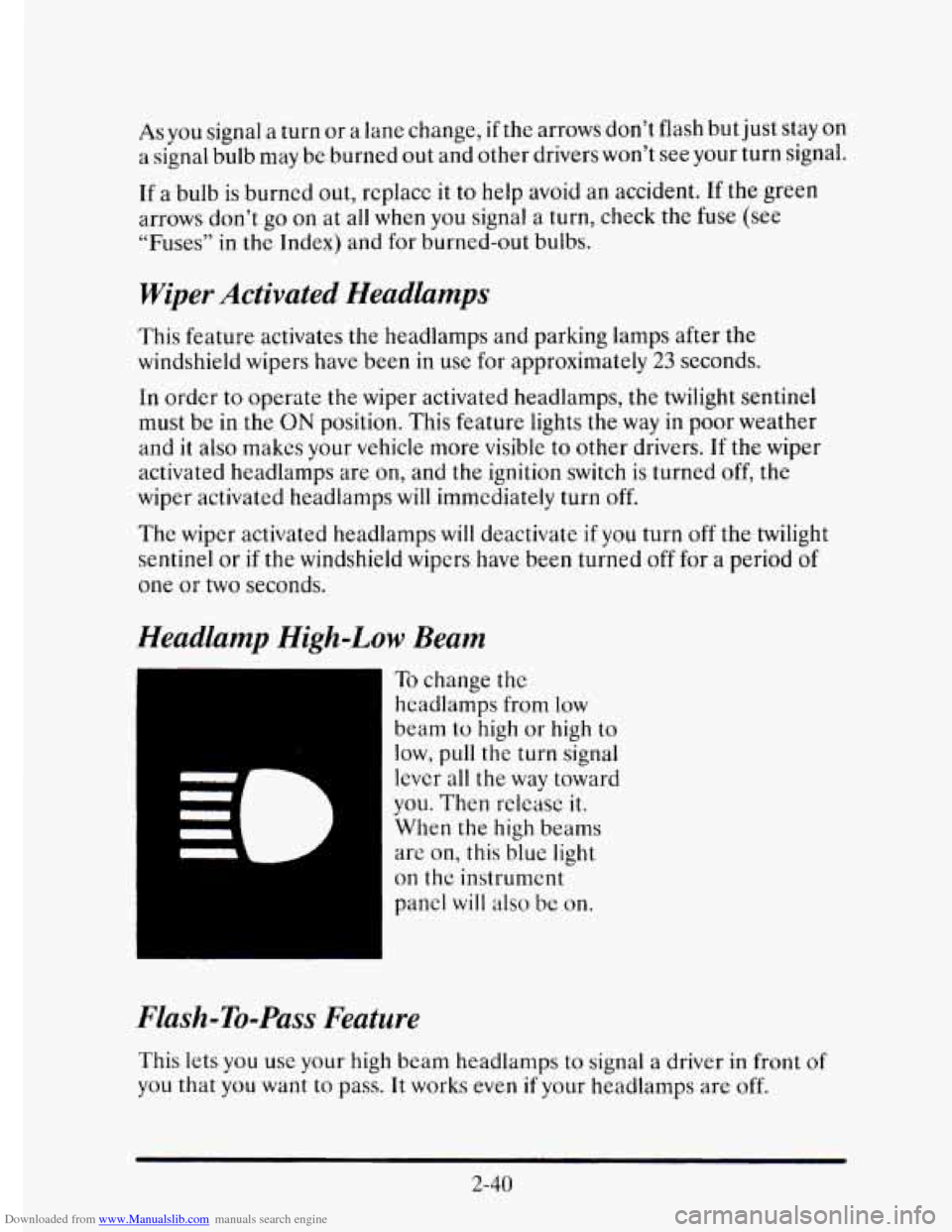
Headlamp High-Low Beam
To change the
headlamps from low
beam
to high or high to
low, pull the turn signal
lever all
the way toward
you. Then releasc it.
When the high beams
are on, this blue
light
on thc instrument
panel
will also be on.
Flash-To-Pass Feature
This lets you use your high beam headlamps to signal a driver in front of
you that you want to pass. It works even if your headlamps are off.
2-40
Page 119 of 395
Downloaded from www.Manualslib.com manuals search engine To Get Out of Cruise Control
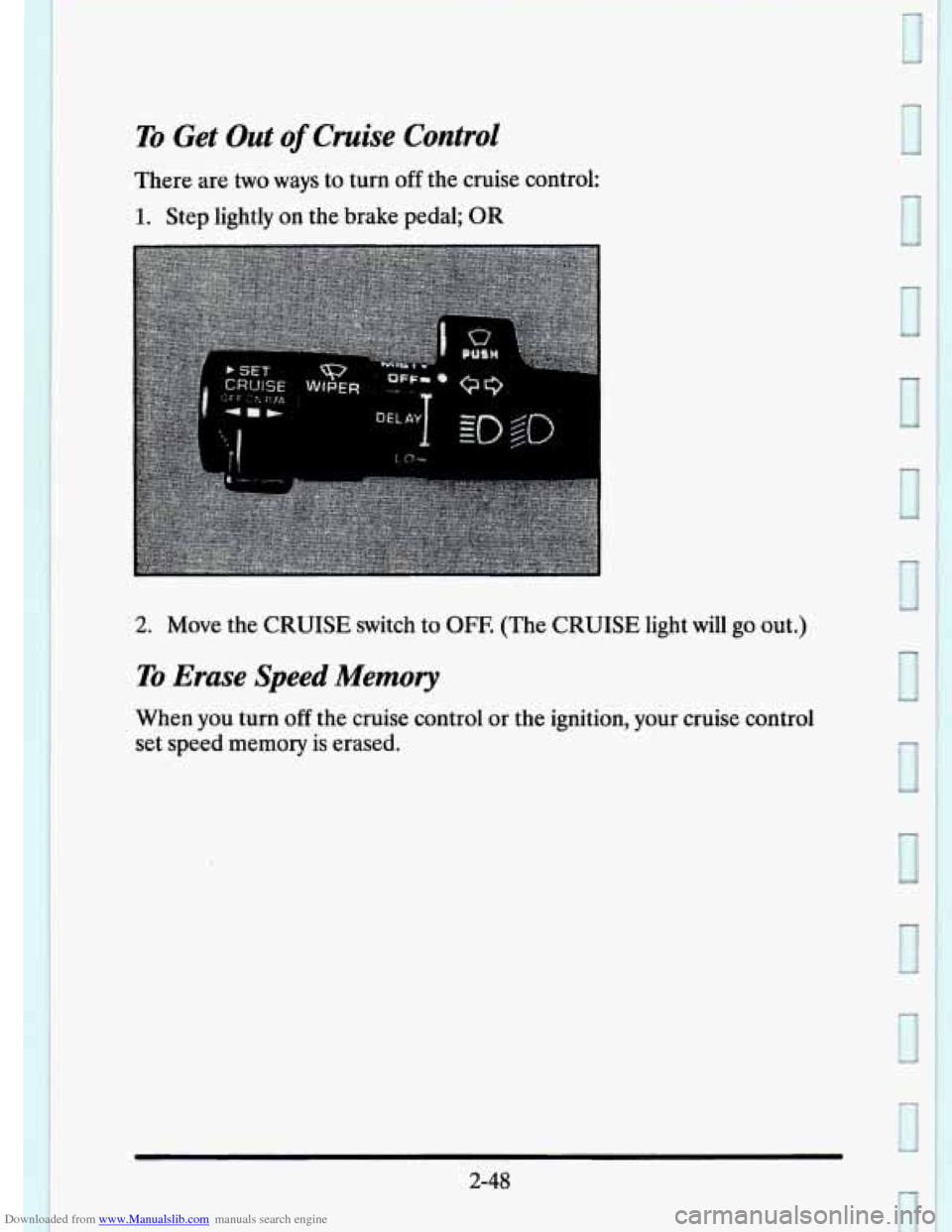
There are two ways to turn off the cruise control:
1. Step lightly on the brake pedal; OR
2. Move the CRUISE switch to OFF. (The CRUISE light will go out.)
To Erase Speed Memory
When you turn off the cruise control or the ignition, your cruise control
set speed memory is erased.
2-48
1