ignition CADILLAC ELDORADO 1996 10.G Owner's Manual
[x] Cancel search | Manufacturer: CADILLAC, Model Year: 1996, Model line: ELDORADO, Model: CADILLAC ELDORADO 1996 10.GPages: 354, PDF Size: 19.33 MB
Page 94 of 354
Downloaded from www.Manualslib.com manuals search engine LO or HI: Turn the band away from you to either LO
(low speed) or to HI (high speed), depending on the
wiper speed you want.
DELAY You can set the wiper speed for a long or short
delay between wipes with this setting. Move the band to
the DELAY position. The closer you move
it to LO, the
shorter the delay.
OFF: Turn the band to OFF to turn off the wipers.
Be sure to clear ice and snow from the wiper blades -
before using them. If they’re frozen to the windshield,
carefully loosen or thaw them.
If the blades do become
damaged, get new blades or blade inserts.
Heavy snow or ice can overload the wiper motor. A
circuit breaker will stop the motor until it cools. Clear
away snow or ice to prevent an overload.
Rainsense V- ?ers (ETC Only)
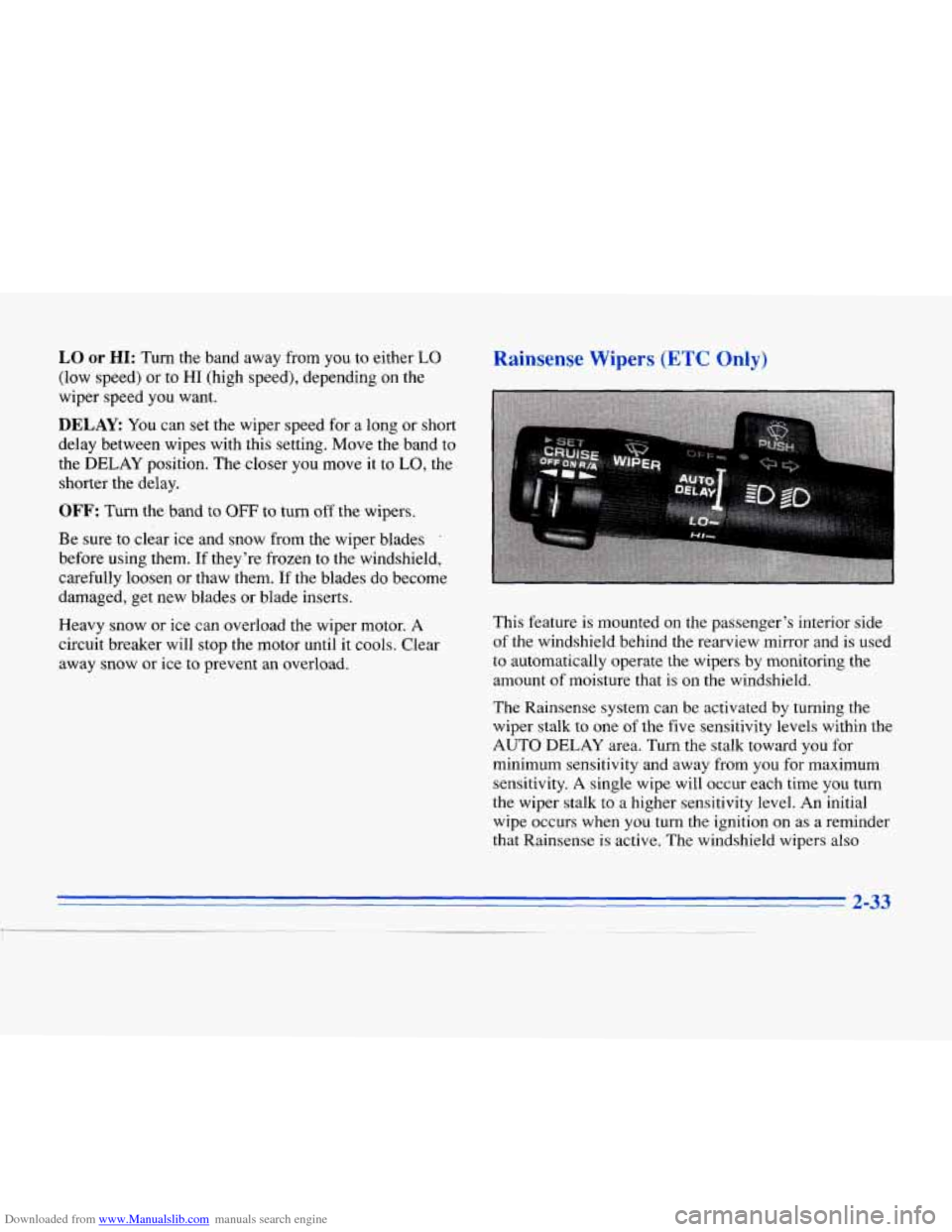
This feature is mounted on the passenger’s interior side
of the windshield behind the rearview mirror and is used
to automatically operate the wipers by monitoring the
amount
of moisture that is on the windshield.
The Rainsense system can
be activated by turning the
wiper stalk to one of the
five sensitivity levels within the
AUTO DELAY area. Turn the stalk toward you for
minimum sensitivity and away from
you for maximum
sensitivity.
A single wipe will occur each time you turn
the wiper stalk to a higher sensitivity level. An initial
wipe occurs when you turn the ignition on as a reminder
that Rainsense is active. The windshield wipers also
~. ~ 2-33
Page 95 of 354
Downloaded from www.Manualslib.com manuals search engine remain in a “high park” position, even when the ignition
is turned
OFF.
The Rainsense wipers operate in a delay mode as well
as, a continuous low or high speed depending on the
amount of moisture and
the sensitivity level. The MIST
and “wash” cycles operate as normal and are not
effected by the Rainsense function.
NOTICE:
The Rainsense feature should be turned off when
going through a car wash to avoid damage.
It is important to note that the Rainsense wiping feature
(AUTO DELAY) can be overridden at any time by
manually changing the wiper control to
LO or HI speed.
Note that if
you ever need to replace the windshield,
make sure
it is Rainsensor compatible.
Windshield Washer
In freezing weather, don’t use your washer until
the windshield is warmed. Otherwise the washer
fluid can form ice
on the windshield, blocking
your vision.
Press and hold the PUSH paddle to wash the windshield
Release the paddle when you have enough fluid. The
wipers
will clear the windshield and either stop or return
to your preset speed.
LOW WASHER FLUID will be displayed on the DIC
when the washer fluid reaches a low level.
Driving without washer fluid can be dangerous.
A bad
mud splash can block your vision and you could hit
another vehicle
or go off the road. Check the washer
fluid level often.
2-34 -
Page 99 of 354
Downloaded from www.Manualslib.com manuals search engine Reducing Speed While Using Cruise Control
There are two ways to reduce your speed while using
cruise control:
Push in the button at the end of the lever until you
reach a desired lower speed, then release
it. A
CRUISE ENGAGED message will then display.
To slow down in very small amounts, push the button
for less than half a second. Each time you do this,
you’ll go
1 mph (1.6 km/h) slower.
Passing Another Vehicle While Using Cruise Control
Use the accelerator pedal to increase your speed. When
you take your
foot off the pedal, your vehicle will slow
down to the cruise control speed you set earlier.
Using Cruise Control on Hills
How well your cruise control will work on hills depends
upon your speed, load and the steepness
of the hills.
When going up steep hills, you may have to step on the
accelerator pedal to maintain your speed. When going
downhill, you may have to brake or shift
to a lower gear
to keep your speed down.
Of course, applying the brake
takes you out
of cruise control. Many drivers find this to
be too much trouble and don’t use cruise control on
steep hills.
Ending Cruise Control
There are two ways to end cruise control:
0 Step lightly on the brake pedal.
Move the CRUISE switch to OFF.
Erasing Speed Memory
The cruise control set speed memory is erased when you
turn
off the cruise control or the ignition.
Page 100 of 354
Downloaded from www.Manualslib.com manuals search engine Lamps
I"
..
, __.",
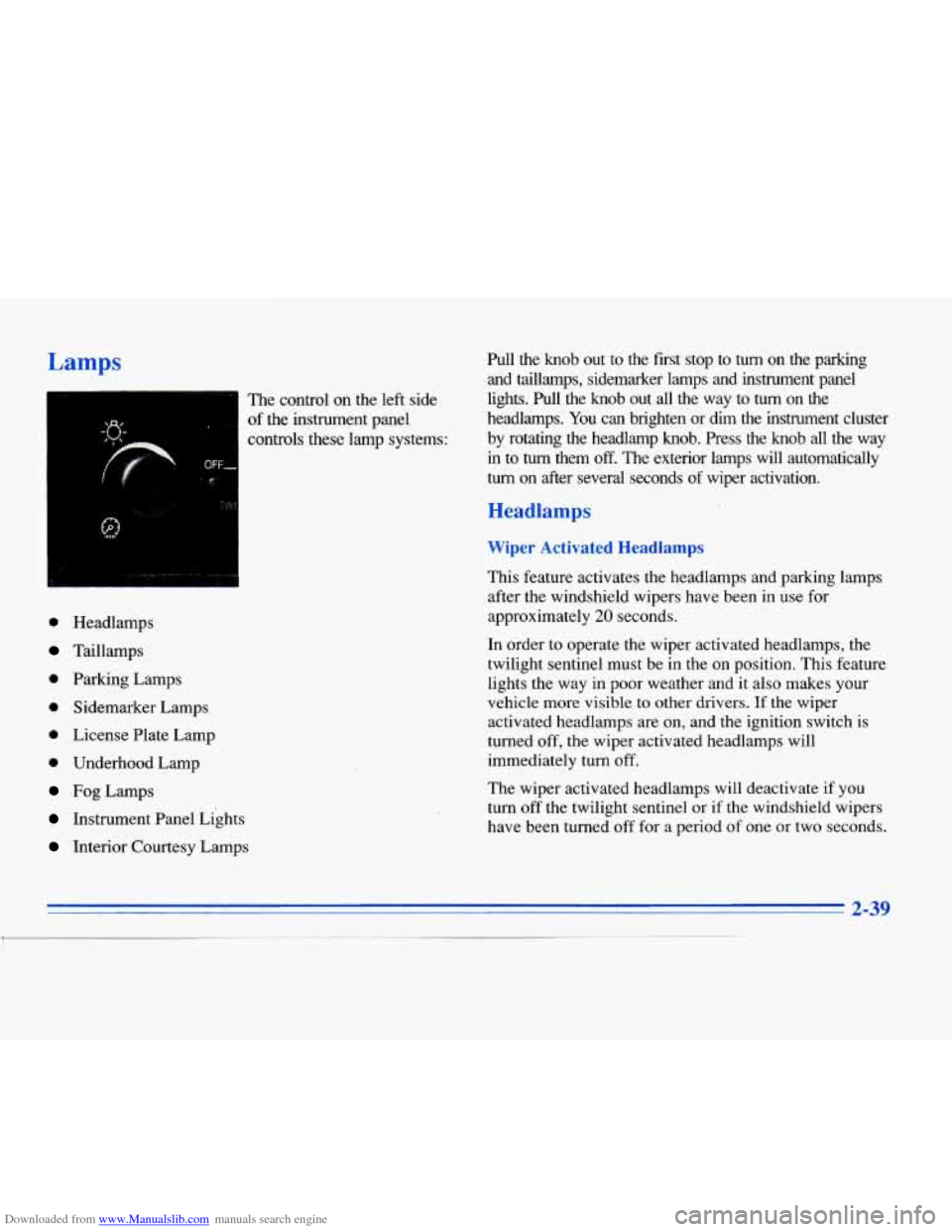
The control on the left side
of the instrument panel
controls these lamp systems:
OFF,
'f"
0 Headlamps
Taillamps
0 Parking Lamps
0 Sidemarker Lamps
0 License Plate Lamp
0 Underhood Lamp
Fog Lamps
Instrument Panel Lights
Interior Courtesy Lamps Pull the knob out to the first stop to
turn on the parking
and taillamps, sidemarker lamps and instrument panel
lights.
Pull the knob out all the way to turn on the
headlamps.
You can brighten or dim the instrument cluster
by rotating the headlamp knob. Press the knob all the way
in to turn them off. The exterior lamps will automatically
turn on after several seconds of wiper activation.
Headlamps
Wiper Activated Headlamps
This feature activates the headlamps and parking lamps
after the windshield wipers have been in use for
approximately
20 seconds.
In order to operate the wiper activated headlamps, the
twilight sentinel must be in the on position. This feature
lights the way in poor weather and it also makes your
vehicle more visible to other drivers.
If the wiper
activated headlamps are on, and the ignition switch is
turned off, the wiper activated headlamps will
immediately turn off.
The wiper activated headlamps will deactivate
if you
turn off the twilight sentinel or
if the windshield wipers
have been turned off for a period of one or two seconds.
2-39
Page 101 of 354
Downloaded from www.Manualslib.com manuals search engine Lamps On Reminder
You will hear a warning chime if you pull the key from
the ignition while leaving the lamps on,
if the manual
headlamp control is activated. An exception to this
is
when you’re using twilight sentinel.
Daytime Running Lamps
Daytime Running Lamps (DRL) can make it easier for
others to see the front of your vehicle during
the day.
DRL can be helpful in many different driving
conditions, but they can be especially helpful
in the
short periods after dawn and before sunset.
A light sensor on top of the instrument panel makes the
DRL work,
so be sure it isn’t covered.
The DRL system will make the high-beam headlamps
come on at reduced brightness when:
the ignition is on,
0 the headlamp switch is off and
0 the transaxle is not in PARK (P).
When DRL are on, only your high-beam headlamps (at
reduced brightness) will be on.
No other exterior lamps
such as the parking lamps, taillamps, etc. will be on
when the DRL are being used. Your instrument panel
won’t be
lit up either.
When it’s dark enough outside, the high-beam
headlamps (at reduced intensity) will change to
low-beam headlamps. When it’s bright enough outside,
the regular lamps will go off, and the high-beam
headlamps change to the reduced brightness of DRL.
To idle your vehicle with the DRL off, turn off the
twilight sentinel switch and shift the transaxle into
PARK (P). Placing your vehicle in PARK
(P) disables
the
DRL. The DRL will stay off until you shift out of
PARK (P).
As with any vehicle, you should turn on the regular
headlamp system when you need
it.
Page 103 of 354
Downloaded from www.Manualslib.com manuals search engine Twilight Sentinei Light Sensor
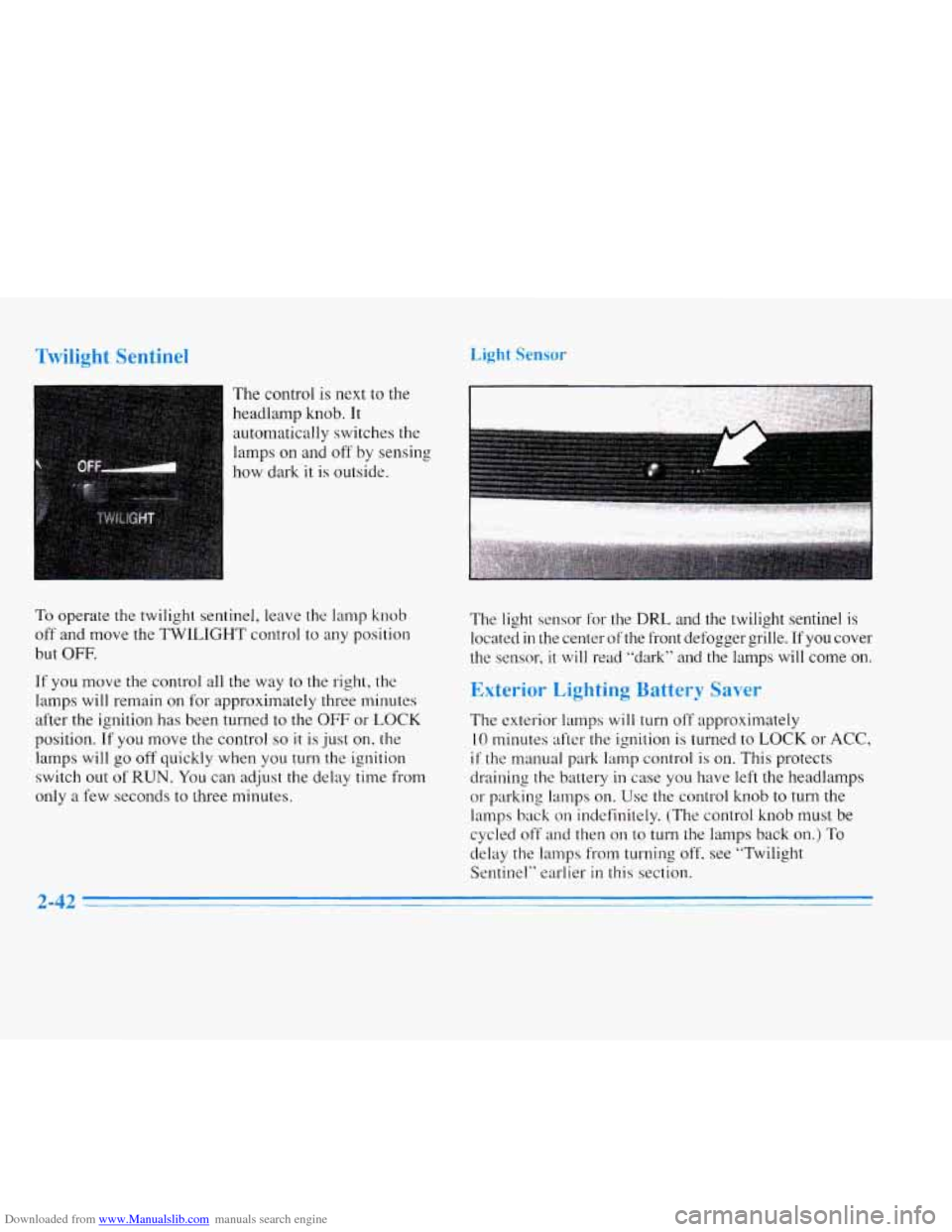
The control is next to the
headlamp knob. It
automatically switches the
lamps on and off by sensing
how dark it
is outside.
To operate the twilight sentinel, leave the lamp knob
off and move the TWILIGHT control to any position
but
OFF.
If you move the control all the way to the right, the
lamps will remain on for approximately three minutes
after the ignition has been turned to the
OFF or LOCK
position.
If you move the control so it is just on, the
lamps will go off quickly when you turn the ignition
switch out
of RUN. You can adjust the delay time from
only a few seconds to three minutes. The light sensor for the DRL and the twilight sentinel
is
located in the center
ofthe front defogger grille. If you cover
the sensor,
it will read "dark" and the lamps will come on.
Exterior Lighting Battery Saver
The exterior lamps will turn off approximately
10 minutes after the ignition is turned to LOCK or ACC,
if the manual park lamp control is on. This protects
draining the battery in case
you have left the headlamps
or parking lamps on. Use the control knob to turn the
lamps back
on indefinitely. (The control knob must be
cycled
off and then on to turn the lamps back on.) To
delay the lamps from turning off. see "Twilight
Sentinel" earlier
in this section.
2-42
Page 104 of 354
Downloaded from www.Manualslib.com manuals search engine Interior Lamps Reading Lamps
Instrument Panel Intensity Control
As you turn the headlamp knob clockwise, the
instrument panel lights will brighten.
Turning the headlamp knob all the way clockwise will
turn on the interior lamps.
Illuminated Entry System
The illuminated entry system turns on the courtesy
lamps and the backlighting to the door switches and
headlamp knob control when a door is opened or if you
press the Remote Keyless Entry (RKE) button. Note that
the illuminated entry system is photocell which means
that
it must be dark outside in order for the courtesy
lamps
to turn on. The courtesy lamps will turn off
approximately
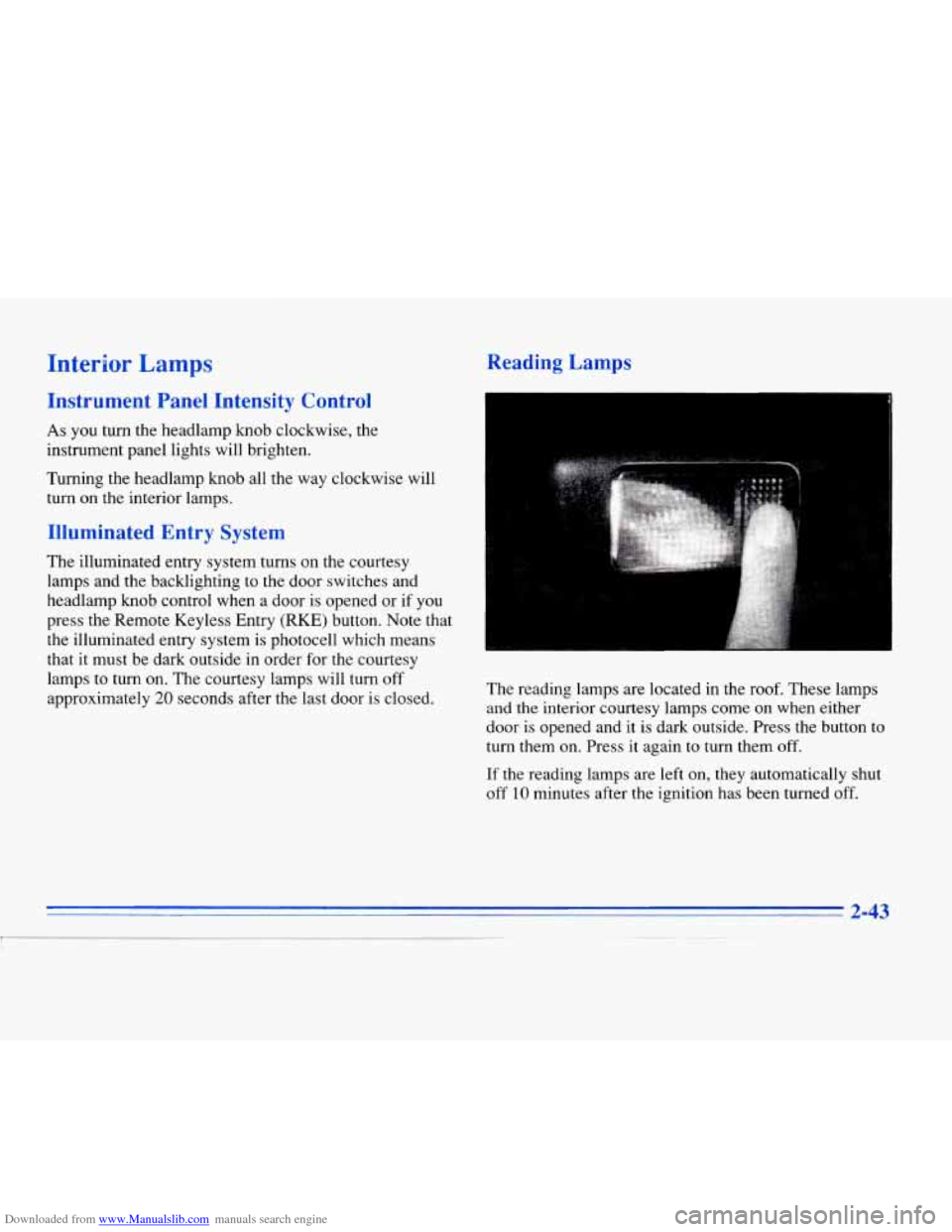
20 seconds after the last door is closed. The reading lamps are
located in the roof. These lamps
and the interior courtesy lamps come on when either
door is opened and it
is dark outside. Press the button to
turn them on. Press
it again to turn them off.
If
the reading lamps are left on, they automatically shut
off 10 minutes after the ignition has been turned off.
Page 105 of 354
Downloaded from www.Manualslib.com manuals search engine Inadvertent Power Battery Saver
This feature is designed to protect your vehicle's battery against drainage from the interior lamps, trunk lamp,
glove
box lamp, cigarette lighters or the garage door
opener. When the ignition is turned
OFF, the power to
these features will automatically
turn off' after 10 minutes
(three minutes if a new car has 15 miles or less). Power
will be restored for an additional
10 minutes if either
door is opened, the trunk
is opened or the courtesy lamp
switch is turned
on.
Battery Guard Storage
This feature is for long term use and must be
programmed through the
DIC while the ignition is in the
RUN position. Battery guard storage protects the battery
by placing the vehicle in a storage mode so that the
radio, amplifiers, instrument cluster
and Remote Keyless
Entry
(RKE) will not drain the battery over a long
period of time.
To begin programming, press the INFO and RESET
buttons at the same time for approximately two seconds.
Press the RESET button to answer "yes" and press the
INFO button to indicate
a "no" response. The first prompt
to appear relates to the automatic
door
locks.
This feature can be bypassed by pressing the
INFO button. The STORAGE MODE? prompt appears
next.
To select, press the RESET button. ENABLE
STORAGE
MODE? will then appear. A yes or no
response must be give.n. If the
INFO (no) button is
pressed, the DISABLE STORAGE MODE? prompt will
appear. Oncc again,
a yes or no response is required.
Once the battery guard has been programmed, your
vehicle
will enter the storage mode approximately
20 minutes after the ignition key has been turned off.
The RKE will also be disabled at this point. The RKE
will reactivate when a door or the trunk is opened,
however.
if your vehicle is left inactive for another
20 minutes the RKE will re-enter the storage mode.
Your vehicle will stay in the storage mode until the
ignition
key is turned out of LOCK. The system will
"wake-up" when the door key is inserted into the door
however, your vehicle
will remain in the storage mode.
The ignition must
5 ~~~ard is disabled. be
out of LOCK before the battery
2-44
Page 109 of 354
Downloaded from www.Manualslib.com manuals search engine Compass Calibration
Once the compass is calibrated, it does not need to be
recalibrated.
To calibrate the compass:
1. Set the switch on the mirror control to C/M.
2. Turn the vehicle ignition switch on. The letter C
should be displayed in the mirror compass window.
If not, hold the CAL switch (on the bottom of the
mirror) for more than 10 seconds, and the letter
C
will appear. To hold in the CAL switch, insert a
paper clip into the small hole on the bottom of the
mirror housing. The display will show a number
first, but keep holding until the letter
C appears.
3. For quick calibration, drive the vehicle in a
360-degree circle at less than
5 mph (8 km/h) until
the display reads a compass direction. For normal
calibration, drive the vehicle on your everyday
routine, and the compass will eventually calibrate.
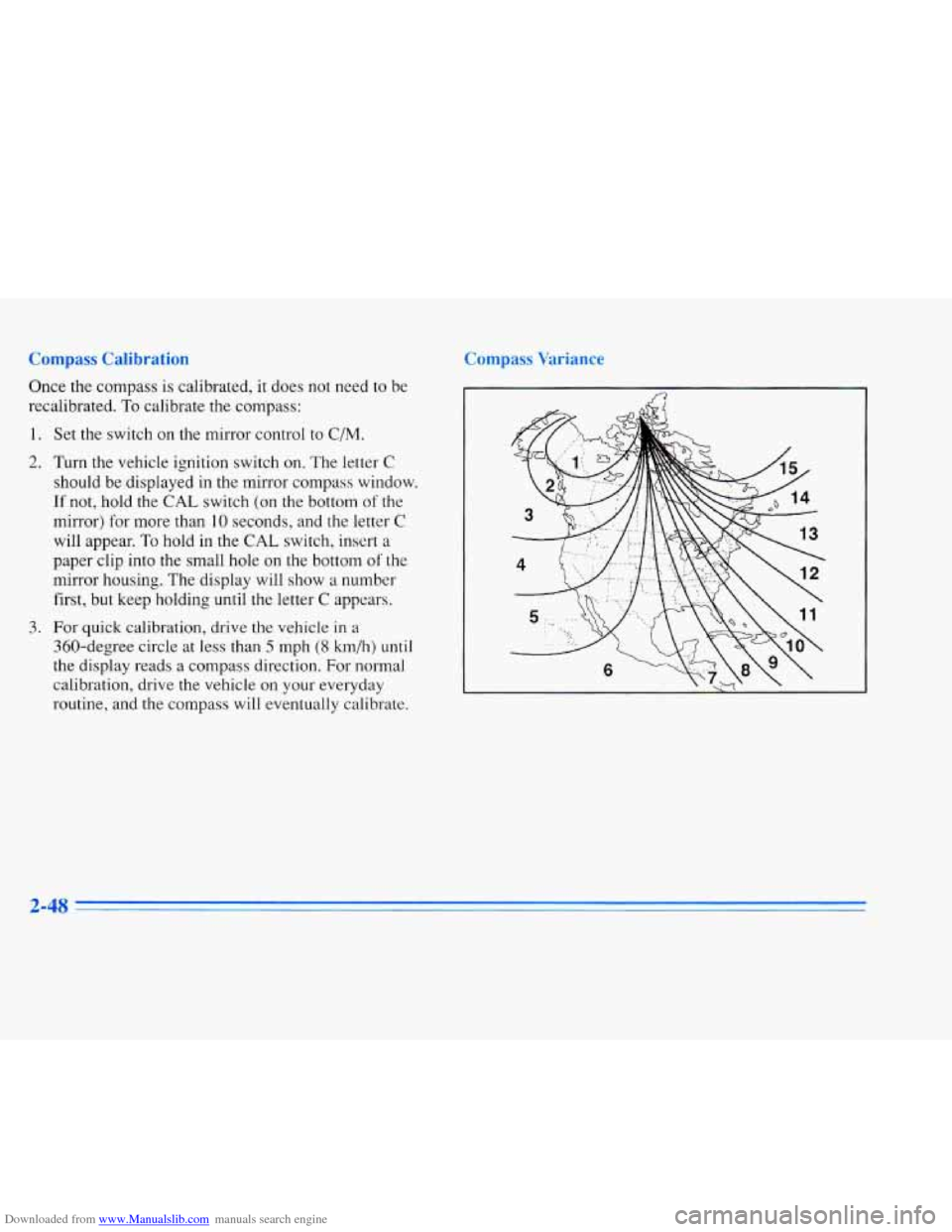
Compass Variance
2-48
Page 114 of 354
Downloaded from www.Manualslib.com manuals search engine Note that power to the cigarette lighter will shut off
10 minutes after the ignition is turned off. This helps to
prevent battery drainage. For more information, see
“Inadvertent Battery Saver” earlier in this section.
I NOTICE:
Don’t hold a cigarette lighter in with your hand
while it is heating.
If you do, it won’t be able to
back away from the heating element when it’s
ready. That can make it overheat, damaging the
lighter and the heating element.
Sun Visors
Swing down the visor to block out glare. It can also be
detached from the center mount and moved to the side
to block glare.
The driver’s sunshade is also equipped with a storage
flap that can be used
for maps or toll tickets.
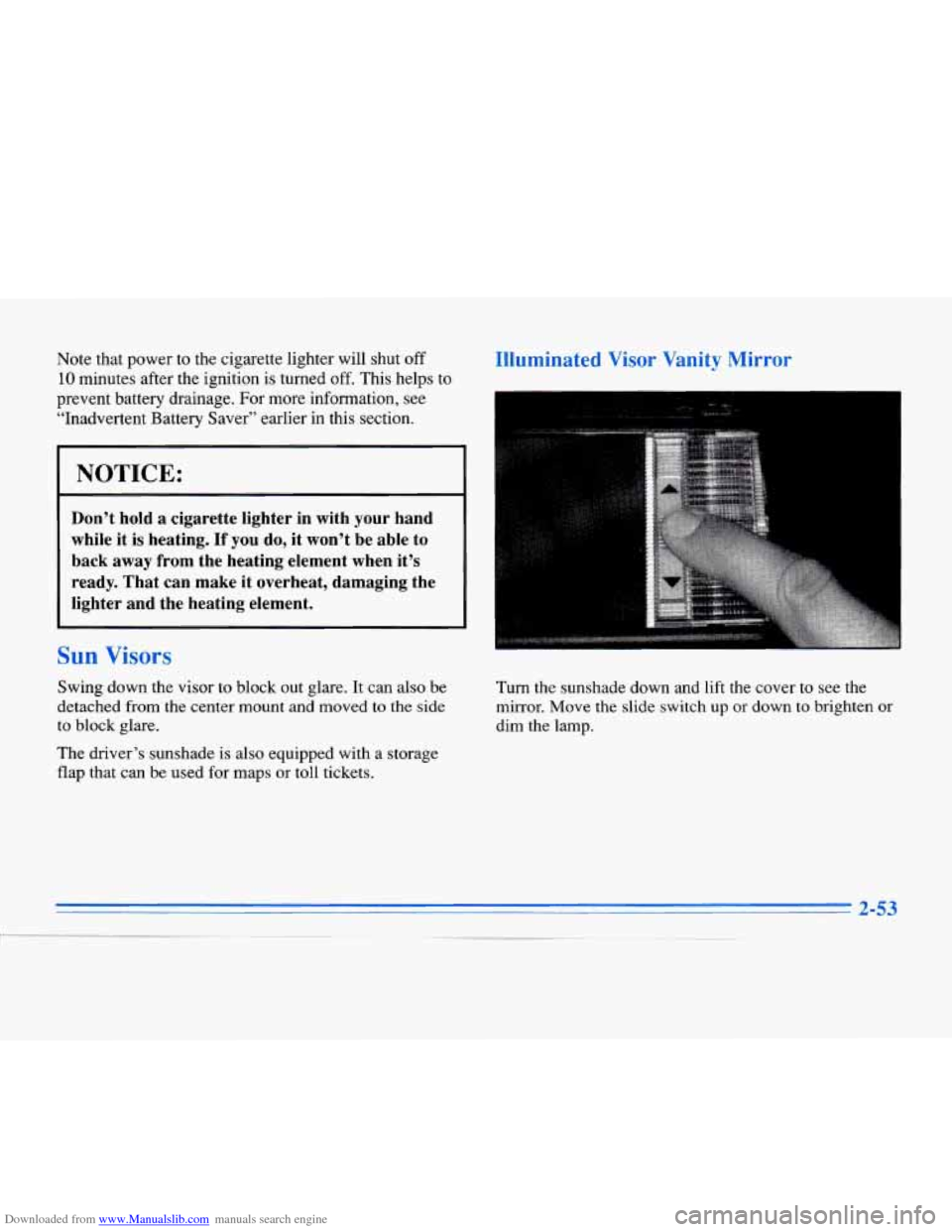
Illuminated Visor Vanity Mirror
Turn the sunshade down and lift the cover to see the
mirror. Move the slide switch up or down to brighten
or
dim the lamp.
2-53
-.