ECO mode CADILLAC ELDORADO 1997 10.G User Guide
[x] Cancel search | Manufacturer: CADILLAC, Model Year: 1997, Model line: ELDORADO, Model: CADILLAC ELDORADO 1997 10.GPages: 361, PDF Size: 22.85 MB
Page 159 of 361
Downloaded from www.Manualslib.com manuals search engine With the automatic setting, the air conditioning
compressor automatically cycles when needed to cool
the
air. In cold weather, when the system senses the need
for heat, the airflow will be directed out
the floor
outlets. As the interior temperature approaches a desired
setting, the blower speed will decrease.
To maintain
interior comfort, the aifflow may move to the instrument
panel air outlets and floor outlets (bi-level mode). On
bright sunny days in cold weather,
the airflow may come
out of the air conditioning outlets (AC mode) to
maintain comfort and prevent stuffiness.
If your vehicle is sitting out on a hot day and you have it
set on
AUTO, the air will first flow out the floor air
outlets for a few seconds. That is normal. This is to
expel
hot air from the air outlets. As the air is cooled,
the airflow will move through
the air conditioning
outlets. If you start your vehicle with the
fan setting on
HI,
it will skip the air conditioning purge.
To avoid blowing cold
air in cold weather, the system will
delay
turning on the fan until warm air is available. The
length of delay depends on the outside
air temperature,
engine coolant temperature
or the time since the engine
was last started. As the coolant warms up, the blower fan
speed will gradually increase and air will flow from the
heater outlets, with some airflow to
the windshield to
prevent fogging under most normal conditions.
If you leave your vehicle, the system will remember the
control setting the next time you
start your engine,
except
for recirculation and defrost. Each ignition cycle
cancels recirculation, whereas,
DEFROST will change
to automatic operation when
the ignition is shut off and
then turned
back on.
You may manually adjust
the air delivery mode or
fan speed.
/.I AC: This setting directs airflow through the
middle instrument panel outlets.
'/J BI-LEVEL: This setting directs air into your
vehicle in two ways. Cool air is directed to the upper
portion
of your body through the four instrument panel
outlets while warmed
air is directed to the floor.
'fl HEATER/DEFROSE This setting directs air to
the floor outlets and toward the windshield.
1/J HEATER: This setting directs warmed air
through the
floor outlets. Some warm air is diverted to
the windshield to minimize fogging.
L*
Page 164 of 361
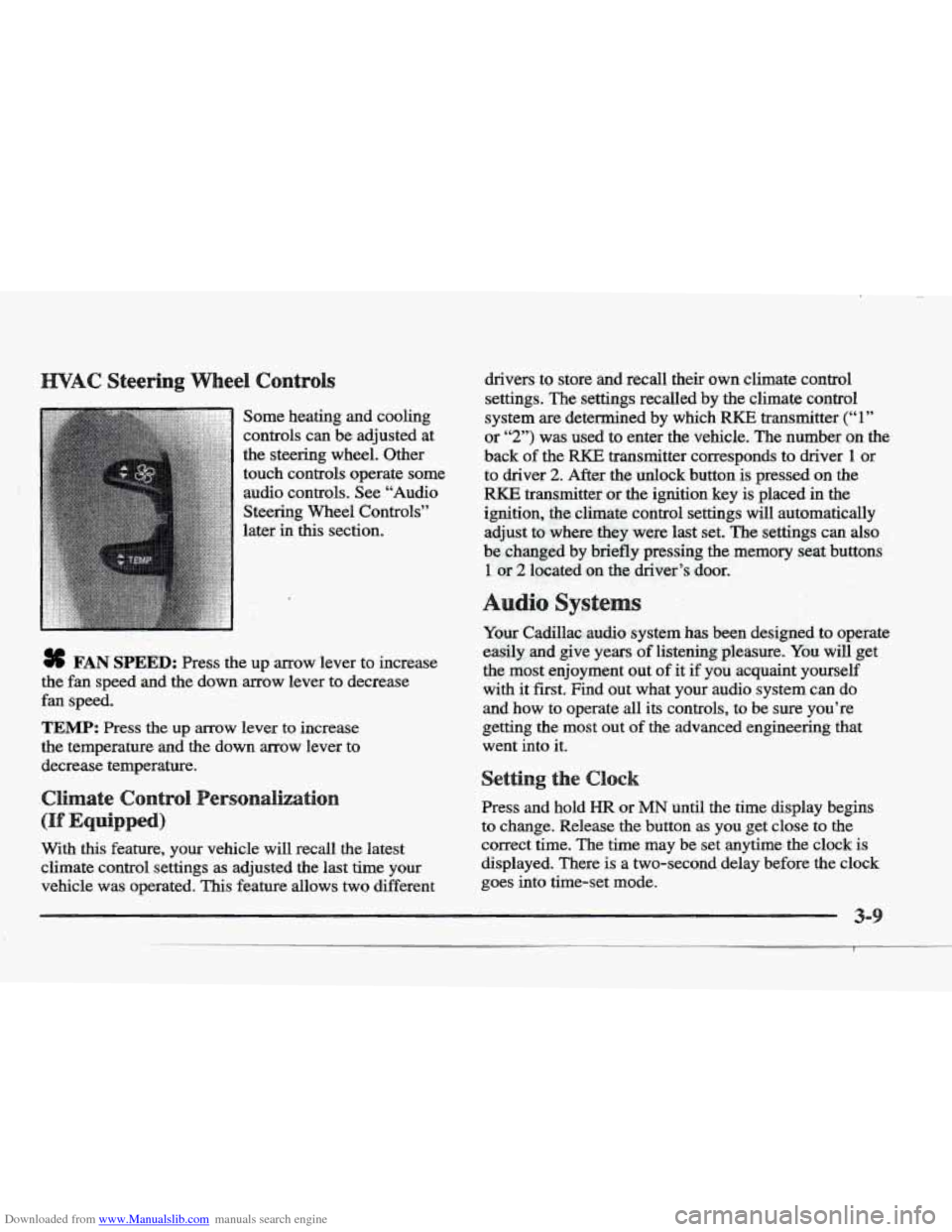
Downloaded from www.Manualslib.com manuals search engine Some heating and cooling
controls can be adjusted at
the steering wheel. Other
touch controls operate some audio controls. See “Audio
Steering Wheel Controls”
later
in this section.
8 FAN SPEED: Press the up arrow lever to increase
the
fan speed and the down arrow lever to decrease
fan speed.
TEMP: Press the up arrow lever to increase
the temperature and the down arrow lever to
decrease temperature.
With
this feature, your vehicle will recall the latest
climate control settings as adjusted the last time your
vehicle was operated.
This feature allows two different drivers-
to store and recall
their own climate control
settings. The settings recalled by the climate control
system
are determined by which RKE transmitter (“ 1 ”
or “2”) was used to enter the vehicle. The number on the.
back of the
RKE transmitter corresponds to driver 1 or
to driver
2. After the unlock button is pressed on the
RKE transmitter or the ignition key is placed in the
ignition, the climate control settings will automatically
adjust to where’ they were last set. The settings can
also
be changkd by briefly pressing the memory seat buttons
1 or 2 located on the driver’s door.
dio sys
Your Cadillac. audio system has been designed to operate
easily
and give years of listening pleasure. You will get
the most enjoyment
out of it if you acquaint yourself
with it first. Find out what your audio system can do
and how to operate
all its controls, to be sure you’re
getting the most out
of the advanced engineering that
went into it.
Press and hold
HR or MN until the time display begins
to change. Release the button as you get close
to the
correct time. The time may be set anytime. the clock
is
displayed.. There is a two-second delay before the clock
goes into time-set mode.
3-
Page 165 of 361
Downloaded from www.Manualslib.com manuals search engine For information on the compact disc player, see "Trunk
Mounted
CD Changer'' later in this section.
Playing the %dis
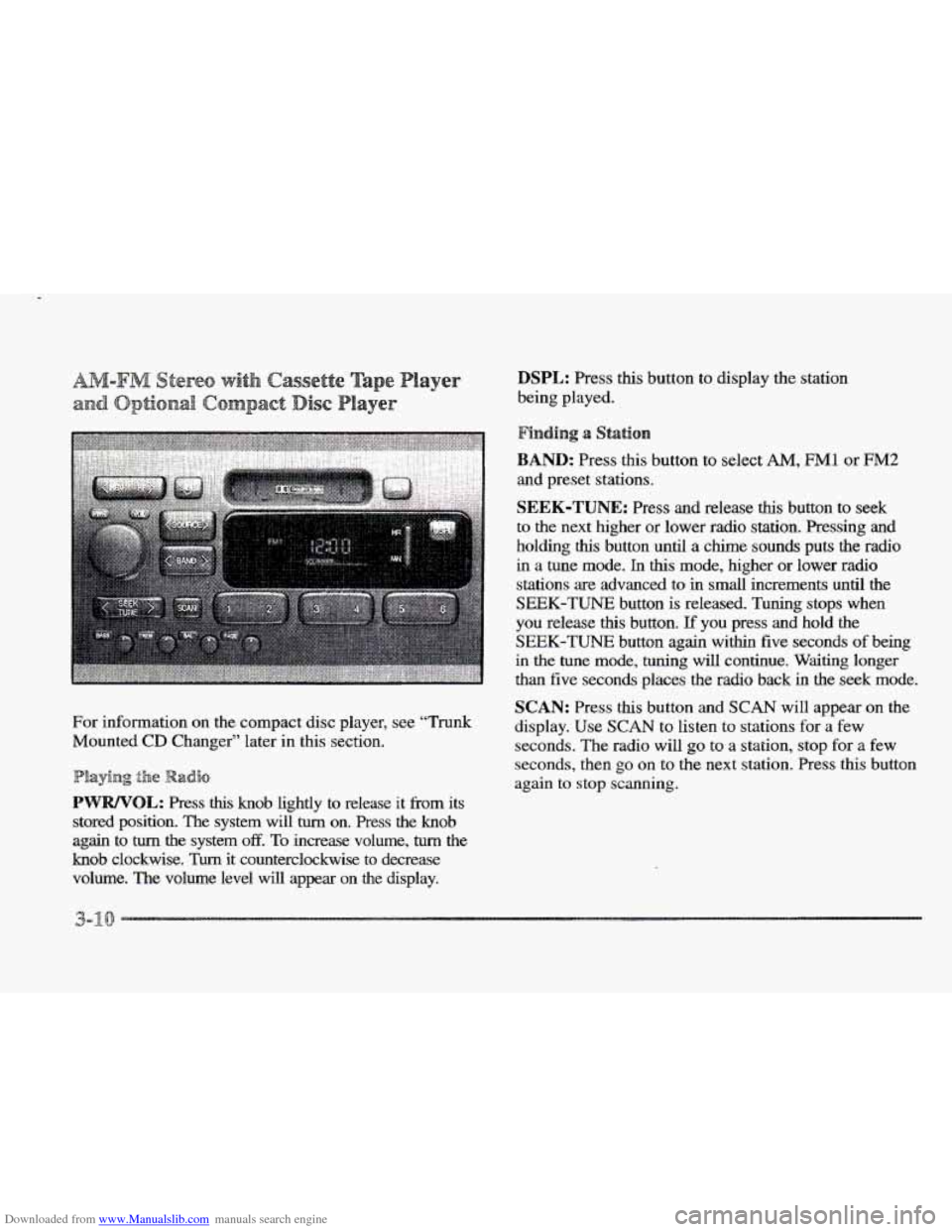
PWWOL: Press this knob lightly to release it from its
stored position. The system will
turn on. Press the knob
again to turn the system off. To increase volume, turn the
knob clockwise. Turn it counterclockwise to decrease
volume. The volume level
will appear on the display.
DSPL: Press this button to display the station
being played.
BAND: Press this button to select AM, FM1 or FM2
and preset stations.
SEEK-TUNE: Press and release this button to seek
to the next higher or lower radio station. Pressing and
holding
this button until a chime sounds puts the radio
in a tune mode. In this mode, higher or lower radio
stations are advanced to in small increments until the
SEEK-TUNE button is released. Tuning stops when
you release this button.
If you press and hold the
SEEK-TUNE button again within five seconds of being
in the tune mode, tuning will continue. Waiting longer
than five seconds places the radio back in the seek
mode.
SCAN: Press this button and SCAN will appear on the
display.
Use SCAN to listen to stations for a few
seconds. The radio will
go to a station, stop for a few
seconds, then
go on to the next station. Press this button
again
to stop scanning.
Page 167 of 361
Downloaded from www.Manualslib.com manuals search engine laying 8 Caslsette
With the radio on, insert a cassette tape. The tape will
begin playing as soon as it is inserted.
While the tape is playing, use the
VOL, FADE, BAL,
BASS and TREB controls just as you do for the radio.
Other controls may have different functions when a tape
is inserted. The display will show
TAPE with an arrow
to indicate which side of the tape is playing. PLAY will
appear on
the display temporarily when a tape is
playing. The display will then revert back to showing
the time.
If an error occurs while trying to play a cassette tape, it
could be that:
8 The cassette tape is tight and the cassette player
cannot
turn the hubs of the tape. Hold the cassette
tape with the open end down and
try turning the right
hub counterclockwise with a pencil. Flip the tape
over and repeat.
If the hubs do not turn easily, your
cassette tape may be damaged and should not be
used in the player. Try
a new tape to be sure your
player
is working properly.
The cassette tape
is broken. (Check to see if your
tape is broken. Try a new tape.)
Press the left arrow to reverse the tape rapidly.
Press
it again to return to playing speed. The radio will
play while the tape reverses and
REV will appear on the
display. You may use your station pushbuttons to
tune to
another radio station while
in REV mode.
FF: Press the right arrow to fast forward to another part
of the tape. Press it again to return to playing speed. The
radio will play while the tape advances and
FF will
appear on
the display. You may use your station
pushbuttons to
tuie to another radio station while in
FF mode.
SEEK-TUNE: Press the right arrow to seek to the next
selection on the tape. Press the left
arrow to search for
the previous selection on the tape (REP will appear on
the display). Your tape must have at least three seconds
of silence between each selection for SEEK-TUNE to
work. The sound will mute while seeking.
SCAN: Press this button. SCAN IT will appear on the
display until the next selection is found and then
SCAN
PLAY will appear on the display. Use SCAN to listen to
selections for
a few seconds. The tape will go to a
selection, stop for a few seconds, then go on to the next
selection. Press this button
again to stop scanning.
that
is playing. (PLAY shows on the display.)
E: Press this button to change the side of the tape
3-
Page 169 of 361
Downloaded from www.Manualslib.com manuals search engine Finding 8 Station
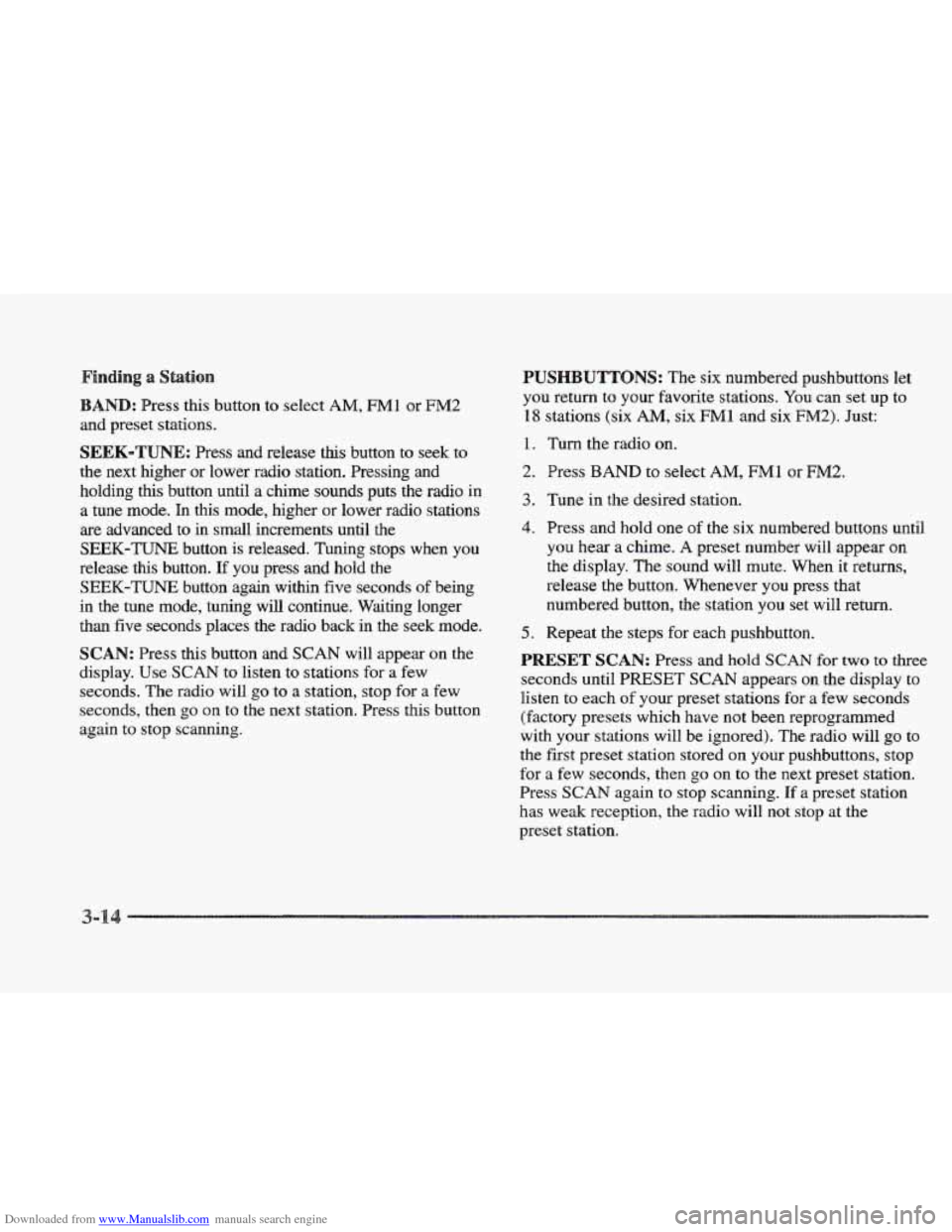
BAND: Press this button to select AM, FMl or FM2
and preset stations.
SEEK-TUNE: Press and release ths button to seek to
the next higher or lower radio station. Pressing and
holding
this button until a chime sounds puts the radio in
a
tune mode. In this mode, higher or lower radio stations
are advanced to in small increments until the
SEEK-'FUNE button is released. Tuning stops when you
release this button. If you press and hold the
SEEK-TUNE button again within five seconds of being
in the tune mode, tuning will continue. Waiting longer
than five seconds places the radio back in the seek mode.
SCAN: Press this button and SCAN will appear on the
display. Use SCAN to listen to stations for a few
seconds.
The radio will go to a station, stop for a few
seconds, then
go on to the next station. Press this button
again to stop scanning.
PUSHBUTTONS: The six numbered pushbuttons let
you return to your favorite stations. You can set up to
18 stations (six AM, six FM1 and six FM2). Just:
1.
2.
3.
4.
5.
Turn the radio on.
Press
BAND to select AM, FM1 or FM2.
Tune in the desired station.
Press and hold one
of the six numbered buttons until
you hear a chime. A preset number will appear on
the display. The sound will mute. When
it returns,
release the button. Whenever you press that
numbered button,
the station you set will return.
Repeat
the steps for each pushbutton.
PRESET SCAN: Press and hold SCAN for two to three
seconds until
PRESET SCAN appears on the display to
listen to each
of your preset stations for a few seconds
(factory presets which have not been reprogrammed
with your stations will be ignored). The radio will
go to
the first preset station stored on your pushbuttons, stop
for
a few seconds, then go on to the next preset station.
Press
SCAN again to stop scanning. If a preset station
has weak reception, the radio will
not stop at the
preset station.
Page 171 of 361
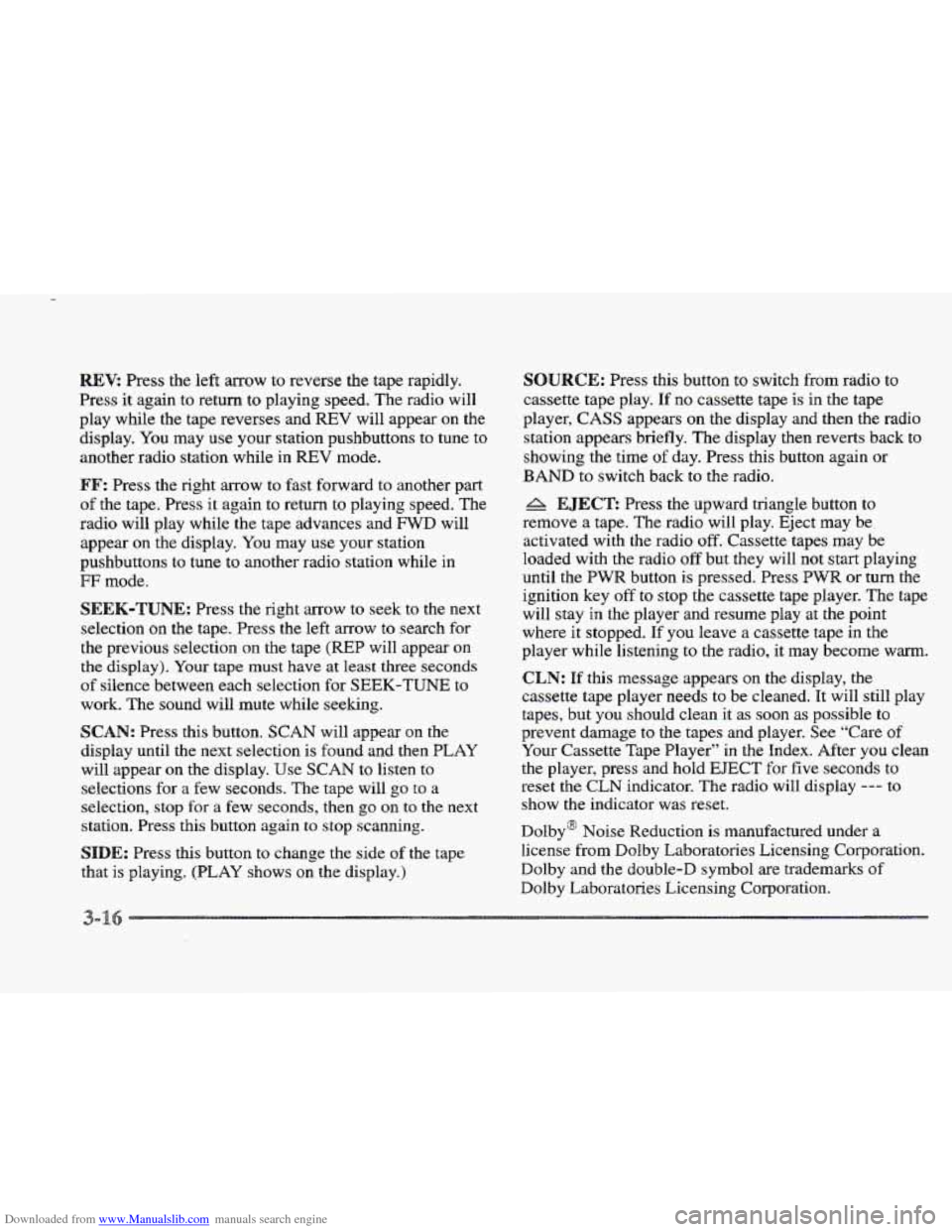
Downloaded from www.Manualslib.com manuals search engine REVi Press the left arrow to reverse the tape rapidly.
Press it again to return
to playing speed. The radio will
play while
the tape reverses and REV will appear on the
display. You may
use your station pushbuttons to tune to
another radio station while in
REV mode.
FF: Press the right arrow to fast forward to another part
of the tape. Press it again to return to playing speed. The
radio will play while
the tape advances and FWD will
appear on the display. You may
use your station
pushbuttons to tune to another radio station while in
g;F mode.
SEEK-TUNE: Press the sight ~QW to seek to the next
selection on the tape. Press the left
arrow to search for
the previous selection on
the tape (REP will appear on
the display). Your tape must have at least three seconds
of silence between each selection for SEEK-TUNE to
work. The sound will mute while seelung.
SCAN: Press this button. SCAN will appear on the
display until the next selection is found and then PLAY
will appear
on the display. Use SCAN to listen to
selections for a few seconds. The tape will
go to a
selection, stop
for a few seconds, then go on to the next
station. Press this button again to stop scanning.
SIDE: Press this button to change the side of the tape
that
is playing. (PLAY shows on the display.)
SOURCE: Fress this button to switch from radio to
cassette tape play.
If no cassette tape is in the tape
player,
CASS appears on the display and then the radio
station appears briefly. The display then reverts back to
showing the time
of day. Press this button again or
BAND to switch back to the radio.
A EJECT: Press the upward triangle button to
remove a tape. The radio will play. Eject may be
activated with
the radio off. Cassette tapes may be
loaded with the radio
off but they will not start playing
until
the PWR button is pressed. Press PWW or turn the
ignition key
off to stop the cassette tape player. The tape
will stay in the player and resume play
at the point
where
it stopped. If you leave a cassette tape in the
player while listening to the radio, it may become warm.
CLN: If this message appears on the display, the
cassette tape player needs to be cleaned. It will still play
tapes, but you should clean it as soon as possible to
prevent damage to the tapes and player. See “Care of
Your Cassette Tape Player”
in the Index. After you clean
the player, press and hold
EJECT for five seconds to
reset the CLN indicator. The radio will display --- to
show the indicator was reset.
Dolby@ Noise Reduction is manufactured under a
license from Dolby Laboratories Licensing Corporation.
Dolby and the double-D symbol are trademarks
of
Dolby Laboratories Licensing Corporation.
Page 172 of 361
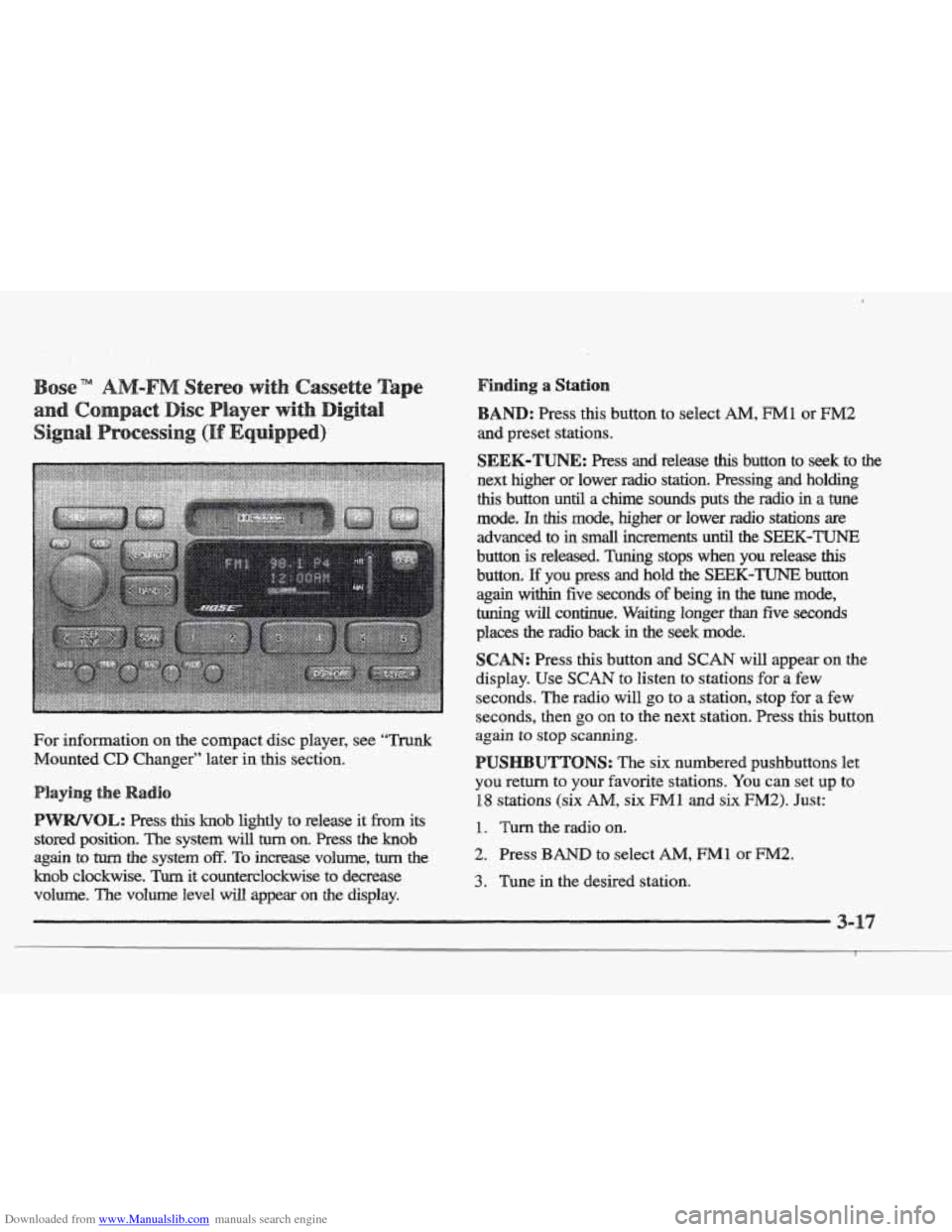
Downloaded from www.Manualslib.com manuals search engine For information on the compact disc player, see ‘‘Trunk
Mounted CD Changer” later in this section.
this knob lightly to release it from its
stored position.
The system will turn on. Press the knob
again
to turn the system off. To increase volume, turn the
knob clockwise. Turn it counterclockwise to decrease
volume. The volume level
will appear on the display.
Finding a Station
: Press this button to select AM, FM1 or EM2
SEEK-TUNE: Press and reiease this button to seek to the
next higher or lower radio station. Pressing and holding
this button until a chime sounds puts the radio in a tune
mode. In this mode, higher or lower radio stations are
advanced to
in small increments until the SEEK-TUNE
button is released. Tuning stops when you release this
button. E you press and hold the SEEK-TUNE button
again within five seconds of being in the tune mode,
tuning
will continue. Waiting longer than five seconds
places
the radio back in the seek mode.
SCAN: Press this button and SCAN will appear on the
display. Use
SCAN to listen to stations for a few
seconds. The radio will
go to a station, stop for a few
seconds, then
go on to the next station. Press this button
again to
stop scanning.
UTTONS: The six numbered pushbuttons let
you return to your favorite stations. You can set up to
18 stations (six AM, six Ml and six F”2). Just:
1. Turn the radio on.
2. Press BAND to select AM, FM1 or FM2.
3. Tune in the desired station.
Page 175 of 361
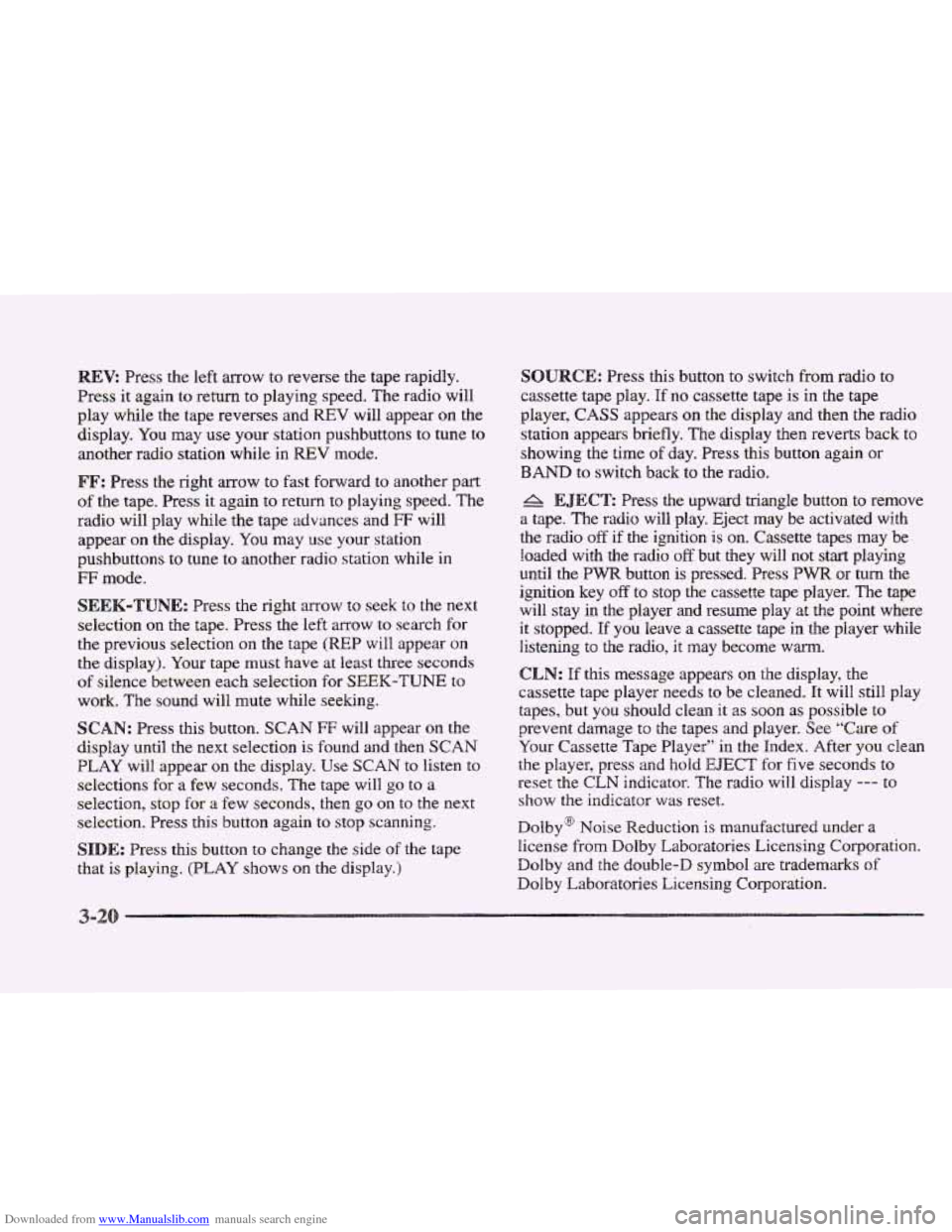
Downloaded from www.Manualslib.com manuals search engine Br: Press the left mow to reverse the tape rapidly.
Press it again
to return to playing speed. The radio will
play while the tape reverses and
REV will appear on the
display. You may use your station pushbuttons to tune to
another radio station while in
REV mode.
FF: Press the right arrow to fast forward to another part
of the tape. Press it again to return to playing speed. The
radio will play while
the tape advances and FF will
appear
on the display. You may ~lse your station
pushbuttons to tune to another radio station
while in
mode.
SEEK-TUNE: Press the right arrow to seek to the next
selection
on the tape. Press the left arrow to search for
the previous selection
on the tape (REP will appear on
the display). Your tape must have at least three
seconds
of silence between each selection for SEEM-TUNE to
work. The sound will mute while seeking.
SCAN: Press this button. SCAN FF will appear on the
display until the next selection
is found and then SCAN
PLAY will appear on the display. Use SCAN to listen to
selections for
a few seconds. The tape will go to a
selection, stop for
a few seconds, then go on to the next
selection. Press this button again to stop scanning.
SIDE: Press this button to change the side of the tape
that
is playing. (PLAY shows on the display.)
SOURCE: Press this button to switch from radio to
cassette tape play.
If no cassette tape is in the tape
player,
CASS appears on the display and then the radio
station appears
briefly. The display then reverts back to
showing the
time of day. Press this button again or
BAND to switch back to the radio.
A EJECT: Press the upward triangle button to remove
a tape. The radio will play. Eject may be activated with
the radio
off if the ignition is on. Cassette tapes may be
loaded with the radio
off but they will not start playing
until the PWR button is pressed. Press PWR or turn the
ignition key
off to stop the cassette tape player. The tape
will stay in
the player and resume play at the point where
it stopped.
If you leave a cassette tape in the player while
listening to the radio, it may become wm.
CLN: If this message appears on the display, the
cassette tape player needs to
be cleaned. It will still play
tapes, but you should clean
it as soon as possible to
prevent damage
to the tapes and player. See “Care of
Your Cassette Tape Player”
in the Index. After you clean
the player, press
and hold EJECT hr five seconds to
reset
the CLN indicator. The radio will display --- to
show the indicator was reset.
Dolby@
Noise Reduction is manufactured under a
license from Dolby Laboratories Licensing Corporation.
Dolby and the double-D symbol are trademarks of
Dolby Laboratories Licensing Corporation.
Page 293 of 361
Downloaded from www.Manualslib.com manuals search engine The braking system on a modem vehicle is complex.
Its many parts have to be of top quality and work well
together if the vehicle
is to have really good braking.
Your vehicle was designed and tested with top-quality
GM brake parts. When you replace parts of your braking
system
-- for example, when your brake linings wear
down and you have
to have new ones put in -- be sure
you get new approved
CM replacement parts. If you
don’t, your brakes may no longer work properly. For
example, if someone puts
in brake linings that are wrong
for your vehicle, the balance between your front and
rear brakes can change
-- for the worse. The braking
performance you’ve come
to expect can change in many
other ways
if someone puts in the wrong replacement
brake parts.
e
Every new Cadillac has a Delco Freedom@ battery. YOU
never have to add water to one of these. When it’s time
for a new battery, we recommend a Delco Freedom
battery.
Get one that has the replacement number shown
on the original battery’s label.
If you’re not going to drive your vehicle for 25 days
or more, take
off the black, negative (-) cable from
the battery. This will help keep your battery from
running down.
Batteries have acid that can burn YOU and gas
aren’t careful. See “Jump Starting’’ in the Index
for tips
on working around a battery without
that
can explode. You can be badly hurt if you
Contact your
dealer to learn how to prepare your vehicle
for longer storage periods.
Also, for your audio system, see “Theft-Deterrent
Feature” in the Index.
Page 336 of 361
Downloaded from www.Manualslib.com manuals search engine Wherever you drive in the United States or Canada,
an advisor is available to assist you over the phone.
A dealer technician, if available, can travel to your
location
within a 30 mile (50 km) radius, of a
participating Cadillac dealership.
If beyond this radius,
we will arrange
to have your car towed to the nearest
Cadillac dealership.
Dial the toll-free Roadside Service number:
1-800-882-1112. An experienced Roadside
Service Advisor
will assist you and request the
following information:
@ A description of the problem
@ Name, home address, home telephone number
@ Location of your Cadillac and number you are
0 The model year, Vehicle Identification Number
calling
from
(VIN), mileage
and date of delivery
oadside Service for the
Impaired
Roadside Service is prepared to assist owners who have
hearing difficulties
or are speech impaired. Cadillac has
installed special telecommunication devices called Text
Telephone
('ITY) in the Roadside Service Center.
Any customer who has access to a
(my) or a
conventional teletypewriter can communicate
with
Cadillac by dialing from the United States or Canada
1-800-833-CMCC -- daily, 24 hours.