display CADILLAC ELDORADO 1997 10.G User Guide
[x] Cancel search | Manufacturer: CADILLAC, Model Year: 1997, Model line: ELDORADO, Model: CADILLAC ELDORADO 1997 10.GPages: 361, PDF Size: 22.85 MB
Page 108 of 361
Downloaded from www.Manualslib.com manuals search engine light Sentinel
.. . ..
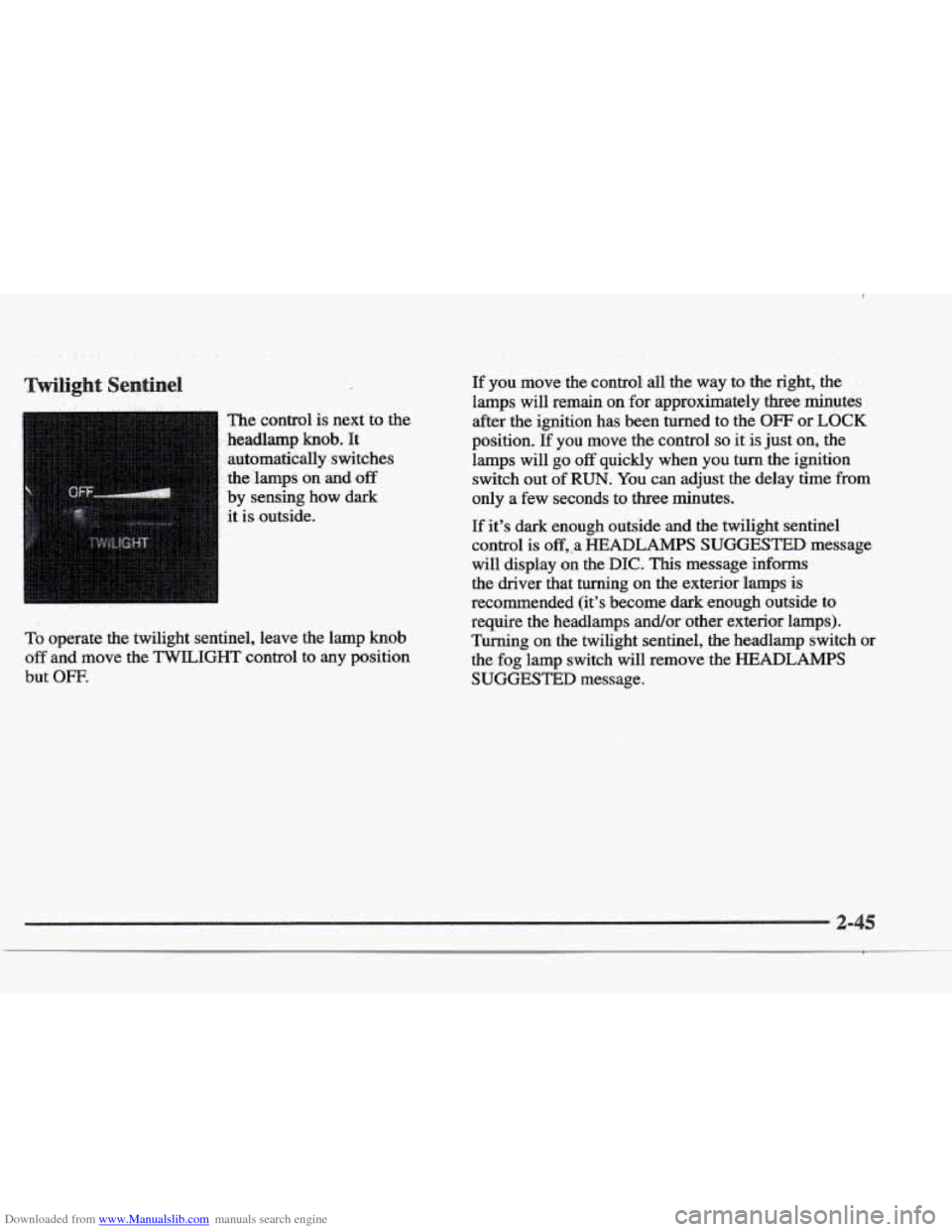
.. The control is next to the
.headlamp
knob. It
automatically switches
the’lamps
on and off
by sensing how dark
it
is outside.
To operate the twilight sentinel, leave the lamp knob
off and move the TWILIGHT control to any position
but
OFF.
If you move: the control: all the way to the right, the , .
lamps will remain on for approximately three rninutes
after the ignition has been turned to the OFF or
LOCK
position. If you move the control so it is just on, the
lamps will go
off quickly when you turn the ignition
switch out of
RUN. You can adjust the delay time from
only a few seconds to three minutes.
If it’s dark enough outside and the twilight sentinel
control
is off,,a HEADLAMPS SUGGESTED message
will display on the
DIC. This message informs
the driver that turning
on the exterior lamps is
recommended (it’s become dark enough outside
to
require the headlamps and/or other exterior lamps).
Turning on the twilight sentinel, the headlamp switch
or
the fog lamp switch will remove the HEADLAMPS
SUGGESTED message.
Page 109 of 361
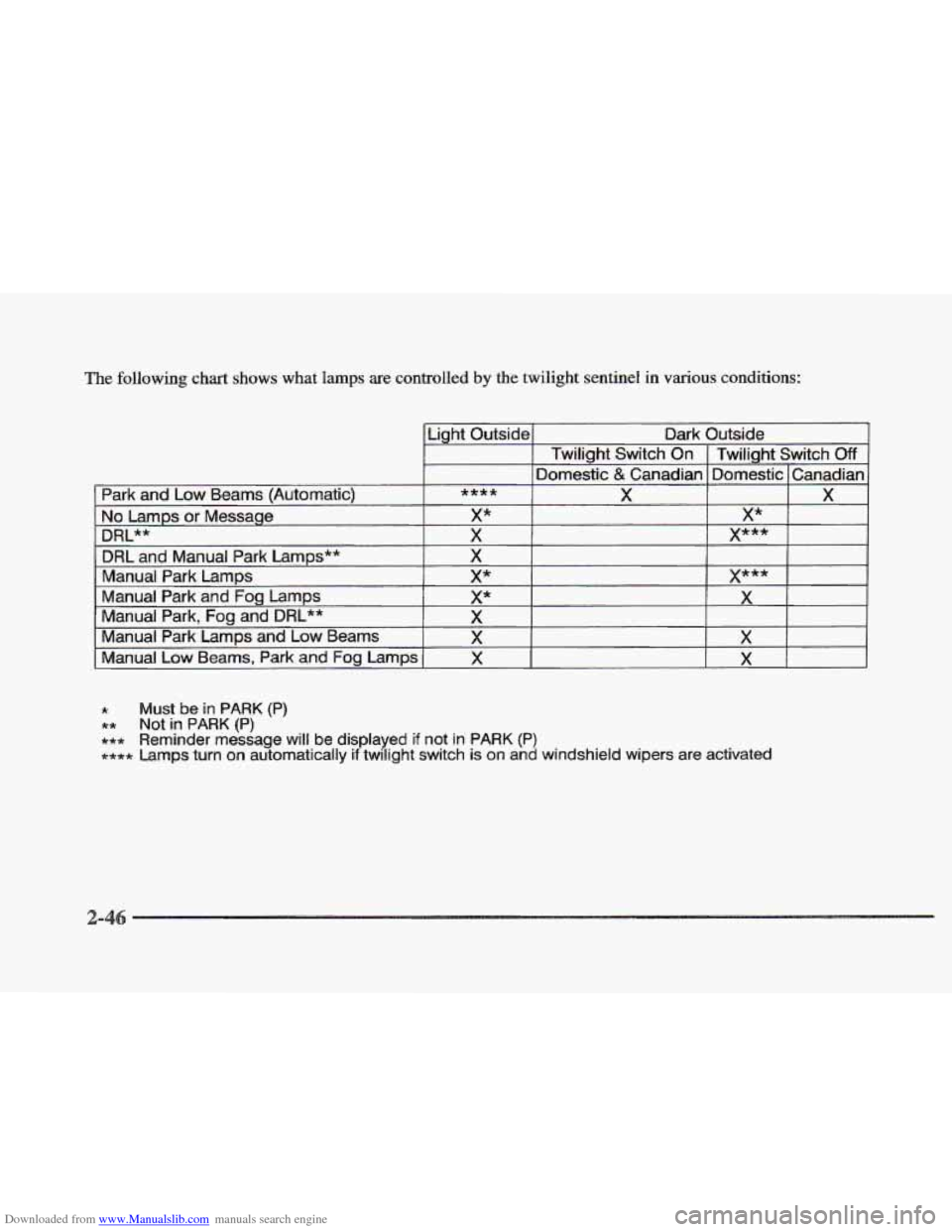
Downloaded from www.Manualslib.com manuals search engine The following chart shows what lamps are controlled by the twilight sentinel in various conditions:
* Must be in PARK (P)
** Not in PARK (P)
+*+ Reminder message will be displayed if not in PARK (P)
**** Lamps turn on automatically if twilight switch is on and windshield wipers are activated
Page 111 of 361
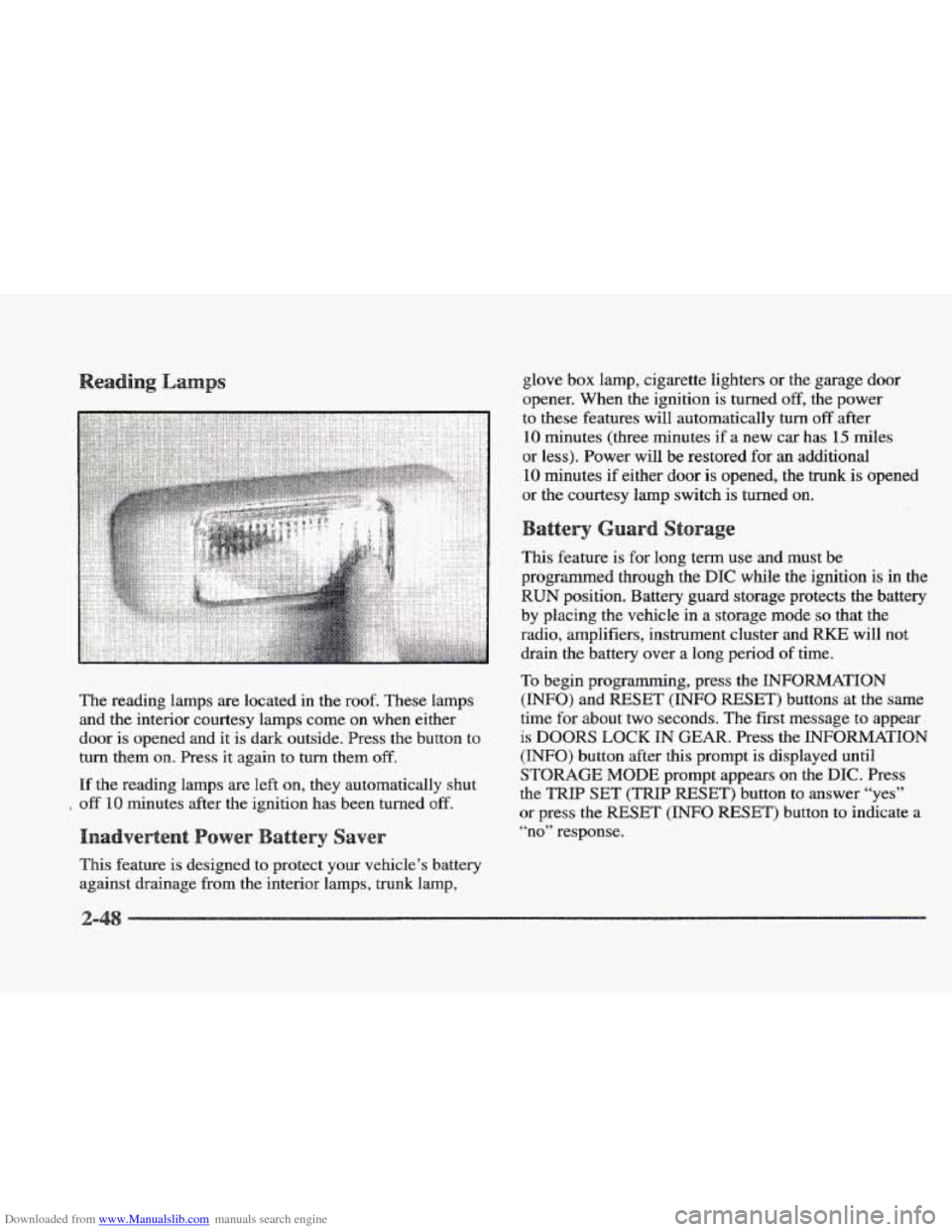
Downloaded from www.Manualslib.com manuals search engine The reading lamps are located in the roof. These lamps
and the interior courtesy lamps come on when either
door is opened and it is dark outside. Press
the button to
turn them
on. Press it again to turn them off.
If the reading lamps are left on, they automatically shut
off 10 minutes after the ignition has been turned off.
This feature is designed to protect your vehicle’s battery
against drainage from the interior lamps, trunk lamp, glove
box lamp, cigarette lighters or
the garage door
opener. When the ignition is turned
off, the power
to these features will automatically
turn off after
10 minutes (three minutes if a new car has 15 miles
or less). Power will be restored for
an additional
10 minutes if either door is opened, the trunk is opened
or the courtesy lamp switch is turned on.
This feature is for long term use and must be
programmed through the
DIC while the ignition is in the
RUN position. Battery guard storage protects the battery
by placing the vehicle
in a storage mode so that the
radio, amplifiers, instrument cluster and
RKE will not
drain
the battery over a long period of time.
To begin programming, press the INFORMATION
(INFO) and RESET (INFO RESET) buttons at the same
time
for about two seconds. The first message to appear
is DOORS LOCK IN GEAR. Press the INFORMATION
(INFO) button after this prompt is displayed until
STORAGE MODE prompt appears on the DIC. Press
the
TRIP SET (TRIP RESET’) button to answer “yes”
or press the RESET (INFO RESET) button to indicate a
“no” response.
Page 112 of 361
Downloaded from www.Manualslib.com manuals search engine FEATURE ON appears when a yes response is made
and
FEATURE OFF shows when a no response is made.
Since this
is the last personalization feature available, a
yes or no response
will end out of the DIC display.
Once the battery guard has been programmed, your
vehicle will enter the storage mode about
20 minutes
after the ignition key
has been turned off. The WKE will
also be disabled at this point. The RKE will reactivate
when a door
or the trunk is opened, however, if your
vehicle is left inactive for another
20 minutes, the RKE
will re-enter the storage mode.
Your vehicle will stay
in the storage mode until the
ignition key is turned out
of LOCK. The system will
“wake-up” when the door key is inserted
into the door,
however,
your vehicle will remain in the storage mode.
The ignition must be out of
LOCK before the battery
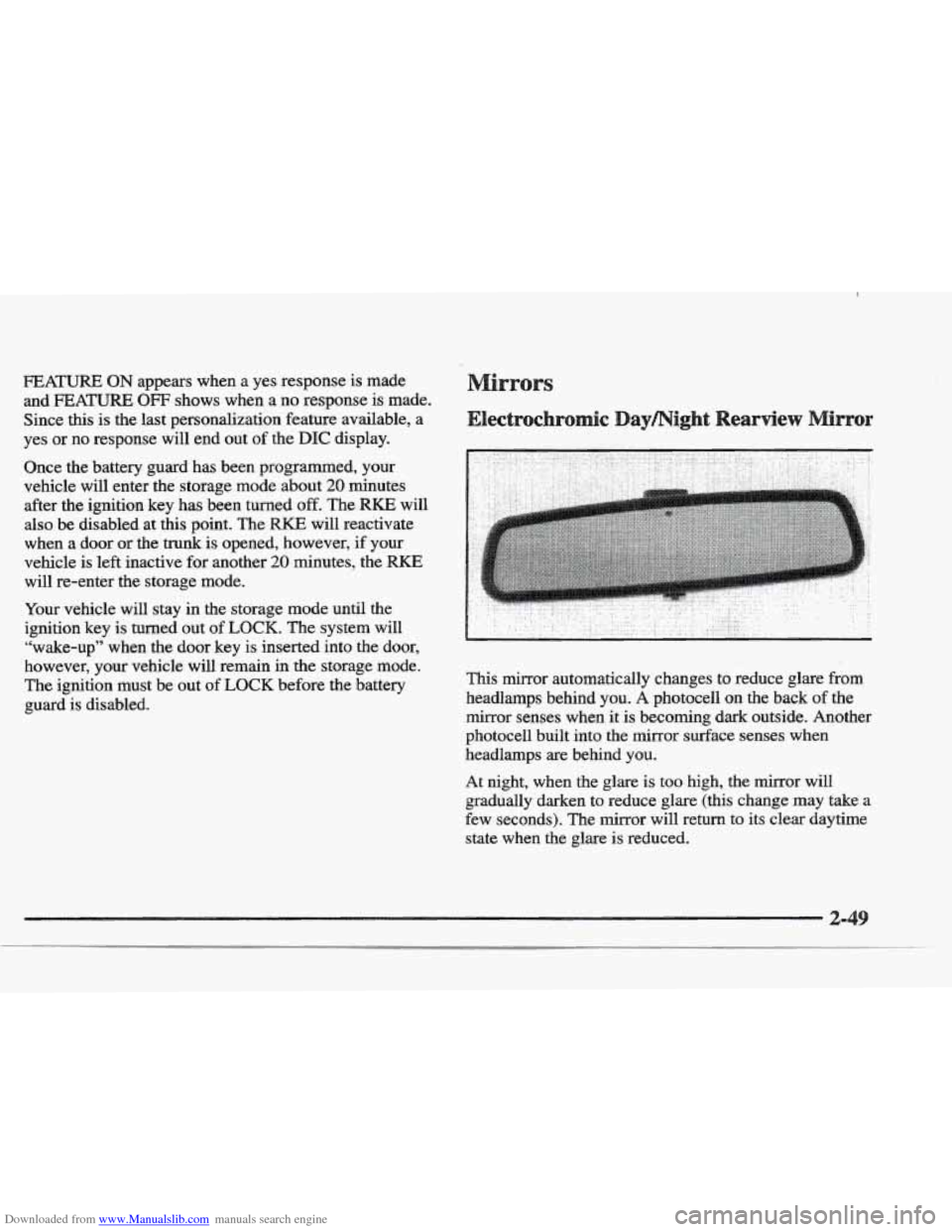
guard is disabled. This mirror automatically changes to reduce
glare from
headlamps behind you. A photocell on the back of the
mirror senses when it
is becoming dark outside. Another
photocell built into the mirror surface senses when
headlamps are behind you.
At night, when the glare is too high, the mirror will
gradually darken to reduce glare (this change
may take a
few seconds). The mirror will return
to its clear daytime
state
when the glare is reduced.
Page 114 of 361
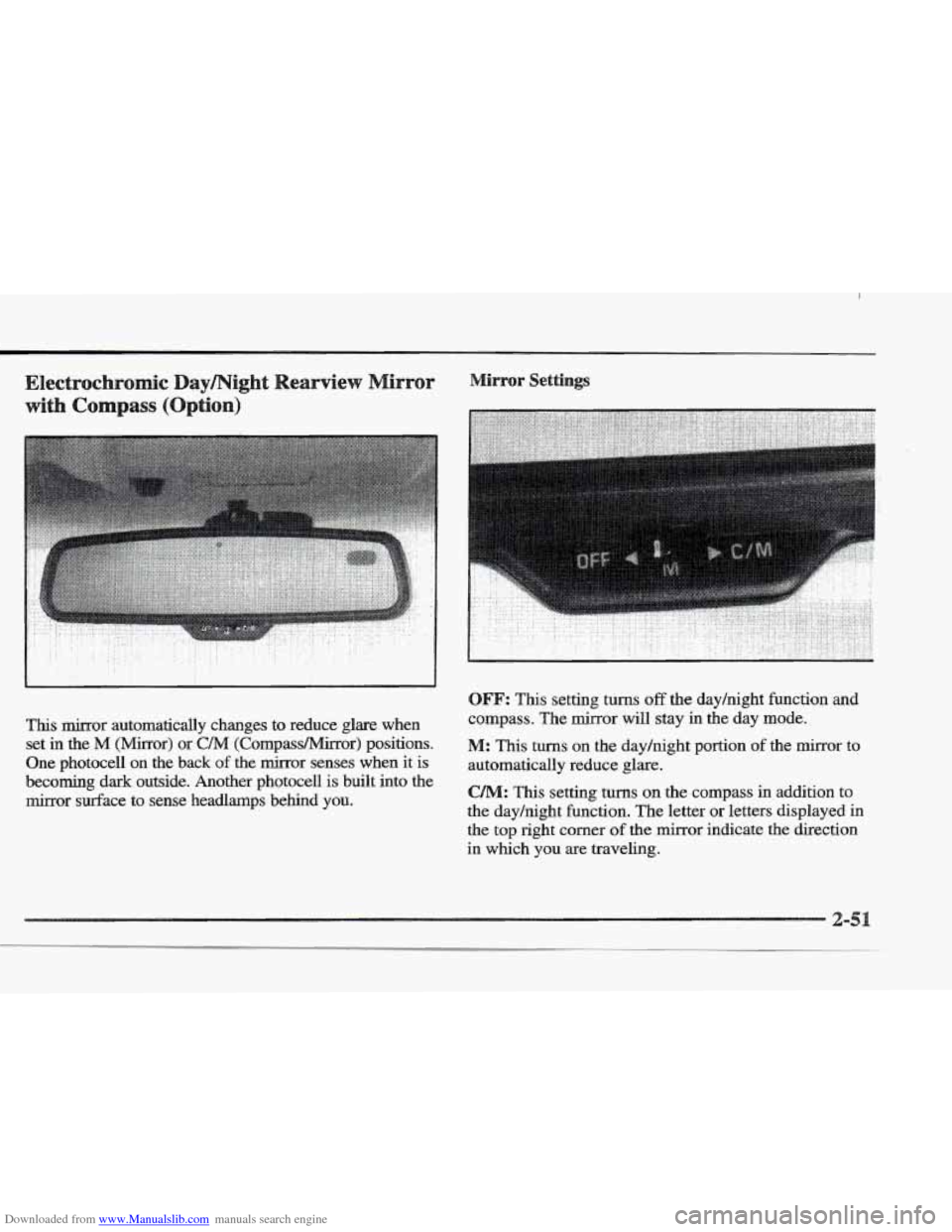
Downloaded from www.Manualslib.com manuals search engine This mirror automatically changes to reduce glare when set
in the M (Mirror) or C/M (Compass/Mirror) positions.
One photocell
on the back of the mirror senses when it is
becoming
dark outside. Another photocell is built into the
mirror surface to sense headlamps behind YOU.
.. :. .. .. ..
. . . . . . . . .. . : ..
OFF: This setting turns off the dayhight function and
compass. The mirror will stay in the day mode.
M: This turns on the dayhight portion of the mirror to
automatically reduce glare.
CAM: This setting turns on the compass in addition to
the day/night function. The letter
or letters displayed in
the
top right corner of the mirror indicate the direction
in which
you are traveling.
Page 115 of 361
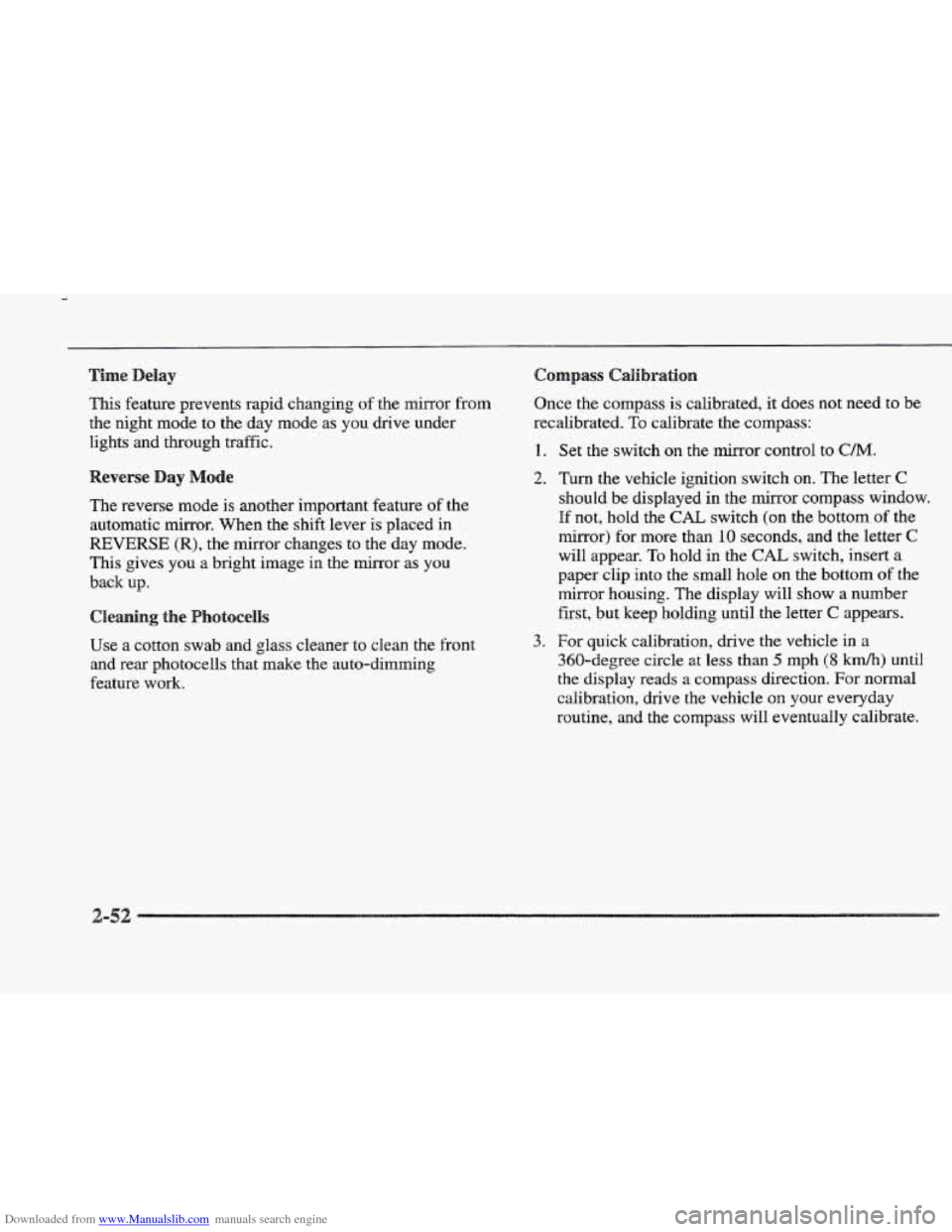
Downloaded from www.Manualslib.com manuals search engine This feature prevents rapid changing of the mirror from
the night mode to the day mode as you drive under
lights and through. traffic.
The reverse mode
is another important feature of the
automatic mirror. When the shift lever is placed
in
REVERSE (R), the mirror changes to the'day mode.
This gives you a bright image in the mirror as you
back up.
Cleaning the
Use a cotton swab and glass cleaner to clean the front
and rear photocells that make the auto-dimming
feature work. Once the compass is calibrated,
it does not need
to be
recalibrated.
To calibrate the compass:
1.
2.
3.
Set the switch on the mirror control to C/M.
Turn the vehicle ignition switch on. The letter C
should be displayed in the mirror compass window.
If not, hold the CAL switch (on the bottom of the
mirror) for more than
10 seconds, and the letter C
will appear. To hold in the CAL switch, insert a
paper clip into
the small hole on the bottom of the
mirror housing. The display will show
a number
first, but keep holding until the letter
C appears.
For quick calibration,
drive the vehicle in a
360-degree circle at less than 5 mph (8 krnh) until
the display reads a compass direction. For normal
calibration, drive
the vehicle on your everyday
routine, and the compass will eventually calibrate.
Page 116 of 361
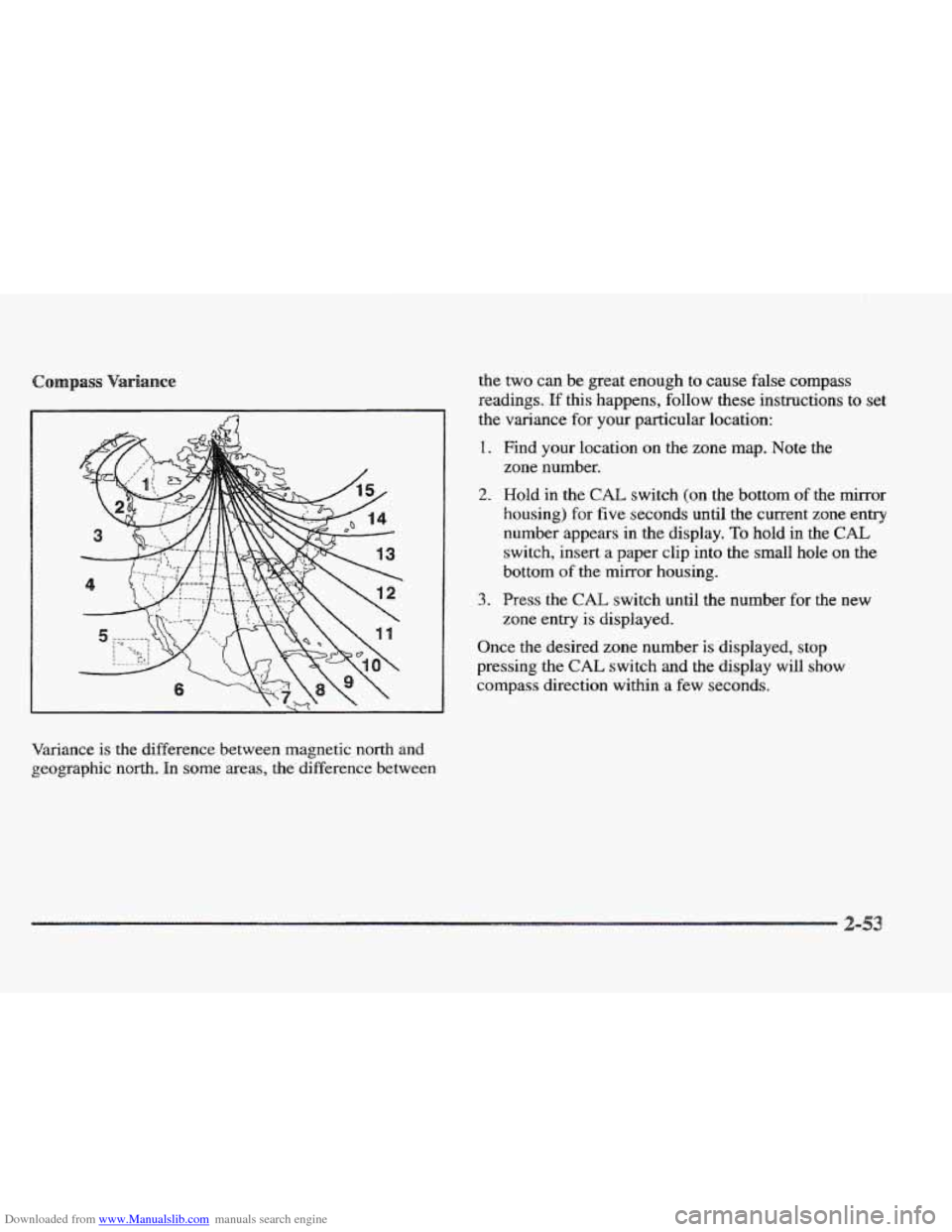
Downloaded from www.Manualslib.com manuals search engine Variance is the difference between magnetic north and
geographic north. In
some areas, the difference between the
two can be great enough
to cause false compass
readings.
If this happens, follow these instructions to set
the variance for your particular location:
1. Find your location on the zone map. Note the
2. Hold in the CAE switch (on the bottom of the mirror
housing) for
five seconds until the current zone entry
number appears in the display.
To hold in the CAL
switch, insert a paper clip into the small hole on the
bottom of the mirror housing.
zone
number.
3. Press the CAL switch until the number for the new
zone entry is displayed.
Once the desired zone number
is displayed, stop
pressing the
CAL switch and the display will show
compass direction within a few seconds.
Page 129 of 361
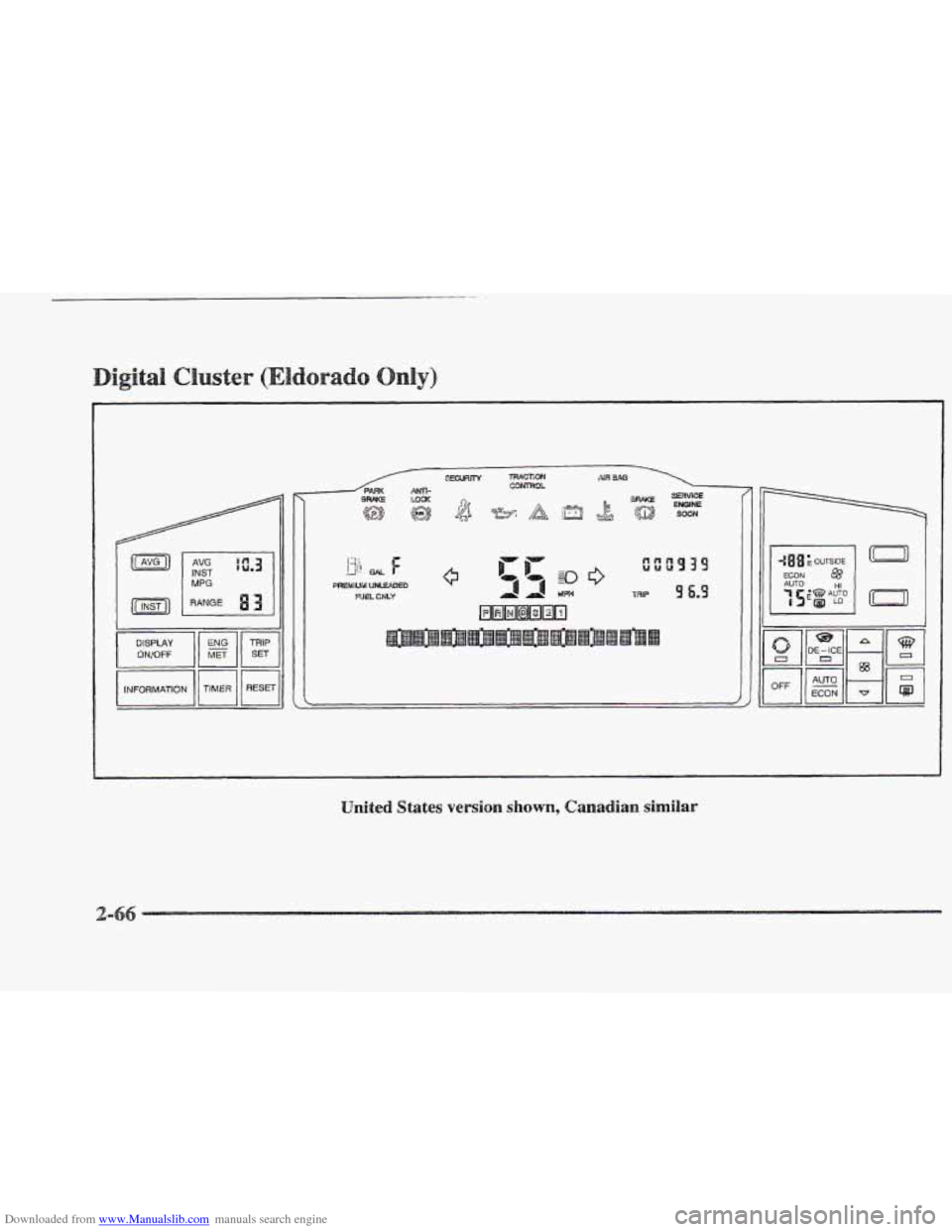
Downloaded from www.Manualslib.com manuals search engine 629~1 MPG
DISPLAY ONIOFF
INFORMATION 1
I
4 UM
United States version shown, Canadian similar
Ic-71
Page 132 of 361
Downloaded from www.Manualslib.com manuals search engine I -I
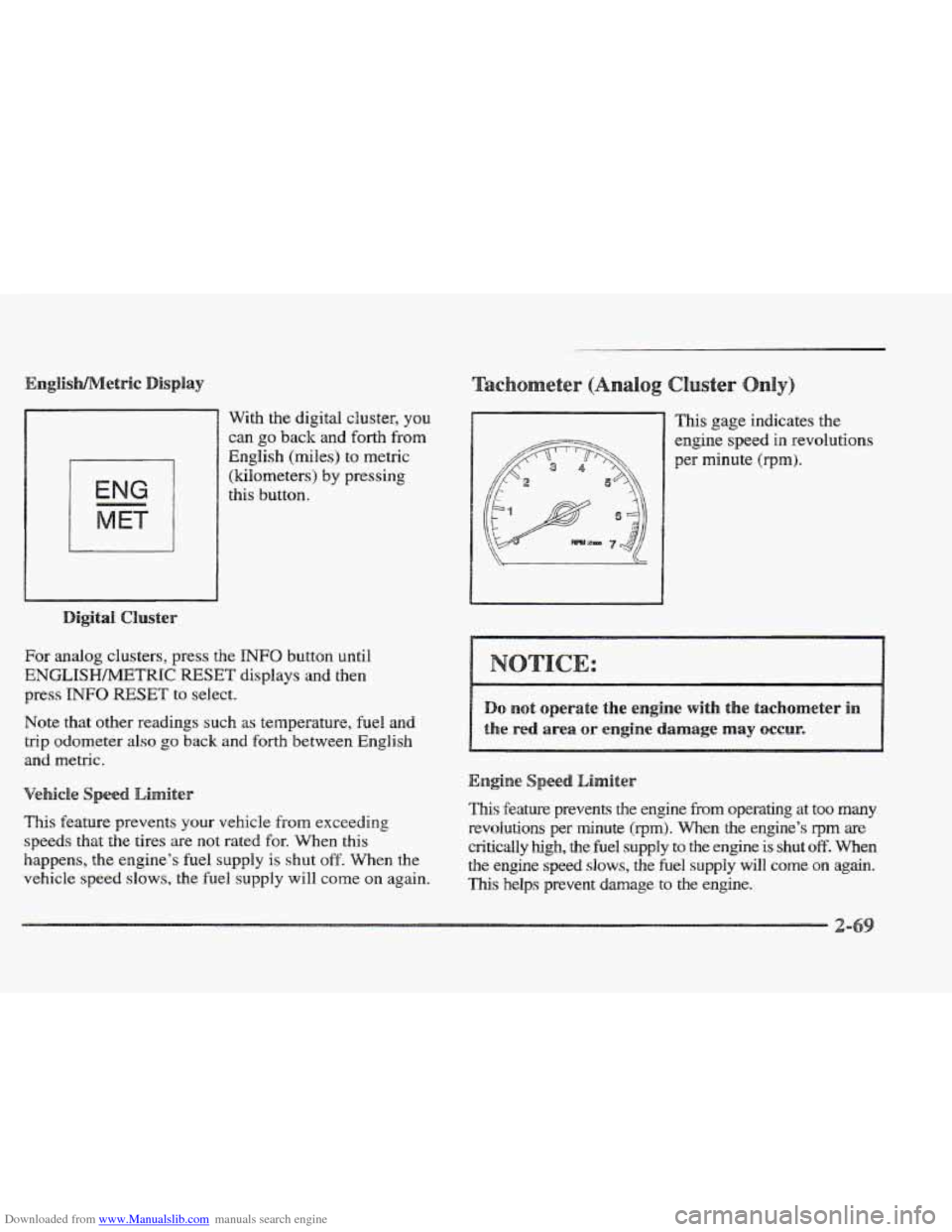
With the digital cluster, you
can go back and forth from
English (miles) to metric
(kilometers)
by pressing
this button.
For analog clusters, press the INFO button until
ENGLISHh4ETRIC RESET displays and then
press
INFO RESET to select.
Note that other readings
such as temperature, fuel and
trip odometer
also go back and forth between English
and metric.
This feature prevents your vehicle from exceeding
speeds that the tires are not rated for. When this
happens, the engine’s
fuel supply is shut off. When the
vehicle speed
slows, the fuel supply will come on again. This gage
indicates the
engine speed
in revolutions
per minute (rprn).
eed Limiter
This feature prevents the engine from operating at too many
revolutions per minute (rprn). When the engine’s qrn are
critically high, the fuel supply to the engine is shut off. When
the engine speed slows, the fuel supply will come on again.
This helps prevent damage to the engine.
Page 142 of 361
Downloaded from www.Manualslib.com manuals search engine 13
GAL 11-
PREMIUM UNLEADED
FUEL ONLY
Digital Cluster
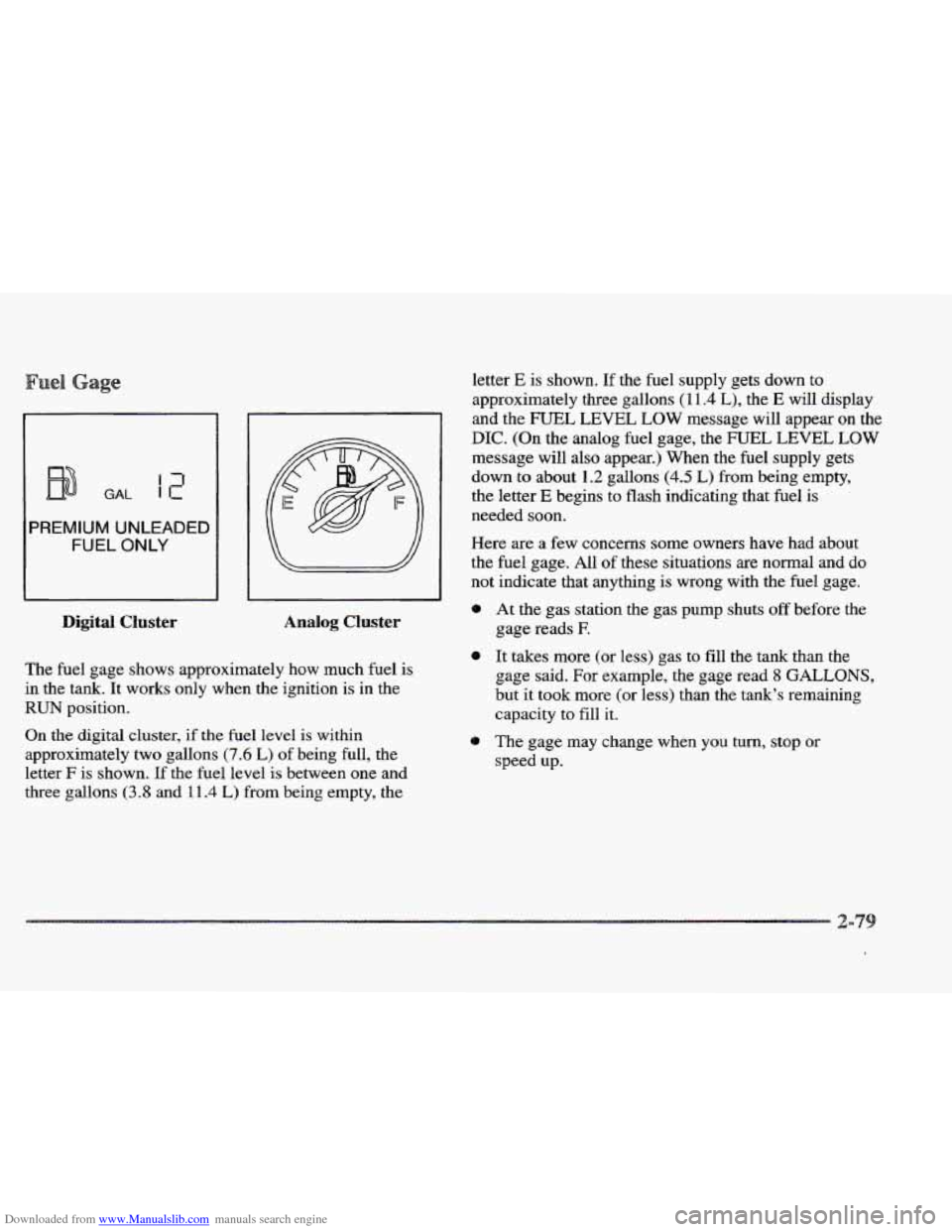
letter E is shown. If the fuel supply gets down to
approximately three gallons
( 1 1.4 L), the E will display
and the FUEL LEVEL LOW message will appear on the
DIC. (On the analog fuel gage, the FUEL LEVEL LOW
message will also appear.) When the fuel supply gets
down to about
1.2 gallons (4.5 L) from being empty,
the letter
E begins to flash indicating that fuel is
needed soon.
Here are a few concerns
some owners have had about
the fuel gage. All of these situations are normal
and do
not indicate that anythmg is wrong with the fuel gage.
I
0 At the gas station the gas pump shuts off before the
Analog Cluster gage reads E
The fuel gage shows approximately how much fuel is
in the tank. It works only when the ignition is in the
RUN position.
On the digital cluster, if the fuel level is within
approximately two gallons
(7.6 L) of being full, the
letter
F is shown. If the fuel level is between one and
three gallons
(3.8 and 111.4 L) from being empty, the
0 It takes more (or less) gas to fill the tank than the
gage said. For example, the gage read
8 GALLONS,
but it took more (or less) than the tank’s remaining
capacity to fill it.
0 The gage may change when you turn, stop or
speed up.