steering CADILLAC ELDORADO 1998 10.G User Guide
[x] Cancel search | Manufacturer: CADILLAC, Model Year: 1998, Model line: ELDORADO, Model: CADILLAC ELDORADO 1998 10.GPages: 380, PDF Size: 21.39 MB
Page 121 of 380
Downloaded from www.Manualslib.com manuals search engine Sun Visors OnStar System (Option)
Swing down the visor to block out glare. It can also be
detached from the center mount and moved to the side.
The driver’s sunshade is also equipped with a storage
flap that can be used for maps
or toll tickets.
Illuminated Visor Vanity Mirror
Turn the sunshade down and lift the cover to see the
mirror. Move the slide switch up
or down to brighten
or dim the lamp.
Cellular Telephone (Option)
Your vehicle has been prewired for dealer installation of
a Cadillac dual-mode (analog/digital) cellular telephone.
A fixed mobile or a portable hand-held system are
available. Either system has steering wheel telephone
controls and information output through the Driver
Information Center (DIC). Voice activation and
hands-free operation are standard features. For more
information, contact your dealer.
A user’s guide is
provided with the telephone. This
system may be ordered through your dealer and
will include
the optional fixed cellular telephone. The
following services are available
24 hours a day:
0 Roadside Service with Location
Emergency Services Button
0 Remote Door Unlock
Theft Detectioflotification and
Stolen-Vehicle Tracking
0 Automatic Notification of Front Air
Bag Deployment
0 Concierge/Customer Convenience Services
For more information, contact your dealer.
Assist Handles
A handle, located on each side pillar, can be used when
getting out
of your vehicle.
Garment Hooks
For your convenience, a garment hook is attached to
the assist handle.
2-51
Page 127 of 380
Downloaded from www.Manualslib.com manuals search engine The instrument panel IS designed to let you know at a glance how your vehicle is running. You’ll know how fast
you’re going, how much fuel you’re using
and many of the other things you’ll need to know to drive safely and
economically. The main components
of the instrument panel are:
A. Air Outlets H. Hood Release
B. Turn SignaVMultifunction Lever
C. Cluster
D. Radio (Audio System)
E. Driver Information Center Control Buttons
F. Lamp Controls
G. HVAC Steering Wheel Controls (or Cellular
Telephone Controls,
If Equipped)
I. Horn
J. Audio Steering Wheel Controls
K. Shift Lever
L. Climate Control Panel
M. Glove Box
2-57
Page 145 of 380
Downloaded from www.Manualslib.com manuals search engine ICE POSSIBLE - 13: This message appears when
the outside air temperature is cold enough
to create icy
road conditions.
LOW REFRIG A/C OFF - 12: This message means
that the air conditioning system detects a refrigerant
level that is low enough
to cause damage to the air
conditioning compressor.
To avoid damage, the air
conditioning compressor automatically turns
off and the
electronic climate control system will automatically
switch from AUTO to
ECON and remain there.
Have the air conditioning system serviced if this
message appears.
MONITORED SYSTEMS OK - 1: This message only
appears in the “recall” mode by pressing the RESET
button. It lets you know that no other messages are
stored or currently active.
OIL PRESSURE LOW STOP ENGINE - 35: If this
message appears while the engine is running, stop the
engine and do not operate it until the cause of low oil
pressure
is corrected. Severe damage to the engine can
result.
A multiple chime will also sound when this
message is displayed.
OPTIONS NOT SET - 99: This message will display
if a fault has occurred in your vehicle’s memory. Have
your vehicle serviced
by your dealership.
PROGRAM PASS KEY - 31: This warning message
displays when the PASS-Key I1 pellet information has
not been programmed into your vehicle. See your
dealership for service.
PHONE NOT PRESENT - 126: This message will
appear when the steering wheel controls for the optional
phone system are activated but the phone is not plugged
into
the vehicle. Make sure your phone is plugged in. If
your phone appears
to be connected, see your dealership
for service.
REMOVE KEY - 70: This message will appear
when the Personalized Automotive Security System
(PASS-Key
11) is unable to read the pellet on the
ignition key
or an improper key pellet has been
inserted. This message usually appears following the
display of STARTING DISABLED
REMOVE KEY.
The instrument panel cluster will then run a timer and
change the messages
to WAIT 3 MINUTES, WAIT 2
MINUTES, WAIT 1 MINUTE and then START CAR.
When the REMOVE
KEY message is displayed, remove
the ignition key. Check the ignition key for damage. If it
is damaged, it may need to be replaced. If
you see no
damage, clean the pellet contacts with a soft cloth or
napkin before inserting the key back into the ignition.
Have your vehicle serviced
if the message still appears.
2-75
Page 146 of 380
Downloaded from www.Manualslib.com manuals search engine SERVICE A/C SYSTEM - 14: This message appears
when the electronic sensors that control the air
conditioning and heating systems are no longer working.
Have the climate control system serviced if you notice
a drop in heating and air conditioning efficiency.
SERVICE AIR BAG - 83: There is a problem with the
Supplemental Inflatable Restraint (air bag) system when
this message appears. Let only a qualified technician
work
on your vehicle. See your dealership for service
at once.
SERVICE BRAKE FLUID SWITCH - 37: A defect
in the brake fluid detection circuit causes
this message
to display if the ignition
is in RUN. Have the brake
system serviced by
a technician as soon as possible.
If the brake warning light is on, refer to the directions
listed in that part.
SERVICE CHARGING SYSTEM - 102: This
message will display when a problem with the charging
system has
been detected. Have your vehicle serviced at
your dealership.
SERVICE ELECTRIC SYS - 106: This message will
display if an electrical problem has occurred within the
Powertrain Control Module
(PCM). Have your vehicle
serviced by your dealership.
SERVICE FUEL SYSTEM - 101: The PCM has
detected a problem within the fuel system when this
message appears. See your dealership
for service.
SERVICE IDLE CONTROL - 107: A problem
with the idle control has occurred when this
message displays. Drive your vehicle to the dealership
for service.
SERVICE RIDE SYS - 84: This message is displayed
to indicate that the suspension system is not operating
properly.
To correct this problem, have your vehicle
serviced at your dealership.
SERVICE STEERING SYS - 127: This message is
displayed when a problem has been detected
in the
Magnasteer
TM variable effort steering system. Service
is required.
A single chime will also sound when this
message
is displayed.
SERVICE TRANSMISSION - 100: If a problem is
detected with the transaxle,
this message will appear.
Have your vehicle checked by your dealership.
SERVICE VEHICLE SOON - 3: If a problem is
detected with the transaxle, this message will appear.
Have your vehicle checked by your dealership.
2-76
Page 147 of 380
Downloaded from www.Manualslib.com manuals search engine STABILITY SYS ENGAGED - 55: You may see
the STABILITY
SYS ENGAGED message on the
Driver Information Center. It means that an advanced,
computer-controlled system has come
on to help your
vehicle continue
to go in the direction in which you’re
steering. This stability enhancement system activates
when the computer senses that your vehicle is just
starting to spin, as it might if
you hit a patch of ice or
other slippery spot on the road. When the system is on,
you may hear a noise or feel a vibration in the brake
pedal. This is normal.
When the STABILITY
SYS ENGAGED message is on,
you should continue to steer in the direction you want to
go. The system is designed to help you in bad weather or
other difficult driving situations by making the most of
whatever road conditions will permit. If the STABILITY
SYS ENGAGED message comes on, you’ll know that
something has caused your vehicle to start to spin,
so
you should consider slowing down.
SERVICE STABILITY SYS - 54: If you ever see the
SERVICE STABILITY SYS message, it means there
may
be a problem with your stability enhancement
system. If you see this message, try
to reset the system
(stop; turn off the engine; then start the engine again).
If
the SERVICE STABILITY SYS message still comes on, it
means there
is a problem. You should see your dealer
for service. Reduce your speed and drive accordingly.
A single chime will also sound when this message
is displayed.
STARTING DISABLED REMOVE KEY - 33: This
message will appear when the Personalized Automotive
Security System (PASS-Key
11) senses that an improper
ignition key
is being used to try to start the vehicle.
Check the ignition key for damage.
If it is damaged, it
may need to be replaced. If
you see no damage, clean
the pellet contacts with a soft cloth
or napkin. Remove
the ignition key and wait for the Driver Information
Center (DIC) to display WAIT
3 MINUTES. The
instrument panel cluster will then run a timer and
change the messages to WAIT
2 MINUTES, WAIT
1 MINUTE and then START CAR. When the START
CAR message
is displayed, try again to start the engine.
THEFT SYSTEM PROBLEWCAR MAY NOT
RESTART
- 34: This message means there is a problem
in the Personalized Automotive Security System
(PASS-Key
11). A fault has been detected in the system
which means that the PASS-Key
I1 system is disabled
and is not protecting the vehicle. The vehicle usually
restarts, however, you may want to take your vehicle to
a proper service center before turning
off the engine.
2-77
Page 157 of 380
Downloaded from www.Manualslib.com manuals search engine -,
Section 3 Comfort Controls and Audio Systems
In this section, you’ll find out how to operate the comfort control and audio systems offered with your vehicle. Be
sure to read about the particular systems supplied with your vehicle.
3-2
3-2
3-6 3-6
3-6
3-7
3-8
3-8
3-9
3-9
3-9
3-9
3-
10
3-13
3-1
8 Comfort
Controls
Climate Control Panel
Electronic Solar Sensor
Air Conditioning
Heating
Ventilation System
Defrosting
Rear Window Defogger
HVAC Steering Wheel Controls
Climate Control Personalization
(If Equipped)
Audio Systems
Setting the Clock
AM-FM Stereo with Cassette Tape Player
AM-FM Stereo with Cassette Tape
and
Compact Disc Player (If Equipped)
AM-FM Stereo with Cassette Tape and
Compact Disc Player with Radio Data
Systems (RDS) and Digital Signal Processing
(DPS)
(If Equipped) 3-27
3-28
3-3
1
3-32
3-32
3-33
3-34
3-34 3-35
3-36
3-36
3-37
Radio Data Systems (RDS) Program Type
(PTY) Selections
Trunk Mounted CD Changer
(If Equipped)
CD Adapter Kits
Radio Personalization
(If Equipped)
Theft-Deterrent Feature
Audio Steering Wheel Controls
Understanding Radio Reception
Tips About Your Audio System
Care
of Your Cassette Tape Player
Care of Your Compact Discs
Care of Your Compact Disc Player
Power Antenna Mast
Care
Page 165 of 380
Downloaded from www.Manualslib.com manuals search engine HVAC Steering Wheel Controls
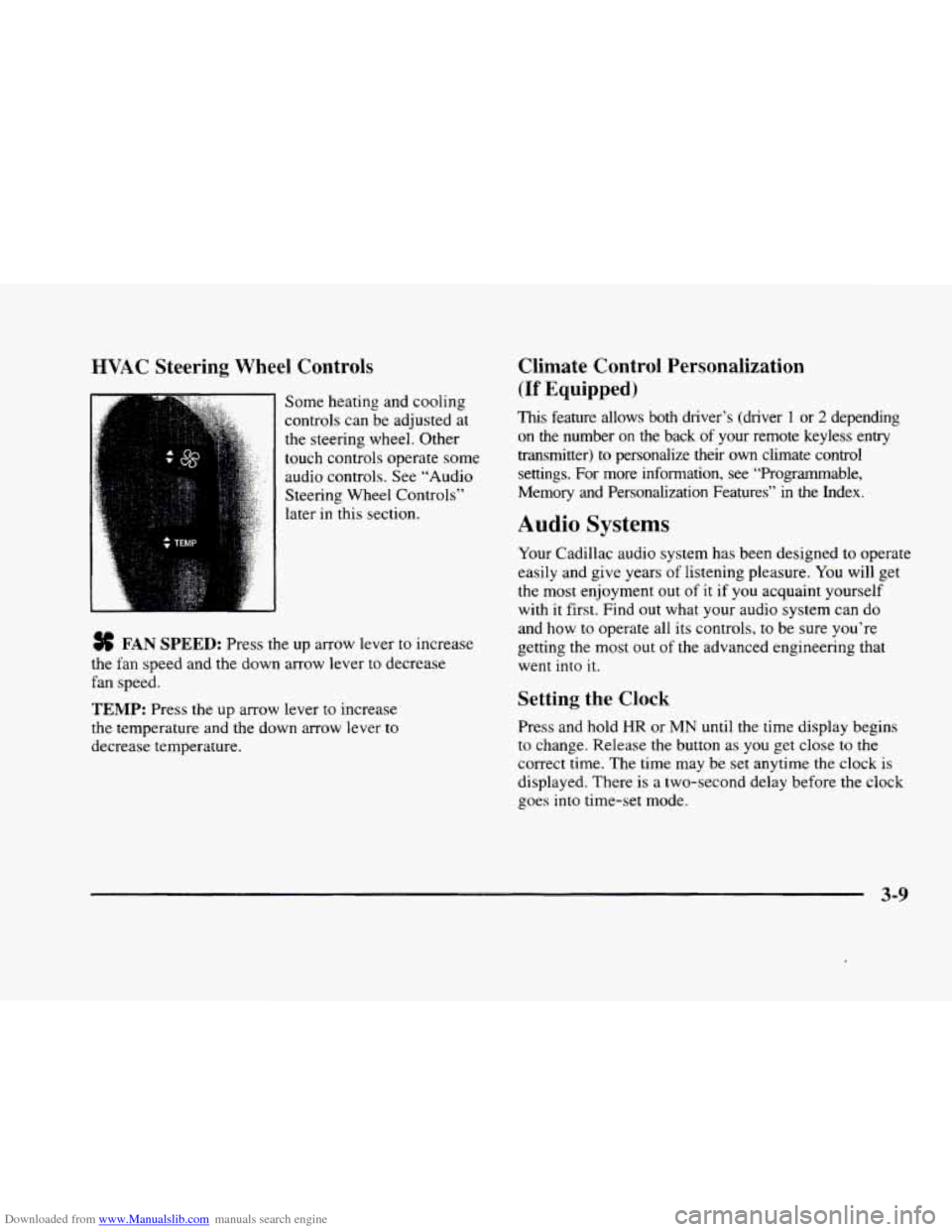
Some heating and cooling
controls can be adjusted at
the steering wheel. Other
touch controls operate some
audio controls. See “Audio
Steering Wheel Controls”
later in this section.
FAN SPEED: Press the up arrow lever to increase
the fan speed and the down arrow lever to decrease
fan speed.
TEMP: Press the up arrow lever to increase
the temperature and the down arrow lever to
decrease temperature.
Climate Control Personalization
(If Equipped j
This feature allows both driver’s (driver 1 or 2 depending
on the number
on the back of your remote keyless entry
transmitter)
to personalize their own climate control
settings. For more information, see “Programmable,
Memory and Personalization Features” in the Index.
Audio Systems
Your Cadillac audio system has been designed to operate
easily and give years of listening pleasure.
You will get
the most enjoyment out of it if you acquaint yourself
with
it first. Find out what your audio system can do
and how
to operate all its controls, to be sure you‘re
getting the most out of the advanced engineering that
went into
it.
Setting the Clock
Press and hold HR or MN until the time display begins
to change. Release the button as you get close to the
correct time. The time may be set anytime the clock is
displayed. There is a two-second delay before the clock
goes into time-set mode.
3-9
Page 189 of 380
Downloaded from www.Manualslib.com manuals search engine Theft-Deterrent Feature
THEFTLOCK@ is designed to discourage theft of your
radio. Your vehicle has
a “built-in” theft-deterrent
feature on each radio that
is automatic -- there is no
programming required. The radio in your vehicle cannot
be used
in any other vehicle. When the radio was
originally installed in your vehicle at the factory, it
stored the Vehicle Identification Number (VIN). Each
time the ignition
is turned on, the VIN is verified. If the
vehicle’s
VIN does not match the VIN stored in the
radio, the radio will
THEFTLOCK. If the radio is
removed from your vehicle,
the original VIN in the
radio can be used to trace the radio back to your vehicle.
Audio Steering Wheel Controls
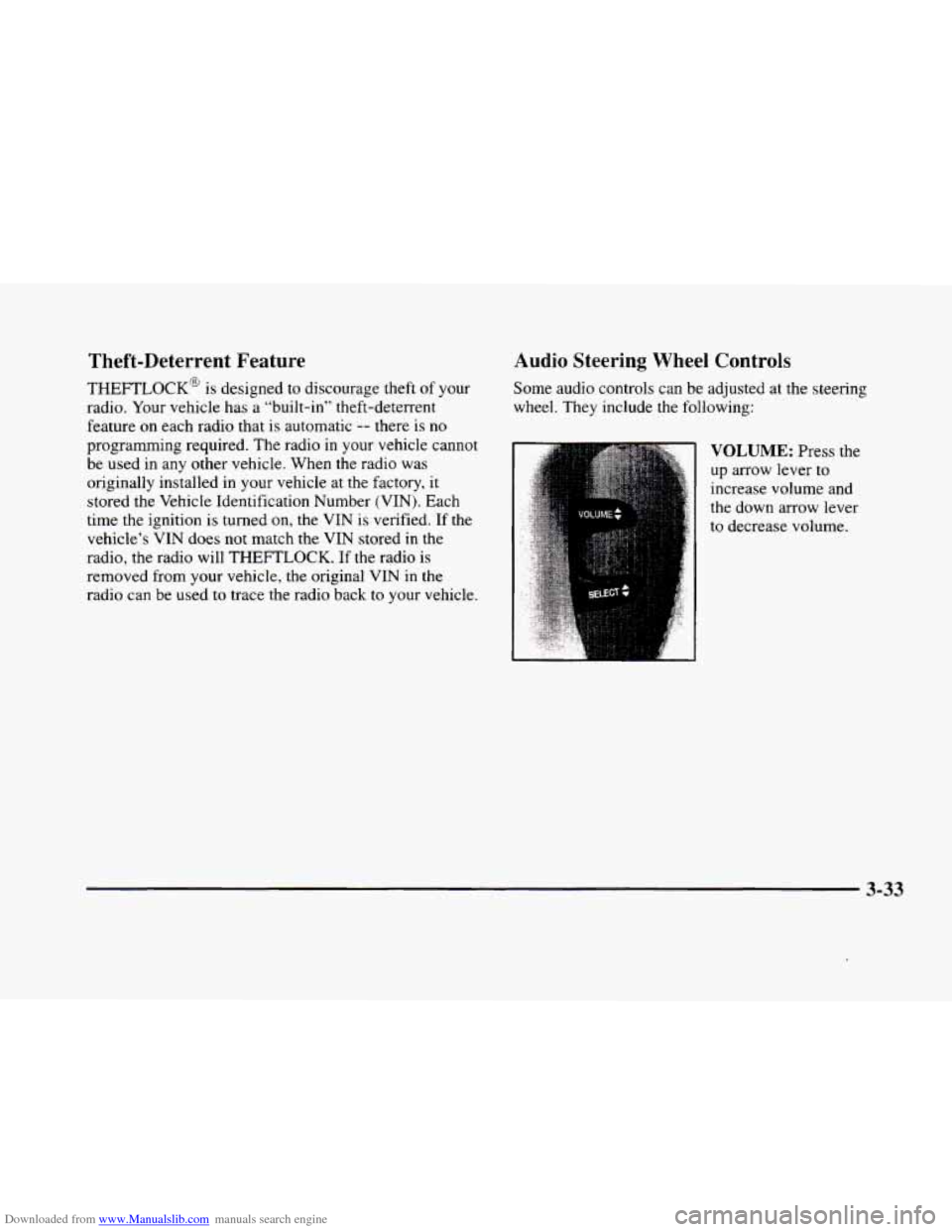
Some audio controls can be adjusted at the steering
wheel. They include the following:
VOLUME: Press the
up arrow lever to
increase volume and
the down arrow lever
to decrease volume.
3-33
Page 199 of 380
Downloaded from www.Manualslib.com manuals search engine I_
Section 4 Your Driving and the Road
Here you’ll find information about driving on different kinds of roads and in varying weather conditions. We’ve also
included many other useful tips
on driving.
4- 2
4- 3
4- 6
4- 6
4- 10
4- 13
4- 13
4- 15
4- 16
Defensive Driving
Drunken Driving
Control of a Vehicle
Braking Steering
Off-Road Recovery
Passing
Loss of Control
Driving at Night
4- 18
4- 20
4- 21
4- 22
3- 23
4- 24
4- 25
4- 30
4- 32 Driving
in Rain
and on Wet Roads
City Driving
Freeway Driving
Before Leaving on a Long Trip
Highway Hypnosis
Hill and Mountain Roads
Winter Driving
Loading Your Vehicle
Towing
a Trailer
4-1
Page 204 of 380
Downloaded from www.Manualslib.com manuals search engine Control of a Vehicle
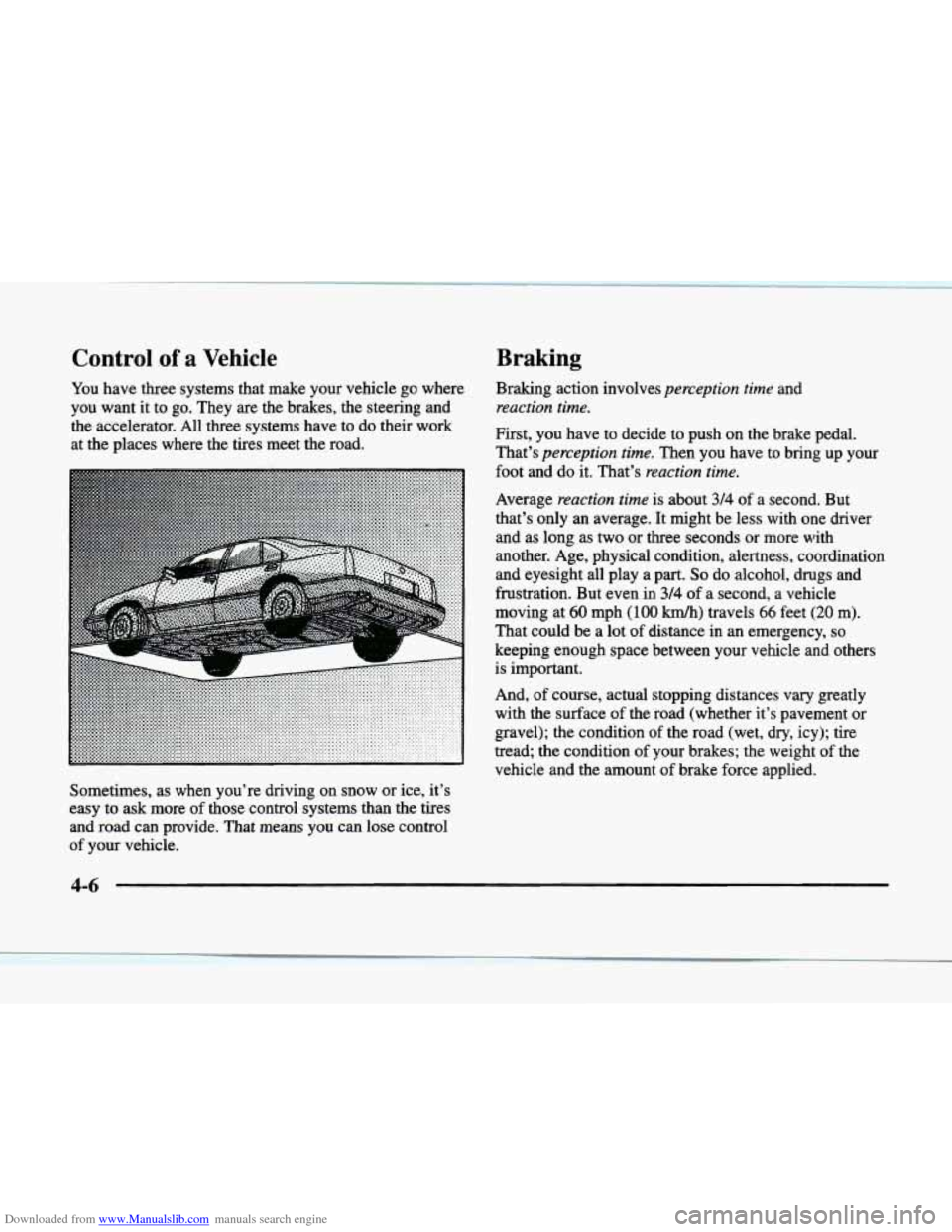
You have three systems that make your vehicle go where
you want it to go. They are the brakes, the steering and
the accelerator. All three systems have to do their work
at the places where the tires meet the road.
L
-4
. . , . . . .
. . . . . . . ....... .....
P
Braking
Braking action involves perception time and
reaction time.
First, you have to decide to push on the brake pedal.
That’s
perception time. Then you have to bring up your
foot and do it. That’s
reaction time.
Average reaction time is about 314 of a second. But
that’s only an average. It might be less with one driver
and as long as two or three seconds or more with
another. Age, physical condition, alertness, coordination
and eyesight all play a part.
So do alcohol, drugs and
frustration. But even in
3/4 of a second, a vehicle
moving at
60 mph (100 km/h) travels 66 feet (20 m).
That could be a lot of distance in an emergency,
so
keeping enough space between your vehicle and others
is important.
And, of course, actual stopping distances
vary greatly
with the surface
of the road (whether it’s pavement or
gravel); the condition
of the road (wet, dry, icy); tire
tread; the condition of your brakes; the weight
of the
vehicle and the amount of brake force applied.
Sometimes, as when you’re driving on snow or ice, it’s
easy to ask more of those control systems than the tires
and road can provide. That means you can lose control
of your vehicle.
4-6