key CADILLAC ELDORADO 1998 10.G Owner's Manual
[x] Cancel search | Manufacturer: CADILLAC, Model Year: 1998, Model line: ELDORADO, Model: CADILLAC ELDORADO 1998 10.GPages: 380, PDF Size: 21.39 MB
Page 92 of 380
Downloaded from www.Manualslib.com manuals search engine 1 A CAUTION:
’ It is dangerous to get out of your vehicle if the
shift lever is not fully in PARK (P) with the
parking brake firmly set. Your vehicle can roll.
Don’t leave your vehicle when the engine is
running unless you have to.
If you have left the
engine running, the vehicle can move suddenly.
You or others could be injured.
To be sure your
vehicle won’t move, even when you’re on
fairly
level ground, always set your parking brake and
move the shift lever to PARK
(P).
See “Shifting Into PARK (P)” in the Index. If
you’re pulling a trailer, see “Towing a nailer”
in the Index.
Ensure the shift lever is fully in PARK (P) before
starting the engine. Your vehicle has a Brake-Transaxle
Shift Interlock (BTSI). You have to fully
apply your
regular brakes
before you can shift from PARK (P)
when the ignition key is in RUN. If you cannot shift out
of PARK (P), ease pressure on the shift lever -- push the
shift lever all the way into
PARK (P) and release the
shift lever button
on the floor shift console models as
you maintain brake application. Then move the shift
lever into
the gear you wish. (Press the shift lever button
before moving the shift lever
on floor shift console
models.)
See “Shifting Out of PARK (P)” in this section.
REVERSE (R): Use this gear to back up.
NOTICE:
Shifting to REVERSE (R) while your vehicle is
moving forward could damage your transaxle.
Shift to REVERSE
(R) only after your vehicle
has stopped.
Also use this gear to rock your vehicle back and forth to
get out of snow, ice or sand without damaging your
transaxle. See “If You’re Stuck in Sand,
Mud, Ice or
Snow” in the lndex for additional information.
2-22
Page 97 of 380
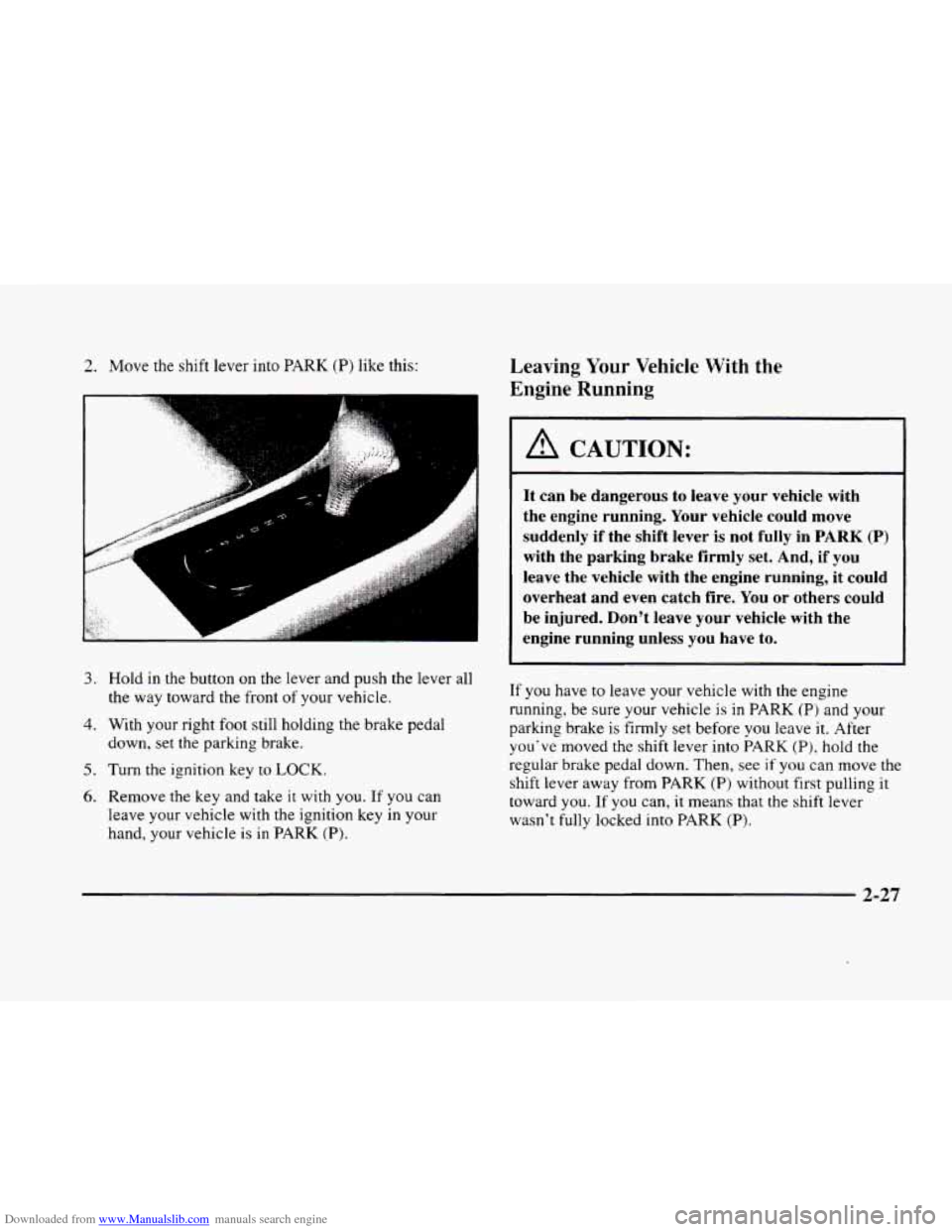
Downloaded from www.Manualslib.com manuals search engine 2. Move the shift lever into PARK (P) like this:
3. Hold in the button on the lever and push the lever all
4. With your right foot still holding the brake pedal
down, set the parking brake.
5. Turn the ignition key to LOCK.
6. Remove the key and take it with you. If you can
leave your vehicle with the ignition key in your
hand, your vehicle
is in PARK (P).
the way toward the front of your vehicle.
Leaving Your Vehicle With the
Engine Running
A CAUTION:
It can be dangerous to leave your vehicle with
the engine running. Your vehicle could move
suddenly if the shift lever is not fully in
PARK (P)
with the parking brake firmly set. And, if you
leave the vehicle with the engine running, it could
overheat and even catch fire. You or others could
be injured. Don't leave your vehicle with the
engine running unless you have to.
If you have to leave your vehicle with the engine
running. be sure your vehicle
is in PARK (P) and your
parking brake is firmly set before
you leave it. After
you've moved the shift lever into PARK
(P), hold the
regular brake pedal down. Then, see if
you can move the
shift lever away from PARK (P) without first pulling it
toward
you. If you can, it means that the shift lever
wasn't fully locked into PARK
(P).
2-27
Page 98 of 380
Downloaded from www.Manualslib.com manuals search engine Torque Lock
If you are parking on a hill and you don’t shift your
transaxle into PARK
(P) properly, the weight of .the
vehicle may put too much force on the parking pawl in
the transaxle. You may find it difficult to pull the shift
lever out of PARK (P).
This is called “torque lock.” To
prevent torque lock, set the parking brake and then shift
into PARK
(P) properly before you leave the driver’s
seat. To find out how, see “Shifting Into PARK (P)” in
the Index.
If torque lock does occur, you may need to have another
vehicle push yours a little uphill to take some of the
pressure from the parking pawl in the transaxle,
so you
can pull the shift lever out
of PARK (P).
. -._
Shifting Out of PARK (P)
Your vehicle has a Brake-Transaxle Shift Interlock
(BTSI). You have to fully
apply your regular brakes
before you can shift from PARK (P) when the ignition
is in
RUN. See “Automatic Transaxle” in the Index.
If you cannot shift out of PARK (P), ease pressure on
the shift lever
-- push the shift lever all the way into
PARK
(P) and also release the shift lever button on the
shift lever as you maintain brake application. Then
move the shift lever into the gear you want. (Press the
shift lever button before moving the shift-lever.) If you
ever hold the brake pedal down but still can’t shift out
of PARK (P), try this:
1.
2.
3.
4.
5.
Turn the ignition key to OFF. Open and close the
driver’s door to turn
off the Retained Accessory
Power
(RAP) feature.
Apply and hold the brake until the end of Step
4.
Shift to NEUTRAL (N).
Start the vehicle and then shift to the drive gear
you want.
Take your vehicle to an authorized service center as
soon as you can.
2-28
Page 101 of 380
Downloaded from www.Manualslib.com manuals search engine Windows Express-Down Window
Power Windows
F-
,.. .
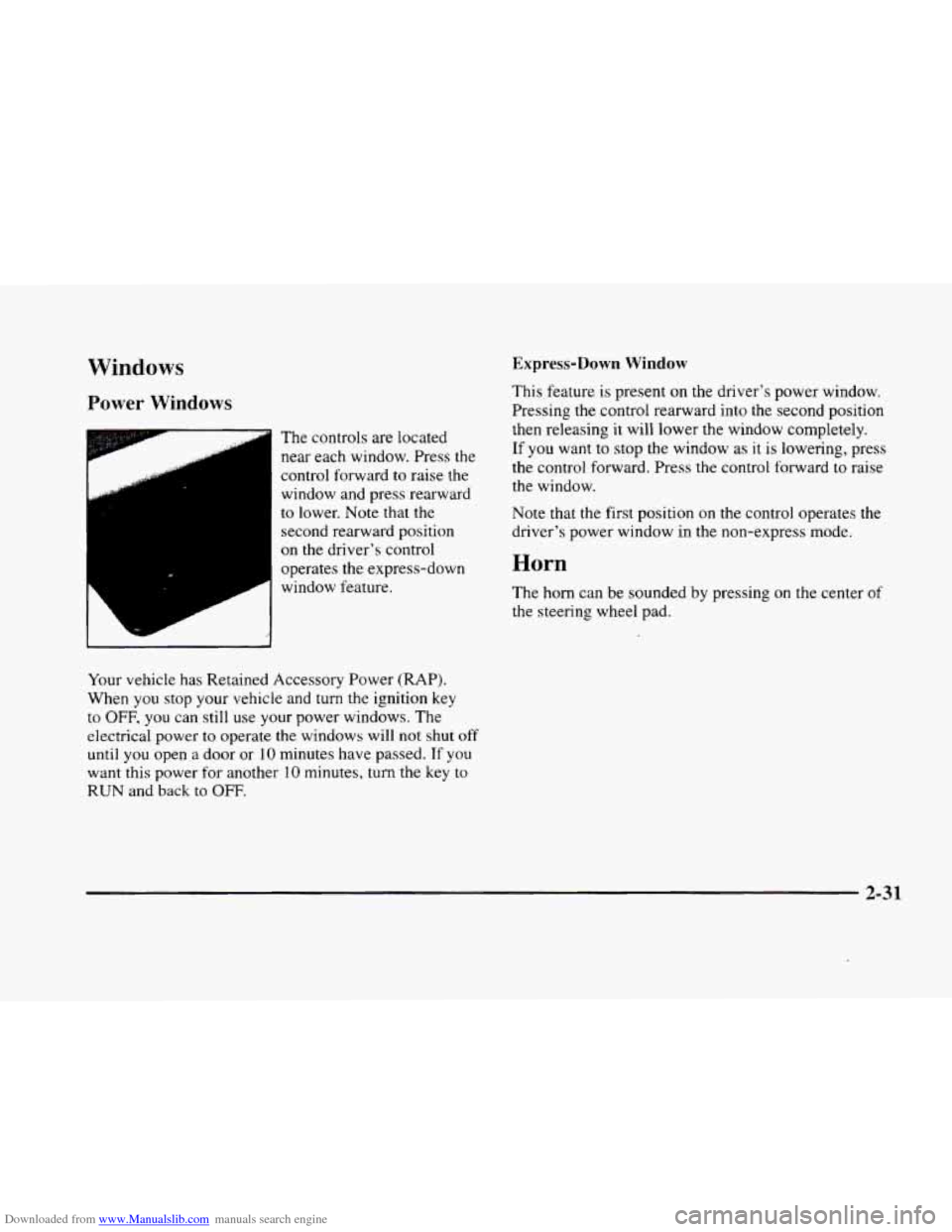
The controls are located
near each window. Press the
control forward
to raise the
window and press rearward
to lower. Note that the
second rearward position
on the driver's control
operates the express-down
window feature.
Your vehicle has Retained Accessory Power
(RAP).
When you stop your vehicle and turn the ignition key
to
OFF, you can still use your power windows. The
electrical power
to operate the windows will not shut off
until you open a door or 10 minutes have passed. If you
want this power for another
10 minutes, turn the key to
RUN and back to OFF.
This feature is present on the driver's power window.
Pressing the control rearward into the second position
then releasing
it will lower the window completely.
If you want to stop the window as it is lowering, press
the control forward. Press the control forward
to raise
the window.
Note that the first position
on the control operates the
driver's power window in the non-express mode.
Horn
The horn can be sounded by pressing on the center of
the steering wheel pad.
2-31
Page 113 of 380
Downloaded from www.Manualslib.com manuals search engine Illuminated Entry
The illuminated entry system turns on the courtesy
lamps and the backlighting to the door switches and to
the lamp control knob when a door is opened or
if you
press a remote keyless entry transmitter button. Since
the illuminated
entry system has a photocell, this means
that it must be dark outside in order for the courtesy
lamps or backlighting
to turn on. The courtesy lamps
turn off approximately
20 seconds after the last door is
closed
or after the ignition key is placed in the ignition.
Parade Dimming
This feature prohibits backlighting and the dimming
of the instrument panel lights during daylight while the
headlamps are
on. This feature operates with the light
sensor for the twilight sentinel and is fully automatic.
When
the light sensor reads darkness outside, the
instrument panel lights can be adjusted. Backlighting
to the instrument panel will also turn on.
Reading Lamps
The reading lamps are located in the roof. These lamps
and the interior courtesy lamps automatically come on
when either door
is opened and it is dark outside. For
manual operation, press the button
to turn them on.
Press it again to turn them off. If
the reading lamps are left
on. rney automatically shut
off IO minutes after the ignition has been turned off.
Inadvertent Power Battery Saver
This feature is designed to protect your vehicle’s battery
against drainage from the interior lamps, trunk lamp,
glove box lamp, cigarette lighters or the garage door
opener. When
the ignition is turned off, the power
to these features will automatically turn off after
10 minutes (three minutes
if a new car has I5 miles
(24 km) or less). Power will be restored for an additional
10 minutes if either door is opened, the trunk is opened
or the courtesy lamp switch is turned on.
Storage Mode Personalization
This feature is for long term use and must be
programmed through the Driver Information Center
(DIC) while the ignition is in RUN. Storage mode
personalization protects the battery by placing your
vehicle in a storage mode
so that the radio, amplifiers,
instrument cluster and remote keyless entry will
not drain the battery over a long period of time.
For programming information, see “Programmable,
Memory and Personalization Features” later
in
this section.
2-43
Page 119 of 380
Downloaded from www.Manualslib.com manuals search engine Storage Compartments
Glove Box
The glove box is located in front of the passenger’s seat.
To lock the glove box door, insert the oval key into the
lock cylinder and
turn it to the right. Turn the key to the
left to unlock the door.
Overhead Console
Sunglasses Storage Compartment
This feature is on vehicles without the optional
astroroof.
To gain access to this compartment, which
is located directly above the inside rearview mirror in
the headliner, push
up and the storage area will open.
Map Pocket
The map/storage pockets are located on each front
door
as well as on the passenger’s and driver’s
front seatbacks.
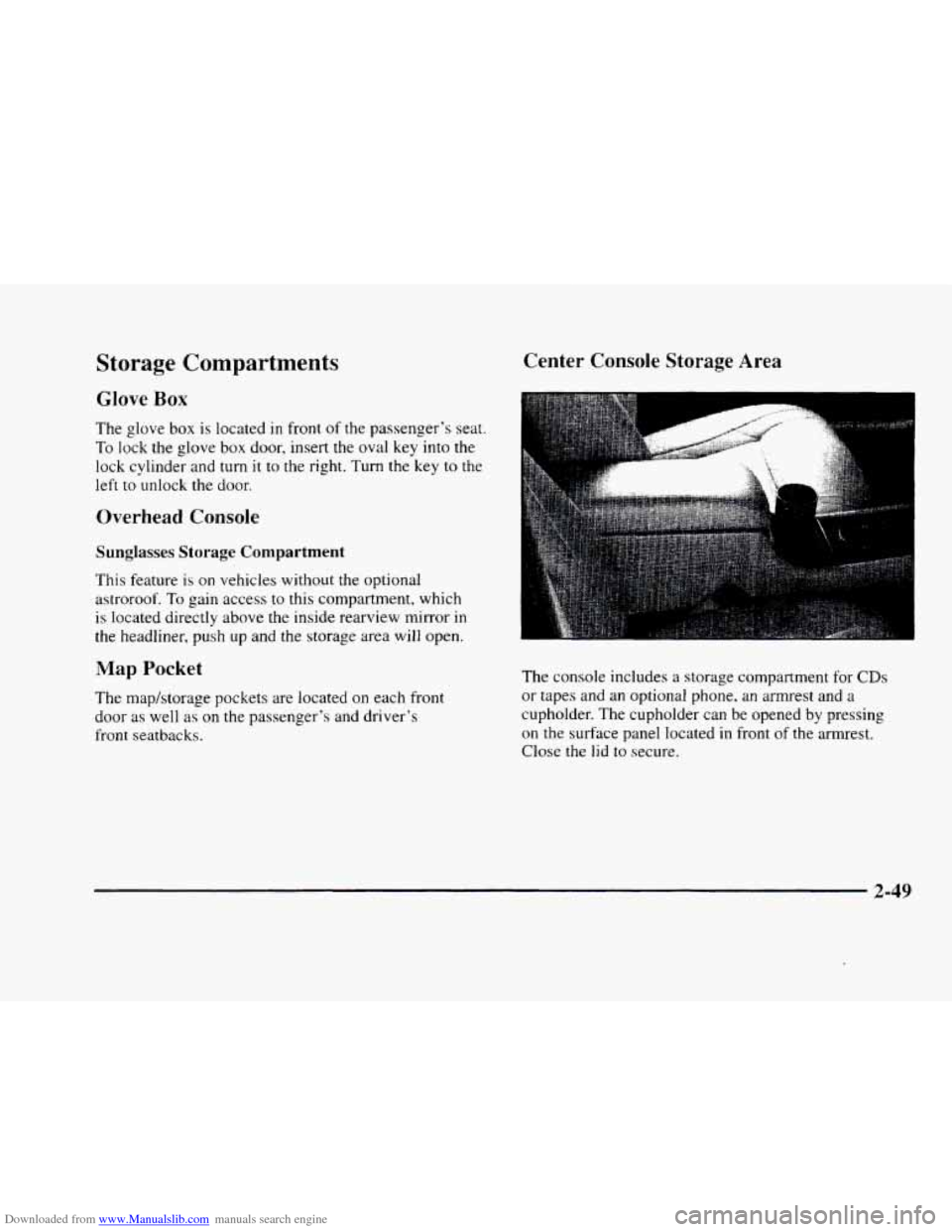
Center Console Storage Area
The console includes a storage compartment for CDs
or tapes and an optional phone, an armrest and a
cupholder. The cupholder can be opened by pressing
on the surface panel located in front of the armrest.
Close
the lid to secure.
2-49
Page 131 of 380
Downloaded from www.Manualslib.com manuals search engine Warning Lights, Gages and
Indicators
This part describes the warning lights and gages that
may be
on your vehicle. The pictures will help you
locate them.
Warning lights and gages can signal that something is
wrong before it becomes serious enough to cause an
expensive repair or replacement. Paying attention to
your warning lights and gages could also save you or
others
from injury.
Warning lights come
on when there may be or is a
problem with one of
your vehicle’s functions. As you
will see in the details on the next few pages,
some
warning lights come on briefly when you start the
engine
just to let you know they’re working. If you are
familiar with this section,
you should not be alarmed
when this happens.
Gages can indicate when there may be or is a problem
with one
of your vehicle’s functions. Often gages and
warning lights work together to let
you know when
there‘s
a problem with your vehicle.
When one
of the warning lights comes on and stays on
when you are driving, or when one of the gages shows there
may be a problem, check the section that tells
you what to do about it. Please follow this manual’s
advice. Waiting to do repairs can be costly
-- and even
dangerous.
So please get to know your warning lights
and gages. They’re a big help.
Your vehicle also
has a Driver Information Center that
works along with
the warning lights and gages. See
“Driver Information Center” later
in this section.
Safety Belt Reminder Light
When the key is turned to RUN or START, a chime
will come on for about eight seconds
to remind people
to fasten their safety belts, unless the driver’s safety
belt is already buckled.
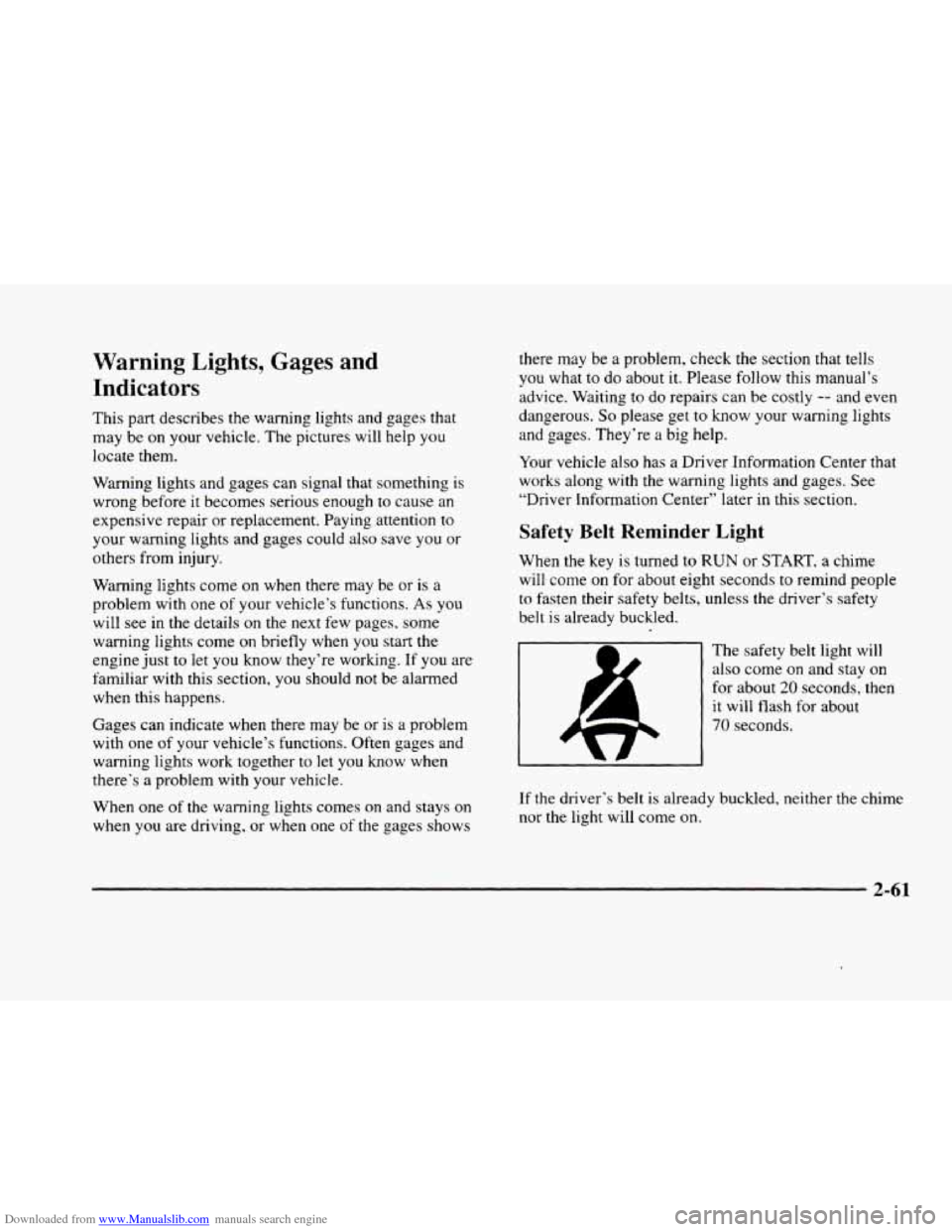
The safety belt light will
also come
on and stay on
for about 20 seconds, then
it will flash for about
70 seconds.
If the driver’s belt is already buckled, neither the chime
nor the light will come
on.
2-61
Page 132 of 380
Downloaded from www.Manualslib.com manuals search engine Air Bag Readiness Light
There is an air bag readiness light on the instrument
panel, which shows
AIR BAG. The system checks the
air bag’s electrical system for malfunctions. The light
tells you if there is an electrical problem. The system
check includes the air bag sensors, the air bag modules,
the wiring and the crash sensing and diagnostic module,
For more information
on the air bag system, see “Air
Bag” in the Index.
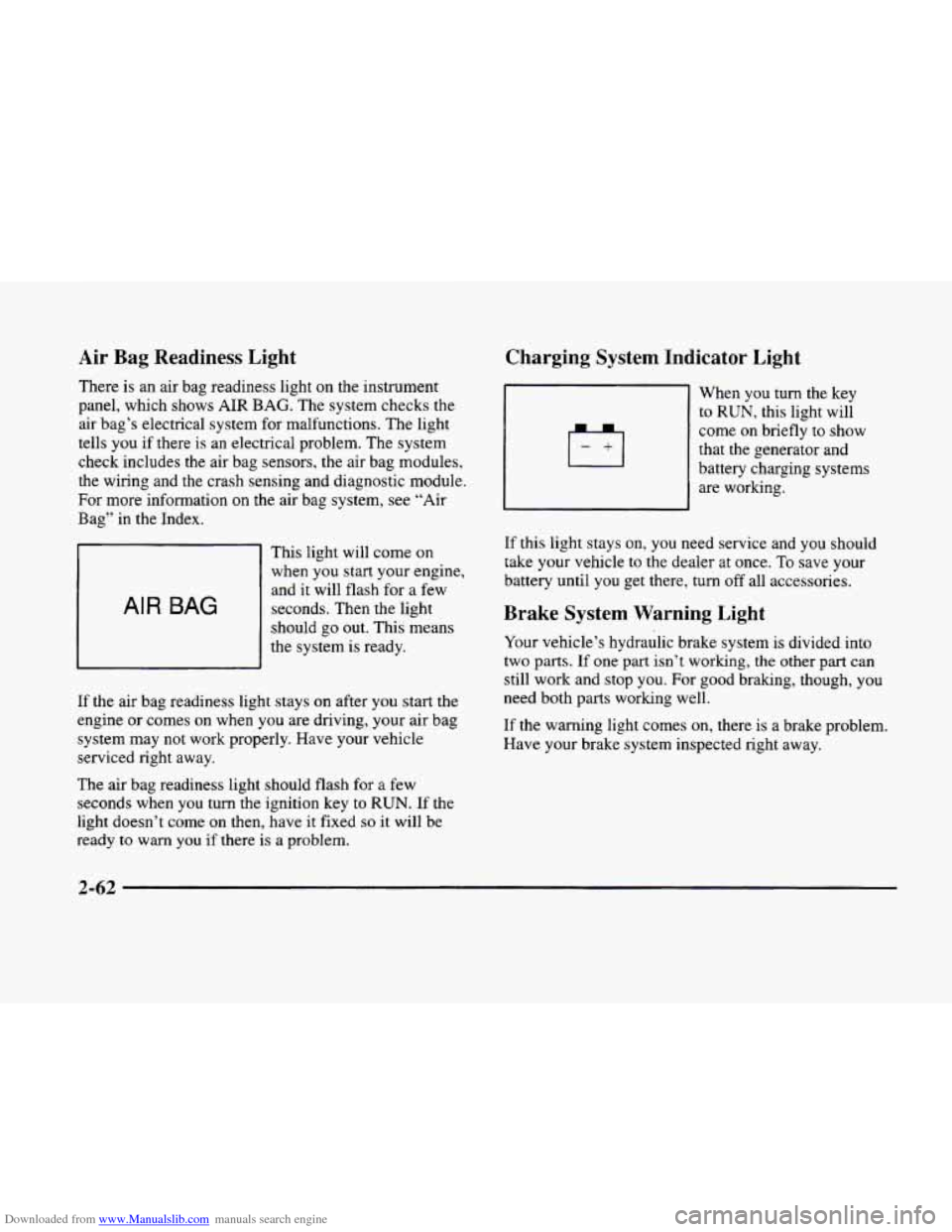
AIR BAG
This light will come on
when you start your engine,
and it will flash for
a few
seconds. Then the light
should go out. This means
the system
is ready.
If the air bag readiness light stays on after you start the
engine or comes
on when you are driving, your air bag
system may not work properly. Have your vehicle
serviced right away.
The air bag readiness light should flash for
a few
seconds when
you turn the ignition key to RUN. If the
light doesn’t come
on then, have it fixed so it will be
ready to warn you if there is a problem.
Charging System Indicator Light
When you turn the key
to RUN, this light will
come on briefly
to show
that the generator and
battery charging systems
are working.
If this light stays on, you need service and you should
take your vehicle to the dealer at once.
To save your
battery until
you get there, turn off all accessories.
Brake System Warning Light
Your vehicle’s hydraulic brake system is divided into
two
parts. If one part isn’t working, the other part can
still work and stop
you. For good braking, though, you
need both parts working well.
If the warning light comes on, there is a brake problem.
Have your brake system inspected right away.
Page 133 of 380
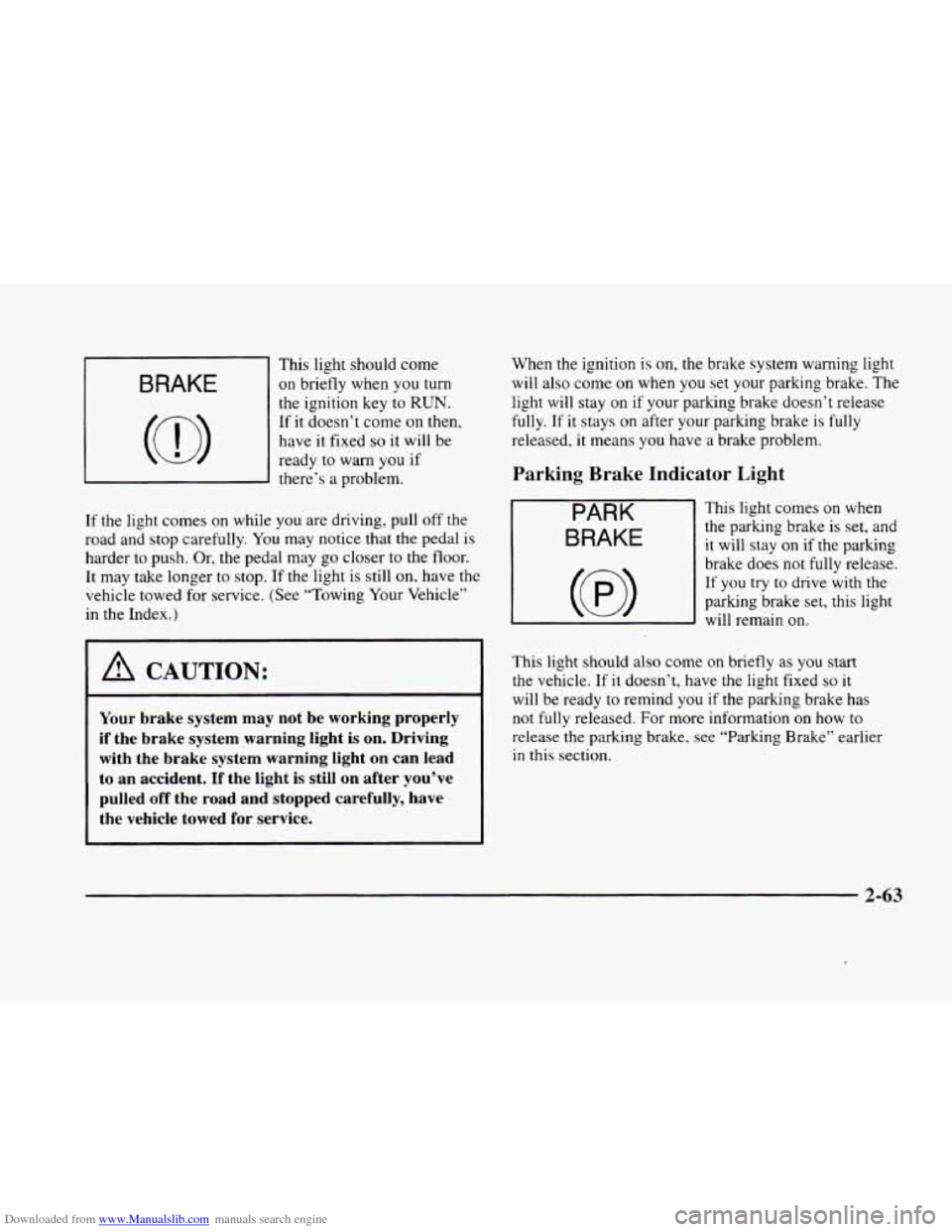
Downloaded from www.Manualslib.com manuals search engine This light should come
BRAKE I on briefly when you turn
c
~
the ignition key to RUN.
If it doesn’t come on then,
have
it fixed so it will be
ready
to warn you if
there’s a problem.
If the light comes on while you are driving, pull off the
road and stop carefully.
You may notice that the pedal is
harder to push. Or, the pedal may go closer to the floor.
It may take longer
to stop. If the light is sti1.l on, have the
vehicle towed for service. (See “Towing Your Vehicle”
in the Index.)
1 A CAUTION:
Your brake system may not be working properly
if the brake system warning light is on. Driving
with the brake system warning light
on can lead
to an accident.
If the light is still on after you’ve
pulled off the road and stopped carefully, have
the vehicle towed for service.
When the ignition is on, the brake system warning light
will also come on when you set your parking brake. The
light will stay on if your parking brake doesn’t release
fully. If it stays on after your parking brake is fully
released, it means you have a brake problem.
Parking Brake Indicator Light
PARK
BRAKE
This light comes on when
the parking brake is set, and
it will stay on if the parking
brake does not
fully release.
If you try to drive with the
parking brake set, this light
will remain
on.
This light should also come on briefly as you start
the vehicle. If it doesn’t, have the light fixed so it
will be ready to remind you if the parking brake has
not fully released. For more information
on how to
release the parking brake, see “Parking Brake” earlier
in this section.
2-63
Page 134 of 380
Downloaded from www.Manualslib.com manuals search engine Anti-Lock Brake System Warning Light
LOCK
ANT’- (e)
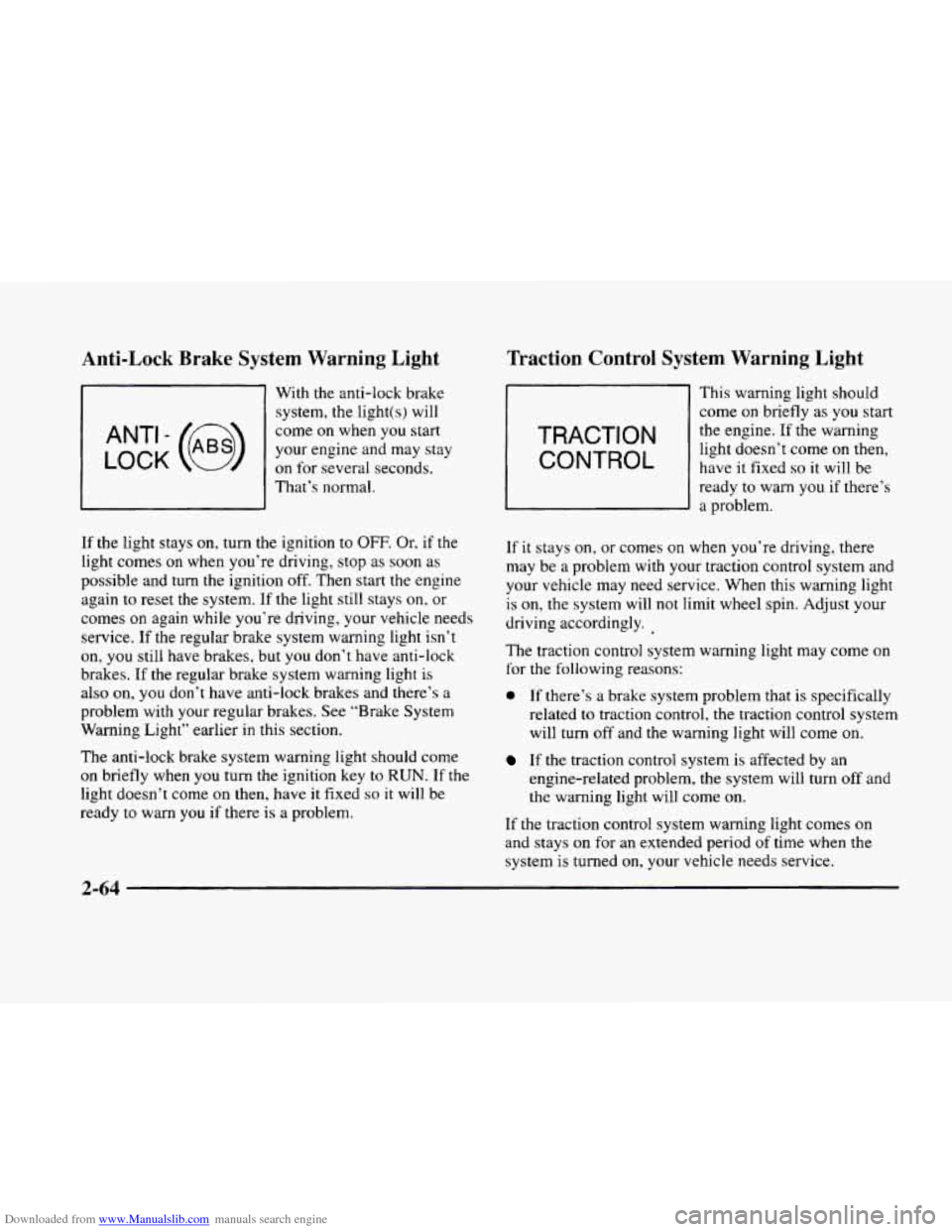
With the anti-lock brake system, the light(s) will
come on when you start
your engine and may stay
on for several seconds,
That’s normal.
If
the light stays on, turn the ignition to OFF. Or. if the
light comes on when you’re driving, stop as soon as
possible and turn the ignition off. Then start the engine
again to reset the system. If
the light still stays on, or
comes on again while you’re driving, your vehicle needs
service.
If the regular brake system warning light isn’t
on, you still have brakes, but you don’t have anti-lock
brakes. If
the regular brake system warning light is
also on, you don’t have anti-lock brakes and there’s a
problem with your regular brakes. See “Brake System
Warning Light” earlier in this section.
The anti-lock brake system warning light should come
on briefly when you turn the ignition key to RUN. If the
light doesn’t come on then, have it fixed so it will be
ready to warn you if there
is a problem.
Traction Control System Warning Light
TRACTION
CONTROL
This warning light should
come
on briefly as you start
the engine. If the warning
light doesn’t come on then,
have it fixed
so it will be
ready
to warn you if there’s
a problem.
If
it stays on, or comes on when you’re driving, there
may be
a problem with your traction control system and
your vehicle may need service. When this warning light
is on, the system will not limit wheel spin. Adjust your
driving accordingly.
The traction control system warning light may come on
for the following reasons:
0 If there’s a brake system problem that is specifically
related
to traction control, the traction control system
will turn
off and the warning light will come on.
If the traction control system is affected by an
engine-related problem, the system will turn
off and
the warning light will come on.
If the traction control system warning light comes on
and stays on for an extended period of time when the
system is turned
on, your vehicle needs service.
2-64