air conditioning CADILLAC ELDORADO 1998 10.G Owners Manual
[x] Cancel search | Manufacturer: CADILLAC, Model Year: 1998, Model line: ELDORADO, Model: CADILLAC ELDORADO 1998 10.GPages: 380, PDF Size: 21.39 MB
Page 144 of 380
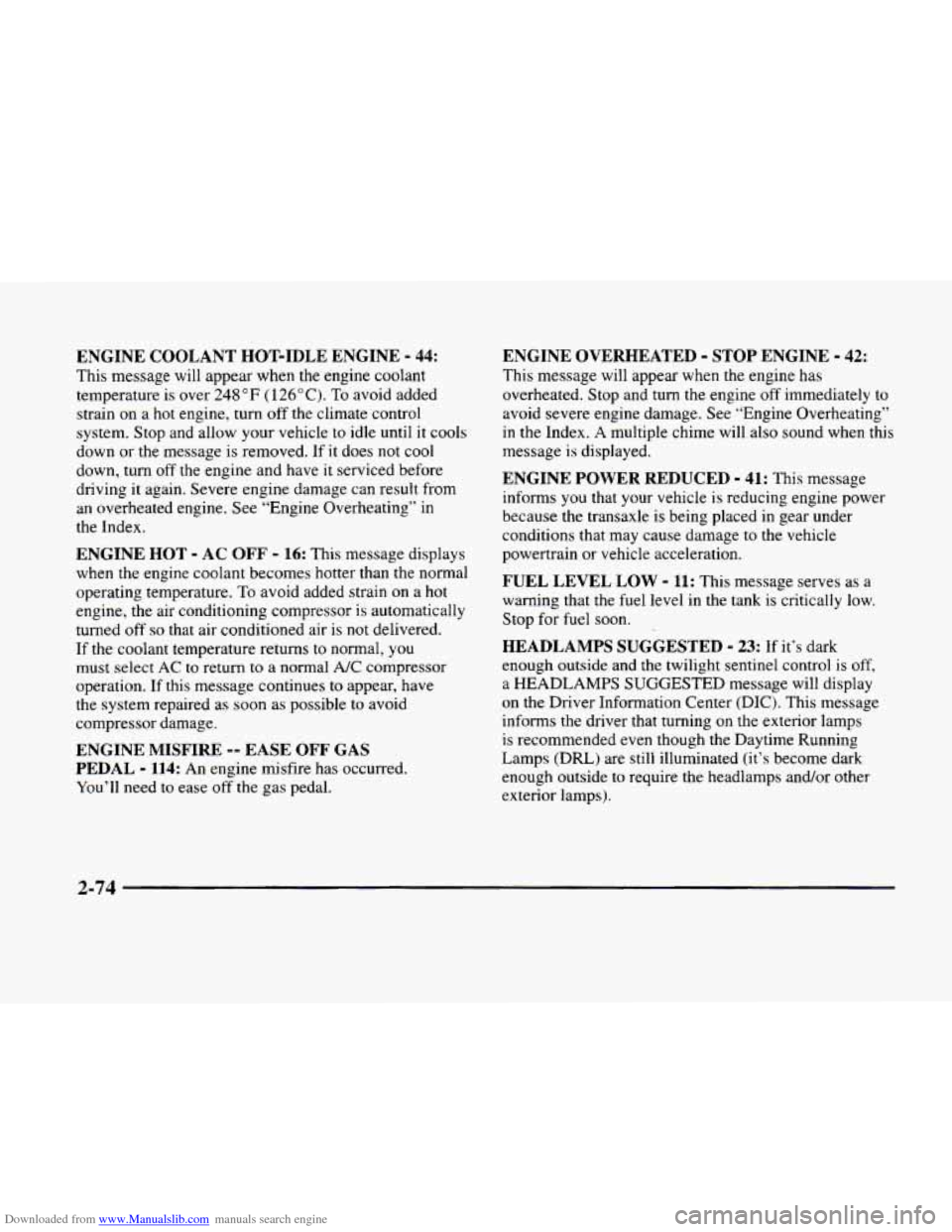
Downloaded from www.Manualslib.com manuals search engine ENGINE COOLANT HOT-IDLE ENGINE - 44:
This message will appear when the engine coolant
temperature is over
248 “F ( 126” C). To avoid added
strain on a hot engine, turn off the climate control
system. Stop and allow your vehicle to idle until it cools
down or the message
is removed. If it does not cool
down, turn off the engine and have
it serviced before
driving it again. Severe engine damage can result from
an overheated engine.
See “Engine Overheating” in
the Index.
ENGINE HOT - AC OFF - 16: This message displays
when the engine coolant becomes hotter than the normal
operating temperature.
To avoid added strain on a hot
engine, the air conditioning compressor is automatically
turned
off so that air conditioned air is not delivered.
If
the coolant temperature returns to normal, you
must select AC to return to a normal A/C compressor
operation.
If this message continues to appear, have
the system repaired as soon as possible to avoid
compressor damage.
ENGINE MISFIRE -- EASE OFF GAS
PEDAL
- 114: An engine misfire has occurred.
You’
11 need to ease off the gas pedal.
ENGINE OVERHEATED - STOP ENGINE - 42:
This message will appear when the engine has
overheated. Stop and
turn the engine off immediately to
avoid severe engine damage. See “Engine Overheating”
in the Index. A multiple chime will also sound when this
message
is displayed.
ENGINE POWER REDUCED - 41: This message
informs you that your vehicle is reducing engine power
because the transaxle is being placed
in gear under
conditions that may cause damage to the vehicle
powertrain or vehicle acceleration.
FUEL LEVEL LOW - 11: This message serves as a
warning that the fuel level in the tank is critically low.
Stop for fuel soon.
HEADLAMPS SUGGESTED - 23: If it’s dark
enough outside and the twilight sentinel control is
off,
a HEADLAMPS SUGGESTED message will display
on the Driver Information Center (DIC). This message
informs the driver that turning
on the exterior lamps
is recommended even though the Daytime Running
Lamps (DRL) are still illuminated (it’s become dark
enough outside to require the headlamps and/or other
exterior lamps).
2-74
Page 145 of 380
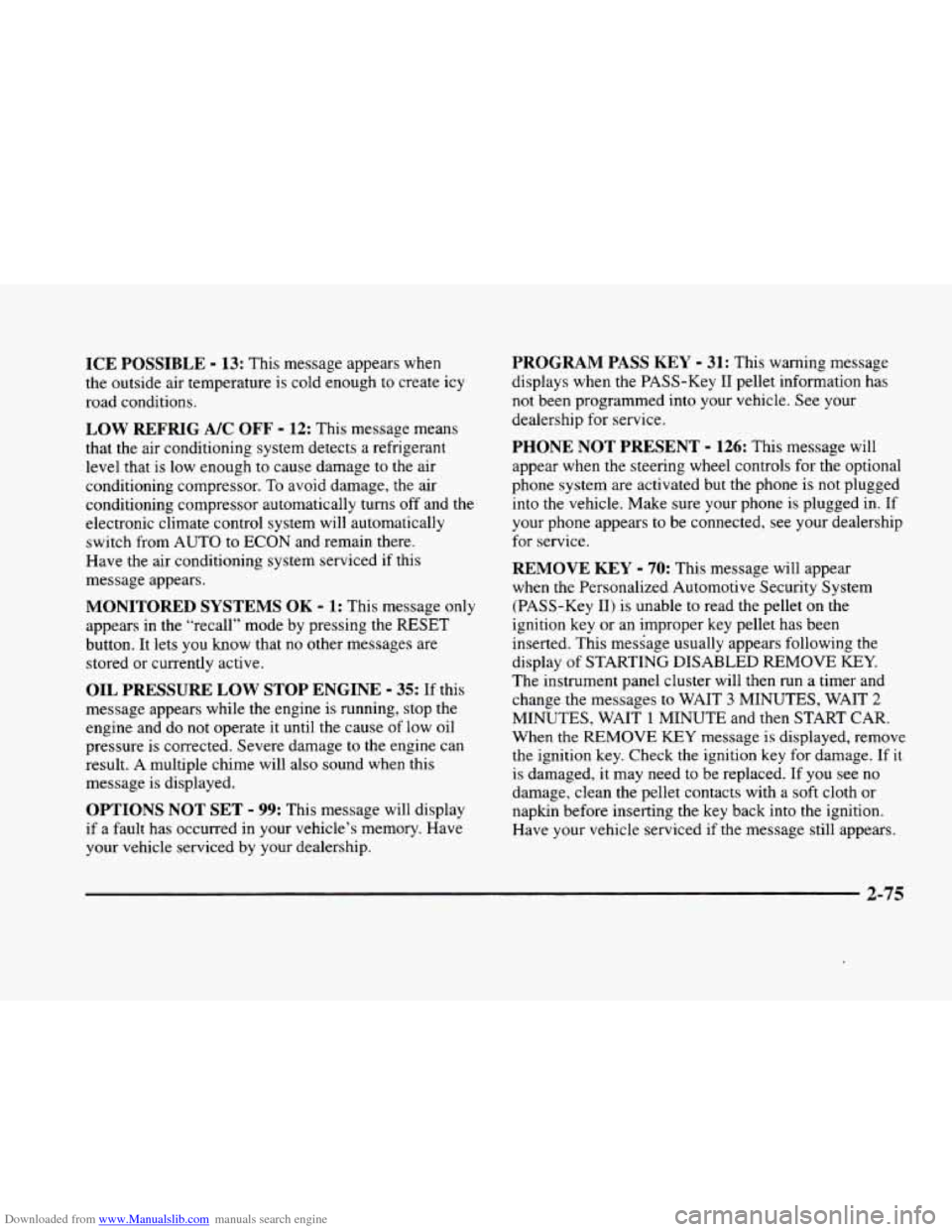
Downloaded from www.Manualslib.com manuals search engine ICE POSSIBLE - 13: This message appears when
the outside air temperature is cold enough
to create icy
road conditions.
LOW REFRIG A/C OFF - 12: This message means
that the air conditioning system detects a refrigerant
level that is low enough
to cause damage to the air
conditioning compressor.
To avoid damage, the air
conditioning compressor automatically turns
off and the
electronic climate control system will automatically
switch from AUTO to
ECON and remain there.
Have the air conditioning system serviced if this
message appears.
MONITORED SYSTEMS OK - 1: This message only
appears in the “recall” mode by pressing the RESET
button. It lets you know that no other messages are
stored or currently active.
OIL PRESSURE LOW STOP ENGINE - 35: If this
message appears while the engine is running, stop the
engine and do not operate it until the cause of low oil
pressure
is corrected. Severe damage to the engine can
result.
A multiple chime will also sound when this
message is displayed.
OPTIONS NOT SET - 99: This message will display
if a fault has occurred in your vehicle’s memory. Have
your vehicle serviced
by your dealership.
PROGRAM PASS KEY - 31: This warning message
displays when the PASS-Key I1 pellet information has
not been programmed into your vehicle. See your
dealership for service.
PHONE NOT PRESENT - 126: This message will
appear when the steering wheel controls for the optional
phone system are activated but the phone is not plugged
into
the vehicle. Make sure your phone is plugged in. If
your phone appears
to be connected, see your dealership
for service.
REMOVE KEY - 70: This message will appear
when the Personalized Automotive Security System
(PASS-Key
11) is unable to read the pellet on the
ignition key
or an improper key pellet has been
inserted. This message usually appears following the
display of STARTING DISABLED
REMOVE KEY.
The instrument panel cluster will then run a timer and
change the messages
to WAIT 3 MINUTES, WAIT 2
MINUTES, WAIT 1 MINUTE and then START CAR.
When the REMOVE
KEY message is displayed, remove
the ignition key. Check the ignition key for damage. If it
is damaged, it may need to be replaced. If
you see no
damage, clean the pellet contacts with a soft cloth or
napkin before inserting the key back into the ignition.
Have your vehicle serviced
if the message still appears.
2-75
Page 146 of 380
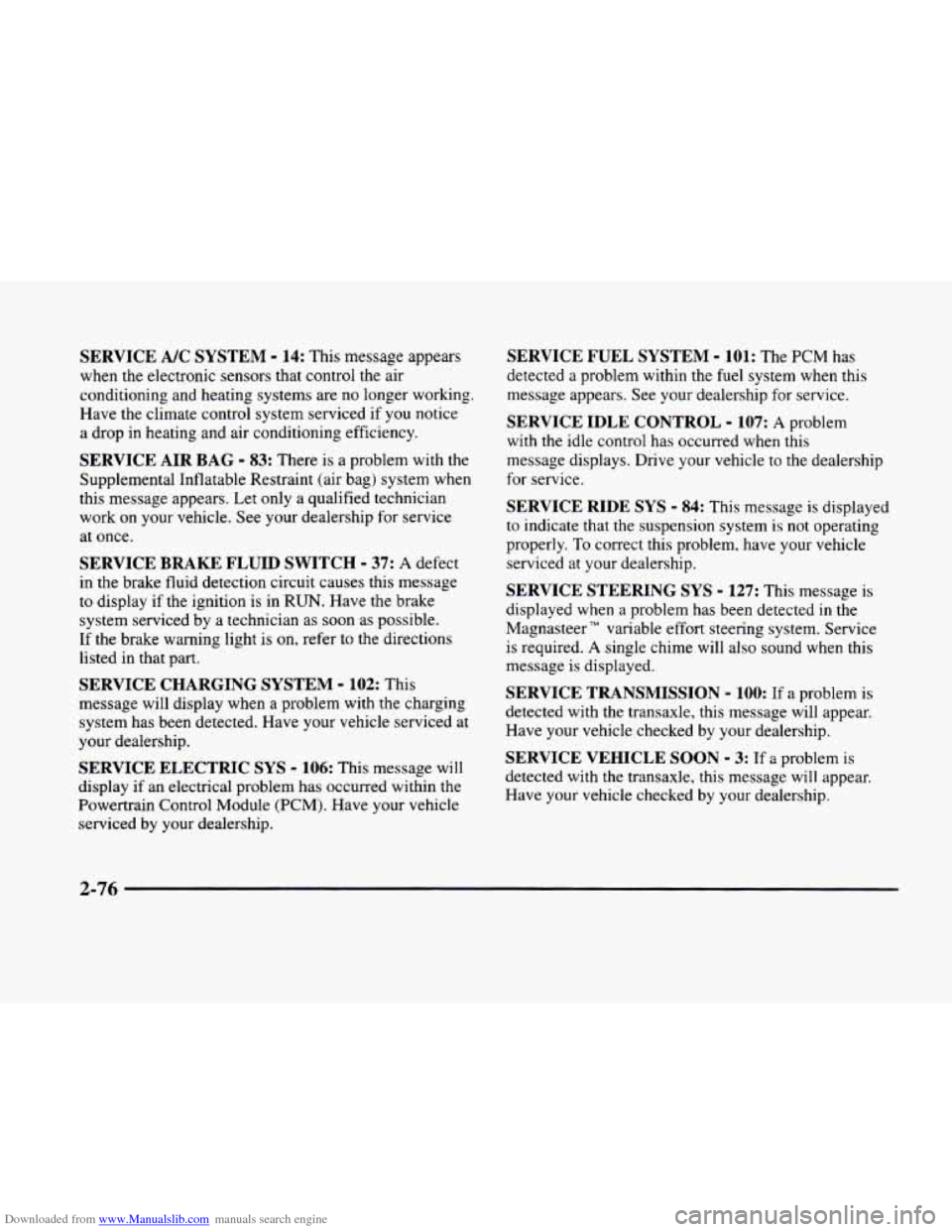
Downloaded from www.Manualslib.com manuals search engine SERVICE A/C SYSTEM - 14: This message appears
when the electronic sensors that control the air
conditioning and heating systems are no longer working.
Have the climate control system serviced if you notice
a drop in heating and air conditioning efficiency.
SERVICE AIR BAG - 83: There is a problem with the
Supplemental Inflatable Restraint (air bag) system when
this message appears. Let only a qualified technician
work
on your vehicle. See your dealership for service
at once.
SERVICE BRAKE FLUID SWITCH - 37: A defect
in the brake fluid detection circuit causes
this message
to display if the ignition
is in RUN. Have the brake
system serviced by
a technician as soon as possible.
If the brake warning light is on, refer to the directions
listed in that part.
SERVICE CHARGING SYSTEM - 102: This
message will display when a problem with the charging
system has
been detected. Have your vehicle serviced at
your dealership.
SERVICE ELECTRIC SYS - 106: This message will
display if an electrical problem has occurred within the
Powertrain Control Module
(PCM). Have your vehicle
serviced by your dealership.
SERVICE FUEL SYSTEM - 101: The PCM has
detected a problem within the fuel system when this
message appears. See your dealership
for service.
SERVICE IDLE CONTROL - 107: A problem
with the idle control has occurred when this
message displays. Drive your vehicle to the dealership
for service.
SERVICE RIDE SYS - 84: This message is displayed
to indicate that the suspension system is not operating
properly.
To correct this problem, have your vehicle
serviced at your dealership.
SERVICE STEERING SYS - 127: This message is
displayed when a problem has been detected
in the
Magnasteer
TM variable effort steering system. Service
is required.
A single chime will also sound when this
message
is displayed.
SERVICE TRANSMISSION - 100: If a problem is
detected with the transaxle,
this message will appear.
Have your vehicle checked by your dealership.
SERVICE VEHICLE SOON - 3: If a problem is
detected with the transaxle, this message will appear.
Have your vehicle checked by your dealership.
2-76
Page 157 of 380
Downloaded from www.Manualslib.com manuals search engine -,
Section 3 Comfort Controls and Audio Systems
In this section, you’ll find out how to operate the comfort control and audio systems offered with your vehicle. Be
sure to read about the particular systems supplied with your vehicle.
3-2
3-2
3-6 3-6
3-6
3-7
3-8
3-8
3-9
3-9
3-9
3-9
3-
10
3-13
3-1
8 Comfort
Controls
Climate Control Panel
Electronic Solar Sensor
Air Conditioning
Heating
Ventilation System
Defrosting
Rear Window Defogger
HVAC Steering Wheel Controls
Climate Control Personalization
(If Equipped)
Audio Systems
Setting the Clock
AM-FM Stereo with Cassette Tape Player
AM-FM Stereo with Cassette Tape
and
Compact Disc Player (If Equipped)
AM-FM Stereo with Cassette Tape and
Compact Disc Player with Radio Data
Systems (RDS) and Digital Signal Processing
(DPS)
(If Equipped) 3-27
3-28
3-3
1
3-32
3-32
3-33
3-34
3-34 3-35
3-36
3-36
3-37
Radio Data Systems (RDS) Program Type
(PTY) Selections
Trunk Mounted CD Changer
(If Equipped)
CD Adapter Kits
Radio Personalization
(If Equipped)
Theft-Deterrent Feature
Audio Steering Wheel Controls
Understanding Radio Reception
Tips About Your Audio System
Care
of Your Cassette Tape Player
Care of Your Compact Discs
Care of Your Compact Disc Player
Power Antenna Mast
Care
Page 159 of 380
Downloaded from www.Manualslib.com manuals search engine The outside temperature sensor is located near the front
grille. The sensor
can be affected by road or engine heat
during idling, slow driving or when the engine is first
started after a short trip. In order
to ensure proper
automatic climate control operation, the outside air
temperature display may not update
as quickly as
expected. This is to allow the air surrounding the outside
temperature sensor to be as close
to the actual outside
conditions as possible. This is determined by how much
time has elapsed since the vehicle has been turned
off
and by vehicle speed.
Mode Button
Press this button to deliver air through the floor, middle
or windshield outlets. The system will stay in the
selected mode until the
MODE button is pushed again.
Press the up or down arrow to cycle through the
available modes.
Automatic Operation
When the system is set for automatic operation, sensors
will control the air delivery mode. Air will come from
the floor, middle or windshield outlets. The fan speed
will vary as the system maintains the selected
temperature setting. Be
careful not to put anything over the solar sensor
located
in the middle of the instrument panel near the
windshield. This sensor is used by the automatic system
to regulate temperature.
To find your comfort zone, start with the 75°F (24°C)
setting and allow about 30 minutes for the system to
regulate.
Turn the TEMP/AUTO knob to adjust the
temperature if necessary. If
you choose 60°F ( 16"C),
the system will remain at that maximum cooling setting
and will not regulate fan speed. If
you choose the
temperature of
90°F (32"C), the system will remain at
that maximum heating setting and will not regulate fan
speed. Choosing either maximum setting will not cause
the system to heat or cool any faster.
With the automatic setting, the air conditioning
compressor automatically cycles when needed to cool
the air. In cold weather, when the system senses the need
for heat, the airflow will be directed
out the floor
outlets.
As the interior temperature approaches a desired
setting, the blower speed will decrease. To maintain
interior comfort, the airflow may move to the instrument
panel air outlets and floor outlets (bi-level mode). On
bright sunny days
in cold weather, the airflow may come
out of the air conditioning outlets (AC mode) to
maintain comfort and prevent stuffiness.
3-3
Page 160 of 380
Downloaded from www.Manualslib.com manuals search engine If your vehicle is sitting out on a hot day and you have it
set on AUTO, the air will first flow out the floor air
outlets for a few seconds. That is normal. This
is to
expel hot air from the air outlets. As the air
is cooled,
the airflow will move through
the air conditioning
outlets. If you start your vehicle with the fan setting
on
HI, it will skip the air conditioning purge.
To avoid blowing cold air in cold weather, the system
will delay turning on the fan until warm air is available.
The length
of delay depends on the outside air
temperature, engine coolant temperature
or the time
since the engine was last started.
As the coolant warms
up,
the blower fan speed will gradually increase and air
will flow from the heater outlets, with some aifflow
to the windshield to prevent fogging under most
normal conditions.
If you leave your vehicle, the system will remember the
control setting the next time
you start your engine,
except for recirculation and defrost. Each ignition cycle
cancels recirculation, whereas,
DEFROST will change
to automatic operation when the ignition is
shut off and
then turned back on.
Manual Operation
You may manually adjust the air delivery mode or
fan speed.
/J AC: This setting directs airflow through the
A0
middle instrument panel outlets.
l# BI-LEVEL: This setting directs air into your
vehicle in two ways.
Cool air is directed to the upper
portion
of your body through the four instrument panel
outlets while warmed air is directed to the floor.
'fl HEATER/DEFROST: This setting directs air to
the floor outlets and toward the windshield.
I# HEATER: This'setting directs warmed air
through the
floor outlets. Some warm air is diverted to
the windshield to minimize fogging.
A0
w.
0
DEFROST Press this button to quickly remove
fog or frost from the windshield. This setting sends most
of the airflow to the windshield with only a small
amount
to the floor outlets.
3-4
Page 161 of 380
Downloaded from www.Manualslib.com manuals search engine % FAN SPEEDS: Press the button with the fan
symbol
on it until AUTO is displayed on the screen.
At this setting, the fan speed is automatically controlled.
If it is cold outside, the blower may not run in the
maximum high fan speed right away. The system checks
the temperature
of the engine coolant to assure it is
warm enough to provide heat. When the engine coolant
is warm, the controller allows the fan
to gradually
increase to
a higher speed. This prevents cold air from
blowing into the passenger compartment. If
you want
the blower fan at a high speed, press the up arrow button
until
you see HI on the display. If you want the fan
speed to be automatic, but you like the fan speed to be
higher than the AUTO setting, press the fan symbol
button until HI AUTO is shown
on the display. If you
want the blower fan at
a low speed, press the down
arrow button until
LO is shown on the display. If you
want the fan speed to
run lower than the AUTO
setting, press the button until LO AUTO is shown
on the display.
OFF: Press this button to turn the system off. Fresh air
will continue to
flow through the vehicle, and the
system will try to maintain the previously
set
temperature. The outside temperature will show on the
display when the system
is OFF.
AC: Press this button to turn the air conditioning on and
off. The system will cool and dehumidify the air inside
the vehicle. In the
AUTO mode, the display will show
that
AC is active, but the air conditioning compressor
only operates when the system determines it
is needed.
RECIRCULATION: Press this button to limit the
amount
of fresh air entering your vehicle. This is helpful
when you are trying to cool the air quickly or limit odors
entering your vehicle.
In the AUTO mode, the system
will use recirculation as necessary
to cool the air.
Pressing the recirculation button will change the
operation to a manual mode and the air will recirculate
non-stop. Press this button again to turn
off the
recirculation feature.
If
you notice the windows fogging, press the
recirculation button to exit the recirculation mode.
3-5
Page 162 of 380
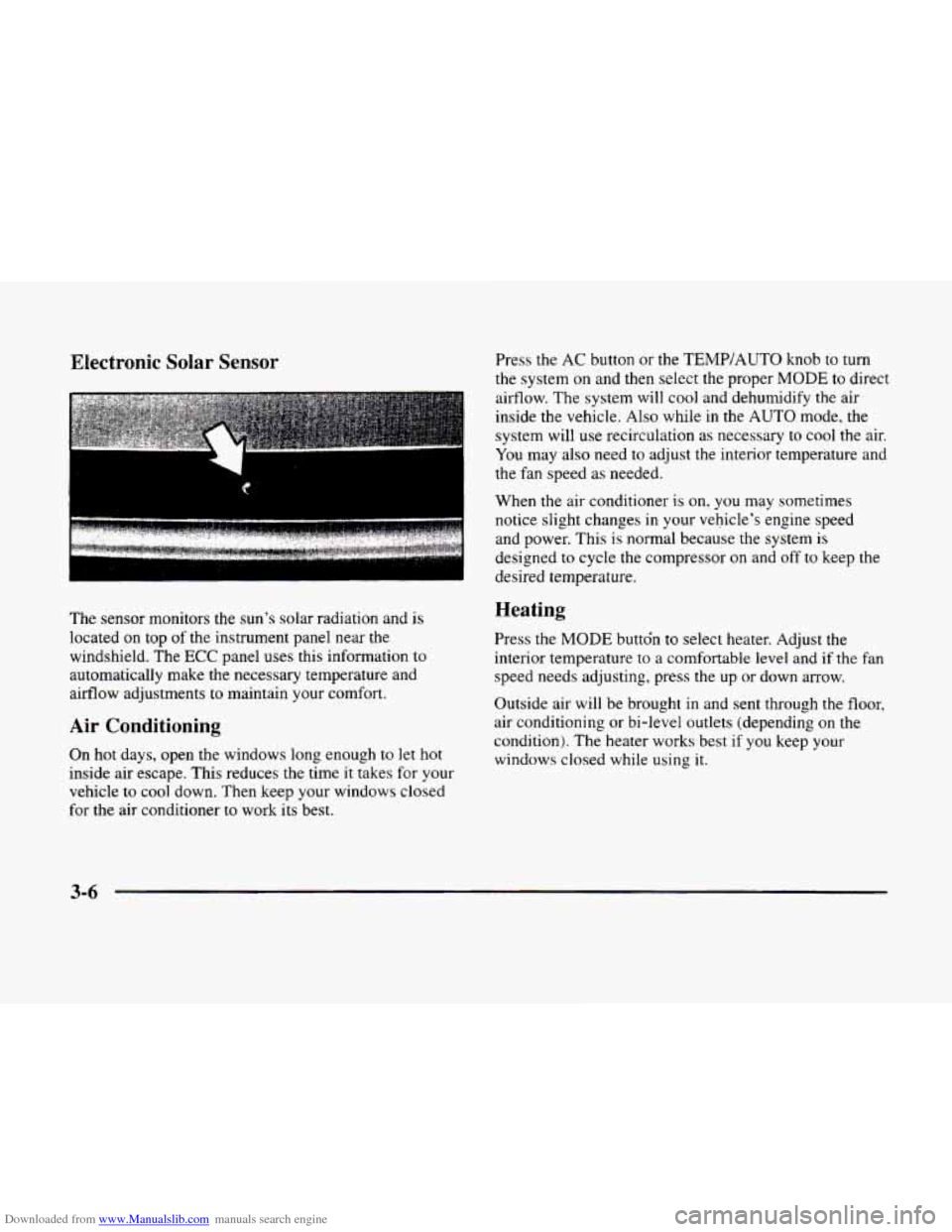
Downloaded from www.Manualslib.com manuals search engine Electronic Solar Sensor
The sensor monitors the sun’s solar radiation and is
located on top of the instrument panel near the
windshield. The
ECC panel uses this information to
automatically make the necessary temperature and
airflow adjustments to maintain your comfort.
Air Conditioning
On hot days, open the windows long enough to let hot
inside air escape. This reduces the time it takes for your
vehicle to
cool down. Then keep your windows closed
for the air conditioner
to work its best. Press the
AC button or the
TEMP/AUTO knob to turn
the system on and then select the proper
MODE to direct
airflow. The system will cool and dehumidify the air
inside the vehicle. Also while
in the AUTO mode, the
system will use recirculation as necessary to cool the air.
You may also need to adjust the interior temperature and
the fan speed as needed.
When
the air conditioner is on, you may sometimes
notice slight changes
in your vehicle’s engine speed
and power. This
is normal because the system is
designed to cycle the compressor on and off to keep the
desired temperature.
Heating
Press the MODE buttdn to select heater. Adjust the
interior temperature to a comfortable level and if the fan
speed needs adjusting, press the up or down arrow.
Outside air will be brought in and sent through the floor,
air conditioning or bi-level outlets (depending on
the
condition). The heater works best if you keep your
windows closed while using
it.
3-6
Page 163 of 380
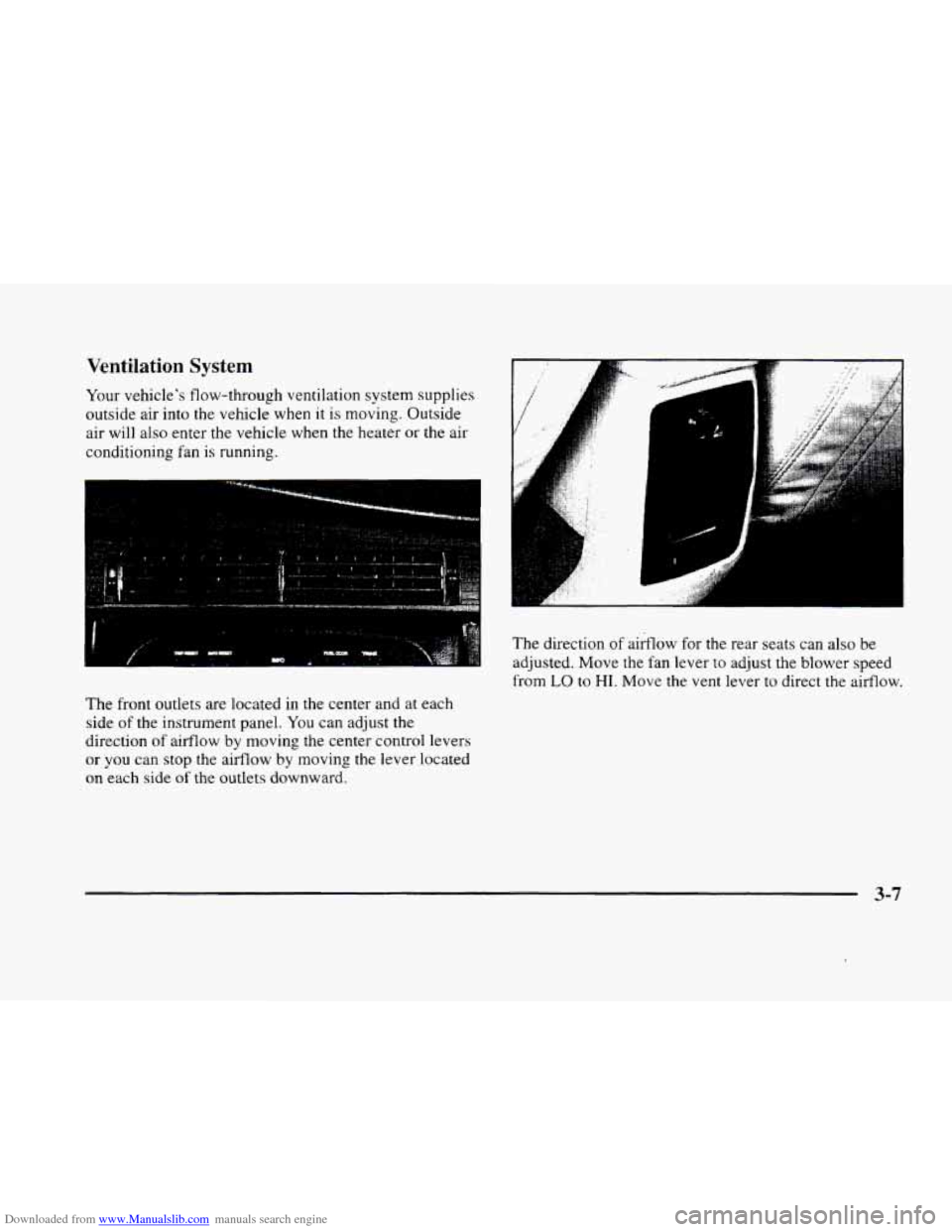
Downloaded from www.Manualslib.com manuals search engine Ventilation System
Your vehicle's flow-through ventilation system supplies
outside air into
the vehicle when it is moving. Outside
air will also enter
the vehicle when the heater or the air
conditioning fan is running.
-
I. ,, . , .. .
The front outlets are located in the center and at each
side of the instrument panel.
You can adjust the
direction
of airflow by moving the center control levers
or you can stop the aifflow by moving the lever located
on each side of the outlets downward.
.., . . .I . :
The direction of airflow for the rear seats can also be
adjusted. Move
the fan lever to adjust the blower speed
from
LO to HI. Move the vent lever to direct the airflow.
3-7
Page 281 of 380
Downloaded from www.Manualslib.com manuals search engine ,<+ --\,
Section 6 Service and Appearance Care
Here you will find information about the care of your vehicle. This section begins with service and fuel infomation,
and then it shows how
to check important fluid and lubricant levels. There is also technical information about your
vehicle, and a part devoted to its appearance care.
6-2
6-3
6-5
6-8
6-8
6-1 1
6- 15
6-18
6-22
6-26
6-28
6-3 1
6-32
6-38
6-3 8
6-47
6-47
6-49 Service
Fuel
Filling Your Tank
Filling a Portable Fuel Tank
Checking Things Under the Hood
Engine Oil
Air Cleaner
Automatic Transaxle Fluid
Engine Coolant
Windshield Washer Fluid
Brakes
Battery
Bulb Replacement
Windshield Wiper Blade Replacement
Tires Appearance Care
Cleaning the Inside
of Your Vehicle
Care
of Safety Belts 6-50
6-50
6-50
6-50
6-52
6-52
6-52
6-53
6-5
3
6-54
6-55
6-55
6-64
6-64
6-65
6-65 Cleaning
Glass Surfaces
Cleaning the Outside of the Windshield and
Wiper Blades
Weatherstrips
Cleaning the Outside
of Your Vehicle
Cleaning Aluminum or Chrome Wheels
(If Equipped)
Cleaning Tires
Sheet Metal Damage
Underbody Maintenance
Chemical Paint Spotting
Appearance Care Materials Chart
Vehicle Identification Number (VIN)
Electrical System
Replacement Bulbs Capacities and Specifications
Air Conditioning Refrigerants
Normal Maintenance Replacement
Parts
6-1