wheel CADILLAC ESCALADE 2005 2.G User Guide
[x] Cancel search | Manufacturer: CADILLAC, Model Year: 2005, Model line: ESCALADE, Model: CADILLAC ESCALADE 2005 2.GPages: 470, PDF Size: 2.86 MB
Page 93 of 470
Keys...............................................................2-3
Remote Keyless Entry System.........................2-4
Remote Keyless Entry System Operation...........2-5
Doors and Locks.............................................2-8
Door Locks....................................................2-8
Power Door Locks..........................................2-9
Delayed Locking.............................................2-9
Programmable Automatic Door Locks..............2-10
Rear Door Security Locks..............................2-12
Lockout Protection........................................2-12
Liftgate/Liftglass............................................2-13
Windows........................................................2-14
Power Windows............................................2-15
Sun Visors...................................................2-15
Theft-Deterrent Systems..................................2-16
Content Theft-Deterrent.................................2-16
Passlock
®....................................................2-17Starting and Operating Your Vehicle................2-18
New Vehicle Break-In....................................2-18
Ignition Positions..........................................2-18
Retained Accessory Power (RAP)...................2-19
Starting the Engine.......................................2-19
Adjustable Throttle and Brake Pedal................2-20
Engine Coolant Heater..................................2-21
Automatic Transmission Operation...................2-22
Tow/Haul Mode............................................2-24
All-Wheel Drive............................................2-24
Parking Brake..............................................2-25
Shifting Into Park (P).....................................2-26
Shifting Out of Park (P).................................2-27
Parking Over Things That Burn.......................2-28
Engine Exhaust............................................2-28
Running the Engine While Parked...................2-29
Section 2 Features and Controls
2-1
Page 111 of 470
Notice:Using a tool to force the key from the
ignition switch could cause damage or break the
key. Use the correct key and turn the key only with
your hand. Make sure the key is all the way in. If
it is, turn the steering wheel left and right while you
turn the key hard. If none of this works, then
your vehicle needs service.
B (Accessory):This position lets you use things like
the radio and the windshield wipers when the engine
is off.
Notice:Lengthy operation of features such as the
radio in the accessory ignition position may
drain the battery and prevent your vehicle from
starting. Do not operate your vehicle in the
accessory ignition position for a long period
of time.
C (Run):This is the position for driving.
D (Start):This position starts the engine.
Retained Accessory Power (RAP)
The Retained Accessory Power (RAP) feature will allow
certain features on your vehicle to continue to work
for up to 10 minutes after the ignition key is turned to
LOCK or until one of the doors is opened.
Starting the Engine
Your vehicle is equipped with Starter Motor Control.
This feature assists in starting the engine and protects
the electrical system. This feature may cause the
engine to crank even after the ignition key is not
in START.
Move your shift lever to PARK (P) or NEUTRAL (N).
Your engine will not start in any other position — that is
a safety feature. To restart when you are already
moving, use NEUTRAL (N) only.
Notice:Do not try to shift to PARK (P) if your
vehicle is moving. If you do, you could damage the
transmission. Shift to PARK (P) only when your
vehicle is stopped.
1. With your foot off the accelerator pedal, turn the
ignition key to START. When the engine starts,
let go of the key. The idle speed will go down as
your engine gets warm.
Notice:Holding your key in START for longer than
15 seconds at a time will disengage the starter
motor, cause your battery to be drained much
sooner, and add excessive heat that can damage
your starter motor. Try not to hold the key in START
for longer than 15 seconds and wait about
15 seconds between each try to help avoid draining
your battery or damaging your starter.
2-19
Page 114 of 470
Automatic Transmission Operation
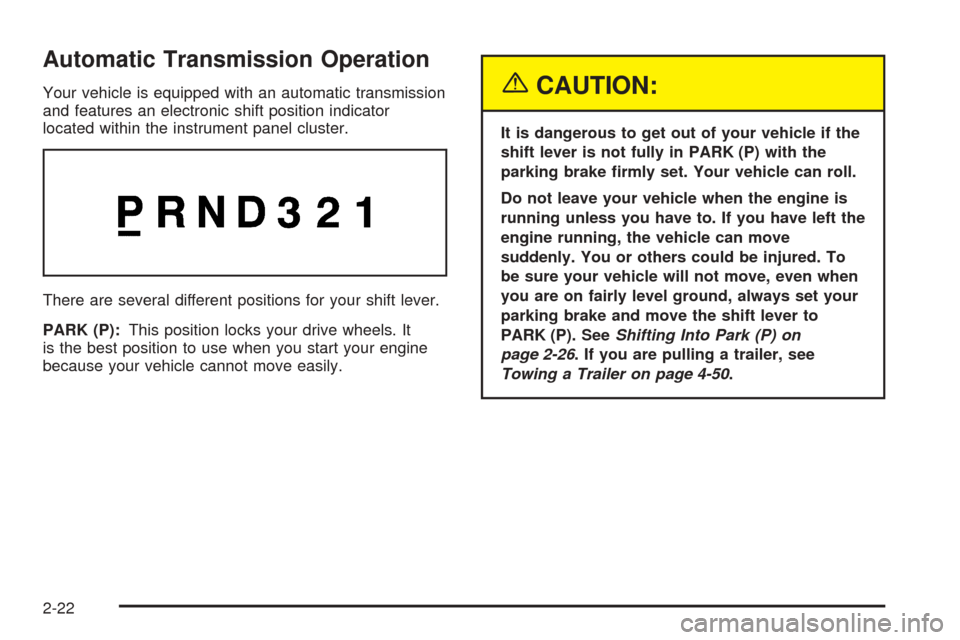
Your vehicle is equipped with an automatic transmission
and features an electronic shift position indicator
located within the instrument panel cluster.
There are several different positions for your shift lever.
PARK (P):This position locks your drive wheels. It
is the best position to use when you start your engine
because your vehicle cannot move easily.{CAUTION:
It is dangerous to get out of your vehicle if the
shift lever is not fully in PARK (P) with the
parking brake rmly set. Your vehicle can roll.
Do not leave your vehicle when the engine is
running unless you have to. If you have left the
engine running, the vehicle can move
suddenly. You or others could be injured. To
be sure your vehicle will not move, even when
you are on fairly level ground, always set your
parking brake and move the shift lever to
PARK (P). SeeShifting Into Park (P) on
page 2-26. If you are pulling a trailer, see
Towing a Trailer on page 4-50.
2-22
Page 115 of 470
REVERSE (R):Use this gear to back up.
Notice:Shifting to REVERSE (R) while your vehicle
is moving forward could damage the transmission.
The repairs would not be covered by your warranty.
Shift to REVERSE (R) only after your vehicle is
stopped.
To rock your vehicle back and forth to get out of snow,
ice or sand without damaging your transmission,
seeIf Your Vehicle is Stuck in Sand, Mud, Ice or Snow
on page 4-42.
NEUTRAL (N):In this position, your engine does not
connect with the wheels. To restart when you are
already moving, use NEUTRAL (N) only.
{CAUTION:
Shifting into a drive gear while your engine is
running at high speed is dangerous. Unless
your foot is rmly on the brake pedal, your
vehicle could move very rapidly. You could
lose control and hit people or objects. Do not
shift into a drive gear while your engine is
running at high speed.Notice:Shifting out of PARK (P) or NEUTRAL (N)
with the engine running at high speed may damage
the transmission. The repairs would not be
covered by your warranty. Be sure the engine is not
running at high speed when shifting your vehicle.
DRIVE (D):This position is for normal driving. If
you need more power for passing, and you are:
Going less than about 35 mph (55 km/h), push your
accelerator pedal about halfway down.
Going about 35 mph (55 km/h) or more, push the
accelerator all the way down.
You will shift down to the next gear and have more
power.
DRIVE (D) can be used when towing a trailer, carrying a
heavy load, driving on steep hills or for off-road
driving. You may want to shift the transmission to
THIRD (3) or, if necessary, a lower gear selection if the
transmission shifts too often.
THIRD (3):This position is also used for normal driving,
however it offers more power and lower fuel economy
than DRIVE (D).
2-23
Page 116 of 470
SECOND (2):This position gives you more power but
lower fuel economy. You can use SECOND (2) on
hills. It can help control your speed as you go down
steep mountain roads, but then you would also want to
use your brakes off and on.
If you manually select SECOND (2), the transmission
will drive in second gear. You may use this feature
for reducing the speed of the rear wheels when you
are trying to start your vehicle from a stop on slippery
road surfaces. Once the vehicle is moving, shift
into DRIVE (D).
FIRST (1):This position gives you even more power,
but lower fuel economy than SECOND (2). You can use
it on very steep hills, or in deep snow or mud. If the
shift lever is put in FIRST (1) while the vehicle is moving
forward, the vehicle will not shift into rst gear until
the vehicle is going slowly enough.
Notice:Spinning the tires or holding the vehicle in
one place on a hill using only the accelerator
pedal may damage the transmission. If you are
stuck, do not spin the tires. When stopping on a hill,
use the brakes to hold the vehicle in place.
On cold days, approximately 32°F (0°C) or colder, your
transmission is designed to shift differently until the
engine reaches normal operating temperature. This is
intended to improve heater performance.Tow/Haul Mode
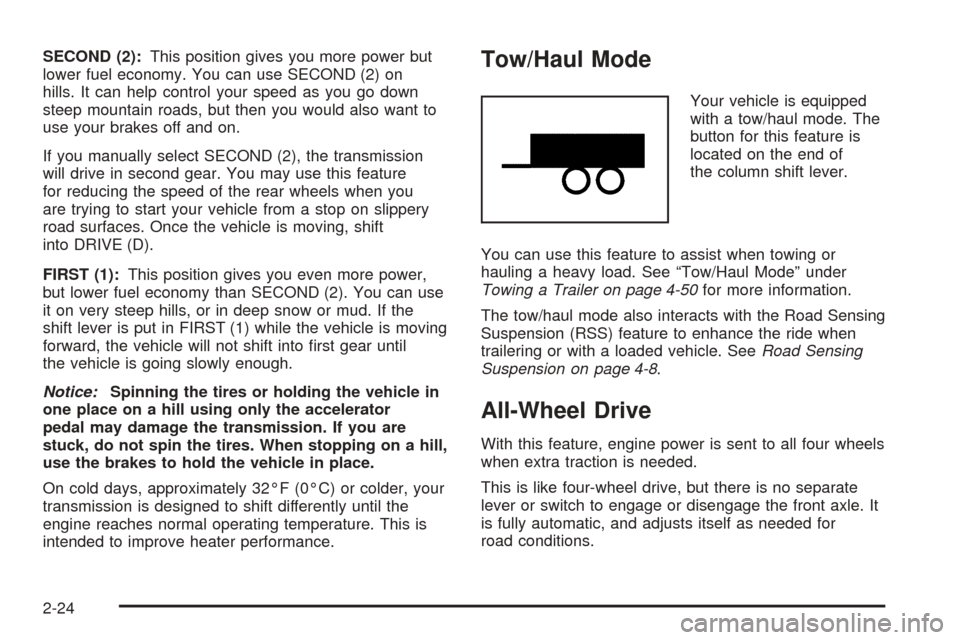
Your vehicle is equipped
with a tow/haul mode. The
button for this feature is
located on the end of
the column shift lever.
You can use this feature to assist when towing or
hauling a heavy load. See “Tow/Haul Mode” under
Towing a Trailer on page 4-50for more information.
The tow/haul mode also interacts with the Road Sensing
Suspension (RSS) feature to enhance the ride when
trailering or with a loaded vehicle. SeeRoad Sensing
Suspension on page 4-8.
All-Wheel Drive
With this feature, engine power is sent to all four wheels
when extra traction is needed.
This is like four-wheel drive, but there is no separate
lever or switch to engage or disengage the front axle. It
is fully automatic, and adjusts itself as needed for
road conditions.
2-24
Page 128 of 470
OnStar®Virtual Advisor
Virtual Advisor is a feature of OnStar®Personal Calling
that uses minutes to access up-to-date weather and
traffic reports for your area, news and sports updates,
stock quotes, entertainment, and more. Customize
your information prole at www.myonstar.com. See the
OnStar
®user’s guide for more information.
OnStar®Steering Wheel Controls
A steering wheel control can be used to interact with the
OnStar®personal calling feature.
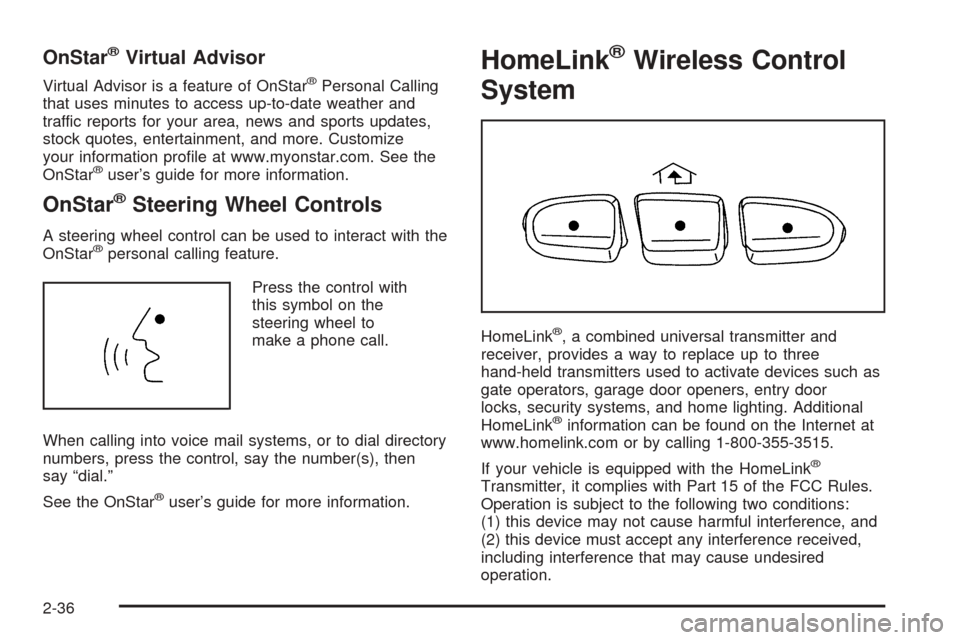
Press the control with
this symbol on the
steering wheel to
make a phone call.
When calling into voice mail systems, or to dial directory
numbers, press the control, say the number(s), then
say “dial.”
See the OnStar
®user’s guide for more information.
HomeLink®Wireless Control
System
HomeLink®, a combined universal transmitter and
receiver, provides a way to replace up to three
hand-held transmitters used to activate devices such as
gate operators, garage door openers, entry door
locks, security systems, and home lighting. Additional
HomeLink
®information can be found on the Internet at
www.homelink.com or by calling 1-800-355-3515.
If your vehicle is equipped with the HomeLink
®
Transmitter, it complies with Part 15 of the FCC Rules.
Operation is subject to the following two conditions:
(1) this device may not cause harmful interference, and
(2) this device must accept any interference received,
including interference that may cause undesired
operation.
2-36
Page 139 of 470
Instrument Panel Overview...............................3-4
Hazard Warning Flashers................................3-6
Other Warning Devices...................................3-6
Horn.............................................................3-6
Tilt Wheel.....................................................3-6
Turn Signal/Multifunction Lever.........................3-7
Turn and Lane-Change Signals........................3-7
Headlamp High/Low-Beam Changer..................3-8
Flash-to-Pass.................................................3-8
Windshield Wipers..........................................3-9
Windshield Washer.........................................3-9
Cruise Control..............................................3-10
Exterior Lamps.............................................3-14
Headlamps on Reminder................................3-15
Daytime Running Lamps (DRL).......................3-15
Automatic Headlamp System..........................3-15
Fog Lamps..................................................3-16
Instrument Panel Brightness...........................3-17
Dome Lamps...............................................3-17
Entry/Exit Lighting.........................................3-17
Reading Lamps............................................3-18
Battery Run-Down Protection..........................3-18
Ultrasonic Parking Assist................................3-18
Accessory Power Outlets...............................3-21
Ashtrays and Cigarette Lighter........................3-21
Analog Clock...............................................3-22Climate Controls............................................3-22
Dual Automatic Climate Control System...........3-22
Outlet Adjustment.........................................3-28
Rear Climate Control System.........................3-29
Warning Lights, Gages, and Indicators............3-31
Instrument Panel Cluster................................3-32
Speedometer and Odometer...........................3-33
Tachometer.................................................3-33
Safety Belt Reminder Light.............................3-33
Airbag Readiness Light..................................3-34
Passenger Airbag Status Indicator...................3-35
Charging System Light..................................3-37
Voltmeter Gage............................................3-37
Brake System Warning Light..........................3-38
Anti-Lock Brake System Warning Light.............3-39
Low Tire Pressure Warning Light....................3-40
Traction Off Light..........................................3-40
Engine Coolant Temperature Gage..................3-41
Transmission Temperature Gage.....................3-41
Malfunction Indicator Lamp.............................3-43
Oil Pressure Gage........................................3-46
Security Light...............................................3-47
Cruise Control Light......................................3-47
Highbeam On Light.......................................3-48
Tow/Haul Mode Light....................................3-48
Fuel Gage...................................................3-48
Section 3 Instrument Panel
3-1
Page 140 of 470
Low Fuel Warning Light.................................3-49
Driver Information Center (DIC).......................3-49
DIC Operation and Displays...........................3-50
DIC Warnings and Messages.........................3-53
DIC Vehicle Customization.............................3-63
Audio System(s).............................................3-69
Setting the Time...........................................3-70
Radio with Cassette and CD..........................3-70
Navigation/Radio System...............................3-84
Rear Seat Entertainment System....................3-84Rear Seat Audio (RSA).................................3-96
CD Changer................................................3-98
Theft-Deterrent Feature................................3-101
Audio Steering Wheel Controls......................3-101
Radio Reception.........................................3-102
Care of the Cassette Tape Player.................3-103
Care of Your CDs and DVDs........................3-104
Care of the CD and DVD Player...................3-104
Diversity Antenna System.............................3-104
XM™ Satellite Radio Antenna System............3-105
Chime Level Adjustment...............................3-105
Section 3 Instrument Panel
3-2
Page 143 of 470
The main components of your instrument panel are the following:
A. Air Outlets. SeeOutlet Adjustment on page 3-28.
B. Exterior Lamps Control. SeeExterior Lamps
on page 3-14.
C. Turn Signal/Multifunction Lever. SeeTurn
Signal/Multifunction Lever on page 3-7.
D. OnStar
®and Radio Steering Wheel Buttons. See
OnStar®System on page 2-35andAudio Steering
Wheel Controls on page 3-101.
E. Instrument Panel Cluster. SeeInstrument Panel
Cluster on page 3-32.
F. Shift Lever/Tow/Haul Selector Button. SeeAutomatic
Transmission Operation on page 2-22andTow/Haul
Mode on page 2-24.
G. Audio System. SeeAudio System(s) on page 3-69.
H. Dome Override Button. SeeDome Lamps on
page 3-17.
I. Rear Wiper Washer. SeeWindshield Washer on
page 3-9.
J. Fog Lamps Button. SeeFog Lamps on page 3-16.K. Driver Information Center (DIC) Buttons. SeeDriver
Information Center (DIC) on page 3-49.
L. Parking Brake Release. SeeParking Brake on
page 2-25.
M. Tilt Lever. SeeTilt Wheel on page 3-6.
N. Climate Control System. SeeDual Automatic
Climate Control System on page 3-22.
O. Compact Disc Changer. SeeCD Changer on
page 3-98.
P. Storage Area. SeeInstrument Panel Storage Area
on page 2-41.
Q. Analog Clock. SeeAnalog Clock on page 3-22.
R. Ultrasonic Rear Parking Assist Disable Button. See
Ultrasonic Parking Assist on page 3-18.
S. StabiliTrak
®Disable Button. SeeStabiliTrak®
System on page 4-8.
T. Glove Box. SeeGlove Box on page 2-40.
3-5
Page 144 of 470
Hazard Warning Flashers
Your hazard warning ashers let you warn others. They
also let police know you have a problem. Your front
and rear turn signal lamps will ash on and off.
The hazard warning
asher button is located on
top of the steering
column.
Your hazard warning ashers work no matter what
position your key is in, and even if the key is not in the
ignition.
Press the button to make the front and rear turn signal
lamps ash on and off. Press the button again to
turn the ashers off.
When the hazard warning ashers are on, your turn
signals will not work.
Other Warning Devices
If you carry reective triangles, you can set them up at
the side of the road about 300 feet (100 m) behind
your vehicle.
Horn
To sound the horn, press the center pad on the steering
wheel.
Tilt Wheel
The tilt steering wheel allows you to adjust the steering
wheel before you drive. You can raise it to the highest
level to give your legs more room when you enter
and exit the vehicle.
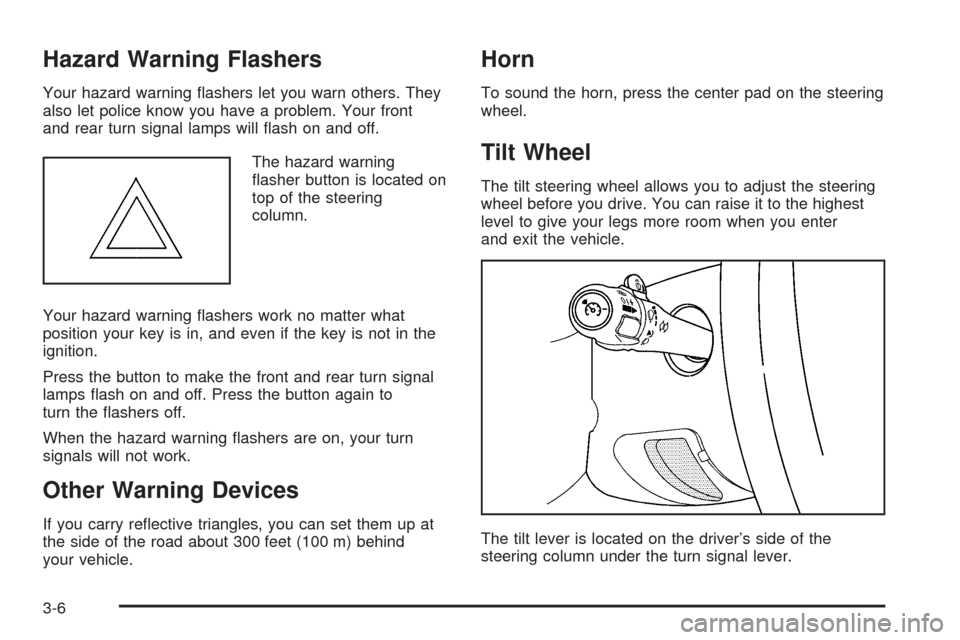
The tilt lever is located on the driver’s side of the
steering column under the turn signal lever.
3-6