ignition CADILLAC ESCALADE ESV 2009 Owner's Guide
[x] Cancel search | Manufacturer: CADILLAC, Model Year: 2009, Model line: ESCALADE ESV, Model: CADILLAC ESCALADE ESV 2009Pages: 602, PDF Size: 5.18 MB
Page 190 of 602

There is a delay in the transition between the daytime
and nighttime operation of the Daytime Running Lamps
(DRL) and the automatic headlamp systems so that
driving under bridges or bright overhead street lights
does not affect the system. The DRL and automatic
headlamp system is only affected when the light sensor
detects a change in lighting lasting longer than the delay.
If the vehicle is started in a dark garage, the automatic
headlamp system will come on immediately. Once the
vehicle leaves the garage, it takes approximately
one minute for the automatic headlamp system to
change to DRL if it is bright enough outside. During
that delay, the instrument panel cluster may not be
as bright as usual. Make sure the instrument panel
brightness control is in the full bright position.
See Instrument Panel Brightness on page 3-23 .
To idle the vehicle with the automatic headlamp system
off, turn the control to the off position.
The headlamps will also stay on after you exit the
vehicle. This feature can be programmed using the
Driver Information Center (DIC). See DIC Vehicle
Customization on page 3-65 .
The regular headlamp system can be turned on when
needed. Fog Lamps For vehicles with fog lamps, the control is located next
to the exterior lamps control on the instrument panel
to the left of the steering column.
# (Fog Lamps): Press the button to turn the fog lamps
on or off. A indicator light comes on in the instrument
panel cluster. The ignition must be in the ON/RUN
position for the fog lamps to come on.
When the fog lamps are turned on, the headlamps
automatically turn on.
When the headlamps are changed to high-beam, the
fog lamps also go off. When the high-beam headlamps
go off, the fog lamps will come on again.
Some localities have laws that require the headlamps to
be on along with the fog lamps.
3-22
Page 191 of 602

Instrument Panel Brightness D (Instrument Panel Brightness): This feature
controls the brightness of the instrument panel lights
and is located next to the exterior lamp control.
Push the knob to extend out and then it can be turned.
Turn the knob clockwise or counterclockwise to brighten
or dim the instrument panel lights. Turning the knob to the
farthest clockwise position turns on the dome lamps.
Dome Lamps The dome lamps come on when any door is opened.
They turn off after all the doors are closed.
The dome lamps can also be turned on by turning
the instrument panel brightness knob, located on the
instrument panel to the left of the steering column,
clockwise to the farthest position. In this position, the
dome lamps remain on whether a door is opened or
closed. Dome Lamp Override The dome lamp override button is located next to the
exterior lamps control.
k (Dome Off): Press the button in and the dome
lamps remain off when a door is opened. Press the button
again to return it to the extended position so that the
dome lamps come on when a door is opened.
Entry Lighting The vehicle has an illuminated entry feature.
When the doors are opened, the dome lamps will come
on if the dome override button is in the extended position.
If the dome override button is pressed in, the lamps will
not come on.
Exit Lighting The interior lamps come on when the key is
removed from the ignition. They turn off automatically
in 20 seconds. The lights do not come on if the dome
override button is pressed in.
3-23
Page 193 of 602
Battery Run-Down Protection This feature shuts off the dome lamps if they are left
on for more than 10 minutes when the ignition is
in LOCK/OFF. This helps to prevent the battery
from running down.
Accessory Power Outlet(s) The accessory power outlets let you plug in auxiliary
electrical equipment, such as a cellular telephone.
The vehicle has three accessory power outlets.
They are located inside the oor console storage bin,
on the back of the oor console, and in the rear
cargo area on the passenger side.
To use an accessory power outlet, remove the protective
cap. When not in use, always cover the accessory
power outlet with the protective cap.
Certain power accessory plugs may not be compatible
to the accessory power outlet and could result in blown
adapter or vehicle fuses. If you experience a problem,
see your dealer/retailer for additional information on the
accessory power plugs. The accessory power outlets are powered, even when
the ignition is in LOCK/OFF. Continuing to use power
outlets while the ignition is in LOCK/OFF may cause
the vehicle’s battery to run down.
Notice: Adding any electrical equipment to the
vehicle can damage it or keep other components
from working as they should. The repairs would
not be covered by the vehicle warranty. Do not use
equipment exceeding maximum amperage rating
of 20 amperes. Check with your dealer/retailer
before adding electrical equipment.
When adding electrical equipment, be sure to follow
the proper installation instructions included with
the equipment. Do not use equipment exceeding
the maximum amperage rating of 20 amperes.
Notice: Improper use of the power outlet can cause
damage not covered by the warranty. Do not hang
any type of accessory or accessory bracket from the
plug because the power outlets are designed for
accessory power plugs only.
3-25
Page 198 of 602
# (Air Conditioning): Press to turn the air conditioning
(A/C) compressor on and off. An indicator light comes
on to show that the air conditioning is on.
Pressing this button when the outside temperature is
too cool for air conditioning will make the air conditioning
indicator ash three times and then turn off indicating
the air conditioning mode is not available. If the air
conditioning is on and the outside temperature drops
below a temperature which is too cool for air conditioning
to be effective, the air conditioning light turns off to show
that the air conditioning mode has been canceled.
On hot days, open the windows long enough to let hot
inside air escape. This helps to reduce the time it takes
for the vehicle to cool down. It also helps the system to
operate more efficiently.
The air conditioning system removes moisture from
the air, so a small amount of water might drip under
the vehicle while idling or after turning off the engine.
This is normal. @ (Recirculation): Press to turn the recirculation
mode on or off. An indicator light comes on to show that
the recirculation is on.
This mode recirculates and helps to quickly cool the
air inside the vehicle. It can be used to help prevent
outside air and odors from entering the vehicle.
The recirculation mode cannot be used with oor,
defog, or defrost modes. If recirculation is selected with
one of those modes, the indicator light ashes three times
and then turns off. The air conditioning compressor
also comes on when this mode is activated. While in
recirculation mode the windows may fog when the
weather is cold and damp. To clear the fog, select either
the defog or defrost mode and increase the fan speed.
The recirculation mode can also be turned off by turning
off the ignition.
REAR: For vehicles with the rear heating and air
conditioning controls. Press the REAR button to turn
the rear climate control system on or off. See Rear
Air Conditioning and Heating System and Electronic
Climate Controls on page 3-32 .
3-30
Page 206 of 602

If the word ON or the on symbol is lit on the passenger
airbag status indicator, it means that the right front
passenger frontal airbag is enabled (may inate).
If the word OFF or the off symbol is lit on the airbag
status indicator, it means that the passenger sensing
system has turned off the right front passenger
frontal airbag.
If, after several seconds, both status indicator lights
remain on, or if there are no lights at all, there may
be a problem with the lights or the passenger sensing
system. See your dealer/retailer for service.
{ CAUTION: If the airbag readiness light ever comes on and
stays on, it means that something may be wrong
with the airbag system. To help avoid injury to
yourself or others, have the vehicle serviced right
away. See Airbag Readiness Light on page 3-36
for more information, including important safety
information. Charging System Light This light comes on briey
when the ignition key is
turned to START, but
the engine is not running,
as a check to show it
is working.
If it does not, have the vehicle serviced by your
dealer/retailer.
The light should go out once the engine starts. If it stays
on, or comes on while driving, there could be a problem
with the charging system. A charging system message
in the Driver Information Center (DIC) can also appear.
See DIC Warnings and Messages on page 3-56 for
more information. This light could indicate that there
are problems with a generator drive belt, or that there
is an electrical problem. Have it checked right away.
If the vehicle must be driven a short distance with the
light on, turn off accessories, such as the radio and air
conditioner.
3-38
Page 207 of 602
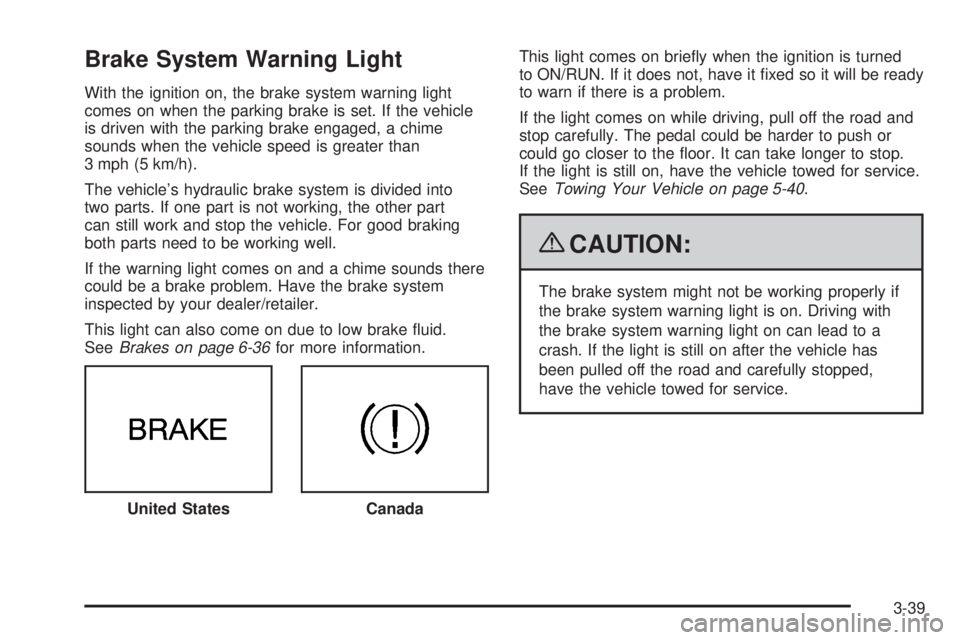
Brake System Warning Light With the ignition on, the brake system warning light
comes on when the parking brake is set. If the vehicle
is driven with the parking brake engaged, a chime
sounds when the vehicle speed is greater than
3 mph (5 km/h).
The vehicle’s hydraulic brake system is divided into
two parts. If one part is not working, the other part
can still work and stop the vehicle. For good braking
both parts need to be working well.
If the warning light comes on and a chime sounds there
could be a brake problem. Have the brake system
inspected by your dealer/retailer.
This light can also come on due to low brake uid.
See Brakes on page 6-36 for more information. This light comes on briey when the ignition is turned
to ON/RUN. If it does not, have it xed so it will be ready
to warn if there is a problem.
If the light comes on while driving, pull off the road and
stop carefully. The pedal could be harder to push or
could go closer to the oor. It can take longer to stop.
If the light is still on, have the vehicle towed for service.
See Towing Your Vehicle on page 5-40 .
{ CAUTION: The brake system might not be working properly if
the brake system warning light is on. Driving with
the brake system warning light on can lead to a
crash. If the light is still on after the vehicle has
been pulled off the road and carefully stopped,
have the vehicle towed for service.
United States
Canada
3-39
Page 208 of 602
Antilock Brake System (ABS)
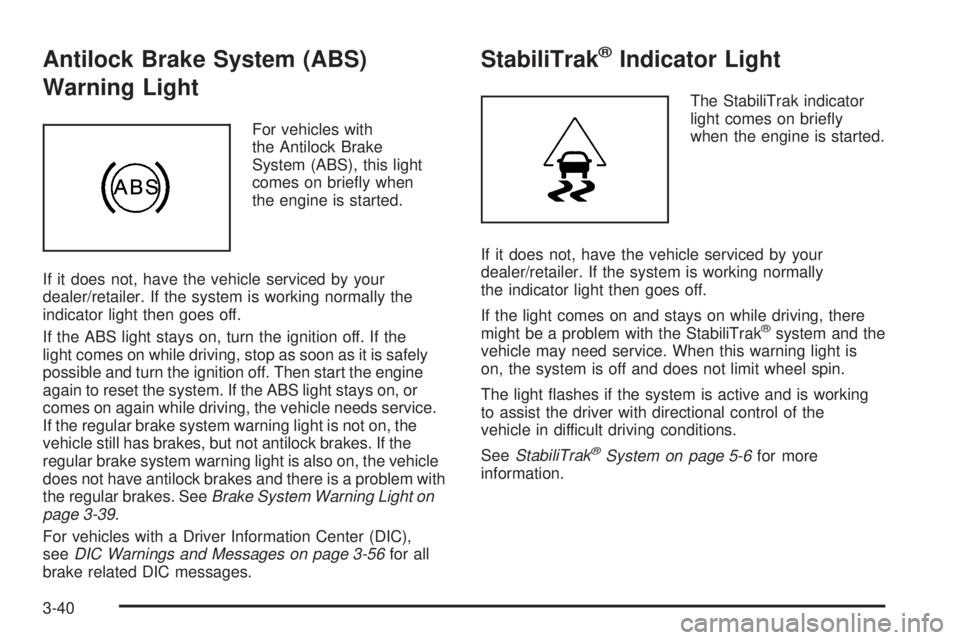
Warning Light For vehicles with
the Antilock Brake
System (ABS), this light
comes on briey when
the engine is started.
If it does not, have the vehicle serviced by your
dealer/retailer. If the system is working normally the
indicator light then goes off.
If the ABS light stays on, turn the ignition off. If the
light comes on while driving, stop as soon as it is safely
possible and turn the ignition off. Then start the engine
again to reset the system. If the ABS light stays on, or
comes on again while driving, the vehicle needs service.
If the regular brake system warning light is not on, the
vehicle still has brakes, but not antilock brakes. If the
regular brake system warning light is also on, the vehicle
does not have antilock brakes and there is a problem with
the regular brakes. See Brake System Warning Light on
page 3-39 .
For vehicles with a Driver Information Center (DIC),
see DIC Warnings and Messages on page 3-56 for all
brake related DIC messages. StabiliTrak ®
Indicator Light The StabiliTrak indicator
light comes on briey
when the engine is started.
If it does not, have the vehicle serviced by your
dealer/retailer. If the system is working normally
the indicator light then goes off.
If the light comes on and stays on while driving, there
might be a problem with the StabiliTrak ®
system and the
vehicle may need service. When this warning light is
on, the system is off and does not limit wheel spin.
The light ashes if the system is active and is working
to assist the driver with directional control of the
vehicle in difficult driving conditions.
See StabiliTrak ®
System on page 5-6 for more
information.
3-40
Page 210 of 602

When the Light Flashes First and Then is
On Steady This indicates that there could be a problem with the
Tire Pressure Monitor System. The light ashes for about
a minute and stays on steady for the remainder of the
ignition cycle. This sequence repeats with every ignition
cycle. See Tire Pressure Monitor System on page 6-64
for more information.
Malfunction Indicator Lamp
Check Engine Light A computer system called OBD II (On-Board
Diagnostics-Second Generation) monitors operation
of the fuel, ignition, and emission control systems.
It ensures that emissions are at acceptable levels
for the life of the vehicle, helping to produce a cleaner
environment.
This light should come on
when the ignition is on, but
the engine is not running,
as a check to show it
is working. If it does not,
have the vehicle serviced
by your dealer/retailer. If the check engine light comes on and stays on, while
the engine is running, this indicates that there is an
OBD II problem and service is required.
Malfunctions often are indicated by the system before
any problem is apparent. Being aware of the light
can prevent more serious damage to the vehicle.
This system assists the service technician in correctly
diagnosing any malfunction.
Notice: If the vehicle is continually driven with
this light on, after a while, the emission controls
might not work as well, the vehicle’s fuel economy
might not be as good, and the engine might not
run as smoothly. This could lead to costly repairs
that might not be covered by the vehicle warranty.
Notice: Modications made to the engine,
transmission, exhaust, intake, or fuel system of
the vehicle or the replacement of the original tires
with other than those of the same Tire Performance
Criteria (TPC) can affect the vehicle’s emission
controls and can cause this light to come on.
Modications to these systems could lead to
costly repairs not covered by the vehicle warranty.
This could also result in a failure to pass a required
Emission Inspection/Maintenance test. See
Accessories and Modifications on page 6-3 .
3-42
Page 214 of 602
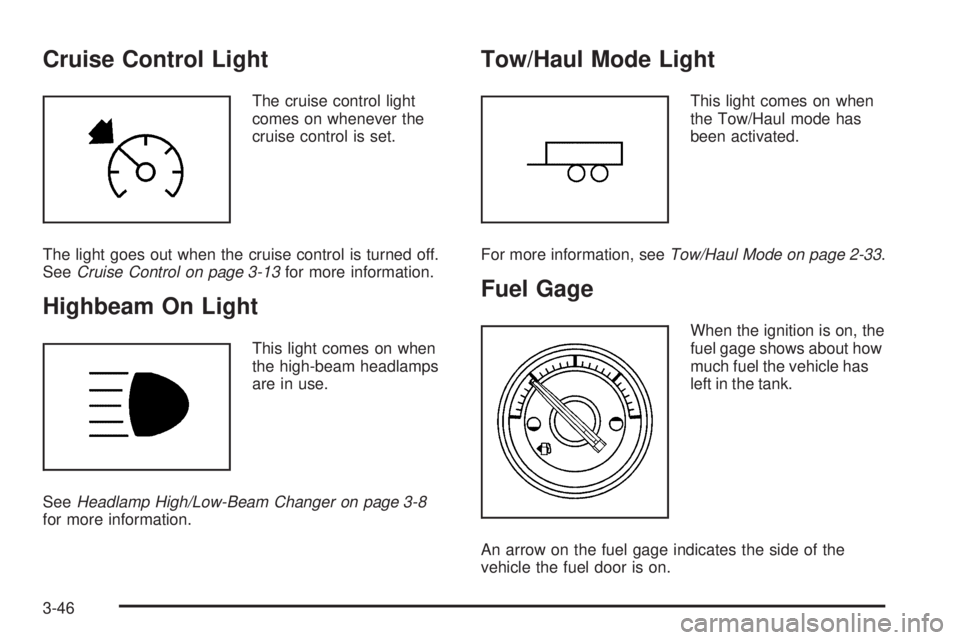
Cruise Control Light The cruise control light
comes on whenever the
cruise control is set.
The light goes out when the cruise control is turned off.
See Cruise Control on page 3-13 for more information.
Highbeam On Light This light comes on when
the high-beam headlamps
are in use.
See Headlamp High/Low-Beam Changer on page 3-8
for more information. Tow/Haul Mode Light This light comes on when
the Tow/Haul mode has
been activated.
For more information, see Tow/Haul Mode on page 2-33 .
Fuel Gage When the ignition is on, the
fuel gage shows about how
much fuel the vehicle has
left in the tank.
An arrow on the fuel gage indicates the side of the
vehicle the fuel door is on.
3-46
Page 215 of 602
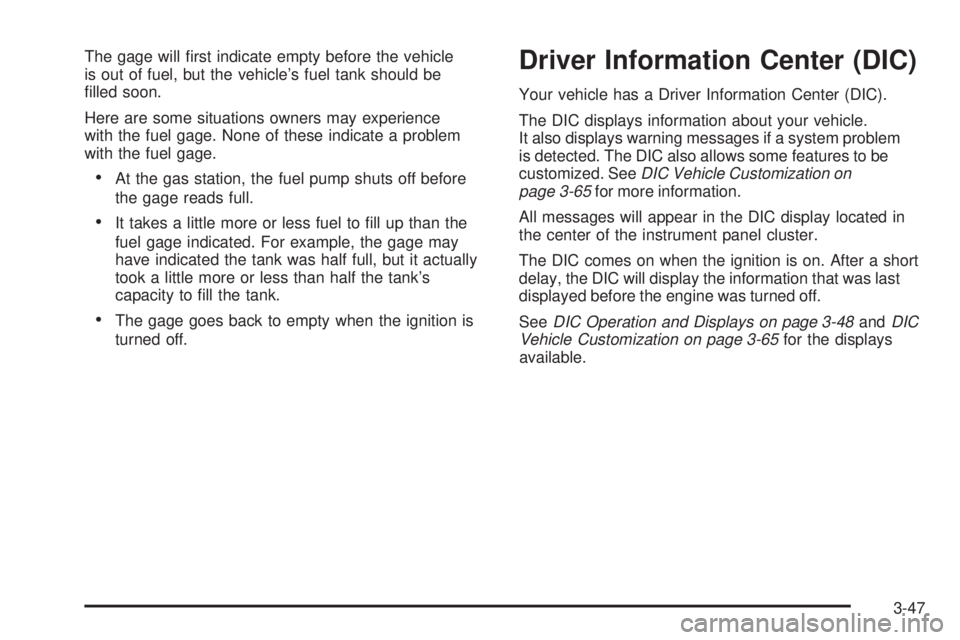
The gage will rst indicate empty before the vehicle
is out of fuel, but the vehicle’s fuel tank should be
lled soon.
Here are some situations owners may experience
with the fuel gage. None of these indicate a problem
with the fuel gage.
At the gas station, the fuel pump shuts off before
the gage reads full.
It takes a little more or less fuel to ll up than the
fuel gage indicated. For example, the gage may
have indicated the tank was half full, but it actually
took a little more or less than half the tank’s
capacity to ll the tank.
The gage goes back to empty when the ignition is
turned off. Driver Information Center (DIC) Your vehicle has a Driver Information Center (DIC).
The DIC displays information about your vehicle.
It also displays warning messages if a system problem
is detected. The DIC also allows some features to be
customized. See DIC Vehicle Customization on
page 3-65 for more information.
All messages will appear in the DIC display located in
the center of the instrument panel cluster.
The DIC comes on when the ignition is on. After a short
delay, the DIC will display the information that was last
displayed before the engine was turned off.
See DIC Operation and Displays on page 3-48 and DIC
Vehicle Customization on page 3-65 for the displays
available.
3-47