fuel CADILLAC ESCALADE EXT 2010 3.G User Guide
[x] Cancel search | Manufacturer: CADILLAC, Model Year: 2010, Model line: ESCALADE EXT, Model: CADILLAC ESCALADE EXT 2010 3.GPages: 580, PDF Size: 6.23 MB
Page 139 of 580

D (Drive) :This position is for normal driving. It provides
the best fuel economy. If you need more power for
passing, and you are:
.Going less than about 35 mph (55 km/h), push the
accelerator pedal about halfway down.
.Going about 35 mph (55 km/h) or more, push the
accelerator all the way down.
By doing this, the vehicle shifts down to the next gear
and has more power.
D (Drive) can be used when towing a trailer, carrying a
heavy load, driving on steep hills, or for off-road driving.
You may want to shift the transmission to a lower gear
selection if the transmission shifts too often.
Downshifting the transmission in slippery road
conditions could result in skidding, see Skidding under
Loss of Control on page 6‑12.
M (Manual Mode) : This position lets drivers select
the range of gears appropriate for current driving
conditions. See Driver Shift Control (DSC) later in this
section.
Notice: Spinning the tires or holding the vehicle in
one place on a hill using only the accelerator pedal
may damage the transmission. The repair will not be
covered by the vehicle warranty. If you are stuck, do
not spin the tires. When stopping on a hill, use the
brakes to hold the vehicle in place. The vehicle has a shift stabilization feature that
adjusts the transmission shifting to the current driving
conditions in order to reduce rapid upshifts and
downshifts. This shift stabilization feature is designed to
determine, before making an upshift, if the engine will
be able to maintain vehicle speed by analyzing things
such as vehicle speed, throttle position and vehicle
load. If the shift stabilization feature determines that a
current vehicle speed cannot be maintained, the
transmission does not upshift and instead holds the
current gear. In some cases, this may appear to be a
delayed shift, however the transmission is operating
normally.
The vehicle's transmission uses adaptive shift controls
that compares key shift parameters to pre-programmed
ideal shifts stored in the transmissions computer. The
transmission constantly makes adjustments to improve
vehicle performance according to how the vehicle is
being used, such as with a heavy load or when
temperature changes. During this adaptive shift controls
process, shifting may feel different as the transmission
determines the best settings.
When temperatures are very cold, the Hydra-Matic
®
6L80 automatic transmission's gear shifting may be
delayed providing more stable shifts until the engine
warms up. Shifts may be more noticeable with a cold
transmission. This difference in shifting is normal.
3-37
Page 182 of 580
Section 4 Instrument Panel
Antilock Brake System (ABS) Warning Light . . . 4-32
StabiliTrak®Indicator Light . . . . . . . . . . . . . . . . . . . . . 4-32
Engine Coolant Temperature Gage . . . . . . . . . . . . 4-33
Tire Pressure Light . . . . . . . . . . . . . . . . . . . . . . . . . . . . 4-33
Malfunction Indicator Lamp . . . . . . . . . . . . . . . . . . . . 4-34
Oil Pressure Light . . . . . . . . . . . . . . . . . . . . . . . . . . . . . 4-37
Security Light . . . . . . . . . . . . . . . . . . . . . . . . . . . . . . . . . . 4-37
Fog Lamp Light . . . . . . . . . . . . . . . . . . . . . . . . . . . . . . . . 4-38
Lights On Reminder . . . . . . . . . . . . . . . . . . . . . . . . . . . 4-38
Cruise Control Light . . . . . . . . . . . . . . . . . . . . . . . . . . . 4-38
Highbeam On Light . . . . . . . . . . . . . . . . . . . . . . . . . . . . 4-38
Tow/Haul Mode Light . . . . . . . . . . . . . . . . . . . . . . . . . . 4-39
Fuel Gage . . . . . . . . . . . . . . . . . . . . . . . . . . . . . . . . . . . . . 4-39 Driver Information Center (DIC)
. . . . . . . . . . . . . . . . . .4-39
DIC Operation and Displays . . . . . . . . . . . . . . . . . . . 4-40
DIC Compass . . . . . . . . . . . . . . . . . . . . . . . . . . . . . . . . . . 4-46
DIC Warnings and Messages . . . . . . . . . . . . . . . . . . 4-48
DIC Vehicle Customization . . . . . . . . . . . . . . . . . . . . 4-56
Audio System(s) . . . . . . . . . . . . . . . . . . . . . . . . . . . . . . . . . . 4-66
Bluetooth
®. . . . . . . . . . . . . . . . . . . . . . . . . . . . . . . . . . . . . 4-66
Rear Seat Entertainment (RSE) System . . . . . . . 4-77
Rear Seat Audio (RSA) . . . . . . . . . . . . . . . . . . . . . . . . 4-85
Theft-Deterrent Feature . . . . . . . . . . . . . . . . . . . . . . . . 4-87
Audio Steering Wheel Controls . . . . . . . . . . . . . . . . 4-88
Radio Reception . . . . . . . . . . . . . . . . . . . . . . . . . . . . . . . 4-89
Fixed Mast Antenna . . . . . . . . . . . . . . . . . . . . . . . . . . . 4-90
XM™ Satellite Radio Antenna System . . . . . . . . . 4-90
4-2
Page 207 of 580
Speedometer and Odometer
The speedometer shows the vehicle's speed in both
miles per hour (mph) and kilometers per hour (km/h).
The odometer works together with the Driver
Information Center (DIC). Press the Trip/Fuel button on
the instrument panel cluster to check the odometer
mileage while the vehicle is not running. See
“Odometer”underDIC Operation and Displays
on
page 4‑40for more information.
If the vehicle ever needs a new odometer installed, the
new one will be set to the correct mileage total of the
old odometer.
Trip Odometer
The trip odometer can show how far the vehicle has
been driven since the trip odometer was last set to zero.
For more information see “Trip Odometer”underDIC
Operation and Displays on page 4‑40.
Tachometer
The tachometer displays the engine speed in
revolutions per minute (rpm).
Safety Belt Reminders
Driver Safety Belt Reminder Light
When the engine is started, a chime sounds for several
seconds to remind a driver to fasten the safety belt,
unless the driver safety belt is already buckled.
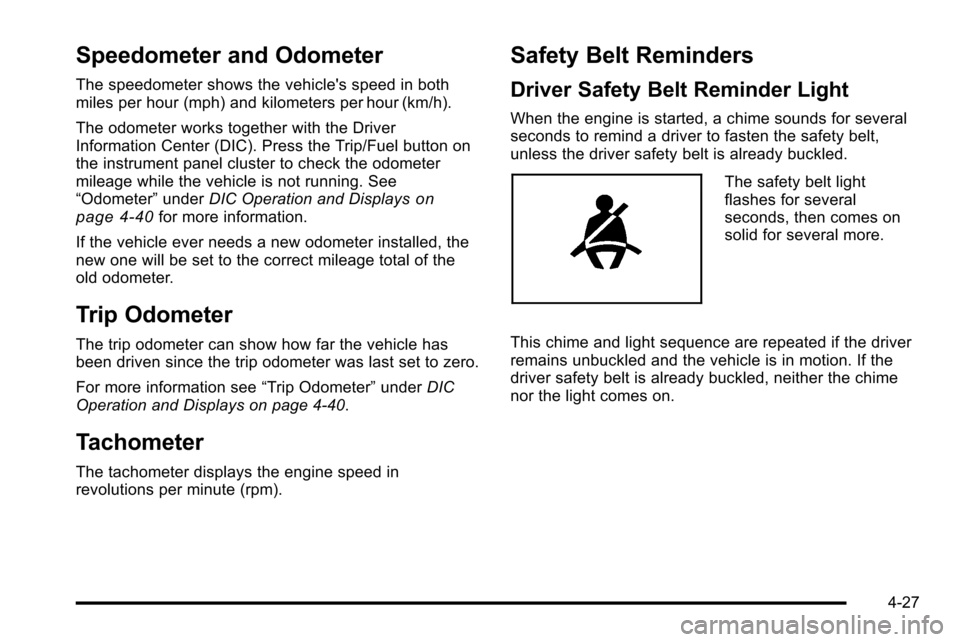
The safety belt light
flashes for several
seconds, then comes on
solid for several more.
This chime and light sequence are repeated if the driver
remains unbuckled and the vehicle is in motion. If the
driver safety belt is already buckled, neither the chime
nor the light comes on.
4-27
Page 214 of 580
When the Light Flashes First and Then is
On Steady
This indicates that there may be a problem with the Tire
Pressure Monitor System. The light flashes for about a
minute and stays on steady for the remainder of the
ignition cycle. This sequence repeats with every ignition
cycle. SeeTire Pressure Monitor Operation
on
page 7‑67for more information.
Malfunction Indicator Lamp
Check Engine Light
A computer system called OBD II (On-Board
Diagnostics-Second Generation) monitors operation of
the fuel, ignition, and emission control systems.
It ensures that emissions are at acceptable levels for
the life of the vehicle, helping to produce a cleaner
environment.
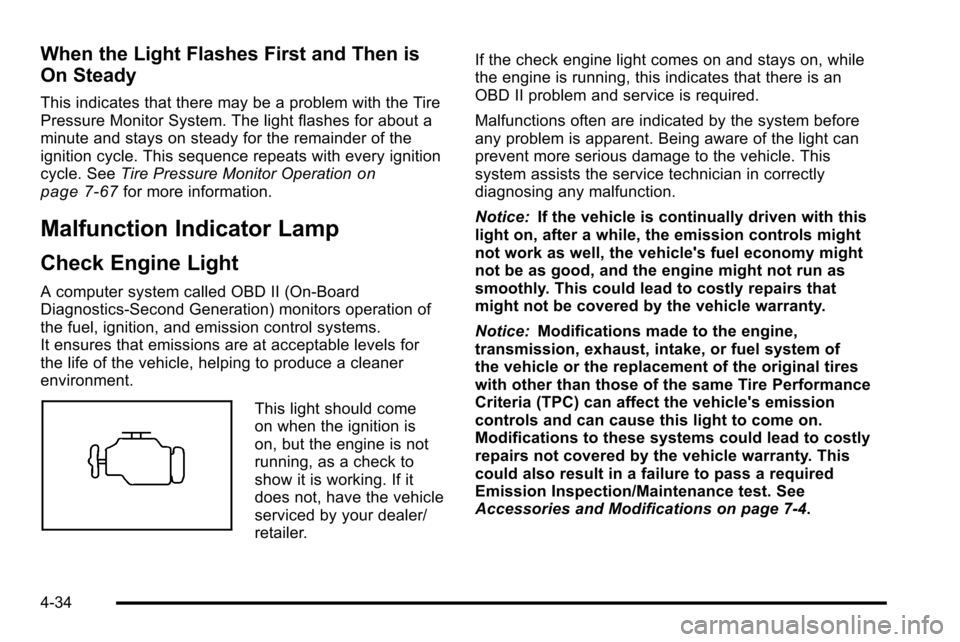
This light should come
on when the ignition is
on, but the engine is not
running, as a check to
show it is working. If it
does not, have the vehicle
serviced by your dealer/
retailer. If the check engine light comes on and stays on, while
the engine is running, this indicates that there is an
OBD II problem and service is required.
Malfunctions often are indicated by the system before
any problem is apparent. Being aware of the light can
prevent more serious damage to the vehicle. This
system assists the service technician in correctly
diagnosing any malfunction.
Notice:
If the vehicle is continually driven with this
light on, after a while, the emission controls might
not work as well, the vehicle's fuel economy might
not be as good, and the engine might not run as
smoothly. This could lead to costly repairs that
might not be covered by the vehicle warranty.
Notice: Modifications made to the engine,
transmission, exhaust, intake, or fuel system of
the vehicle or the replacement of the original tires
with other than those of the same Tire Performance
Criteria (TPC) can affect the vehicle's emission
controls and can cause this light to come on.
Modifications to these systems could lead to costly
repairs not covered by the vehicle warranty. This
could also result in a failure to pass a required
Emission Inspection/Maintenance test. See
Accessories and Modifications on page 7‑4.
4-34
Page 215 of 580
This light comes on during a malfunction in one of
two ways:
Light Flashing :A misfire condition has been detected.
A misfire increases vehicle emissions and could
damage the emission control system on the vehicle.
Diagnosis and service might be required.
To prevent more serious damage to the vehicle:
.Reduce vehicle speed.
.Avoid hard accelerations.
.Avoid steep uphill grades.
.If towing a trailer, reduce the amount of cargo
being hauled as soon as it is possible.
If the light continues to flash, when it is safe to do so,
stop the vehicle. Find a safe place to park the vehicle.
Turn the key off, wait at least 10 seconds, and restart
the engine. If the light is still flashing, follow the
previous steps and see your dealer/retailer for service
as soon as possible. Light On Steady :
An emission control system
malfunction has been detected on the vehicle.
Diagnosis and service might be required.
An emission system malfunction might be corrected by
doing the following:
.Make sure the fuel cap is fully installed. See Filling
the Tankon page 7‑10. The diagnostic system
can determine if the fuel cap has been left off or
improperly installed. A loose or missing fuel cap
allows fuel to evaporate into the atmosphere. A few
driving trips with the cap properly installed should
turn the light off.
.If the vehicle has been driven through a deep
puddle of water, the vehicle's electrical system
might be wet. The condition is usually corrected
when the electrical system dries out. A few driving
trips should turn the light off.
4-35
Page 216 of 580
.Make sure to fuel the vehicle with quality fuel. Poor
fuel quality causes the engine not to run as
efficiently as designed and can cause: stalling after
start-up, stalling when the vehicle is changed into
gear, misfiring, hesitation on acceleration,
or stumbling on acceleration. These conditions
might go away once the engine is warmed up.
If one or more of these conditions occurs, change
the fuel brand used. It will require at least one full
tank of the proper fuel to turn the light off.
SeeGasoline Octane on page 7‑7.
If none of the above have made the light turn off, your
dealer/retailer can check the vehicle. The dealer/retailer
has the proper test equipment and diagnostic tools to fix
any mechanical or electrical problems that might have
developed.Emissions Inspection and Maintenance
Programs
Some state/provincial and local governments have or
might begin programs to inspect the emission control
equipment on the vehicle. Failure to pass this
inspection could prevent getting a vehicle registration.
Here are some things to know to help the vehicle pass
an inspection:
.The vehicle will not pass this inspection if the
check engine light is on with the engine running,
or if the key is in ON/RUN and the light is not on.
.The vehicle will not pass this inspection if the
OBD II (on-board diagnostic) system determines
that critical emission control systems have not
been completely diagnosed by the system. The
vehicle would be considered not ready for
inspection. This can happen if the battery has
recently been replaced or if the battery has run
down. The diagnostic system is designed to
evaluate critical emission control systems during
normal driving. This can take several days of
routine driving. If this has been done and the
vehicle still does not pass the inspection for lack of
OBD II system readiness, your dealer/retailer can
prepare the vehicle for inspection.
4-36
Page 219 of 580
Tow/Haul Mode Light
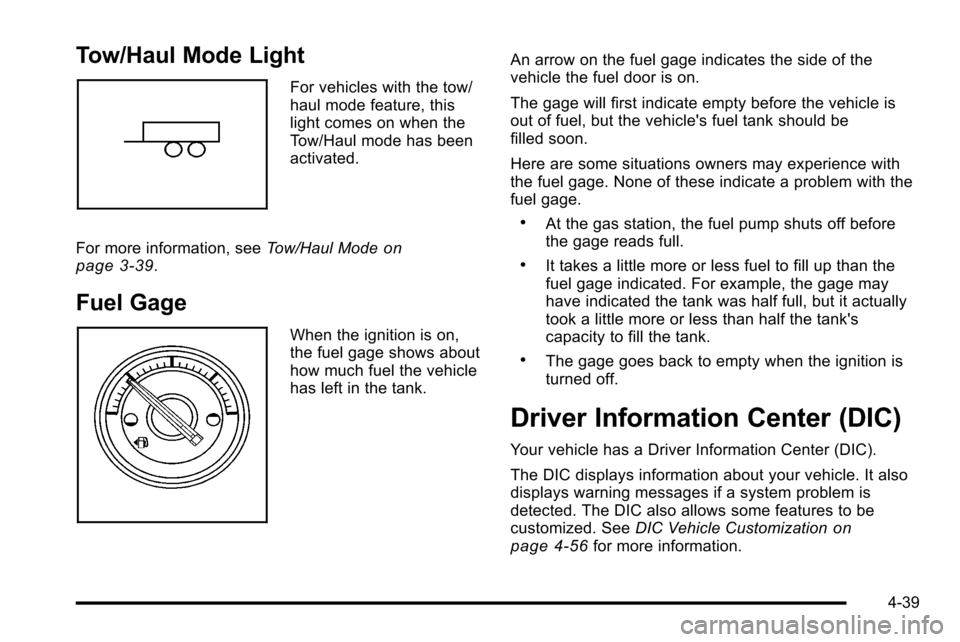
For vehicles with the tow/
haul mode feature, this
light comes on when the
Tow/Haul mode has been
activated.
For more information, see Tow/Haul Mode
on
page 3‑39.
Fuel Gage
When the ignition is on,
the fuel gage shows about
how much fuel the vehicle
has left in the tank. An arrow on the fuel gage indicates the side of the
vehicle the fuel door is on.
The gage will first indicate empty before the vehicle is
out of fuel, but the vehicle's fuel tank should be
filled soon.
Here are some situations owners may experience with
the fuel gage. None of these indicate a problem with the
fuel gage.
.At the gas station, the fuel pump shuts off before
the gage reads full.
.It takes a little more or less fuel to fill up than the
fuel gage indicated. For example, the gage may
have indicated the tank was half full, but it actually
took a little more or less than half the tank's
capacity to fill the tank.
.The gage goes back to empty when the ignition is
turned off.
Driver Information Center (DIC)
Your vehicle has a Driver Information Center (DIC).
The DIC displays information about your vehicle. It also
displays warning messages if a system problem is
detected. The DIC also allows some features to be
customized. See
DIC Vehicle Customization
on
page 4‑56for more information.
4-39
Page 220 of 580
All messages will appear in the DIC display located in
the center of the instrument panel cluster.
The DIC comes on when the ignition is on. After a short
delay, the DIC will display the information that was last
displayed before the engine was turned off.
SeeDIC Operation and Displays
on page 4‑40and
DIC Vehicle Customizationon page 4‑56for the
displays available.
DIC Operation and Displays
The DIC has different displays which can be accessed
by pressing the DIC buttons located on the instrument
panel, next to the steering wheel.
The DIC displays trip, fuel, and vehicle system
information, and warning messages if a system problem
is detected. A digital speedometer also appears at the
bottom of the DIC display. The digital speedometer can
be enabled or disabled. See “DISPLAY DIGITAL
SPEED” underDIC Vehicle Customization
on
page 4‑56for more information.
DIC Buttons
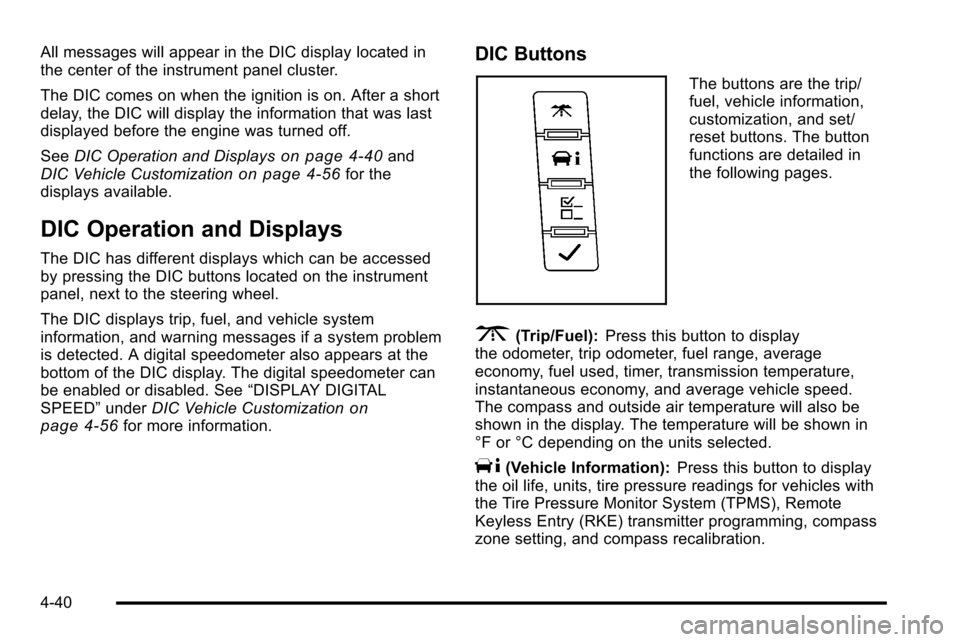
The buttons are the trip/
fuel, vehicle information,
customization, and set/
reset buttons. The button
functions are detailed in
the following pages.
3(Trip/Fuel): Press this button to display
the odometer, trip odometer, fuel range, average
economy, fuel used, timer, transmission temperature,
instantaneous economy, and average vehicle speed.
The compass and outside air temperature will also be
shown in the display. The temperature will be shown in
°F or °C depending on the units selected.
T(Vehicle Information): Press this button to display
the oil life, units, tire pressure readings for vehicles with
the Tire Pressure Monitor System (TPMS), Remote
Keyless Entry (RKE) transmitter programming, compass
zone setting, and compass recalibration.
4-40
Page 221 of 580
U(Customization):Press this button to customize the
feature settings on your vehicle. See DIC Vehicle
Customization
on page 4‑56for more information.
V(Set/Reset): Press this button to set or reset certain
functions and to turn off or acknowledge messages on
the DIC.
Trip/Fuel Menu Items
3
(Trip/Fuel): Press this button to scroll through the
following menu items:
Odometer
Press the trip/fuel button until ODOMETER displays.
This display shows the distance the vehicle has been
driven in either miles (mi) or kilometers (km).
To switch between English and metric measurements,
see “Units” later in this section.
Trip Odometer
Press the trip/fuel button until TRIP displays. This
display shows the current distance traveled in either
miles (mi) or kilometers (km) since the last reset for the
trip odometer.
The trip odometer can be reset to zero by pressing the
set/reset button while the trip odometer is displayed.
Fuel Range
Press the trip/fuel button until FUEL RANGE displays.
This display shows the approximate number of
remaining miles (mi) or kilometers (km) the vehicle
can be driven without refueling. The display will show
LOW if the fuel level is low.
The fuel range estimate is based on an average of the
vehicle's fuel economy over recent driving history and
the amount of fuel remaining in the fuel tank. This
estimate will change if driving conditions change. For
example, if driving in traffic and making frequent stops,
this display may read one number, but if the vehicle is
driven on a freeway, the number may change even
though the same amount of fuel is in the fuel tank. This
is because different driving conditions produce different
fuel economies. Generally, freeway driving produces
better fuel economy than city driving. Fuel range cannot
be reset.
Average Economy
Press the trip/fuel button until AVERAGE ECONOMY
displays. This display shows the approximate average
miles per gallon (mpg) or liters per 100 kilometers
(L/100 km). This number is calculated based on the
number of mpg (L/100 km) recorded since the last time
this menu item was reset. To reset AVERAGE
ECONOMY, press and hold the set/reset button.
4-41
Page 222 of 580

Fuel Used
Press the trip/fuel button until FUEL USED displays.
This display shows the number of gallons (gal) or
liters (L) of fuel used since the last reset of this menu
item. To reset the fuel used information, press and hold
the set/reset button while FUEL USED is displayed.
Timer
Press the trip/fuel button until TIMER displays. This
display can be used as a timer.
To start the timer, press the set/reset button while
TIMER is displayed. The display will show the amount
of time that has passed since the timer was last reset,
not including time the ignition is off. Time will continue
to be counted as long as the ignition is on, even if
another display is being shown on the DIC. The
timer will record up to 99 hours, 59 minutes and
59 seconds (99:59:59) after which the display will
return to zero.
To stop the timer, press the set/reset button briefly while
TIMER is displayed.
To reset the timer to zero, press and hold the set/reset
button while TIMER is displayed.
Transmission Temperature
Press the trip/fuel button until TRANS TEMP displays.
This display shows the temperature of the automatic
transmission fluid in either degrees Fahrenheit (°F) or
degrees Celsius (°C).
Instantaneous Economy
If your vehicle has this display, press the trip/fuel button
until INST ECON displays. This display shows the
current fuel economy at a particular moment and will
change frequently as driving conditions change. This
display shows the instantaneous fuel economy in miles
per gallon (mpg) or liters per 100 kilometers (L/100 km).
Unlike average economy, this screen cannot be reset.
The display may also show if the vehicle is currently in
V4, V6 or V8 mode. SeeActive Fuel Management™
on
page 3‑35for more information.
Average Vehicle Speed
Press the trip/fuel button until AVERAGE SPEED
displays. This display shows the average speed in miles
per hour (MPH) or kilometers per hour (km/h).
Blank Display
This display shows no information.
4-42