warning CADILLAC SEVILLE 1993 4.G Owners Manual
[x] Cancel search | Manufacturer: CADILLAC, Model Year: 1993, Model line: SEVILLE, Model: CADILLAC SEVILLE 1993 4.GPages: 407, PDF Size: 22.28 MB
Page 13 of 407
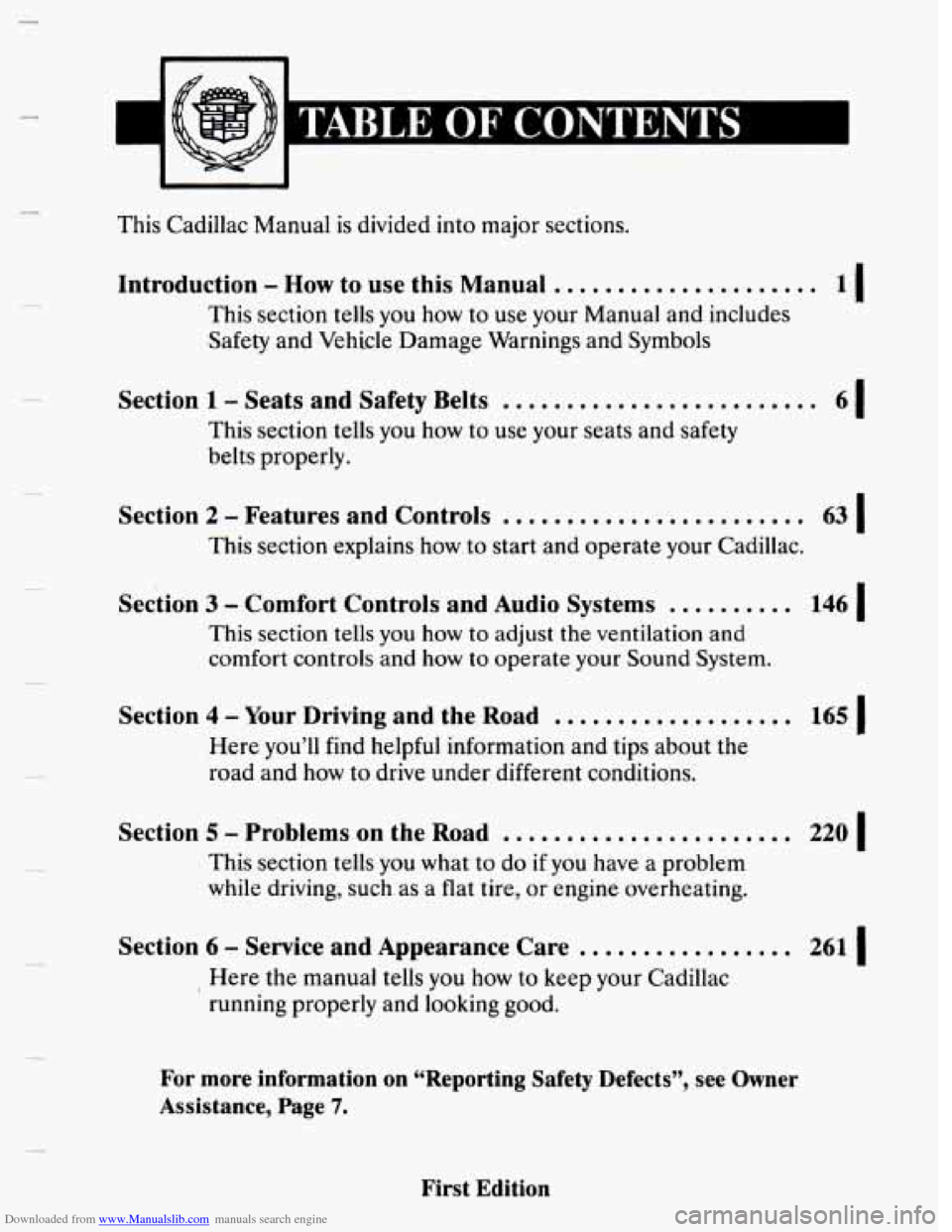
Downloaded from www.Manualslib.com manuals search engine This Cadillac Manual is divided into major sections.
Introduction - How to use this Manual .....................
This section tells you how to use your Manual and includes
Safety and Vehicle Damage Warnings and Symbols
11
Section 1 - Seats and Safety Belts .........................
This section tells you how to use your seats and safety
belts properly.
61
Section 2 - Features and Controls ........................
This section explains how. to start and operate your Cadillac.
63 I
Section 3 - Comfort Controls and Audio Systems .......... 146 I
This section tells you how to adjust the ventilation and
comfort controls
and how to operate your Sound System.
Section 4 - Your Driving and the Road ................... 165 I
Here you’ll find helpful information and tips about the
road and how
to drive under different conditions.
Section 5 - Problems on the Road ....................... 220 I
This section tells you what to do if you have a problem
while driving, such as a flat tire,
or engine overheating.
Section 6 - Service and Appearance Care ................. 261 I
Here the manual tells you how to keep your Cadillac
running properly and looking good.
For more information on “Reporting Safety Defects”, see Owner
Assistance,
Page 7.
First Edition
Page 15 of 407
Downloaded from www.Manualslib.com manuals search engine HOW TO USE THIS MANUAL
Many people read their owner’s manual from beginning to end when they
first receive their new
vehicle. This will help you learn about the features I
and controls for your vehicle. In this manual, you’ll find that pictures and
words work together to explain things quickly.
INDEX A good place to look for what you need is the Index in back of
the manual. It’s an alphabetical list of all that’s in the manual, and the
page number where you’ll find it.
SAFETY ‘WARNINGS AND SI7wIBOLS
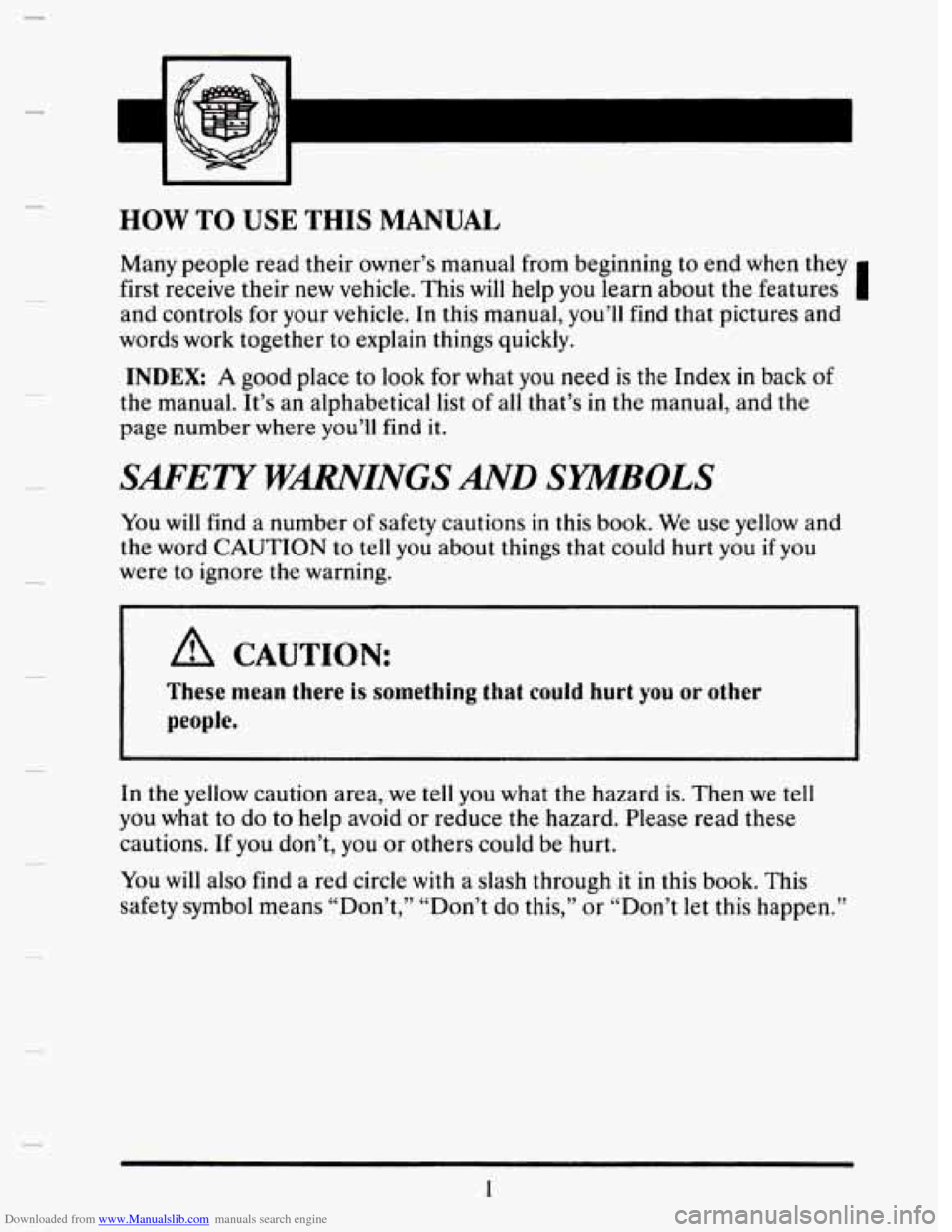
You will find a number of safety cautions in this book. We use yellow and
the word CAUTION to tell
you about things that could hurt you if you
were to ignore the warning.
A CAUTION:
people.
These mean there is something that couid hurt you or other
3
In the yellow caution area, we tell you what the hazard is. Then we tell
you what to do to help avoid or reduce the hazard. Please read these
cautions. If you don’t,
you or others could be hurt.
You will also find a red circle with a slash through it
in this book. This
safety symbol means “Don’t,’’ “Don’t do this,” or “Don’t let this happen.”
1
Page 16 of 407
Downloaded from www.Manualslib.com manuals search engine Vehicle Damage Warnings
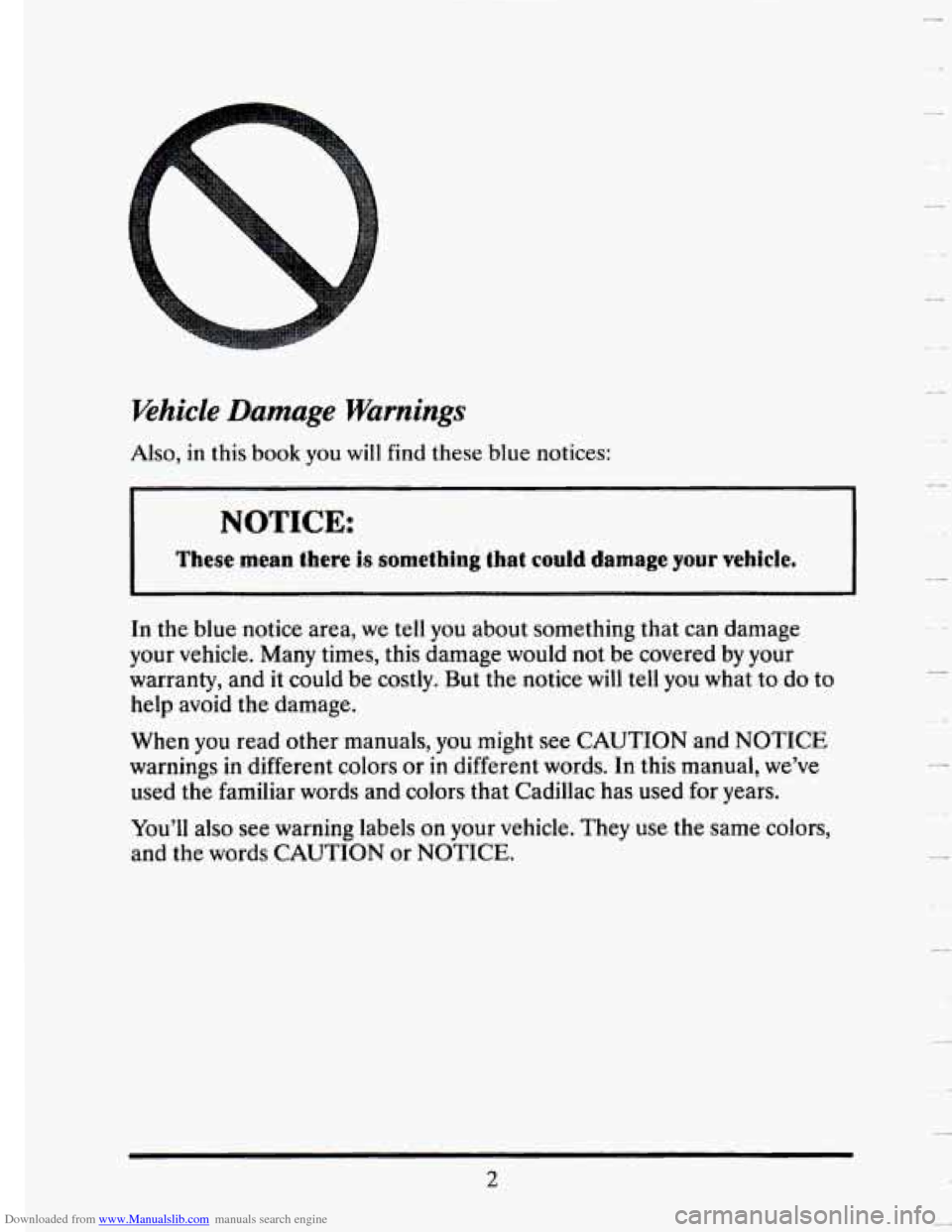
Also, in this book you will find these blue notices:
NOTICE:
These mean there 3s sometiring that could damage your vehicle.
In the blue notice area, we tell you about something that can damage
your vehicle. Many times, this damage would not be covered
by your
warranty, and
it could be costly. But the notice will tell you what to do to
help avoid the damage.
When you read other manuals, you might see CAUTION and NOTICE
warnings
in different colors or in different words. In this manual, we’ve
used the familiar words and colors that Cadillac has used for years.
You’ll also see warning labels on your vehicle. They use the same colors,
and the
words CAUTION or NOTICE.
2
Page 19 of 407
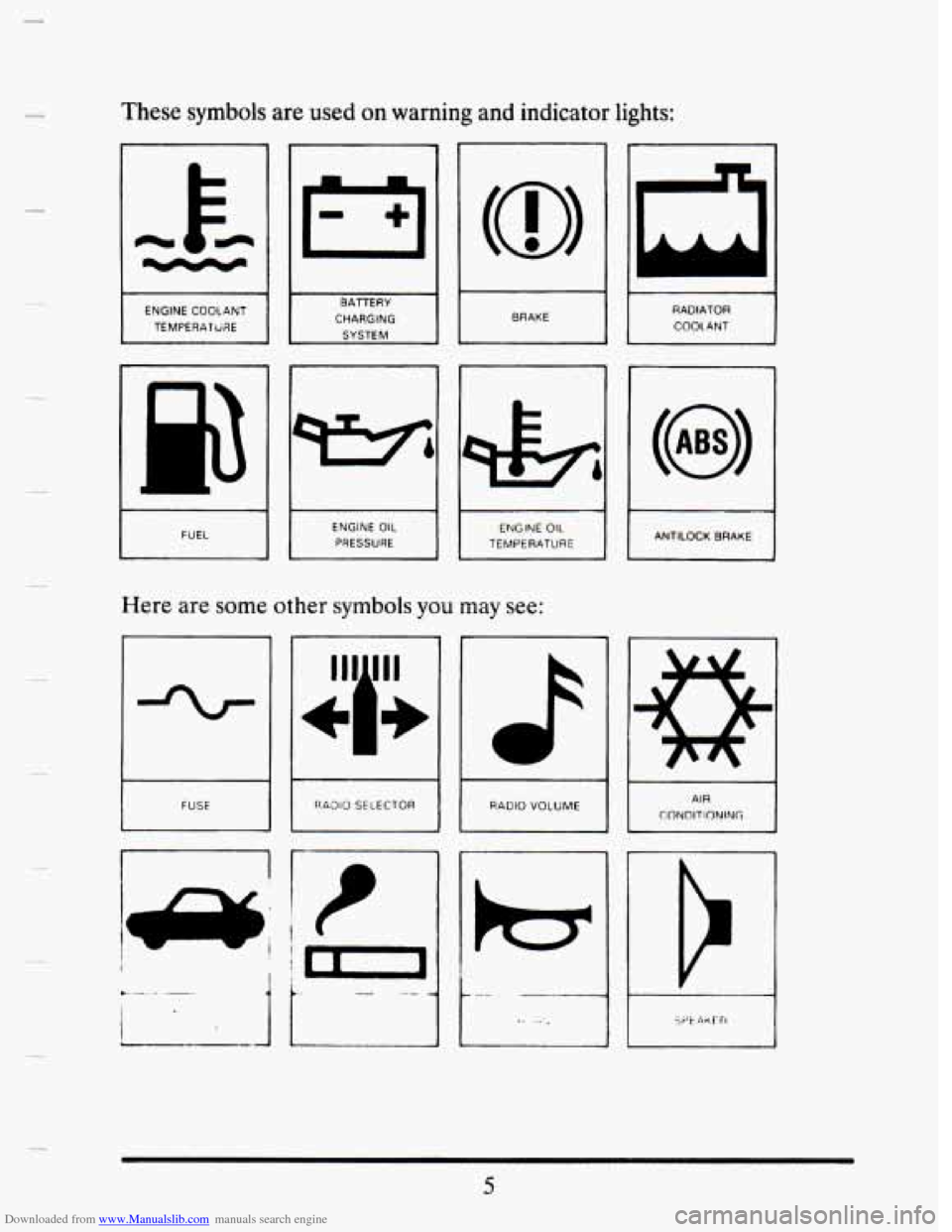
Downloaded from www.Manualslib.com manuals search engine These symbols are used on warning and indicator lights:
I
I
BRAKE
I
ENGINE COOLANT
TEMPERATURE RADIATOR COOL ANT
CHAAGlNG
I FUEL ENGINE OIL PRESSURE I
~~
ANTILOCK BRAKE ENGINE OIL TEMPERATURE I
Here
are some other symbols you may see:
L
RAOIO SELECTOR AIR CONDITIONING I RADIO VOLUME
i !t-l
.- -- 1
5
Page 77 of 407
Downloaded from www.Manualslib.com manuals search engine 3N 2
3 3
FEATURES AND CONTROLS
Here you can learn about the many standard and optional features on
your Cadillac, and information on starting, shifting and braking\
.
Also
explained are the instrument panel and the warning systems that tell you
if everything is working properly -- and what to do if you have a problem.
KEYS
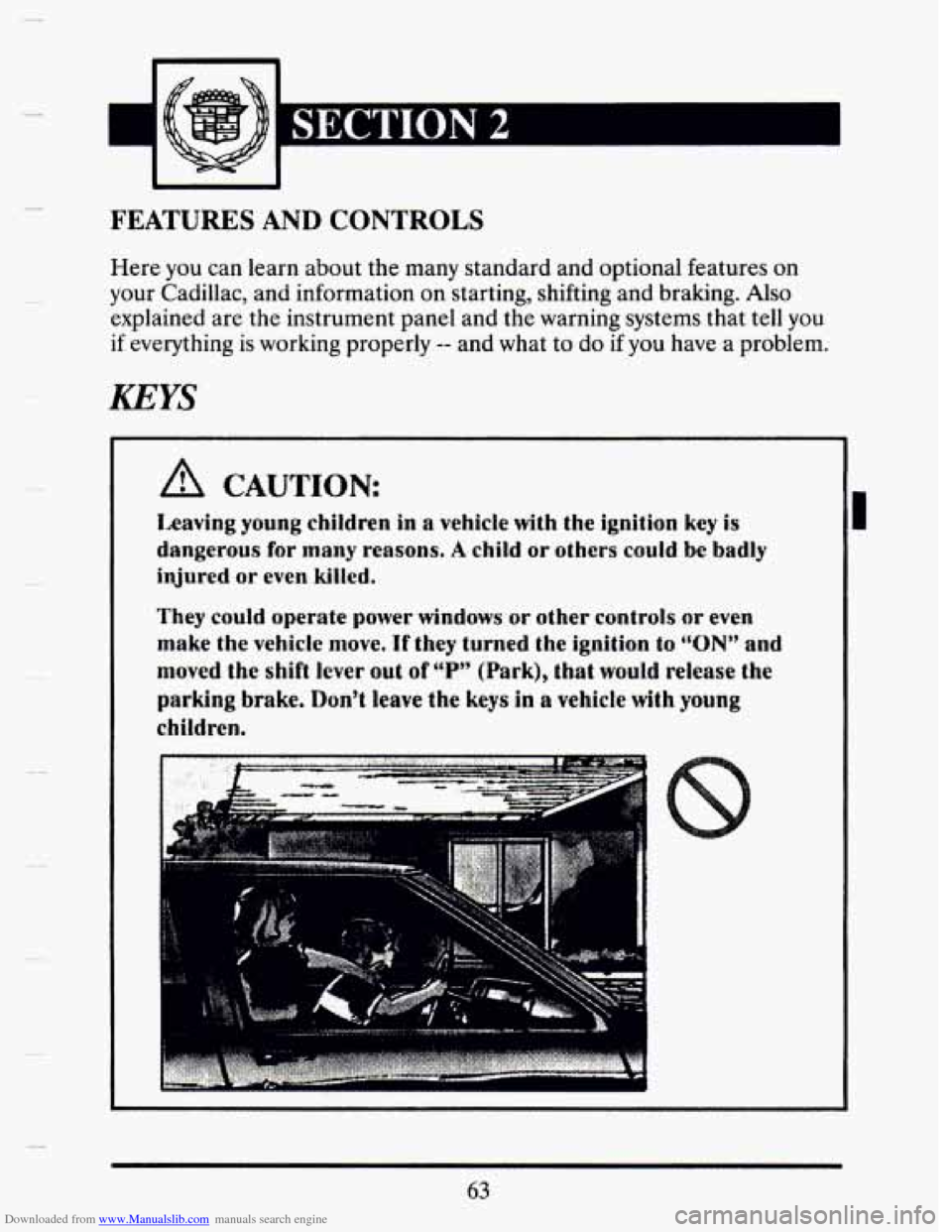
A CAUTION:
Lmving young children in a vehicle with the ignition key is
dangerous for many reasons. A child or others could be badly
injured or even killed.
They could operate power windows or other controls or even
make the vehicle move. If they turned the ignition to “ON” and
moved the shift lever out of V’’ (Park), that would release the
parking brake. Don’t leave the keys in a wehide with young
children.
I
63
Page 102 of 407
Downloaded from www.Manualslib.com manuals search engine 0 1 (First Gear)
This position gives you even more power (but lower fuel economy)
than
“2.” You can use it on very steep hills, or in deep snow or mud. If
the selector lever is put in “1,” the transaxle won‘t shift into first gear
until the vehicle is going slowly enough.
NOTICE:
If your front wheels can’t rotate, don’t try to drive, This might
happen if you were stuck in very deep sand or mud or were up
against a solid object. You couid damage your fmnmxle,
ASss, If you stop when going uphill, don’t hold your vehicle there
with only the accelerator pedal. This could overheat and
damage the transaxle, Use your brakes to hold your vehicle in
position on 8 hill.
PmNG BRAKE
A
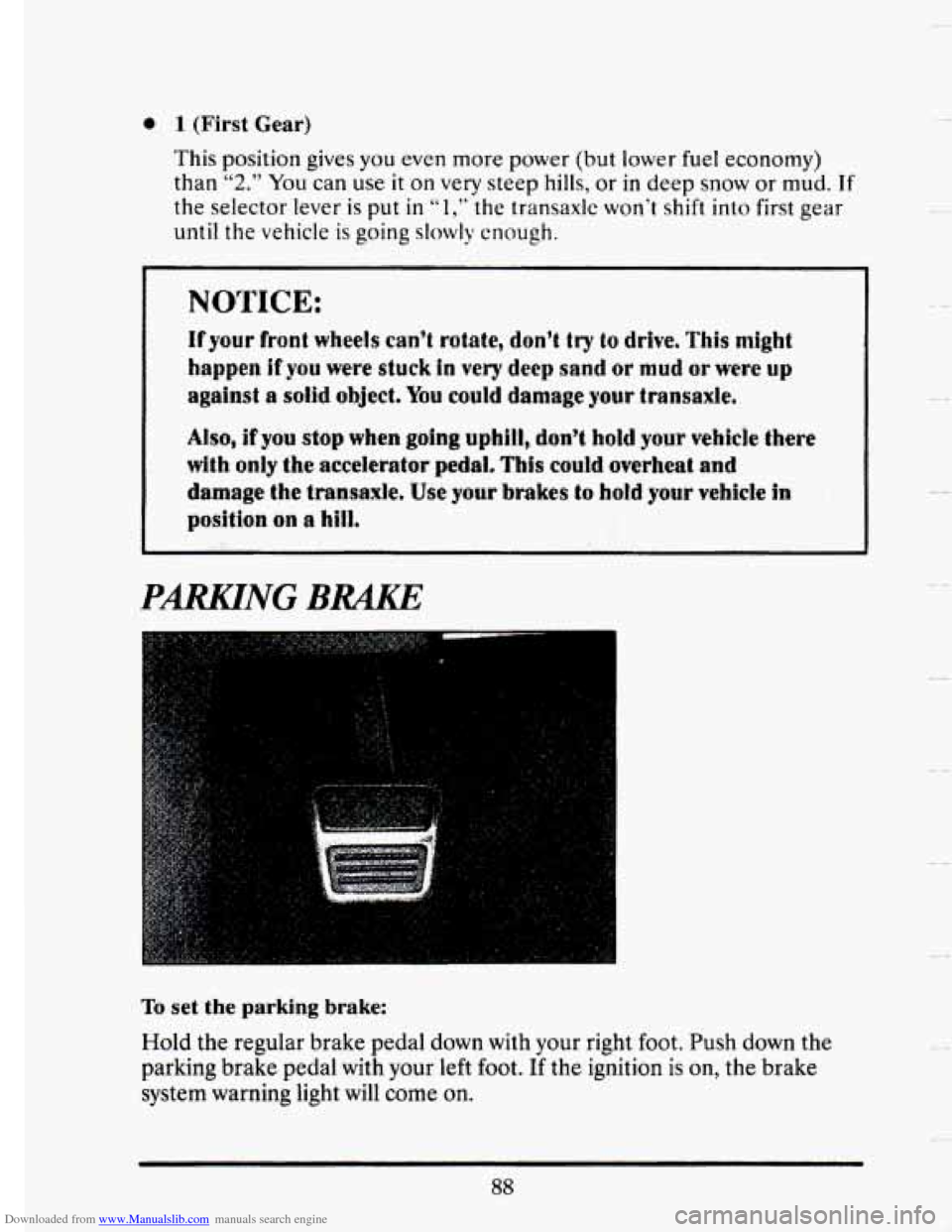
To set the parking brake:
Hold the regular brake pedal down with your right foot. Push down the
parking brake pedal with your left foot.
If the ignition is on, the brake
system warning light will come on.
88
Page 124 of 407
Downloaded from www.Manualslib.com manuals search engine LIGHTS
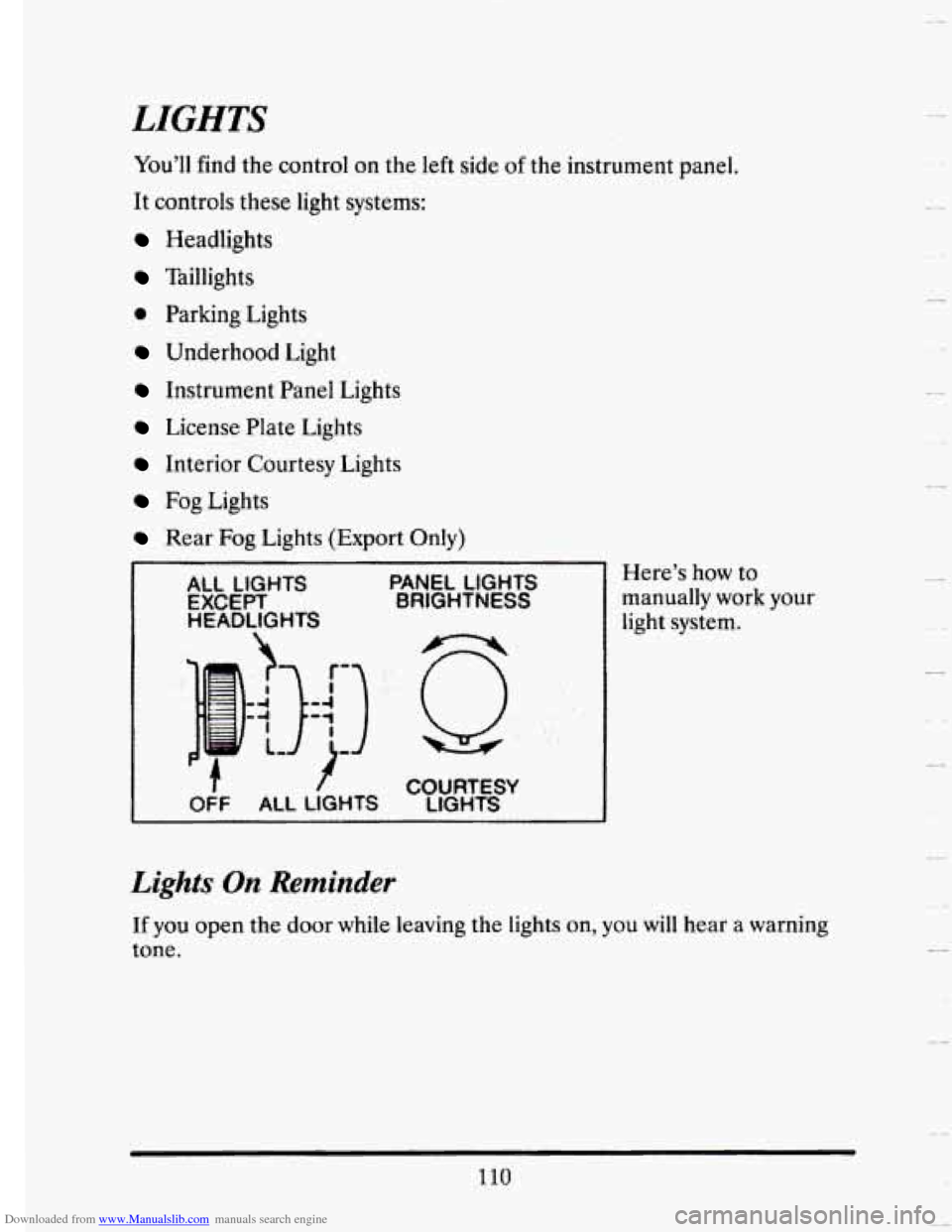
You’ll find the control on the left side of the instrument panel.
It controls these light systems:
Headlights
Taillights
0 Parking Lights
Underhood Light
Instrument Panel Lights
License Plate Lights
Interior Courtesy Lights
Fog Lights
Rear Fog Lights (Export Only)
ALL LIGHTS PANEL LIGHTS
EXCEPT BRIGHTNESS
HEADLIGHTS
COURTESY
LIGHTS
Here’s how to
manually work
your
light system.
Lights On Reminder
If you open the door while leaving the lights on, you will hear a warning
tone.
110
Page 141 of 407
Downloaded from www.Manualslib.com manuals search engine Odometer
You may wonder what happens if a car has to have a new odometer
installed. The new one may read the correct mileage. This
is because your
car’s computer
has stored the mileage in memory. If it isn’t stored, then
this odometer
is set at zero, but a label on the driver’s door must show the
old reading and when the new one was installed.
WARNING LIGHTS
This section describes the warning lights that may De on your vehicle. The
pictures will help you locate them.
Warning lights can signal that something is wrong before
it becomes
serious enough
to cause an expensive repair or replacement. Paying
attention to your warning lights could also save you
or others from injury.
Warning lights go on when there may be or is a problem with one
of your
vehicle’s functions.
As you will see in the details on the next few pages,
some warning lights come on briefly when you turn the ignition key just to
let you
know they’re working. If you are familiar with this section, you
should not be alarmed when this happens.
When one
of the warning lights comes on and stays on when you are
driving, check the section that tells you what to do about it. Please follow
the manual’s advice. Waiting to do repairs can be costly
-- and even
dangerous.
So please get to know your warning lights. They’re a big help.
Your vehicle may also have a driver information system that works along
with.
. the ,. warning lights. See “Driver Information System” in the Index.
Page 142 of 407
Downloaded from www.Manualslib.com manuals search engine Brake System Warning Light
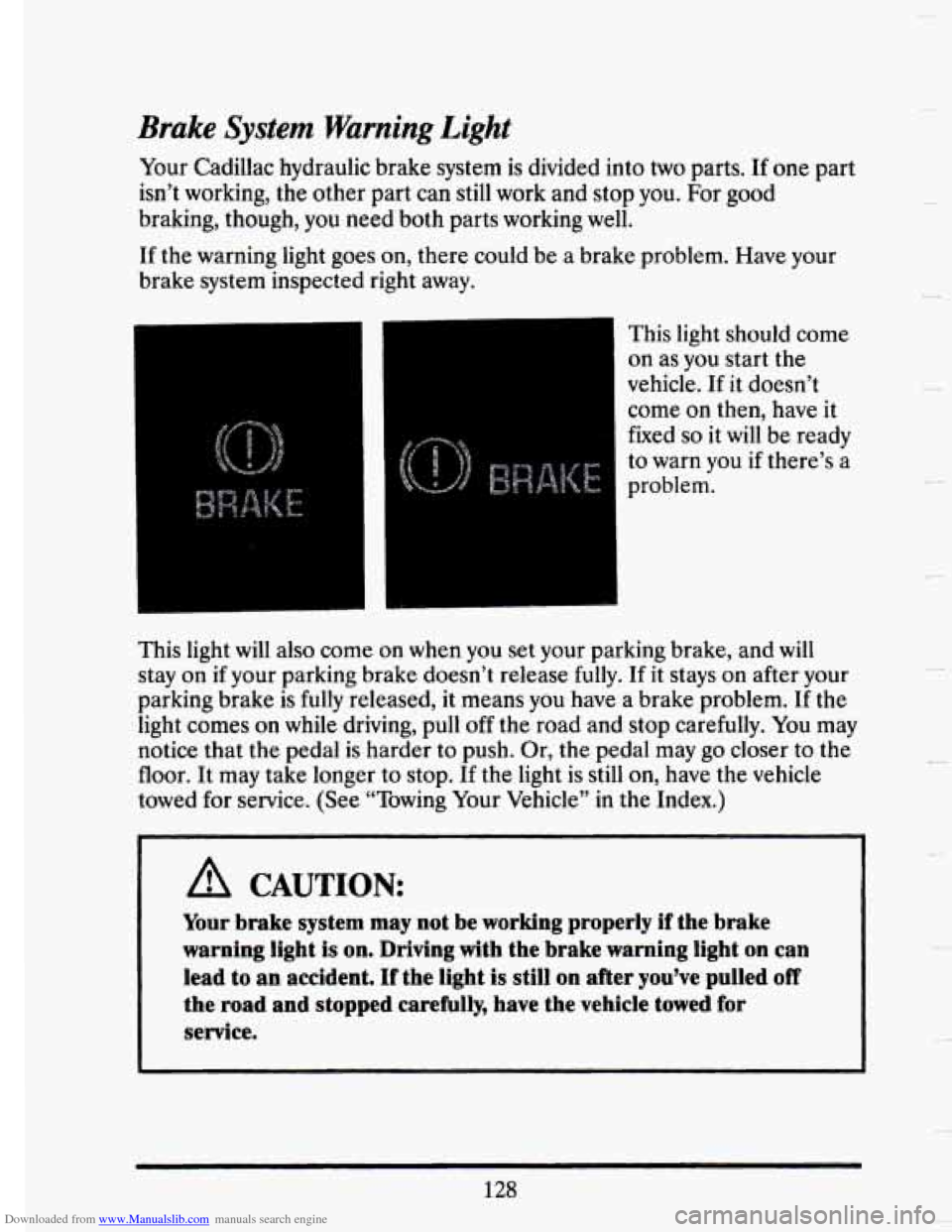
Your Cadillac hydraulic brake system is divided into two parts. If one part
isn’t working, the other part can still work and stop
you. For good
braking, though, you need both parts working well.
If the warning light goes on, there could be a brake problem. Have your
brake system inspected right away.
This light should come
on as you start the
vehicle.
If it doesn’t
come
on then, have it
fixed
so it will be ready
to warn you if there’s a
problem.
This light
will also come on when you set your parking brake, and will
stay on if your parking brake doesn’t release fully. If it stays on after your
parking brake is fully released, it means you have a brake problem. If the
light comes
on while driving, pull off the road and stop carefully. You may
notice that the pedal is harder to push. Or, the pedal may go closer to the
floor. It may take longer to stop. If the light is still
on, have the vehicle
towed for service. (See “Towing Your Vehicle” in the Index.)
A CAUTION:
Your brake system may not be working properly if the brake
warning light is on. Driving with the brake warning light on can
lead to an accident. If the light
is still on after you’ve pulled off
the road and stopped carefully, have the vehicle towed for
service.
128
c
Page 143 of 407
Downloaded from www.Manualslib.com manuals search engine F
P
!
r I
Anti-Lock Brake System Warnmg Light
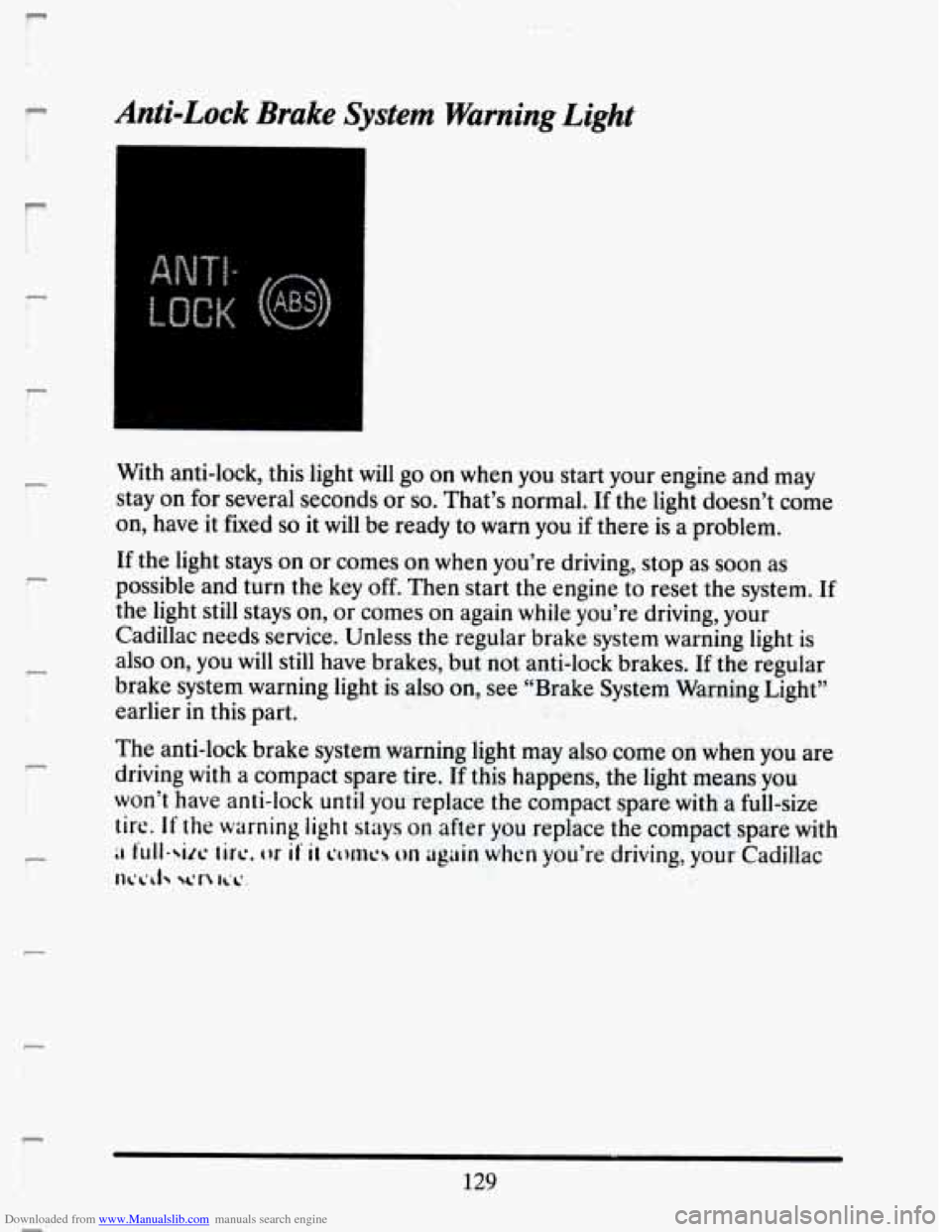
With anti-lock, this light will go on when you start your engine and may
stay on for several seconds
or so. That’s normal. If the light doesn’t come
on, have it fixed
so it will be ready to warn you if there is a problem.
If the light stays on or comes on when you’re driving, stop as soon as
possible and turn the key
off. Then start the engine to reset the system. If
the light still stays
on, or comes on again while you’re driving, your
Cadillac needs service. Unless the regular brake system warning light
is
also on, you will still have brakes, but not anti-lock brakes. If the regular
brake system warning light is also on, see “Brake System Warning Light”
earlier in this part.
The anti-lock brake system warning light may also come
on when you are
driving with a compact spare tire. If this happens, the light means you
won’t have anti-lock
until you replace the compact spare with a full-size
tire. If the warning light stays on after you replace the compact spare with
;I full-six ticc, or if II corms on uguin when you’re driving, your Cadillac
llb*L~J yln lib’ I
129