reset CADILLAC SEVILLE 1994 4.G Owners Manual
[x] Cancel search | Manufacturer: CADILLAC, Model Year: 1994, Model line: SEVILLE, Model: CADILLAC SEVILLE 1994 4.GPages: 399, PDF Size: 21.33 MB
Page 39 of 399
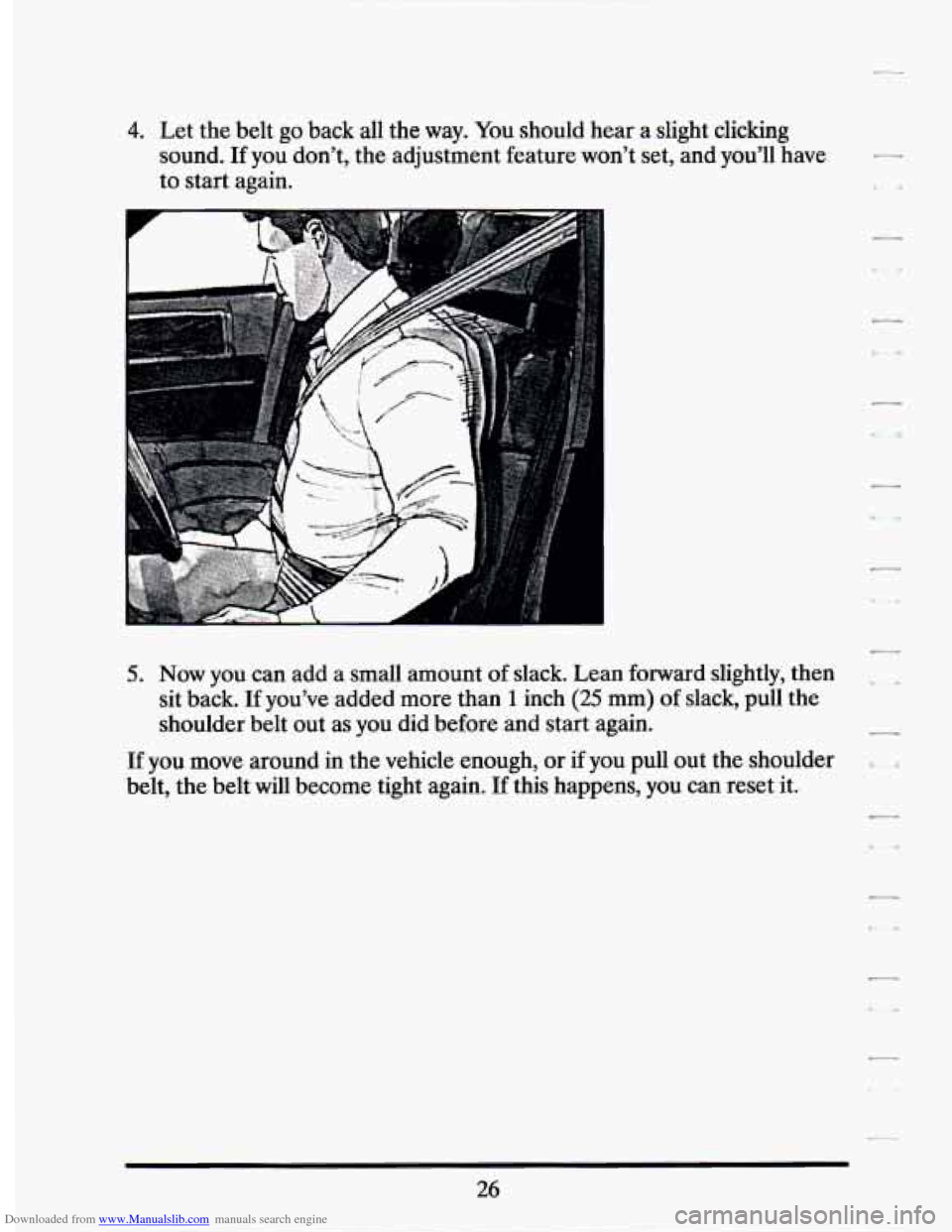
Downloaded from www.Manualslib.com manuals search engine 4. Let the belt go back all the way. You should hear a slight clicking
sound.
If you don’t, the adjustment feature won’t set, and you’ll have
to start again.
5. Now you can add a small amount of slack. Lean forward slightly, then
sit back.
If you’ve added more than 1 inch (25 mm) of slack, pull the
shoulder belt out as you did before and start again.
If you move around in the vehicle enough, or if you pull out the shoulder
belt, the belt will become tight again.
If this happens, you can reset it.
26
Page 121 of 399
Downloaded from www.Manualslib.com manuals search engine Heavy snow or ice can overload your wiper motor. A circuit breaker will
stop the motor until it cools. Clear away snow or ice to prevent an
overload.
Windshield Washer
I
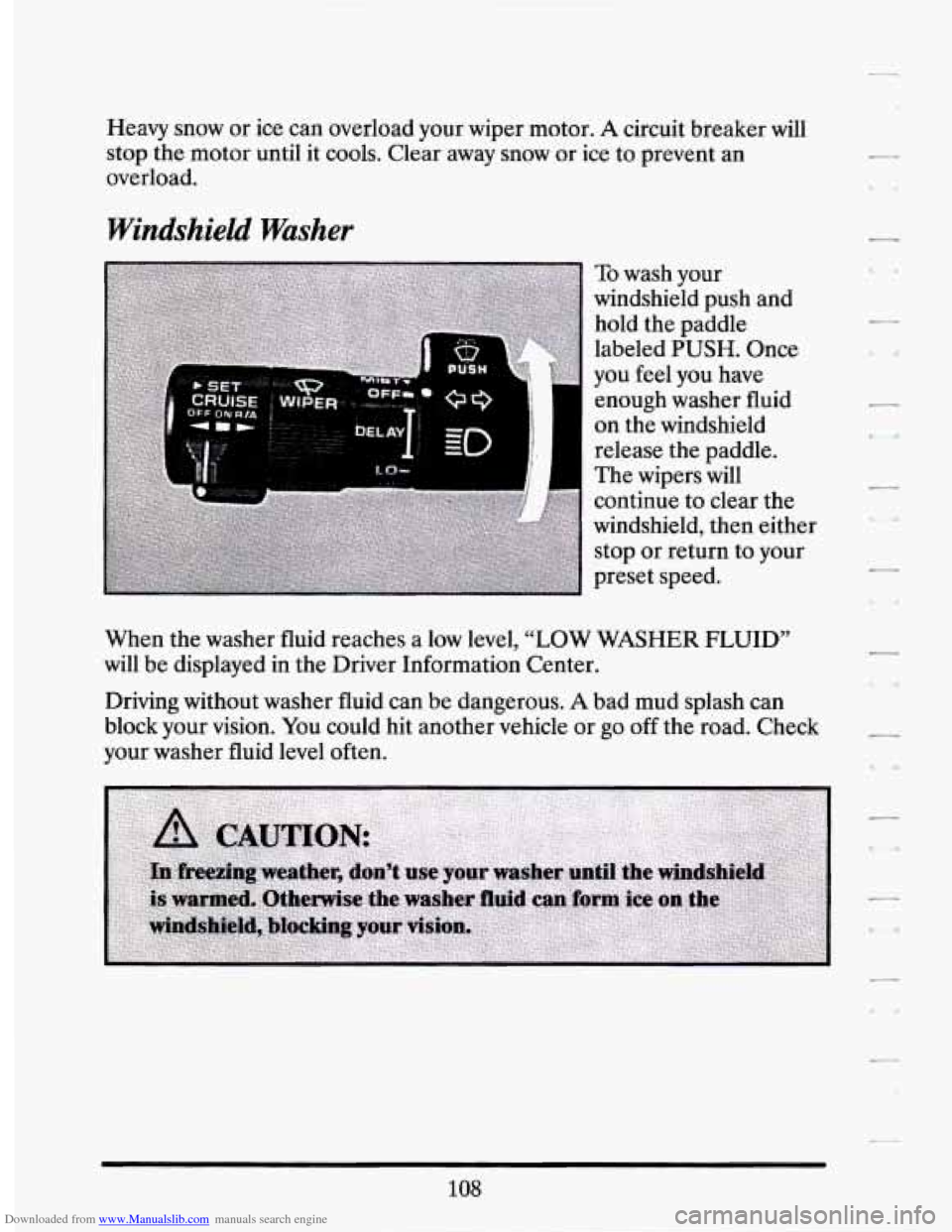
To wash your
windshield push and
hold the paddle
labeled
PUSH. Once
you feel you have
enough washer fluid
on the windshield
release the paddle.
The wipers will
continue to clear the
windshield, then either
stop or return to your
preset speed.
When the washer fluid reaches a low level,
“LOW WASHER FLUID”
will be displayed in the Driver Information Center.
Driving without washer fluid can be dangerous.
A bad mud splash can
block your vision.
You could hit another vehicle or go off the road. Check
your washer fluid level often.
108
Page 124 of 399
Downloaded from www.Manualslib.com manuals search engine 2. Get up to the speed you want.
r
f- 4
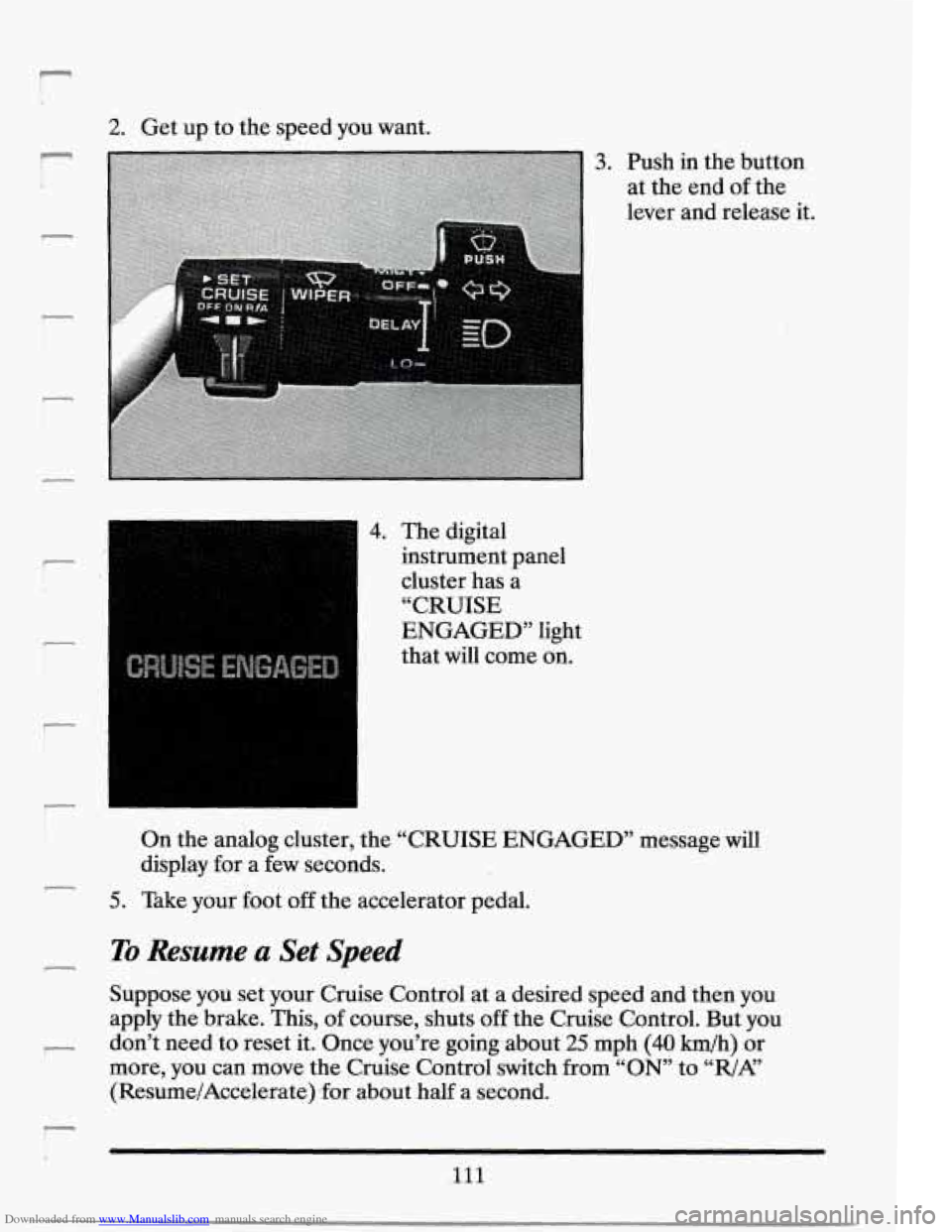
3. Push in the button
at the end
of the
lever and release it.
4. The digital
instrument panel
cluster has a
“CRUISE
ENGAGED” light
that will come on.
On the analog cluster, the “CRUISE ENGAGED” message will
display for-a few seconds.
5. Take your foot off the accelerator pedal.
To Resume .a Set Speed
Suppose you set your Cruise Control at a desired speea and then you
apply the brake. This, of course, shuts
off the Cruise Control. But you
don’t need to reset it. Once you’re going about
25 mph (40 h/h) or
more, you can
move the Cruise Control switch from “ON” to “R/AL’
(Resume/Accelerate) .for about half a second.
Ill
Page 145 of 399
Downloaded from www.Manualslib.com manuals search engine EnglishlMetric Button
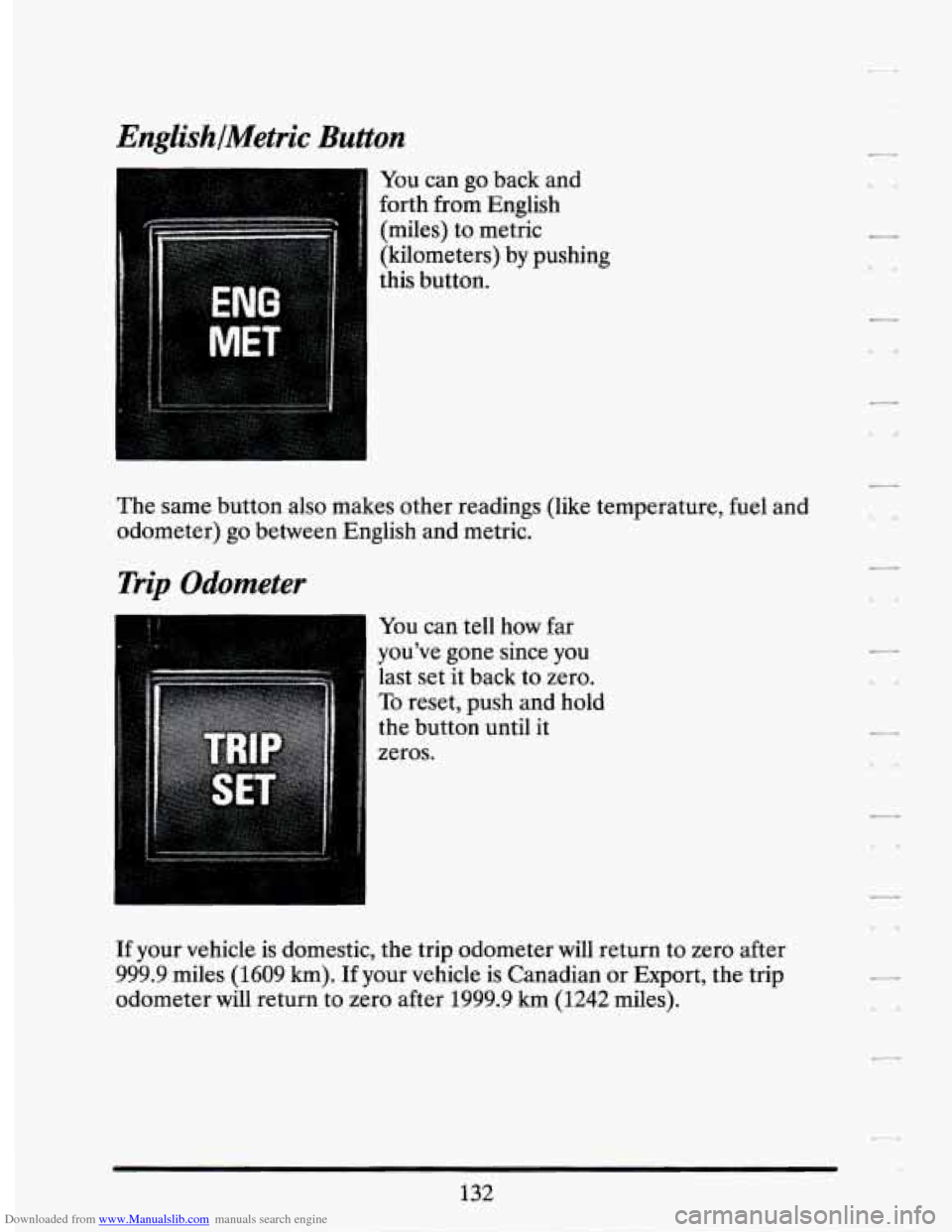
You can go back and
forth from English
(miles) to metric
(kilometers) by pushing
this button.
The same button also makes other readings (like temperature, fuel and
odometer) go between English and metric.
Trip Odometer
You can tell how far
you’ve gone since you
last set it back to zero.
To reset, push and hold
the button until it
zeros.
If your vehicle is domestic, the trip odometer will return to zero after
999.9 miles (1609
km). If your vehicle is Canadian or Export, the trip
odometer will return to zero after 1999.9 km (1242 miles).
Page 148 of 399
Downloaded from www.Manualslib.com manuals search engine Anti-Lock Brake System Warning Light
II
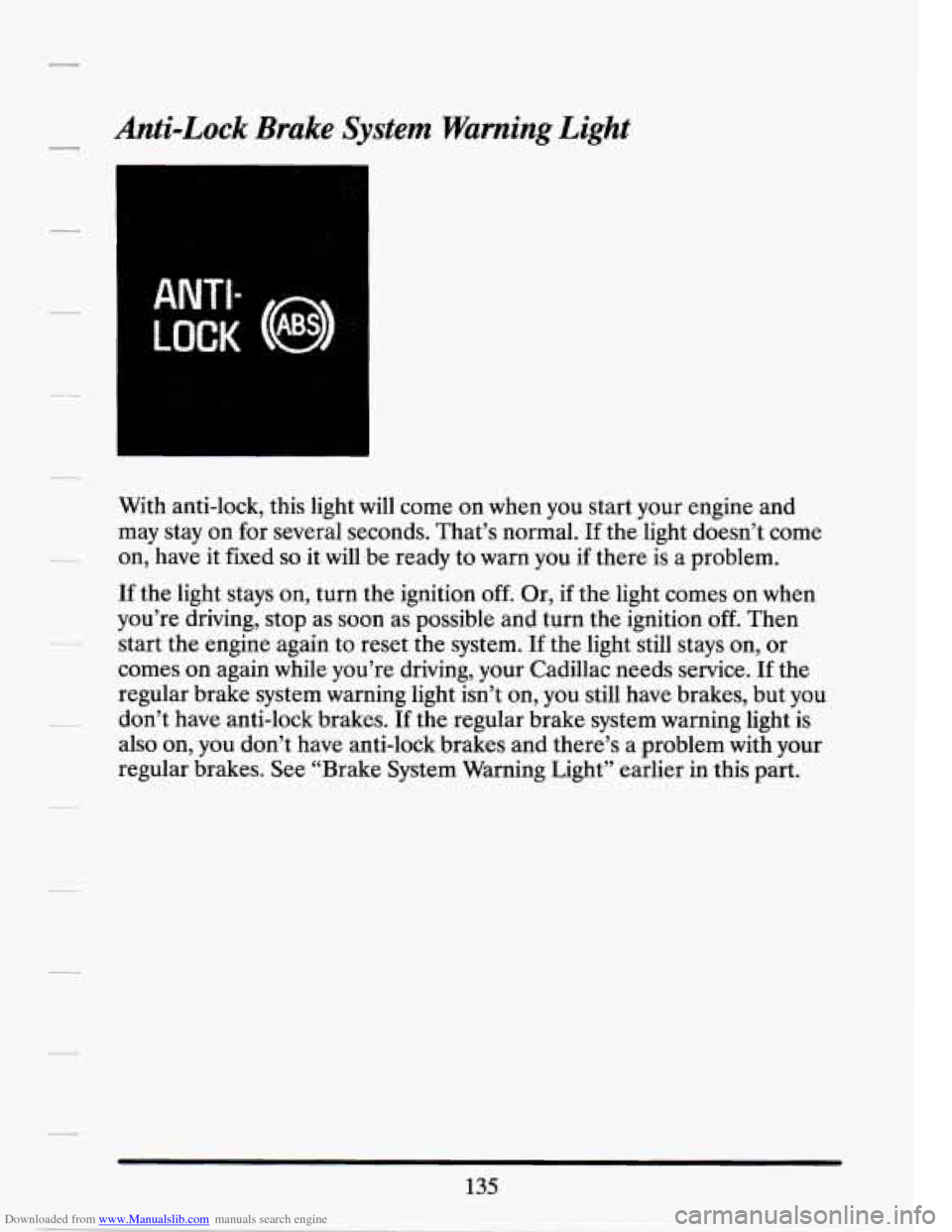
With anti-lock, this light will come on when you start your engine and
may stay on for several seconds. That’s normal.
If the light doesn’t come
on, have it fixed
so it will be ready to warn you if there is a problem.
If the light stays on, turn the ignition off. Or, if the light comes on when
you’re driving, stop as soon
as possible and turn the ignition off. Then
start the engine again to reset the system. If the light still stays on, or
comes on again while you’re driving, your Cadillac needs service. If the
regular brake system warning light isn’t on, you still have brakes, but you
don’t have anti-lock brakes. If the regular brake system warning light is
also on, you don’t have anti-lock brakes and there’s a problem with your
regular brakes. See “Brake System Warning Light” earlier in this part.
135
Page 154 of 399
Downloaded from www.Manualslib.com manuals search engine Fuel Data Panel
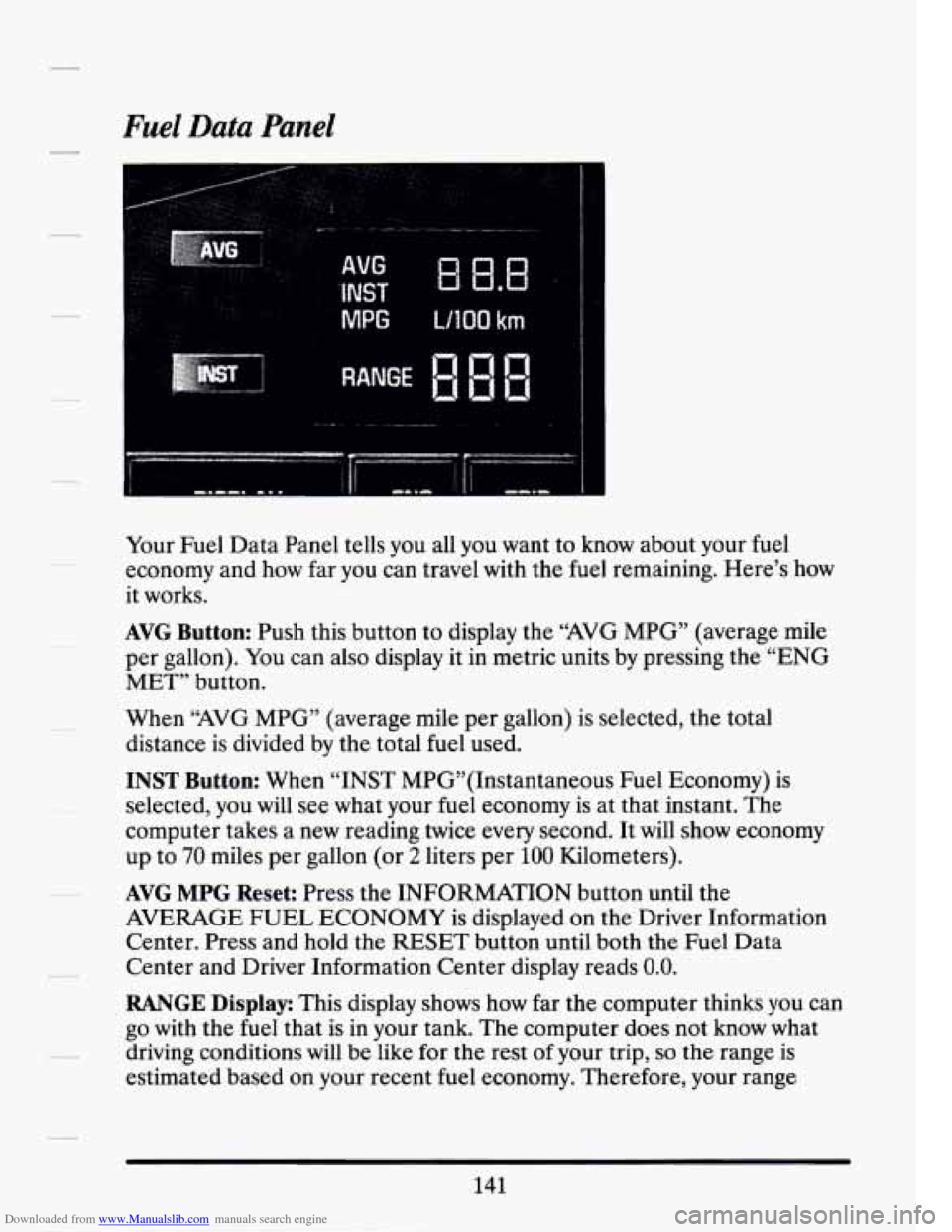
Your Fuel Data Panel tells you all you want to know about your fuel
economy and how far you can travel with the
fuel remaining. Here’s how
it works.
AVG Button: Push this button to display the “AVG MPG” (average mile
per gallon). You can also display it in metric units
by pressing the “ENG
MET” button.
When “AVG MPG” (average mile per gallon) is selected, the total
distance is divided by the total fuel used.
INST Button: When “INST MPG”(1nstantaneous Fuel Economy) is
selected, you will see what your fuel economy is at that instant. The
computer takes a new reading twice every second. It
will show economy
up to
70 miles per gallon (or 2 liters per 100 Kilometers).
AVG MPG Reset: Press the INFORMATION button until the
AVERAGE
FUEL ECONOMY is displayed on the Driver Information
Center. Press and hold the
RESET button until both the Fuel Data
Center and Driver Information Center display reads 0.0.
RANGE Display: This display shows how far the computer thinks you can
go with the fuel that is in your tank. The computer does not know what
driving conditions will
be like for the rest of your trip, so the range is
estimated based on your recent
fuel economy. Therefore, your range
141
Page 156 of 399
Downloaded from www.Manualslib.com manuals search engine Driver Information Center Control Buttons
INFORMATION Button
Pressing this button successively will display the ENGINE RPM (Digital
Cluster only), ENGINE COOLANT TEMP, BATTERY VOLTAGE,
AVG MPH, MPG AVG, FUEL USED, OIL LIFE LE=, and TIMER.
RESET Button
Pressing this button will reset the AVG MPH, MPG AVG, FUEL USED,
OIL LIFE LEFT, and TIMER when each function
is displayed.
TIMER Button
The TIMER feature is like a stop watch, in that you can clock the time it
takes to get from one point to another.
To operate, press either the TIMER button or successively press the
INFORMATION button until “TIMER
0O:OO:OO” is displayed on the
Driver Information Center. Each of the fields for the HOURS,
MINUTES, and SECONDS are
two numeric digits.
Once the “TIMER
0O:OO:OO:” is displayed, press the TIMER button to
start the timing feature. Press the TIMER button again to stop it.
To reset
it, press and hold the RESET button until the display reads “TIMER
0O:OO:OO:”. Press the INFORMATION button to exit from the TIMER
function.
AVG MPH (Average Speed) Reset
Press successively the INFORMATION button to display the “AVG
MPH”, then press and hold
the RESET button until “0.0 AVG MPH’ is
displayed.
MPG AVG (Average Fuel Economy) Reset
Press successively the INFORMATION button to display the “MPG
AVG”, then press and hold the
RESET button until “0.0 AVG MPG” is
displayed.
Fuel Used Reset
Press successively the INFORMATION button to display the “FUEL
USED” on the Driver Information Center, then press and hold the
RESET button until “FUEL
USED 0.0” is displayed.
143
Page 157 of 399
Downloaded from www.Manualslib.com manuals search engine Oil Life Left Reset
Press successively the INFORMATION button to display the “OIL LIFE
LEFT”, then press and hold the RESET button until “0.0 OIL LIFE
LEFT” is displayed.
DISPLAY ON/OFF Button
Pressing this button will turn off the Driver Information Center,
Electronic Climate Control and Fuel Data Center displays. If you have
the Digital cluster, the fuel gage, trip and odometer
will also turn off.
While displays are off, pressing the INFORMATION button will turn on
only the Driver Information Center.
If any other button is pressed or a
driving warning message needs to be displayed, or fuel level falls below
4 gallons, all the displays will come back on.
TRIP SET Button
Press and hold this button to set the Trip Odometer back to zero.
ENG/MET (English/Metric Button)
Press this button to switch from English (miles) and Degrees (Fahrenheit),
to Metric (kilometers) and Degrees (Celsius).
Driver Information Center Messages
These messages will appear if there is a problem sensed in one of your
vehicle’s systems. Vehicles that are first sold in Canada or are export
vehicles will have a number after each message. This number helps to
identify that message, which is only displayed in English.
APPLY BRAKE TO SHIFT - 46
This message will appear if your vehicle is in “P” (Park) for about
15 seconds and the brake is not depressed. If you do not want this
message to appear, you can cancel this message by holding the “OFF”
and the Blue (cooler) button on the Electronic Climate Control panel for
about
5 seconds. Hold the same two buttons again to have this message
displayed again.
144
Page 159 of 399
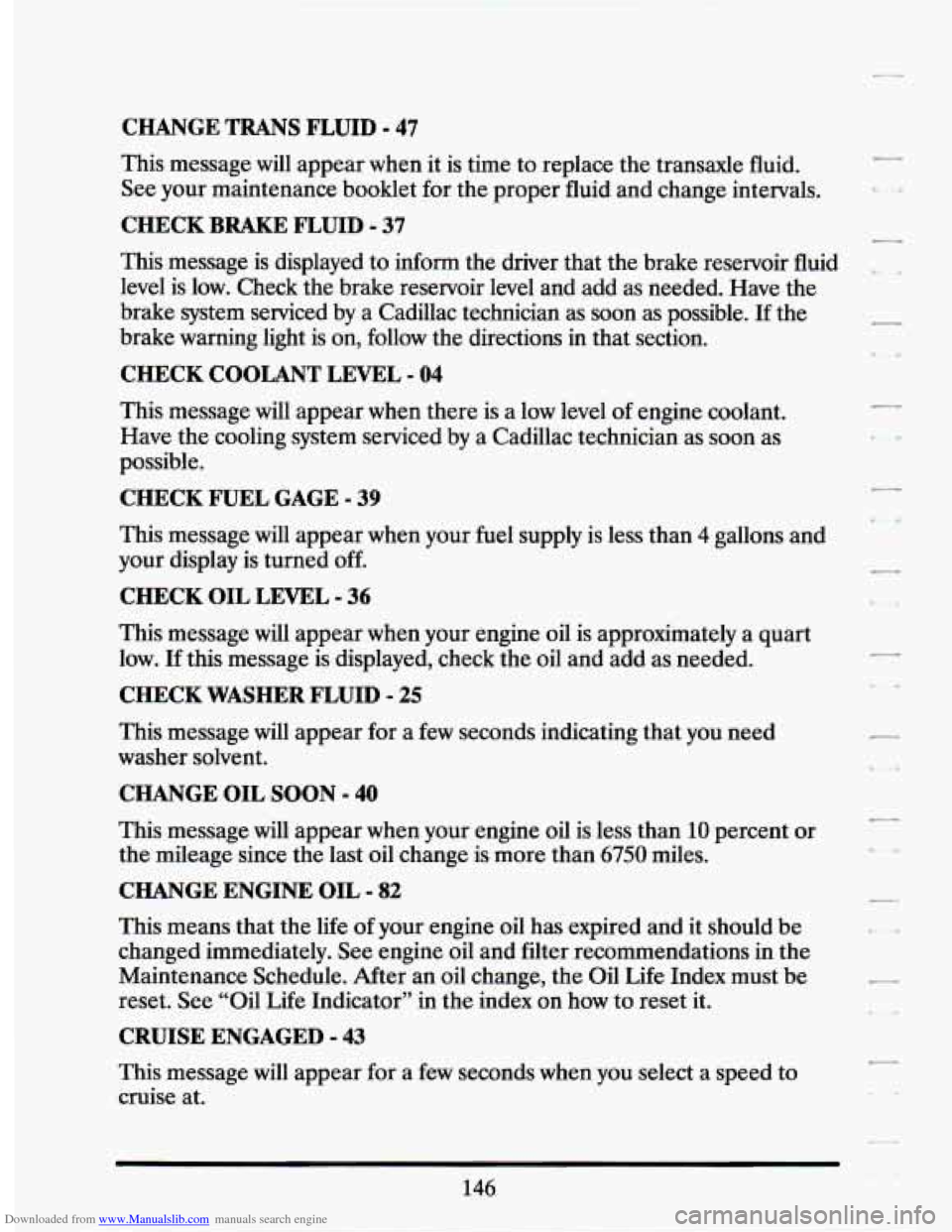
Downloaded from www.Manualslib.com manuals search engine CHANGE TRANS FLUID - 47
This message will appear when it is time to replace the transaxle fluid.
See your maintenance booklet for the proper fluid and change intervals.
CHECK BRAKE FLUID - 37
This message is displayed to inform the driver that the brake reservoir fluid
level is low. Check the brake reservoir level and add as needed. Have the
brake system serviced by a Cadillac technician as soon as possible. If the
brake warning light is on, follow the directions in that section.
CHECK COOLANT LEVEL - 04
This message will appear when there is a low level of engine coolant.
Have the cooling system serviced by a Cadillac technician as soon as
possible.
CHECK FUEL GAGE - 39
This message will appear when your fuel supply is less than 4 gallons and
your display
is turned off.
CHECK OIL LEVEL - 36
This message will appear when your engine oil is approximately a quart
low.
If this message is displayed, check the oil and add as needed.
CHECK WASHER FLUID - 25
This message will appear for a few seconds indicating that you need
washer solvent.
CHANGE OIL SOON - 40
This message will appear when your engine oil is less than 10 percent or
the mileage since the last oil change is more than
6750 miles.
CHANGE ENGINE OIL - 82
This means that the life of your engine oil has expired and it should be
changed immediately. See engine oil and filter recommendations
in the
Maintenance Schedule. After an oil change, the Oil
Life Index must be
reset.
See “Oil Life Indicator” in the index on how to reset it.
CRUISE ENGAGED - 43
This message will appear for a few seconds when you select a speed to
cruise at.
146
7
Page 162 of 399
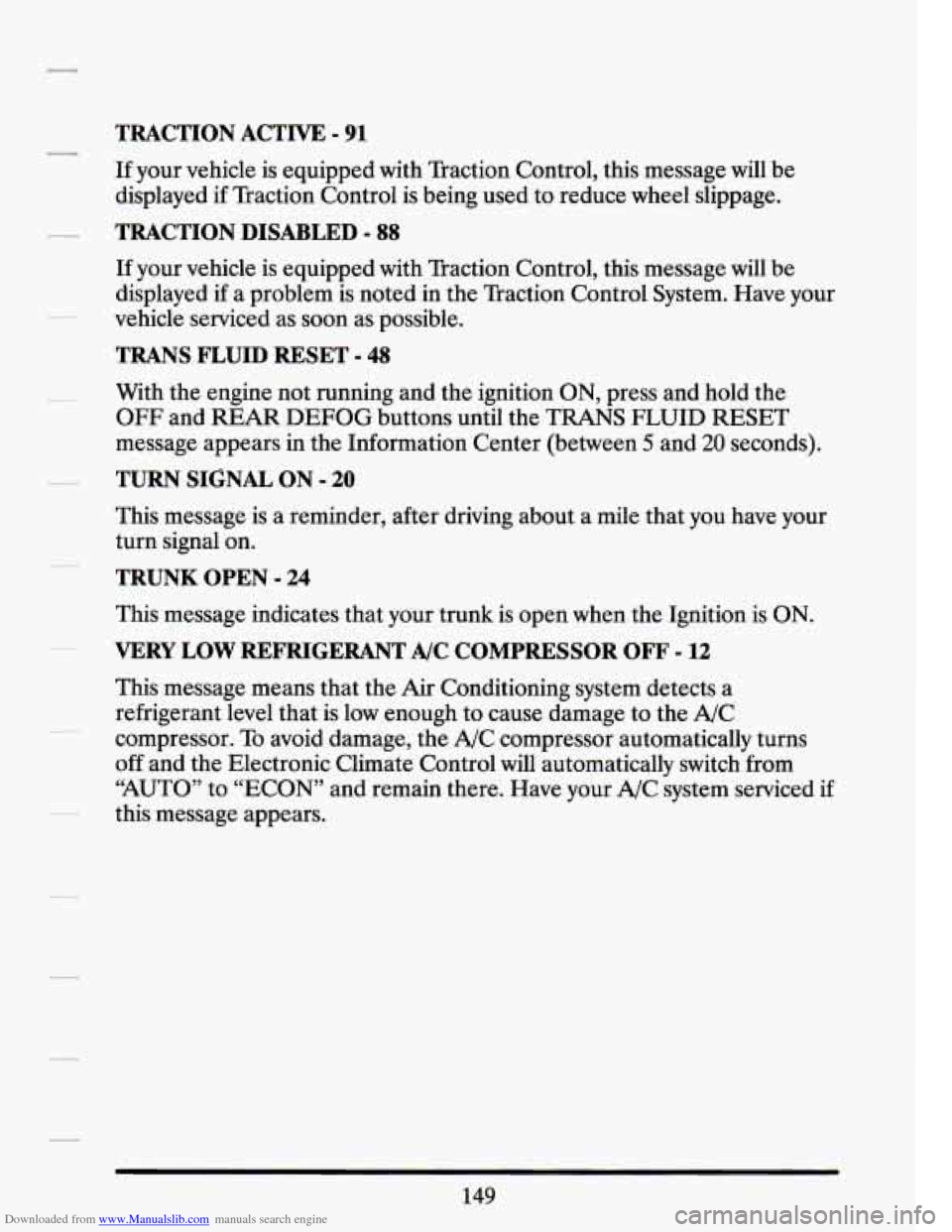
Downloaded from www.Manualslib.com manuals search engine TRACTION ACTIVE - 91
If your vehicle is equipped with Traction Control, this message will be
displayed
if Traction Control is being used to reduce wheel slippage.
TRACTION DISABLED - 88
If your vehicle is equipped with Traction Control, this message will be
displayed if a problem is noted in the Traction Control System. Have your
vehicle serviced as soon as possible.
TRANS FLUID RESET - 48
With the engine not running and the ignition ON, press and hold the
OFF and REAR DEFOG buttons until the TRANS FLUID RESET
message appears in the Information Center (between
5 and 20 seconds).
TURN SIGNAL ON - 20
This message is a reminder, after driving about a mile that you have your
turn signal on.
TRUNK OPEN - 24
This message indicates that your trunk is open when the Ignition is ON.
VERY LOW REFRIGERANT A/C COMPRESSOR OFF - 12
This message means that the Air Conditioning system detects a
refrigerant level that is low enough to cause damage to the A/C
compressor. To avoid damage, the A/C compressor automatically turns
off and the Electronic Climate Control will automatically switch from
“AUTO” to “ECON” and remain there. Have your A/C system serviced if
this message appears.
149