warning CADILLAC SEVILLE 1995 4.G User Guide
[x] Cancel search | Manufacturer: CADILLAC, Model Year: 1995, Model line: SEVILLE, Model: CADILLAC SEVILLE 1995 4.GPages: 410, PDF Size: 19.98 MB
Page 151 of 410
Downloaded from www.Manualslib.com manuals search engine Anti-Lock Brake System Warning Light
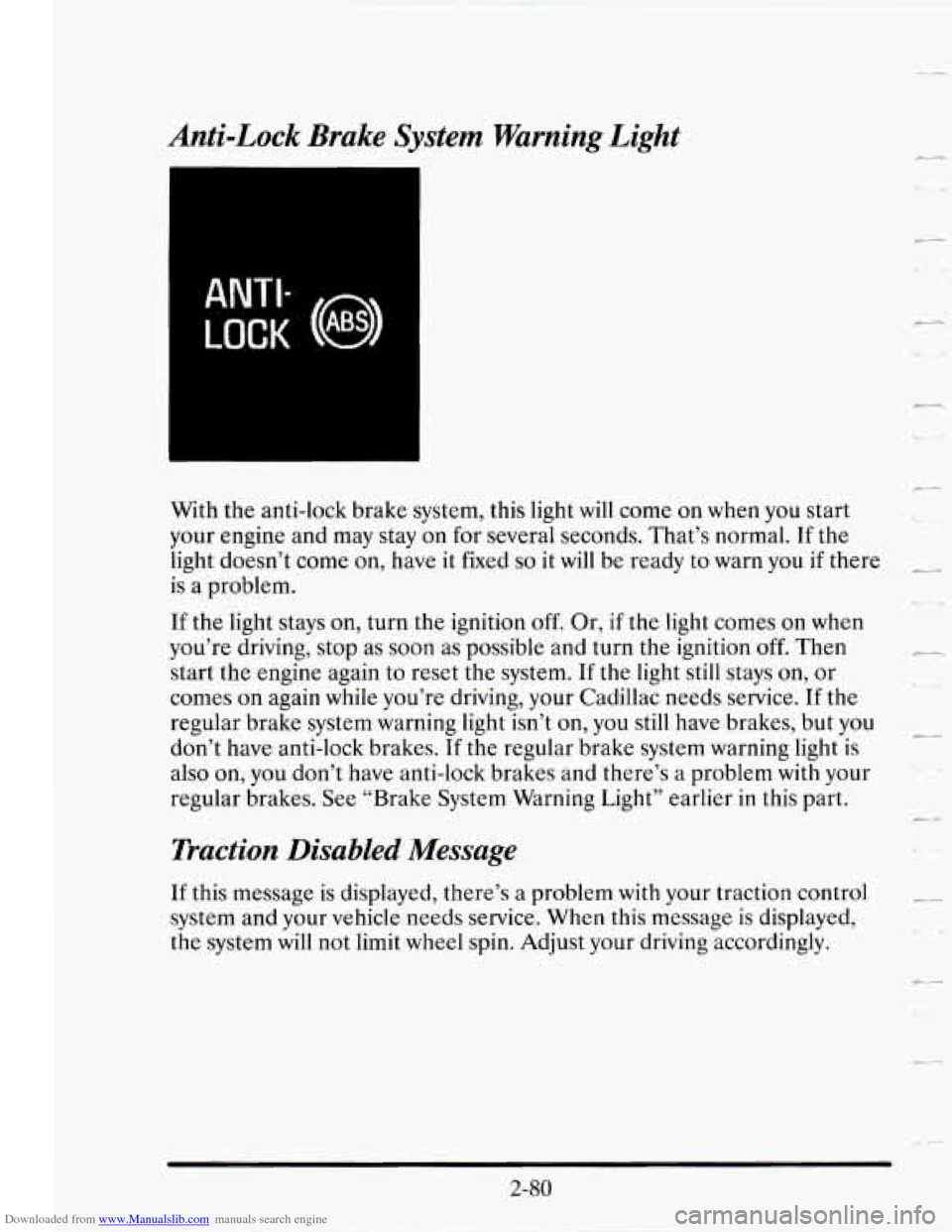
ANTI-
LOCK (0 ABS)
With the anti-lock brake system, this light will come on when you start
your engine and may stay on
for several seconds. That’s normal. If the
light doesn’t come on, have it fixed
so it will be ready to warn you if there
is a problem.
If the light stays on, turn the ignition off. Or, if the light comes on when
you’re driving, stop as soon as possible and turn the ignition
off. Then
start the engine again to reset the system. If the light still stays
on, or
comes on again while you’re driving, your Cadillac needs service.
If the
regular brake system warning light isn’t on, you still have brakes, but you
don’t have anti-lock brakes.
If the regular brake system warning light is
also on, you don’t have anti-lock brakes and there’s
a problem with your
regular brakes.
See “Brake System Warning Light” earlier in this part.
Traction Disabled Message
If this message is displayed, there’s a problem with your traction control
system and your vehicle needs service. When this message is displayed,
the system will not limit wheel spin. Adjust your driving accordingly.
-,.
c-
2-80
Page 152 of 410
Downloaded from www.Manualslib.com manuals search engine - Traction Control System Active Message
When your traction control system is limiting wheel spin, the TRACTION
ACTIVE message will be displayed. Slippery road conditions may exist
if
will stay on for a few seconds after the traction control system stops
limiting wheel spin.
/-. .- this message is displayed, so adjust your driving accordingly. This message
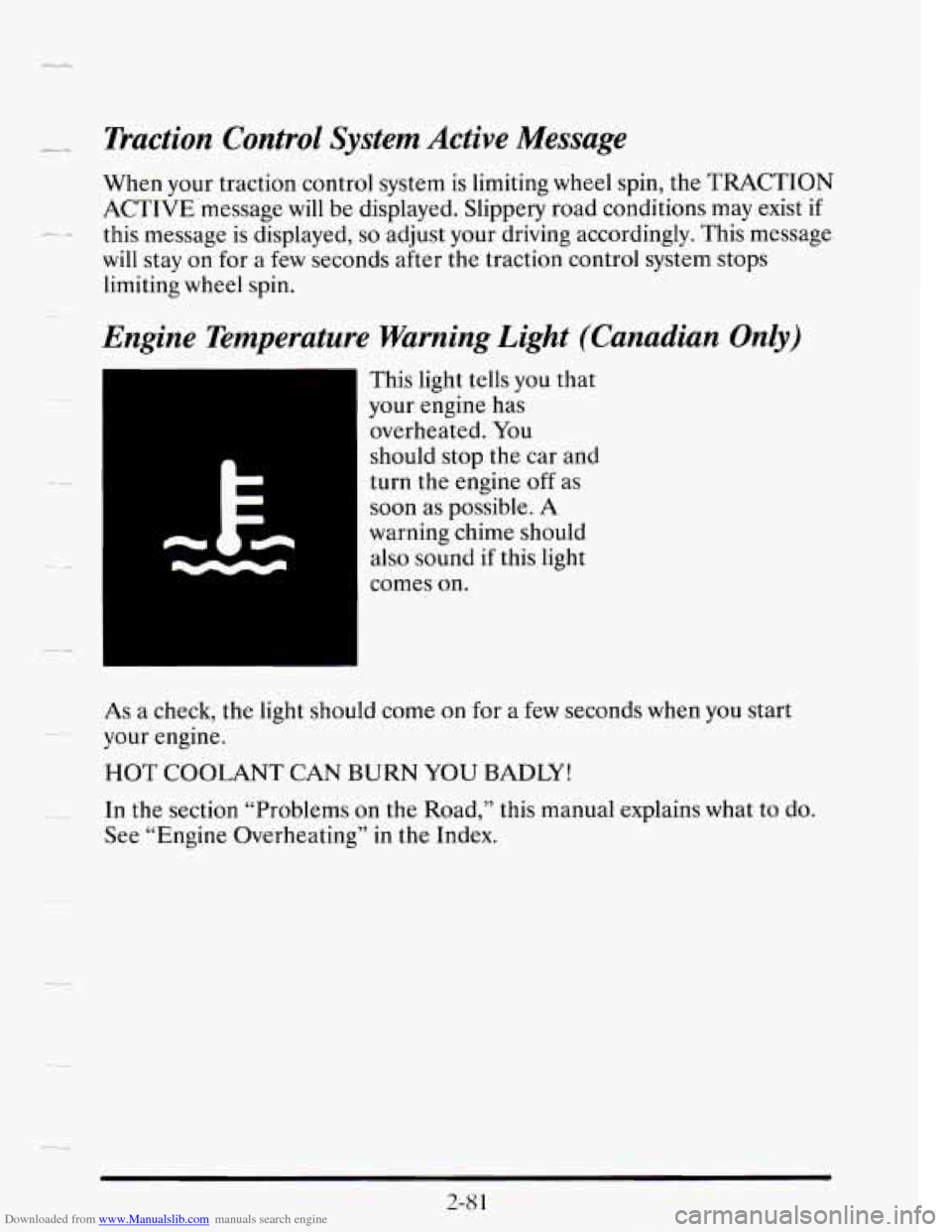
Engine Temperature Warning Light (Canadian Only)
This light tells you that
your engine has
overheated. You
should stop the car and
turn the engine
off as
soon as possible.
A
warning chime should
also sound if this light
comes
on.
As a check, the light should come on for a few seconds when you start
your engine.
HOT COOLANT CAN BURN YOU BADLY!
In the section “Problems on the Road,” this manual explains what to do.
See “Engine Overheating” in the Index.
..
2-8 1
Page 154 of 410
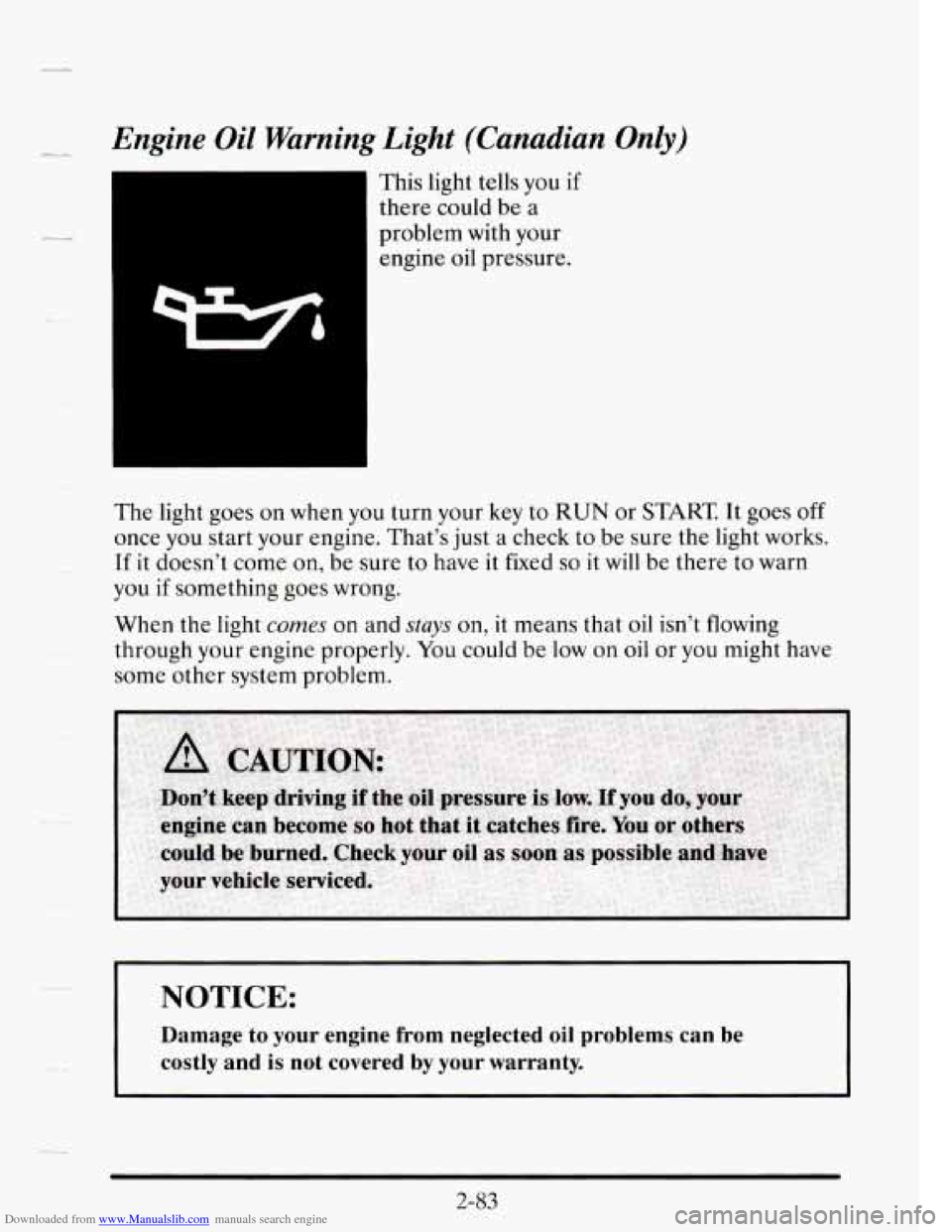
Downloaded from www.Manualslib.com manuals search engine Engine Oil Warning Light (Canadian Only)
This light tells you if
there could be a
problem with your
engine oil pressure.
The light goes on when you turn your key to
RUN or START It goes off
once you start your engine. That’s just a check to be sure the light works.
If it doesn’t come on, be sure to have it fixed
so it will be th.ere to warn
you
if something goes wrong.
When the light
comes on and stays on, it means tha.t oil isn’t flowing
through your engine properly.
You could be low on oil or you might have
some other system problem.
NOTICE:
Damage to your engine from neglected oil problems can be
costly and
is not covered by your warranty.
Page 158 of 410
Downloaded from www.Manualslib.com manuals search engine LL
--
--
The RANGE display shows how far the computer thinks you can travel
with the fuel that is in your tank. The computer does not know what
driving conditions will be like
for the rest of your trip, so the range is
estimated based on your recent fuel economy. Therefore, your range
reading may change as your driving habits change. (Going from city
to
highway driving may increase the range reading.)
If the range display shows
LO, you should stop for fuel as soon as
possible.
Your computer needs enough data
for the RANGE reading to work,
however,
so it will read LO when your vehicle is brand new (under 25
miles). It may also show LO if your battery has been disconnected.
Driver Information Center
Your Driver Information Center (DIC) display gives you the status of
many of your vehicle’s systems. The DIC is used to display driver
selectable information and warning/status messages.
If more than one problem is detected, the Driver Information Center will
automatically display all current messages.
2-87
Page 160 of 410
Downloaded from www.Manualslib.com manuals search engine .-
reads TIMER 0O:OO:OO. Press the INFORMATION button to exit from
the TIMER function.
AVG MPH (Average Speed) Reset
Press repeatedly the INFORMATION button to display the AVG MPH,
then press and hold the RESET button until
0.0 AVG MPH is displayed.
MPG AVG (Average Fuel Economy) Reset
Press repeatedly the INFORMATION button to display the MPG AVG,
then press and hold the RESET button until
0.0 AVG MPG is displayed.
Another method to reset both AVG MPG is
to press the AVG button on
the Fuel Data Panel until 0.0 AVG MPG is shown in both displays.
Fuel Used Reset
Press repeatedly the INFORMATION button to display the FUEL
USED on the Driver Information Center, then press and hold the
RESET button until
FUEL USED 0.0 is displayed.
Oil Life Left Reset
Press repeatedly the INFORMATION button to display the OIL LIFE
LEFT, then press and hold the RESET button until
0.0 OIL LIFE LEFT
is displayed.
DISPLAY ON/OFF Button
Pressing this button will turn off the Driver Information Center (DIC),
Electronic Climate Control and
Fuel Data Center displays. If you have
the digital cluster, the fuel gage, trip odometer and odometer will also
turn off. While displays are off, pressing the INFORMATION button
will
only turn on the DIC. If any other button is pressed or a driving warning
message needs to be displayed or fuel level falls below four gallons, all the
displays will come back on.
TRIP SET Button
Press and hold this button to set the trip odometer back to zero.
ENG/MET (English/Metric Button)
Press this button to switch from English (miles and Degrees Fahrenheit)
to metric (kilometers and Degrees Celsius).
2-89
Page 162 of 410
Downloaded from www.Manualslib.com manuals search engine BATTERY VOLTS LOW - 06
_L-.
This message will appear when the electrical system is charging less than
10 volts or if the battery has been drained. If this message appears
immediately after starting, it is possible that the generator can still
recharge the battery. The battery should recharge after driving a few miles
and the message should go out.
If this message appears while driving or
after starting your vehicle and stays on, have it checked immediately to
-~ determine the cause of this problem. To help the generator recharge the
battery quickly you can reduce the load on the electrical system by turning
off your accessories. You can monitor battery voltage on the Driver
Information Center by toggling the INFORMATION button. The normal
range is
11.5 to 15.5 volts.
-
CHANGE TRANS FLUID - 47
~- This message will appear when it is time to replace the transaxle fluid. See
your maintenance schedule booklet
for the proper fluid and change
intervals.
CHECK BRAKE FLUID - 37
This message is displayed to inform the driver that the brake reservoir
fluid level
is low. Check the brake reservoir level and add as needed. Have
the brake system serviced by
a Cadillac technician as soon as possible. If
the brake warning light is on, follow the directions in that part.
CHECK COOLANT LEVEL - 04
This message will appear when there is a low level of engine coolant.
Have the cooling system serviced by a Cadillac technician
as soon as
possible.
CHECK FUEL GAGE - 39
This message will appear when your fuel supply is less than four gallons
and your display
is turned off.
Page 164 of 410
Downloaded from www.Manualslib.com manuals search engine ENGINE HOT - A/C COMPRESSOR OFF - 16
-_ ..
This message will appear when the Climate Control is in AUTO or
DEFROST and the engine coolant is hotter than the normal operating
temperature. To avoid added strain on a hot engine the air conditioning
compressor is automatically turned off. When that happens, air
conditioned air is not delivered.
If the coolant temperature returns to
normal, you must select AUTO,
DEFOG or DEFROST to return to a
normal A/C compressor operation.
I_ -
FUEL LEVEL VERY LOW - 11
This message serves as a warning that the fuel level in your tank is
critically low. It means you should stop for fuel immediately.
SERVICE A/C SYSTEM A/C COMPRESSOR OFF - 14
- This message appears when the electronic sensors that control the A/C
and heating system are
no longer working. Have your Climate Control
system serviced
if you notice a drop in heating and A/C efficiency.
STARTING DISABLED DUE TO THEFT SYSTEM REMOVE
IGNITION
KEY - 33
This message will a pear when the Personalized Automotive Security
System (PASS-Key
8 11) senses that an improper ignition key is being used
to
try to start the vehicle. Check the ignition key for damage. If it is
damaged,
it may need to be replaced. If you see no damage, clean the
~ pellet contacts with a soft cloth or napkin. Remove the ignition key and
wait for the Driver Information Center
to display WAIT 3 MINUTES.
The Instrument Panel Cluster
will then run a timer and change the
messages to WAIT
2 MINUTES, WAIT 1 MINUTE, and then START
CAR. When the START CAR message is displayed,
try again to start the
engine.
SERVICE NOW - REFER TO OWNERS MANUAL - 02
This message appears if you have a problem with the Powertrain Control
Module (PCM). To correct this problem have your vehicle serviced at
your Cadillac dealership.
---
2-93
Page 199 of 410
Downloaded from www.Manualslib.com manuals search engine Anti-Lock Brakes (ABS)
Your Cadillac has an advanced electronic braking system that will help
prevent a braking skid.
ANTI-
LOCK (0 ABS)
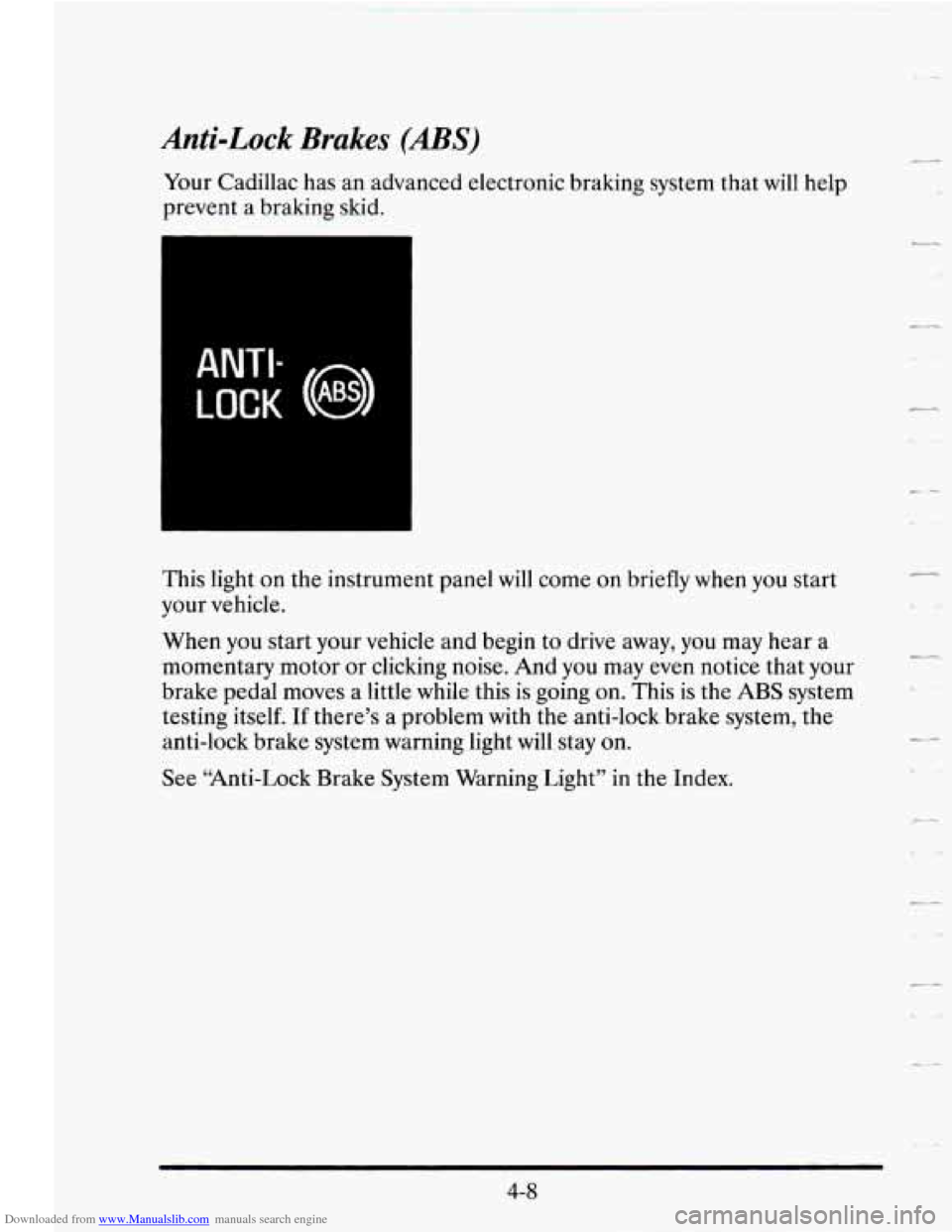
This light on the instrument panel will come on briefly when you start
your vehicle.
When you start your vehicle and begin to drive away, you may hear a
momentary motor or clicking noise.
And you may even notice that your
brake pedal moves a little while this is going on. This is the
ABS system
testing itself.
If there’s a problem with the anti-lock brake system, the
anti-lock brake system warning light will stay on.
See “Anti-Lock Brake System Warning Light” in the Index.
c-
-
c ..*
4-8
Page 209 of 410
Downloaded from www.Manualslib.com manuals search engine If your vehicle starts to slide, ease your foot off the accelerator pedal and
quickly steer the way you want the vehicle
to go. If you start steering
quickly enough, your vehicle may straighten out. Always be ready for a
second skid
if it occurs.
Of course, traction is reduced when water, snow, ice, gravel, or other
material is on the road. For safety, you’ll want to
slow down and adjust
your driving to these conditions. It is important to slow down on slippery
surfaces because stopping distance will be longer and vehicle control
-
more limited.
r
While driving on a surface with reduced traction, try your best to avoid
sudden steering, acceleration, or braking (including engine braking by
shifting to a lower gear). Any sudden changes could cause the tires to
slide. You may not realize the surface is slippery until your vehicle is
skidding. Learn to recognize warning clues
-- such as enough water, ice or --
packed snow on the road to make a “mirrored surface” -- and slow down .
when you have any doubt.
Remember: Any anti-lock brake system
(ABS) helps avoid only the
braking skid.
4-18
c
Page 215 of 410
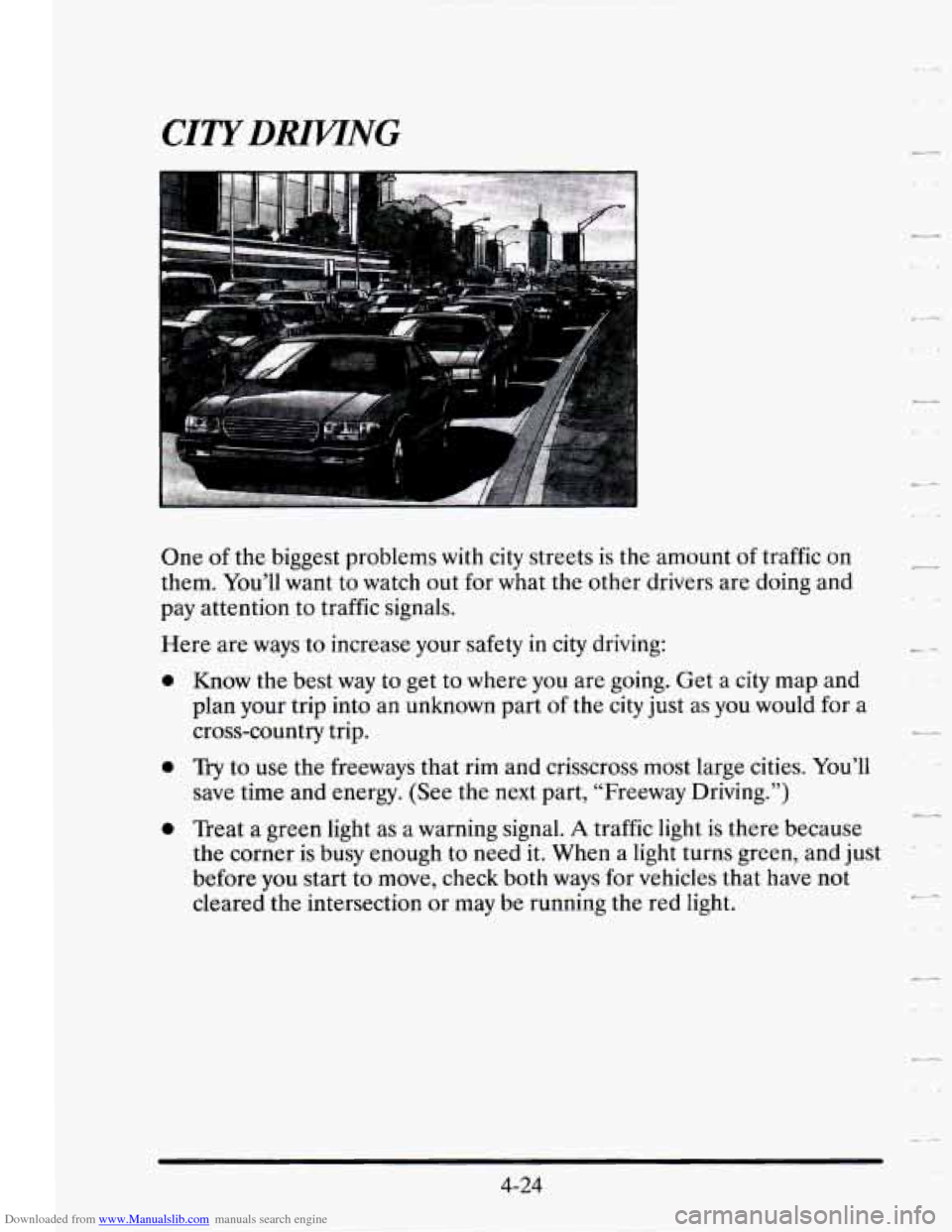
Downloaded from www.Manualslib.com manuals search engine One of the biggest problems with city streets is the amount of traffic on
them. You’ll want to watch out
for what the other drivers are doing and
pay attention to traffic signals.
0
Here are ways to increase your safety in city driving:
0
Know the best way to get to where you are going. Get a city map and
plan your trip into an unknown part of
the city just as you would for a
cross-country trip.
Try to use the freeways that rim and crisscross most large cities. You’ll
save time and energy. (See the next part, “Freeway Driving.”)
Treat a green light as a warning signal.
A traffic light is there because
the corner is busy enough to need it. When a light turns green, and just
before you start to move, check both ways for vehicles that have not
cleared the intersection or may be running the red light.
2--
+-
4-24