check engine CADILLAC SEVILLE 1995 4.G Owner's Manual
[x] Cancel search | Manufacturer: CADILLAC, Model Year: 1995, Model line: SEVILLE, Model: CADILLAC SEVILLE 1995 4.GPages: 410, PDF Size: 19.98 MB
Page 186 of 410
Downloaded from www.Manualslib.com manuals search engine FWD: Press this button to go forward rapidly to another part of the tape.
The radio will play during fast forward.
To stop the tape press the same
button and the tape will start to play.
REV: Press this button to reverse the tape. To stop the tape press the same
button lightly or any
of the other buttons. The radio will play during this
reverse function.
PREV: Press this button to go back to the beginning of the last selection.
If the player has played less than
10 seconds into the current selection,
pressing the PREV button will cause the player to find the beginning of
the previous selection and resume play from that point. If the player is
more than
10 seconds into the current selection, pressing the PREV
button will cause the player to find the beginning of the current selection
and resume play from that point.
If PREV is pressed while the first
selection on the tape is being played, the player will return to the
beginning
of that side of the tape.
NEXT: Press this button to advance to the next selection. If the selection
is at the end of the tape, the tape will reverse directions and begin playing
at a normal speed.
ST/PL Press this button to switch back to the radio without ejecting the
tape. Press it
a second time to start playing the tape again.
EJCT Press this button to remove the tape.
To Play a Compact Disc
Before you begin, please note: don’t use the mini-discs that are called
“singles” (even with an adapter). They won’t eject. Use full-size compact
discs only.
1. Turn the radio on.
2. Insert a CD (label side up) partway into the slot. The player will pull it
in.
Wait a few seconds and the CD will play. Then only the time of day
and
CD will display.
If the
CD comes back out, check to see if
0 The disc is upside down.
0 The disc is dirty, scratched or wet.
0 There’s too much moisture in the air. If there is, wait about one hour
and
try it again.
Page 188 of 410
Downloaded from www.Manualslib.com manuals search engine c --
Tips about Your Audio System
Be aware that hearing damage from loud noise is almost undetectable
until it is too late. Your hearing can adapt to higher volumes
of sound.
Sound that seems normal can be loud and harmful to your hearing. Take
precautions
by adjusting the volume control on your radio to a safe sound
level before your hearing adapts to it.
To help avoid hearing loss or damage:
Adjust the volume control to the lowest setting.
Increase volume slowly until you hear comfortably and clearly.
.. - - --
NOTICE:
Before you add any sound equipment to your vehicle -- like a
tape player, CB radio, mobile telephone or two-way radio -- be
sure you can add what you want. If you can, it’s very important
to do
it properly. Added sound equipment may interfere with the
operation of your vehicle’s engine, Delco@ radio
or other
systems, and even damage them. And, your vehicle’s systems
may interfere with the operation of sound equipment that has
been added improperly.
So, before adding sound equipment, check with your dealer and
be sure to check Federal rules covering mobile radio and
telephone units.
3-19
Page 207 of 410
Downloaded from www.Manualslib.com manuals search engine When it looks like a chance to pass is coming up, start to accelerate
but stay in the right lane and don’t get too close. Time your move
so
you will be increasing speed as the time comes to move into the other
lane. If the way is clear to pass, you
will have a “running start” that
more than makes up
for the distance you would lose by dropping back.
And if something happens
to cause you to cancel your pass, you need
only slow down and drop back again and wait for another opportunity.
take care that someone isn’t trying
to pass you as you pull out to pass
the slow vehicle. Remember
to glance over your shoulder and check
the blind spot.
Check your mirrors, glance over your shoulder, and start your left lane
change signal before moving
out of the right lane to pass. When you
are far enough ahead
of the passed vehicle to see its front in your
inside mirror, activate your right lane change signal and move back
into the right lane. (Remember that your right outside mirror is
convex. The vehicle you just passed may seem to be farther away from
you than it really is.)
Reconsider before passing the next vehicle.
If other cars are lined up to pass a slow vehicle, wait your turn. But
Try not to pass more than one vehicle at a time on two-lane roads.
Don’t overtake a slowly moving vehicle too rapidly. Even though the
brake lights are not flashing, it may be slowing down or starting to
turn.
0 If you’re being passed, make it easy for the following driver to get
ahead
of you. Perhaps you can ease a little to the right.
4-1 6
-4
.-
--J
Page 211 of 410
Downloaded from www.Manualslib.com manuals search engine Night Vision
No one can see as well at night as in the daytime. But as we get older
these differences increase.
A 50-year-old driver may require at least twice
as much light to see the same thing at night as a 20-year-old.
-
CI
b
What you do in the daytime can also affect your night vision. For example,
if you spend the day in bright sunshine you are wise to wear sunglasses.
Your eyes
will have less trouble adjusting to night. But if you’re driving,
don’t wear sunglasses at night. They may cut down
on glare from
headlamps, but they also make
a lot of things invisible.
You can be temporarily blinded by approaching lights. It can take a
second or
two, or even several seconds, for your eyes to readjust to the
dark. When
you are faced with severe glare (as from a driver who doesn’t
lower the high beams, or a vehicle with misaimed headlamps), slow down
c-
a little. Avoid staring directly into the approaching lights. ..
Keep your windshield and all the glass on your vehicle clean -- inside and
out. Glare at night is made much worse by dirt on the glass. Even the
.--
inside of the glass can build up a film caused by dust. Dirty glass makes
lights dazzle and flash more than clean glass would, making the pupils
of
your eyes contract repeatedly.
Remember that your headlamps light up far less
of a roadway when you
are in a turn or curve. Keep your eyes moving; that way, it’s easier to pick
out dimly lighted objects. Just as your headlamps should be checked
regularly for proper aim,
so should your eyes be examined regularly.
Some drivers suffer from night blindness
-- the inability to see in dim
light
-- and aren’t even aware of it.
4-20
-
).- J
Page 215 of 410
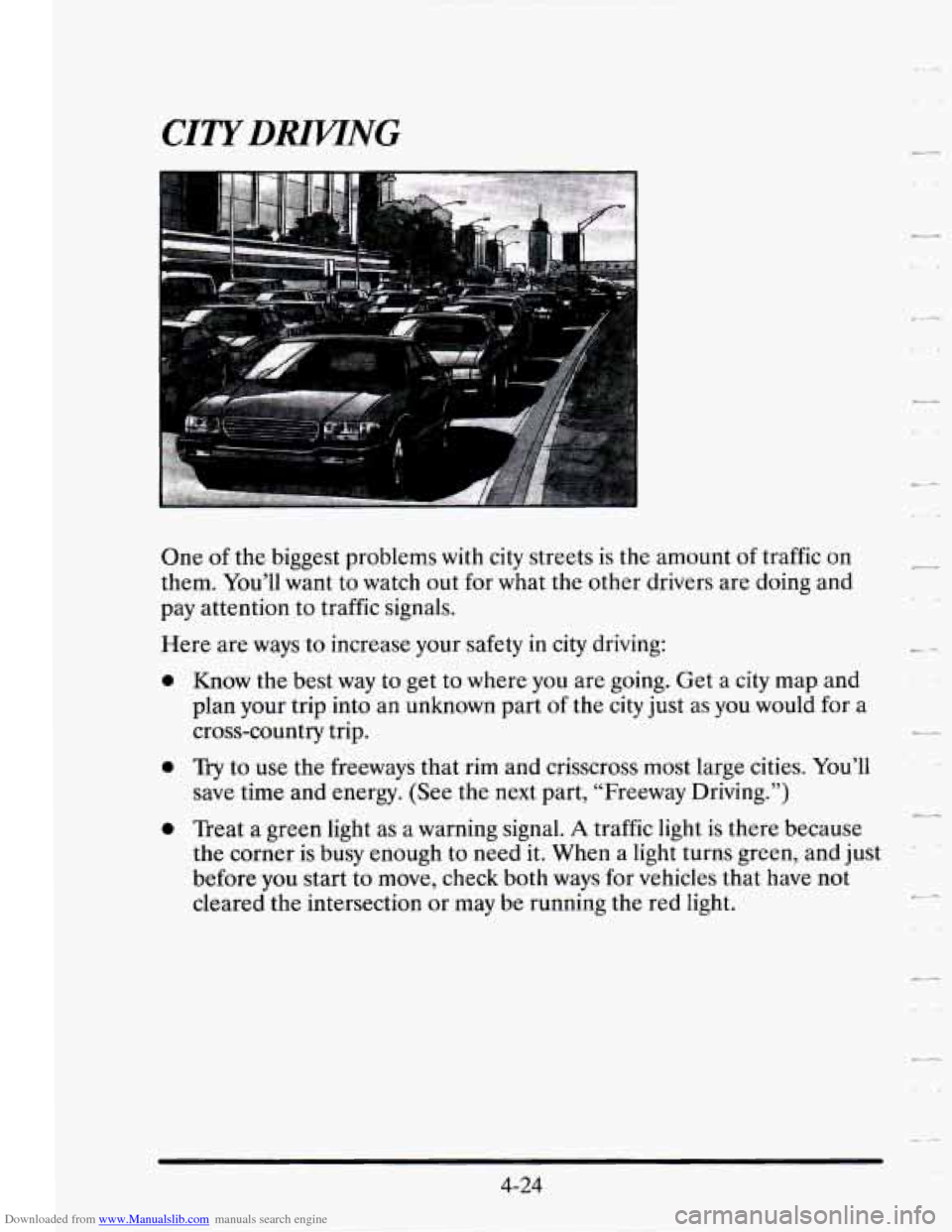
Downloaded from www.Manualslib.com manuals search engine One of the biggest problems with city streets is the amount of traffic on
them. You’ll want to watch out
for what the other drivers are doing and
pay attention to traffic signals.
0
Here are ways to increase your safety in city driving:
0
Know the best way to get to where you are going. Get a city map and
plan your trip into an unknown part of
the city just as you would for a
cross-country trip.
Try to use the freeways that rim and crisscross most large cities. You’ll
save time and energy. (See the next part, “Freeway Driving.”)
Treat a green light as a warning signal.
A traffic light is there because
the corner is busy enough to need it. When a light turns green, and just
before you start to move, check both ways for vehicles that have not
cleared the intersection or may be running the red light.
2--
+-
4-24
Page 217 of 410
Downloaded from www.Manualslib.com manuals search engine At the entrance there is usually a ramp that leads to the freeway. If you
have a clear view of the freeway as you drive along the entrance ramp, you
should begin to check traffic.
Try to determine where you expect to blend
with the
flow. Try to merge into the gap at close to the prevailing speed.
Switch on your turn signal, check your mirrors and glance over your
shoulder as often as necessary.
Try to blend smoothly with the traffic flow.
CI
Once you are on the freeway, adjust your speed to the posted limit or to
the prevailing rate if it’s slower. Stay in the right lane unless you want to
pass. -.
Before changing lanes, check your mirrors. Then use your turn signal.
Just before you leave the lane, glance quickly over your shoulder to make
sure there isn’t another vehicle in your “blind” spot.
Once you are moving
on the freeway, make certain you allow a reasonable -
following distance. Expect to move slightly slower at night.
When you want to leave the freeway, move to the proper lane well in
advance.
If you miss your exit do not, under any circumstances, stop and
back up. Drive
on to the next exit.
The exit ramp can be curved, sometimes quite sharply.
The exit speed
is usually posted.
Reduce your speed according to your speedometer, not to your sense of
motion. After driving for any distance at higher speeds, you may tend to
think you are going slower than you actually are.
4-26
Page 218 of 410
Downloaded from www.Manualslib.com manuals search engine - - .- BEFORE LEAVTNG ONA LONG TRlP
Make sure you’re ready. Try to be well rested. If you must start when
you’re not fresh
-- such as after a day’s work -- don’t plan to make too
many miles that first part
of the journey. Wear comfortable clothing and
shoes you can easily drive in.
Is your vehicle ready for a long trip? If you keep it serviced and
maintained, it’s ready to go.
If it needs service, have it done before
starting out.
Of course, you’ll find experienced and able service experts in
Cadillac dealerships all across North America. They’ll be ready and
willing to help
if you need it.
_1
Here are some things you can check before a trip:
0
0
0
0
0
0
0
Windshield Washer Fluid: Is the reservoir full? Are all windows clean
inside and outside?
Wiper Blades: Are they in good shape?
Fuel, Engine Oil, Other Fluids: Have you checked all levels?
Lamps: Are they all working? Are the lenses clean?
Tires: They are vitally important to a safe, trouble-free trip. Is the tread
good enough for long-distance driving? Are the tires all inflated to the
recommended pressure?
Weather Forecasts: What’s the weather outlook along your route?
Should you delay your trip a short time to avoid a major storm system?
Maps: Do you have up-to-date maps?
Page 219 of 410
Downloaded from www.Manualslib.com manuals search engine HIGAWKAY HYPNOSIS
Is there actually such a condition as “highway hypnosis”? Or is it just plain
falling asleep at the wheel? Call it highway hypnosis, lack
of awareness, or
whatever.
There is something about an easy stretch
of road with the same scenery,
along with the hum of the tires on the road, the drone of the engine, and
the rush
of the wind against the vehicle that can make you sleepy. Don’t
let it happen to you! If it does, your vehicle can leave the road in
less than
a second, and you could crash and be injured.
What can you do about highway hypnosis? First,
be aware that it can
happen.
Then here are some tips:
Make sure your vehicle is well ventilated, with a comfortably cool
interior.
Keep your eyes moving. Scan the road ahead and to the sides. Check
your rearview mirrors and your instruments frequently. .--.
..
If you get sleepy, pull off the road into a rest, service, or parking area
and take a nap, get some exercise, or both. For safety, treat drowsiness
on the highway as an emergency.
-
4-28
Page 220 of 410
Downloaded from www.Manualslib.com manuals search engine P
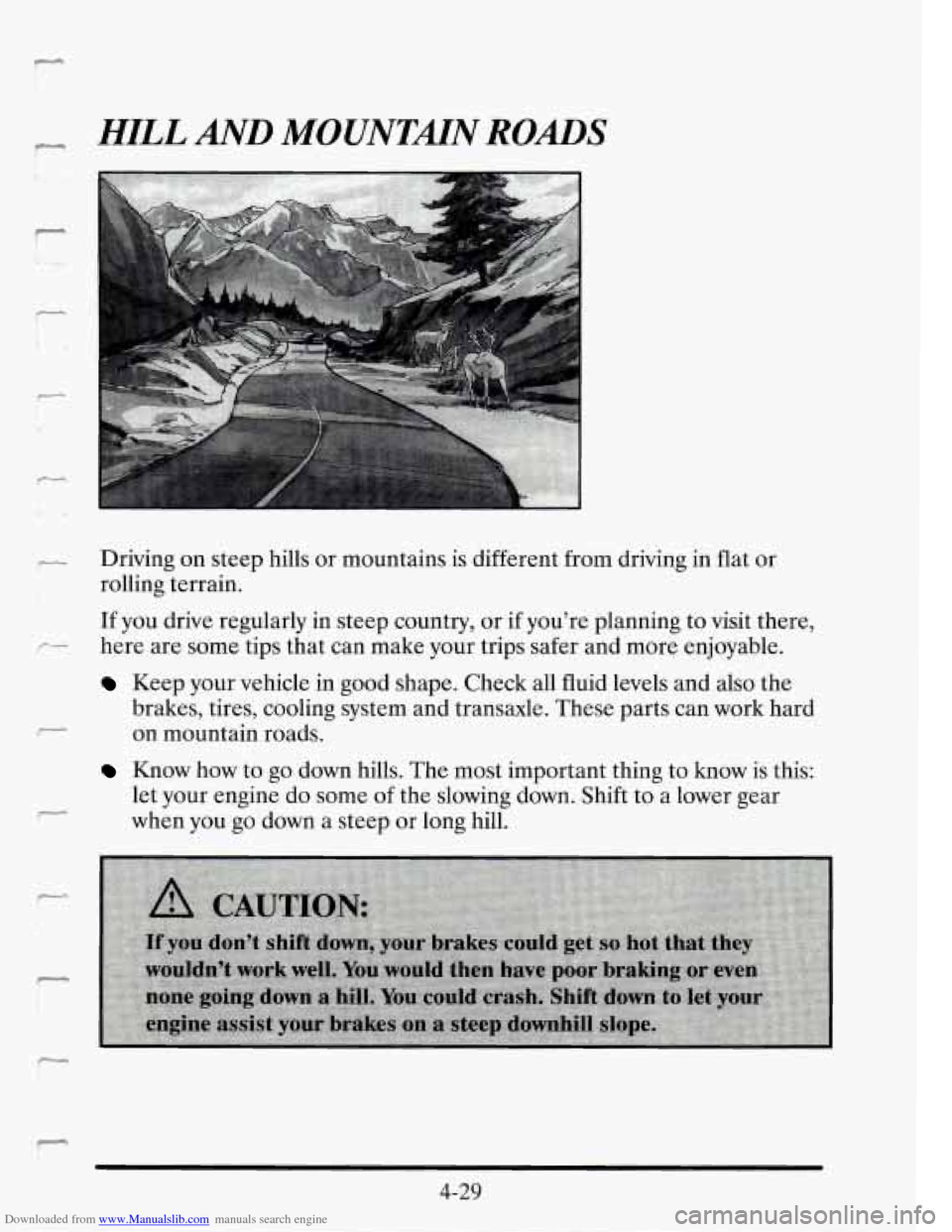
c1 HILL AND MOUNTMN ROADS
- Driving on steep hills or mountains is different from driving in flat or r* I rolling terrain.
If you drive regularly in steep country, or if you're planning to visit there,
p- here are some tips that can make your trips safer and more enjoyable.
r
,-
Keep your vehicle in good shape. Check all fluid levels and also the
brakes, tires, cooling system and transaxle. These parts can work hard
on mountain roads.
Know how to go 'down hills. The most important thing to know is this:
let your engine do some
of the slowing down. Shift to a lower gear
when you
go down a steep or long hill.
r
4-29
Page 236 of 410
Downloaded from www.Manualslib.com manuals search engine - Driving with a Trailer
Towing a trailer requires a certain amount of experience. Before setting
out for the open road, you’ll want
to get to know your rig. Acquaint
- yourself with the feel of handling and braking with the added weight of
the trailer. And always keep in mind that the vehicle you are driving is
now a good deal longer and not nearly as responsive as your vehicle is by
itself.
Before you start, check the trailer hitch and platform (and attachments),
safety chains, electrical connector, lights, tires and mirror adjustment.
If
the trailer has electric brakes, start your vehicle and trailer moving and
then apply the trailer brake controller by hand to be sure the brakes are
working. This lets you check your electrical connection at the same time.
During your trip, check occasionally to be sure that the load is secure, and
that the lights and any trailer brakes are still working.
Following Distance
Stay at least twice as far behind the vehicle ahead as you would when
driving your vehicle without a trailer. This can help you avoid situations
that require heavy braking and sudden turns.
You’ll need more passing distance up ahead when you’re towing a trailer.
And, because you’re a good deal longer, you’ll need to go much farther
beyond the passed vehicle before
you can return to your lane.
Backing Up
Hold the bottom of the steering wheel with one hand. Then, to move the
trailer to the left, just move that hand to the left.
To move the trailer to
the right, move your hand to
the right. Always back up slowly and, if
possible, have someone guide you.
4-45