display CADILLAC SEVILLE 1995 4.G Owners Manual
[x] Cancel search | Manufacturer: CADILLAC, Model Year: 1995, Model line: SEVILLE, Model: CADILLAC SEVILLE 1995 4.GPages: 410, PDF Size: 19.98 MB
Page 112 of 410
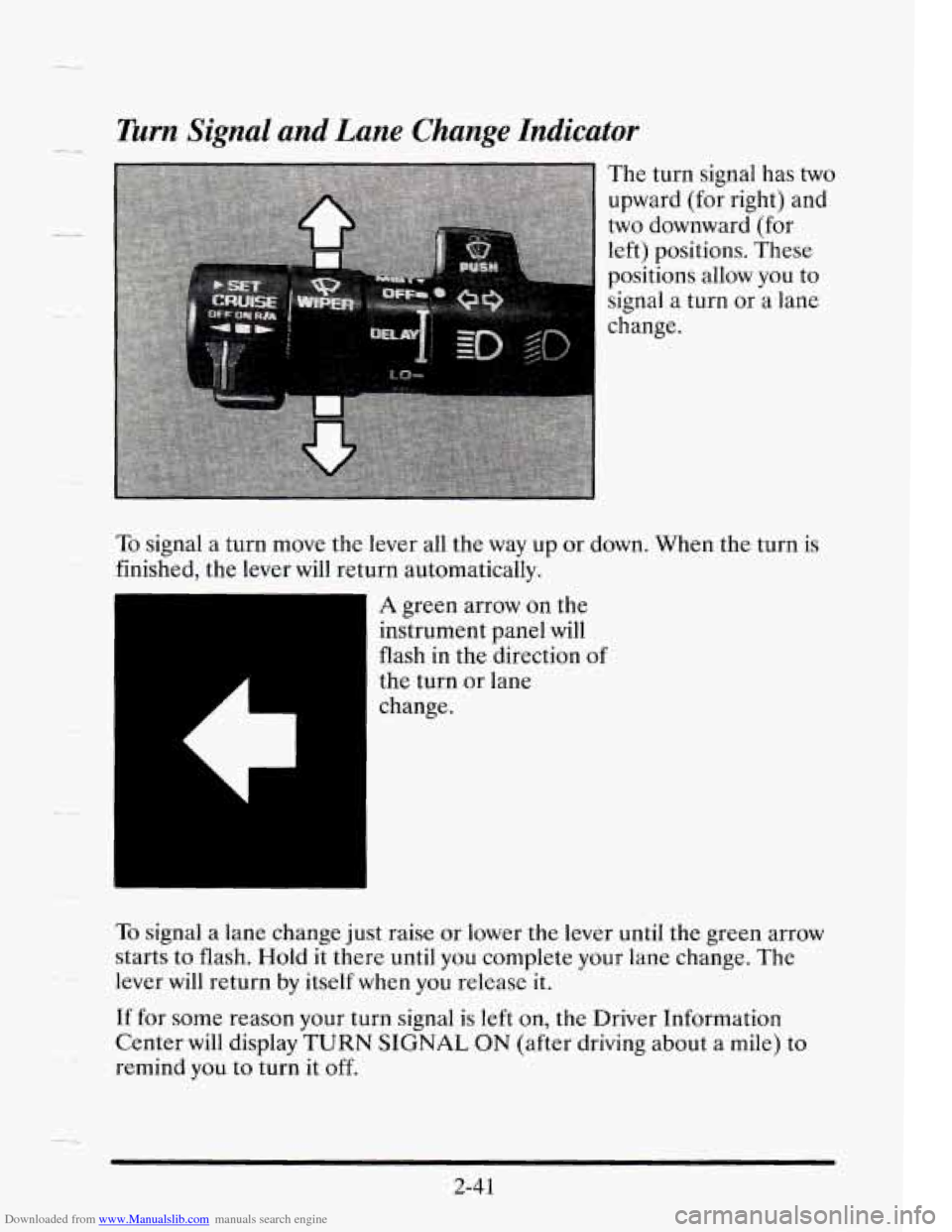
Downloaded from www.Manualslib.com manuals search engine Turn Signal and Lane Change Indicator
To signal a turn move the lever all the way up or down. When the turn is
finished, the lever will return automatically.
A green arrow on the
instrument panel will
flash in the direction
of
the turn or lane
change.
To signal a lane change just raise or lower the lever until the green arrow
starts to flash.
Hold it there until you complete your lane change. The
lever will return by itself when you release it.
If for some reason your turn signal is left on, the Driver Information
Center will display
TURN SIGNAL ON (after driving about a mile) to
remind you to turn it off.
2-41
Page 116 of 410
Downloaded from www.Manualslib.com manuals search engine F 4
7
Windshield Washer
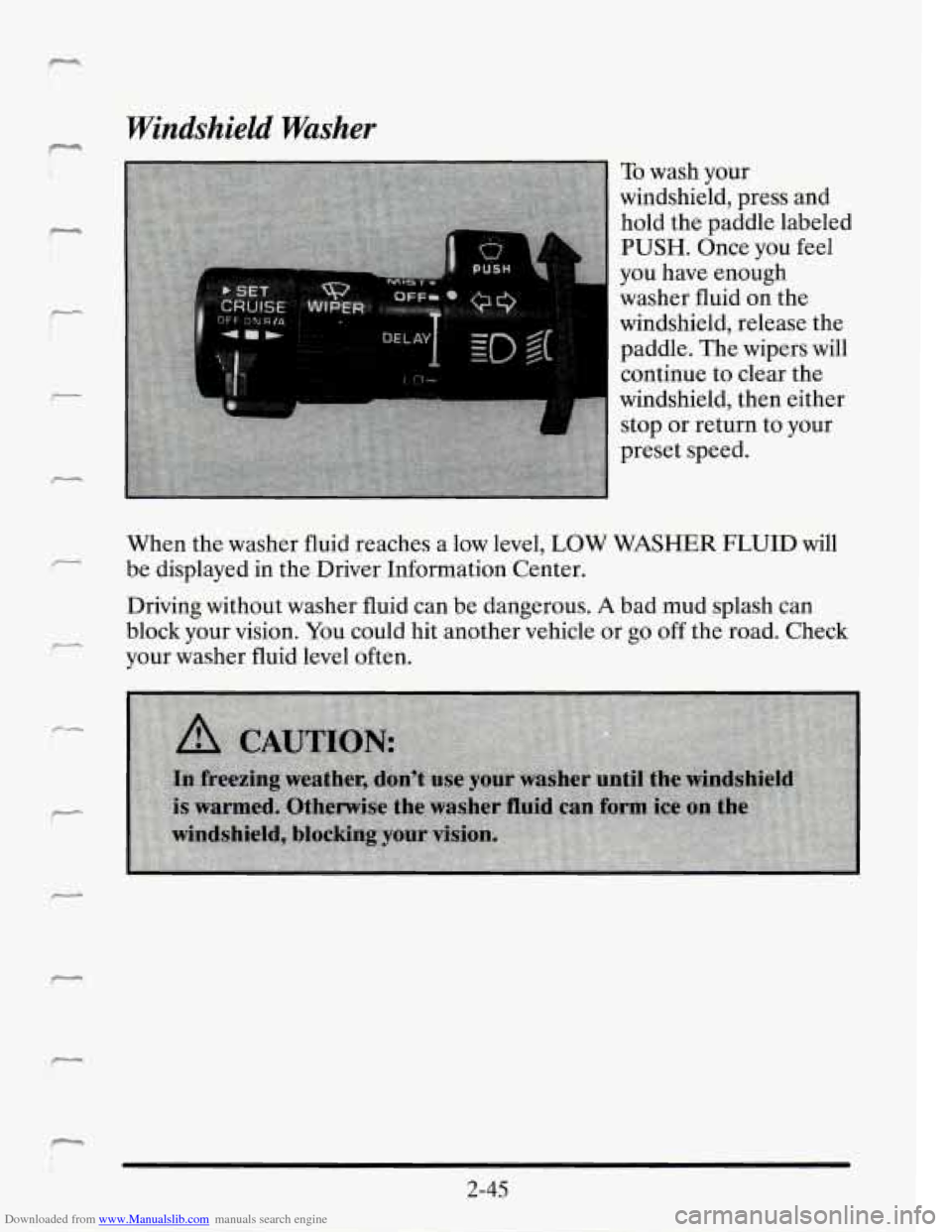
To wash your
windshield, press and
hold the paddle labeled
PUSH. Once you feel
you have enough
washer fluid on the
windshield, release the
paddle. The wipers will
continue to clear the
windshield, then either
stop or return to your
preset speed.
When the washer fluid reaches a low level,
LOW WASHER FLUID will
be displayed in the Driver Information Center.
Driving without washer fluid can be dangerous.
A bad mud splash can
block your vision.
You could hit another vehicle or go off the road. Check
your washer fluid level often.
2-45
Page 120 of 410
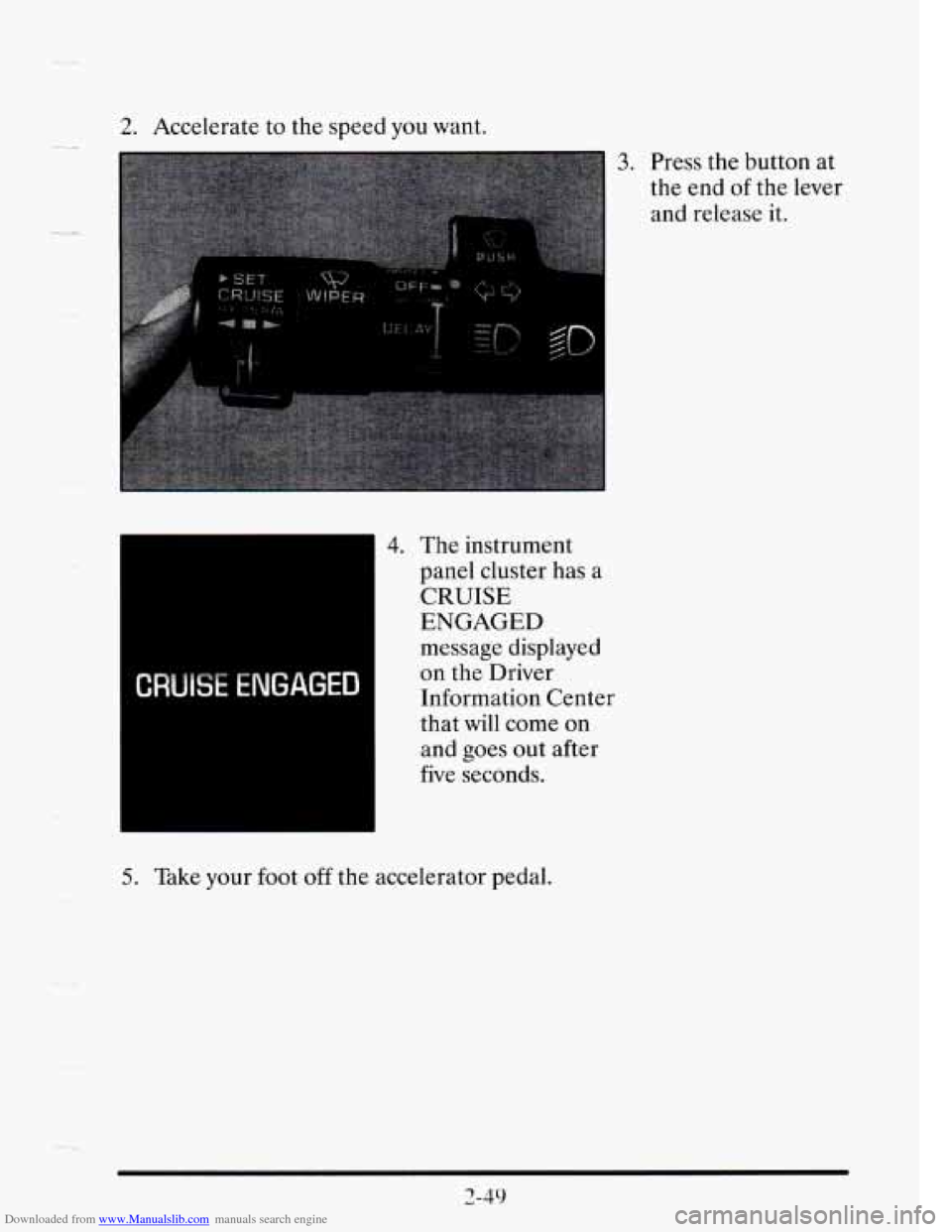
Downloaded from www.Manualslib.com manuals search engine 2. Accelerate to the speed you want.
3. Press the button at
the end
of the lever
and release it.
rc- -- I
message displayed
on the Driver
Information Center
that
will come on
and goes out after
five seconds.
5. Take your foot off the accelerator pedal.
Page 133 of 410
Downloaded from www.Manualslib.com manuals search engine L 9
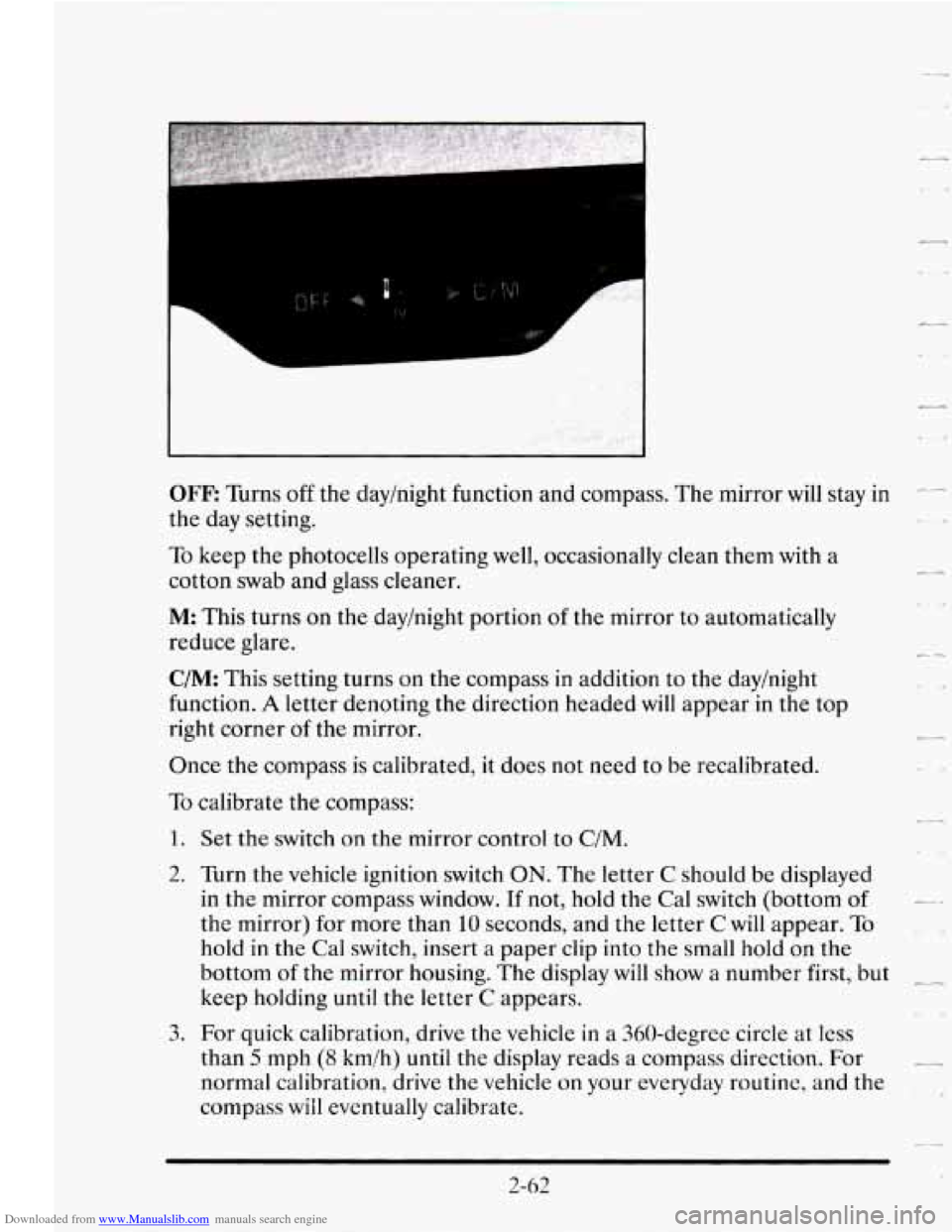
OFF: Turns off the day/night function and compass. The mirror will stay in --
the day setting.
To keep the photocells operating well, occasionally clean them with a
cotton swab and glass cleaner.
M This turns on the day/night portion of the mirror to automatically
reduce glare.
C/M: This setting turns on the compass in addition to the day/night
function.
A letter denoting the direction headed will appear in the top
right corner
of the mirror.
Once the compass is calibrated, it does not need to be recalibrated.
To calibrate the compass:
1. Set the switch on the mirror control to C/M.
2. Turn the vehicle ignition switch ON. The letter C should be displayed
in the mirror compass window.
If not, hold the Cal switch (bottom of
the mirror) for more than 10 seconds, and the letter C will appear. To
hold in the Cal switch, insert a paper clip into the small hold on the
bottom
of the mirror housing. The display will show a number first, but
keep holding until the letter
C appears. & -a
3. For quick calibration, drive the vehicle in a 360-degree circle at less
than
5 mph (8 kmlh) until the display reads a compass direction. For -
normal calibration, drive the vehicle on your everyday routine, and the
compass
will eventually calibrate.
L
2-62 . .a
Page 134 of 410
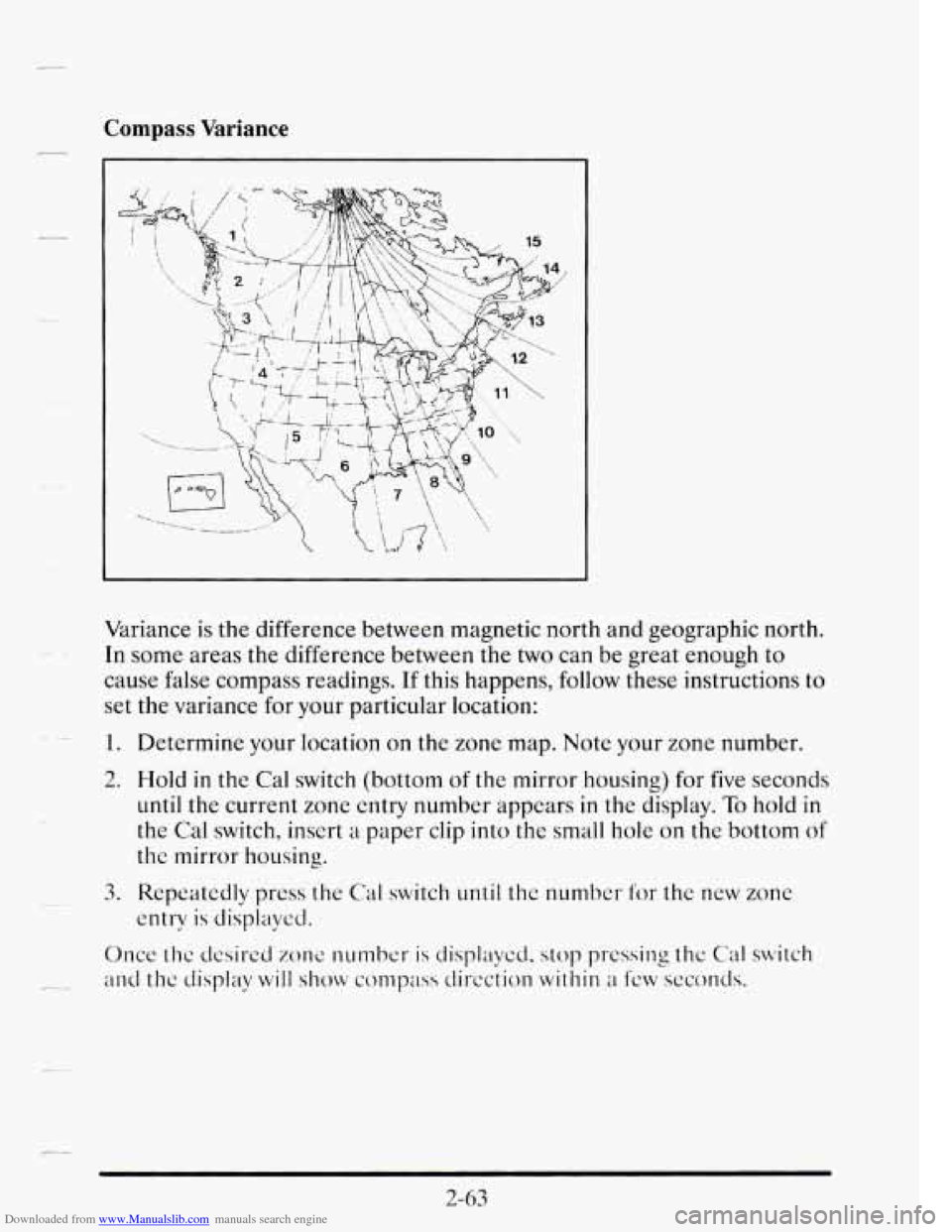
Downloaded from www.Manualslib.com manuals search engine Compass Variance
Variance is the difference between magnetic north ana geographic norm.
In some areas the difference between the two can be great enough to
cause false compass readings.
If this happens, follow these instructions to
set the variance for your particular location:
1. Determine your location on the zone map. Note your zone number.
2. Hold
in the Cal switch (bottom of the mirror housing) for five seconds
until the current zone entry number appears in the display. To hold in
the Cal switch, insert a paper clip into the small hole on the bottom of
the mirror housing.
entry
is displaycd.
3.
Repeatedly press the
Cal switch until the number for the new zone
Once thc dcsired zone number is displaycd, stop pressing thc Cal switch
-.- and the display will show compass dircction within a fcw seconds.
2-63
Page 151 of 410
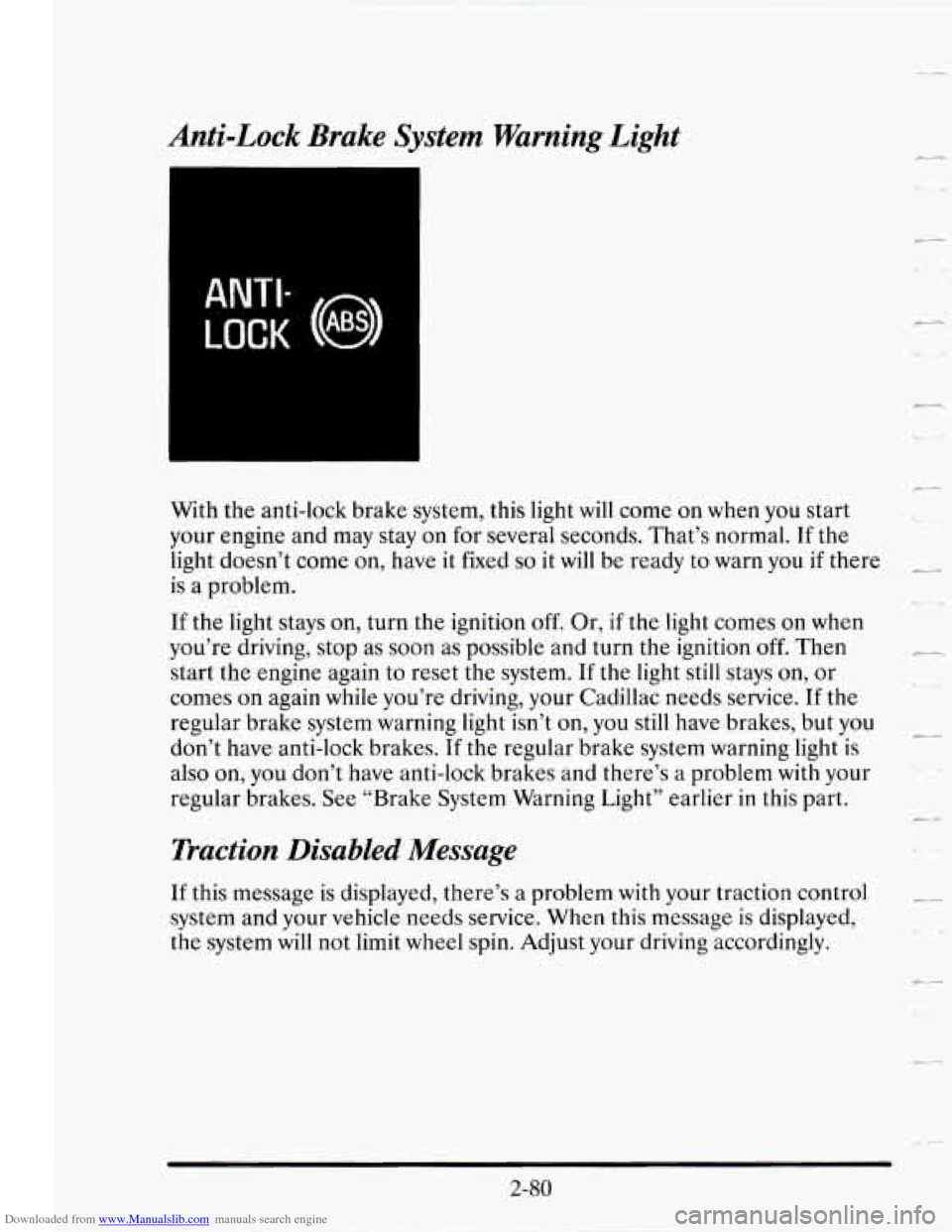
Downloaded from www.Manualslib.com manuals search engine Anti-Lock Brake System Warning Light
ANTI-
LOCK (0 ABS)
With the anti-lock brake system, this light will come on when you start
your engine and may stay on
for several seconds. That’s normal. If the
light doesn’t come on, have it fixed
so it will be ready to warn you if there
is a problem.
If the light stays on, turn the ignition off. Or, if the light comes on when
you’re driving, stop as soon as possible and turn the ignition
off. Then
start the engine again to reset the system. If the light still stays
on, or
comes on again while you’re driving, your Cadillac needs service.
If the
regular brake system warning light isn’t on, you still have brakes, but you
don’t have anti-lock brakes.
If the regular brake system warning light is
also on, you don’t have anti-lock brakes and there’s
a problem with your
regular brakes.
See “Brake System Warning Light” earlier in this part.
Traction Disabled Message
If this message is displayed, there’s a problem with your traction control
system and your vehicle needs service. When this message is displayed,
the system will not limit wheel spin. Adjust your driving accordingly.
-,.
c-
2-80
Page 152 of 410
Downloaded from www.Manualslib.com manuals search engine - Traction Control System Active Message
When your traction control system is limiting wheel spin, the TRACTION
ACTIVE message will be displayed. Slippery road conditions may exist
if
will stay on for a few seconds after the traction control system stops
limiting wheel spin.
/-. .- this message is displayed, so adjust your driving accordingly. This message
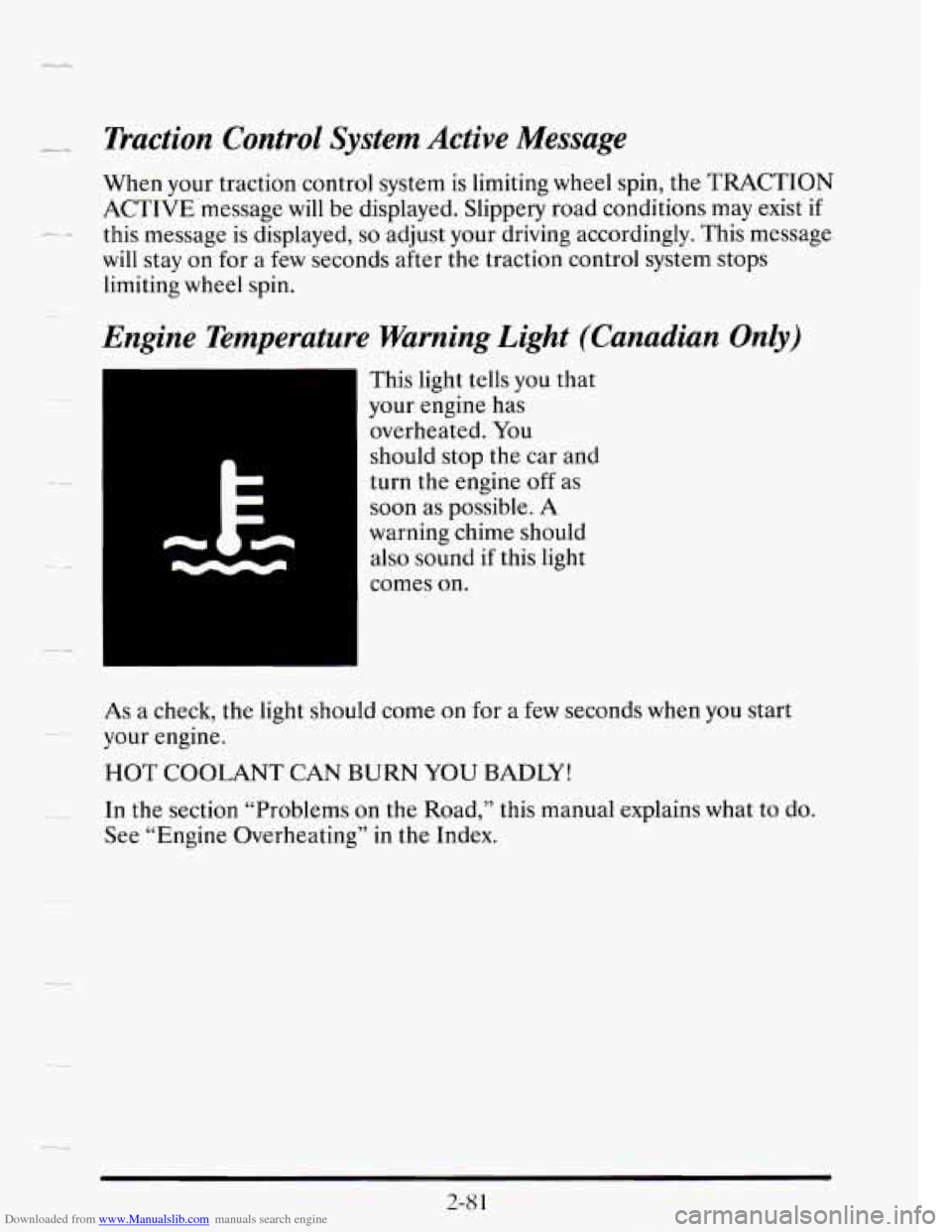
Engine Temperature Warning Light (Canadian Only)
This light tells you that
your engine has
overheated. You
should stop the car and
turn the engine
off as
soon as possible.
A
warning chime should
also sound if this light
comes
on.
As a check, the light should come on for a few seconds when you start
your engine.
HOT COOLANT CAN BURN YOU BADLY!
In the section “Problems on the Road,” this manual explains what to do.
See “Engine Overheating” in the Index.
..
2-8 1
Page 157 of 410
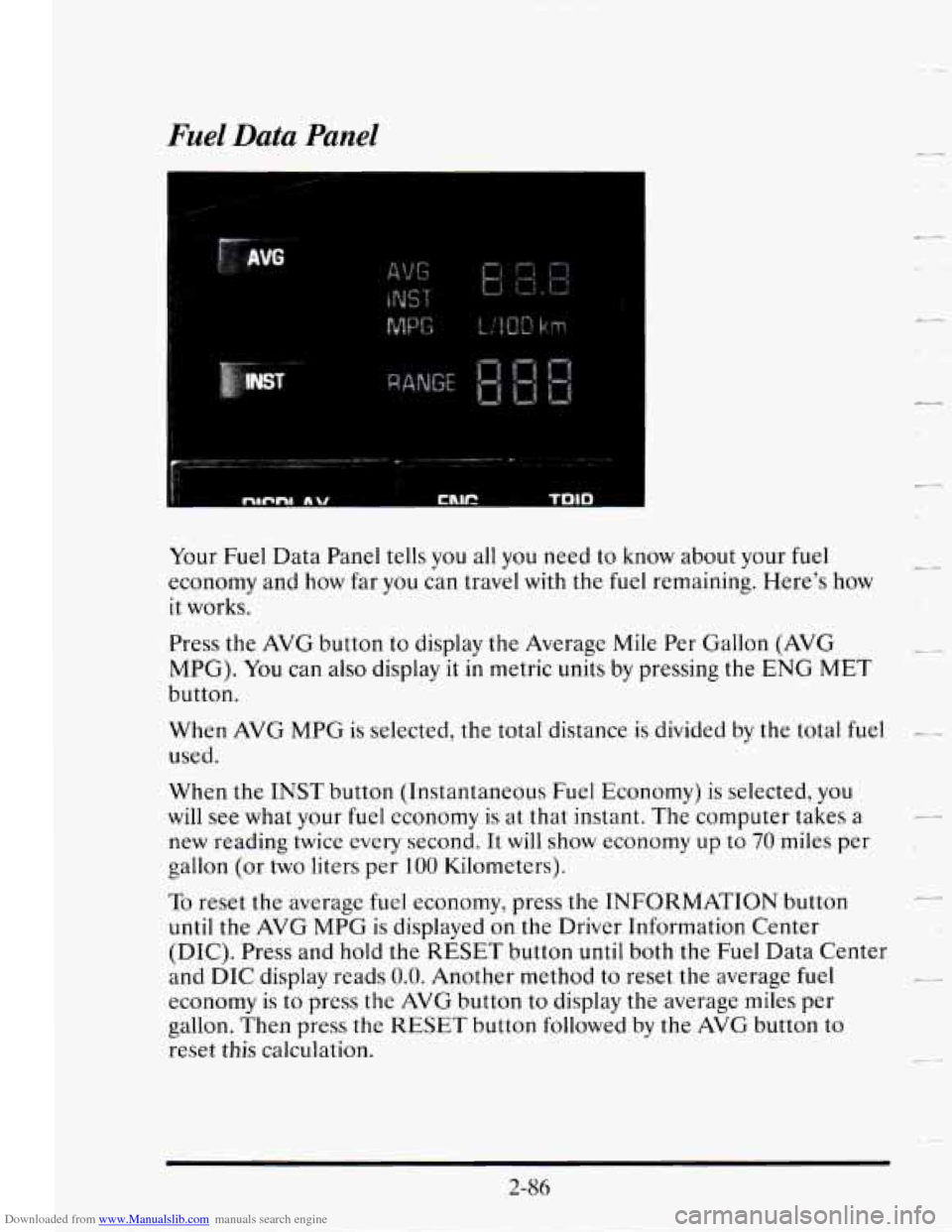
Downloaded from www.Manualslib.com manuals search engine Fuel Data Panel
Your Fuel Data Panel tells you all you need to know about your fuel
economy and how far you can travel with the fuel remaining. Here's how
it works.
Press
the AVG button to display the Average Mile Per Gallon (AVG
MPG). You can also display
it in metric units by pressing the ENG MET
button.
-.
When AVG MPG is selected, the total distance is divided by the total fuel -.-
used.
When the
INST button (Instantaneous Fuel Economy) is selected, you
will see what your fuel economy is at that instant. The computer takes a
new reading twice every second. It
will show economy up to 70 miles per
gallon (or
two liters per 100 Kilometers).
c4
L .#
To reset the average fuel economy, press the INFORMATION button I.-
until the AVG MPG is displayed on the Driver Information Center
(DIC). Press and hold the
RESET button until both the Fuel Data Center
and DIC display reads
0.0. Another method to reset the average fuel
economy is to press
the AVG button to display the average miles per
gallon.
Then press the RESET button followed by the AVG button to
reset
this calculation.
2-86
Page 158 of 410
Downloaded from www.Manualslib.com manuals search engine LL
--
--
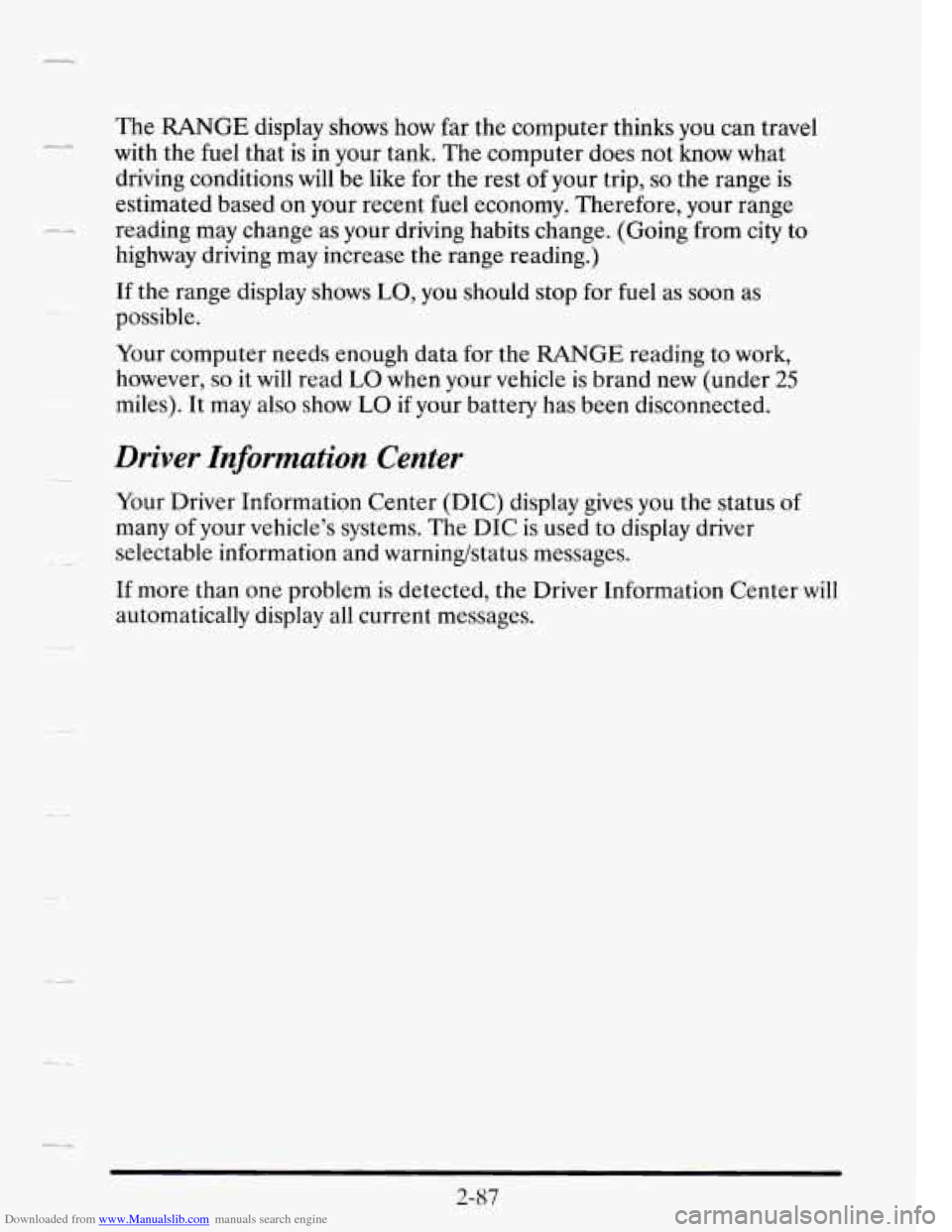
The RANGE display shows how far the computer thinks you can travel
with the fuel that is in your tank. The computer does not know what
driving conditions will be like
for the rest of your trip, so the range is
estimated based on your recent fuel economy. Therefore, your range
reading may change as your driving habits change. (Going from city
to
highway driving may increase the range reading.)
If the range display shows
LO, you should stop for fuel as soon as
possible.
Your computer needs enough data
for the RANGE reading to work,
however,
so it will read LO when your vehicle is brand new (under 25
miles). It may also show LO if your battery has been disconnected.
Driver Information Center
Your Driver Information Center (DIC) display gives you the status of
many of your vehicle’s systems. The DIC is used to display driver
selectable information and warning/status messages.
If more than one problem is detected, the Driver Information Center will
automatically display all current messages.
2-87
Page 159 of 410
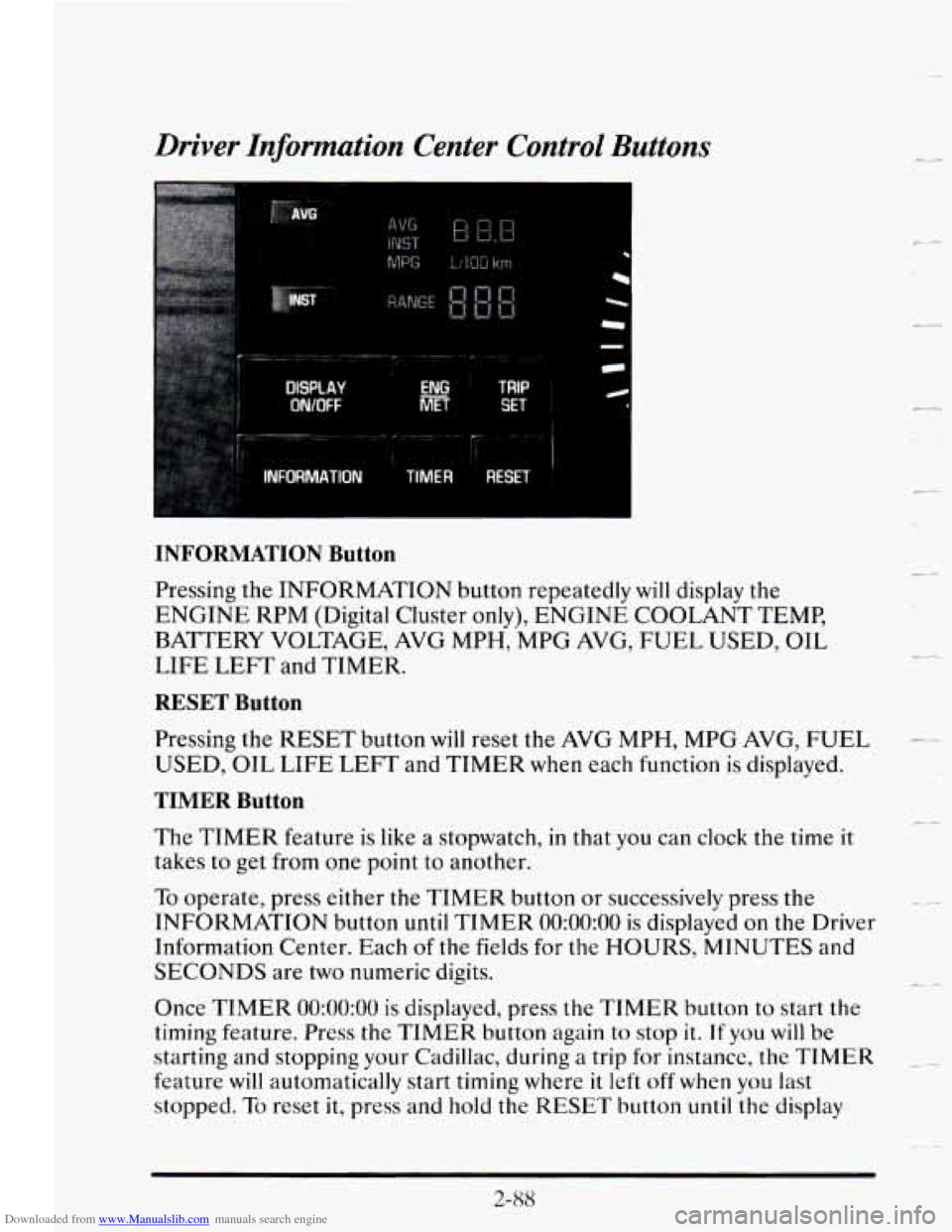
Downloaded from www.Manualslib.com manuals search engine Driver Information Center Control Buttons
AVG
DtSPtAV
WOFF
TRIP
SET
INFORMATION Button
Pressing the INFORMATION button repeatedly will display the
ENGINE RPM (Digital Cluster only), ENGINE COOLANT TEMP,
BATTERY VOLTAGE, AVG MPH, MPG AVG, FUEL USED, OIL
LIFE
LEFT and TIMER.
RESET Button
Pressing the RESET button will reset the AVG MPH, MPG AVG, FUEL
USED, OIL LIFE LEFT and TIMER when each function is displayed.
TIMER Button
The TIMER feature is like a stopwatch, in that you can clock the time it
takes to get from one point to another.
To operate, press either the TIMER button or successively press the
INFORMATION button
until TIMER 0O:OO:OO is displayed on the Driver
Information Center. Each
of the fields for the HOURS, MINUTES and
SECONDS are two numeric digits.
Once
TIMER 0O:OO:OO is displayed, press the TIMER button to start the
timing feature.
Press the TIMER button again to stop it. If you will be
starting and stopping
your Cadillac, during a trip for instance, the TIMER
feature will automatically start timing where it left off when you last
stopped.
To reset it, press and hold the RESET button until the display
(L4
L.
_4
t
c-
2-88