air condition CADILLAC SEVILLE 1997 4.G Owners Manual
[x] Cancel search | Manufacturer: CADILLAC, Model Year: 1997, Model line: SEVILLE, Model: CADILLAC SEVILLE 1997 4.GPages: 370, PDF Size: 20.52 MB
Page 142 of 370
Downloaded from www.Manualslib.com manuals search engine c
L-
L-
C
I 1
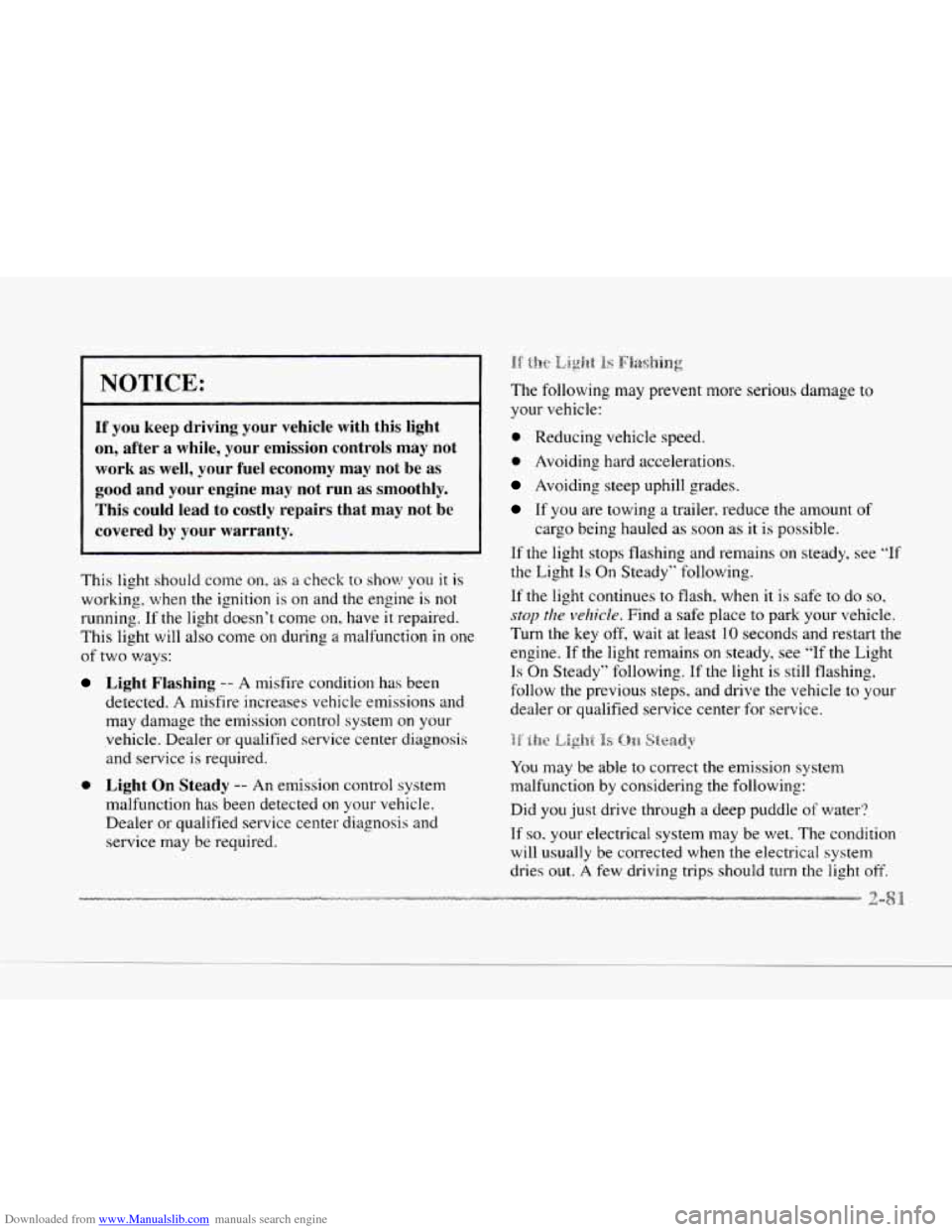
NOTICE:
If you keep driving your vehicle with this light
on, after a while, your emission controls may not
work as
well, your fuel economy may not be as
good and your engine may not run as smoothly.
This could lead to costly repairs that may not be
covered by your warranty.
This light should come on. as a check to show you it is
working, when the ignition is on and the engine is not
running.
If the light doesn't come on, have it repaired.
This light will
also come on during a malfunction in one
of two ways:
Light Flashing -- A misfire condition has been
detected.
A misfire increases vehicle emissions and
may damage the emission control system on your
vehicle. Dealer or qualified service center diagnosis
and service
is required.
0 Light On Steady -- An emission control system
malfunction has been detected
on your vehicle.
Dealer or qualified service center diagnosis and
service rnay be required. The
following may prevent more serious damage to
your vehicle:
0 Reducing vehicle speed.
0 Avoiding hard accelerations.
Avoiding steep uphill grades.
If you are towing a trailer, reduce the amount of
cargo being hauled as soon as it is possible.
If the light stops flashing and remains on steady, see
"If
the Light Is On Steady" following.
If the light continues to flash, when it is safe to do so,
stop the velzicle. Find a safe place to park your vehicle.
Turn the key
off, wait at least 10 seconds and restart the
engine.
If the light remains on steady, see "lf the Light
Is On Steady" following. If the light is still flashing.
follow the previous steps, and drive the vehicle
to your
dealer or qualified service center for service.
You may
be able to correct the emission system
malfunction by considering the following:
Did you just drive through a deep puddle
of water?
If
so. your electrical system may be wet. The condition
will usually be corrected when the electrical system
dries
out. A few driving trips should turn the light off.
Page 143 of 370
Downloaded from www.Manualslib.com manuals search engine Are you low on fuel?
As your engine starts to run
out of fuel, your engine may
not run as efficiently as designed since small amounts
of
air are sucked into the fuel line causing a misfire. The
system can detect this. Adding fuel should correct this
condition. Make sure to install the fuel
cap properly. It
will take a few driving trips to turn the light off.
Have
you recently changed brands of fuel?
If
so, be sure to fuel your vehicle with quality fuel (see
“Fuel”
in the Index). Poor fuel quality will cause your
engine not to run as efficiently as designed.
You may
notice this as stalling after start-up, stalling when you put
the vehicle into gear, misfiring, hesitation on acceleration
or stumbling on acceleration. (These conditions may go
away once the engine
is warmed up.) This will be
detected by the system and cause the light to
turn on.
If you experience one or more
of these conditions,
change the fuel brand
you use. It will require at least one
full tank of the proper fuel to turn the light off.
If none of the above steps have made the light turn
off,
have your dealer or qualified service center check the
vehicle. Your dealer has the proper
test equipment and
diagnostic tools
to fix any mechanical or electrical
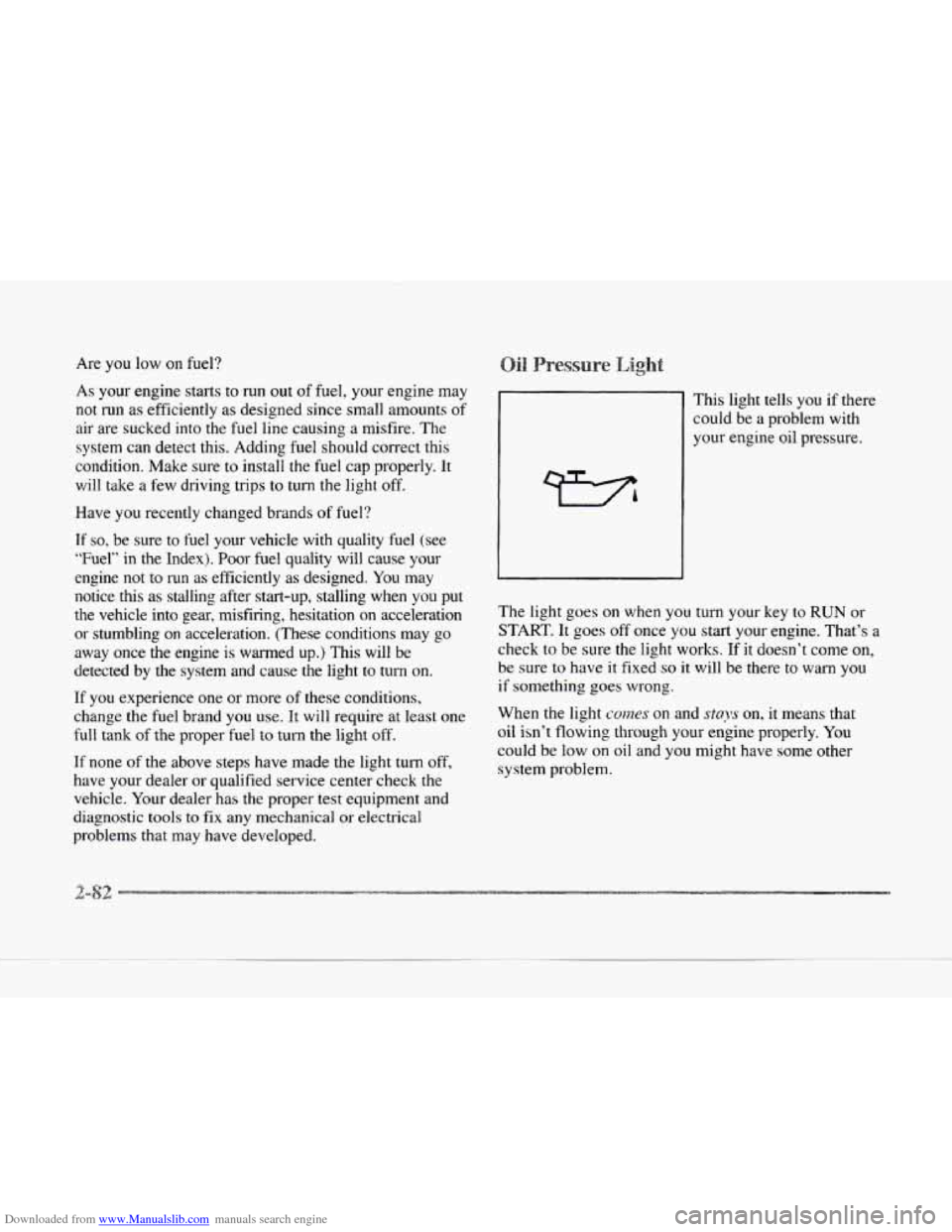
problems that may have developed. This light
tells you if there
could be a problem with
your engine oil pressure.
The light
goes on when you turn your key to RUN or
START. It goes off once you start your engine. That‘s a
check
to be sure the light works. If it doesn’t come on,
be sure to have
it fixed so it will be there to warn you
if something goes wrong.
When
the light comes on and stays on, it means that
oil isn’t flowing through your engine properly.
You
could be low on oil and you might have some other
system problem.
Page 150 of 370
Downloaded from www.Manualslib.com manuals search engine LI
e
OIL LIFE LEFT (Reset): Press the INFO button to
display the OIL LIFE LEFT, then press and hold the
INFO RESET button until
100% OIL LIFE LEFT is
displayed. (This only needs to be reset after you have
had the oil changed.)
ENGLISHMETRIC (Reset): Press the INFO button
to display ENGLISHMETRIC
RESET, then press the
INFO RESET button to select. The display will change
from English (miles)
to metric (kilometers).
INFO: Pressing this button repeatedly will display the
RANGE, MPG AVG, MPG INST, GAL FUEL USED,
MPH, AVG MPH, TIMER. BATTERY VOLTS.
COOLANT TEMP, OIL LIFE LEFT and
ENGLISHMETRIC RESET.
FUEL DOOR: Press this button to open the fuel
door. (This feature will work only when the shift lever
is in PARK (Pj regardless of whether or not the vehicle
is running.)
TRUNK: Press this button to open the trunk. (This
feature will work only when the shift lever
is in
PARK
(P) regardless of whether or not the vehicle
is running.) These
messages will appear if there is
a probien.; sensd
in one of your vehicle's systems. V'hicles that are first
sold in Canada will have a number after each message.
This number helps to identify the message which
is only
displayed in English.
A/C OFF FOR ENGINE PROTECTION - 16: This
message displays when the engine coolant becomes
hotter than the normal operating temperature. To avoid
added strain on a hot engine, the air conditioning
compressor
is automatically turned off so that air
conditioned air
is not deljvered. If the coolant
temperature returns to normal,
you must select AC to
return to a normal A/C compressor operation. If this
message continues to appear, have
the system repaired
as soon as possible to avoid compressor damage.
APPLY BRAKE TO SHIFT - 46: This message will
appear if your vehicle is in PARK (P) for about
15
seconds and the brake is not pressed in. To remove this
message from the
DIC display, hold the OFF and the
blue (cooler) buttons on the digital cluster climate
control panel for about five seconds. On the analog
cluster climate control panel, press the OFF button
(next to the MODE button) and the down arrow on the
PASS
TEMP button for about five seconds. Hold the
same two buttons to display the message again.
Page 153 of 370
Downloaded from www.Manualslib.com manuals search engine from an overheated engine. See ”Engine Overheating”
in the Index.
ENGINE MISFIRE -- EASE OFF GAS
PEDAL - 114: An engine misfire has occurred. You’ll
need to
ease off the gas pedal.
FUEL LEVEL LOW - 11: This message serves as a
waming that the fuel level in the tank is critically low.
Stop for fuel soon.
HEADLAMPS SUGGESTED - 23: If it’s dark enough
outside and the twilight sentinel control is
off, a
€EADLAMPS SUGGESTED message will display on the
DIC.
This message info~lns the driver that turning on the
exterior lamps
is recommended even though the DRL are
still illuminated (it’s become dark enough outside
to
require the headlamps andor other exterior lamps).
ICE POSSIBLE - 13: This message appears when the
outside air temperature is cold enough to create icy road
conditions.
&iONITORED SYSTEhIS OK - 1: This message only
appears in the “recall” mode by pressing the RESET
button.
It lets you know that no other messages are
stored
or cumently active.
PASS KEY NOT PROGRAMMED - 31: This
warning message displays when the PASS-Key pellet information
has not
been programmed into your vehicle.
See your Cadillac dealership for service.
PCM FAULT - 110: The circuit in the Powertrain
Control Module
(PCM) has shorted or is loose when this
message appears. Have your Cadillac serviced by your
dealership at once.
REDUCED ENGINE POWER - 41: This message
informs the driver, that due to wheel slippage, your vehicle
is reducing engine power to compensate for the loss of
traction. Accelerating too fast, causing the tires to spin, is
an example of when this message would display.
REMOVE KEY - 70: This message will appear when
the Personalized Automotive Security System
(PASS-Key
11) is unable to read the pellet on the
ignition key or an improper key pellet
has bee.n inserted.
Wait for
the DIC to display STARTING DISABLED
DUE TO THEFT SYSTEM REMOVE IGNITION
KEY. The instrument panel cluster will then run a timer
and change the messages to WAIT
3 MINUTES, WAIT
2 MINUTES, WAIT 1 MINUTE and then START CAR.
When the REMOVE
KEY message is displayed, remove
the ignition key. Check the ignition key
for damage. If it
is damaged, it may need to be replaced. If you see no
damage, clean the pellet contacts with a soft cloth or
napkin before inserting the key back into the ignition.
Have your vehicle serviced if
the message still appears.
c
Page 154 of 370
Downloaded from www.Manualslib.com manuals search engine P
c
c
c
SERVICE A/C SYSTEM A/C COMPRESSOR
OFF - 14: This message appears when the electronic
sensors that control the air conditioning and heating
systems are no longer working. Have the climate
control system serviced if you notice a drop
in
heating and air conditioning efficiency.
SERVICE AIR BAG - 83: There is a problem with the
Supplemental Inflatable Restraint (air bag) system when
this message appears. Let only
a qualified technician
work on your vehicle. See your Cadillac dealership for
service at once.
SERVICE BRAKE FLUID SVC’ITCH - 37: A defect
in the brake fluid detection circuit causes
this message
to display if the ignition is in the RUN position. Have
the brake system serviced
by a Cadillac technician as
soon as possible. If the brake warning light is on. refer
to the directions listed in that part.
SERVICE CHARGING SYSTEM - 102: This
message will display when a problem with the charging
system has been detected. Have your vehicle serviced at
your Cadillac dealership.
SERVICE ELECTRICAL SYSTEM - 104: This
message will display if an electrical problem has
occurred within the PCM. Have your vehicle serviced
by your Cadillac dealership.
SERVICE EMISSIONS SYSTEM - 104: A problem in
the emissions system has occun-ed when this message
appears. Have your Cadillac dealership service your vehicle.
SERVICE ENGINE COOLING SYSTEM - 103: A
problem within the engine cooling system has been
detected when this message displays. See your Cadillac
dealership for service.
detected
a problem within the fuel system when this
message appears. See your Cadillac dealership for service.
SERVICE IDLE CONTROL SYSTEM - 107: A
problem with the idle control has occun-ed when this
message displays. Bring your vehicle
to your Cadillac
dealership for service.
SERVICE IGNITION SYSTEM - 105: This
message displays when
a failure in the ignition system has
been detected. Have your vehicle serviced by your
Cadillac dealership.
SERVICE RIDE CONTROL - 84: This message is
displayed to indicate that the suspension system
is not
operating properly. To correct this problem. have your vehicle serviced at your Cadillac dealership.
SERVICE STEERING SYSTEM - 127: This message
is displayed when a problem
has been detected in the
MAGNASTEER T!n variable effort steering system. Service
is required. A single chime will also sound when this
message is displayed.
SERVICE FUEL SYSTEM - 101: The PCM has
Page 157 of 370
Downloaded from www.Manualslib.com manuals search engine TRUNK OPEN - 24: This message indicates that the
trunk is open when the ignition is
in RUN.
TURN SIGNAL ON - 20: This message is a reminder,
after driving about a mile, that you have the turn signal
on.
A multiple chime will also sound when this message
is displayed.
VEHICLE SPEED LIh'IITED TO XXX MPH
(KM/H) - 113: A failure in the suspension control
system
has occurred when this message appears. The
PCM determines the speed your vehicle is limited to.
Have your Cadillac serviced if this message appears. The
CV-RTD automatically adjusts the ride
of your
vehicle. Automatic ride control
is achieved through a
computer used to control and monitor the suspension
system.
The controller receives inputs from various
sensors
to determine the proper system response. If the
controller detects a problem within the system, the DIC
will display a SERVICE RIDE CONTROL message. If
this message appears, have your vehicle serviced at your
Cadillac dealership.
VERY LOW REFRIGERANT A/C COMPRESSOR
OFF - 12: This message means that the air conditioning
system detects a refrigerant level that is
low enough to
cause damage to the air conditioning compressor.
To
avoid damage. the air conditioning compressor
automatically turns
off and the Electronic Climate
Control will automatically switch from AUTO to
ECON and remain there. Have the air conditioning
system serviced if this message appears.
Page 160 of 370
Downloaded from www.Manualslib.com manuals search engine c
c In this section, you'll find out how to operate the comfort control and audio systems offctd with our Cdiilac. Be
sure
to read about the particular systems supplied with your vehicle.
c
c
c
3-2
3-2
3 -6
3-7
3-7
3-7
3-9
3-9
3-10
3-10
3-10
3-
10
3-a
Comfort Controls
Climate Control Panel
Electronic
Solar Sensor
Air Conditioning
Heating
Ventilation System
Defrosting
Rear Window Defogger
HVAC Steering Wheel Controls
Climate Control Personalization
Audio Systems
Setting the
Clock
AM-FM Stereo with Cassette Tape Player and
Optional Compact Disc
Player
3- 17
3-2 1
3-25
3-25
3-25
3-26
3-26
3-27
3-28
3-28
3-14 Bose'" AM-Fh;? Stcrco v:ith C''l3hctte Tape
and Compact
Disc Play-
Boss T"' AM-FM Stereo with C'wctte
TT'ape and Compact Disc Pl;~yc.~- with Digital
Signal Processing
Trunk Mounted
CD Changer
Radio Personalization
Theft-Deterrent Feature
Audio Steering Wheel Controls
Understanding Radio Reception
Tips About Your Audio System
Care
of Your Cassette Tape Player
Care
of Your Compact Discs
Power Antenna Mast Care
c 3-:1
Page 162 of 370
Downloaded from www.Manualslib.com manuals search engine c
c
c
c
c
The outside temperature is always displayed when your
vehicle
is running. You can change it from Fahrenheit to
Celsius by pressing the INFO button (above the radio)
until ENGLISHMETRIC RESET displays. Once
displayed, press the
INFO RESET button to select.
The outside temperature sensor is located near the front
grille. The sensor
can be affected by road or engine heat
during idling.
slow driving or when the engine 1s first
started after a short trip. In order to ensure proper
automatic climate control operation, the outside air
temperature display may
not update as quickly as
expected. This is to allow the air surrounding the outside
temperature sensor to be as close
to the actual outside
conditions as possible. This is determined by how much
time has elapsed since the vehicle has been turned
off
and by vehicle speed. Press this
button to deliver air through the floor, middle
or windshield outlets. The system will stay
in the
selected mode
until the MODE button is pushed again.
Press the up or clown arrow to cycle through the
available modes.
Aud:a,xmtt:ic~ d)pc1-ai:iornjr
When the system is set for automatic operation, sensors
will control the air delivery mode.
Air will come from
the floor, middle or windshield outlets. The fan speed
will vary as the system maintains the selected
temperature setting.
Be careful not
to put anything over the solar sensor
located in the middle
of the instrument panel near the
windshield. This sensor is used
by the automatic system
to regulate temperature.
Page 163 of 370
Downloaded from www.Manualslib.com manuals search engine To-find your comfort zone, start with the 75°F (24°C)
setting and allow about 20 minutes for the system to
regulate. Turn the
TEMP/AUTO knob to adjust the
temperature if necessary.
If you choose 60°F ( 1 6"C),
the system will remain at that maximum cooling setting
and will
not regulate fan speed. If you choose the
temperature of
90°F (32'C), the system will remain at
that maximum heating setting and will not regulate fan
speed. Choosing either maximum setting will not cause
the system
to heat or cool any faster.
With
the: automatic setting, the air conditioning
compressor automatically cycles
when needed to cool
the air. In cold weather, when the system senses the need
for heat, the airflow will be directed out the floor
outlets.
As the interior temperature approaches a desired
setting, the blower speed will decrease.
To maintain
interior comfort, the airflow may move
to the instrument
panel air outlets and floor outlets (bi-level mode). On
bright
sunny days in cold weather. the airflow may come
out
of the air conditioning outlets (AC mode) to
maintain comfort and prevent stuffiness.
If your vehicle is sitting out on a hot day and you have it
set on AUTO, the air will first flow out the floor air
outlets for
a few seconds. That is normal. This is to
expel hot air from the air outlets. As the air
is cooled,
the airflow will move through the air conditioning
outlets. If you start your vehicle with the fan setting on
HI, it will skip the air conditioning purge.
To avoid blowing cold air in cold weather, the system
will delay turning on the fan
until warm air is available.
The length
of delay depends on the outside air
temperature, engine coolant temperature or the time
since the engine was last started.
As the coolant warms
up, the blower fan speed will gradually increase and
air will flow from the heater outlets, with some airflow
to the windshield to prevent fogging under most
normal conditions.
If you leave your vehicle, the system will remember the
control setting the next time
you start your engine,
except for recirculation and defrost. Each ignition cycle
cancels recirculation, whereas,
DEFROST will change
to automatic operation when the ignition is shut off and
then turned back
on.
Page 165 of 370
Downloaded from www.Manualslib.com manuals search engine AC: Press this button to turn the air conditioning on and
off. The system will cool and dehumidify the air inside
the vehicle. In the AUTO mode, the display will show
that AC is active,
but the air conditioning compressor
only operates when the system determines it is needed.
RECIRCULATION: Press this button to limit the
amount of fresh air entering your vehicle. This is helpful
when
you are trying to cool the air quickly or limit odors
entering your vehicle. In the AUTO mode, the system
will use recirculation
as necessary to cool the air.
Pressing the recirculation button will change the
operation to a manual mode and the air will recirculate
non-stop. Press this button again to
turn off the
recirculation feature.
If you notice the windows fogging, press the
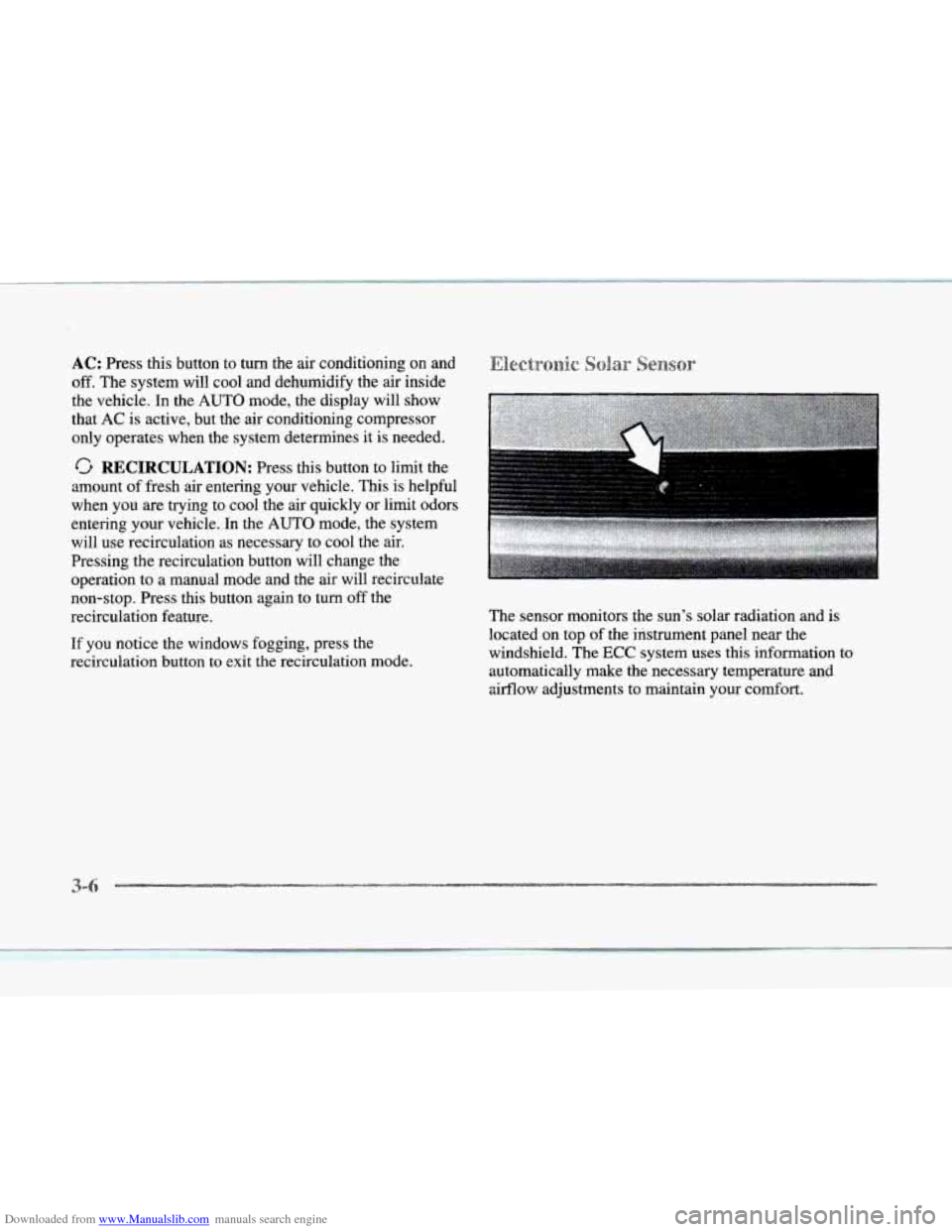
recirculation button to exit the recirculation mode. The sensor monitors
the sun’s solar radiation and is
located on top
of the instrument panel near the
windshield. The
ECC system uses this information
automatically make the necessary temperature and
airflow adjustments to maintain your comfort. to
3-