check engine CADILLAC SEVILLE 1998 4.G User Guide
[x] Cancel search | Manufacturer: CADILLAC, Model Year: 1998, Model line: SEVILLE, Model: CADILLAC SEVILLE 1998 4.GPages: 378, PDF Size: 21.99 MB
Page 111 of 378
Downloaded from www.Manualslib.com manuals search engine PowedHeated Remote Control Mirror
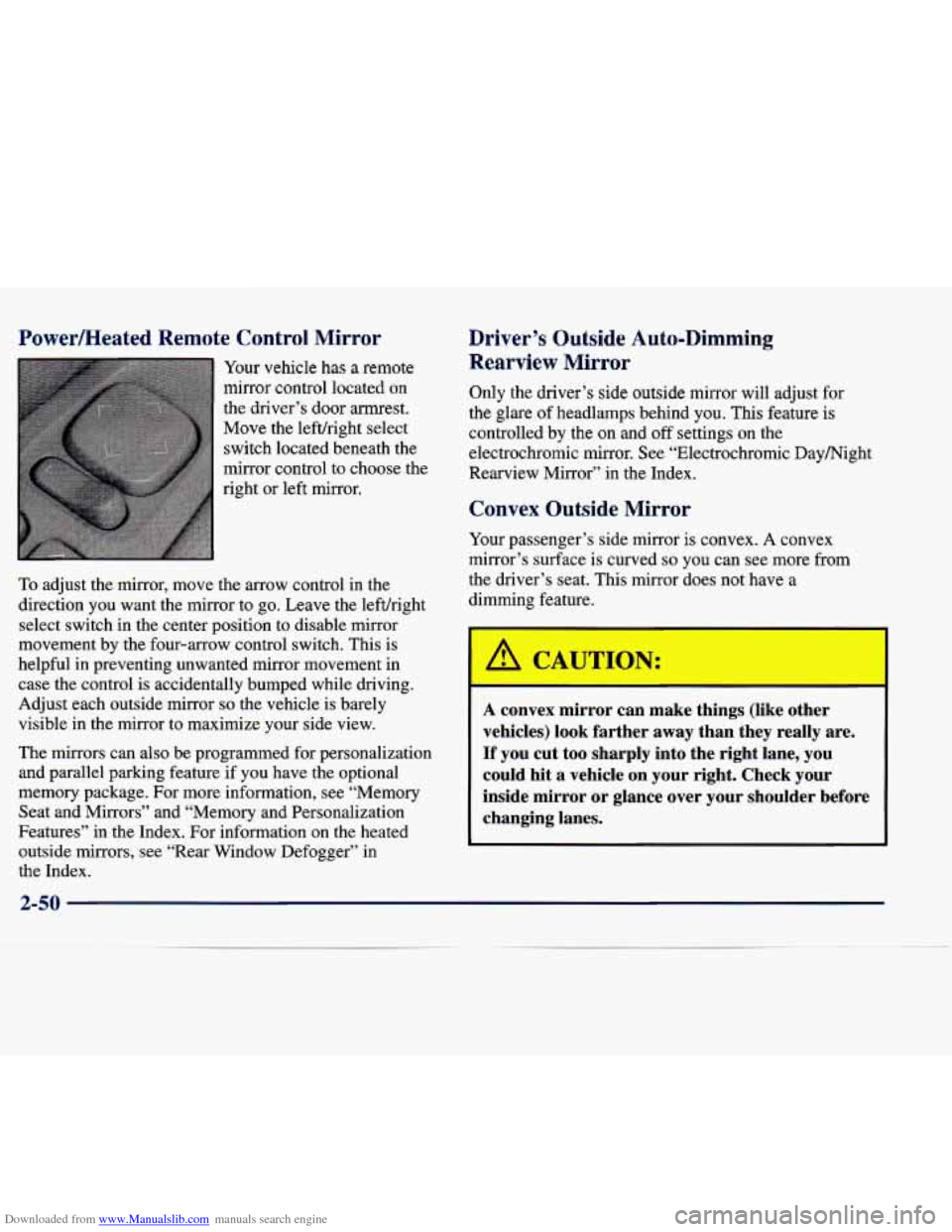
Your vehicle has a remote
mirror control located on
the driver’s door armrest.
Move the lefthight select
switch located beneath
the
mirror control to choose the
right or left mirror.
To adjust the mirror, move the arrow control in the
direction you want the mirror to
go. Leave the lefuright
select switch in the center position to disable mirror
movement by the four-arrow control switch. This is
helpful in preventing unwanted mirror movement in case the control is accidentally bumped while driving.
Adjust each outside mirror so the vehicle is barely
visible in the mirror to maximize your side view.
The mirrors can also be programmed for personalizauon
and parallel parking feature if you have the optional
memory package. For more information, see “Memory Seat and Mirrors” and “Memory and Personalization
Features” in the Index. For infomation on the heated
outside mirrors, see “Rear Window Defogger’’ in the Index.
Driver’s Outside Auto-Dimming Rearview
Mirror
Only the driver’s side outside mirror will adjust for
the glare of headlamps behind you. This feature is
controlled by the on and off settings on the
electrochromic mirror. See “Electrochromic Daymight
Rearview Mirror” in the Index.
Convex Outside Mirror
Your passenger’s side mirror is convex. A convex
mirror’s surface is curved
so you can see more from
the driver’s seat. This mirror does not have a
dimming feature.
A CAUTIC) r:
I
A convex mirror can make things (like other
vehicles) look farther away than they really are.
If you cut too sharply into the right lane,
you
could hit a vehicle on your right. Check your
inside mirror or glance over your shoulder before
changing lanes.
2-50
Page 120 of 378
Downloaded from www.Manualslib.com manuals search engine Training a Garage Door Opener with
“Rolling Codes”
(If Equipped)
If you have not previously programmed the hand-held
transmitter to the universal transmitter, see
“Programming the Transmitter” in the Index. If you
have completed this programming,
you need to train the
garage door opener receiver to recognize the universal
transmitter. Refer to
your garage door opener owner’s
manual for the proper transmitter training procedure for
your garage door opener brand.
1.
2.
3. Locate
the training button
on the garage door opener
receiver. The exact location and color of the button
may vary by garage door opener brand. If you have difficulty locating the training button, refer to your
garage door opener manual.
Press the training button on the garage door opener
receiver for one or
two seconds. A light indicator will
begin to
flash when the receiver enters the train mode.
Return to the universal transmitter
in your vehicle
and press the universal transmitter button you have
already programmed for two to three seconds. Press
the button again to make sure that the universal
transmitter has been trained to the garage door opener receiver. Check that the train was successful.
The receiver light should no longer be flashing. The
garage door opener should now recognize the
universal transmitter.
You may either use the universal
transmitter
or the hand-held transmitter to open the
garage door.
If after following these instructions you still have
problems training the garage door opener, consult
your dealer.
Erasing Chan--
To erase all three programmed channels, hold down the
two outside buttons until the red light begins to flash.
Individual channels cannot be erased, but can be
reprogrammed using the procedure for programming the
transmitter explained earlier.
-
Accessories
Accessories for the universal transmitter are available
from the manufacturer
of the unit. If you would like
additional information, please call 1-800-355-35
15.
2-59
Page 126 of 378
Downloaded from www.Manualslib.com manuals search engine Gages can indicate when there may be or is a problem
with one of your vehicle’s functions. Often gages and
warning lights work together to let you know when
there’s a problem with your vehicle.
When one
of the warning lights comes on and stays on
when you are driving, or when one
of the gages shows
there may be
a problem, check the section that tells you
what to do about it. Please follow
this manual’s advice.
Waiting to do repairs can be costly
-- and even
dangerous.
So please get to know your warning lights
and gages. They’re a big help.
Your vehicle also has a Driver Information Center that
works along with the warning lights and gages. See “Driver Information Center” in the Index.
Safety Belt Reminder Light
When the key is turned to ON or START, a chime will
come on for about eight seconds to remind people to
fasten their safety belts.
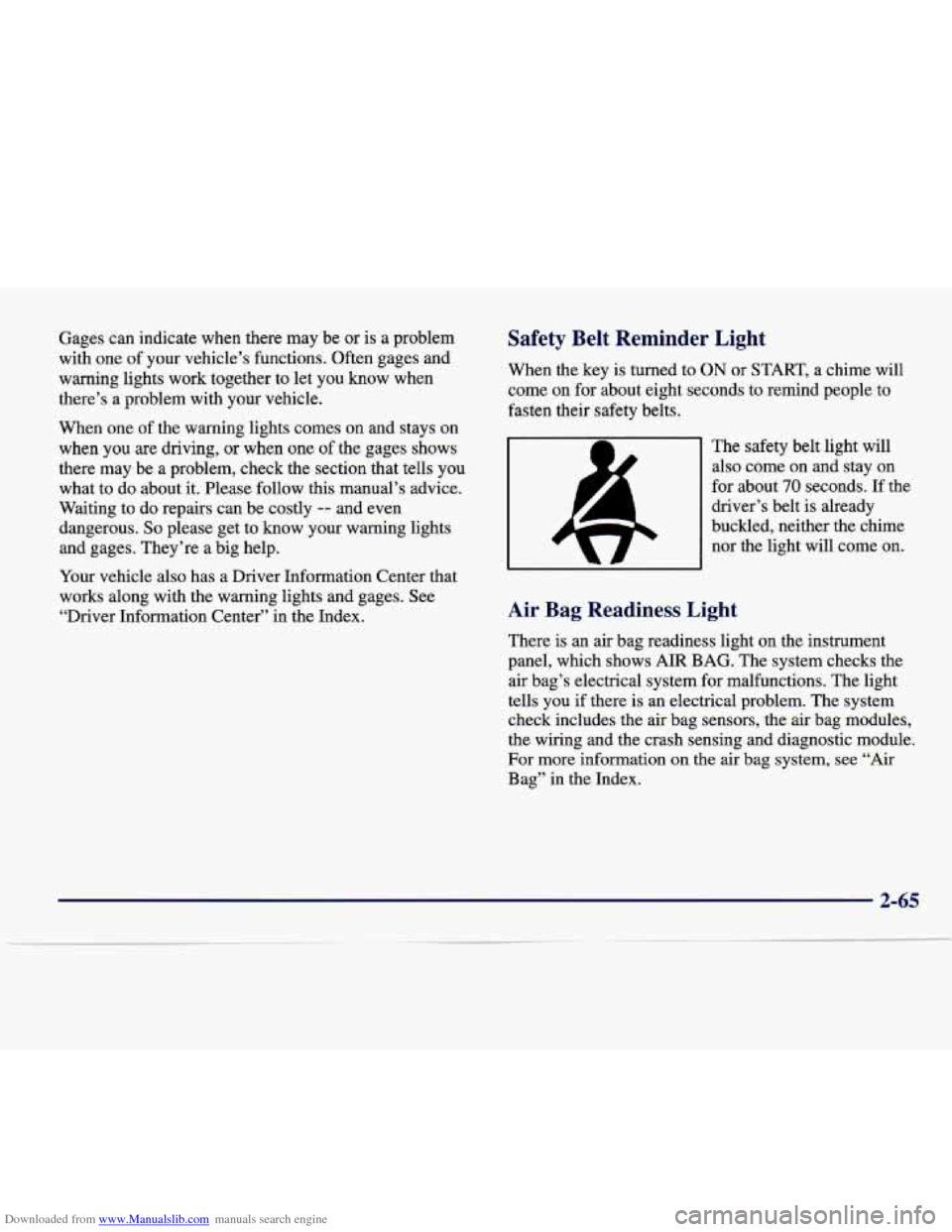
The safety belt light will also come on and stay on
for about
70 seconds. If the
driver’s belt is already
buckled, neither the chime
nor the light will come
on.
Air Bag Readiness Light
There is an air bag readiness light on the instrument
panel, which shows
AIR BAG. The system checks the
air bag’s electrical system for malfunctions. The light
tells you if there is an electrical problem. The system
check includes the air bag sensors, the air bag modules,
the wiring and the crash sensing and diagnostic module.
For more information on the air bag system, see “Air
Bag” in the Index.
2-6 -
Page 127 of 378
Downloaded from www.Manualslib.com manuals search engine United States Canada
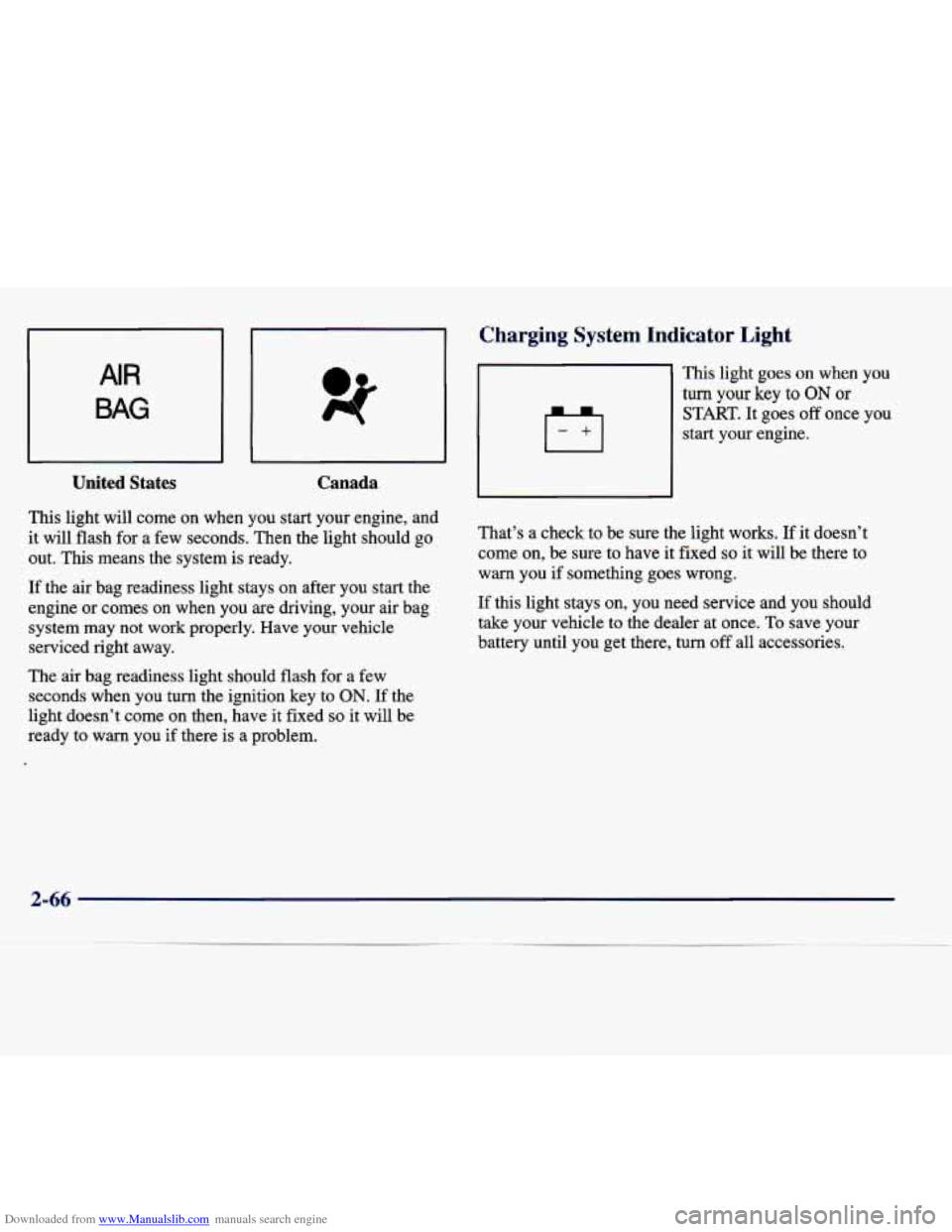
This light will come on when you start your engine, and
it will flash for a few seconds. Then the light should go
out. This means the system
is ready.
If the air bag readiness light stays on after you start the
engine or comes
on when you are driving, your air bag
system may not work properly. Have your vehicle
serviced right away.
The air bag readiness light should flash for a few
seconds when you turn the ignition key
to ON. If the
light doesn’t come on then, have it fixed
so it will be
ready
to warn you if there is a problem.
-
Charging system Indicator Light
This light goes on when you
turn your key to ON or
START. It goes off once you
start your engine.
That’s a check to be sure the light works.
If it doesn’t
come on, be sure to have it fixed
so it will be there to
warn you if something goes wrong.
If this light stays
on, you need service and you should
take your vehicle to the dealer at once. To save your
battery until you get there, turn off all accessories.
2-66
Page 130 of 378
Downloaded from www.Manualslib.com manuals search engine If the traction control system is affected by an
engine-related problem, the system will turn off and
the warning light will come on.
If the traction control system warning light comes on and stays on for an extended period of time when the
system is turned on, your vehicle needs service.
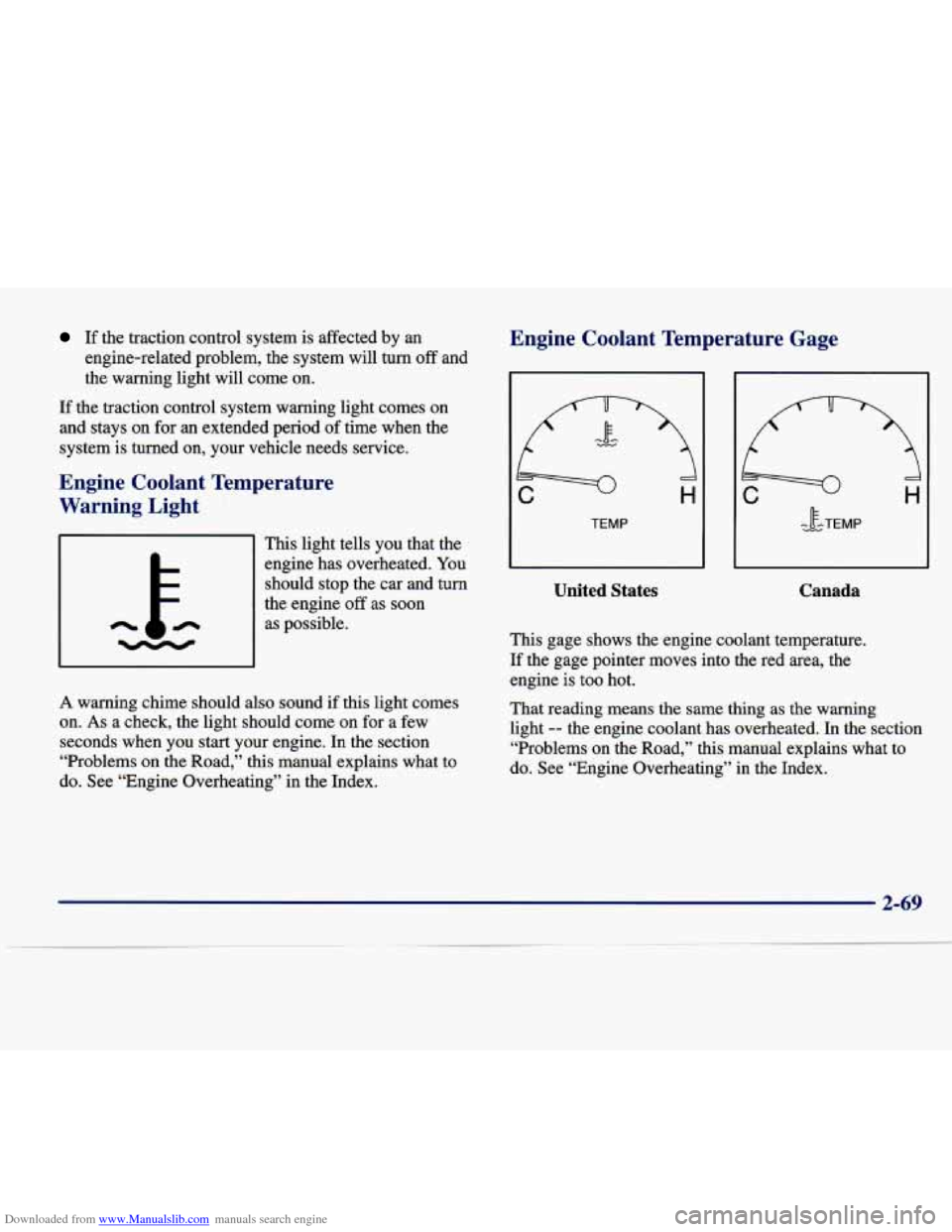
Engine Coolant Temperature
Warning Light
This light tells you that the
engine has overheated. You
should stop the car and turn
the engine off as soon
as possible.
A warning chime should also sound if this light comes
on.
As a check, the light should come on for a few
seconds when
you start your engine. In the section
“Problems on the Road,” this manual explains what to
do. See “Engine Overheating” in the Index.
Engine Coolant Temperature Gage
United States
- c.w IF -TEMP
Canada
This gage shows the engine coolant temperature.
If the gage pointer moves into the red area, the engine is too hot.
That reading means the same thing
as the warning
light
-- the engine coolant has overheated. In the section
“Problems on the Road,” this manual explains what to
do. See “Engine Overheating” in the Index.
2-69
Page 131 of 378
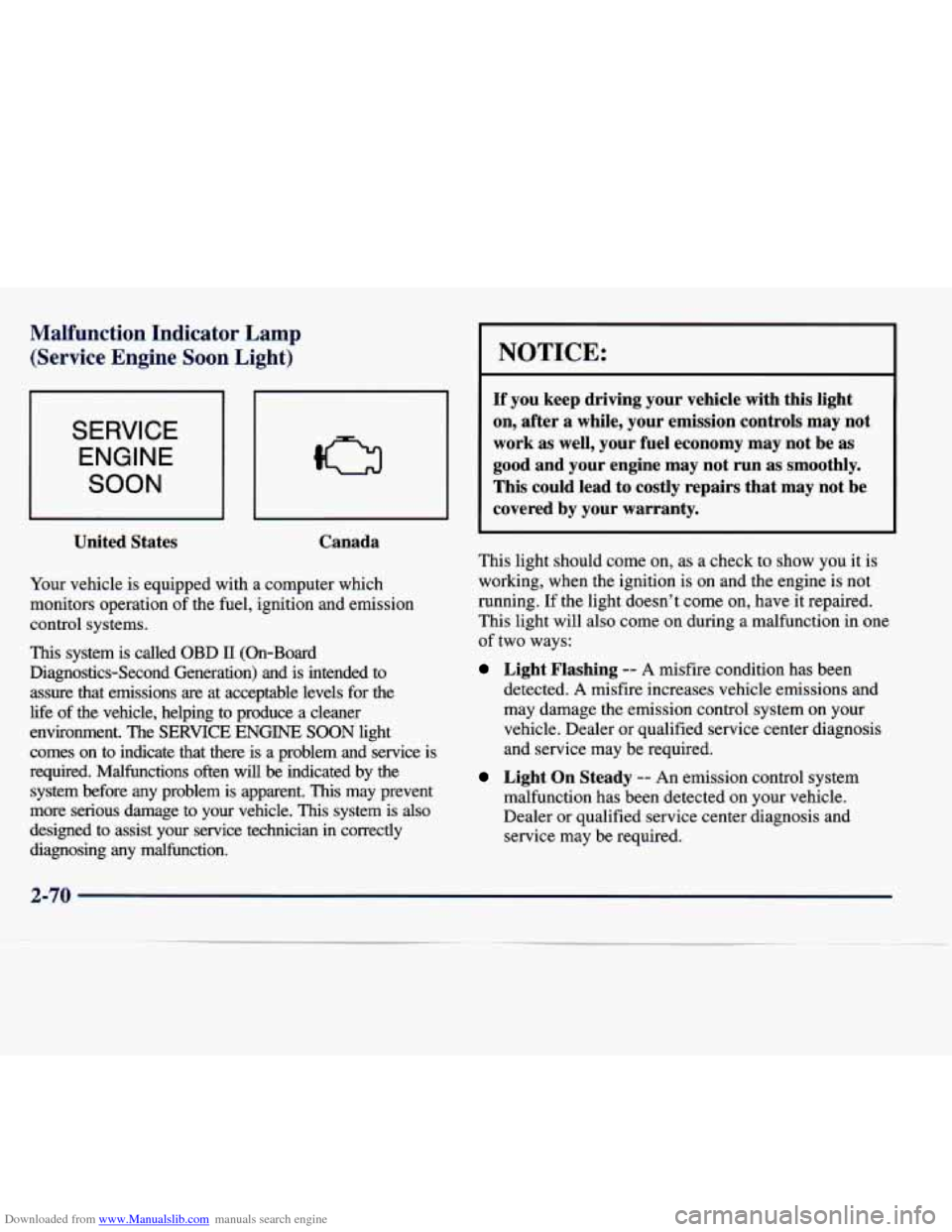
Downloaded from www.Manualslib.com manuals search engine Malfunction Indicator Lamp (Service Engine Soon Light)
SERVICE
ENGINE
SOON
United States Canada
Your
vehicle is equipped with a computer which
monitors operation of the fuel, ignition and emission
control systems.
This system is called OBD 11 (On-Board
Diagnostics-Second Generation) and is intended to
assure that emissions
are at acceptable levels for the
life
of the vehicle, helping to produce a cleaner
environment. The
SERVICE ENGINE SOON light
comes on to indicate that there is a problem and service is
required. Malfunctions often will
be indicated by the
system before any problem is apparent.
This may prevent
more serious damage to your vehicle.
This system is also
designed to assist your service technician in correctly
diagnosing any malfunction.
I NOTICE:
If you keep driving your vehicle with this light
on, after a while, your emission controls may not
work as well, your fuel economy may not be as
good and your engine may not run as smoothly.
This could lead to costly repairs that may not be
covered by your warranty.
This light should come on, as a check to show you it is
working, when the ignition is on and the engine is not
running.
If the light doesn’t come on, have it repaired.
This light will also come on during a malfunction in one
of two ways:
Light Flashing -- A misfire condition has been
detected.
A misfire increases vehicle emissions and
may damage the emission control system on your
vehicle. Dealer or qualified service center diagnosis
and service may be required.
Light On Steady -- An emission control system
malfunction has been detected on your vehicle.
Dealer or qualified service center diagnosis and
service may be required.
Page 133 of 378
Downloaded from www.Manualslib.com manuals search engine If so, be sure to fuel your vehicle with quality fuel (see
“Fuel”
in the Index). Poor fuel quality will cause your
engine not to run as efficiently as designed.
You may
notice this as stalling after start-up, stalling when you
put the vehicle into gear, misfiring, hesitation on acceleration or stumbling on acceleration. (These
conditions may go away once the engine is warmed up.)
This will be detected by the system and cause the light
to turn on.
If you experience one or more of these conditions,
change the fuel brand you use. It will require at least one
full tank
of the proper fuel to turn the light off.
If none of the above steps have made the light turn off,
have your dealer or qualified service center check the
vehicle.
Your dealer has the proper test equipment and
diagnostic tools to fix any mechanical
or electrical
problems that may have developed.
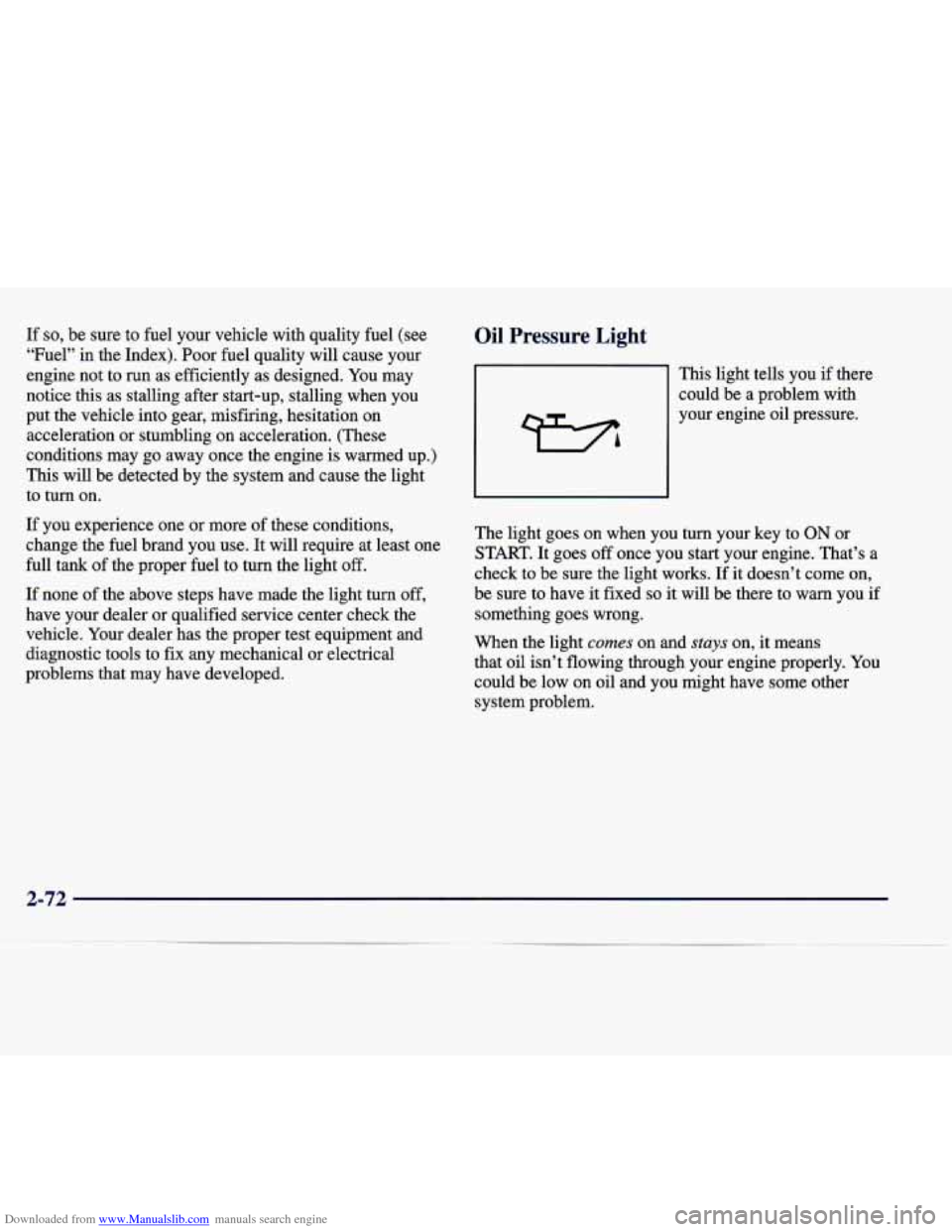
Oil Pressure Light
This light tells you if there
could be a problem with
your engine oil pressure.
The light goes on when you turn your key to
ON or
START. It goes
off once you start your engine. That’s a
check to be sure the light works. If it doesn’t come on,
be sure to have it fixed
so it will be there to warn you if
something goes wrong.
When the light
comes on and stuys on, it means
that oil isn’t flowing through your engine properly.
You
could be low on oil and you might have some other
system problem.
2-72
Page 134 of 378
Downloaded from www.Manualslib.com manuals search engine A CAUTION:
Don’t keep driving if the oil pressure is low. If
you do, your engine can become so hot that it
catches fire. You or others could be burned.
Check your oil as soon as possible and have your
vehicle serviced.
I NOTICE:
Damage to your engine from neglected oil
problems can be costly and
is not covered by
your warranty.
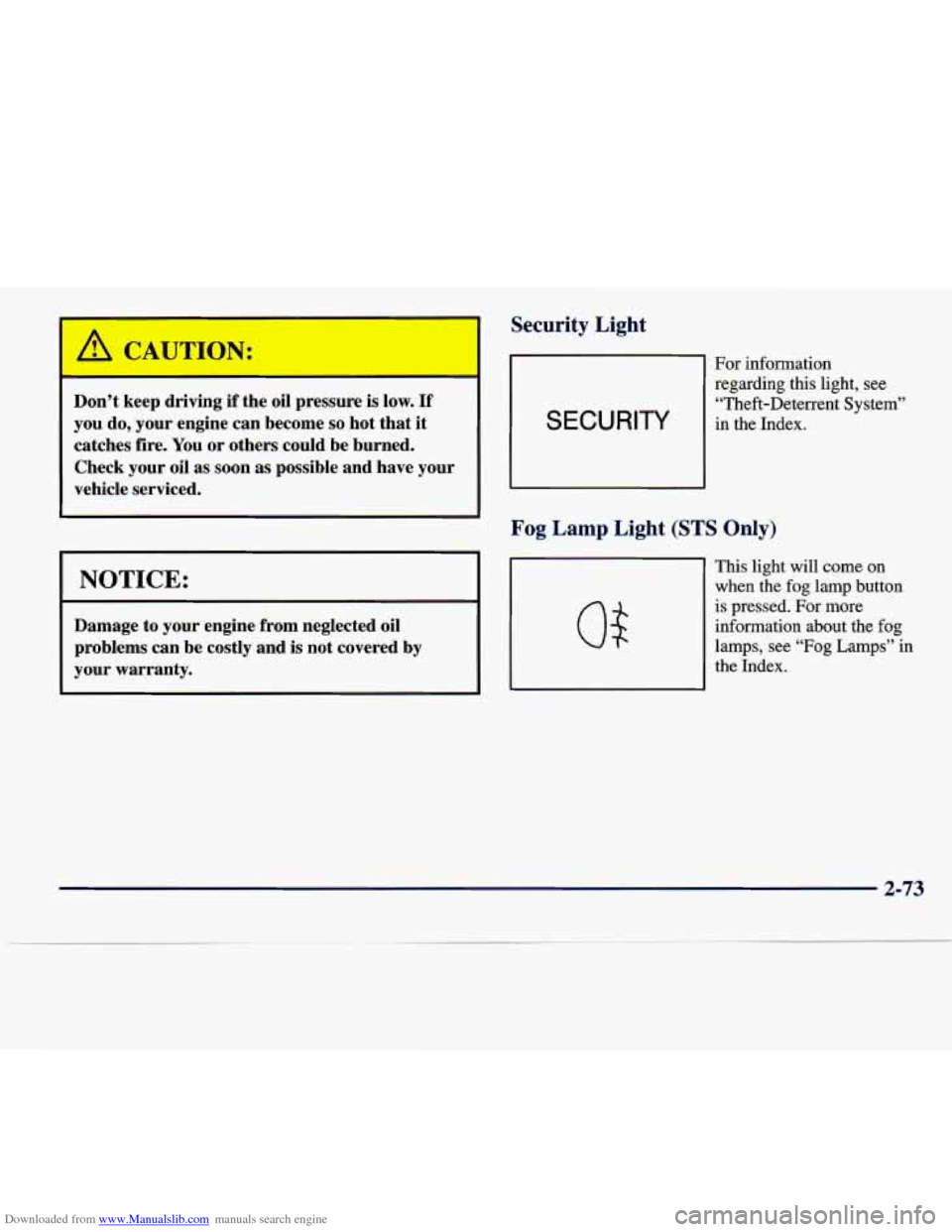
Security Light
SECURITY
For information regarding this light, see
“Theft-Deterrent System”
in the Index.
Fog Lamp Light (STS Only)
This light will come on
when the fog lamp button
is pressed. For more
information about the fog
lamps, see “Fog
Lamps” in
the Index.
2-73
Page 143 of 378
Downloaded from www.Manualslib.com manuals search engine Once TIMER 0O:OO:OO is displayed, press the ON/OFF
button to start the timing feature. Press the ON/OFF
button again to stop it. If you will be starting and
stopping your vehicle, during a trip for instance, the
TIMER feature will automatically start timing where it
left off when you last stopped.
To reset it, press and hold
the INFO RESET button until the display reads TIMER
0O:OO:OO. Press the INFO button to exit from the
TIMER function.
ENGINE OIL LIFE (Reset): Press the INFO button to
display the ENGINE OIL LIFE, then press and hold
the
INFO RESET button until 100% ENGINE OIL LIFE is
displayed. (This only needs to be reset after you have
had the oil changed.)
Transmission Fluid Life Monitor: Under normal
conditions, the rate of deterioration
of the transmission
fluid is slow. See the Maintenance Schedule booklet for
proper fluid and change intervals. Press the INFO button
to display the TRANS FLUID LEFT, then press and
hold the INFO RESET button until
100% TRANS
FLUID LEFT is displayed. (This only needs to be reset after you have had the fluid changed.)
Driver Information Center Messages
These messages will appear if there is a problem sensed
in one of your vehicle’s systems. Vehicles that
are first
sold in Canada will have a number after each message.
This number helps to identify the message which is only
displayed in English.
BATTERY NOT CHARGING - 7: This message will
appear if the battery is not being charged. Have the
electrical system checked by your dealership at your
earliest convenience.
BATTERY SAVER ACTIVE - 27: This message is
displayed when the vehicle has detected that the battery
voltage is dropping beyond a reasonable point. The
battery saver system will start reducing certain features
of the vehicle that you may not be able to notice. At the
point that features are disabled, this message is displayed. It is used to convey that the vehicle is trying
to save the charge in the battery. Turn
off unnecessary
accessories to allow the battery to recharge.
ENGMET: Press this button to display information in
the English (miles) or metric (kilometers) system.
2-82
Page 144 of 378
Downloaded from www.Manualslib.com manuals search engine BATTERY VOLTAGE HIGH - 8: This message shows
that the electrical charging system is overcharging (more
than 16 volts). To avoid being stranded, have the electrical
system checked by your dealership.
You can reduce the
charging overload by using the accessories.
Turn on the
lamps and radio, set the climate control on
AUTO and the
fan speed on
HI, and turn the rear window defogger on.
You can monitor battery voltage on the DIC by pressing
the
INFiO button. The normal range is 11.5 to 15.5 volts
when the engine is running.
BATTERY VOLTAGE LOW - 6: This message will
appear when the electrical system is charging less than
9 volts or if the battery has been drained. If this message
appears immediately after starting, it
is possible that the
generator can still recharge the battery. The battery should recharge while driving but may take a few hours
to do
so. Consider using an auxiliary charger (be sure to
follow the manufacturer’s instructions) to boost the
battery after returning home or to a final destination. If
this message appears while driving or after starting your
vehicle and stays on, have
it checked immediately to
determine the cause of this problem.
To help the
generator recharge the battery quickly, you can reduce
the load on the electrical system by turning
off the
accessories.
You can monitor battery voltage on the DIC
by pressing the INFO button. The normal range is 11.5
to 15.5 volts.
CHANGE BRAKE PADS - 125: This message is used
to notify you that the brake pads may have worn down.
A sensor is connected to the brake pads and is triggered
when they wear to a certain point. Have the front and
rear brakes serviced by your dealer as soon as possible.
CHANGE TRANS FLUID - 47: This message will
appear when
it is time to replace the transaxle fluid. See
the Maintenance Schedule booklet for the proper fluid and change intervals.
CHECK BRAKE FLUID - 37: This message will
display if the ignition is in
ON to inform the driver that
the brake fluid level is low. Have the brake system
serviced by a technician as soon as possible. See “Brake
System Warning Light” in the Index.
CHECK COOLANT LEVEL - 2: This message will
appear when there is a low level of engine coolant. Have
the cooling system serviced by a technician as soon
as possible.
CHANGE ENGINE OIL - 82: This means that the life
of the engine oil has expired and it should be changed
within
200 miles. See “Engine Oil” and “Filter
Recommendations” in the Maintenance Schedule
booklet. After
an oil change, the Oil Life Indicator must
be reset. See “Oil Life Indicator” in the Index
on how to
reset
it.
2-83